
When you want more than a simple fight, boss mods give you battles worth preparing for, bring better gear, and stay locked-in. These mods add boss encounters in different ways, full adventure dimensions with progression, summon-style boss fights, dungeon threats, and combat-focused gear that pairs well with tougher enemies.
1. The Twilight Forest
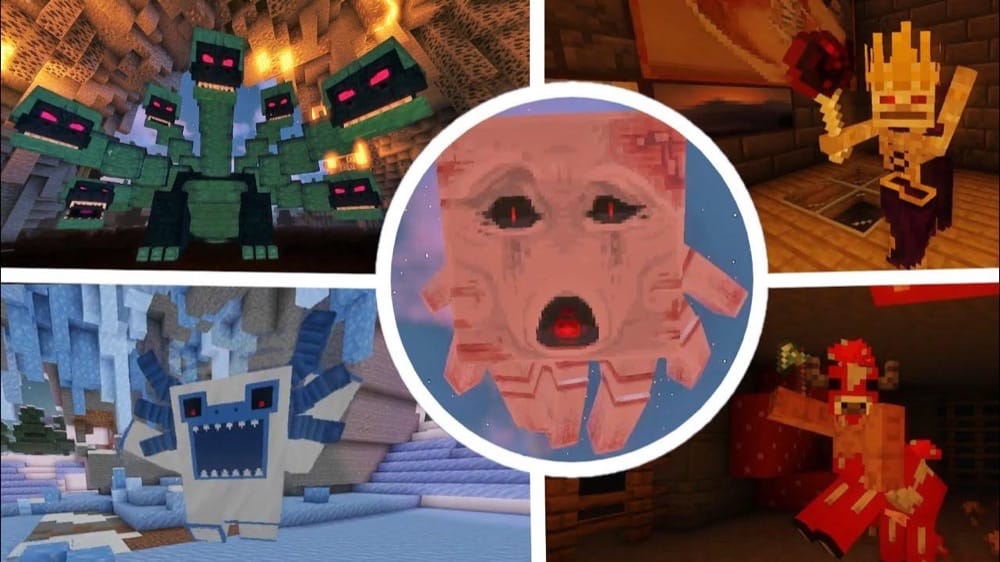
The Twilight Forest centers its whole dimension around boss progression. Instead of dropping you into random fights, it builds a clear flow, with bosses tied to dungeons and areas you have to discover. The encounters feel more like set pieces, with unique arenas, mechanics you have to respect, and loot that actually feels earned after the win.
Getting in is simple. Make a 2x2 water source using natural blocks, decorate the top with flowers or mushrooms, then toss a diamond into the water to activate it. Once you’re through, you can start tracking down each dungeon in the progression line. You can leave and return at any time and you can also gear up before taking on the next boss.
2. The Aether
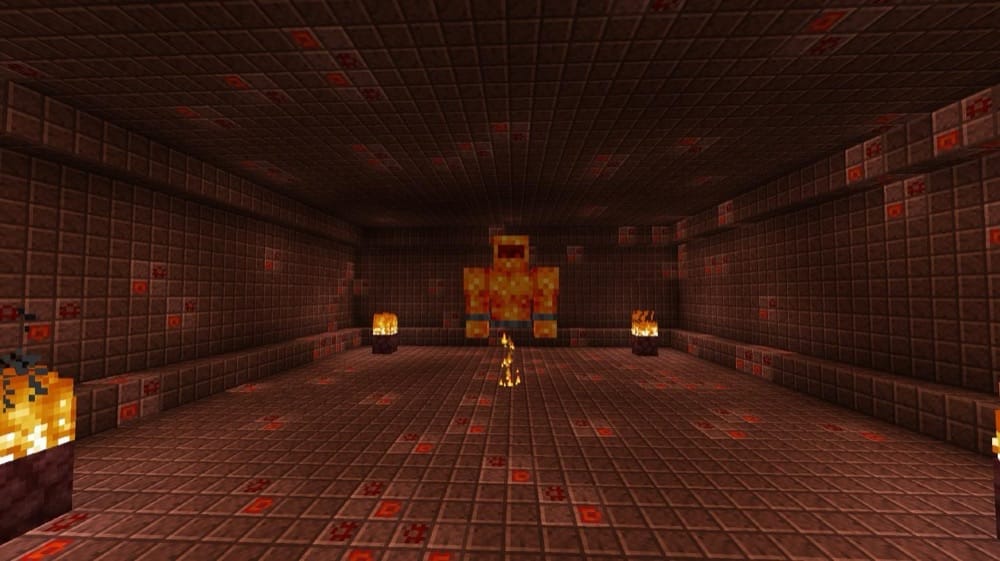
The Aether is built around three major dungeon bosses that act as the backbone of the Aether’s progression. The dungeons do not have to be completed in their intended order, however there is a recommended progression pattern so you aren’t completely stomped by a late-game boss.
You’ll be working toward the Bronze Dungeon to face the Slider, pushing into the Silver Dungeon to challenge the Valkyrie Queen, and eventually hunting down the rare Gold Dungeon for the Sun Spirit – the endgame-level boss guarding some of the best rewards in the dimension.
To enter the Aether, you build a classic glowstone portal (same shape as a nether portal) and activate it by using a water bucket in the middle, then start climbing the dungeon ladder from there, all the while exploring the beautiful and classic sky dimension.
3. L_Ender’s Cataclysm
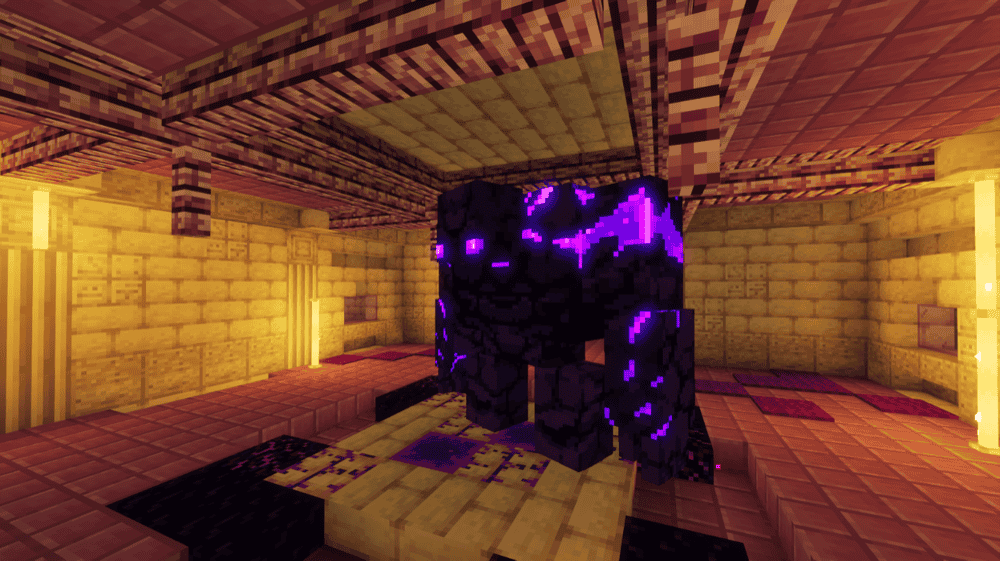
L_Ender’s Cataclysm revolves around hard, endgame-style boss fights found in special structures scattered across all three dimensions, with powerful gear as the main reward. The bosses are built like set pieces, with big arenas, multiple attack patterns, and phases that force you to learn the fight.
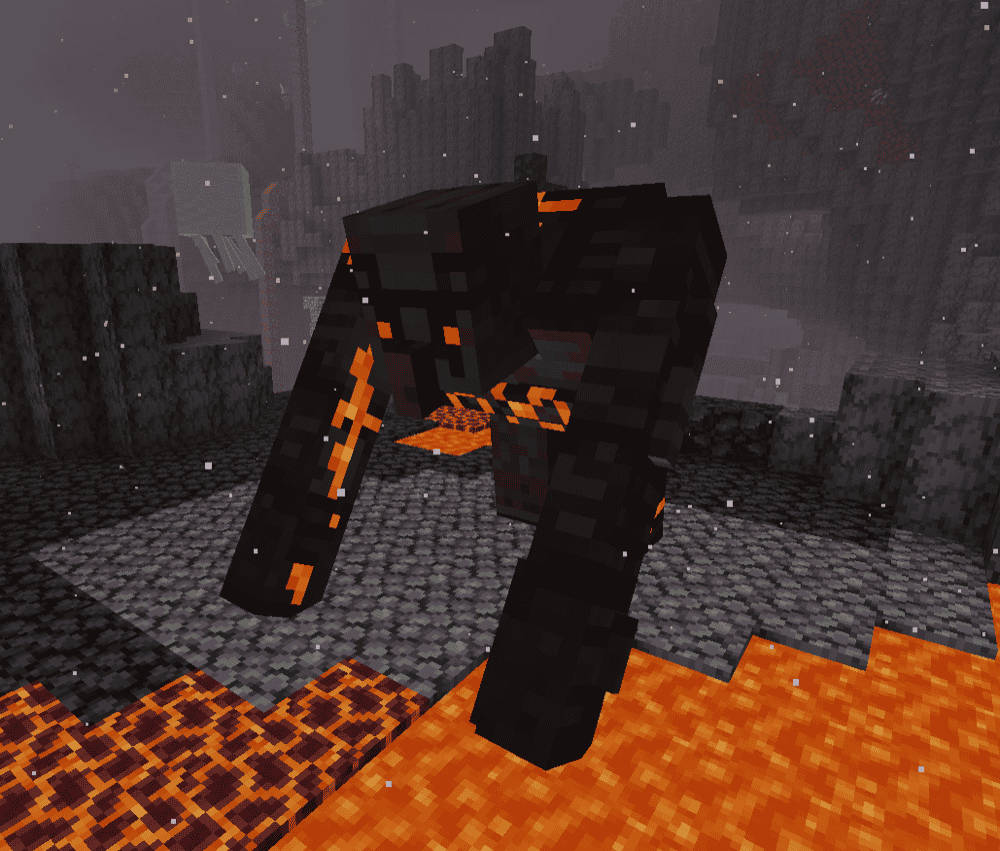
Notable encounters include the Ender Golem and the Ender Guardian in the Ruined Citadel – both found in The End, the Netherite Monstrosity in the Nether, and Ignis – a punishing battle that cuts through your armor. There’s also The Harbinger in Overworld caves that uses both laser and missile attacks and can be awakened with a nether star.
4. Bosses of Mass Destruction

5. Blue Skies
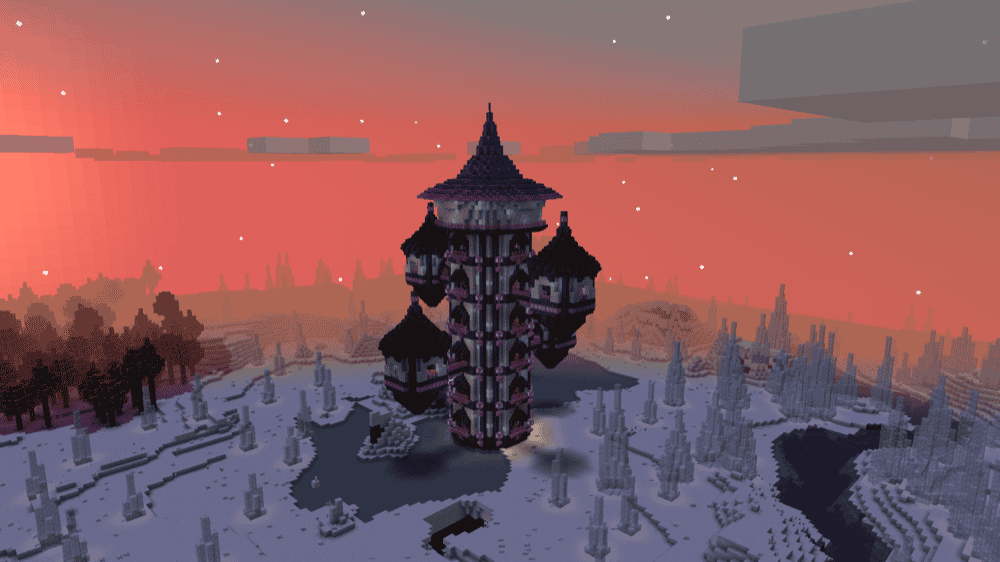
Blue Skies builds its boss fights into two full dimensions, Everbright and Everdawn, and each one has dungeons that end in a major fight. The early bosses are The Summoner (in Everbright) and The Alchemist (in Everdawn) both designed as serious dungeon finales where preparation matters.
Later on, the fights escalate with dungeon bosses like the Starlit Crusher in the Nature Dungeon and the Arachnarch in the Poison Dungeon. The mod also supports rematches and multiplayer. After you defeat a boss, you can respawn it at a higher difficulty for better loot, which makes the boss side of Blue Skies feel like a proper ladder instead of a one-and-done encounter.
Bosses will also scale to the number of players fighting it, setting the scene for some really challenging fights alongside your friends!
6. The Conjurer
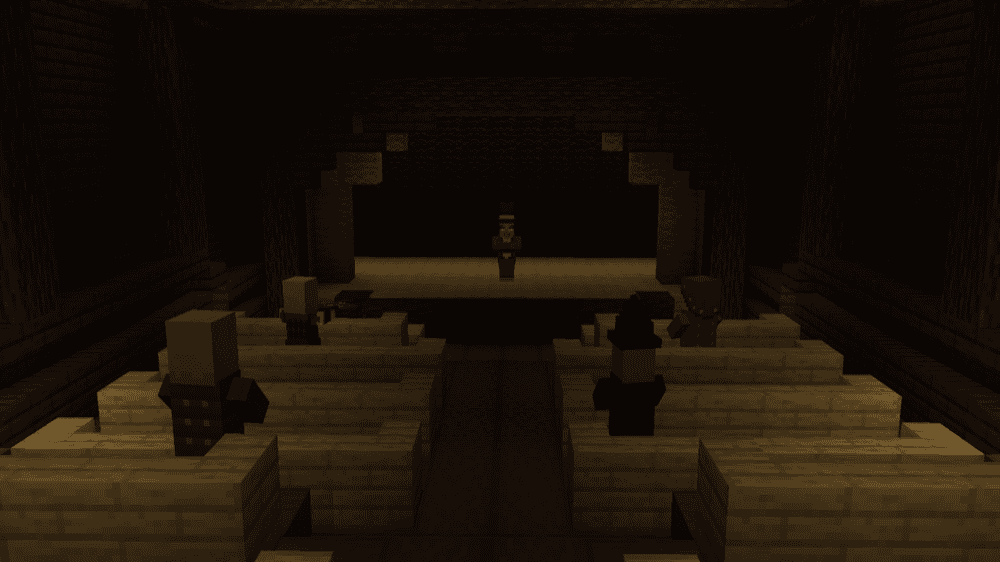
The Conjurer adds a magician-style illager miniboss called The Conjurer, designed as a standalone boss encounter rather than a general enemy. You’ll find him in a theater structure that generates in dark oak forests, turning the fight into a set-piece moment with a strong boss room feel.
Beating him rewards you with his Conjurer Hat, a cosmetic drop that helps keep Bad Omen away, plus a small emerald drop. He’s intentionally tied to the theater, so you won’t see him appearing in raids.
7. Aquamirae
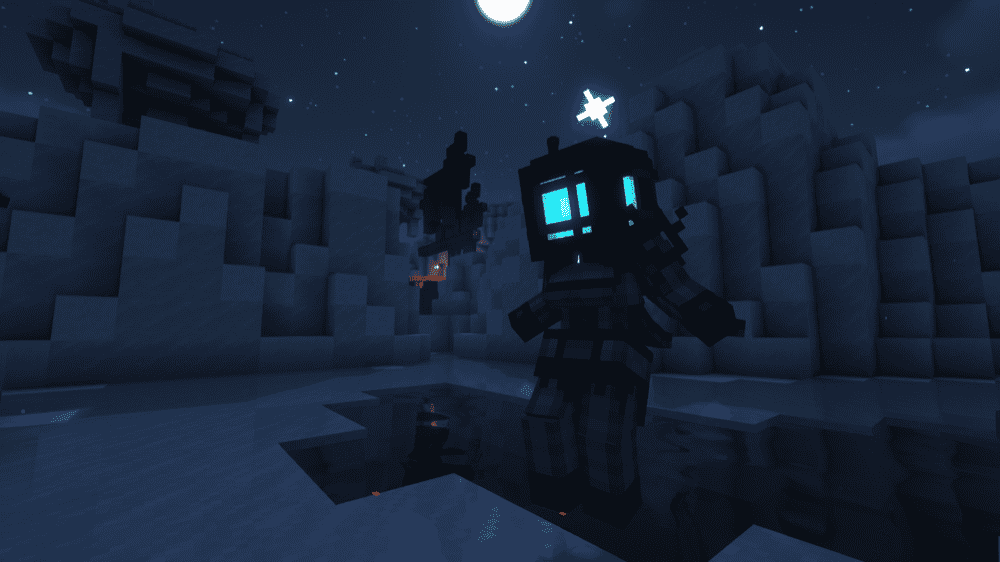
Aquamirae adds a frozen ocean biome, filled with ships that once sailed the seas but now rest in this frosty graveyard built around dangerous encounters. At its center is a boss fight against Captain Cornelia – a ghostly commander who guards the heart of the ship graveyard with fast, lethal attacks and a battle that feels more like a dungeon finale than a random mob encounter.
Surrounding that boss is the Ice Maze above and the sunken wrecks below, packed with hostile sea creatures, eerie atmosphere, and treasure meant to feed back into progression, like new weapons, armor sets with bonuses, and rare trinkets you’ll be chasing while you work your way toward the captain.
8. Meet Your Fight
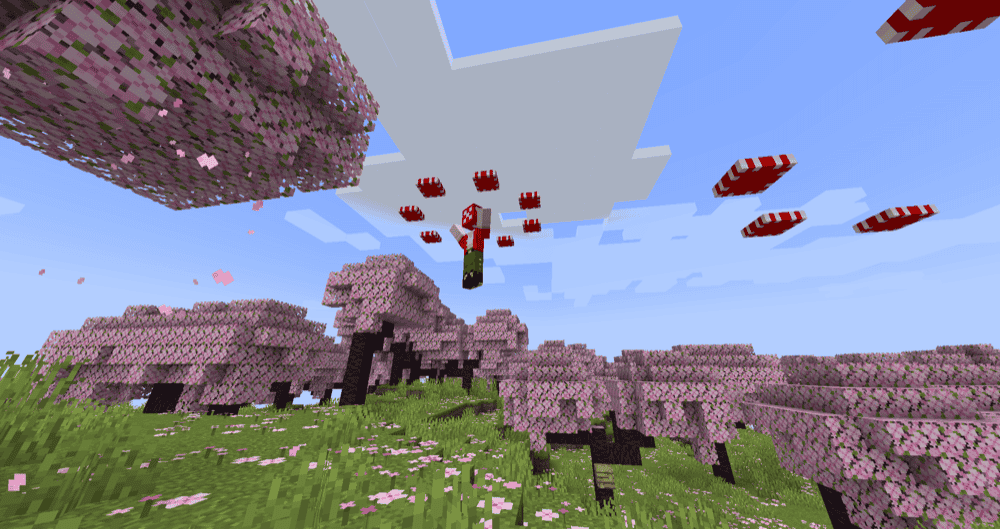
Meet Your Fight adds summonable boss fights where the reward is the whole point, beat a boss, unlock a set of unique weapons, tools, or wearable accessories. The bosses don’t spawn naturally, you craft a summoning item and call them in, so every fight feels intentional and player-driven.
Right now the mod includes four bosses with distinct patterns and drops: Swampjaw (the easiest, with rewards focused on solid combat gear), Bellringer (rewards focused on utility items), Dame Fortuna (rewards focused on luck-themed weapons and accessories), and Rosalyne, Blade of Dusk (the toughest of them all, her rewards lean into offensive weapon buffs).
9. Advent of Ascension

Advent of Ascension is a massive RPG-style expansion with bosses as a core part of its long-term progression. The idea is simple: explore new areas and dimensions, gear up, then take on boss challenges that reward you with powerful equipment and resources to keep climbing.
On newer versions, AoA is being rebuilt with a redesigned boss challenge system and rebalanced progression. Just note that 1.20.1+ doesn’t include most of the older mobs and dimensions currently, since the overhaul is still adding and updating content over time. What it does have, however, is a great experience with two new dimensions and multiple bosses to fight.
10. Stalwart Dungeons
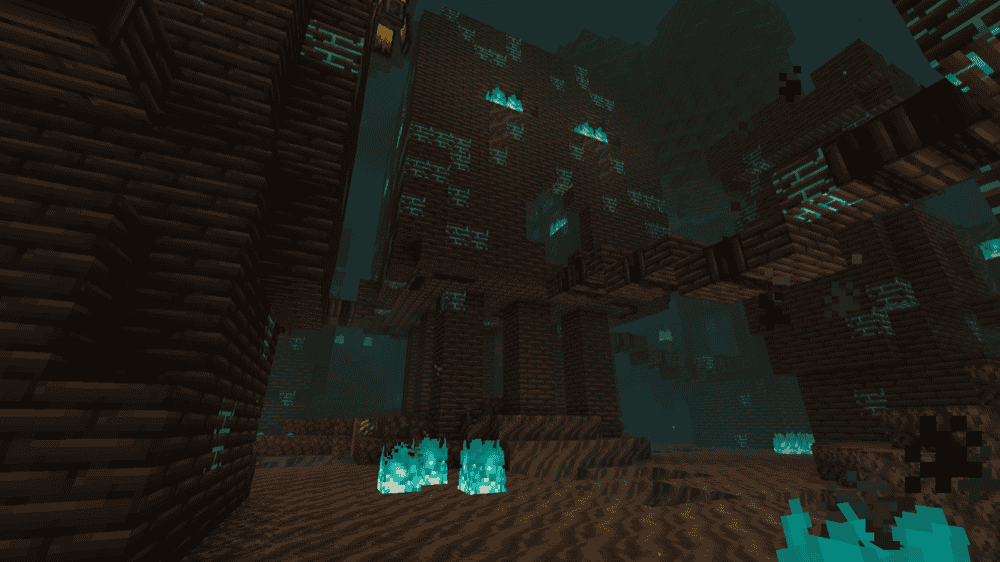
Stalwart Dungeons adds three dungeon adventures built around boss fights, two in the Nether and one in the End, each packed with hostile rooms, traps, and unique rewards. Bosses are summoned at an altar using a Nether Star, so you clear the dungeon first, then trigger the final fight.
You’ll face the Awful Ghast (two-phase fight with projectiles and aggressive charges), the Nether Keeper (hits hard and brings reinforcements mid-fight), and the Shelterer in the End (can become invulnerable and is best damaged with explosions). Each boss drops its own special materials for progression and utility items.
11. Eternal Starlight
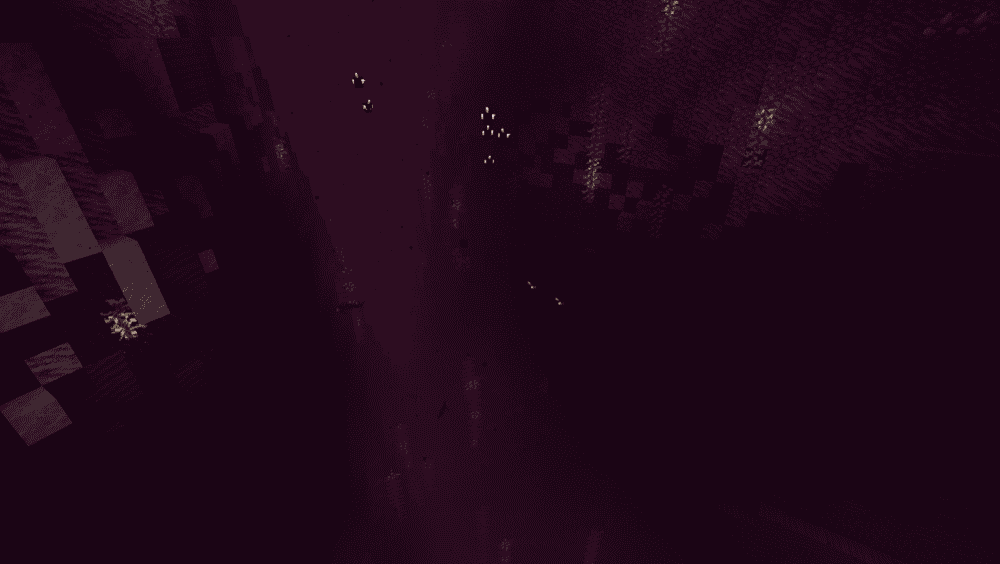
Eternal Starlight adds a magical starlight dimension where progression is driven by boss fights. You start by finding Starlight Portal Ruins in the Overworld and defeating the Gatekeeper, who provides key items and story guidance to activate the portal and begin tracking bosses (like with the Seeking Eye).
Each boss is unique and has specific mechanics you need to learn in order to defeat them, making for some very engaging fights.
12. AdventureZ
13. The Graveyard
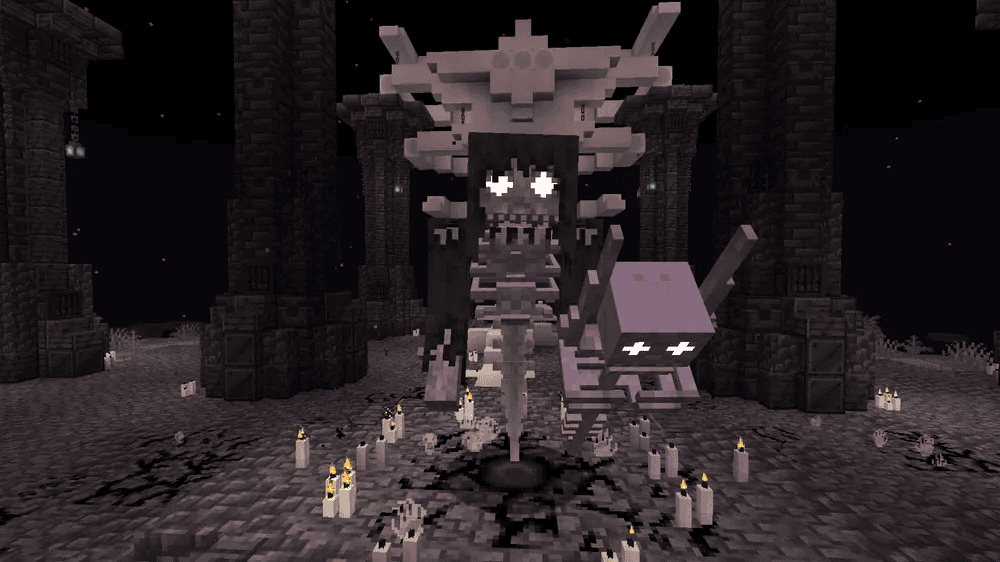
The Graveyard adds spooky structures themed around the undead, plus new mobs and building blocks, all aimed at making exploration feel riskier, especially at night. Its headline fight is the Corrupted Champion – a multi-phase boss with heavy spell attacks and a hunt phase where darkness closes in while it stalks you.
To summon it, you gather three unique Bone Staff fragments from Ruins, fill a Vial of Blood with Villager blood using a Bone Dagger, then activate the ritual at the Lich Prison altar at night.
14. Marium’s Soulslike Weaponry
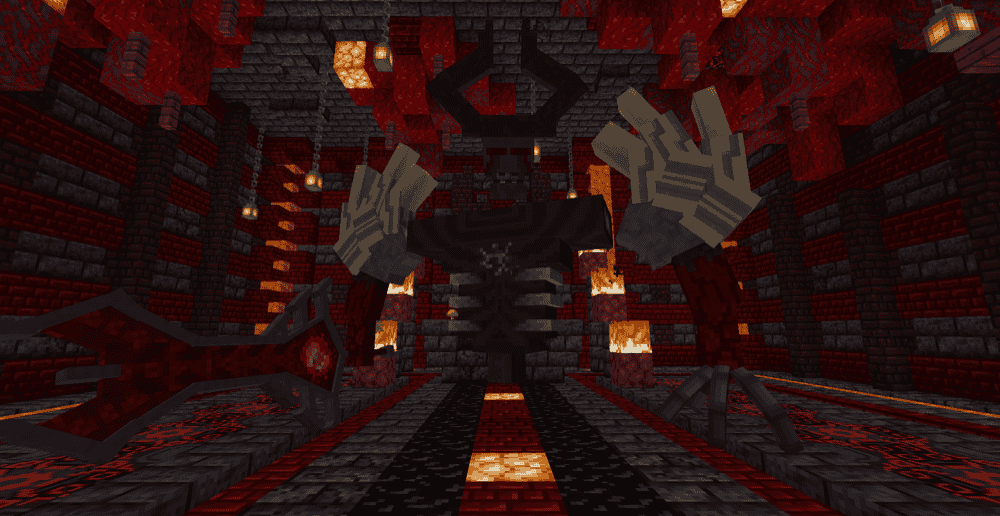
Marium’s Soulslike Weaponry is worth adding for its extra boss fights that are designed to feel like true endgame encounters, harder, more mechanical, and more rewarding than most standard mobs. Beating these bosses (and even the Wither) tie into the mod’s progression, with items dropped from previous bosses being required to summon the next boss.
In addition to the bosses, it also adds many new weapons and pieces of armour to make you into an unstoppable boss-killing machine.
15. Bosses’Rise
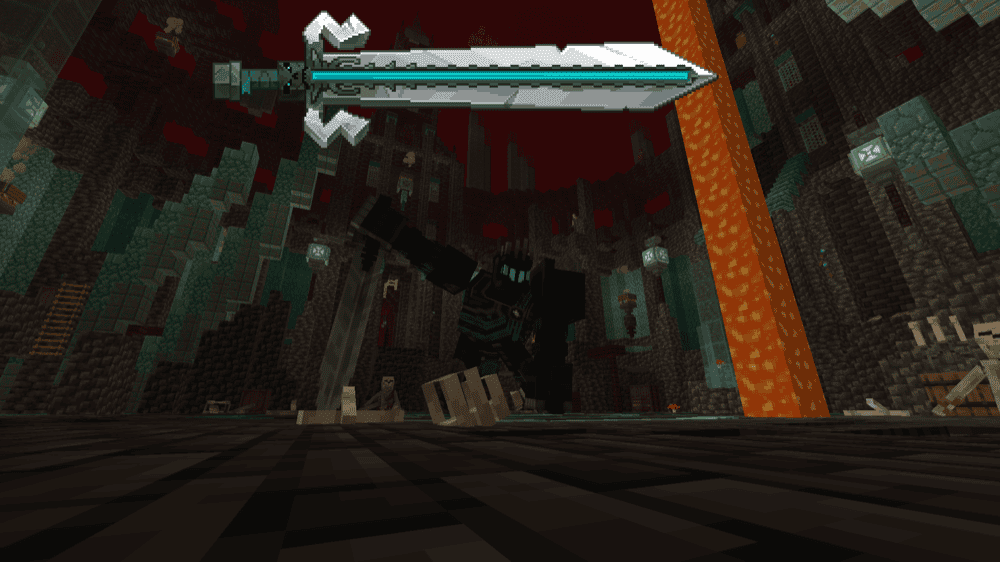
Bosses’ Rise was one of three winners of the Mod of the Year Awards in 2025, so it is certainly a standout mod. Its focus is several new boss fights that appear in the world, each built around unique attacks, and an engaging and satisfying fight.
Expect encounters like the Underworld Knight in the Nether, the desert Sandworm, the freezing Yeti, and an Infernal Dragon found in a custom mountain dungeon – all designed to feel like real challenges instead of quick fights. To help fight these bosses and make the fights more engaging in general, the mod also introduces a combat roll ("Z" by default) for dodging attacks.
How to Install Mods
How to Install with the CurseForge App
- Open CurseForge → Minecraft and create a profile with the modloader and version you need, Fabric, Quilt, NeoForge or Forge (depending on which mods you are looking to install).
- Open your profile and click the three dots next to "Play".
- Click on "Add More Content" from the available options.
- Search the mod you need and click "Install".
- Play from the CurseForge app.
How to Install Mods Manually
- Install a mod loader that matches your Minecraft version (Fabric, Quilt, NeoForge, or Forge).
- Run the installer to add a new profile in the Minecraft Launcher.
- Download the mod’s .jar file from its project page. Making sure both the Minecraft version and loader version match.
- Drop the .jar into the mods folder inside your .minecraft directory (create the folder if it doesn’t exist).
- Launch Minecraft using the new loader profile.
Note: Make sure to check if the mod has been recognized by the game. On the title screen, click “Mods”. If the mod lists any required dependencies (like Fabric API), install those too. Please also note that if using Fabric, the "Mods" button will only appear if the "Mod Menu" mod is installed.
Common mods folder locations:
- Windows: %AppData%\.minecraft\mods,
- macOS: ~/Library/Application Support/minecraft/mods
- Linux: /home/<your-username>/.minecraft/mods
Common Issues and Quick Fixes
Boss won’t spawn / summon item does nothing
Make sure you’re in the right biome or dimension for that boss, and that you’re following the mod’s summoning conditions (some bosses require a structure, activation item(s), or a specific time of day). Check the mod’s page or wiki for specific information on these conditions.
“Missing dependency” error
Install the required library mods listed in the error, or look on the mod’s page for required dependencies. Some mods may also require specific versions of dependencies, so make sure to check version numbers if the game complains about them.
Boss structures aren’t generating
Most structure and world generation content only shows up in new chunks. Travel far away, explore new areas, or test in a fresh world to confirm generation is working.
The boss fight is extremely laggy
Big bosses can be heavy, especially with shaders or very high settings. Try lowering render distance, reducing particles, lowering entity distance, and avoiding fighting near a large farm or crowded base (you probably don’t want to fight bosses there anyway as a lot of them can be quite destructive to the environment).
Shaders or performance mods cause visual bugs or crashes
Some shader and performance setups can conflict with certain mods. If you crash or see broken visuals, try disabling shaders and shader loader mods first, then test without performance mods first and re-enable them one by one to find the conflict. Optifine in particular doesn’t work with most mods, however there are alternatives on modern versions.
Controls aren’t easy to use or a keybind doesn’t work
Boss mods sometimes add abilities like dodges or special items with keybinds, which can be configured in the vanilla "Controls" menu that is accessible through the pause menu. If a keybind isn’t working, make sure to rebind anything that overlaps with another mod. This overlap will be marked in a red color within the "Controls" menu.