Minecraft can feel lonely fast, especially once you have iron gear and a safe base. NPC mods fix that by adding allies, townsfolk, full-on colonies, or even custom quest characters you can build yourself.
Whether you want a living settlement that grows over time, a few companions to back you up on your adventures, or a toolkit to create your own stories, these mods make the world feel like it has real people in it – or at least get real close!
1. MineColonies
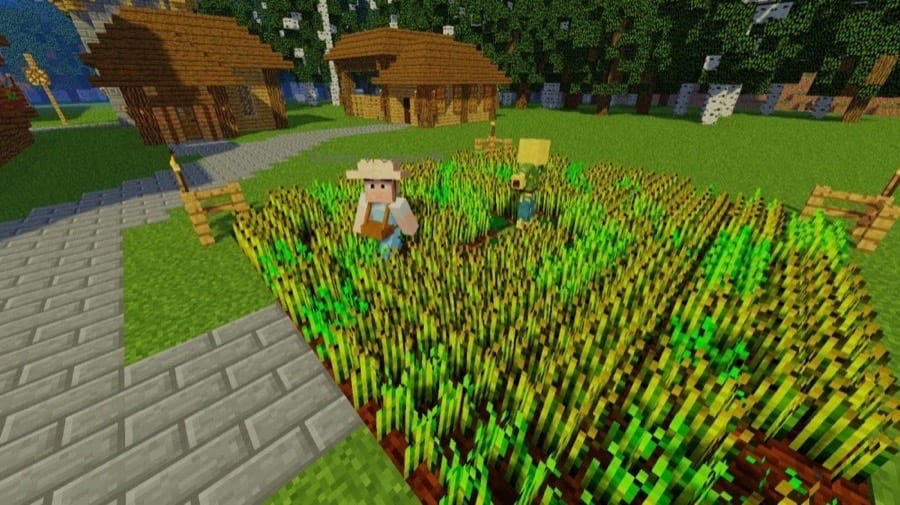
MineColonies is basically an NPC town builder where your citizens do the work instead of just standing around in a village. You recruit workers like builders, farmers, miners, couriers, and guards, then grow the colony by placing buildings and upgrading them as your population expands.
What makes this mod a top NPC pick is how many roles and routines it adds to your world. With over 10,000 available schematics and lots of building styles, your colony can look totally different from run to run, and the NPCs keep it feeling alive with constant tasks, requests, and defense prep as the settlement gets bigger.
2. Human Companions
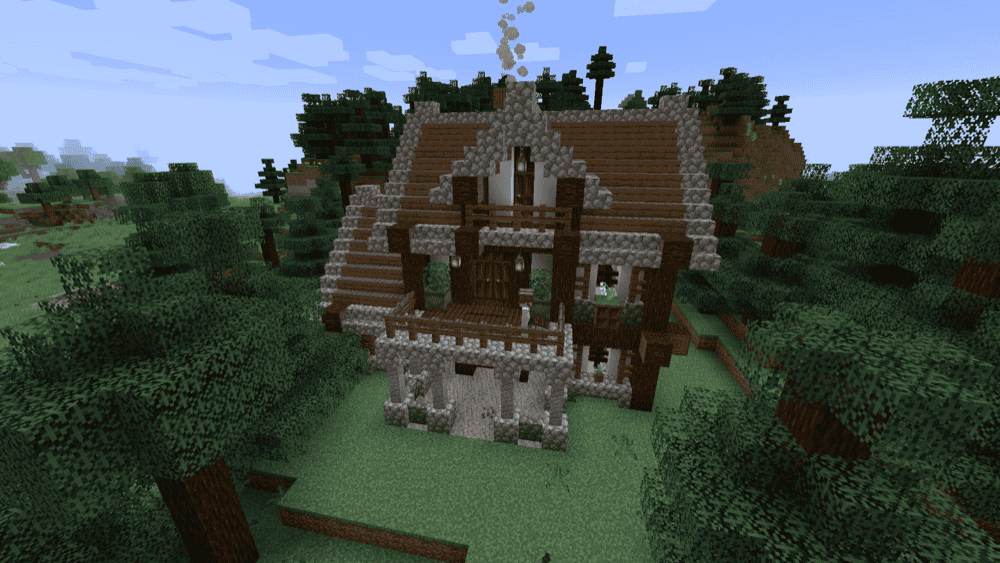
Human Companions adds recruitable human companions you can find out in the world, usually near their own little houses. Feed them what they ask for, and they will tag along as a knight, archer, axeguard, or arbalist, helping you fight while also carrying extra items.
They behave a lot like a tougher, more configurable pet. You can tell them to follow, patrol, or guard an area, toggle ‘sit’ ("shift" + right-click) to make them stay put, and tweak their behavior with modes like Hunt and Alert. They will level up through combat over time, and you can deck them out with armor and weapons, so they feel like a proper traveling party instead of just a temporary summon.
3. MCA Reborn

MCA Reborn turns Minecraft villagers into full RPG-style NPCs you can build relationships with, complete with personalities, moods, and a bunch of interaction options like chatting and gifting. Once you bond with someone, you can marry them, start a family, and watch your kids grow up and help with chores.
The mod is also heavily built around village life simulation as its own progression path, letting you help a settlement grow and climb ranks until you are basically running the place. If you want NPCs that feel like more than background decoration, MCA Reborn is one of the biggest villagers with life overhauls you can add.
4. Easy NPC
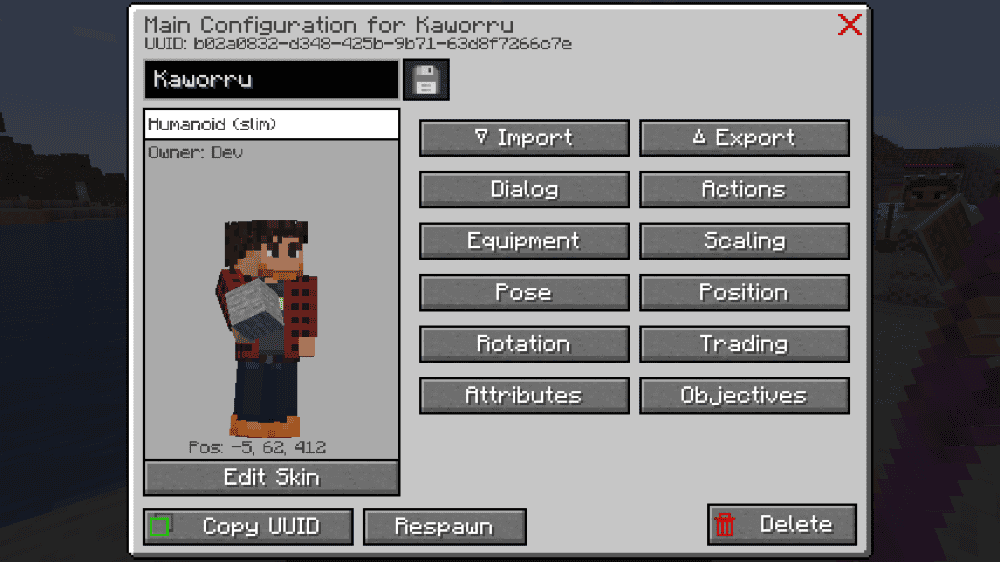
Easy NPC gives you a simple way to add custom NPCs to your world with dialog, trading, and interactions, so you can build quest givers, shopkeepers, town guards, or story characters without needing a huge framework.
Most of the setup happens in-game through commands and a configuration tool, so you can spawn an NPC, give it a skin, write its dialog, and set what it can do on the spot.
5. CustomNPCs - Unofficial
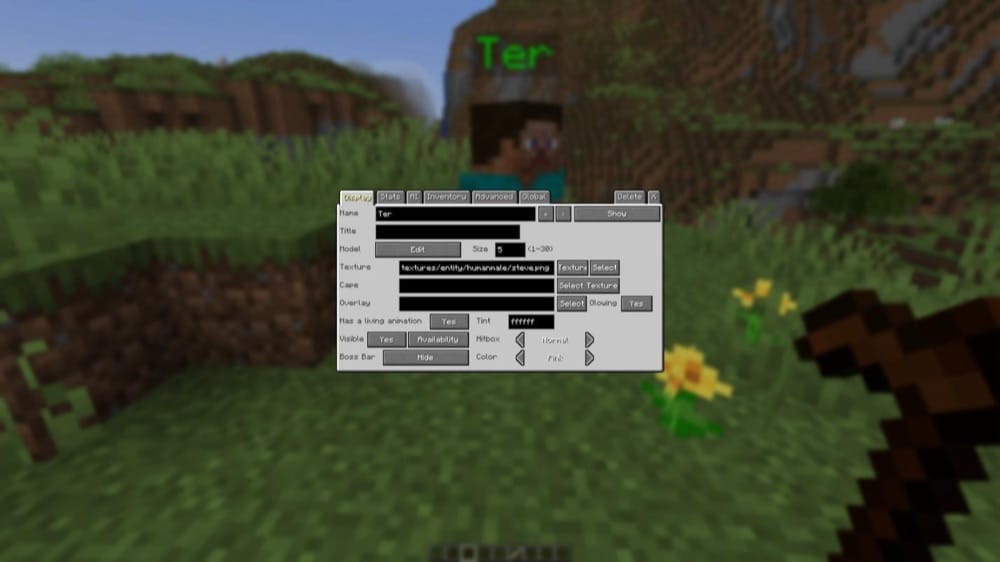
CustomNPCs lets you tailor NPCs to your world, whether you are building an RPG town, a quest hub, or a server lobby with actual characters that talk and react. You can customize how NPCs look, what they wear, what they say, and what role they play, like a trader, guard, quest giver, or just background villagers to make your world just a tad more real.
The mod also gives you more control over behavior, including patrol-style setups and deeper interaction options for adventure maps. If your goal is to add story flavor without relying on vanilla villagers, this is one of the most flexible toolkits you can use.
6. Ancient Warfare 3 NPCs
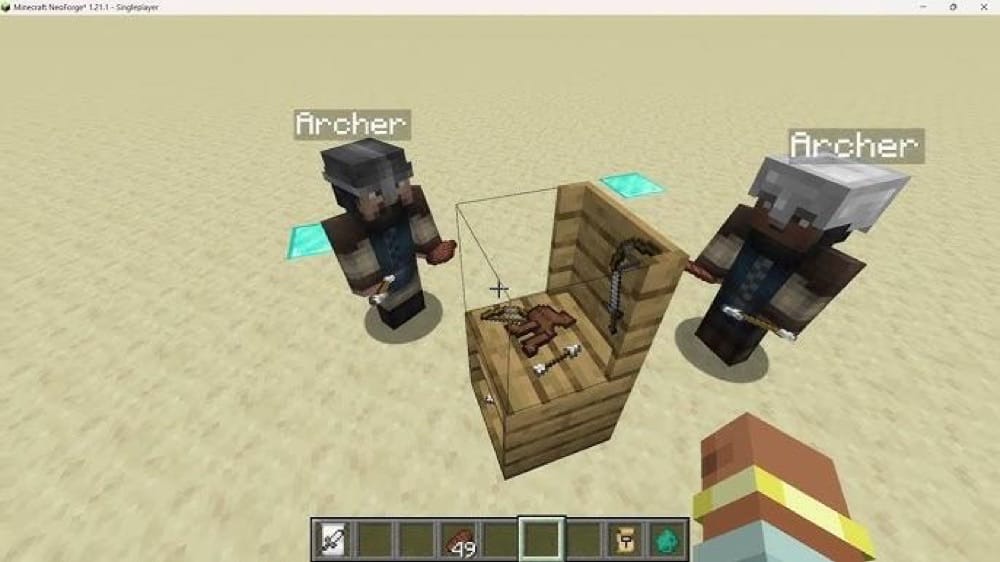
Ancient Warfare 3 NPCs brings Ancient Warfare-style workers and soldiers into modern Minecraft so you can run a small settlement that does all kinds of tasks for you. You assign roles by clicking NPCs with simple tools, then keep them fed through a Townhall or an upkeep point while they handle the more mind-numbing aspects of farming, lumber work, quarry mining, and deliveries.
The mod also adds combat NPCs for defense and raids, including fighters, archers, and a siege engineer that can operate a ballista. If you do not give workers a home, they will try to sleep in the open at night, making them an easy target. This encourages you to set up your base like a proper camp instead of just spawning helpers and forgetting all about them.
7. Roamers
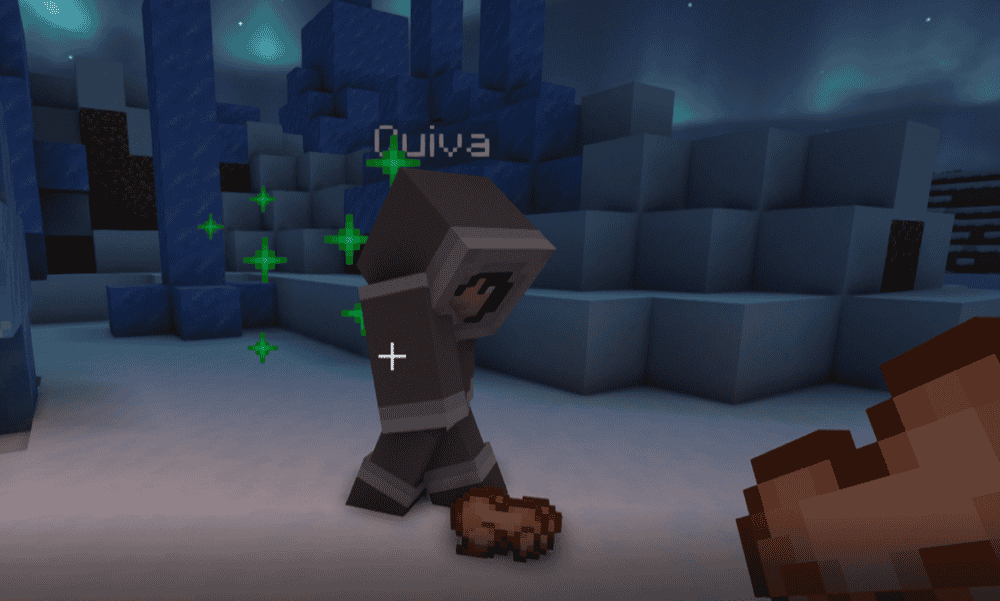
Roamers adds rare, player-like NPCs called Roamers who can set up camp, gather materials, and build their own little homes without you scripting anything. You will spot them in different biomes, and each race uses fitting materials, so desert Roamers lean into sandstone while taiga Roamers go for spruce and so on.
They do more than just exist in the background, though. For example, roamers can clear spaces, build and farm in newer versions, and also react to what you do, so they feel closer to wandering settlers than standard mobs. If you are worried about them breaking blocks near your builds, it is worth checking the configuration file or starting a fresh world with the mod installed.
8. Player2 AI NPC
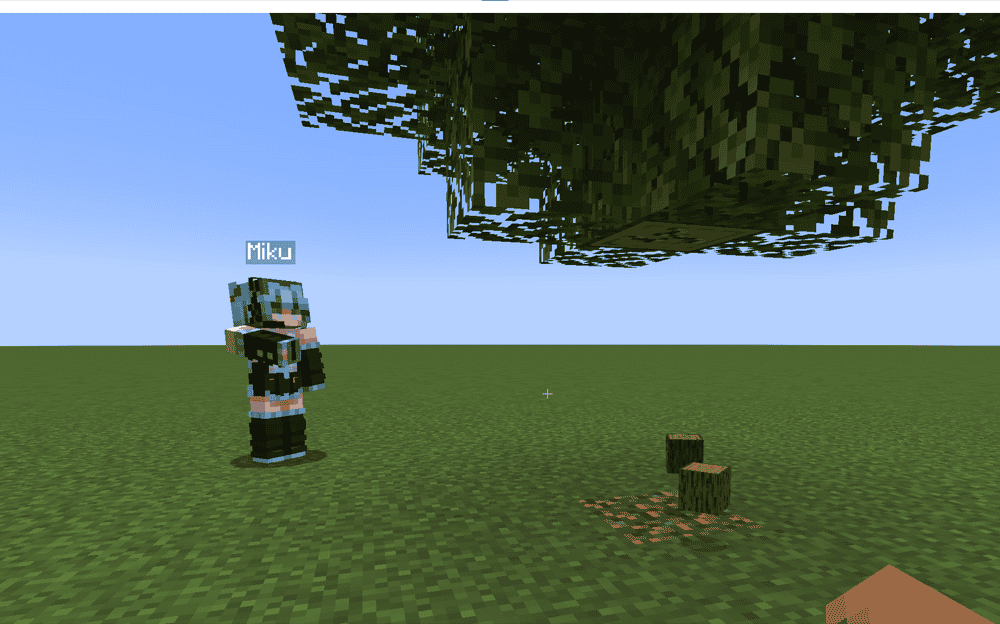
Player2 AI NPC adds an AI companion that behaves more like a real player than a pet. You can talk to it in chat using normal sentences, and it can help with basic survival tasks like gathering resources, fighting, and moving through the world with you.
Instead of simply handing you a scripted quest line, this mod’s focus is on moment-to-moment interaction. You pick a character, spawn them into the world, then treat them like a teammate you can ask for help as you explore.
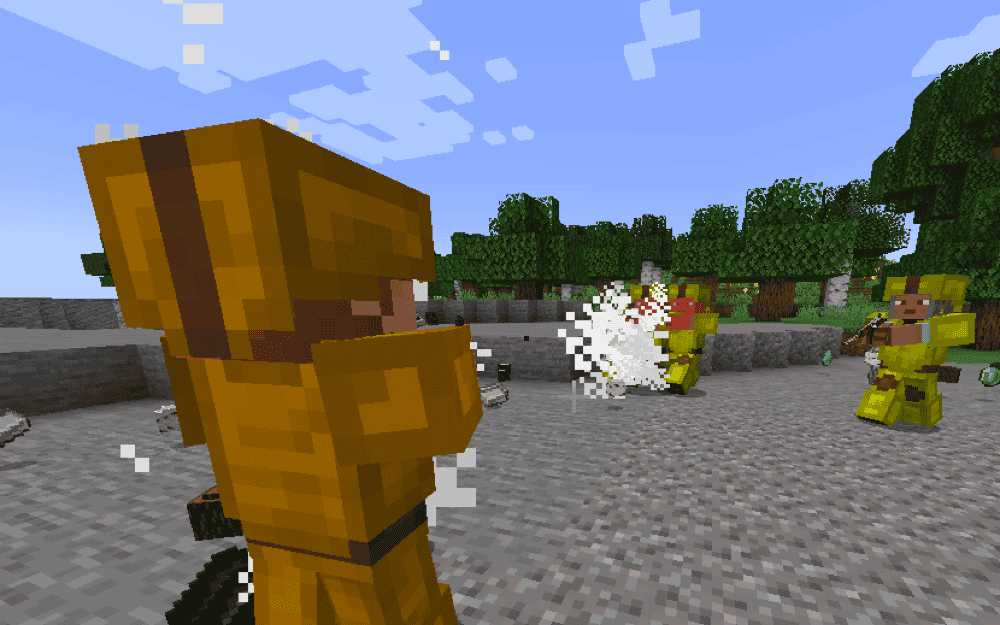
9. Project TacZ
10. Civilians
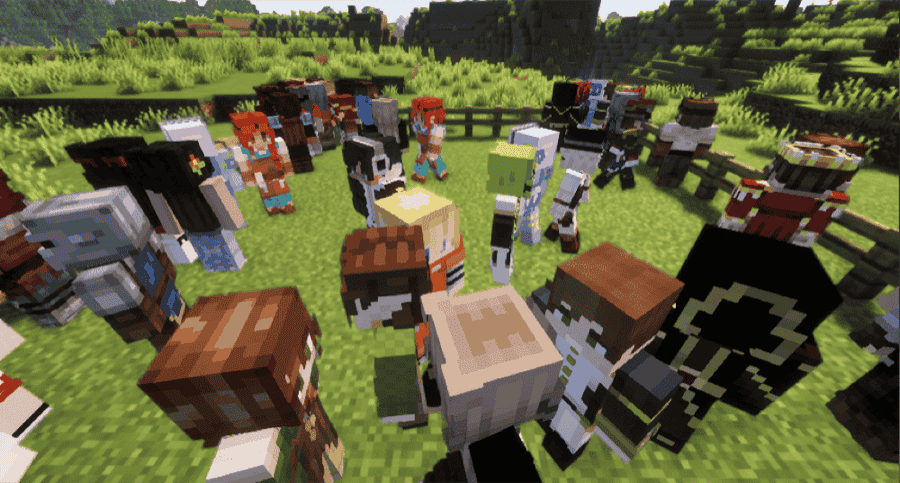
Civilians turns regular villagers into customizable civilian NPCs so your world feels populated enough without changing the core survival loop. Craft an NPC Totem, use it on an unassigned villager, then tweak the result in a simple customization screen where you can rename them, swap through skin variations, or use your own skins.
The civilians introduced by this mod are mainly for improving atmosphere and roleplay. They wander around, go in and out of buildings, and can talk when you interact with them, plus you can set them to stay put or follow, so towns and player-made cities feel more alive.
How to Install Mods
How to Install with the CurseForge App
- Open CurseForge → Minecraft and create a profile with the mod loader and version you need (Fabric, Quilt, NeoForge, or Forge).
- In the profile screen, click "Add More Content" (or open the three dots menu next to "Play" and choose "Add More Content").
- Click on "Add More Content" from the available options.
- Search for the mod you need and click "Install".
- Play from the CurseForge app.
How to Install Mods Manually
- Install a mod loader that matches your Minecraft version (Fabric, Quilt, NeoForge, or Forge).
- Run the installer to add a new profile in the Minecraft Launcher.
- Download the mod’s .jar file from its project page. Make sure both the Minecraft version and loader version match.
- Drop the .jar into the mods folder inside your ".minecraft" directory (create the folder if it doesn’t exist).
- Launch Minecraft using the new loader profile.
Note: Make sure to check if the mod has been recognized by the game. On the title screen, click “Mods”. If the mod lists any required dependencies (like Fabric API), install those too. Please also note that if using Fabric, the "Mods" button will only appear if the "Mod Menu" mod is installed.
Common mods folder locations:
- Windows: %AppData%\.minecraft\mods
- macOS: ~/Library/Application Support/minecraft/mods
- Linux: /home/<your-username>/.minecraft/mods
Common Issues and Quick Fixes
Game won’t launch or crashes on startup
Most of the time this is caused by a missing dependency or a loader/version mismatch. Double-check you’re on the right mod loader for each mod and that all required libraries are installed. For example, MineColonies needs Structurize alongside it to function properly.
MineColonies installs but nothing works properly
If MineColonies loads but builders aren’t anywhere to be seen, the build tool does nothing, or the UI feels broken, it is usually a dependency version mismatch issue. Make sure MineColonies and Structurize are updated together and that their versions are not mismatched.
NPCs are “missing” or not showing up naturally
Some NPC mods are intentionally rare or have specific spawn rules. Confirm you’re in the right biomes, give it some time, and consider using the mod’s locate or spawn tools if it has them. If a mod converts existing villagers into NPCs, make sure you are using the correct conversion item on the correct type of villager.
Roamers stop building or get stuck mid-progress
This can happen in older worlds or after updating, where Roamers do not have what they need to continue their build flow. In some versions, older saves may not have the crafting table step set up properly for their newer building logic.
If it happens, the usual fixes are starting fresh, updating to the latest version, or helping them with basic materials and food so they can resume their work.
NPCs feel dumb, frozen, or keep teleporting
That is usually due to chunk loading, pathfinding, or too many entities. Stay near the area while they work, avoid forcing them through tight interiors, and lower NPC counts or spawn rates if your pack feels heavy.
I experience multiplayer issues
If clients cannot connect or see NPC behavior correctly, confirm everyone has the same mod list and the same versions. Some NPC systems are fully server-driven, but many require everyone to have the mods to match for skins, GUIs, and for interactions to work consistently.
Performance drops after adding NPC mods
NPC AI can be taxing on hardware. Reduce spawn rates, lower roaming distances, disable optional features you do not need, and avoid stacking multiple living world NPC mods at high settings.