The ocean in vanilla Minecraft can feel a little too empty once you have seen the same ruins and monuments a dozen times. The below mods are designed to breathe new life into Minecraft’s oceans with more content, even bigger and complex structures, scary and hostile mobs, more fish for you to eat, and new world generation options. Let’s dive right in!
1. YUNG’s Better Ocean Monuments
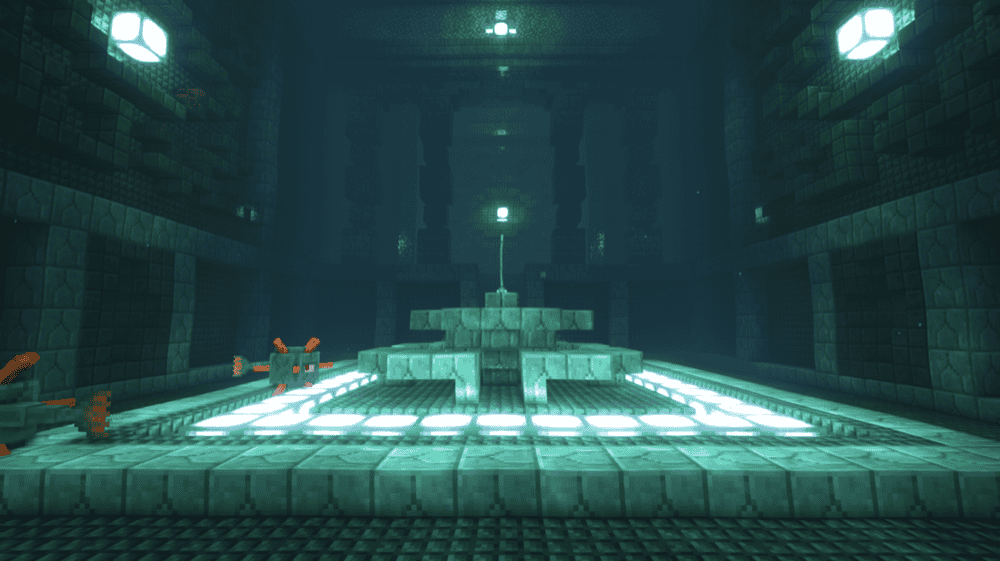
YUNG’s Better Ocean Monuments gives ocean monuments a full makeover by making them much larger and with randomized layouts, so every monument raid feels like a real dungeon run instead of the same familiar maze. The rewards are upgraded too, with better loot for taking on the challenge, including items like Tridents and Heart of the Sea.
It is also designed to play nicely with other world generation mods, so you can stack it with your favorite biome and structure overhauls without worrying about it breaking your ocean exploration.
2. Upgrade Aquatic
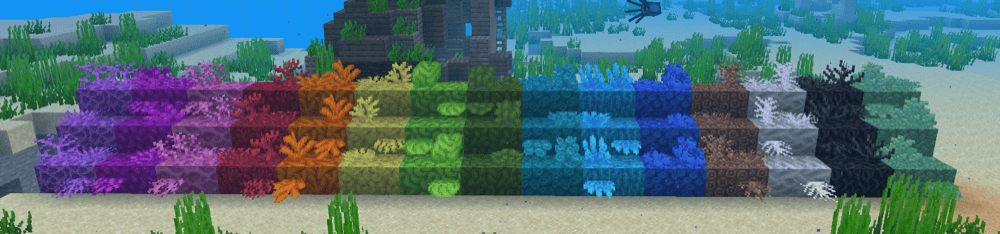
Upgrade Aquatic enhances the vanilla ocean and river biomes in a way that makes water biomes feel more unique without turning your world into something completely unrecognizable.
The mod also adds standout features like the Thrasher, a fantasy shark mob that uses sonar, plus small but satisfying upgrades like renewable sand using bubble columns under sandstone and ocean ravines that can spawn Prismarine Coral and Nautilus mobs, giving you a pretext to actually explore the underwater realm instead of always sticking to the surface.
3. Aquamirae
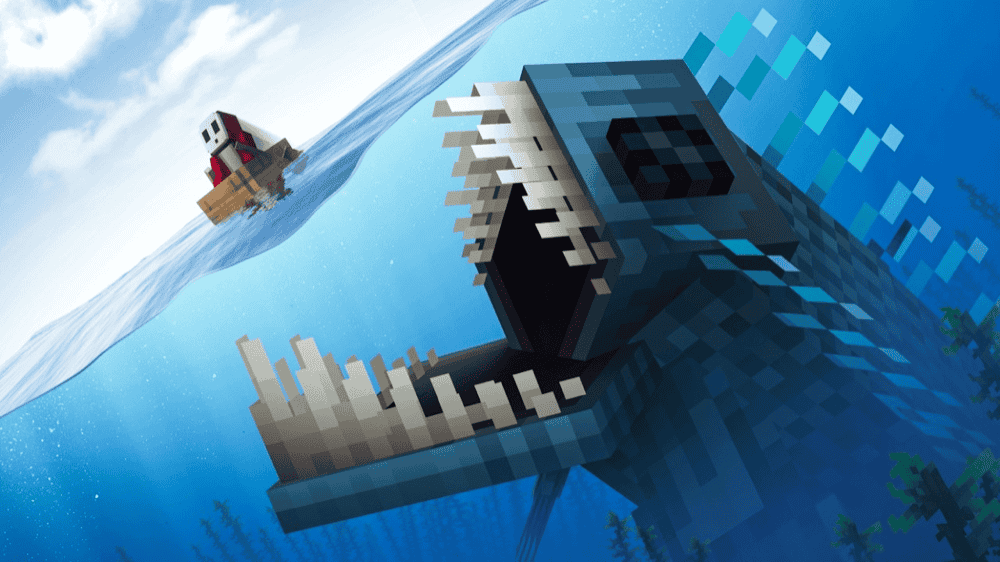
Aquamiae adds a frozen ocean which leans into deep sea horror, with ship graveyards and creepy creatures being a common sight. It’s perfect for giving the ocean that uneasy – and sometimes deadly – vibe. The mod makes ocean exploration feel tense in the best way, like you are diving into a dangerous zone instead of treating it like a calm resource farm.
If you want the sea to feel mysterious and threatening, this one delivers.
4. Alex’s Caves
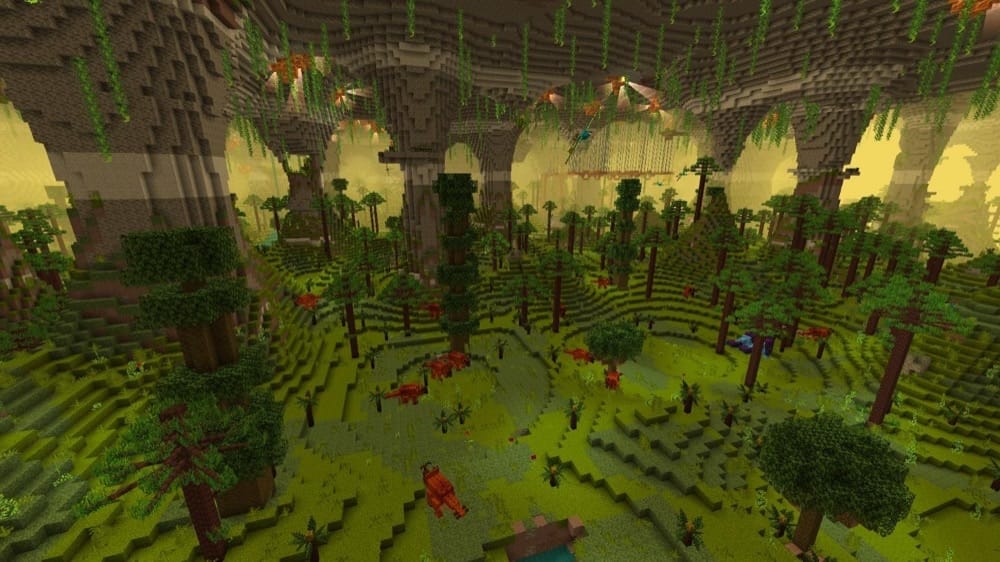
Alex’s Caves adds six super rare cave biomes to the Overworld, and a few of them hit especially hard for ocean fans, like the Abyssal Chasm with its deep-sea energy and unique underground wildlife. Each biome comes with its own blocks, items, mobs, and mechanics, so exploring below sea level feels like a whole new adventure.
To find them, look for an Underground Cabin in the Overworld, then use the Cave Compendium and cave tablets to track down the new biomes.
5. When Dungeons Arise - Seven Seas
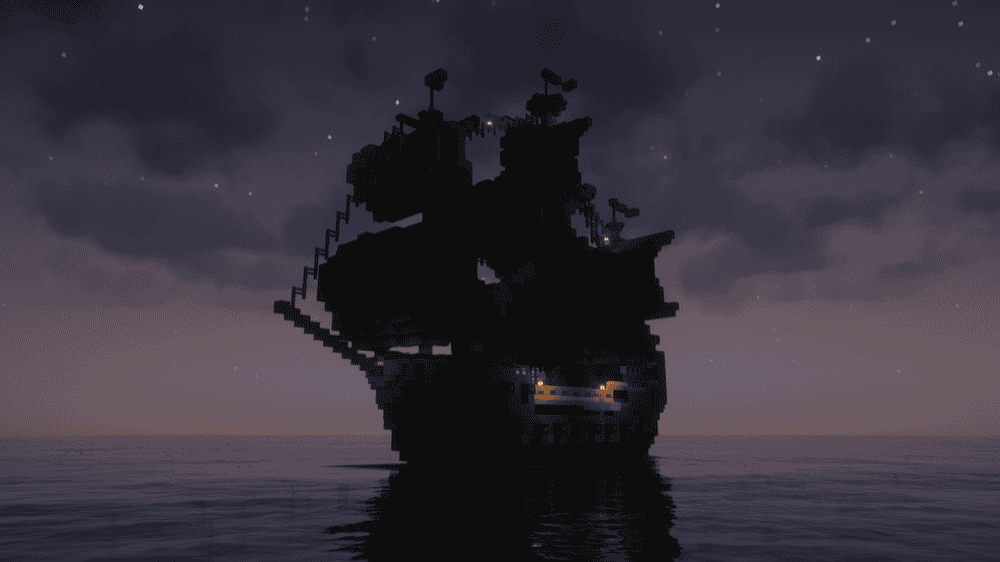
When Dungeons Arise - Seven Seas adds elegant, ocean-focused dungeons like pirate ships and roaming vessels, so boating stops feeling like empty travel time and starts feeling like exploration. The ships are built to be fun to raid, with loot, danger, and layouts that make each find feel like its own little adventure.
This mod is an expansion of When Dungeons Arise, but it can also be used on its own, which makes it an easy add for any ocean-themed mudpack.
6. Tidal Towns
7. Awesome Dungeon Edition Ocean
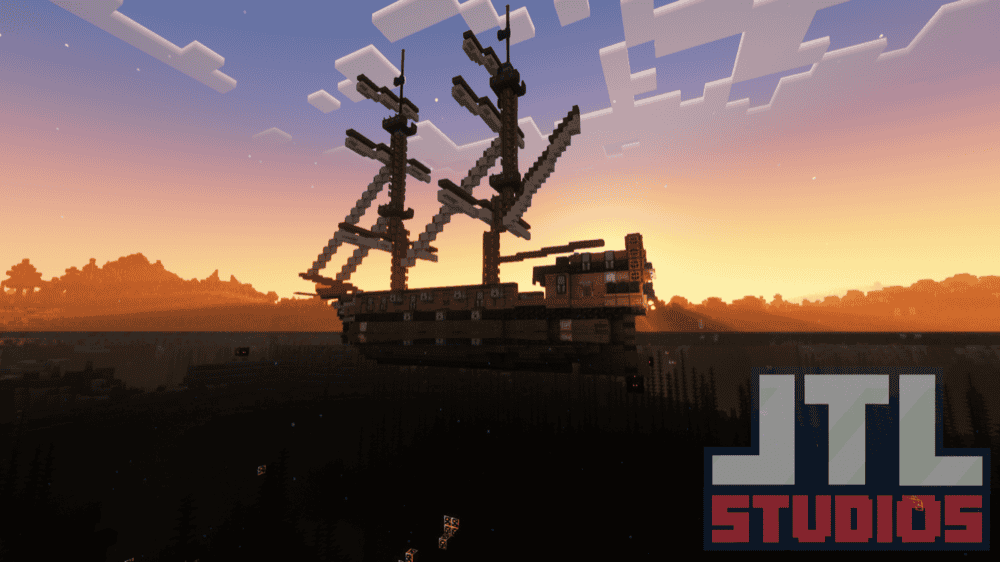
Awesome Dungeon Edition Ocean adds a bunch of ocean structures like dungeons, temples, ruins, and boats, turning long stretches of open water into actual places you will want to stop and explore. Most builds come with mob spawners and loot chests, so every dive feels like a mini dungeon run instead of just sightseeing.
This mod also includes several styles of ship you can stumble across out at sea, which is perfect if you want your ocean to feel busy, dangerous, and worth traveling through.
8. HOPO Better Underwater Ruins

9. Fish of Thieves

Fish of Thieves brings the iconic Sea of Thieves fish into Minecraft with a Minecrafty style, so oceans and rivers feel way livelier the moment you start exploring or fishing.
This mod also adds extra ocean flavor like fruit trees and new plant life, which makes beaches and shorelines feel more like real adventure zones instead of empty coasts.
10. Hybrid Aquatic
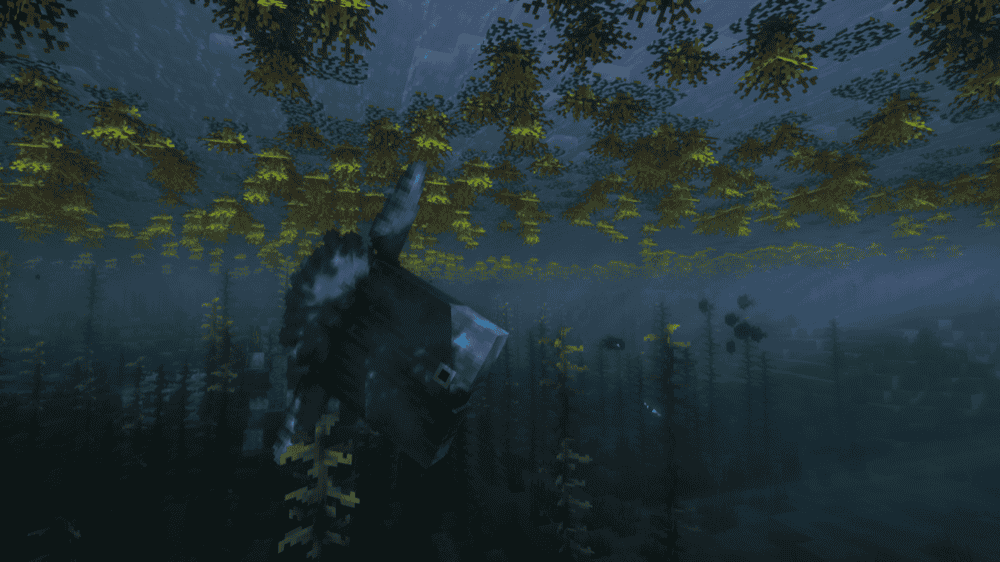
Hybrid Aquatic is a mod made by people deeply familiar with the aquatic ecosystem, with the main goal of introducing real-life ecosystems into your Minecraft worlds. This includes new marine creatures like fish, sharks, crustaceans, otters, nautiluses, and even a miniboss, making every water-related biome feel way more alive.
This mod also adds ocean gear and building goodies like diving armor, sea sponges, fishing hooks, crates, anemones, and new coral types, so you get more reasons to explore and more tools to build underwater.
11. Deeper Oceans
12. Unnamed Sea
13. Aquatica
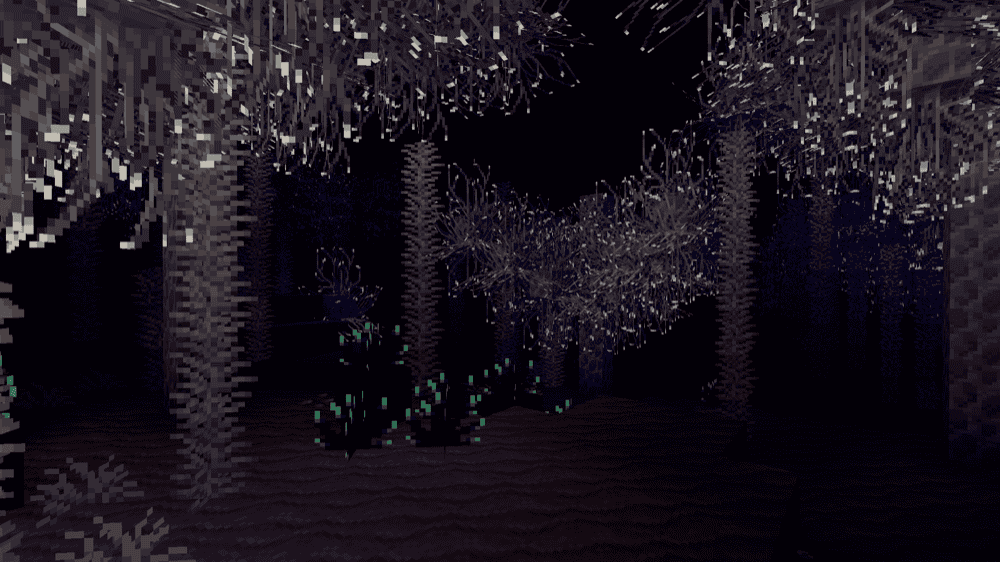
Aquatica adds a brand-new deep-sea dimension built for exploration, with multiple biomes designed to feel like you are diving into a totally different world instead of just swimming in a deeper ocean.
The mod is intentionally experimental, so it is best for players who want to explore in creative mode or who are ready for a tougher survival experience where underwater breathing matters a lot. There is a configuration file if you want to tweak how deep the oceans generate and how monuments sit in the world.
14. Oceanic Realms
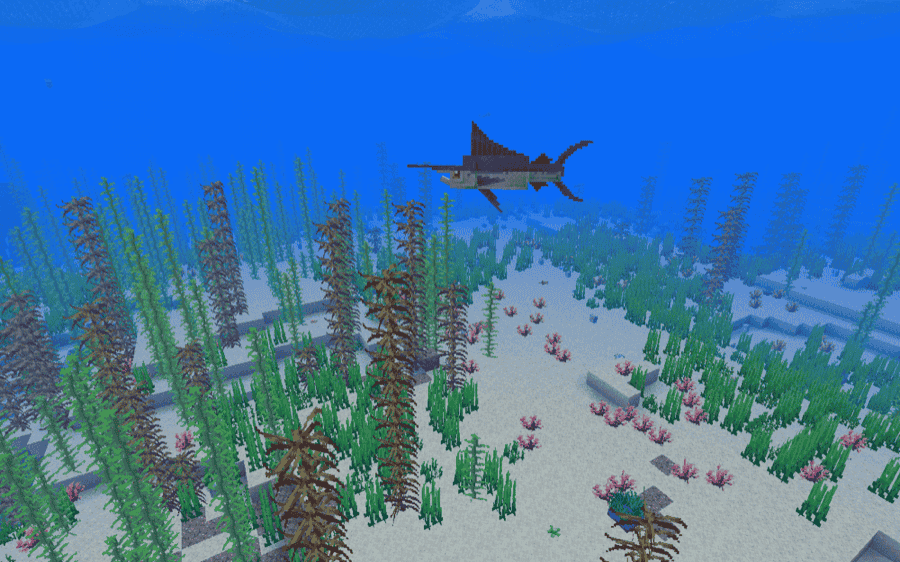
Oceanic Realms makes the oceans feel busier and more alive with new marine life and introduces a new biome, so every swim has a chance to turn into a real encounter. You will run into sharks with different personalities, schools of larger fish, and smaller reef life that helps the underwater world feel like an ecosystem instead of empty water.
The mod also adds crabs along the coast and a sandstone ocean biome, which gives builders and explorers more variety when you are picking a shoreline to settle near or scouting for a base spot.
15. Unwrecked Ships
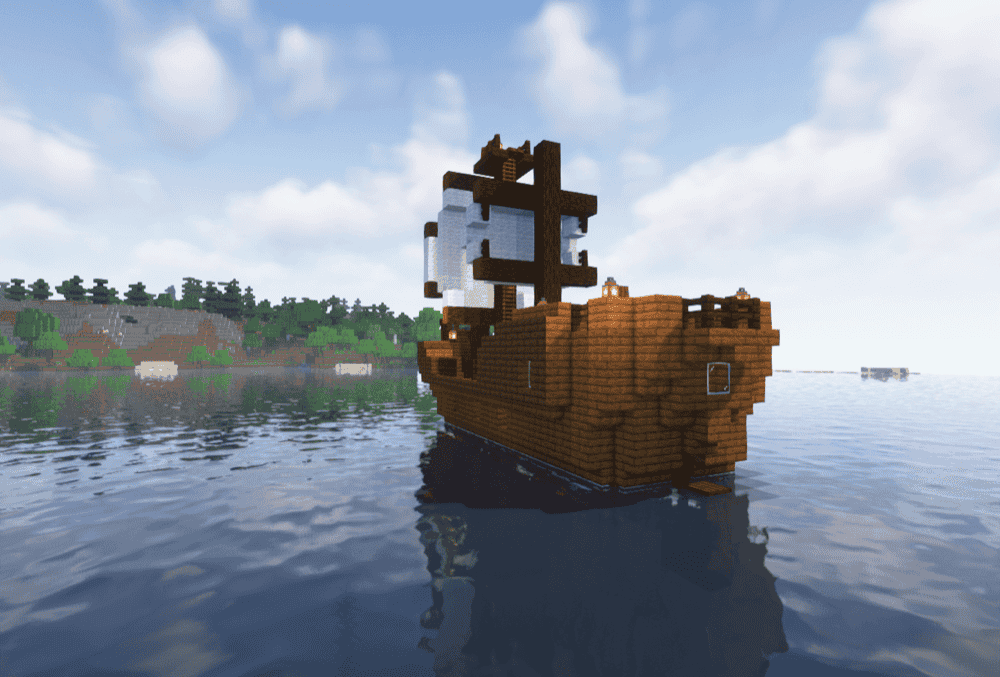
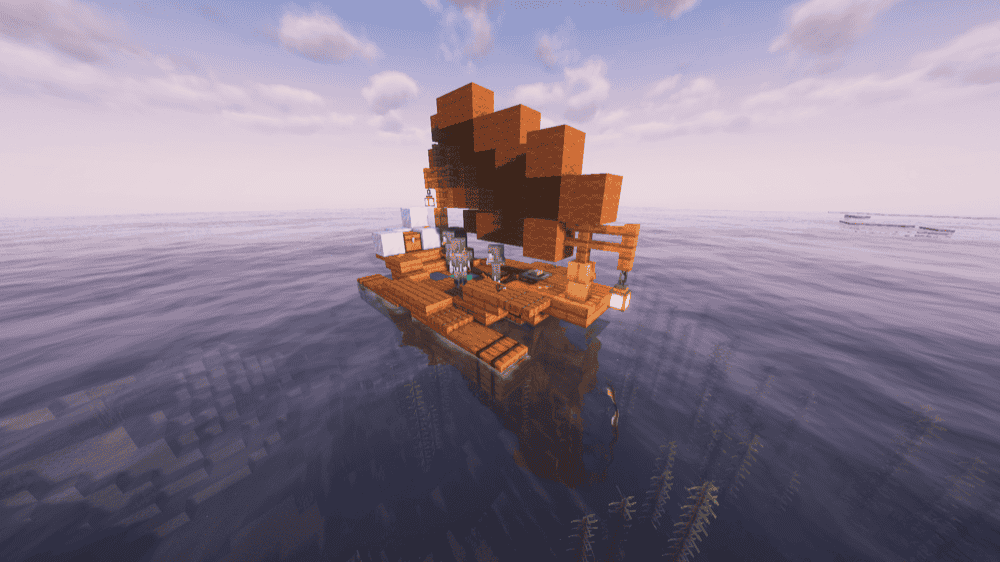
Unwrecked Ships takes vanilla shipwrecks and brings them back in one piece, spawning repaired ships that feel like they are sailing the seas instead of rotting on the ocean floor. You still get the familiar vanilla ship styles, just upgraded with small touches like sails and lanterns that make them stand out on the horizon.
This mod is a great fit for ocean exploration worlds because it adds more surface level finds while keeping the vibe completely vanilla-friendly.
How to Install Mods
How to Install with the CurseForge App
- Open CurseForge → Minecraft and create a profile with the mod loader and version you need (Fabric, Quilt, NeoForge, or Forge).
- In the profile screen, click "Add More Content" (or open the three dots menu next to "Play" and choose "Add More Content").
- Click on "Add More Content" from the available options.
- Search for the mod you need and click "Install".
- Play from the CurseForge app.
How to Install Mods Manually
- Install a mod loader that matches your Minecraft version (Fabric, Quilt, NeoForge, or Forge).
- Run the installer to add a new profile in the Minecraft Launcher.
- Download the mod’s .jar file from its project page. Make sure both the Minecraft version and loader version match.
- Drop the .jar into the mods folder inside your ".minecraft" directory (create the folder if it doesn’t exist).
- Launch Minecraft using the new loader profile.
Note: Make sure to check if the mod has been recognized by the game. On the title screen, click “Mods”. If the mod lists any required dependencies (like Fabric API), install those too. Please also note that if using Fabric, the "Mods" button will only appear if the "Mod Menu" mod is installed.
Common mods folder locations:
- Windows: %AppData%\.minecraft\mods
- macOS: ~/Library/Application Support/minecraft/mods
- Linux: /home/<your-username>/.minecraft/mods
Common Issues and Quick Fixes
The game crashes on launch
- Match the mod loader to the file you downloaded. Forge mods need Forge, Fabric mods need Fabric, and so on.
- Install required library mods. A lot of ocean mods will not load without their dependencies, for example YUNG’s Better Ocean Monuments needs YUNG’s API, and Upgrade Aquatic needs Blueprint.
- If a mod uses animated mobs, do not forget GeckoLib as several ocean creature mods rely on it.
I cannot find the new structures
You need to render new chunks. Structure and world generation mods usually only show up in areas you have not explored yet, so travel further or start a fresh world. Using the "/locate" command or Nature Compass can also help you find some of the modded structures.
My world is laggy ever since I installed these mods
Mods adding entities are likely to cause lags inside the world. Try adding performance mods like ServerCore, AI Improvements, ModernFix, FerriteCore (NeoForge) (Fabric), Saturn, Lithium or Canary. Some of these mods are not meant to counterpart the lag from entities, but having them could still help in a more general way.
The mod doesn’t appear in my game
Some projects exist as both a mod and a datapack. Make sure you got the Forge mod version if you are using Forge, not the datapack version.