
Minecraft PvP is all about timing and great movements. These mods focus on combat improvements like smoother melee, bug fixes, movement options, and HUD tools for tracking effects and armor durability.
1. Better Combat
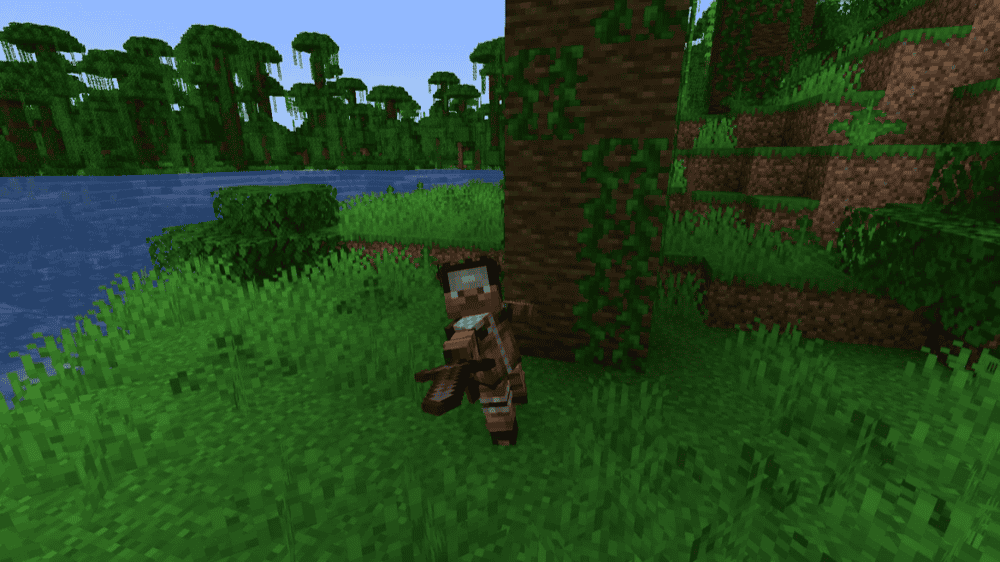
Better Combat works melee with smooth one/two-handed and dual-wield animations, better weapon collision (no cursor pixel hunting), and a more natural swing timing with combos for certain weapons.
This mod also supports dual wielding any one-handed pair, locks the offhand for two-handed weapons, and rebalances Sweeping Edge for multi-target hits. It's configurable and broadly compatible but won't play nice with other major combat-rewrite mods.
2. Simply Swords
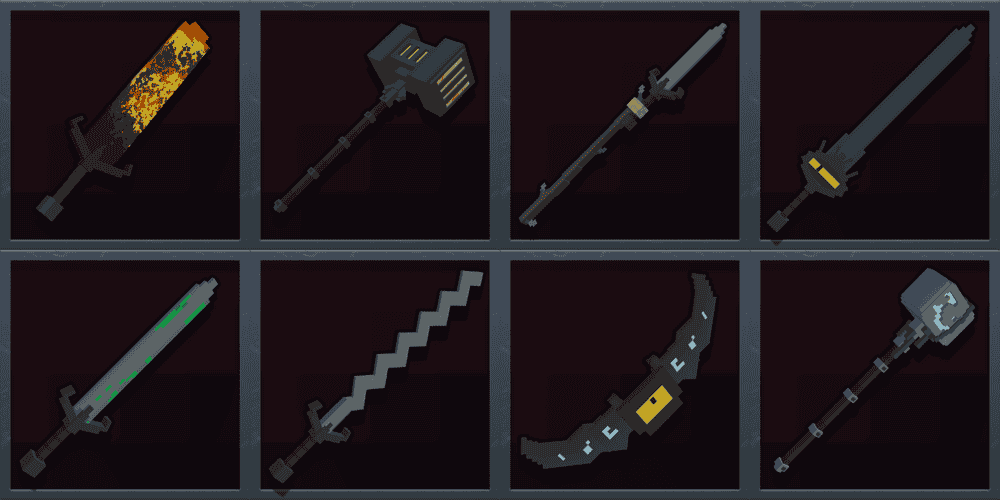
Simply Swords is a mod that expands PvP weapon choices with a big lineup of new gear like spears, glaives, chakrams, katanas, rapiers, greathammers/axes, and more, so fights aren't just sword vs axe every time.
This mod is great for kits and modpacks because different weapon types naturally create different matchups (reach, speed, and burst), which keeps duels from feeling the same.
3. Combat Roll

Combat Roll simply adds a useful combat roll ("R" key by default) for quick dodges and repositioning, with a server-configurable cooldown (4 seconds by default) and optional invulnerability frames you can enable. Depending on your configuration, each roll can cost hunger, showing a cooldown timer on your HUD. Keep in mind that you can only roll when not using an item, jumping, or swimming.
The mod goes even further by including roll attributes (like distance, recharge, or roll count) and enchantments that boost them via extra rolls, faster recharge, and longer roll distance. All in all, this is a very interesting mod for PvP servers that can be easily configured to your own taste.
4. Guarding
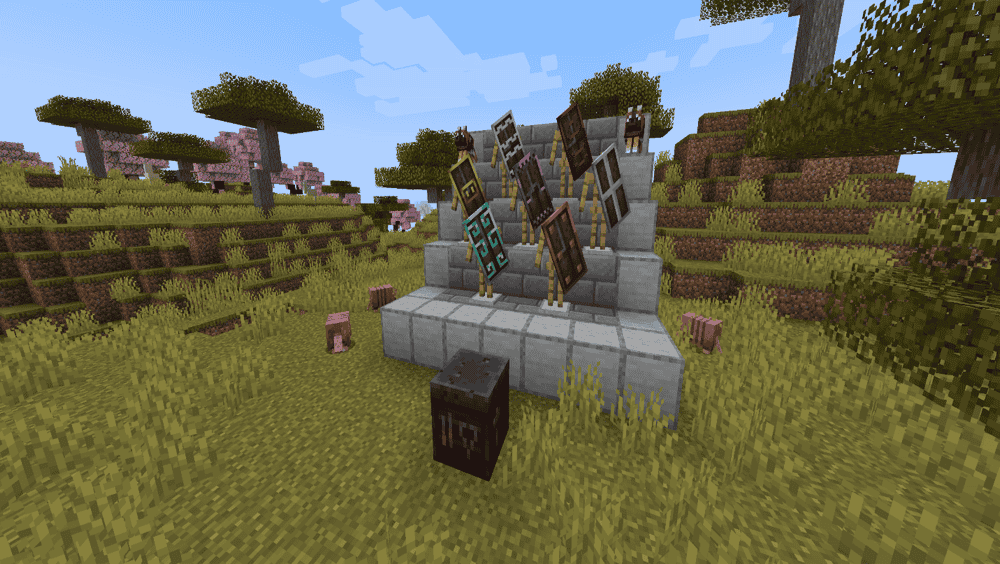
Guarding expands shields, making them trimmable and nice-looking but also with a set of whole new mechanics like perfect block that shoves enemies back, and a more responsive blocking delay similar to the Combat Tests snapshots.
This mod also adds shield-focused enchantments like Pummeling (more parry knockback) and Barbed (thorns on your shield), and a Netherite Shield giving similar advantages to an actual netherite shield, only more durable, with some knockback resistance, and one that doesn't melt in fire or lava.
5. Responsive Shields
Responsive Shields lets you reconfigure Minecraft's hidden 5-tick delay when raising a shield so that blocks happen when you react and not a quarter of a second later, helping avoid moments of unfair frustration for any PvP enjoyer.
This mod is configurable through a simple setting that controls raise time in ticks, set it to 0 for instant blocking, 5 for vanilla, or 1-2 for a nice middle ground that still feels fair.
6. Epic Fight
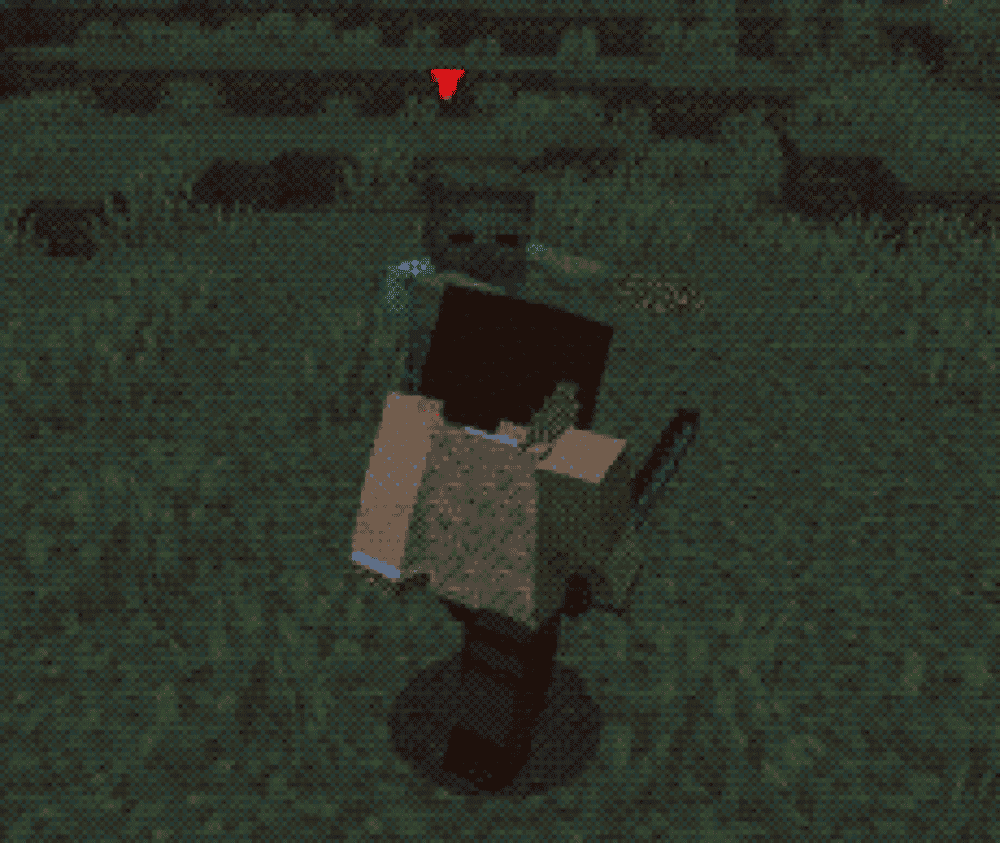
Epic Fight replaces vanilla combat with a more epic and soulslike system built around battle mode, new animations, health bar, and deeper fight mechanics for both players and mobs. It also adds moves like dash attacks, dodging, and special attacks.
This mod introduces new combat mechanics like stamina, combat stats (Impact, Weight, and Stun Armor), and learnable skills (Dodge/Guard/Passive) found in loot or from drops, making it best suited as a new combat style to add to a modpack or server-wide. A lot of mods can nicely integrate with Epic Fight as well to add new mobs and bosses designed around the new combat style, new weapons, new movements, new skills, more engaging PVP experience, and much more. Some recommended integrations here include Epic Knights and Simply Swords EpicFied 2.
7. Better Hurt Timer

Better Hurt Timer removes vanilla damage immunity and fixes hurt animations to make combat feel fairer in PvP. It ties damage frequency to attack speed, so click spamming (especially with fists) won't magically out-DPS proper weapons, and landing hits on time matters more.
This mod also uses damage-type-specific i-frames to prevent stacked sources like fire/lava from instantly shredding armor, protects armor/shields from rapid durability loss, and can reduce unwanted knockback and hurt-animation spam through configuration.
8. Armor Durability HUD
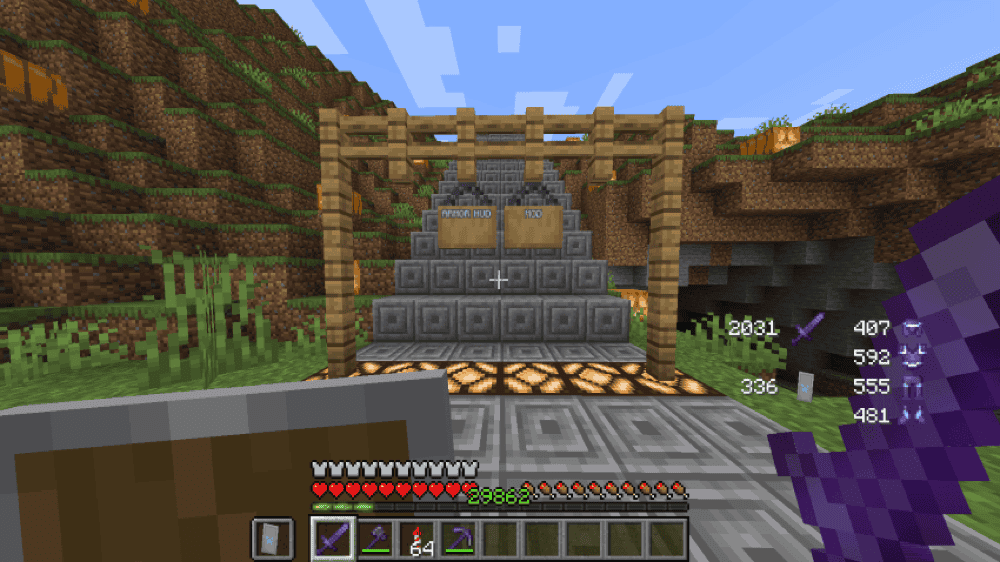
Armor Durability HUD shows your armor durability on-screen, which is huge for PvP and crystal PvP. When your gear starts dropping durability, you'll know exactly when to back off or repair instead of getting surprised mid-fight. It can also be displayed in a horizontal layout for a cleaner look.
The mod also lets you move and toggle the HUD indicator from the GUI. The default GUI key is "N" which can be freely rebinded to another key.
9. GUI Effect Timer
How to Install Mods
How to Install with the CurseForge App
- Open CurseForge → Minecraft and create a profile with the modloader and version you need, Fabric, Quilt, NeoForge or Forge (depending on which mods you are looking to install).
- Open your profile and click the three dots next to "Play".
- Click on "Add More Content" from the available options.
- Search the mod you need and click "Install".
- Play from the CurseForge app.
How to Install Mods Manually
- Install a mod loader that matches your Minecraft version (Fabric, Quilt, NeoForge, or Forge).
- Run the installer to add a new profile in the Minecraft Launcher.
- Download the mod’s .jar file from its project page. Making sure both the Minecraft version and loader version match.
- Drop the .jar into the mods folder inside your .minecraft directory (create the folder if it doesn’t exist).
- Launch Minecraft using the new loader profile.
Note: Make sure to check if the mod has been recognized by the game. On the title screen, click “Mods”. If the mod lists any required dependencies (like Fabric API), install those too. Please also note that if using Fabric, the "Mods" button will only appear if the "Mod Menu" mod is installed.
Common mods folder locations:
- Windows: %AppData%\.minecraft\mods
- macOS: ~/Library/Application Support/minecraft/mods
- Linux: /home/<your-username>/.minecraft/mods
Common Issues and Quick Fixes
Game crashes on launch after adding these mods
You’ve probably mixed up versions or loaders. Make sure every mod matches your Minecraft version and your loader (Fabric vs Forge vs NeoForge).
- Better Combat and EpicFight
These are also known to crash with some visual mods.
- Better Hurt Timer
This mod could cause some issues. If playing on 1.16.5 or older you can try using Nodami instead.
I’m getting a “Missing dependency” error
Install the required library mods. If a dependency is missing, the game won’t start.
Combat feels weird or buggy after installing multiple combat mods
Avoid stacking major combat overhauls. Use one main system (Better Combat or Epic Fight), then add lighter PvP QoL mods (timers, durability HUD, shield tweaks).
Combat Roll won’t work in multiplayer
Movement/combat ability mods often need to be installed server-side too. If it works in singleplayer but not on a server, install the same mod version on the server.
My roll/HUD keys don’t work
Keybind conflict. Combat Roll uses R by default and Armor Durability HUD uses N. Rebind them in controls if another mod already uses those keys.
Armor Durability HUD isn’t showing
No armor equipped = it may show empty slots or look blank. Also check if the HUD is toggled off in its GUI settings, or if the HUD is off-screen after changing UI scale.
GUI Effect Timer shows no timers
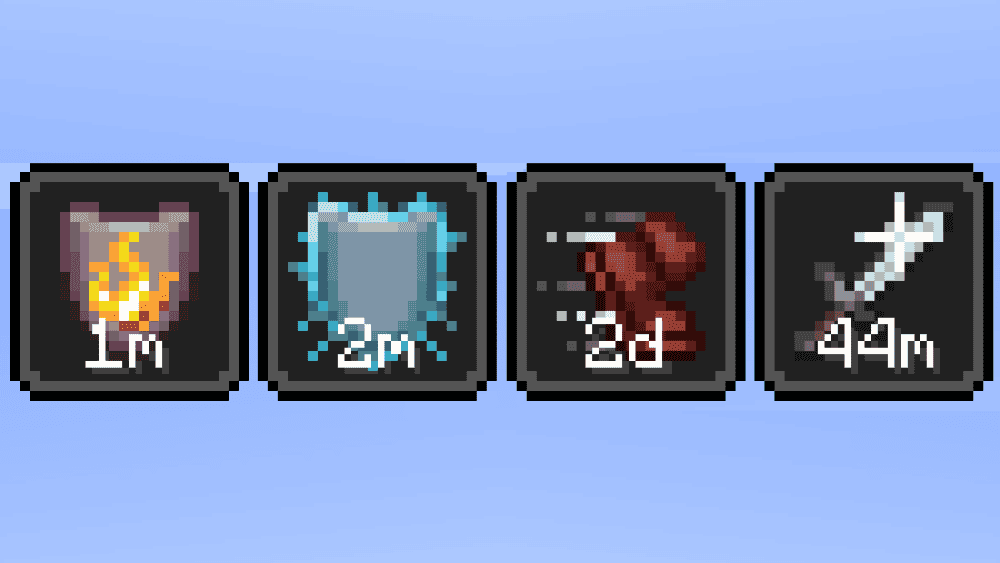
It’s client-side, so you need it installed on your game. Also check UI scale and whether effect badges are enabled in your HUD settings. If you changed text color to something dark, it may be just invisible.
Performance drops in fights
Start by disabling the heaviest visuals/animations (especially with big combat overhauls) and reduce extra PvP HUD elements. Also avoid running multiple combat animation systems at once.