Space mods are where Minecraft turns into a full-on space program. One minute you are gearing up in the Overworld, the next you are managing oxygen, fuel, and a rocket that can make it down in one piece.
This list rounds up 10 of the best Minecraft space mods on CurseForge, ranked by community downloads. Expect everything from planet-hopping adventures to tech-heavy rocketry and space stations – simply pick the one that fits your modpack and your playstyle and get ready to lift off!
1. Ad Astra
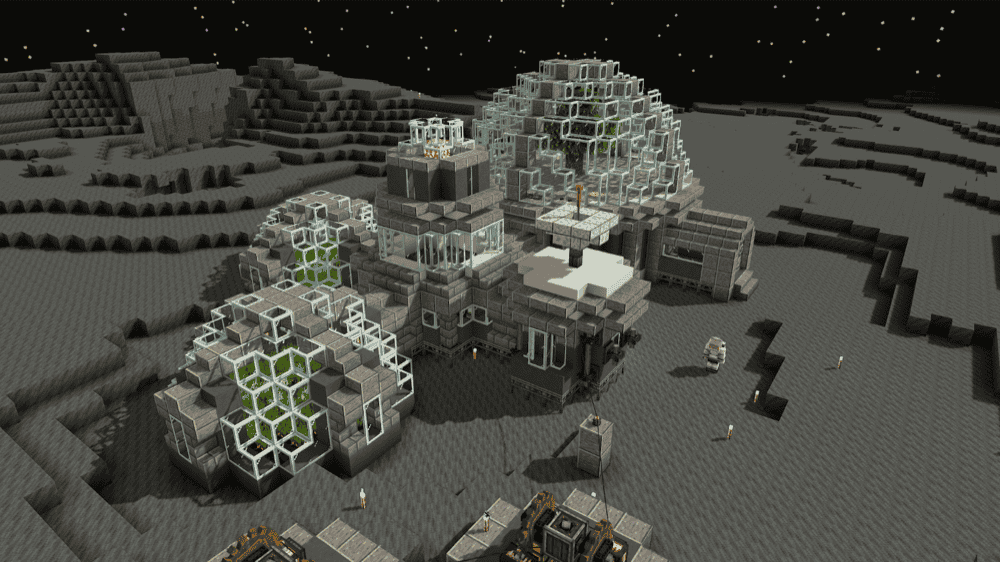
Ad Astra is a space mod with a focus on technology, travel, and exploration, built around everything you need to become an astronaut – rockets, space suits, space stations, and machines. It invites you to explore the Solar System (and beyond), with destinations like the Moon and Mars for building, mining, and survival-focused outposts.
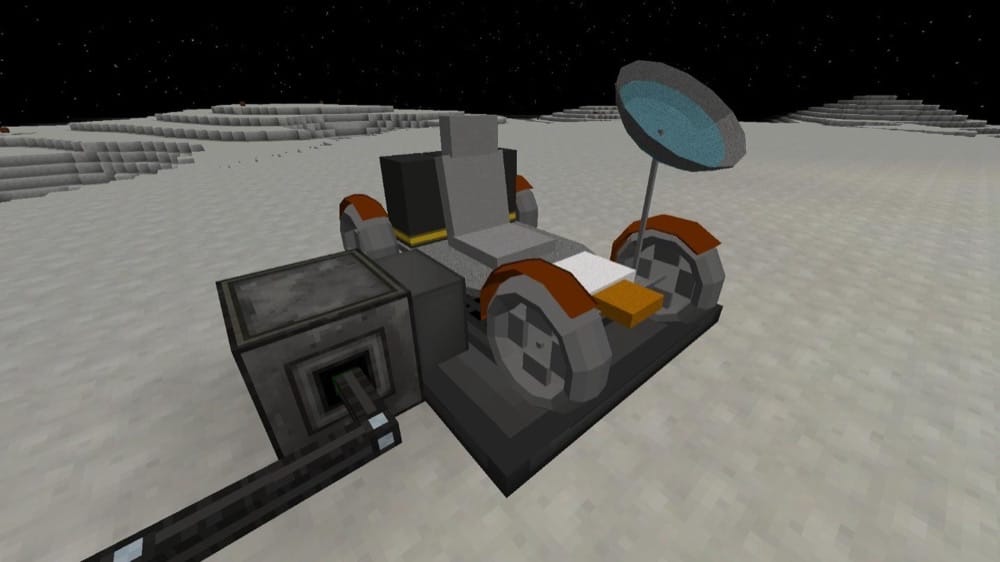
The mod adds five celestial bodies – the Moon, Mars, Venus, Mercury, and Glacio – each with its own vibe, mobs, and materials, plus four rocket tiers and a rover for travel. Along the way you also get machines and systems for oxygen generation and distribution, fuel refining, water pumping, cables, fluid pipes, a rocket workbench, over 250 building blocks, and an in-game guidebook that walks you through all of the added progression.
2. More Planets - Galacticraft
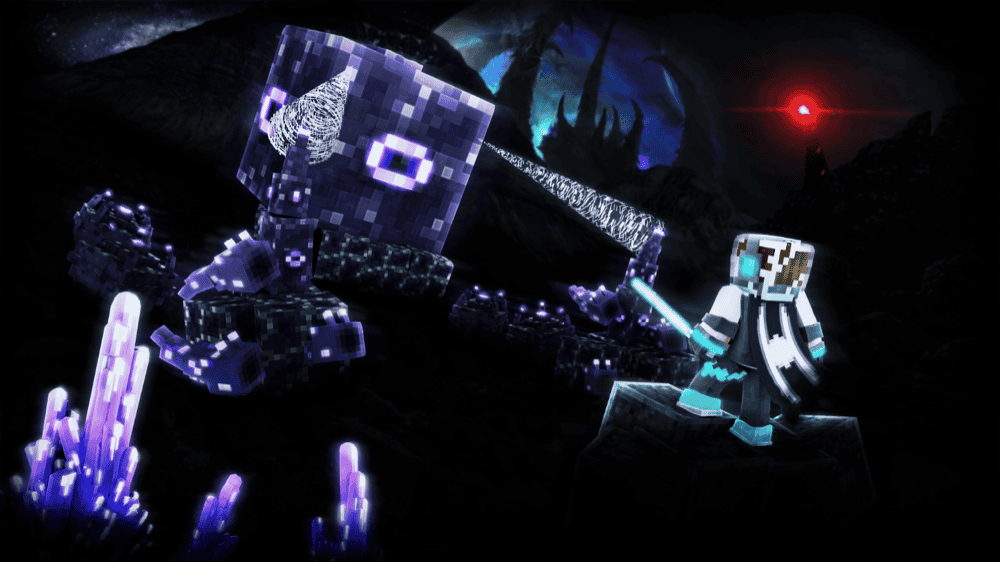
More Planets is one of the most popular addons of Galacticraft. This addon adds new exotic planets with their own environments, plus extra blocks, items, biomes, structures, mobs, machines, bosses, and more.
The mod also gives you a clear progression path for pushing higher rocket tiers built around finding tiered dungeons, collecting dungeon keys, and unlocking treasure chests that can drop higher-tier rocket schematics, then gathering planet-specific resources as you move from destination to destination.
3. Galacticraft Legacy
4. Advanced Rocketry - Reworked
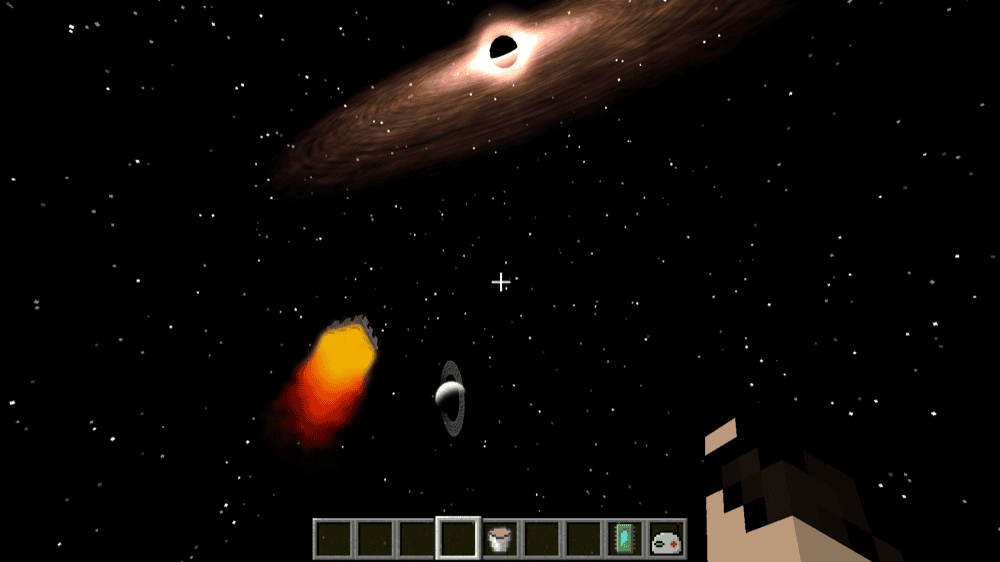
Advanced Rocketry - Reworked is a fork of the original Advanced Rocketry that continued its development, bringing the classic space-progression vibe back to life for 1.12.2.
The mod focuses on modular rockets and bigger space program loops, including asteroid mining missions, satellites (data and terraforming), multiblock machines for crafting parts, multiple solar systems, space stations, custom planets, warp travel, terraforming, and custom recipes, with built-in forge energy support for power integration.
5. Stellaris
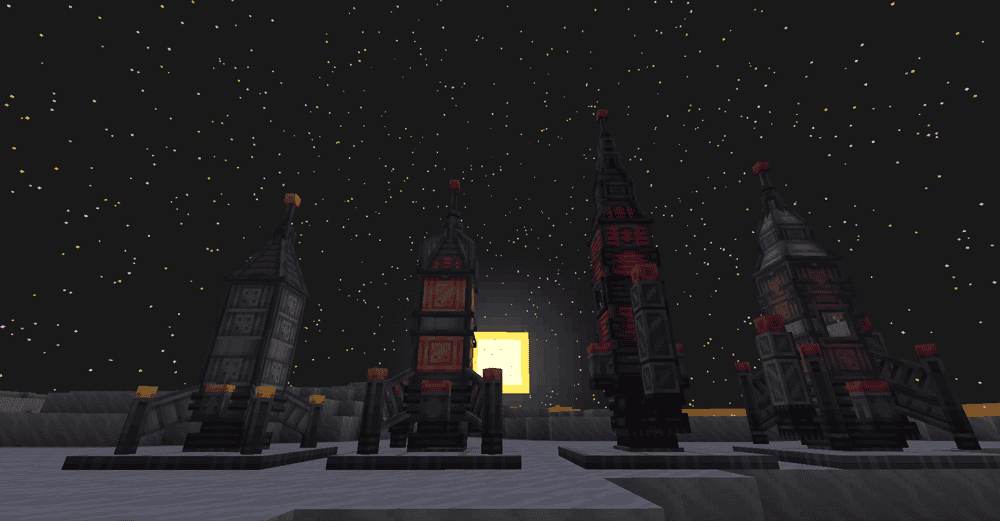
Stellaris adds a next gen space exploration experience to Minecraft where you can discover new planets, moons, and galaxies, then build your own rockets using a component system that supports progressive upgrades and customization.
The mod expands the gameplay loop with planetary exploration that includes different environments and gravity levels, plus advanced tech like energy systems, machinery for extraction and processing, and tools aimed at space survival.
You can also tweak settings to adjust difficulty and complexity, play it in multiplayer, and extend it with datapacks and addons to add planets or create new features.
6. Cosmic Horizons
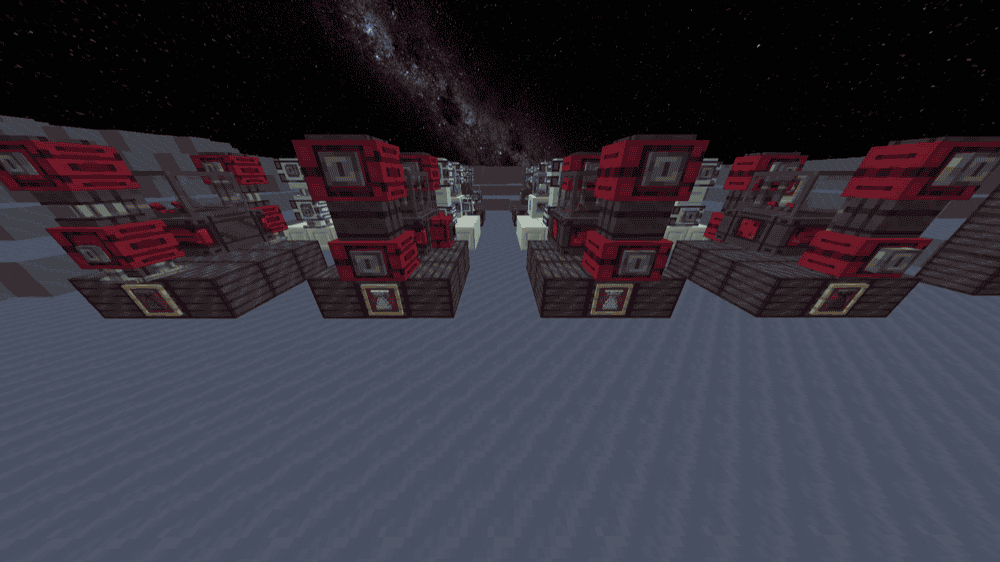
Cosmic Horizons introduces true space to Minecraft with its own render system and a travel method built around Space Nodules, letting you visit planets and see them rendered even outside your normal render distance. It is marked as very alpha and described as creative mode only, so treat it like a sandbox for testing and exploring what the mod is building going forward.
The mod also adds its own gravity system and planet dimensions with their own conditions, plus new blocks with interactive GUIs, an electricity system, and metal expansion content. In addition, Cosmic Horizons has multiplayer support, beta shader support via Oculus, and datapack support for adding galaxies and GUI implementations.
7. Create: Northstar
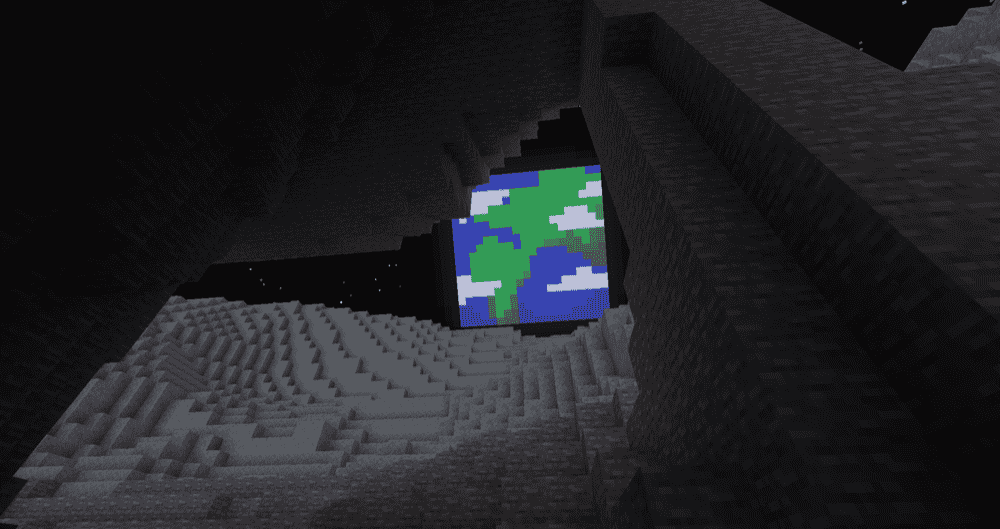
Create: Northstar brings space exploration into a Create-powered playstyle by introducing a complex rocketry system, an astronomy system, 4 new worlds to explore, 14 new mobs, and more.
This mod leans hard into hands-on space travel – rockets are built from multiple components, and your flight setup revolves around blocks like the Rocket Station (for assembling and picking a destination with a Star Map), Rocket Controls, and the Interplanetary Navigator. Once you start building longer-term off-world setups, it also adds base-focused tech like Oxygen Fillers and a Temperature Regulator with different modes for managing your environment.
8. Novatech
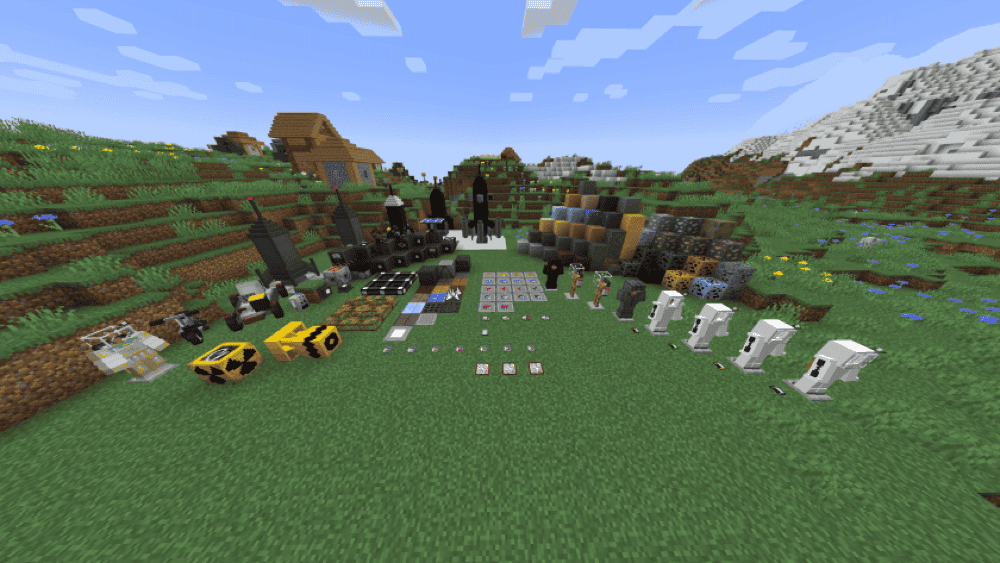
Novatech delivers Galacticraft-style space travel, then builds on it with extra planets and gear designed for exploring the Solar System and beyond, with a total of 13 planets to visit. It lays out a tier path for destinations like the Moon (T1), Mars (T2), Venus and Mercury (T3), Asteroids (T3), Jupiter (T4), and Saturn, Uranus, Neptune, and Pluto (T5).
The mod also includes exoplanets and lists places like 51PegasiB, J1407B, and S2B, plus additions like Forge Energy machines, an oxygen system, 3 exoplanets, 5 space suits, new blocks, vehicles, and mobs, 5 new guns, and more weapons to help you survive once things get dangerous out there.
9. SpaceStation Mod
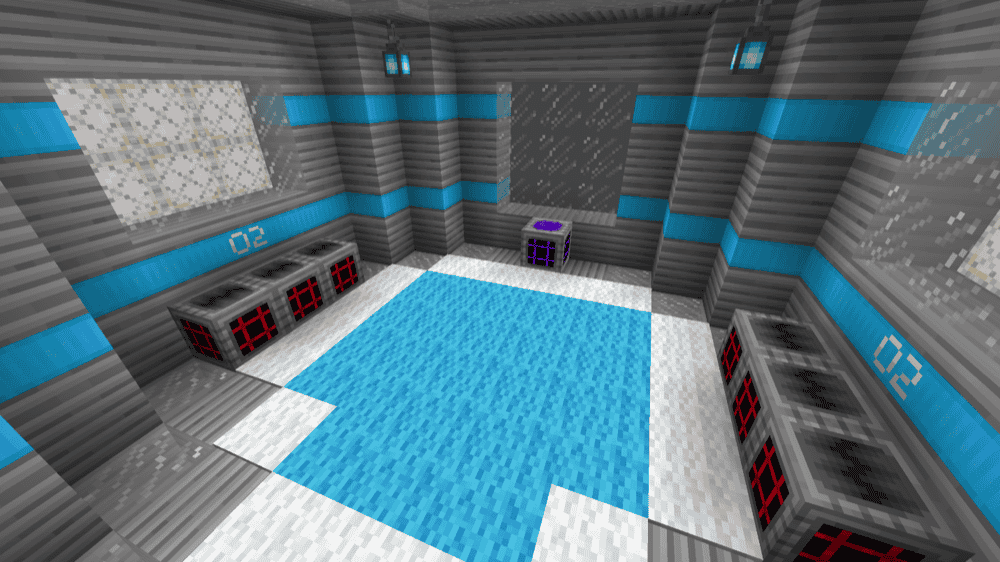
SpaceStation Mod adds a space station you can travel to, plus new resources you can use to craft tools, armor, and blocks.
You travel to the station using the "TAB" key after you craft one of the two permits, then upgrade parts of the station using basic or advanced wafers and the upgrade blocks you see when you arrive. There are three areas you can improve – the room area (beds and decoration), the work area (a dehydrating machine, incinerators, and lockers), and the asteroid area where you can catch asteroids and pull ore from them to make new armor.
10. Starflight Innovation
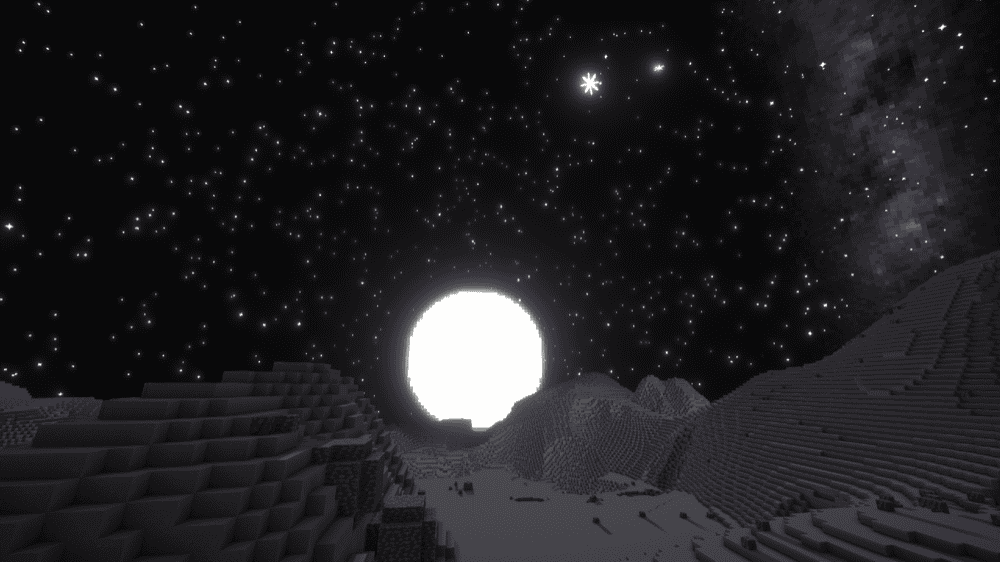
Starflight Innovation takes a rocket science approach to space exploration, inspired by Kerbal Space Program and Spaceflight Simulator. You build rockets in Minecraft while managing things like bi-propellant fuel supply, engine thrust and efficiency, and delta-v budgeting as real gameplay mechanics, starting with electric machines that produce hydrogen and oxygen for your first serious launches.
The Moon and Mars are listed as possible destinations, with celestial objects rendered from a working solar system model as you travel. The mod also comes with practical survival-minded systems and guidelines like oxygen and hydrogen tank multiblocks, solar power management, and a space suit maneuvering jet that kicks in when you sneak – just remember it uses your oxygen supply!
How to Install Mods
How to Install with the CurseForge App
- Open CurseForge → Minecraft and create a profile with the mod loader and version you need (Fabric, Quilt, NeoForge, or Forge).
- In the profile screen, click "Add More Content" (or open the three dots menu next to "Play" and choose "Add More Content").
- Click on "Add More Content" from the available options.
- Search for the mod you need and click "Install".
- Play from the CurseForge app.
How to Install Mods Manually
- Install a mod loader that matches your Minecraft version (Fabric, Quilt, NeoForge, or Forge).
- Run the installer to add a new profile in the Minecraft Launcher.
- Download the mod’s .jar file from its project page. Make sure both the Minecraft version and loader version match.
- Drop the .jar into the mods folder inside your ".minecraft" directory (create the folder if it doesn’t exist).
- Launch Minecraft using the new loader profile.
Note: Make sure to check if the mod has been recognized by the game. On the title screen, click “Mods”. If the mod lists any required dependencies (like Fabric API), install those too. Please also note that if using Fabric, the "Mods" button will only appear if the "Mod Menu" mod is installed.
Common mods folder locations:
- Windows: %AppData%\.minecraft\mods
- macOS: ~/Library/Application Support/minecraft/mods
- Linux: /home/<your-username>/.minecraft/mods
Common Issues and Quick Fixes
Loader or Minecraft version does not match
If Minecraft fails to start or a mod does not show up in-game, the first thing to check is whether the file matches your loader and game version. For example, Create: Northstar is listed for Forge, while Stellaris is listed for Fabric.
I’m missing required dependencies
If you see an error about a missing dependency, it usually means a required library mod is not installed. Here are the required dependencies listed on the mod pages:
- Ad Astra: Resourceful Lib, Resourceful Config, Botarium.
- Stellaris: Fabric API (Fabric only), Architectury API, Sky Aesthetics, Potentials API.
- Create: Northstar - Create, GeckoLib.
- Advanced Rocketry: ARLib.
I’m running into OptiFine compatibility issues
If you plan to use OptiFine, note that Ad Astra is described by its maintainers as not working well with OptiFine. If you run into issues, testing without OptiFine is a straightforward way to confirm whether the conflict is the cause.
How do I update older Galacticraft installs?
If you are switching to Galacticraft Legacy from older Galacticraft installs, it is packaged as a single .jar file and you are expected to remove the older jar files (GalacticraftCore, Galacticraft-Planets, MicdoodleCore) to avoid conflicts.
I experience multiplayer issues with Create: Northstar
If you are planning to use Create: Northstar in multiplayer, the author notes it has not been tested in multiplayer and recommends treating server use with caution.