Fabric is a lightweight, fast mod loader that’s become the go-to choice for players who want a smoother game and tons of mod options. It’s best known as the platform that runs Sodium, the mod almost everyone installs first for a massive FPS boost. Sodium can double your FPS, especially on weaker PCs, making the game feel much smoother.
Sodium is just the start. Pair it with Lithium for better game logic performance and LazyDFU for quicker startup times, and you’ve got a noticeably faster Minecraft without changing gameplay.
In this guide, I’ll walk you through the two easiest ways to install Fabric: using the CurseForge app, and installing it manually with the official Fabric installer.
Method One: Install Fabric with the CurseForge App
- Open CurseForge and click on “Minecraft”.
- If it’s your first time, you’ll be asked to set up a Minecraft modding folder, choose Standard (Recommended) and hit “Continue”.
- You’ll land on the My Modpacks page (which will be empty if you don’t have any modpacks yet).
- Hit “+ Create” in the top-left or “Create Modpack” in the center if the page is empty
- In the Create Profile setup window, set Modloader to Fabric
- Pick the Minecraft version you want (make sure it matches the mods you plan to use).
Tip: If you’re unsure, stick with the latest recommended Fabric version, unless a specific mod requires an older one
- Name your profile and hit “Create”.
- Once the profile is created, you’ll see a “Play” button. Click on the three dots next to it and hit “Add Content” to browse and install Fabric mods directly.
Alternatively, you can choose “Open Folder” and manually drop your downloaded .jar mods into the profile’s mods folder.
- When ready, hit “Play” in CurseForge.
Method Two: Install Fabric Manually
If you don’t use CurseForge, or you want more control, you can install Fabric manually.
- Go to the official Fabric site: fabricmc.net/use.
- Download the Fabric Installer:
- Click Download for Windows for Windows.
- Click Download Installer (Universal/.JAR) for Mac/Linux (requires Java installed to run).
- Open the installer, select “Client”, then pick your Minecraft version and Loader version.
- Click “Install”. This will create a Fabric profile in your Minecraft Launcher.
- Launch Minecraft and select the new Fabric profile.
- Download the Fabric API, place the .jar into your .minecraft/mods folder.
- on Windows C:/Users/<YourUsername>/AppData/Roaming/.minecraft/mods).
- on MacOS ~/Library/Application Support/minecraft/mods).
- Add any other Fabric mods to the same folder.
- Relaunch Minecraft with the Fabric profile.
Tip: Almost all Fabric mods need the Fabric API. If your game crashes or mods don’t load, double-check that it’s installed.
Top Fabric Mods by Community Downloads
Performance (Fabric-specific)
These mods focus on speed and smoothness. In most cases they only need to be on the client, although some can be installed on the server too for better optimization.
- Sodium - The must-have FPS mod for Fabric. Makes rendering much smoother and fixes a lot of stutter. Install on Client-side only.
- Lithium - Speeds up game logic (ticks, mob AI, physics), less lag for big bases and mobs. Tiny change, big difference.Install on Client + Server - for better multiplayer performance.
- LazyDFU - Speeds up game launches by deferring heavy initialization. Tiny install, noticeably faster startup.Install on Client + Server - for faster startup there as well.
- Iris Shaders - Want shaders on Fabric? Iris is the way to do it and it’s built to work with Sodium (so you can have shaders without OptiFine). Install on Client-side only.
- Fabulously Optimized (modpack) - Fabulously Optimized is a lightweight Fabric modpack that boosts performance and visuals, it includes Sodium, Lithium and other optimizations so Minecraft runs smoother on most PCs. It supports most OptiFine features (shaders, connected textures, zoom), doesn’t add content mods (so you can join vanilla servers), and gets fast updates. Perfect if you want an easy, plug and play way to get better FPS and shaders.
Gameplay mods to try
If you want changes to the world or new content, try these, they need to be installed on both Client + Server.
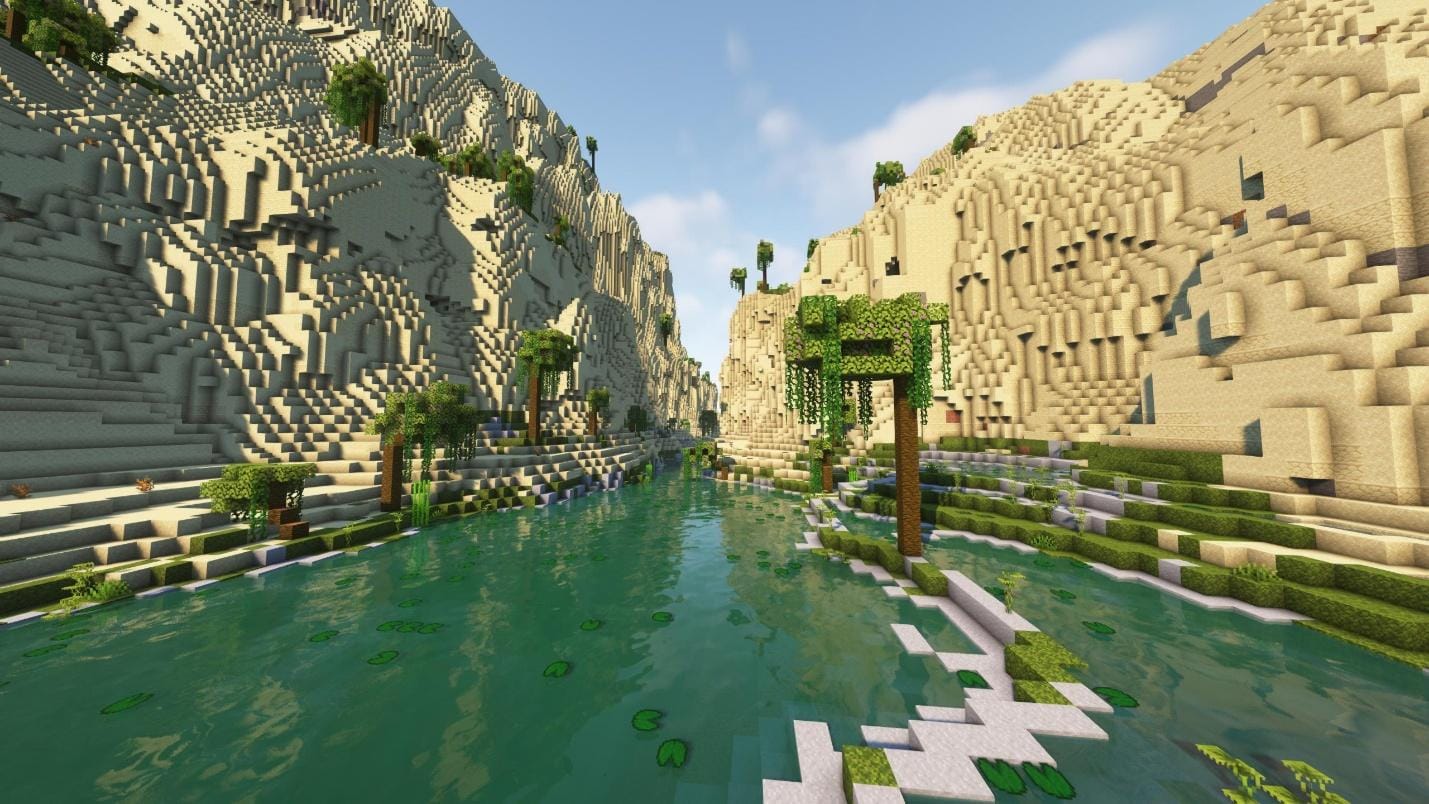
1. Terralith
2. Friends & Foes
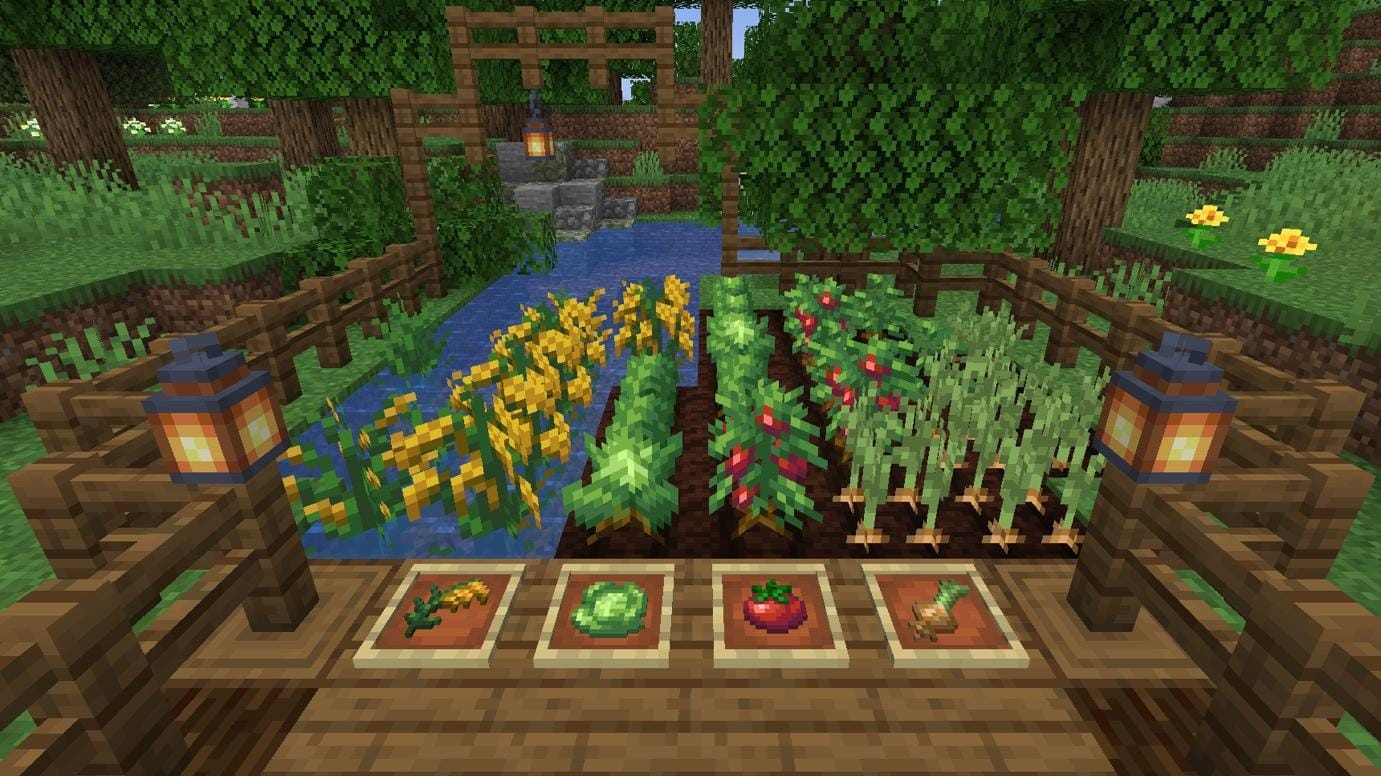
3. Farmer's Delight Refabricated
Common Issues & Fixes
- If your game crashes on launch with a screen saying "Incompatible Mod Set!" and a message like: Mod 'X' requires any version of fabric-api, which is missing! You are missing the Fabric API library. Download the file fabric-api.jar for your version of Minecraft and drop it into your mods folder.
- Minecraft crashes on launch - Check that your Minecraft version, Fabric version, and mod versions match. Remove recently added mods one by one to find conflicts.
- Can’t see Fabric profile in launcher - Re-run the installer, or make sure you launched Minecraft once after installing.
Conclusion
Fabric powers some of the best mods available today. Whether you install it through CurseForge for convenience or manually with the Fabric installer for control, the process takes just a few minutes. Once it’s set up, just drop your mods into the mods folder, and you’re ready to explore a smoother, modded Minecraft experience.