Horror in Minecraft can be more than darker nights. These mods add stalkers, ambience, scripted events, and entire dimensions that turn exploration into tension. Most are regular content mods meaning you can install them like any other just match your loader (Fabric/Quilt/Forge/NeoForge) + Minecraft version.
A faithful, atmospheric take on Herobrine: subtle sightings, ambient events, and escalating encounters that keep you on edge – "you can't see him… but he can see you". The team ships versions for major loaders and multiple versions, plus a datapack edition. Pick the one that matches your setup and follow the project notes for version-specific behavior.
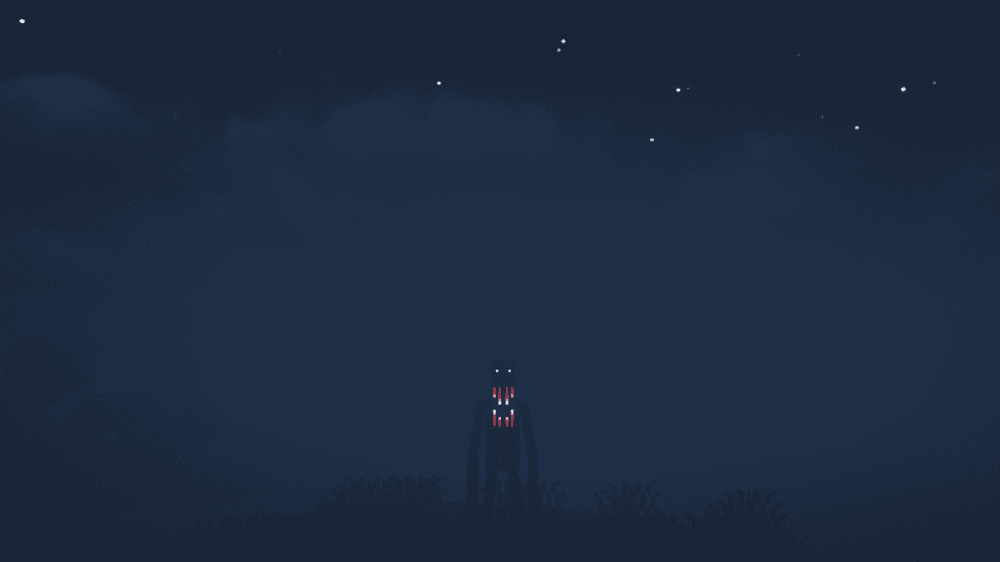
Adds a tall, relentless stalker that watches from afar and closes in when ignored. By default it attempts to spawn every night or two (fully configurable). When you look at it, it may vanish or turn aggressive, and once it has spawned, you can't simply avoid it. Encounters are designed to ratchet tension in routine survival play.
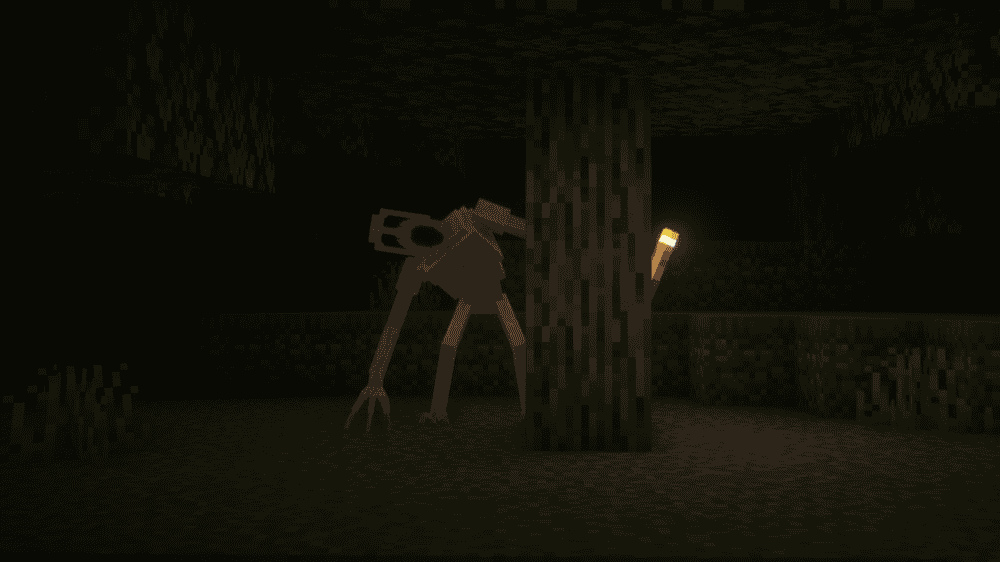
A scarier take on the Cave Dweller that combines models and sounds from community projects to ramp up tension underground. Expect heavier ambience and more unnerving encounters.
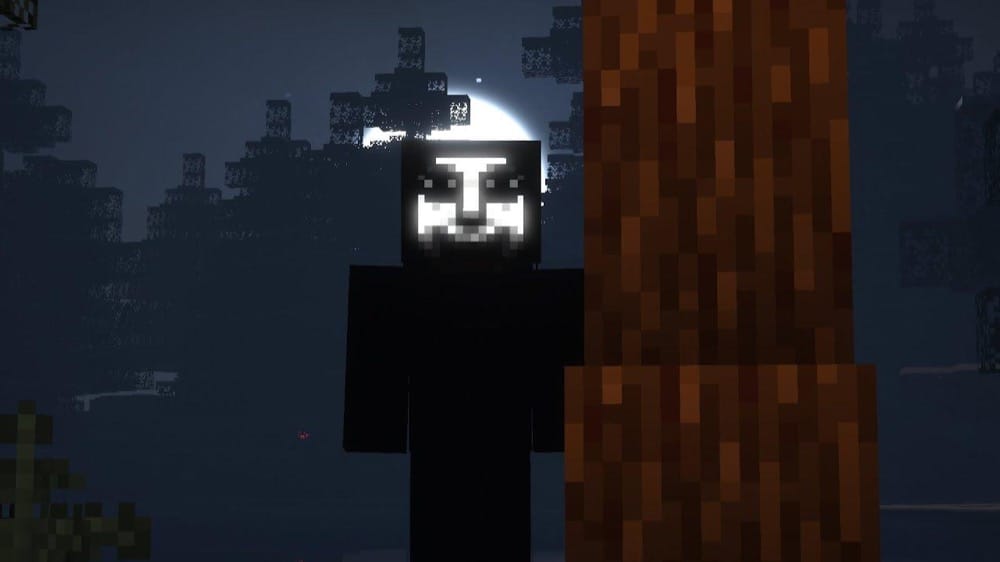
Adds an unpredictable, human-like stalker that tracks your movements, knocks, jumpscares, and may visit during sleep. Its enhanced AI "knows where you live" creating base-centric tension and late-night encounters without constant combat. Ideal for survival worlds where you want creeping dread between routine tasks.
Adds the iconic Weeping Angels, enemies that move only when unobserved so don't blink. Angels teleport victims (even across modded/datapack dimensions), can be detected with a Timey Wimey Detector, and can only be hurt with a pickaxe or a Chronodyne generator. The mod includes Vivecraft support for VR (virtual reality) players.
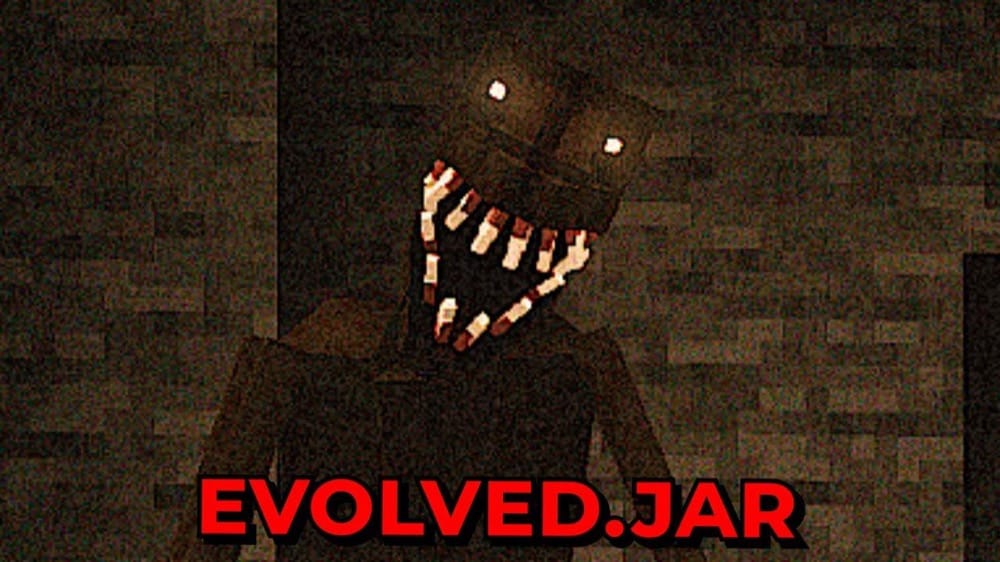
Adds a relentless stalker that grows more aggressive the longer you play. It's most active in caves, heightening tension during mining and exploration, and its behavior escalates across phases especially if you're not sleeping, turning long worlds into a slow-burn horror experience. Encounters typically don't happen in the first few days, which makes the first appearance hit much harder.
A survival-focused horror mod that adds iconic horror characters and supporting items into Minecraft. Encounters range from stalkers to boss-like threats, each with custom behaviors and lore, turning routine exploration into tense, unpredictable fights.
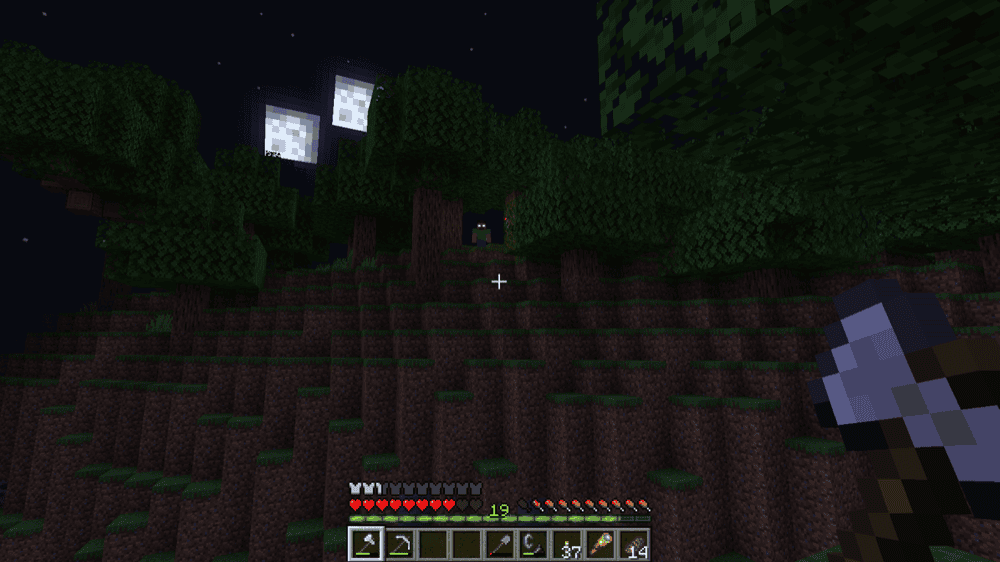
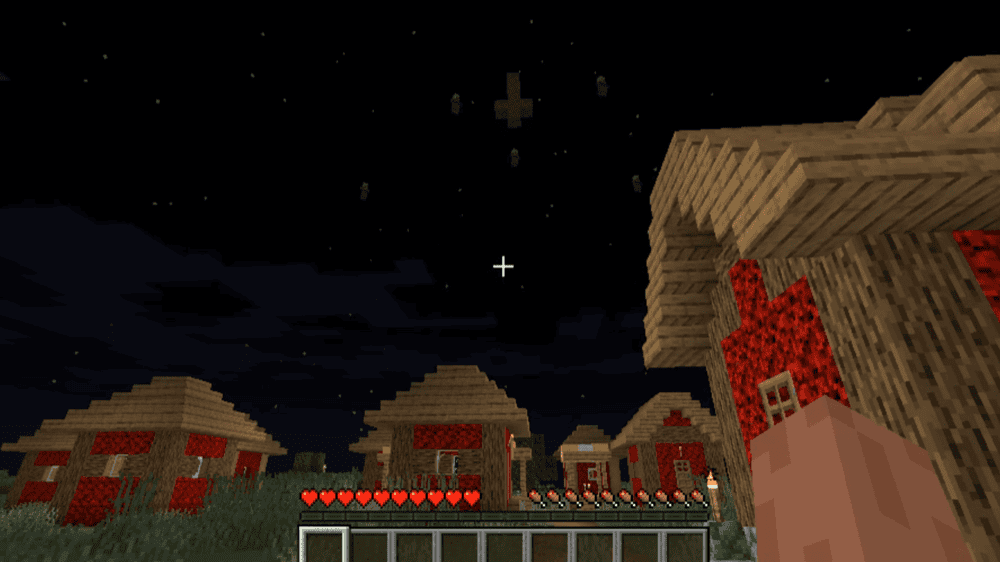
Adds a psychological horror stalker that appears unpredictably, messes with your perception, and can kill you if you get too close. You'll hear footsteps, catch glimpses, and second-guess what you saw. He doesn't always attack, which keeps tension high. By default he won't spawn during the first day/night and may not appear every night, so encounters stay rare and unnerving. Keep your distance.
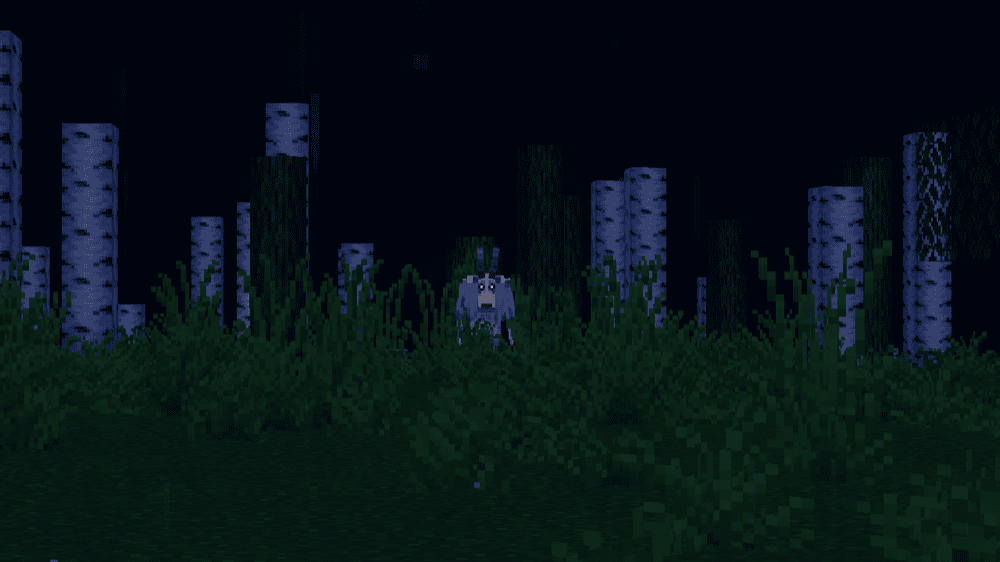
Adds an urban-legend GoatMan that stalks players, attacks mobs, and ruins crops, applying effects like nausea, weakness, and blindness. Its AI can fake attacks, avoid certain NPCs, and break doors, trapdoors, glass, fences, and slabs. Its knockback-heavy hits and tendency to retreat at low health make bases and farms feel especially vulnerable.
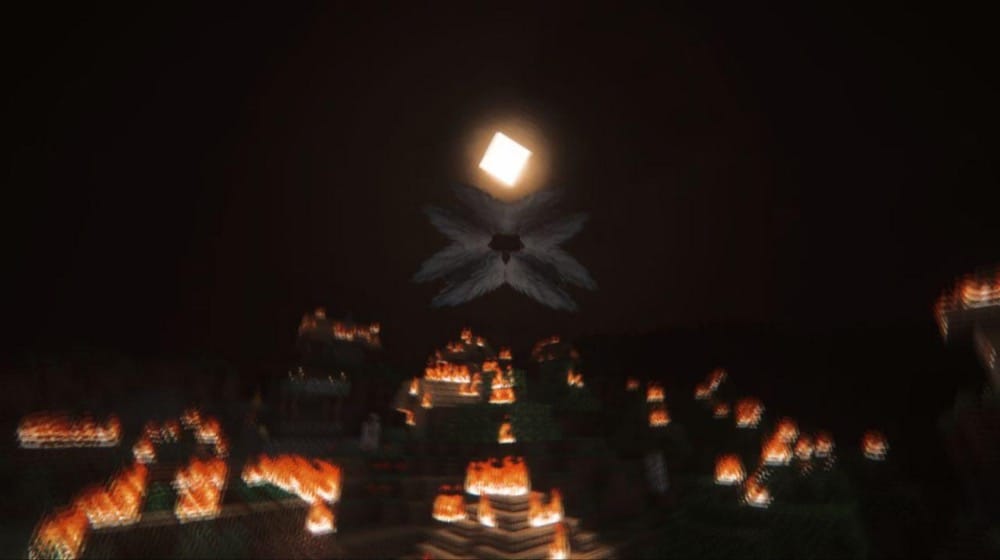
A karma-driven horror mod where a sky-watching entity tracks your actions and reacts through scripted "divine" events. Do good, and you may receive minor blessings. Do harm, and the encounter pool grows harsher – 24 events in total across recent builds. Karma rises by defeating hostile mobs and drops (more) for harming neutrals/passives, so poor choices push you toward deadly consequences.
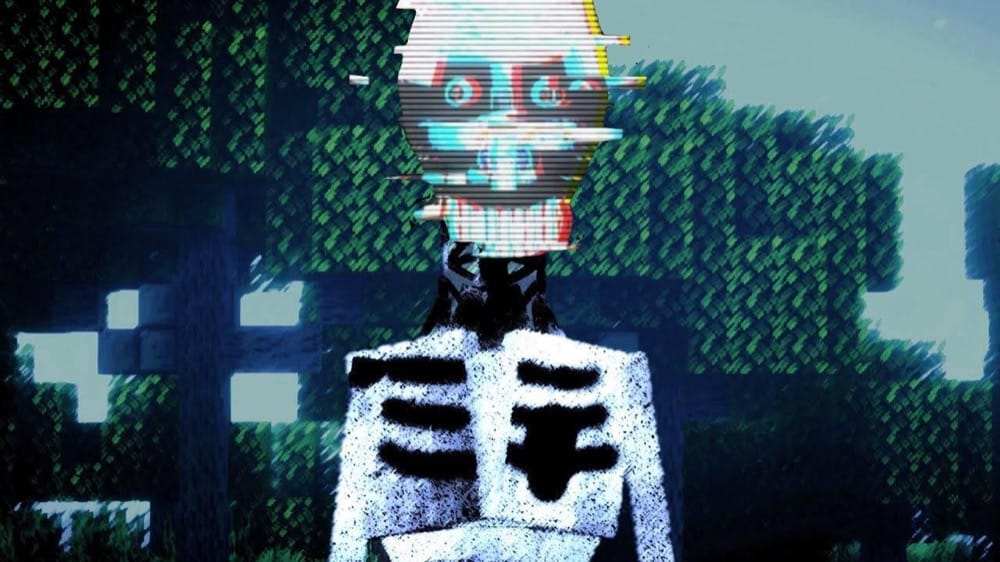
A slow-burn, ARG-flavored horror mod inspired by Doctor Nowhere's "The Boy and the Bath". It adds Guilt – a smart, unpredictable entity that stalks in multiple forms, plays mind games, and ramps dread over 5–7 hours of play. Expect screamers and loud sounds, and occasional light world griefing.
An ARG-inspired, atmosphere-first horror mod that uses random, configurable environmental events to create the feeling that "something is wrong" – no constant jump-scare chases. The author recommends Alpha/Beta era textures & sounds (and optional classics like Herobrine) for maximum nostalgia. Play patiently, explore, and tune intensity via the configuration file to suit your world.
Adds the Wilted – a tree-like horror that draws power from darkness, targets the player as the world's "light source," and uses randomized behaviors each time it spawns. Expect advance warning (ominous sounds and fog before attack night), disguise/reveal moments, light-snuffing roots, and escalating night assaults. By default, the first encounter is early in a new world and subsequent visits recur after a few days. Spawn timing and behavior intensity are configurable.
A slow-burn psychological horror mod that blurs the line between game and desktop. Expect random, paranoia-inducing events, occasional entities/anomalies, and system interactions like desktop text files, custom pop-ups, window shakes, intentional crashes, and even world bans/grief as part of the experience.
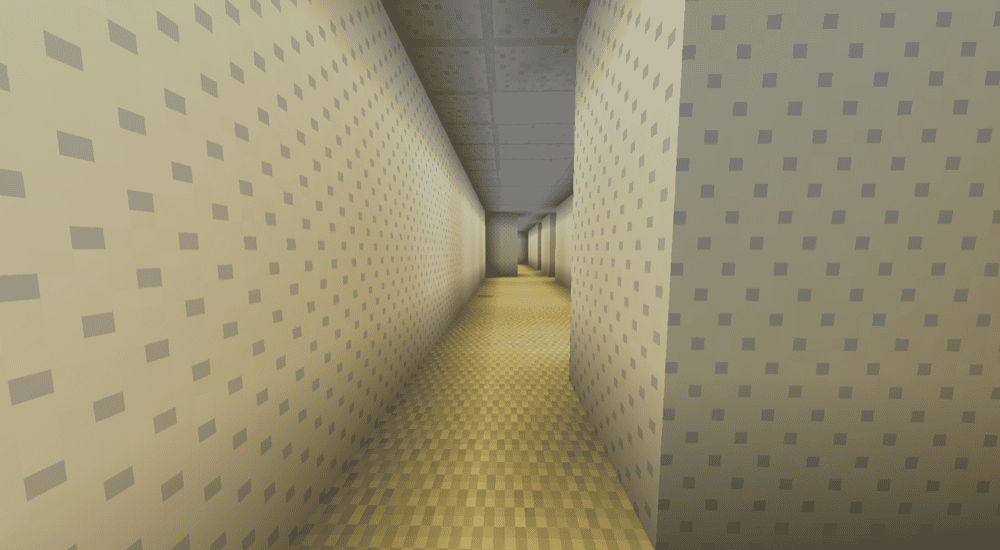
Transports players into the Backrooms – procedurally generated, liminal spaces inspired by the wiki's lore. The mod includes Levels 0–3, from the famous mono-yellow halls with damp carpet and buzzing fluorescents to concrete service corridors and harsher industrial tiers. You enter this area through in-game accidents, like misthrowing an ender pearl and slipping out of the world, or getting stuck inside falling blocks. Surviving there is meant to be very hard, with little food, unsettling background sounds, and dangerous enemies.
Downloading from mirrors → corrupted/unsafe jarsIt’s generally safest to download from CurseForge or from the author’s site listed there, as many projects warn against third-party rehosts.