If you’re into machines, automation, and building systems that do the work for you, tech mods are the perfect fit for you. They turn Minecraft into a game of balancing production rates, power networks, and the sort of progress where your base keeps growing every session, whether you want simple quality-of-life storage or full factory-scale processing.
1. Create
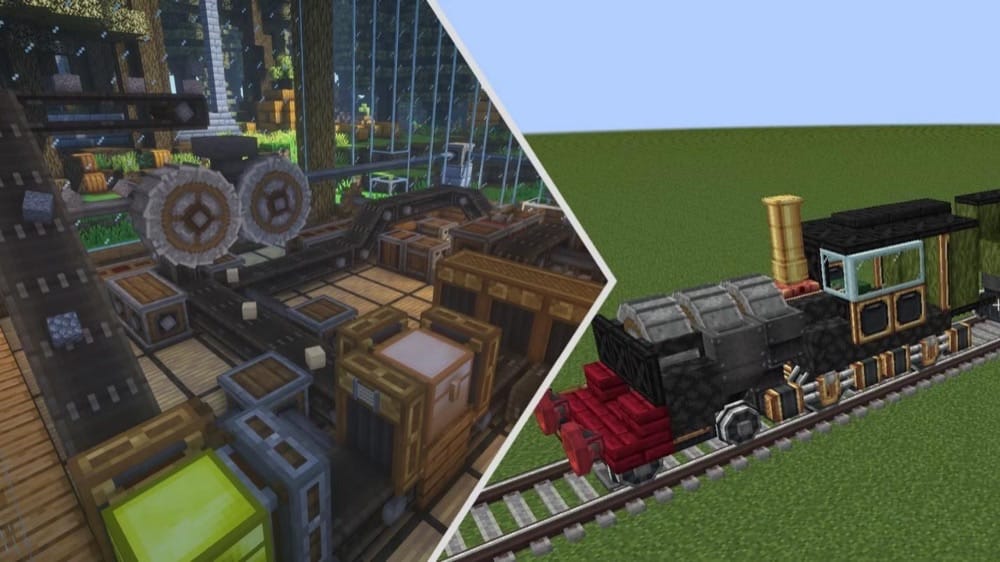
Create is one of the biggest mods of the decade and is all about hands-on automation with a steampunk aesthetic: gears, belts, rotating contraptions, and trains you physically build in the world before setting them off on tracks. It's perfect if you want factories that look alive instead of everything happening inside menus.
Create also comes with Ponder – an in-game guide that explains every block and setup step-by-step with animated visuals, which makes learning the mod a breeze. Once you have experienced the base mod, Create has hundreds of community-made addons you can try, adding everything from more trains and tracks (Steam & Rails) to entirely new production mechanisms (Enchantment Industry).
2. Refined Storage
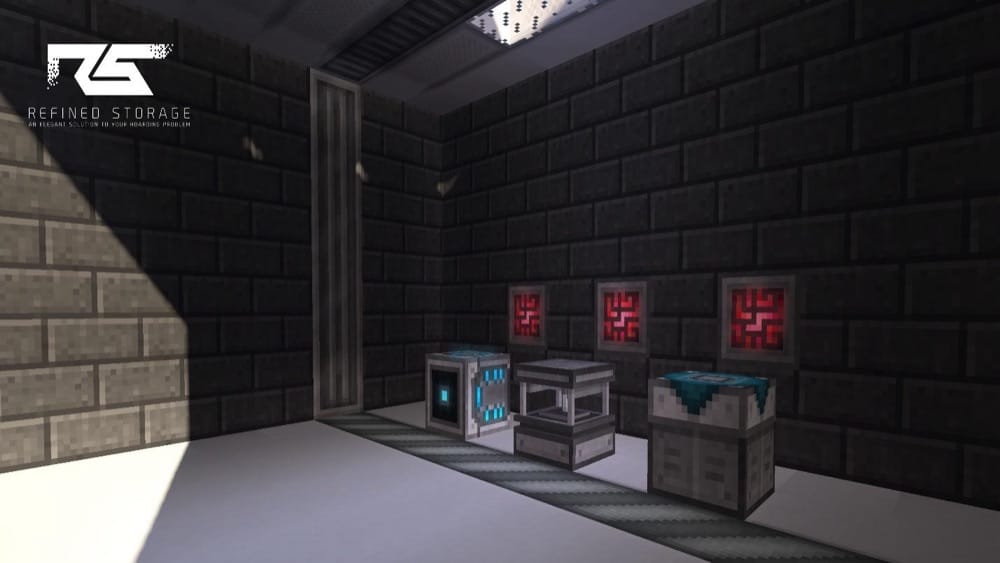
Refined Storage is a clean, straightforward digital storage mod. You build a network, plug in storage disks for items and fluids, and manage everything from a single grid screen. Search, sort, and pull what you need without digging through chests.
The mod also adds the usual network utility blocks (importers/exporters, constructors/destructors, etc.) so your base can move items and blocks in and out automatically, plus auto-crafting for turning big recipe chains into a couple of clicks.
3. Applied Energistics 2 (AE2)
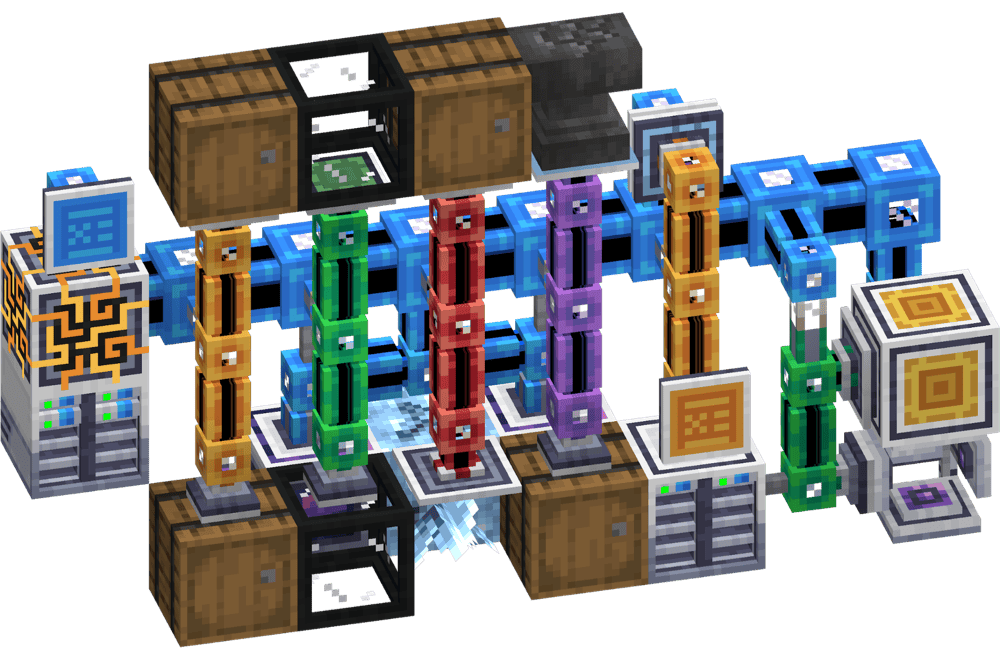
Applied Energistics 2 (AE2) is a digital storage network mod. Instead of endless chests, you build a system that digitizes items to store them in drives and lets you search, sort, and pull anything from one terminal.
The big event here is auto-crafting – simply set up patterns once, then request items on demand. AE2 also has the option to use channels (use the "/ae2 channelmode" command in-game to configure it, or check the config file), so expanding your network takes a little extra planning instead of being a set of magic boxes you connect with a single magical cable. It also has spatial storage for late-game builds where you can store a large section of the world inside a single cell.
4. Immersive Engineering
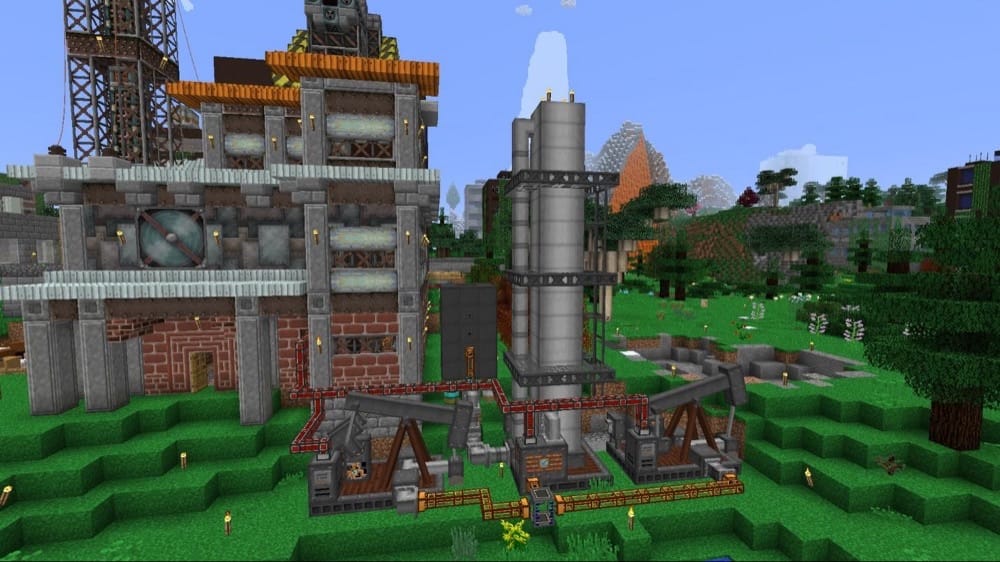
Immersive Engineering is a retro-industrial tech mod that focuses on real-looking machines and power systems. Instead of magic-looking blocks, you get things like hanging power lines, chunky multiblock machines (Crusher, Excavator, etc.), and generators like water wheels, windmills, and biodiesel setups. For the industrially advanced there is an also unofficial add-on that adds oil drilling and related machines and works very well with the base mod.
Like most tech mods, Immersive Engineering uses the Forge Energy system, but power is routed through wires strung between connectors you place in the world, which makes your base feel more like a real factory. Just be careful of where your wires are, or you might be in for a shocking surprise!
5. Botania
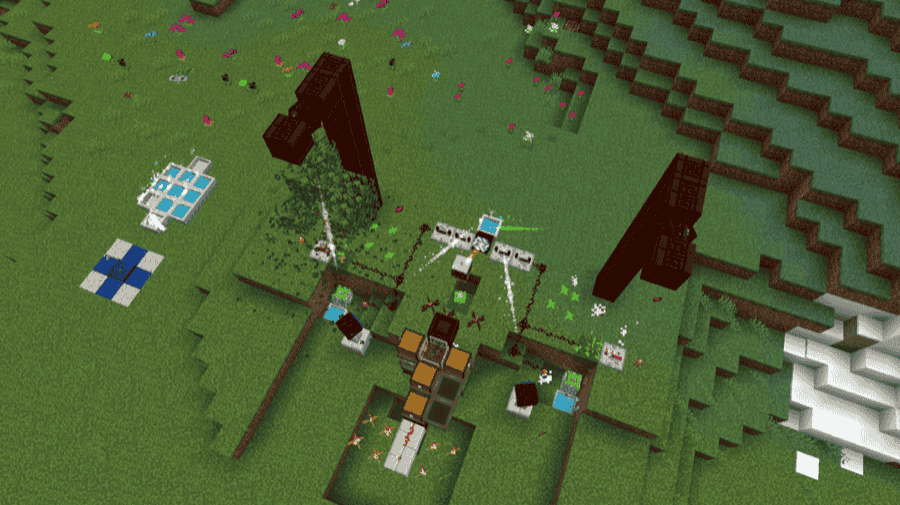
Despite looking more like a magic mod on the surface, at its roots Botania is a tech mod built around mana and magical flowers that interact with the world around you. You set up flower systems that generate mana, then use it to run tools, gadgets, and clever contraptions through in-world interactions instead of menus and pipes.
It's the kind of mod where your base ends up looking like a fancy garden that also happens to be a factory. Also included is a boss fight and some useful wearable trinkets to power you up, and a storage system made through Corporea Sparks that can even handle autocrafting, if you have the redstone prowess.
6. Mekanism
7. Mekanism Generators
8. Thermal Expansion
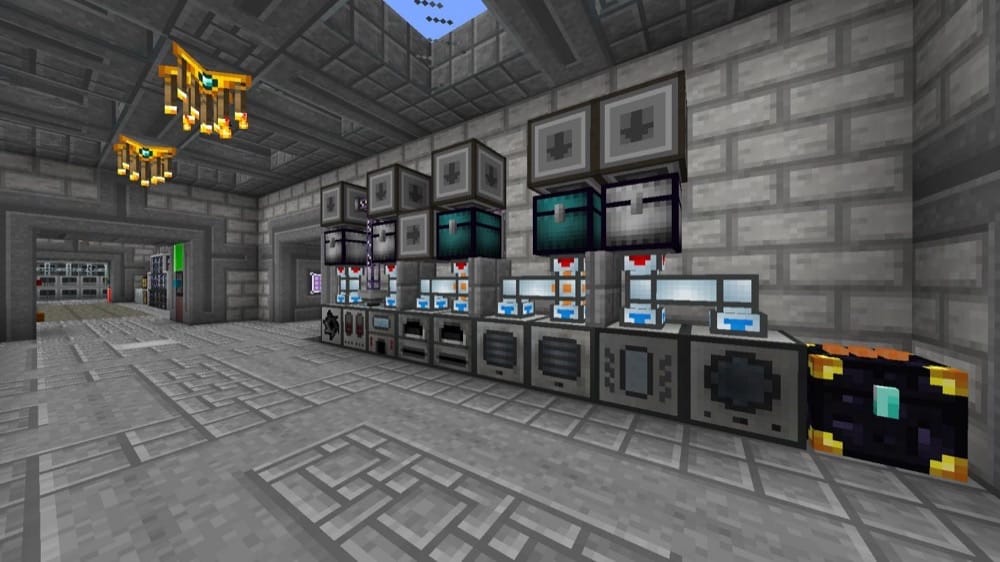
9. Industrial Foregoing
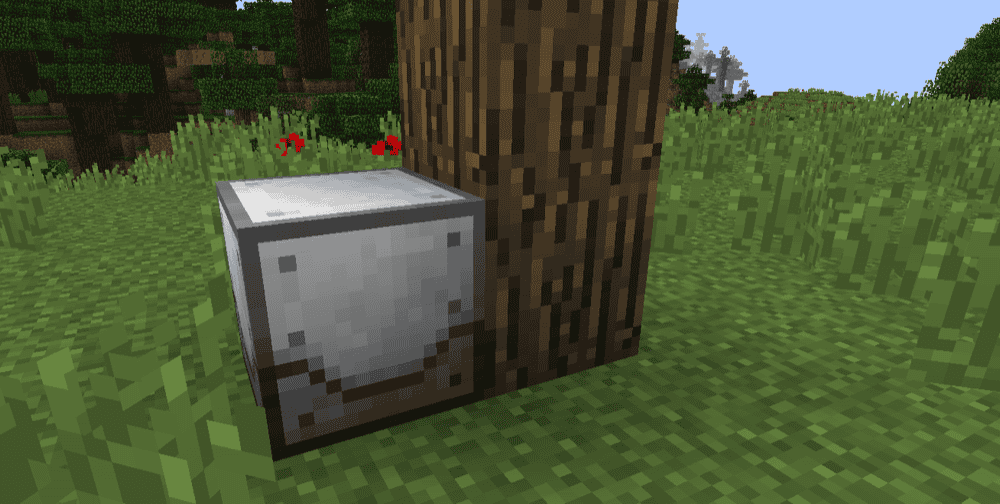
10. Ender IO
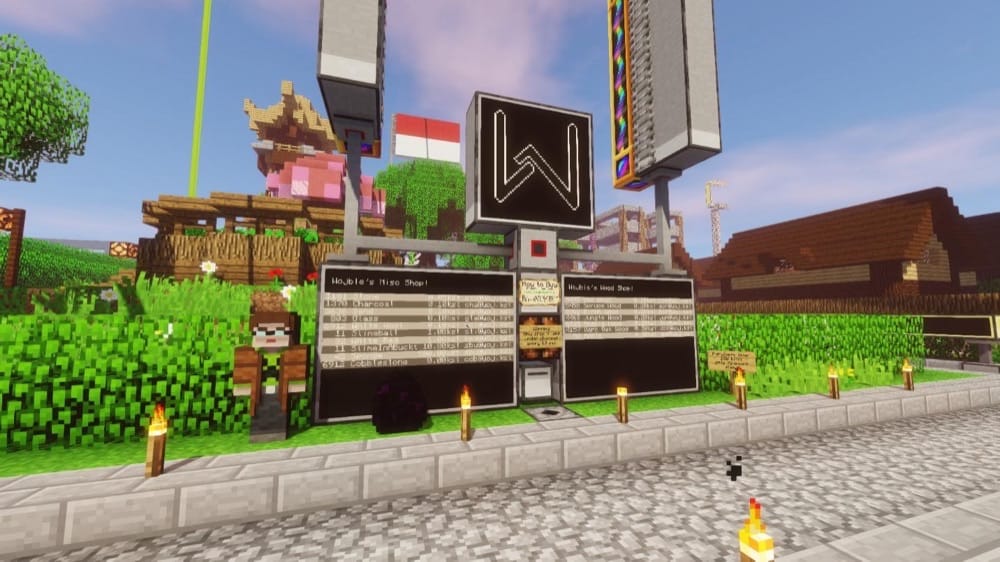
Ender IO has a little bit of everything – Machines for processing and automation and some of the best base plumbing in modded Minecraft thanks to its conduit system. You can run items, fluids, power, redstone signals, and even integrations (like AE2, Refined Storage, Mekanism chemicals) through clean, compact conduit lines that fit up to five cable types in a single block, instead of juggling a dozen different pipe mods with their own full block spaces. The mod also comes with extra gear like tools, armor, and some handy base QoL blocks.
Ender IO is currently in beta for newer Minecraft versions, so some legacy features may still be missing depending on the version you choose, although most of the good stuff, such as conduits, are still there.
11. Integrated Dynamics
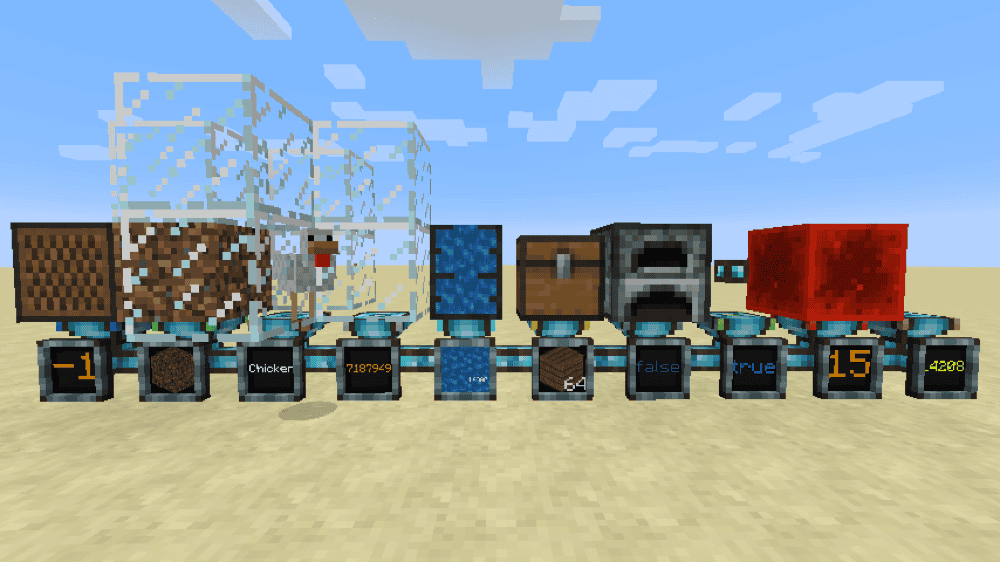
Integrated Dynamics is an automation mod built around networks and logic. You connect parts together and use variables and conditions based on almost anything – from fluid to blockstates, inventory contents and light levels – then use those to control how your setup behaves.
Think of it like redstone, but on a whole other level. Together with its add-ons, you can move items, fluids, and energy, add autocrafting, and even build full control panels for your base to make your very own storage system.
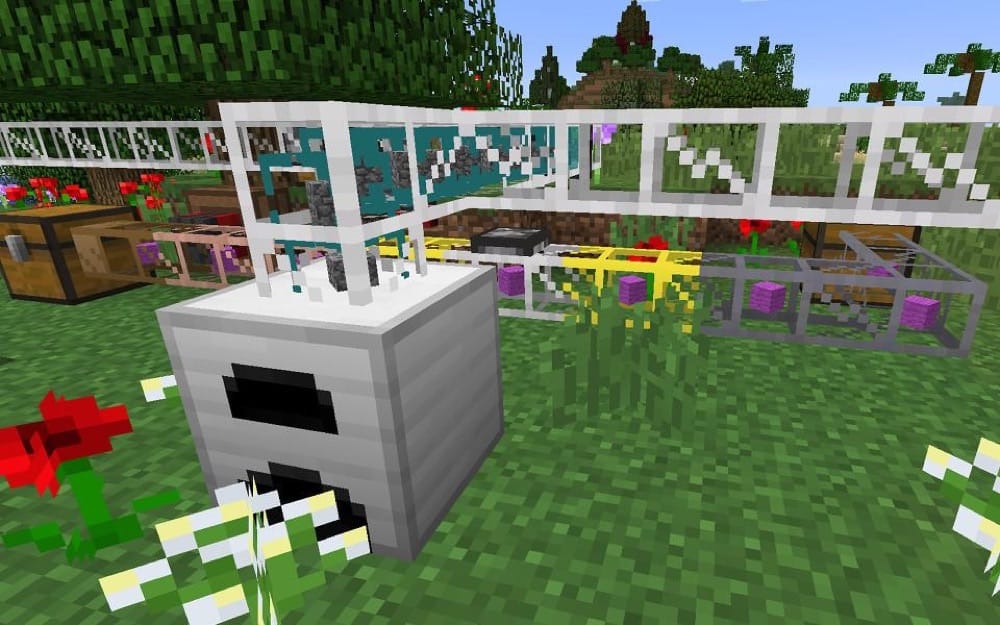
12. BuildCraft
13. NuclearCraft
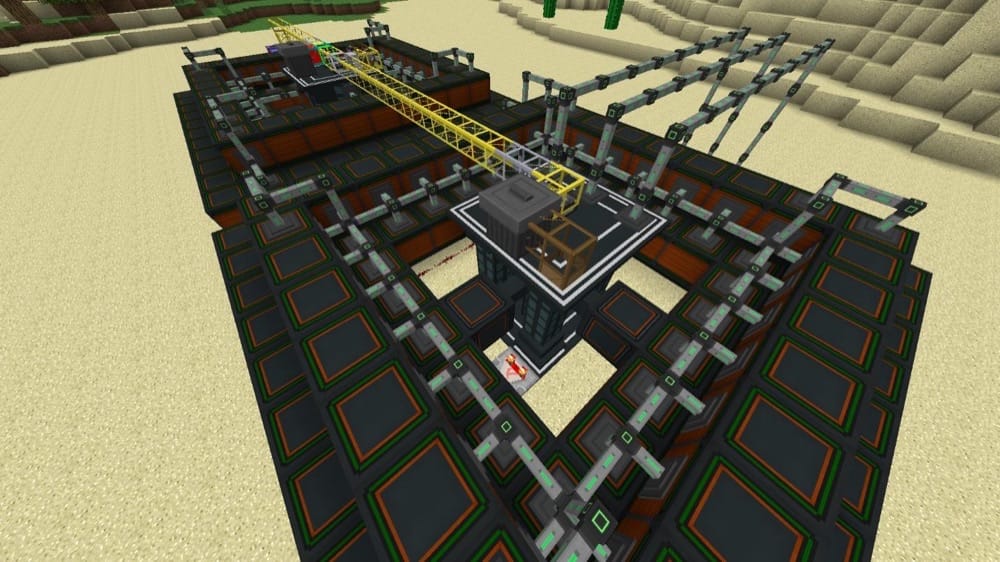
NuclearCraft is for players who want serious power generation with real engineering project vibes. You design big multiblock reactors (both fission and fusion), manage fuels and heat, and scale up into turbines, heat exchangers, and advanced setups.
Fission reactors require a lot of thought put into designing them, with different blocks either producing heat or removing heat from the reactor, making it a careful balance between power generation and imminent explosions. And be careful with those explosions as radioactive fallout in the game is no joke!
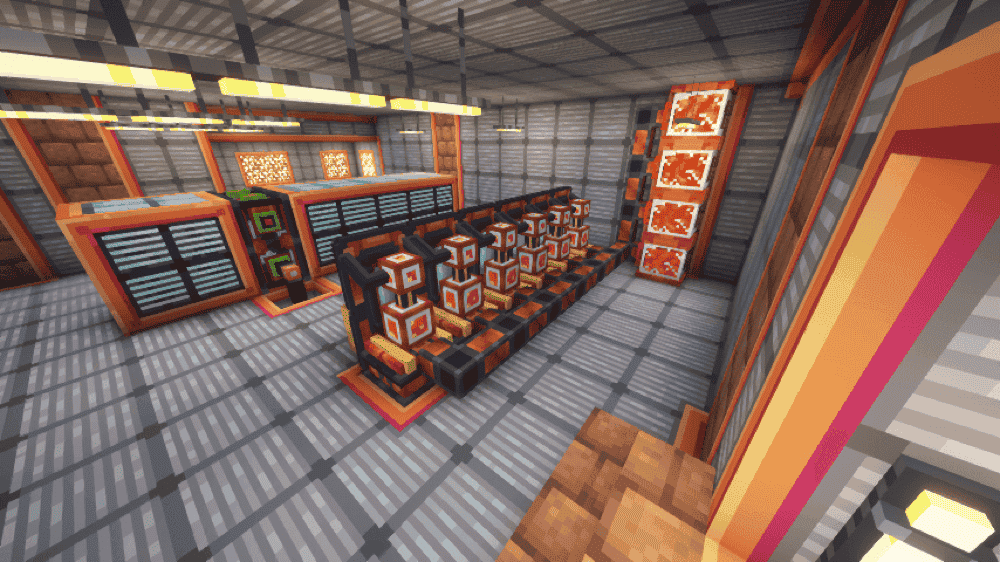
14. Oritech
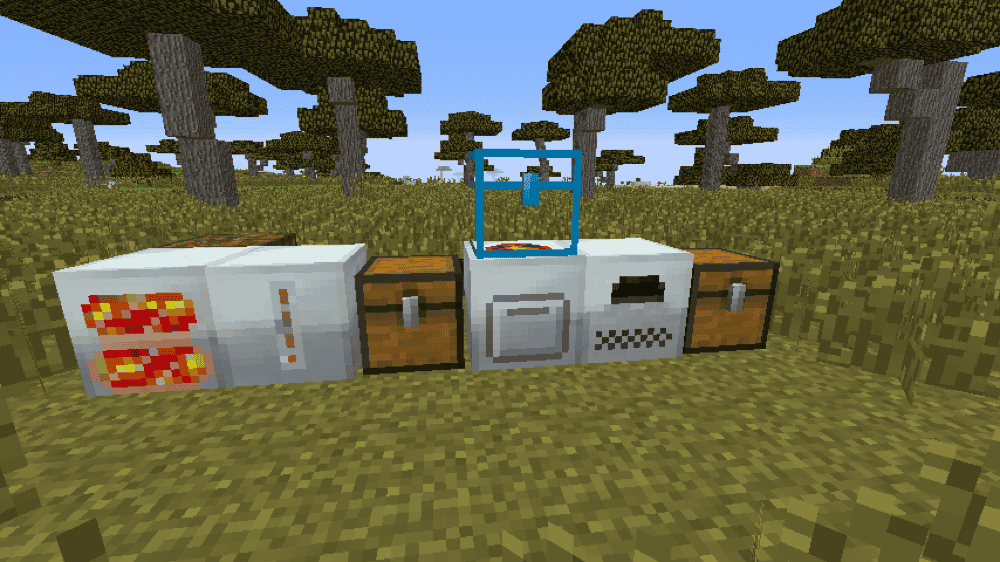
15. IC2 Classic
How to Install Mods
How to Install with the CurseForge App
- Open CurseForge → Minecraft and create a profile with the modloader and version you need, Fabric, Quilt, NeoForge or Forge (depending on which mods you are looking to install).
- Open your profile and click the three dots next to "Play".
- Click on "Add More Content" from the available options.
- Search the mod you need and click "Install".
- Play from the CurseForge app.
How to Install Mods Manually
- Install a mod loader that matches your Minecraft version (Fabric, Quilt, NeoForge, or Forge).
- Run the installer to add a new profile in the Minecraft Launcher.
- Download the mod’s .jar file from its project page. Making sure both the Minecraft version and loader version match.
- Drop the .jar into the mods folder inside your .minecraft directory (create the folder if it doesn’t exist).
- Launch Minecraft using the new loader profile.
Note: Make sure to check if the mod has been recognized by the game. On the title screen, click “Mods”. If the mod lists any required dependencies (like Fabric API), install those too. Please also note that if using Fabric, the "Mods" button will only appear if the "Mod Menu" mod is installed.
Common mods folder locations:
- Windows: %AppData%\.minecraft\mods
- macOS: ~/Library/Application Support/minecraft/mods
- Linux: /home/<your-username>/.minecraft/mods
Common Issues and Quick Fixes
Mod won’t launch / crashes on startup
- Make sure you’re using the right loader(Forge vs NeoForge vs Fabric).
- Double-check Minecraft version matches the mod version.
- Install the mod’s required libraries (common ones: CoFH Core for Thermal, Titanium for Industrial Foregoing, Cyclops Core for Integrated Dynamics, Patchouli and Curios for Botania).
- If you are using Optifine or similar, try launching the game without it first as performance mods can often make changes that are incompatible with other mods.
I get a “Missing dependency” error
Read the crash message and install whatever it names (it’s usually a library mod). The mod’s page can also list required dependencies, so check there as well.
Worldgen mods not generating / nothing changed in-game
Most worldgen changes such as new ores or oil wells only appear in new chunks. Explore new areas or start a new world if you want full coverage.
My in-game machines won’t run
Some mods (particularly on older minecraft versions) use different power systems. Make sure you’re not mixing EU (Energy Units) and FE (Forge Energy – though mods often have a fancier name for it) without a dedicated converter block.
Other fixes include:
- Check your machine side configuration (input/output sides could be wrong). Some machines have unconfigurable sides, so try rotating them with the mod’s wrench item.
- Some cables have limits – upgrade cables, add more lines, or avoid bottlenecks.
Recipes don’t show up
Install a recipe viewer: JEI / REI / EMI (many mods assume you have one). If you’re using datapacks/modpack scripts, check if recipes were changed or gated.
Lag spikes / chunk lag near factories
- Avoid overloading one chunk with everything and try to spread your machines out instead.
- Reduce the number of constantly-ticking blocks (pipes, exporters, farms).
- Lower update rates in configs (if the mod supports it) and avoid spamming hundreds of small generators.
Updating the mod broke the world
- Make a backup before updating. Regular backups are a good idea too as they let you restore your world in case you corrupt your world data or face radiation problems from forgetting to add a coolant to your reactor.
- If you updated and something looks off or you get an error about the wrong versions of mods, try updating all related addons and libraries too.
- If a mod warns that worlds made on newer versions aren’t compatible with older ones, ignore this warning. If you must downgrade, make a backup first in case it goes wrong.
I don’t know what this ore is or what mod it is from
Install a mod like WAILA/HWYLA/Jade (the fork you need will depend on your Minecraft version) or The One Probe. This will provide you with a HUD display telling you what you are looking at, as well as useful information like what tool is required and which mod provides it. Most mods can typically be integrated with at least one of these two mods to show machine energy levels and contents just by looking at it, making them great for more efficient factory-centric playthroughs.