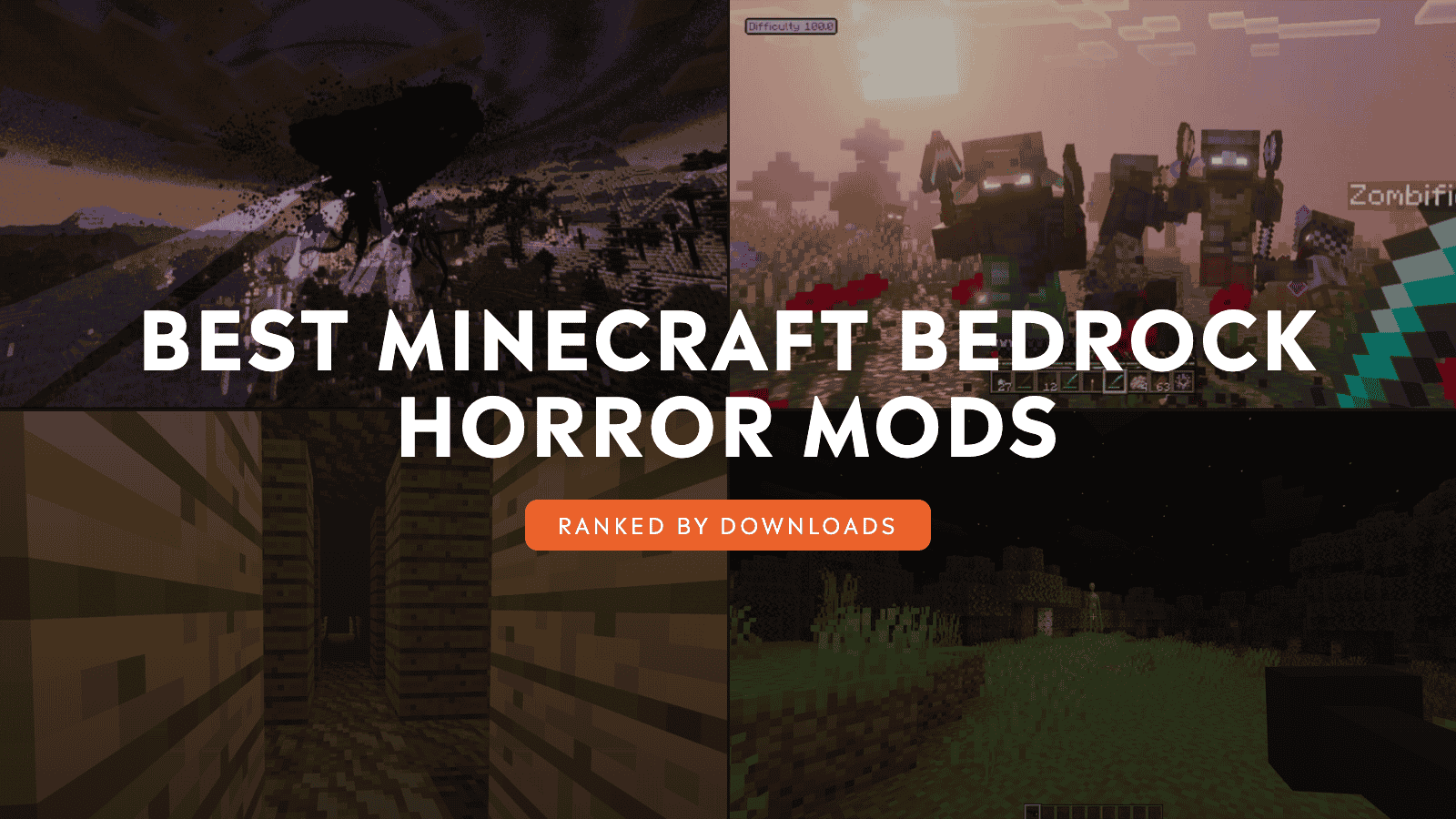
At first, everything feels familiar: you gather resources, light the caves, and return to your base before nightfall. Then a sound echoes from an empty tunnel, a figure disappears beyond the torchlight, or the thing behind you moves only after you turn away. The addons on this list build on that unease with companions that seem to know too much, stalkers that watch from the darkness, and zombie outbreaks that grow deadlier the longer you survive.
Some are slow-burn scares that slip into an ordinary world. Others rebuild Bedrock around parasites, scripted mysteries, and even a Wither Storm capable of swallowing the landscape. So, whether you want a few unsettling encounters or a full horror campaign with friends, these ten community favorites will give you plenty of reasons to keep the lights on.
1. Verity - Bedrock Edition
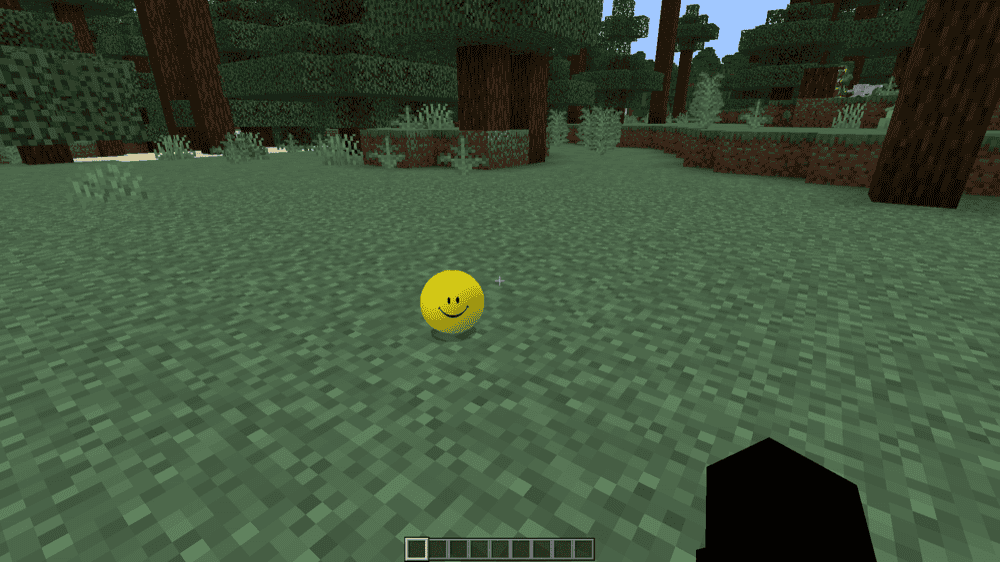
“Verity” adds an immortal yellow helper inspired by ThatMob’s Verity ARG series. Verity can answer questions about mathematics, ore locations, animal sounds, music, and more, making it a strangely capable companion for everyday survival. Stay nearby when it is on the ground so it can hear you, or type "Hey Verity" to wake it while it is in your inventory.
The helpful companion comes with several unsettling rules. Do not leave or anger it, do not invite another friend after spending two days in its world, and never ask about the village in the east. That contrast between friendly assistance and unexplained warnings turns Verity into a slow-burn source of tension, especially once you begin wondering what might happen if you break one of its rules.
2. Verity BE (Official)
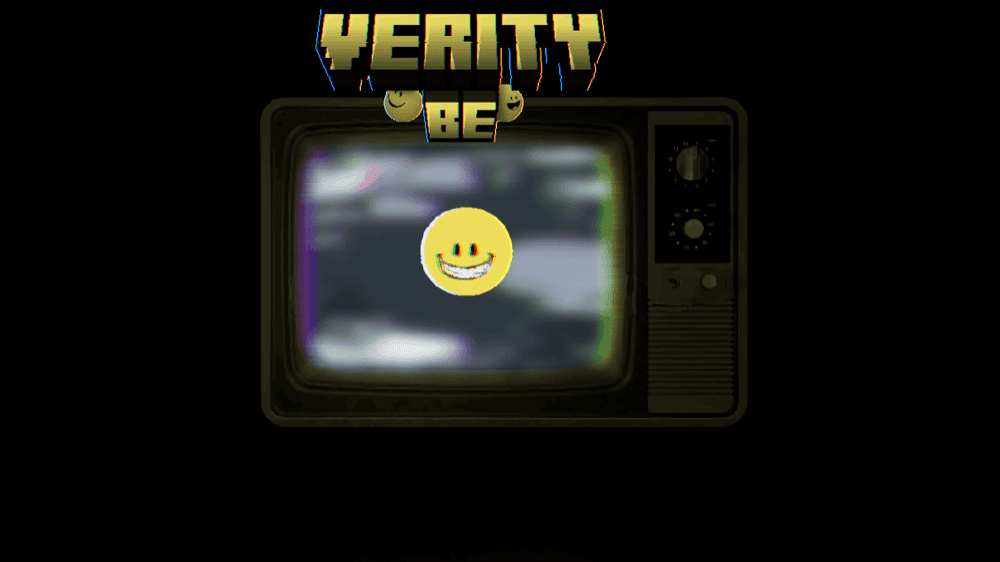
“Verity BE” introduces a mysterious yellow companion that can hear you from anywhere in the world. Begin a message with "Verity", then ask about mathematics, lore, general knowledge, or request a sound or song. Verity responds to what you write, supports conversations in different languages, and uses changing facial expressions to make each exchange feel more personal.
At first, Verity seems like a useful guide, but its personality develops through four phases the longer it remains in your world. Its wording, delivery, and reactions gradually change, turning friendly conversations into a growing mystery about what it knows and what it may become. It is a strong choice for players who prefer slow-burn psychological horror driven by interaction rather than combat.
3. True Survival - Zombie Apocalypse [MobBlocks]
![True Survival - Zombie Apocalypse [MobBlocks] Mod](https://storage.ghost.io/c/9f/8d/9f8d5b30-70cc-4195-b81c-9da992a9b9dc/content/images/2026/09/true-survival-zombie-apocalypse-addon.jpg)
“True Survival - Zombie Apocalypse [MobBlocks]” turns Bedrock into a full-scale fight against infected zombies across every biome. More than 20 abandoned structures, ranging from houses to enormous factories each can provide supplies such as food, medicine, weapons, vehicle parts, and more. The add-on offers a guide book as well that introduces the new systems and lets you adjust parts of the experience before venturing into the ruined world.
The Apocalypse Mode expands survival with hydration, energy, toxicity, injuries, and food that spoils over time. Backpacks and gravestones help preserve hard-earned supplies, with more than 20 weapons, three buildable vehicles, new ores, fuel production, supply drops, tameable dogs, and recruitable survivors providing new ways to stay alive. The result is a complete zombie-survival campaign rather than a simple enemy pack.
4. Rise and Survive - Progressive Zombie Apocalypse
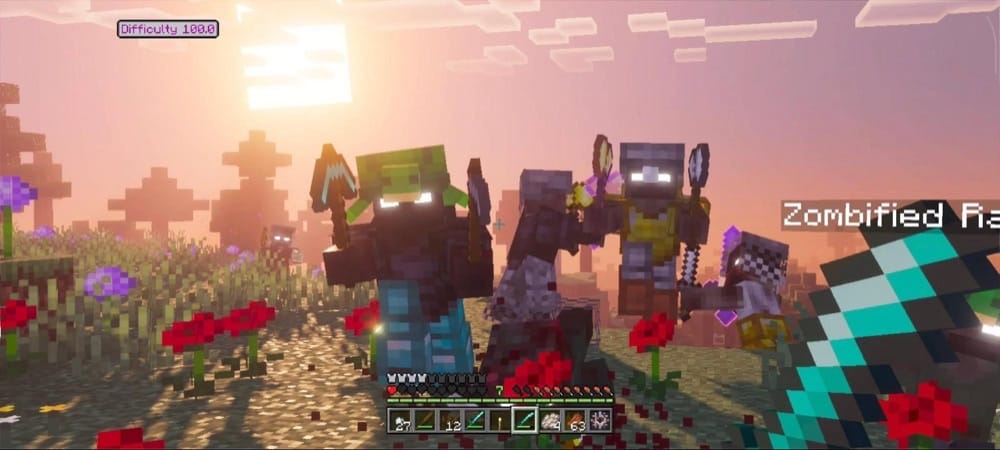
“Rise and Survive – Progressive Zombie Apocalypse” replaces the usual hostile mobs with a zombie threat that becomes more dangerous every day. A rising difficulty meter increases spawn rates, while each eight-day milestone can make zombies faster, stronger, better equipped, or capable of new abilities. Miners break through blocks, Block Placers bridge toward high positions, Enders teleport, and Bombers, Witches, Jumpers, Crawlers, Revealers, and Spitters force you to rethink familiar defenses.
Every eighth day also brings a Blood Moon that prevents sleep and guarantees one or two horde events. Zombies can follow the scent of injured players, respond to horns and bells, and spread an infection that only a Golden Apple can cure. Reinforced fences, spike traps, and new melee weapons give you ways to fight back, while adjustable horde sizes and infection rates let you decide how unforgiving the apocalypse becomes.
5. Twixxel's Stalkers - Bedrock Edition
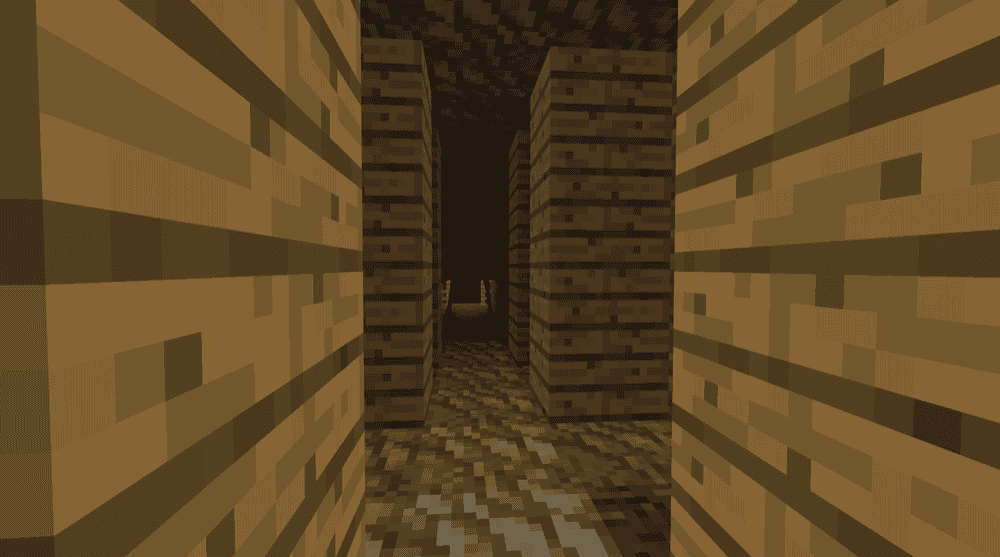
“Twixxel's Stalkers” adds a silent entity that watches from the edge of your vision. The Stalker can appear between trees, inside dark caves or forgotten ruins, and outside your home after sunset, sometimes staring through a window. Its defining rule is simple: while you look directly at it, it cannot move.
The moment you turn away, the Stalker begins closing the distance. That single behavior turns mining, exploring, and even typically relaxing moments into a constant test of attention, because every glance elsewhere gives it another chance to move closer. It is a strong choice for players who prefer slow psychological tension over constant attacks.
6. Evil Hunter - Bedrock Edition [Horror]
![Evil Hunter - Bedrock Edition [Horror] Mod](https://storage.ghost.io/c/9f/8d/9f8d5b30-70cc-4195-b81c-9da992a9b9dc/content/images/2026/09/evil-hunter-bedrock-edition.png)
“Evil Hunter” begins with the disappearance of your son and an old hard drive containing the last Minecraft world he played. After loading it, you receive a mysterious book whose instructions lead you toward a ritual circle and something that should not exist. From there, the mystery develops across 13 unique events and a complete story with its own ending.
The addon combines its horror narrative with new items, craftable weapons, and a full boss fight while keeping the experience close to Minecraft’s familiar style. It is a strong choice if you want a guided horror adventure with a mystery to uncover rather than an unpredictable creature appearing during ordinary survival.
7. Decayed Reality V2.1 - Wither Storm Replica
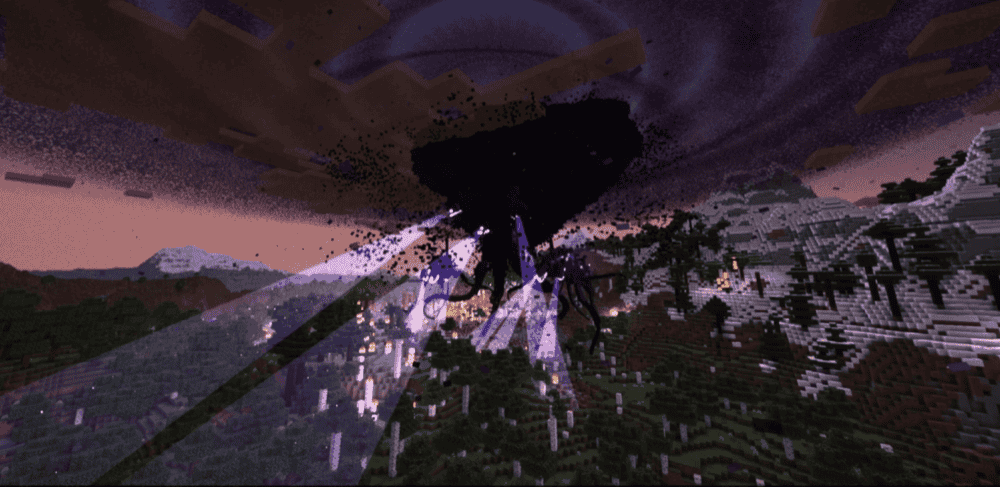
“Decayed Reality V2.1 - Wither Storm Replica” recreates and expands the Wither Storm experience. The creature begins as a modified Wither fused with a Command Block, then feeds on its surroundings and evolves into increasingly destructive forms with tentacles, tractor beams, regeneration, and new attacks. It actively follows players, responds to their actions, and can gradually reduce the surrounding world to a wasteland.
The adventure begins around Endertown, where exploring the settlement leads to the ritual that unleashes the Storm. Surviving its escalating phases requires preparation, specialized items, craftable armor, and eventually a way to confront the enormous creature. With original progression and a world-changing threat that grows when left unchecked, it turns an ordinary Bedrock world into a lengthy apocalyptic boss encounter.
8. Herobrine Lurking
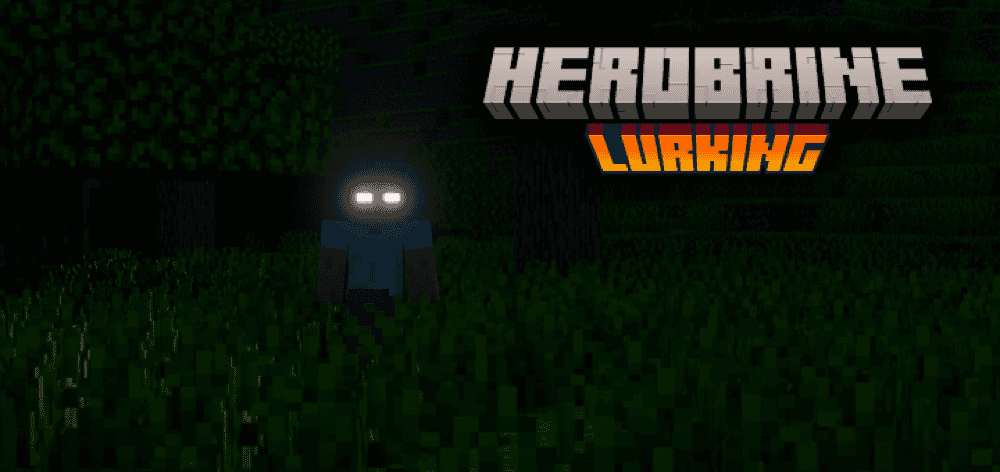
“Herobrine Lurking” fills your world with unpredictable encounters inspired by Minecraft’s most famous legend. Herobrine may watch silently from a distance, attack without warning, leave unsettling signs and tunnels, send messages through chat, replace torches with redstone versions, possess animals, or disappear the moment you notice him.
The addon also introduces a Blood Moon during which hostile creatures become faster and stronger, sleeping is disabled, and Herobrine grows even more dangerous. Because its events can disturb exploration, mining, and quiet moments at home, the experience keeps you wondering whether every unusual sound or change in the environment means that Herobrine is nearby.
9. Experiment 8
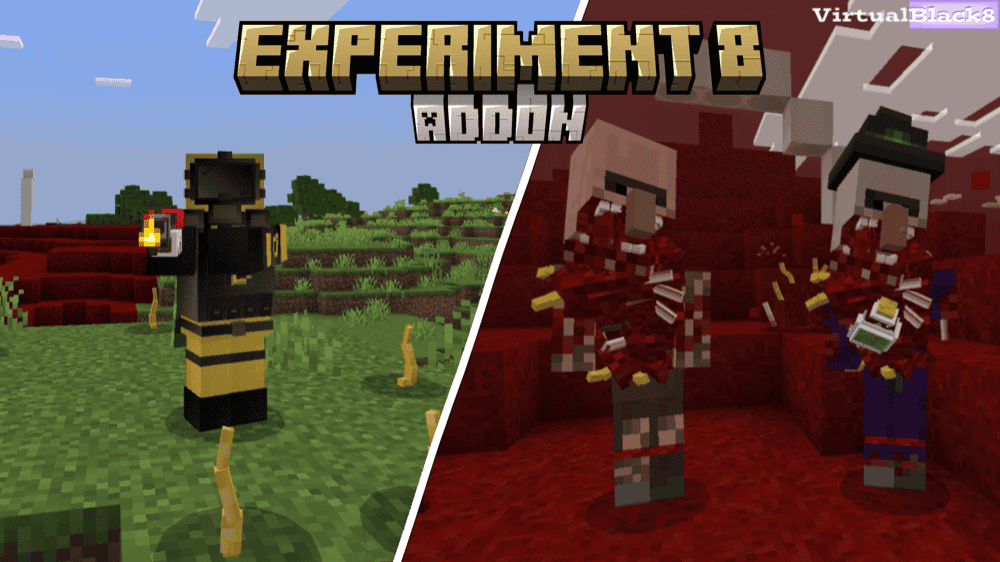
“Experiment 8” transforms your world into a parasite apocalypse that grows increasingly difficult to contain. Small parasites emerge naturally at night and remain calm in darkness, but exposing them to light makes them aggressive – a single touch can kill you! Flesh nests, infected animals, and the grotesque Tissue biome allow the infestation to spread, making the destruction of new nests an urgent priority.
As the outbreak develops, parasites twist humans, animals, spiders, witches, and even Iron Golems into specialized infected creatures with different attacks and behaviors. Survivors can search infected structures for supplies, use backpacks and protective armor, craft weapons such as a flamethrower, and repair vehicles to stay ahead of an ecosystem that becomes more dangerous whenever it finds a new host.
10. The Boy In The Bath [not dweller]
![The Boy In The Bath [not dweller] Mod](https://storage.ghost.io/c/9f/8d/9f8d5b30-70cc-4195-b81c-9da992a9b9dc/content/images/2026/09/the-boy-in-the-bath-analog-horror.png)
“The Boy In The Bath” uses a mysterious observer and 15 different events to create a slow psychological-horror experience. The Boy can appear around trees, walls, ceilings, dark corners, and other places that are easy to overlook. Its warnings offer unsettlingly simple advice: do not blink, do not listen to him, and continue your normal routine even when he appears.
Instead of relying on a creature that constantly chases and attacks, the addon creates tension by asking you to ignore something that clearly wants your attention. Continuing to mine, build, or sleep while The Boy watches makes ordinary survival activities feel increasingly uncomfortable and unpredictable.
How to Install Minecraft Addons
You can install Bedrock addons automatically from the official Minecraft Marketplace or manually by downloading them from a trusted source like the CurseForge website. For each of the addons above, open the linked project page and download its associated “.mcaddon” file. Opening the downloaded file should launch Minecraft and begin the import.
After the import finishes, edit the world and check both "Behavior Packs" → "Available" and "Resource Packs" → "Available". If all went well, activating the packs included with the addon should add its features to that world. If the project lists an experiment under "Requirements", you should enable it as well before loading the world.
For a complete walkthrough, check out our guide on how to install Minecraft Bedrock addons.
Common Issues and Quick Fixes
Why did the addon import, but nothing changed?
Importing a Bedrock addon does not activate it automatically in every world. Make sure to open that world's settings and enable each supplied behavior and resource pack. If the project provides separate files, ensure both packs also came from the same release.
Why does Verity only answer with "..." or stay silent?
For “Verity BE (Official)”, enable "Beta APIs" and cheats, then run the creator’s debugger connection command. If it still responds with "...", check the project’s support channel because its backend may be unavailable. For “Verity - Bedrock Edition”, we recommend placing or waking Verity and remaining close enough for it to hear your chat.
Why is the world lagging or crashing?
Large AI scripts, hordes, infected ecosystems, and a terrain-destroying Wither Storm can all place a heavy load on Bedrock. For a smooth experience, make sure to use the newest compatible file, test one large horror addon at a time, lower simulation distance, and choose “Decayed Reality's” LITE behavior pack if using a less capable machine. The “Evil Hunter” addon author also recommends a mid-range or stronger device.
Can I combine several horror addons?
Small atmospheric packs may work together, but large overhauls can compete for spawning rules, entities, player scripts, loot, and world generation. To avoid issues or outright crashes, make sure to build the combination in a new test world, add one project at a time, and keep a copy of any save you care about before introducing another major addon.
Where is the "Beta APIs" option?
Open the world’s settings, scroll to "Experiments", and enable "Beta APIs". Make sure to only enable it when the project requires it – for example, both Verity entries on this list do.