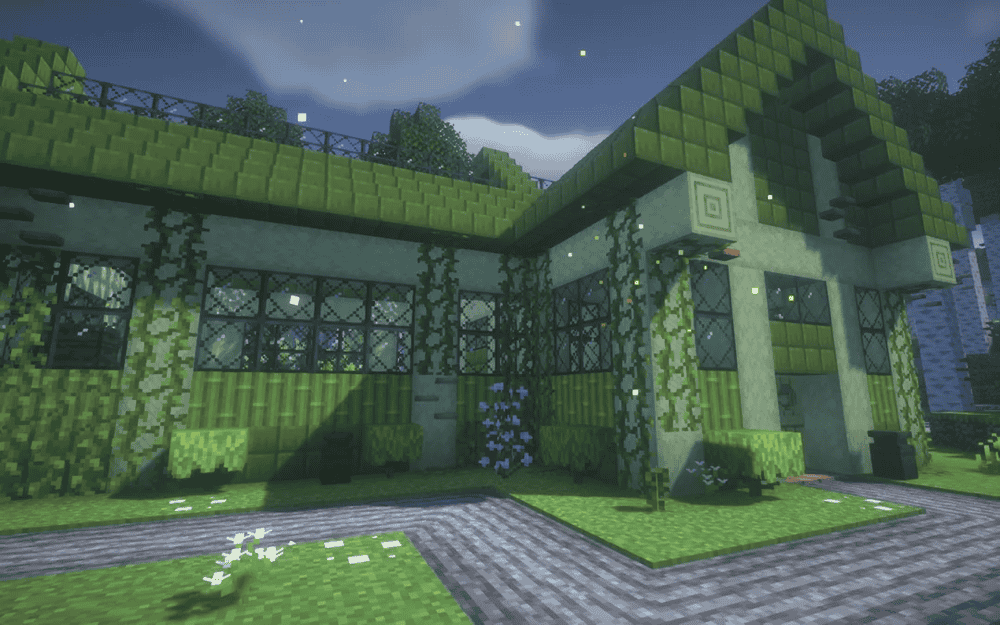
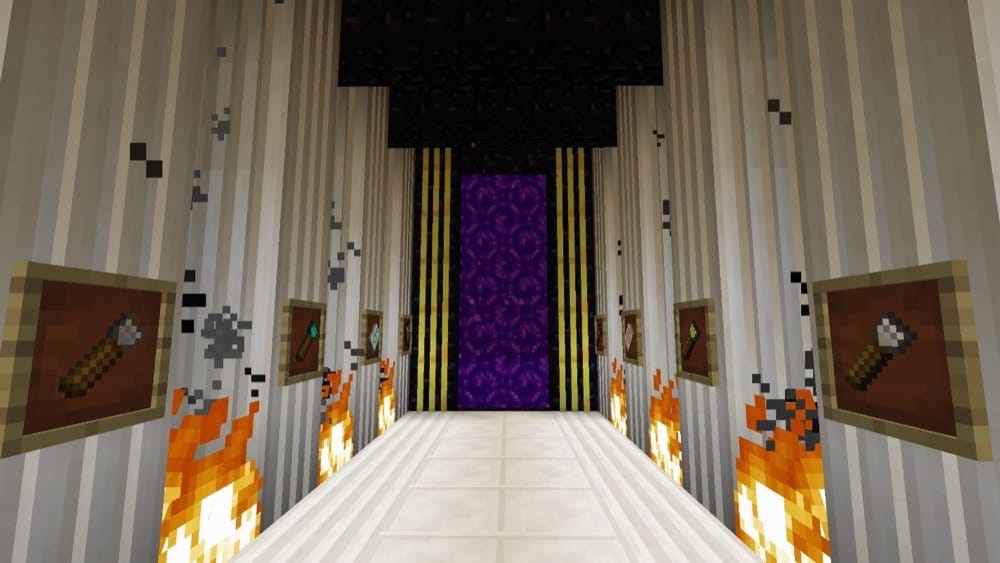
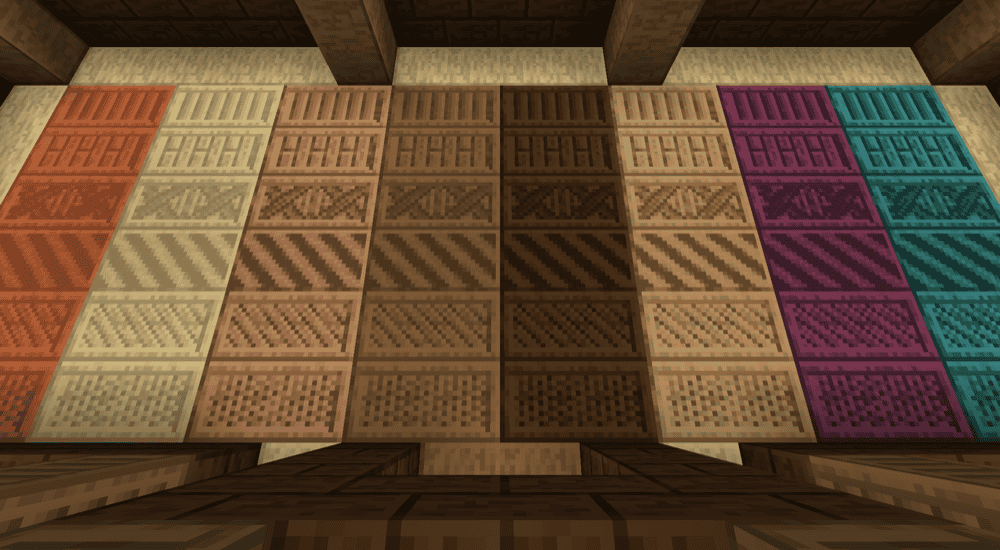
If you enjoy building in Minecraft, the best kind of upgrade isn’t changing how you play, it’s simply giving you more ways to shape, detail, and decorate what you already love making. These building-focused mods add more block variants, cleaner details, furniture, and creative tools, so your bases can look more intentional without needing complicated systems.
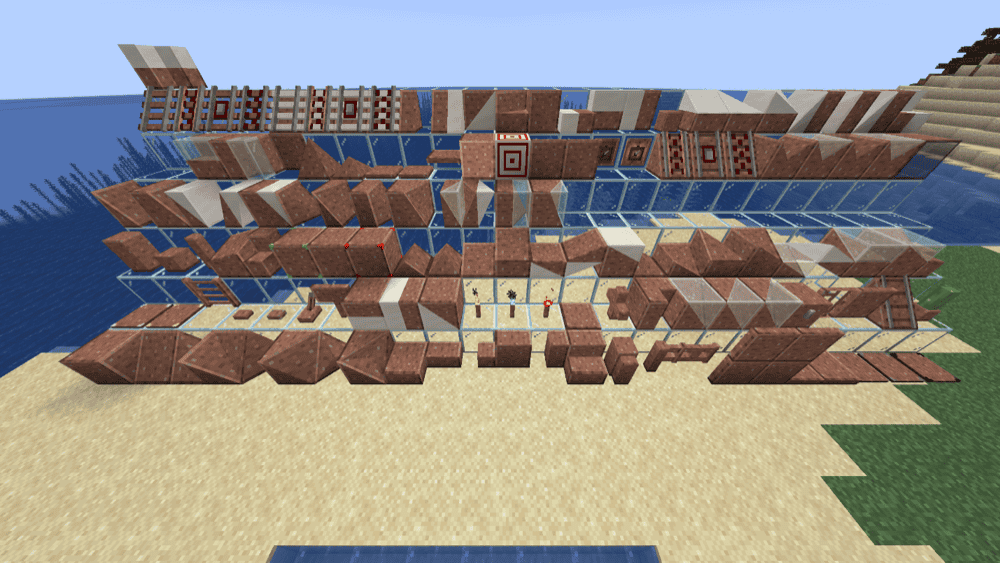
This is a big small features mod, a fully modular collection of vanilla-friendly tweaks that you can enable, disable, and fine-tune individually. It adds a handy in-game config button and mixes quality-of-life upgrades with builder-focused content, like extra wood variants (bookshelves, chests, ladders), vertical slabs, themed building blocks, and tools that help with detailing (like random-path placement and easier block placement in tight spots).
This mod lets you break blocks down into tiny bits and place them back however you want, so you can build smoother stairs, cleaner roofs, custom pillars, trims, and even completely new block designs by mixing textures from different blocks. By default it supports most solid full blocks (like logs, planks, ores, and metal/gem storage blocks), plus extra hand-picked support for things like glass, leaves, and grass. It also works with many modded blocks automatically, and mod authors can fine-tune what's allowed using tags that force blocks to be chiselable or block them from being chiseled.
This mod adds a wide range of vanilla-style fences, walls, and gates in more wood and stone options, helping your builds look more detailed without changing the game's aesthetic. It also includes a few specialty pieces, like wire-style fences that deal damage and extra wall variants such as pillar and grass-topped walls in newer versions.
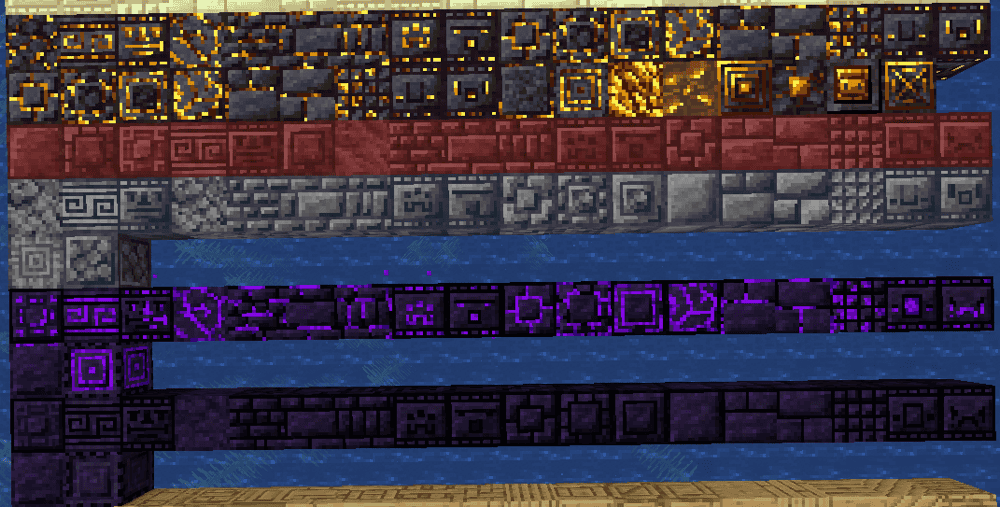
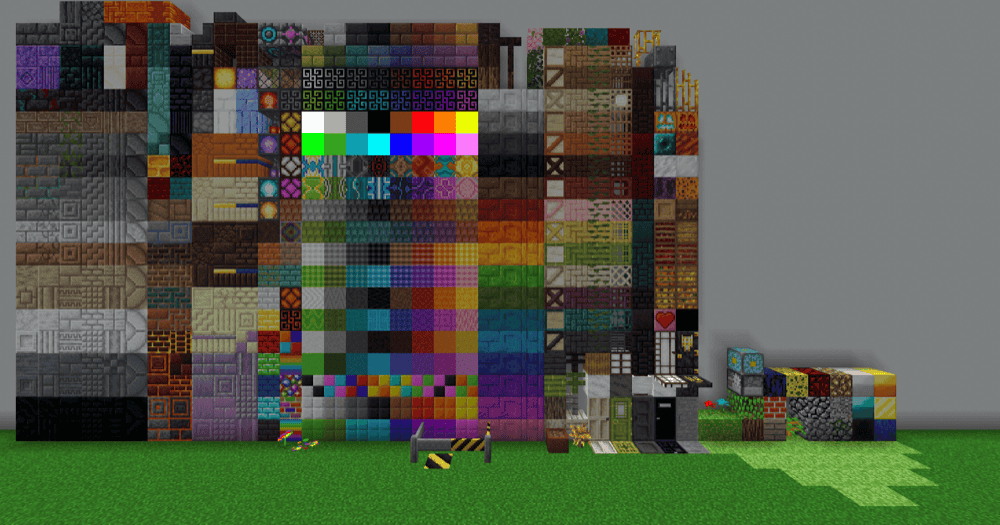
This is a building-focused mod that massively expands your block palette, adding over 11,000 vanilla-style variants for many common blocks (like stone types, glass, prismarine, and more), including connected textures powered by Athena. To use it, you craft one of the mod's worktables, then convert regular blocks into Chipped variants through a simple interface, making it easy to add extra detail to builds like castles, roofs, interiors, and themed structures without changing the overall Minecraft look.
This is a clean, builder-friendly and blocks variants mod that lets you swap many vanilla blocks into 600+ decorative styles, with optional connected textures for smoother patterns across multiple blocks. You craft a Chisel and right-click to open its menu, preview patterns (single block, row, or 3*3), toggle connected vs non-connected looks, and even convert matching blocks from your inventory in one go. The chisel has no durability, so it's easy to use throughout an entire build.
This mod adds a huge set of building shapes (slopes, corners, vertical slabs, posts, fences, doors, stairs and more) that you can camouflage to look like almost any solid block, letting you create smoother roofs, cleaner edges, and detailed trims without needing a completely new block palette. It also allows you to get around missing particular shapes such as stairs from a block set. You apply a texture by right-clicking the framed block with a regular block, and you can remove or adjust the look later with the mod's tools, which makes it great for builders who want custom shapes while still matching their build's main materials.
This is a builder-focused decoration mod that adds a huge library of block variants while keeping a vanilla-friendly style. Use the Chisel tool to open its interface, drop in a compatible block, and swap it into dozens of textures and patterns from the same set. It also includes an Ender Offset Wand for shifting multi-block textures, plus the more advanced iChisel for extra convenience.
This mod adds skinnable building blocks, stairs, slabs, walls, fences, and more, that can take on the look of many different materials, letting you create tons of matching variants without needing separate blocks for every style. To make the blocks, craft the Architects Cutter, place it down, then put in your materials, choose the shape, and take out the reskinned version!
This mod expands building flexibility with more shapes and interactive blocks you can tweak in-world (like connection behavior or model pieces) to fit your build. It includes optional tooltips so you can learn features in-game, and it uses shared tags to stay consistent with other building-focused mods.
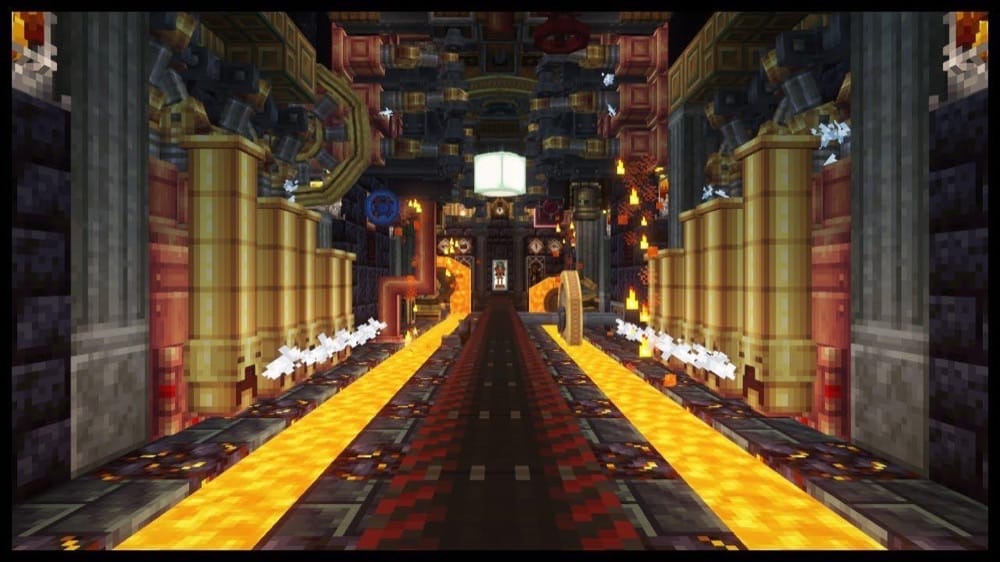
While most think of Create as a tech mod, the factories crafted with it are highly immersive creations, and Create provides additional building blocks that fit the steampunk aesthetic. This mod adds a huge set of animated blocks that let you build moving doors, lifts, rotating displays, factories, and detailed working builds that look alive. The big idea is that your builds happen out in the world (gears, belts, pulleys, and contraptions you can actually see), instead of living inside lots of menus. It also comes with an in-game visual guide called Ponder, which shows you how parts work and how to put them together.
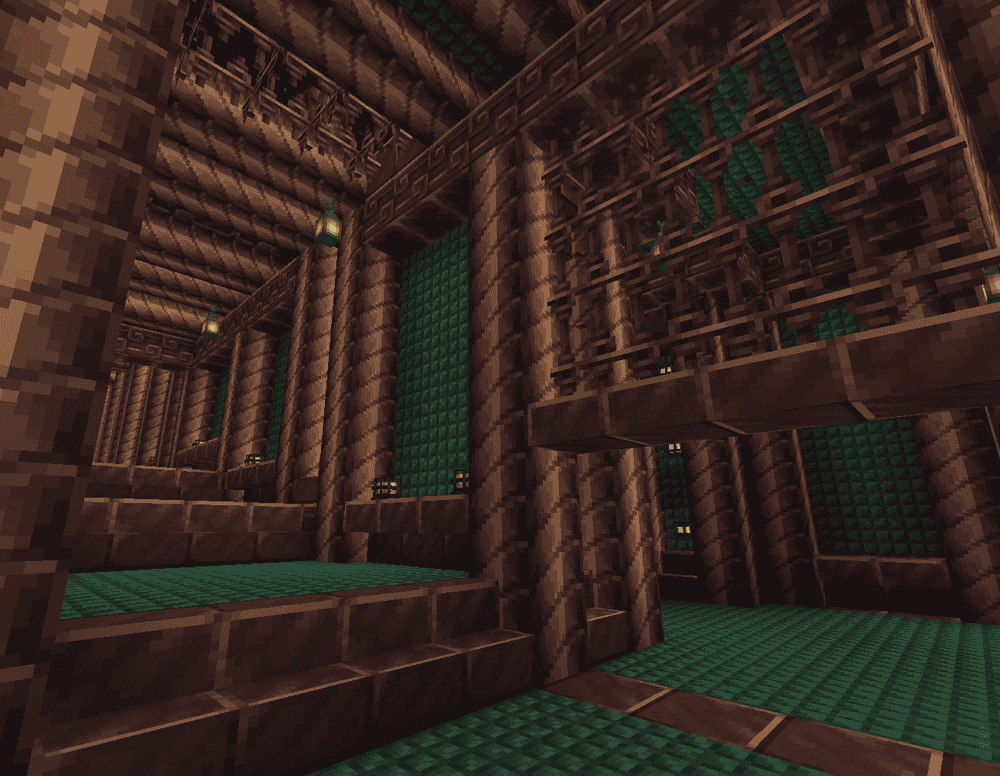
This mod adds a big, survival-friendly set of new blocks and textures meant to cover all kinds of build themes, from castles and workshops to icy towers and End ruins, so you can get more color variety without changing the game's style too much. Some blocks were originally planned to come from world generation, so a few temporary recipes exist for now, and a recipe viewer like JEI is strongly recommended because some recipes don't appear in the vanilla recipe book.
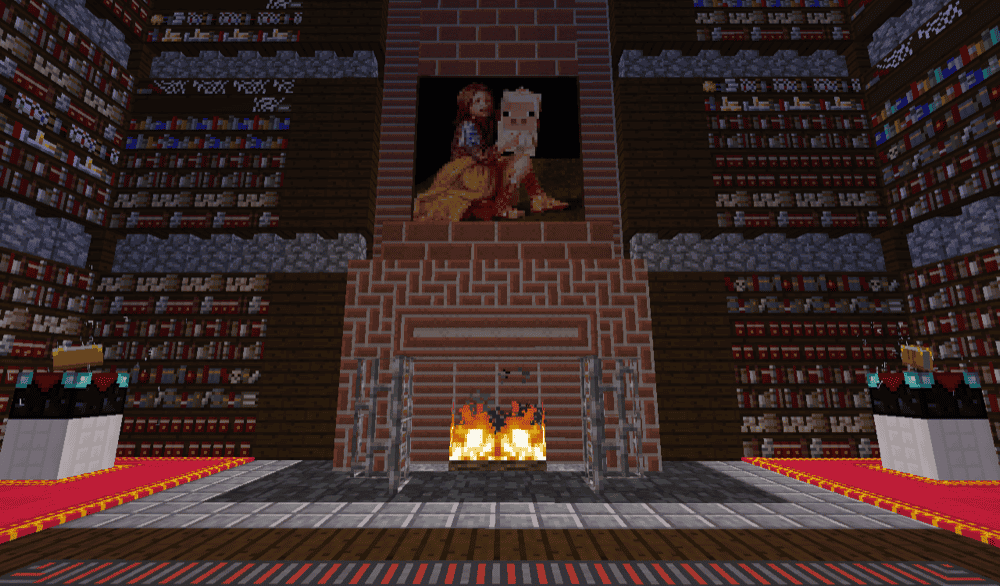
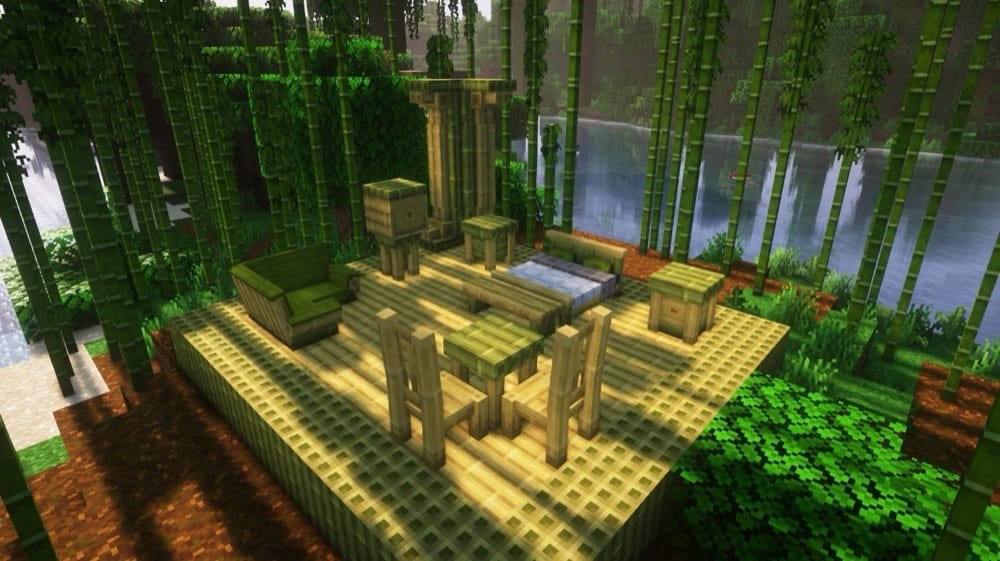
This mod adds 250+ furniture pieces, chairs, tables, benches, desks, and more, so you can decorate builds in styles like fantasy, steampunk, medieval, or vanilla-friendly. It's basically a big interior design pack that helps your bases feel lived-in without needing a bunch of separate furniture mods.
This mod is the modern next-gen version of MrCrayfish's Furniture, rebuilt with new models, custom sounds, and a huge lineup of decor that's also functional. Alongside the 440+ blocks for furnishing homes, it adds an electricity system to power appliances and lights, plus extra features like a mailbox-based delivery system and a computer block with useful and fun apps, making it great for builders who want their base to feel modern and interactive, not just pretty.
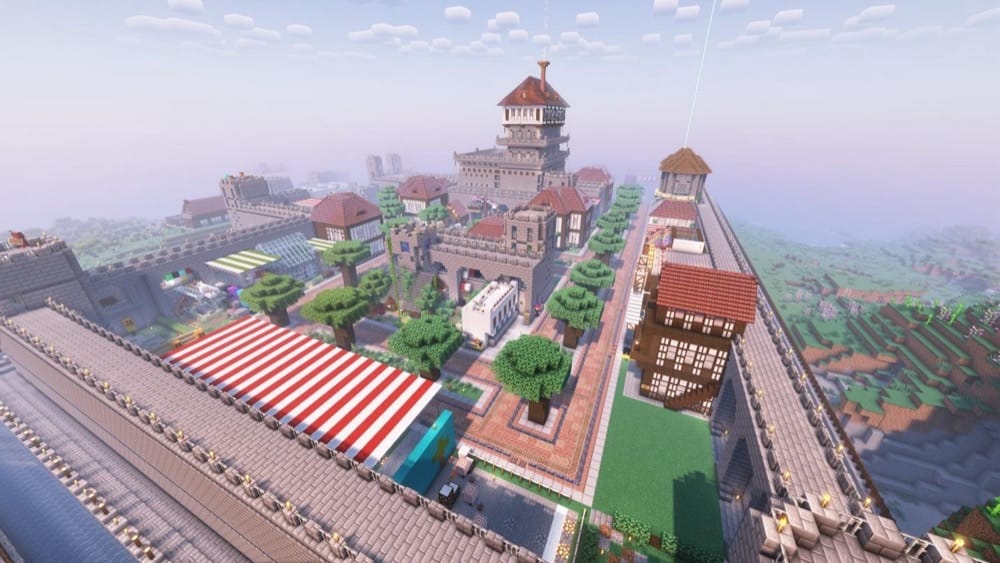
This mod lets you build and manage your own living colony, where NPC workers construct buildings, gather resources, craft goods, and keep the settlement running while you expand and plan. With thousands of schematics and lots of building styles, you can grow anything from a small village into a massive town in almost any biome. And best of all, your workers will do the hard work for you! It also adds town-style gameplay on top of the buildings, with key structures like a town hall, warehouse, barracks, and more, plus defenses and raids to keep things active as your colony grows.
This mod adds a large set of extra building blocks in a vanilla-friendly style. Most variants are crafted with the stonecutter, so a recipe viewer like REI helps a lot. It includes new stone types (like marble and limestone), extra wood sets, and tons of decorative options like colored tiles, stained stone bricks, beveled glass, patterned wool, hedges, and large flower pots. Some materials also generate naturally in the world, so you can find and build with them as you explore.
Many building mods add hundreds (or thousands) of variants, and the vanilla recipe book won’t show everything clearly. Install a recipe viewer like JEI / REI / EMI to browse crafting, stonecutter, and special conversion recipes.
A lot of building mods rely heavily on a mod-specific table, tool or an underused vanilla block like the stonecutter. If you’re only using a crafting table, you’ll think the mod is broken, so consider using a recipe viewer like JEI / REI / EMI to figure out how to craft the blocks.
Double-check you’re using the right mod loader (Forge vs NeoForge vs Fabric) and the correct Minecraft version for the specific mod version you downloaded.
Building mods commonly require a library mod. If the game tells you a dependency is missing, install exactly what the crash screen names.
Some mods depend on connected-texture libraries (like CTM). Make sure required libraries are installed and avoid mixing shader/performance mods that replace rendering in ways that break connected textures.
All building mods must be installed on both client and server. If the server has blocks the client doesn’t recognize, players may not be able to join, or see missing blocks.
Use the mod’s config (if available) to disable categories you don’t want, or use a modpack menu/search to keep creative tabs manageable.