Dragons change the loop: hunt one, hatch one – or be one. Some mods turn dragons into rare bosses with treasure caves. Others let you tame, armor, and fly them, or turn survival into a full-blown RPG where you grow through stages and unlock skills. This list mixes classics and fresh takes across Fabric, Forge and NeoForge modloaders.
1. Ice and Fire: Dragons
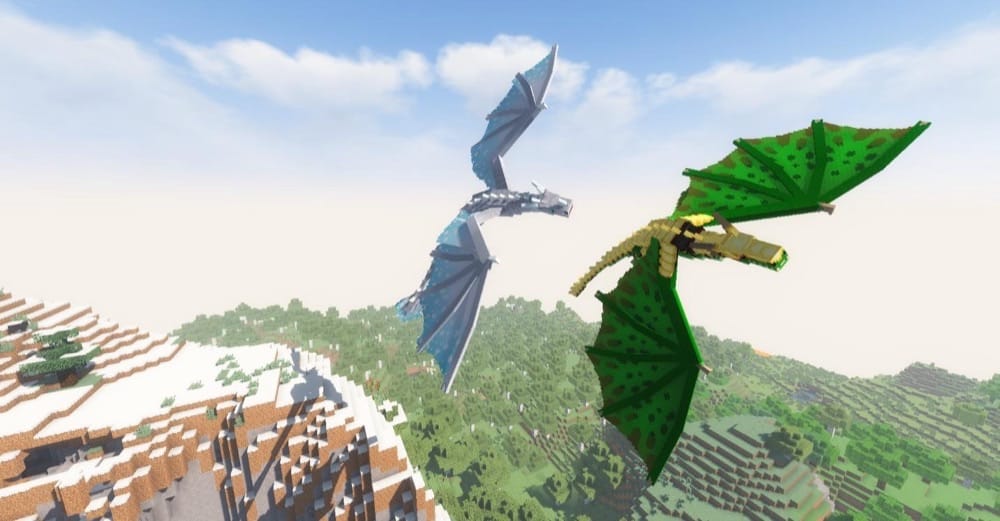
This is the genre's classic dragon mod. Adult Fire, Ice, and Lightning dragons roam the world in roosts and caverns, guarding treasure and eggs you can steal, hatch, and raise into rideable, armorable companions. A built-in Bestiary records parts, loot, and behavior as you explore. The mod also layers in mythic creatures (hippogryphs, sea serpents, gorgons, and more) plus scattered structures to make travel feel dangerous and rewarding. This mod is perfect if you want the full "hunt → hatch → tame → fly" loop with a big fantasy bestiary attached.
2. Dragon Mounts: Legacy
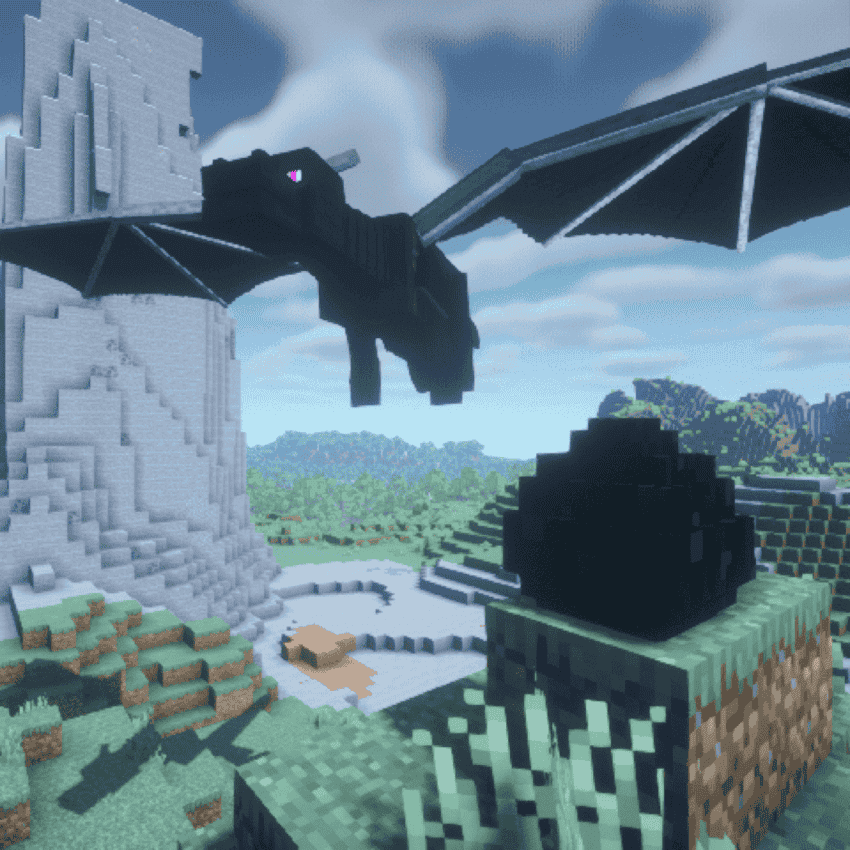
The Ender Dragon egg finally hatches into fully customizable breeds. Using data packs, you can tweak traits, AI, eggs, and textures, which is why pack makers love it for themed servers. Hatch, tame, and ride, then tailor the experience to your world.
3. Dragon Mounts Legacy: More Dragons
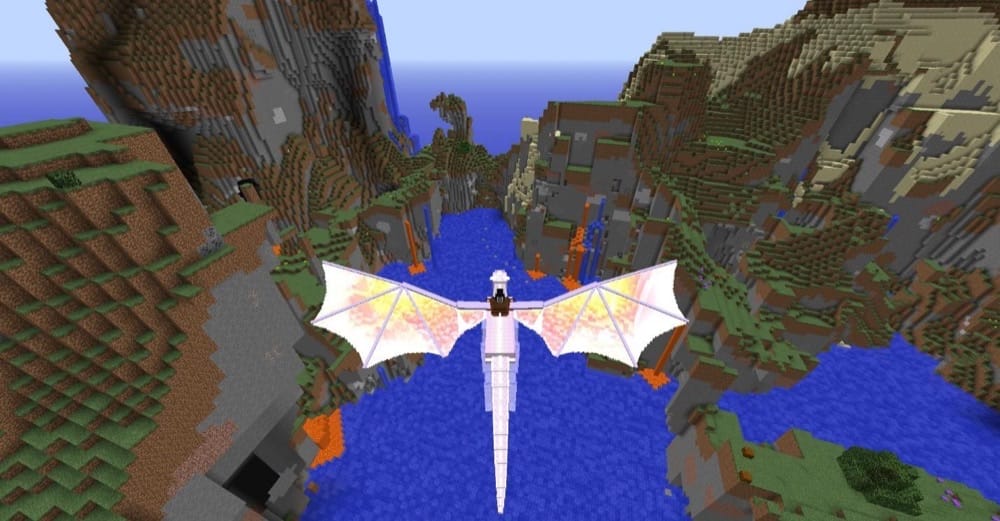
A flavorful expansion that adds new dragon breeds into your Dragon Mounts: Legacy playthrough, with simple egg recipes and signature perks. This mod leans into collecting, hatching, and bonding with fresh personalities and abilities. You can slot straight into an existing Dragon Mounts: Legacy world. If you've raised the "classic" dragons and want new goals without learning a new mod, this is the low-friction upgrade to keep your skies busy.
4. Dragon Mounts: Even More Dragons
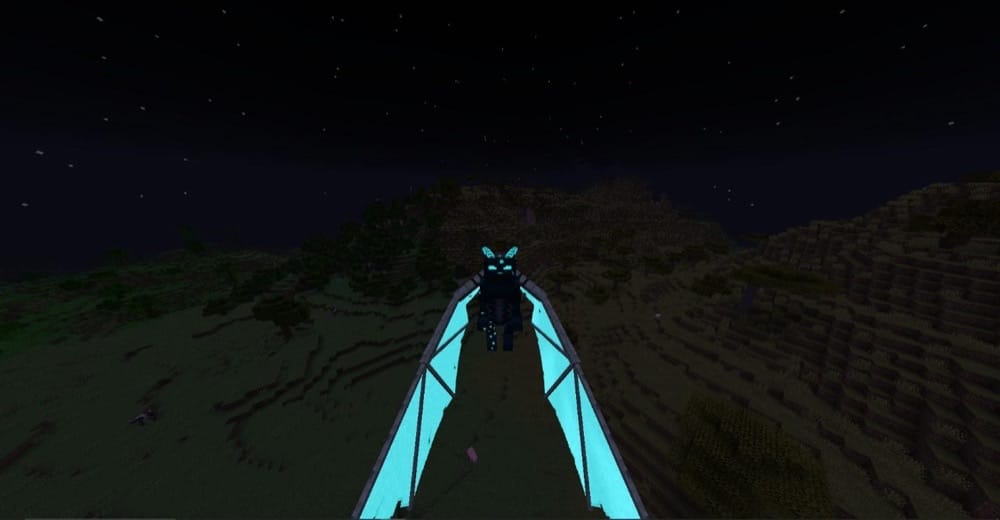
A nostalgia add-on that brings classic Dragon Mounts 2 species into your Dragon Mounts: Legacy world. You'll unlock themed dragons (e.g., Aurora, Enchantment, Moonlight, Storm, Sunlight, Sylphid, Terra, Wither, Zombie) via simple egg conversions and straightforward taming items – no new systems to learn, just more dragons to hatch, ride, and collect.
5. Wyrmroost
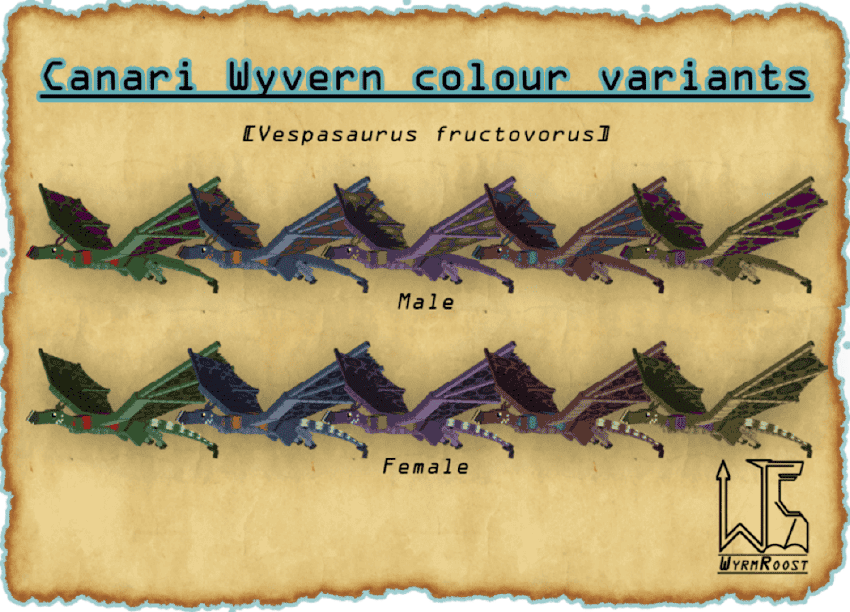
This mod offers a dragon-first overhaul that populates your world with distinct species built for specific tasks – combat bruisers, swift mounts, even helpful ground drakes – so that they not only look different, but also play differently. Taming takes work, but bonded dragons bring unique behaviors and perks, with a long-planned Wyrmroost dimension being hinted at by the team. This mod is great if you want variety beyond a single "one-size-fits-all" dragon.
6. Mythic Mounts
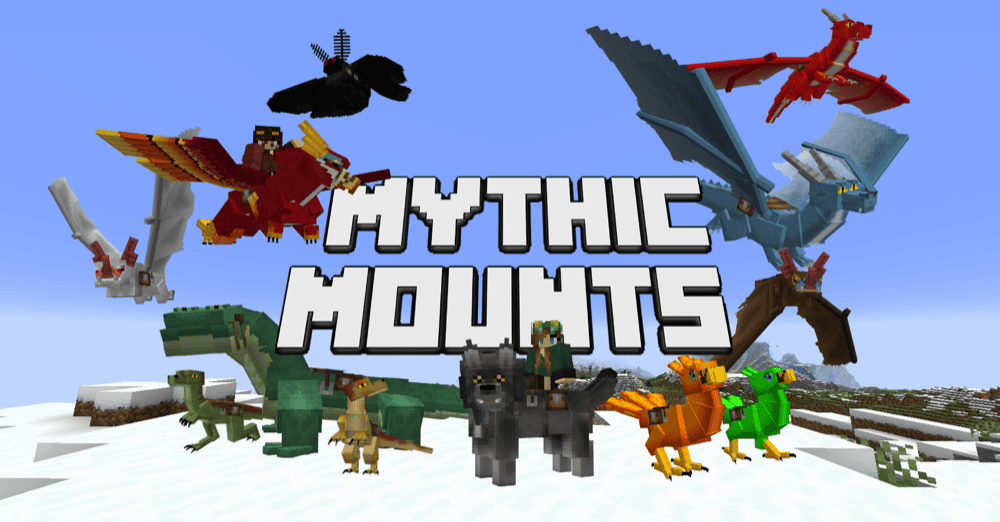
This mod offers a lightweight way to add rideable creatures – flying, aquatic, and terrestrial–without overhauling your pack. You'll find species across biomes (yes, dragons too, deep underground), that you can tame, equip with armor and other inventory, and manage them with a handy Summoning Staff and guidebook. Recent updates added quality-of-life touches like mini mounts and in-game follow/sit/wander commands, making it an easy drop-in for exploration-heavy worlds.
7. Dragon Survival
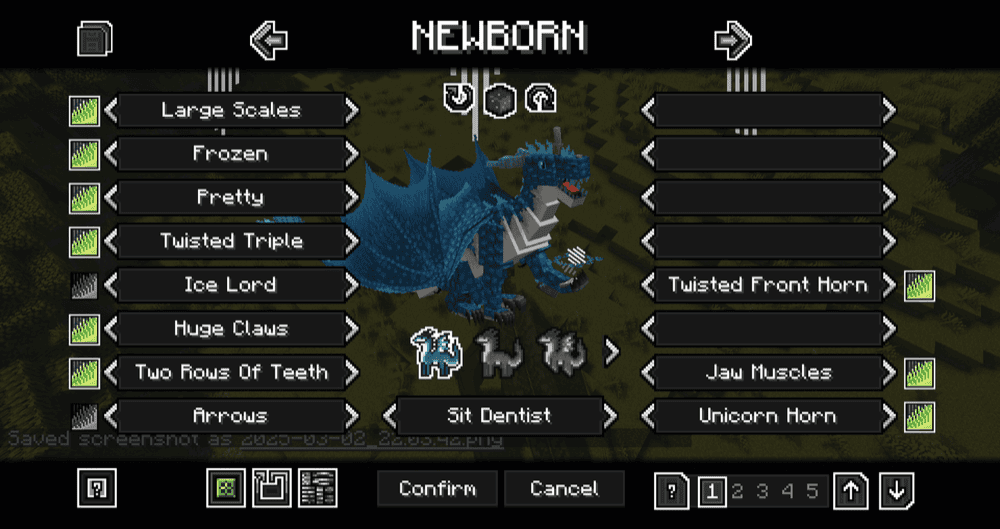
In this mod you don't just tame a dragon – you play as one. Pick between Forest, Sea, or Cave dragons and play a full progression loop with flight, growth stages, and dozens of magic skills. The mod is built for long saves, configurable systems, data-driven species, and ongoing updates that add structures, hunters, and alignment paths to keep both dragon and human players busy. If you want survival to feel like an RPG – from hatchling to apex – this mod delivers a big swing.
8. Useless Reptile
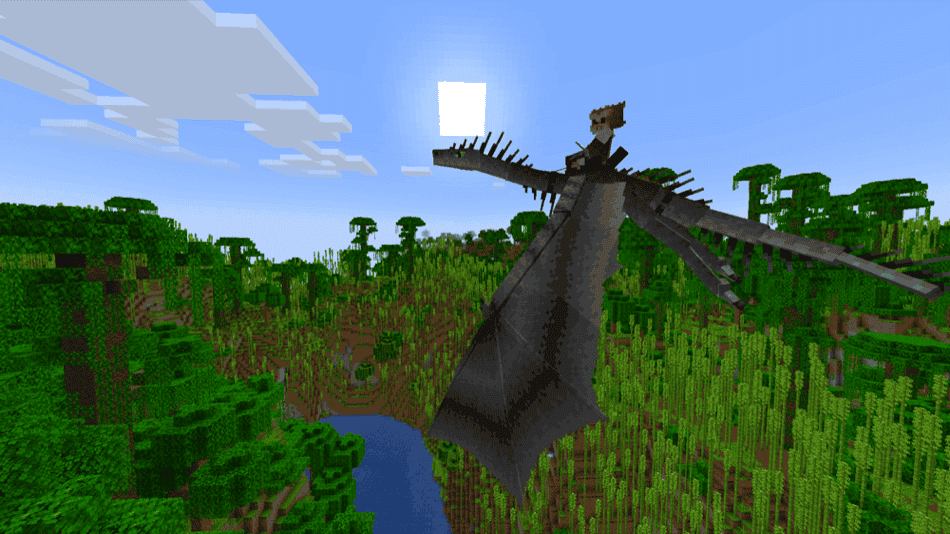
A small, actively updated dragon mod that drops distinct, tameable species into your world: swamp wyverns, cave diggers, river hunters, nether lurkers, and a storm-chasing flier. Taming and control are simple (saddles, horn/flute commands), but each dragon has its own role – from digging tunnels to fishing or unleashing lightning. It's Fabric-first and data-pack friendly for custom variants, making it an easy addition if you want dragons that feel playable and purposeful without overhauling your modpack/world.
9. Hiccup's Legacy – How to Train Your Dragon
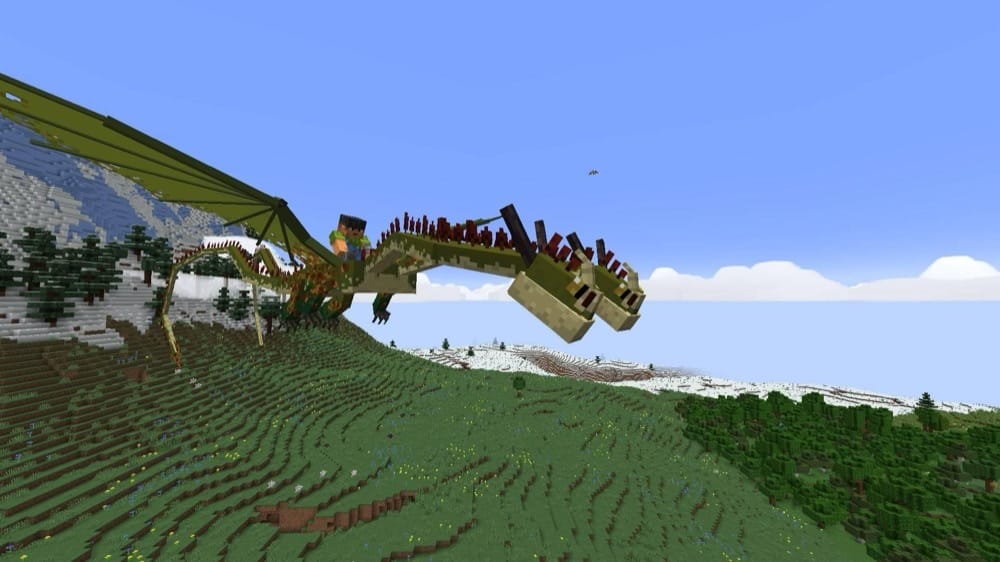
A How to Train Your Dragon – inspired overhaul that adds rideable species (e.g., Night/Light Fury, Skrill, plus a Red Death boss), viking-style weapons and armor, useful plants and animals. Tame dragons with specific foods, use primary and secondary attacks, craft Gronckle Iron gear, and follow the in-game Dragon Manual as you climb from first hatch to late-game sky combat. Recent builds keep updating flight and textures, so it slots cleanly into exploration-heavy worlds.
10. Dragons Fire
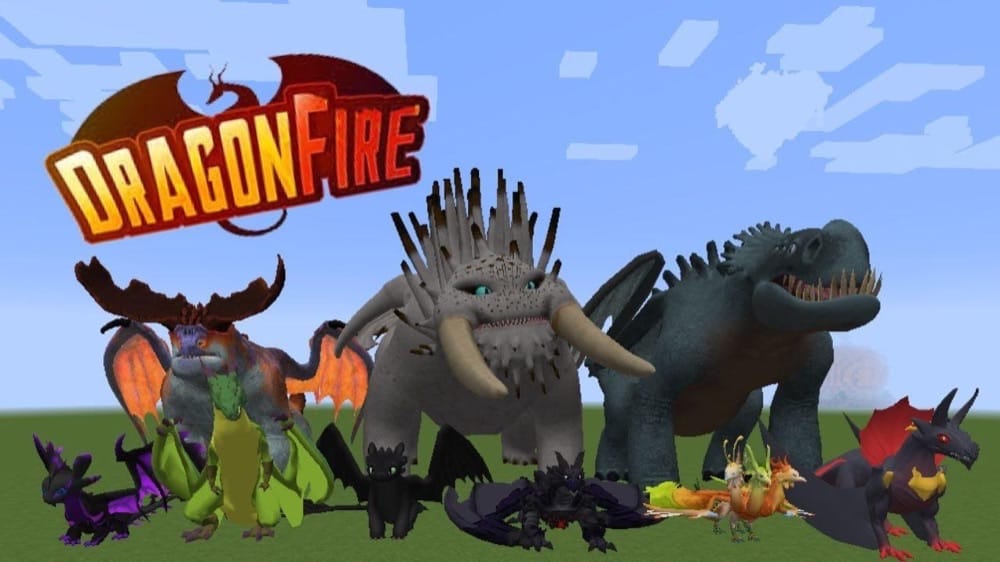
A fan-favorite dragon mod inspired by How to Train Your Dragon that adds collectible dragons, simple taming and texture customization, and themed dungeons (e.g. Fire Nation, sand ruins). It's designed as an accessible, adventure-forward take on dragon collecting – hatch, train, and fly.
How to Install Mods
How to Install with the CurseForge App
- Open CurseForge → Minecraft and create a profile with the modloader and version you need: Fabric, Quilt, NeoForge or Forge (depending on the gun mods you’d like to install).
- Open your profile and click the three dots next to "Play".
- Click on "Add More Content" from the available options.
- Search the mod you need and click "Install".
- Play from the CurseForge app.
How to Install Mods Manually
- Install a mod loader that matches your Minecraft version (Fabric, Quilt, NeoForge, or Forge).
- Run the installer to add a new profile in the Minecraft Launcher.
- Download the mod’s .jar file from its project page. Making sure both the Minecraft version and loader version match.
- Drop the .jar into the mods folder inside your .minecraft directory (create the folder if it doesn’t exist).
- Launch Minecraft using the new loader profile.
Note: Make sure to check if the mod has been recognized by the game. On the title screen, click “Mods” (or “Mod Menu” if you’re using Fabric). If the mod lists any required dependencies (like Fabric API), install those too.
Common mods folder locations:
Windows: %AppData%\.minecraft\mods,
macOS: ~/Library/Application Support/minecraft/mods
Common Issues & Quick Fixes
- I'm Getting a Missing Dependency Error → Install the exact library versions the page lists (Citadel, Geckolib, Patchouli).
- My Game Doesn't Launch → Check if you are using the correct mod loader and version, a Forge 1.20.1 file won’t run on Fabric 1.20.1 or Forge 1.20.4. make sure to download the correct file.
- Entity-heavy lag → Trim spawn rates in the provided configuration files and add a client optimizer for your loader as big dragon flocks and mount packs can be CPU/GPU-intensive.