Farming in Minecraft can be simple, but the right mods can turn it from something you do on the side to the main focus of your playthrough. With more crops to grow, better ways to cook and store food, smarter helpers, and systems that make your world feel seasonal and alive, you can expect to keep yourself entertained for weeks on end.
1. Farmer's Delight
2. Mystical Agriculture

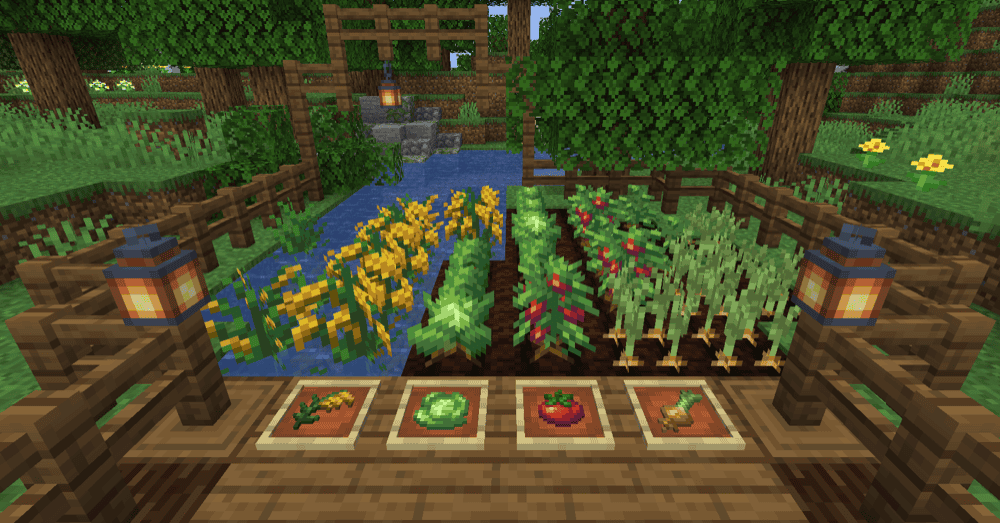
Mystical Agriculture lets you grow resources such as dirt, redstone, and leather as crops. You farm essences, then craft them into materials and mob drops. The mod also introduces base essences used throughout the core upgrade progression which later on enable you to craft advanced tools and armor.
The mod is packed with farming-focused progression tools, so it does not stop at planting seeds and harvesting crops. For instance, you can expand your farm with soils to speed up growth or use Growth Accelerators to grow things at breakneck speeds. Harvesting is expanded too with Scythes and Sickles, plus an auto Harvester to help you better manage large farms.
Mystical Agriculture also adds processing blocks, like upgradable Furnaces and the Seed Reprocessor, plus utility stations like the Enchanter and the Soulium Spawner.
3. Farming for Blockheads
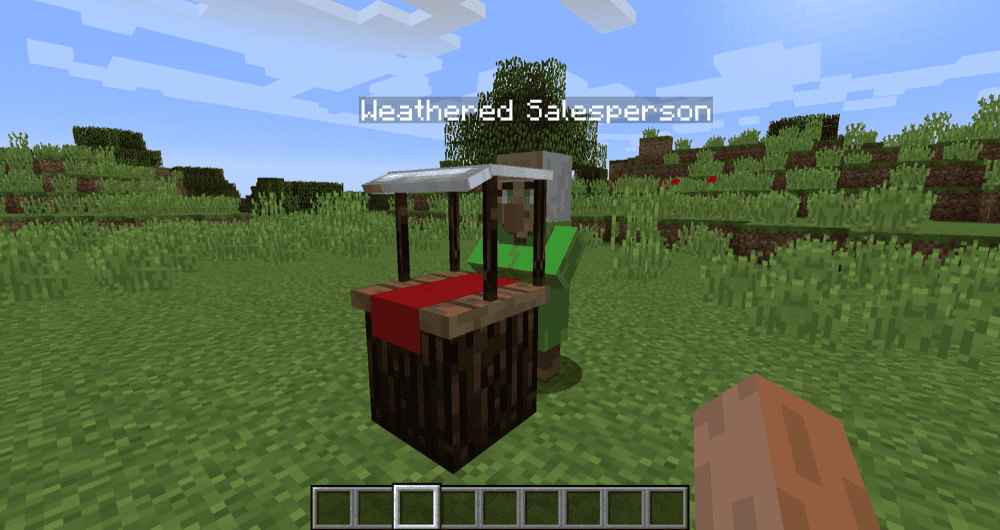
Farming for Blockheads adds a Market block that lets you buy seeds, saplings, and other farming basics like bone meal. The Market has a search bar, supports scrolling through trades, and can be filtered by category, so it is easy to find what you need. Support for a lot of other farming mods is built right in, allowing you to enhance your farming adventure with any modpack.
It also includes extra farming utilities like the Chicken Nest for collecting eggs, the Feeding Trough for auto feeding animals, and Fertilizers that improve crops in different ways. The Market can be configured with extra trades and categories, while Market trades show up in JEI.
4. Serene Seasons
5. Botany Pots
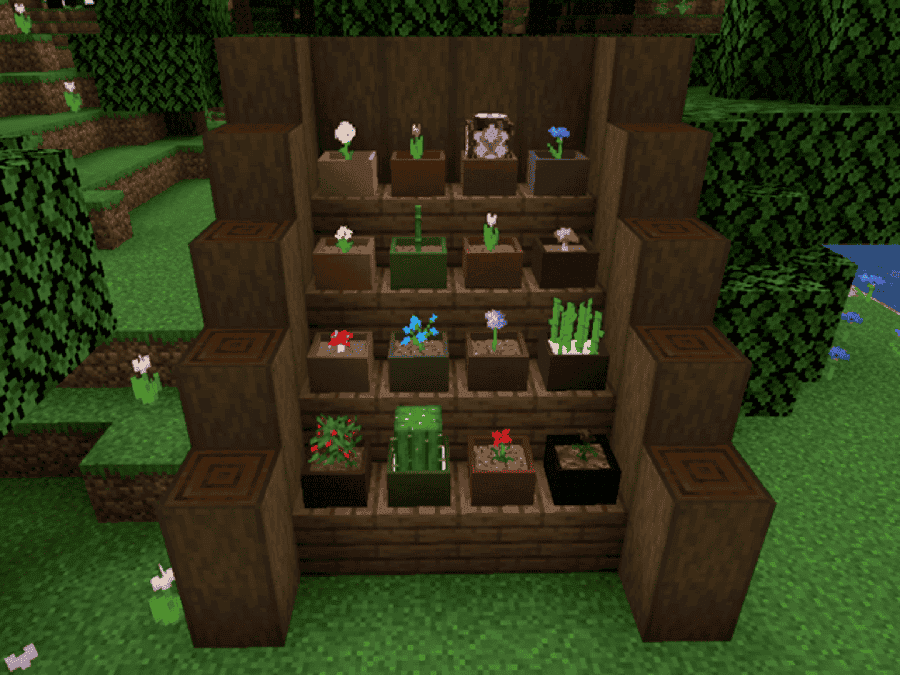
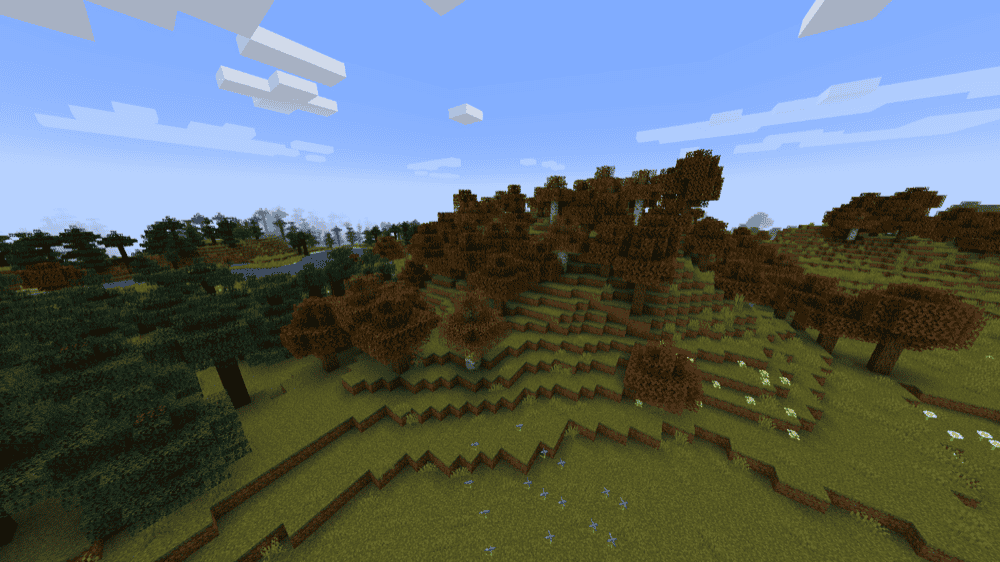
Botany Pots lets you grow crops, flowers, and other plants in customizable pots that work like a miniature farm. You place compatible soil and a seed into the pot, then let it grow. Growth works anywhere, so you can easily spruce up the inside of your base as well!
The mod also comes with multiple pot types depending on what you want. Basic pots are your everyday option where you harvest and replant by right-clicking once the plant is fully grown. In newer versions, waxed pots are decorative and always look fully grown, but cannot be harvested or bonemealed. Hopper Botany Pots make things easier for you by automating the harvest and replant stages, then storing drops inside or hoppering them into a chest below.
6. Croptopia

Croptopia adds a huge amount of farming content, including 58 crops, 26 fruit trees, and over 250 foods to craft and eat. It is a great pick if you want to fill your farms with a large slew of new ingredients to grow and cook with.
The mod also includes a guidebook option if you do not want to rely on JEI or REI (although installing a recipe viewer mod is still a good idea for any modded pack). You will need Patchouli to use that guidebook, while the book itself can be crafted in-game by combining three Croptopia seeds and a book.
7. Smarter Farmers

Smarter Farmers makes farmer villagers smarter about their planting and replanting work. They can interact with modded crops, replant what they just harvested instead of grabbing random seeds, and choose what to plant based on nearby crops so your fields stay consistent.
The mod adds a bunch of extra quality of life to village farms as well. For instance, farmers visually equip hoes while harvesting, can plant melons and pumpkins in a smart pattern, and they finally stop trampling farmland. As with vanilla farmers, the "mobGriefing" gamerule must be set to "true" for them to be able to interact with your world.
8. AgriCraft
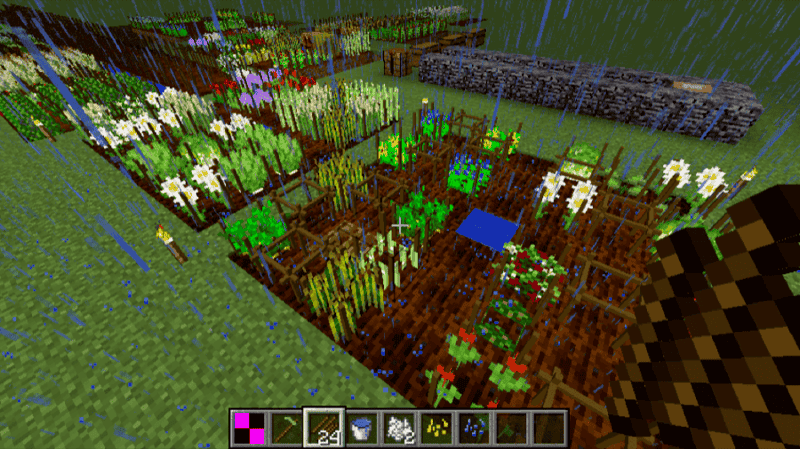
AgriCraft adds gene-based crop breeding to Minecraft, so you can improve crops through careful cultivation and cross-breeding. It also introduces mutations that can boost stats or even create new crop species.
The mod adds deeper farming systems like crop stats, weeds that compete with your plants, and growth requirements tied to conditions like soil and seasons (provided you use a compatible season mod). If you like building a long-term perfect farm project, this one has a ton of depth without turning everything into a tech mod or a redstone project.
9. Pam's HarvestCraft 2 - Crops

10. Simple Farming

11. No Farmland Trample
12. Fruitful Fun
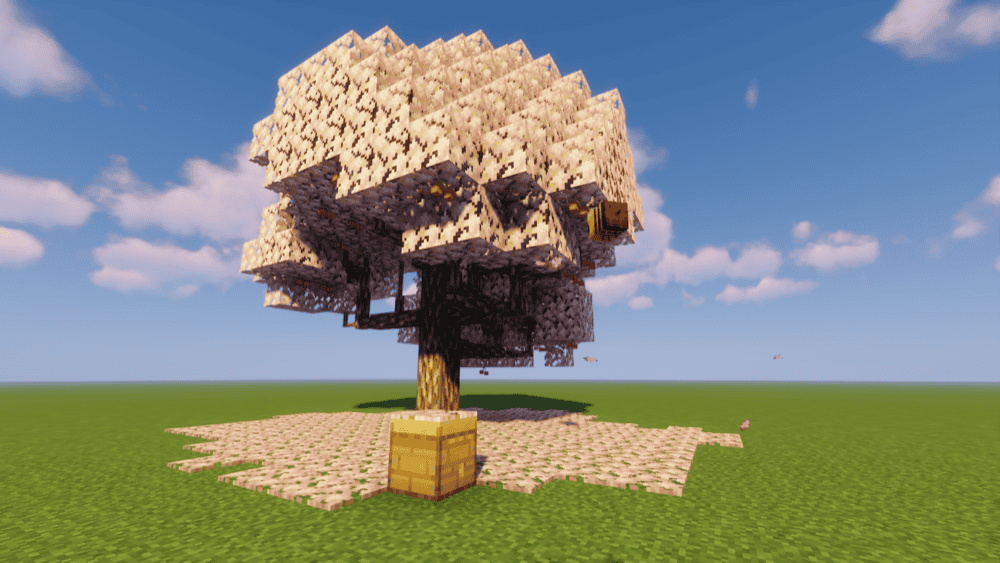
Fruitful Fun expands farming with fruit trees and beekeeping mechanics that make your orchards feel alive. It adds 11 new fruits, most of which you can unlock through exploration and natural progression. Trees can also depend on bee pollination to keep producing fruit, so the mod nudges you into building a real ecosystem instead of cramped rows of saplings.
Fruitful Fun also leans into pollination, crossbreeding, and bee traits, with fully randomised genetics – i.e. the mechanic that decides what you'll get over time as you progress through the game – also being available per world so you can re-experience the mod multiple times.
13. Let's Do Farm and Charm
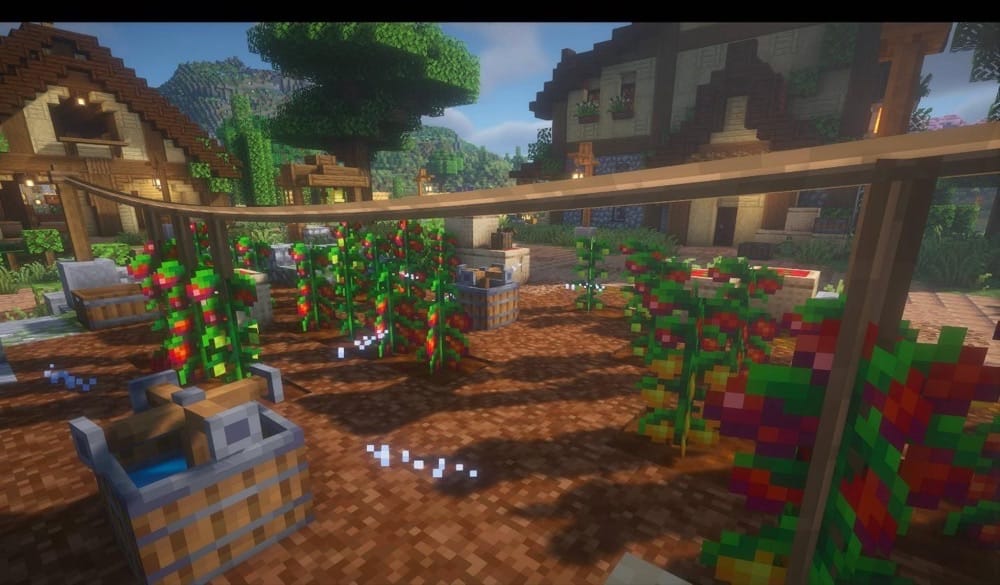
Let's Do Farm and Charm expands farming with deeper agriculture and farmhouse cooking, built to feel consistent with the Let's Do collection. You get new grains and fruit varieties, plus practical farm blocks to support your farm.
It also adds cooking and processing tools like a meat grinder and cooking pots, along with rustic decorative blocks for kitchens and farm builds. If you play with other Let's Do food mods like Brewery, Bakery, and Candlelight, it is designed to fit alongside them like a glove.
14. Productive Farming

Productive Farming adds 160 new crops and gives them genetic traits, so farming turns into a system where you can breed crops for better results like growth, yield, or resistance.
Part of the genetics aspect is a flower breeding system that lets you cross-breed flowers to achieve pretty much any color you want -- perfect for making your farm builds and gardens look next level without feeling out of place even in vanilla-style worlds.
15. Enhanced Farming
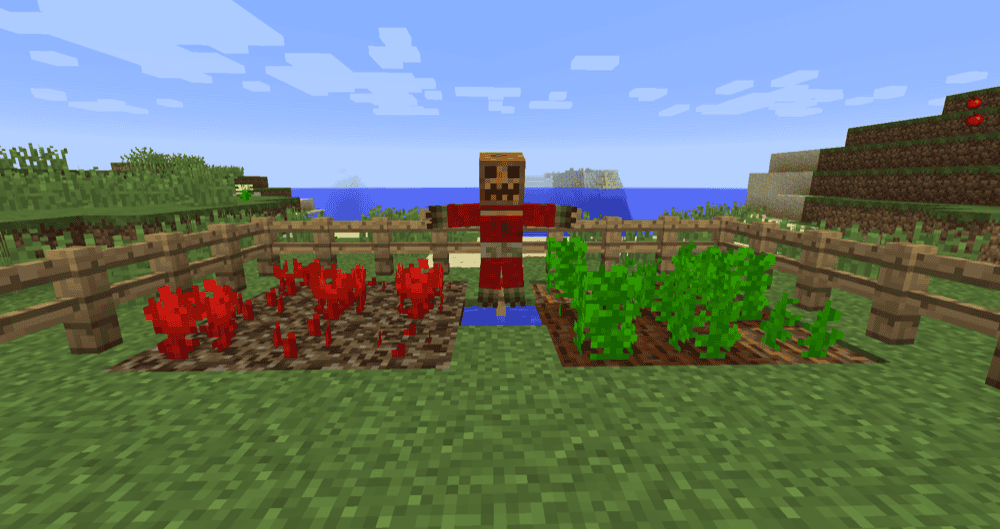
Enhanced Farming revives the classic Better Farming vibe by adding new fruit trees, crops, and a handful of farm tools that fit right into a vanilla-style world. That being said, tree saplings are unlike vanilla's in that they grow through crop-like stages before turning into full trees, turning orchard growing into a hands-on experience.
It also adds a scarecrow that pushes mobs away from your crops, rakes that help you pull seeds from grass blocks, and a piston squishing system for processing items like olives into olive oil.
How to Install Mods
How to Install with the CurseForge App
- Open CurseForge → Minecraft and create a profile with the mod loader and version you need (Fabric, Quilt, NeoForge, or Forge).
- In the profile screen, click "Add More Content" (or open the three dots menu next to "Play" and choose "Add More Content").
- Click on "Add More Content" from the available options.
- Search for the mod you need and click "Install".
- Play from the CurseForge app.
How to Install Mods Manually
- Install a mod loader that matches your Minecraft version (Fabric, Quilt, NeoForge, or Forge).
- Run the installer to add a new profile in the Minecraft Launcher.
- Download the mod’s .jar file from its project page. Make sure both the Minecraft version and loader version match.
- Drop the .jar into the mods folder inside your ".minecraft" directory (create the folder if it doesn’t exist).
- Launch Minecraft using the new loader profile.
Note: Make sure to check if the mod has been recognized by the game. On the title screen, click “Mods”. If the mod lists any required dependencies (like Fabric API), install those too. Please also note that if using Fabric, the "Mods" button will only appear if the "Mod Menu" mod is installed.
Common mods folder locations:
- Windows: %AppData%\.minecraft\mods
- macOS: ~/Library/Application Support/minecraft/mods
- Linux: /home/<your-username>/.minecraft/mods
Common Issues and Quick Fixes
Mod does not load or crashes on startup
If this happens, ensure you have the correct dependencies for each mod. If an error message includes mod versions, double-check that you are using a supported version of the dependency.
Tip: You can more easily work out which version number you need by looking at the upload dates. Next, pick a version of the mod and a version of its dependency that were released around the same time as they’re typically designed to work together.
Guidebook is missing or recipes feel hard to follow
Some mods require Patchouli before their guidebooks can be crafted in-game. Using a dedicated recipe viewer like JEI, REI, or EMI is also recommended.
Some of my mod content overlaps
Due to established modding standards, any mod-added crop should play well with recipes, new soils, and tools. If you get duplicate items and crops, you could use modpack development tools like datapacks and item viewer configs to remove or hide the duplicate crops.