Food mods take Minecraft from eating whatever that fills the bar to actually running farms, kitchens, bakeries, and taverns. Instead of spamming steak, you’re growing new crops, cooking proper meals, brewing drinks, and sometimes even tracking nutrition or flavor.
The mods below are all about making food more interesting without breaking survival, some just add cozy recipes and crops, others introduce full kitchen systems, wineries, or progression tweaks that reward you for eating a varied diet.
1. Cooking for Blockheads
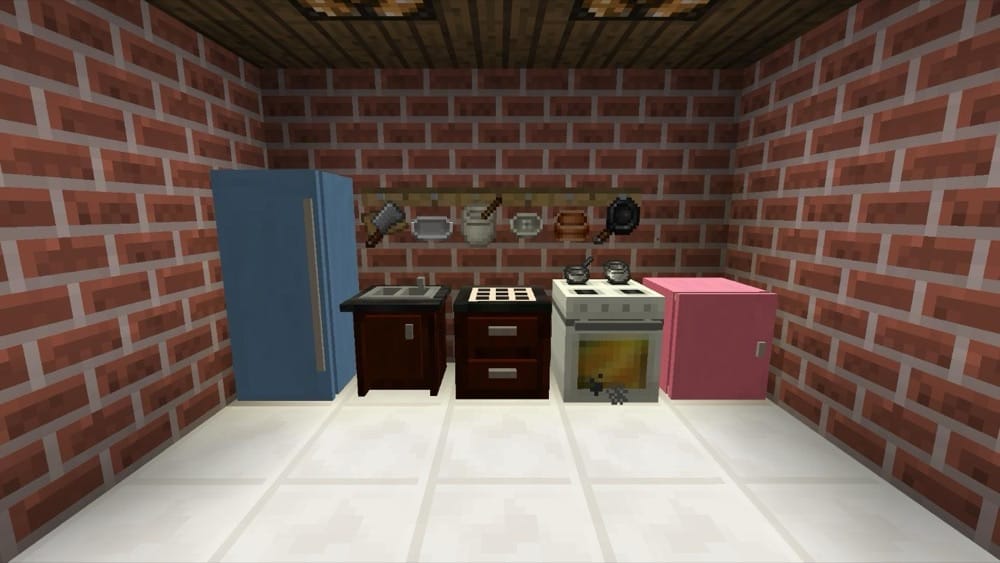
This mod adds a modular, multiblock kitchen plus a cooking book that only shows recipes you can make with the ingredients you have on hand. You can either use the book or a Cooking Table to auto-craft meals in one click, while upgrading your kitchen with fridges, counters, sinks with infinite water, ovens, and more. The NoFilter book lets you browse all food recipes, sorting options highlight the most nutritious choices, and the mod hooks neatly into big food overhauls like Pam's HarvestCraft and other cuisine mods.
2. Farmer's Delight
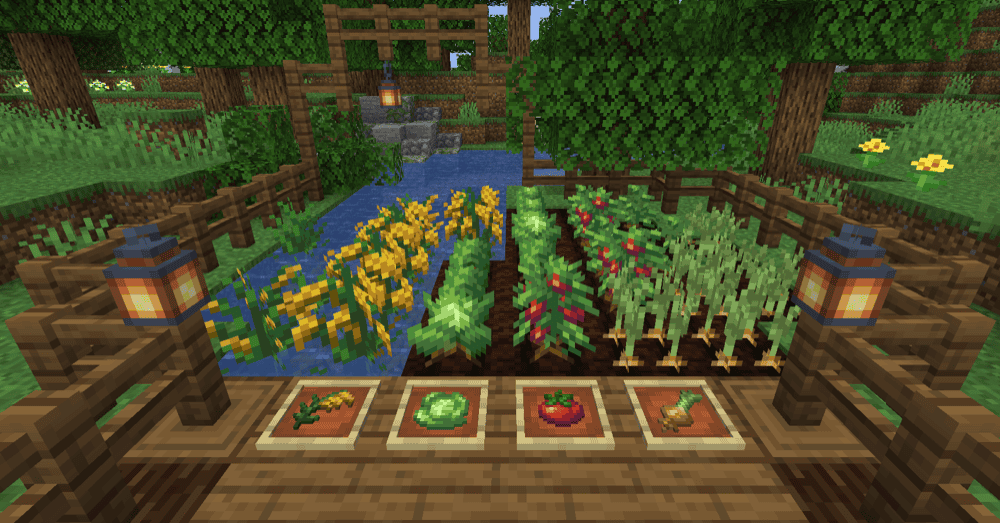
This mod is a cozy farming and cooking expansion that layers more depth onto vanilla survival without turning it into a total overhaul. It adds new crops, ingredients, and kitchen blocks like the Cooking Pot and Cutting Board so you're preparing meals instead of just tossing food into a furnace. Those meals restore more hunger and can give small buffs, which makes running a proper kitchen feel worthwhile. Beyond food, the mod includes rich farmland improvements, a few new tools, and rustic decorations that tie farms, kitchens, and village builds together into one themed progression.
3. Pam's HarvestCraft 2 - Food Core
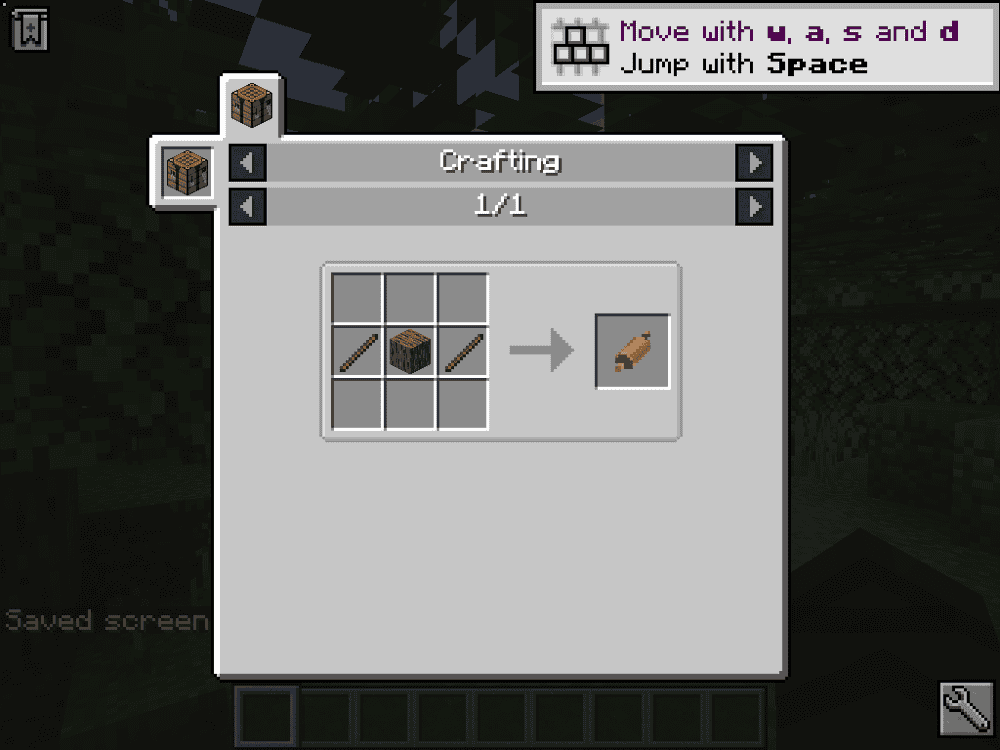
This mod is a rebooted, modular take on HarvestCraft that focuses purely on cooking. It adds 180+ new foods made entirely from vanilla Minecraft ingredients, with refreshed textures designed to blend cleanly with the base game. Instead of an all-in-one overhaul, Food Core works on its own or alongside the Crops, Trees, and Food Extended modules, letting you scale complexity to your world or modpack. Cooking revolves around dedicated kitchen tools like cutting boards, mixing bowls, and skillets, turning food progression into an active process rather than simple crafting table recipes.
4. Spice of Life: Carrot Edition

A reward-for-variety food mod that tracks how many different foods you've eaten and grants permanent extra hearts at configurable milestones. Instead of nerfing repetitive eating, it makes diverse meals the optimal play, which pairs especially well with big kitchen mods like Pam's HarvestCraft. A craftable Food Book (book + carrot) shows your progress and eaten foods, while server configs let pack makers control starting hearts, milestones, blacklists, and more.
5. Croptopia
This mod massively expands Minecraft's agriculture with 58 ground crops, 26 fruit trees, and 250+ new foods to grow, cook, and eat. You'll find new crops growing in the wild (or from grass in older versions), harvest tree fruits with right-click, and craft saplings by combining a sapling with its fruit. An optional Patchouli-powered cookbook lets you browse every recipe in-game if you don't want to rely on JEI/REI. Later versions tweak how you discover crops, and even let you shear crop leaves from wild trees for decorative or farming purposes. Overall, it's a big but still vanilla-friendly farming overhaul that pairs nicely with other cooking mods.
6. Delightful
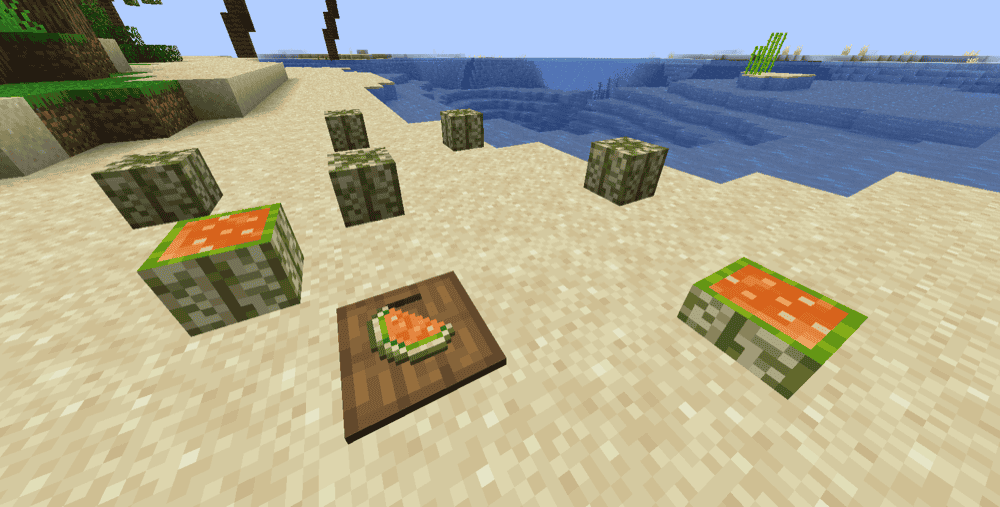
Delightful is a configurable add-on for Farmer's Delight that focuses on immersive, compatibility-first food content. It adds new treats like s'mores, marshmallows, cheeseburgers, sinigang, field salads, nut butters and jams, various meats, pies and ice creams, plus utility foods such as Ender Nectar (single-use ender chest access) and Animal Oil fuel bottles. You also get storage and decorative blocks (sacks, mini melons, cantaloupes, cabinets) and a big collection of metal, gem, and mod-themed knives that automatically enable when their materials or companion mods are present.
7. [Let's Do] Vinery
![[Let's Do] Vinery Mod](https://blog.curseforge.com/content/images/2026/02/vinery-2.png)
This mod lets you build a full-blown winery, from grapevines to wine cellars. It introduces a bespoke wine–making system with multiple wine variants that grant different positive effects, plus new bushes, trees, and a unique wood set for vineyard-style builds. You can decorate with dirt/grass/coarse-dirt slabs, large pots, and display racks for your bottled wines, meet a new vintner-style villager and a Wandering Winemaker, and even collect a special armor set with a set bonus. All of it is tuned for a cozy, rustic vineyard village vibe.
8. Neapolitan
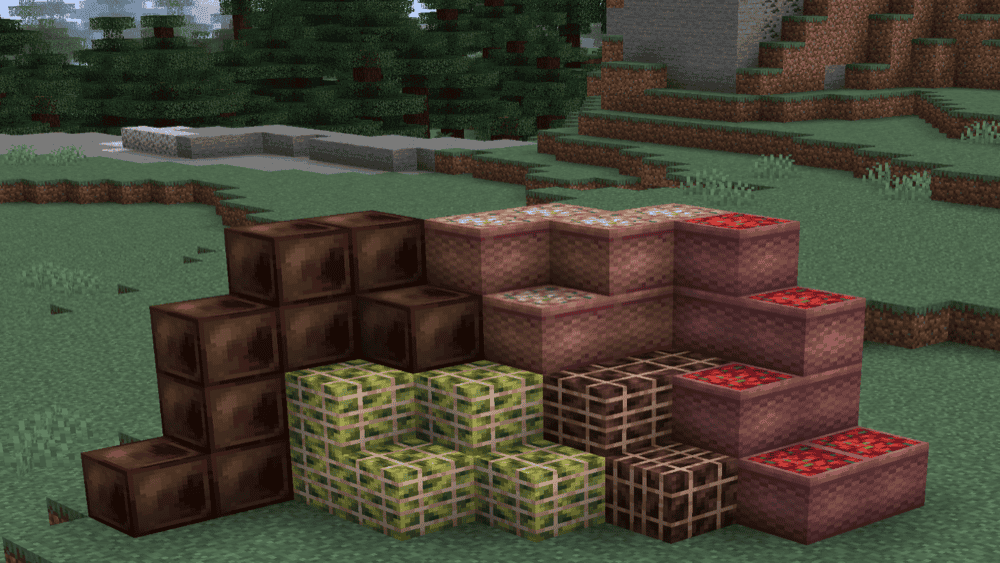
This mod adds themed flavors to Minecraft, each centered around exploration and ingredients found in the world. Every flavor (vanilla, chocolate, strawberry, banana, mint, adzuki, with more planned) comes with its own ice cream, cake, and milkshake, each granting quirky, unique effects instead of simple hunger buffs plus a small tweak that lets cookies be eaten faster.
9. Brewin' And Chewin'
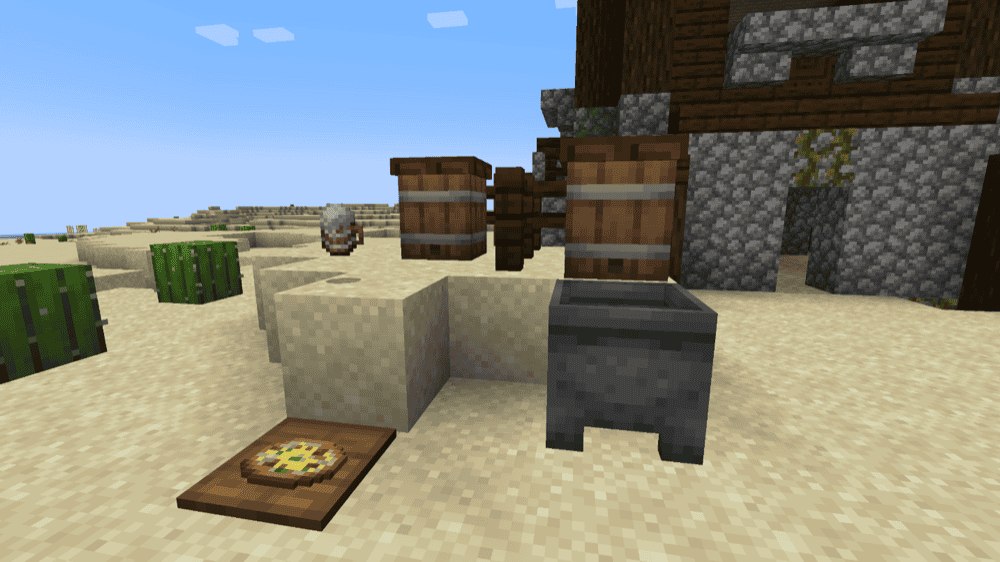
This mod expands Farmer's Delight with a full fermentation system built around the keg, letting you brew ales and liquors, age cheeses, and cook rich sweets like fudges and other fermented dishes. Progress is guided through a dedicated advancement tab (no in-game book), which walks you from your first keg to more advanced brews and foods. It's intended as an immersive, late-game cooking addon.
10. AlcoCraft+
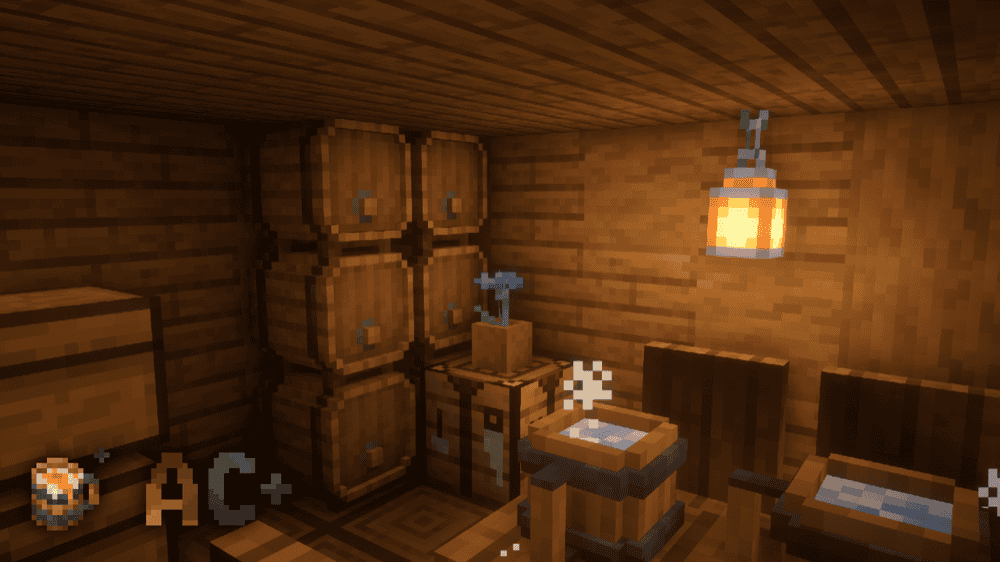
AlcoCraft+ adds a full beer-brewing system built around a dedicated brewing keg. Using ingredients like hops, sugar, apples, and water, you can craft over ten different beer recipes, each granting its own set of temporary buffs, such as increased movement speed, extra damage and defense, or improved night vision. Once brewed, you can share drinks with other players, turning your base or tavern build into a social hangout and giving survival worlds a more "realistic" tavern / role-play vibe.
How to Install Mods
How to Install with the CurseForge App
- Open CurseForge → Minecraft and create a profile with the modloader and version you need: Fabric, Quilt, NeoForge or Forge (depending on the gun mods you’d like to install).
- Open your profile and click the three dots next to "Play".
- Click on "Add More Content" from the available options.
- Search the mod you need and click "Install".
- Play from the CurseForge app.
How to Install Mods Manually
- Install a mod loader that matches your Minecraft version (Fabric, Quilt, NeoForge, or Forge).
- Run the installer to add a new profile in the Minecraft Launcher.
- Download the mod’s .jar file from its project page. Making sure both the Minecraft version and loader version match.
- Drop the .jar into the mods folder inside your .minecraft directory (create the folder if it doesn’t exist).
- Launch Minecraft using the new loader profile.
Note: Make sure to check if the mod has been recognized by the game. On the title screen, click “Mods” (or “Mod Menu” if you’re using Fabric). If the mod lists any required dependencies (like Fabric API), install those too.
Common mods folder locations:
Windows: %AppData%\.minecraft\mods,
macOS: ~/Library/Application Support/minecraft/mods
Common Issues & Quick Fixes
- Recipes not showing up: Make sure all required dependencies are installed. Many food mods skip loading their recipes if a dependency is missing or outdated.
- Guidebooks / manuals are empty or missing: For mods with in-game books, check that support mods like Patchouli are installed if required. If the world was created before installing the dependency, delete that world’s serverconfig for the mod and let it regenerate.
- No new crops or structures spawning: If you added the mod to an existing world, you’ll usually need to explore new chunks to find modded crops, trees, and structures.
- Crashes or incompatibilities: First confirm all mods are on the right loader (Forge/Fabric/NeoForge) and version. Then remove recently added mods one by one to find the one causing the crash.