Guns change how you play survival. Caves are no longer just “torch and sword” - it’s recoil, reload windows, ammo management, and long-range picks on mobs that never reach you. Some mods go full FPS, others just sprinkle a few rifles into otherwise vanilla progression.
This list rounds up 10 of the most popular Minecraft gun mods, from lightweight craft with iron and gunpowder to full-blown warfare overhauls with tanks and missiles.
1. Timeless and Classics Guns
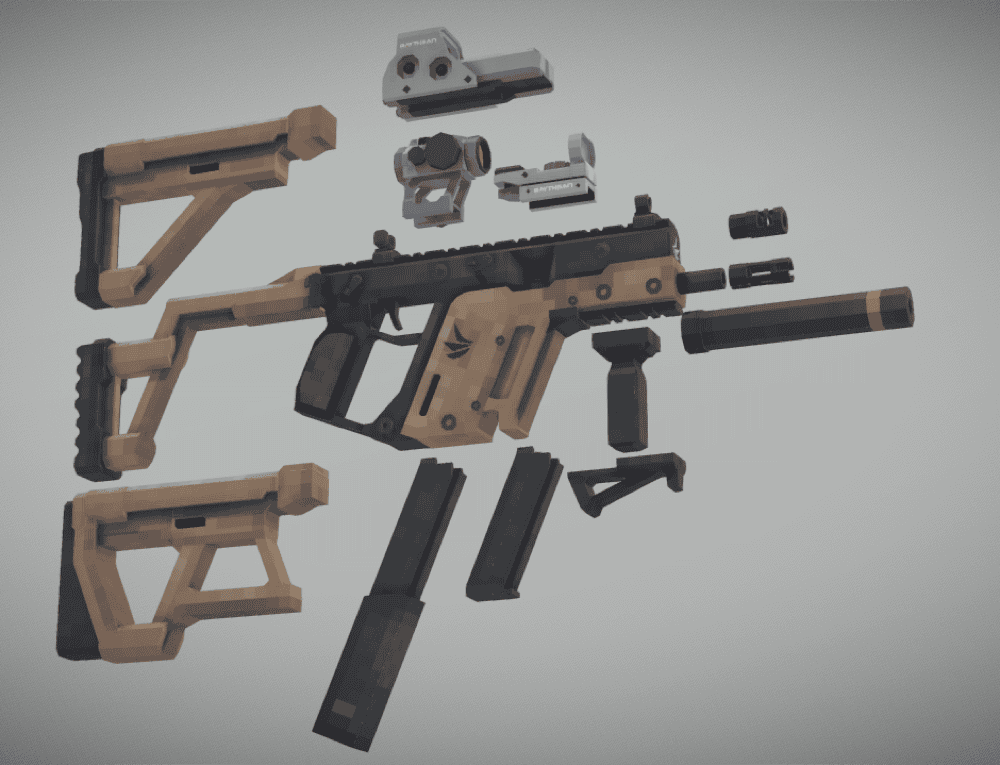
Timeless and Classics Guns is a modern firearms mod that drops more than fifty highly detailed, animated weapons into Minecraft, each with its own stats, tiers, and handling, plus a full attachment system (scopes, muzzles, mags, grips, stocks) and cosmetic skins so you can tune both performance and style. Almost every part of a gun, damage, recoil, fire rate, sounds, and visuals, can be customized via datapacks and resource packs, and there's broad add-on support (like dedicated append packs) if you want an even bigger arsenal or extra tactical gear layered on top of the core mod.
2. [TaCZ] Timeless and Classics Zero
![[TaCZ] Timeless and Classics Zero Mod](https://blog.curseforge.com/content/images/2025/12/timeless-and-classics-zero.jpg)
This mod is a full remaster of the Timeless and Classics gun mod, rebuilt to feel like a modern FPS inside Minecraft, every gun has its own reload and inspection animation, you craft and upgrade weapons at dedicated workbenches, and a clean attachment UI lets you slot scopes, mags, muzzles, grips, and stocks. Weapons stats are driven by JSON inside separately installed gun packs with additional configuration available when Cloth Config is installed, so you can rebalance guns or install custom gun packs without coding.
3. Vic's Point Blank
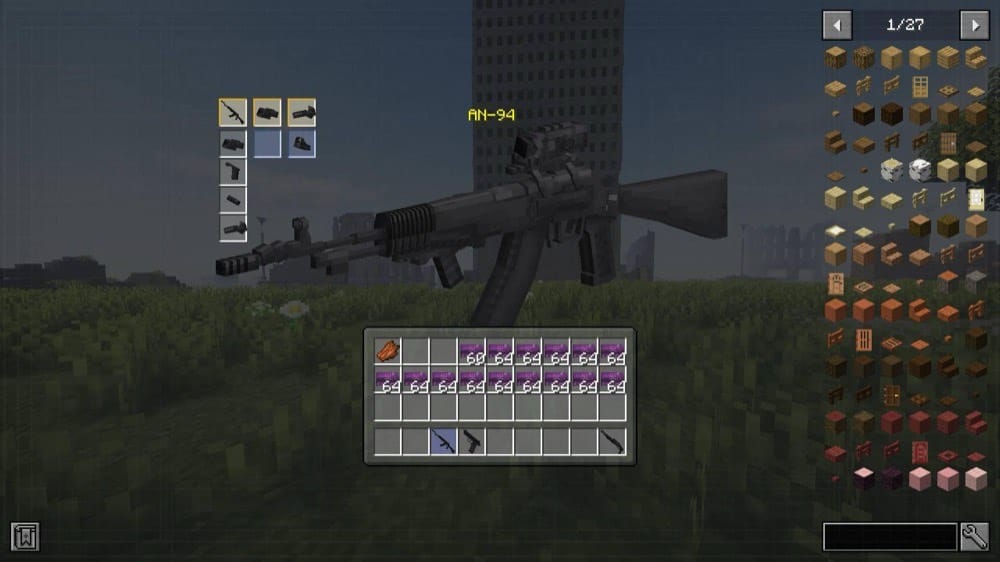
This mod is a streamlined vanilla-styled gun mod from the Vic's Modern Warfare team that adds around forty firearms with detailed reload/inspect/draw animations, multiple fire modes, and accuracy that changes based on movement and aiming. Weapons are fully craftable in survival via the Weapon Printer, support attachments for customization, and if you're into content creation you can plug in your own guns using Blockbench + Geckolib (no Java coding required), making it both player-friendly and creator-friendly.
4. MrCrayfish's Gun Mod
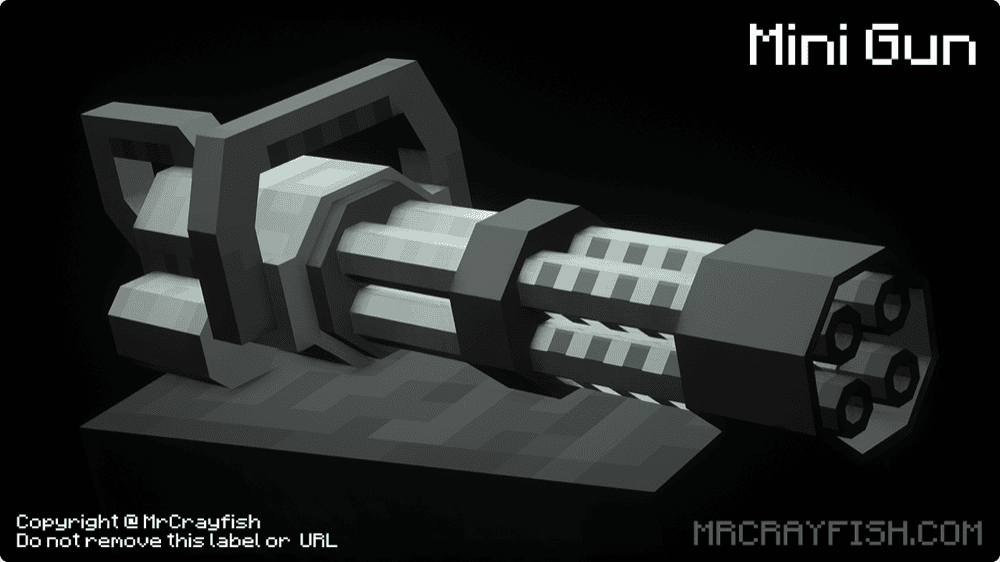
This mod adds nine highly customizable firearms, pistol, shotgun, rifles, minigun, bazooka, and more, plus grenades and stun grenades, all with ADS, custom sounds, and animations. You can boost your guns with attachments (scopes, stocks, grips, silencers), stack unique gun-only enchantments, and even recolor weapons and attachments with dyes. If you are looking for a very vanilla style gun mod, then this one is for you!
5. Just Enough Guns
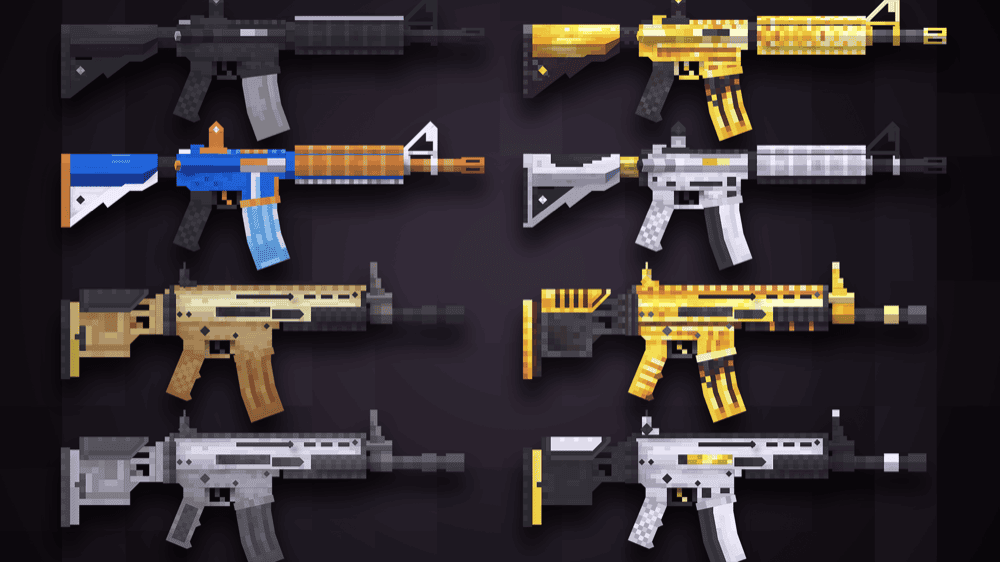
This is a survival-focused fork of MrCrayfish's Gun Mod that weaves firearms into progression, you mine new ores, use tiered workbenches, and craft a growing arsenal where stronger guns need rarer resources, and low durability can cause jams unless you invest in Unbreaking or Mending. On top of 20+ animated weapons, it adds gun-wielding factions, patrols, and raids (plus a warplane boss), bayonets, skins, attachments, and a recycler station, keeping the game's core survival loop intact while making late-game combat feel much more dynamic.
6. SCORCHED GUNS 2
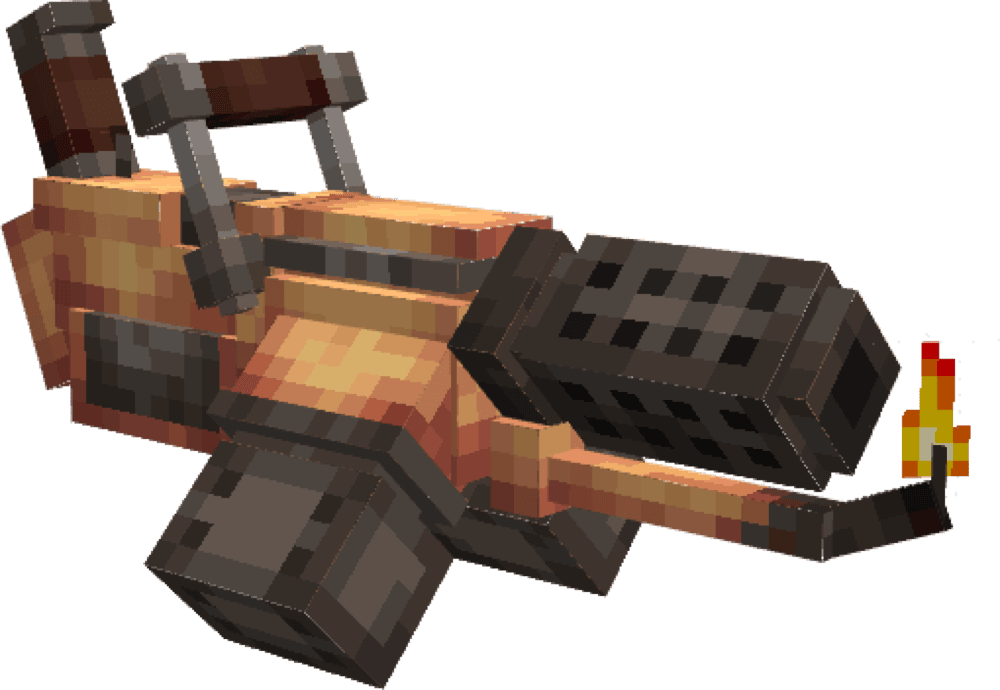
This mod is a standalone gun overhaul with 100+ firearms that take you from early muskets to high-tier brass and diamond-steel weapons, all crafted via dedicated machines and blueprints found in dungeons and major structures. You can kit guns with scopes, mags, stocks, barrels, grips, and bayonets, deploy turrets and a wide range of grenades, fight new gun-themed mobs in custom dungeons, farm fresh ores and geothermal vents for ammo materials, and even haul gear around with a tameable Supply Scamp, turning your world into a full gun-centric adventure rather than just a simple weapon add-on.
7. [SBW] Superb Warfare
![[SBW] Superb Warfare Mod](https://blog.curseforge.com/content/images/2025/12/superb-warfare.png)
This is a warfare-themed mod that turns Minecraft into a full battlefield with modern guns, massive cannons, and drivable vehicles like tanks and helicopters. Every weapon has smooth reload/aim animations, heavy artillery and explosives can reshape fights, and a gun perk system lets you boost damage, fire rate, and more to fine-tune your loadout.
8. Mo' Than Enough Guns
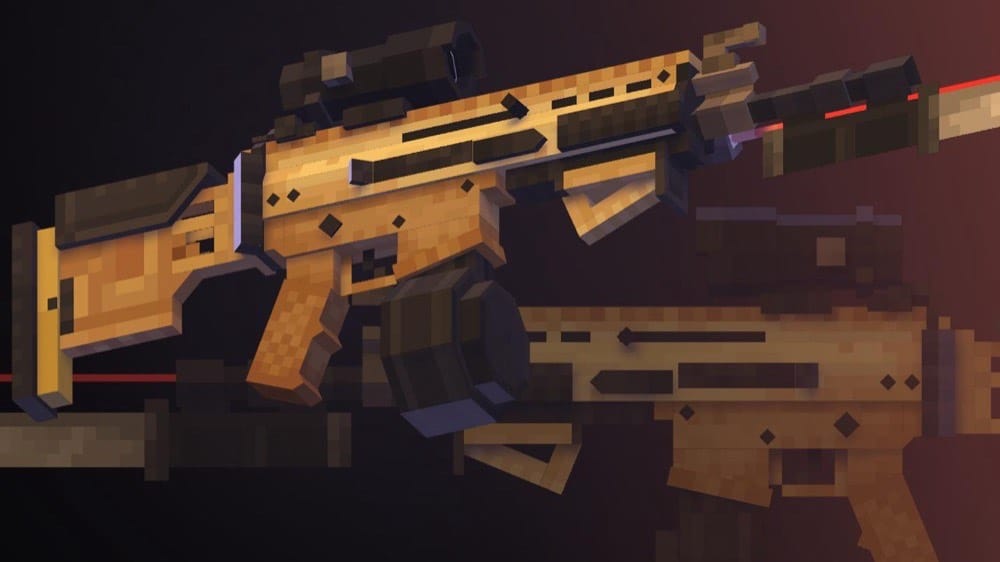
This mod is an add-on for Just Enough Guns that ports 36 classic Mo' Guns weapons (plus a trumpet) onto the modern JEG framework. It keeps most of the original, much simpler recipes and adds a cute Mo' Workbench, making it basically a "diet JEG" option if you want the fun, chaotic arsenal without the heavier survival grind.
9. Apex Guns
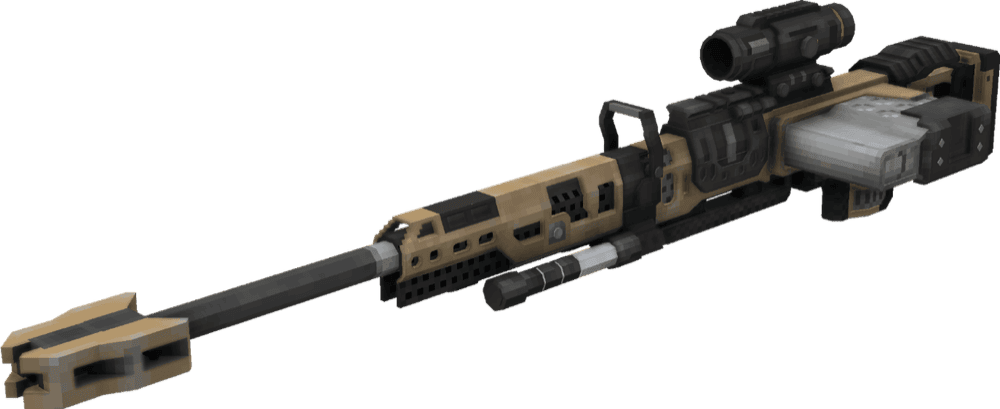
Apex Guns is a small add-on for MrCrayfish's Gun Mod that adds four weapons from Apex Legends – the R-301, 30-30 Repeater, M600 Spitfire, and Kraber. It requires CGM (or its unofficial fork that has been ported to 1.20.1), and you can tweak all gun recipes in the configuration file so they fit your pack's balance.
10. Simple Guns: Reworked
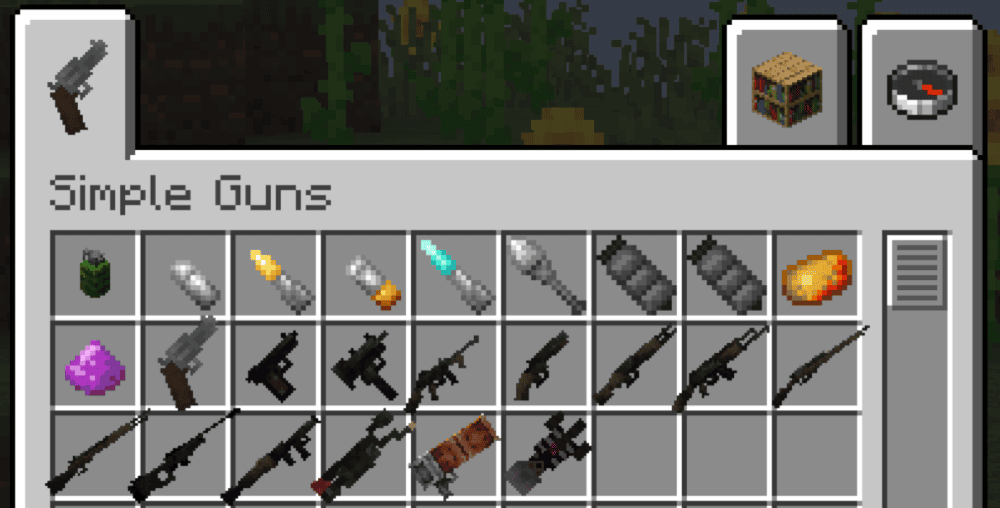
Simple Guns: Reworked is a lightweight gun mod that lets you craft firearms using mostly vanilla resources. It adds a small arsenal – pistols, shotguns, snipers, a molotov, bazookas, and more – that all need to be reloaded, have limited internal storage, and use cooldowns so they stay balanced in survival. Controls are configurable, but by default reload is done with "R", and some weapons like the heavy sniper use "G" to toggle zoom.
How to Install Mods
How to Install with the CurseForge App
- Open CurseForge → Minecraft and create a profile with the modloader and version you need: Fabric, Quilt, NeoForge or Forge (depending on the gun mods you’d like to install).
- Open your profile and click the three dots next to "Play".
- Click on "Add More Content" from the available options.
- Search the mod you need and click "Install".
- Play from the CurseForge app.
How to Install Mods Manually
- Install a mod loader that matches your Minecraft version (Fabric, Quilt, NeoForge, or Forge).
- Run the installer to add a new profile in the Minecraft Launcher.
- Download the mod’s .jar file from its project page. Making sure both the Minecraft version and loader version match.
- Drop the .jar into the mods folder inside your .minecraft directory (create the folder if it doesn’t exist).
- Launch Minecraft using the new loader profile.
Note: Make sure to check if the mod has been recognized by the game. On the title screen, click “Mods” (or “Mod Menu” if you’re using Fabric). If the mod lists any required dependencies (like Fabric API), install those too.
Common mods folder locations:
Windows: %AppData%\.minecraft\mods,
macOS: ~/Library/Application Support/minecraft/mods
Common Issues & Quick Fixes
Game crashes or won’t load the world
- Make sure Minecraft, loader, and mod versions match.
- Install all required libraries listed on each mod page.
- Check for invisible guns, missing animations, or broken textures.
- Temporarily disable shaders or heavy resource packs to see if they’re conflicting with models or scope overlays.
- Try to disable any client-side performance mods as these can cause similar issues as shaders.
Reload / zoom / fire-mode keys don’t work
- Open Options → Controls and look for conflicting keybinds (often "R", "G", "B", or extra mouse buttons). Rebind anything that shows up in red as this indicates a conflict that may cause issues.
- Check the mod’s own key category and ensure every action has a key assigned.
Guns feel too strong / too weak or recipes too grindy
- Most of these mods are data-driven: use their configuration files or datapacks to tweak weapon damage, recoil, fire rate, or crafting recipes.
Lag spikes or low FPS during firefights
- Reduce particle and sound settings, and avoid stacking heavy shader packs with large gun mods.
- Client-side rendering performance mods can help, but beware of conflicts with your mods (may cause issues like invisible models or broken textures).
- On servers, watch tick time and consider adding server-side performance mods as large battles plus lots of projectiles can stress weaker hardware.