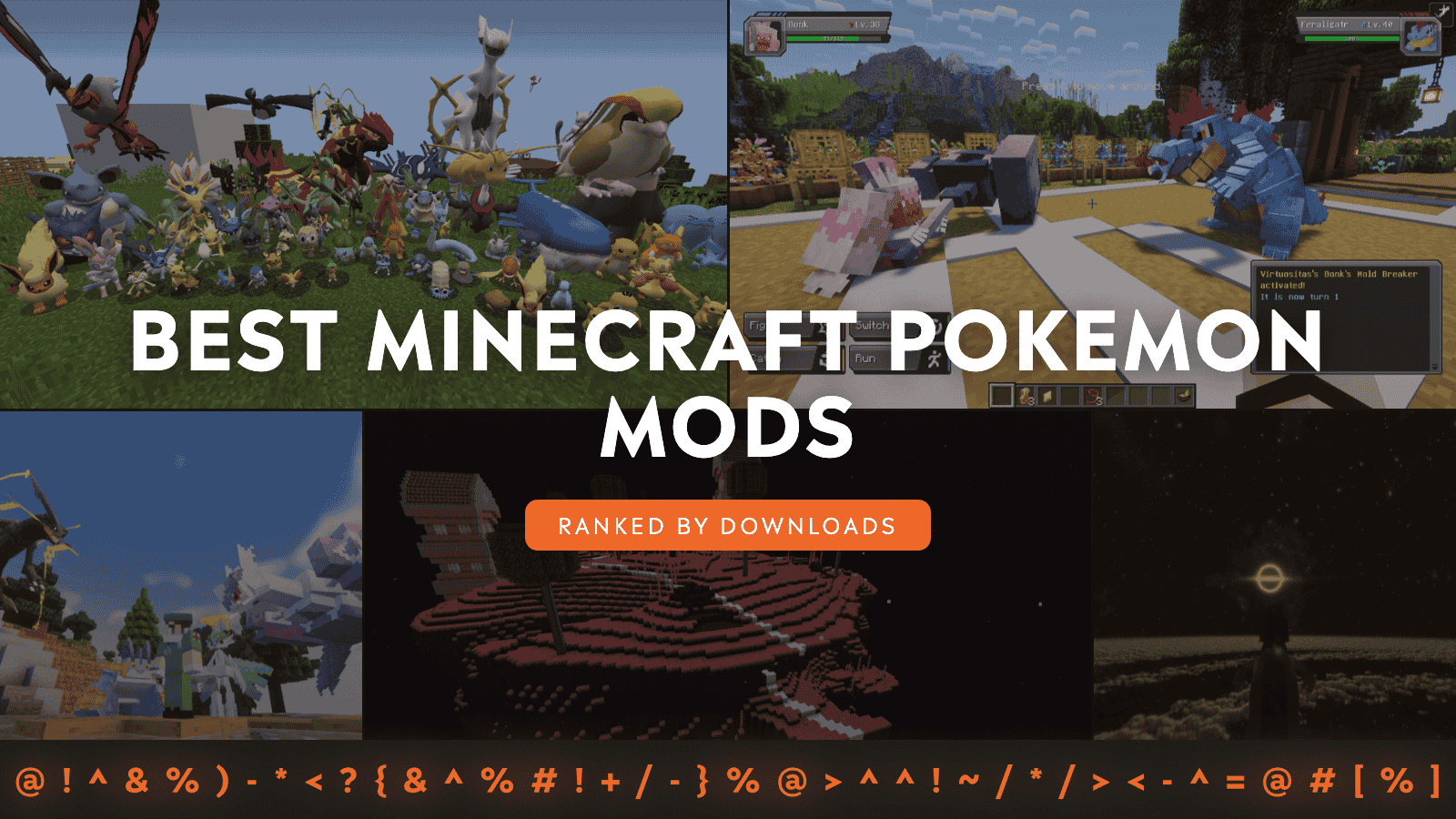
If you want Pokemon-style gameplay in Minecraft, there are three big names the community keeps coming back to: Pixelmon, Cobblemon, and Pokecube AIO. Pixelmon and Cobblemon lead the pack in raw downloads, while Pokecube AIO is a longtime classic that still gets regular updates.
And once you have your main mod picked, the fun part is stacking on add-ons. The Cobblemon ecosystem especially has some great extras that expand battles, add progression hooks, and make traveling with your team feel way more like a proper adventure route.
1. Pixelmon
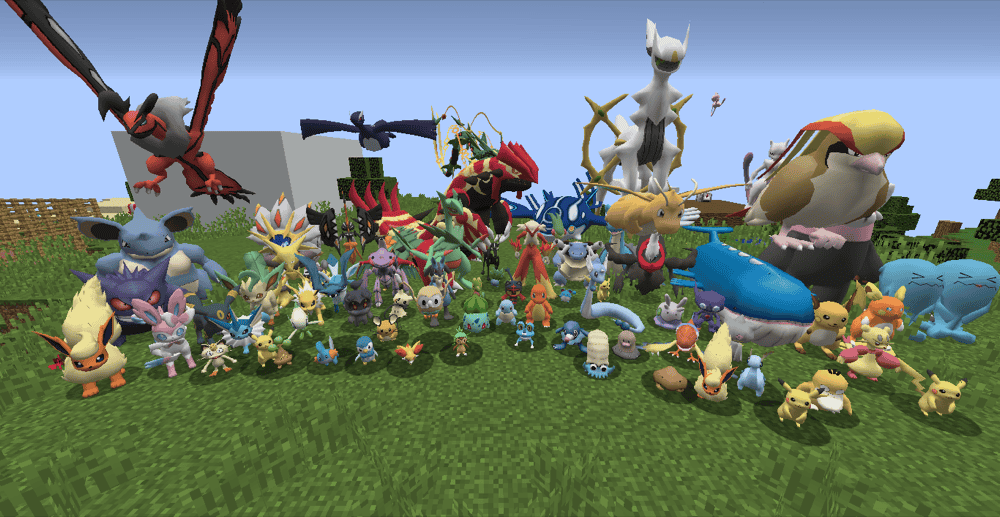
Pixelmon is the classic Pokemon in Minecraft mod that adds over a thousand Pokemon up through Generation 9. You explore, catch, train, and battle as you build your team, with special HUDs for battles, letting you watch the fight cinematically. It is a great fit if you want that classic start-small-and-work-your way-up-loop, with plenty of world content to chase along the way.
The mod includes the Ultra Space dimension, plus battle staples like Mega Evolutions, Z-Moves, and Dynamaxing, which makes it a great pick when you want your world to feel like a proper Pokemon journey instead of just a side activity.
2. Cobblemon
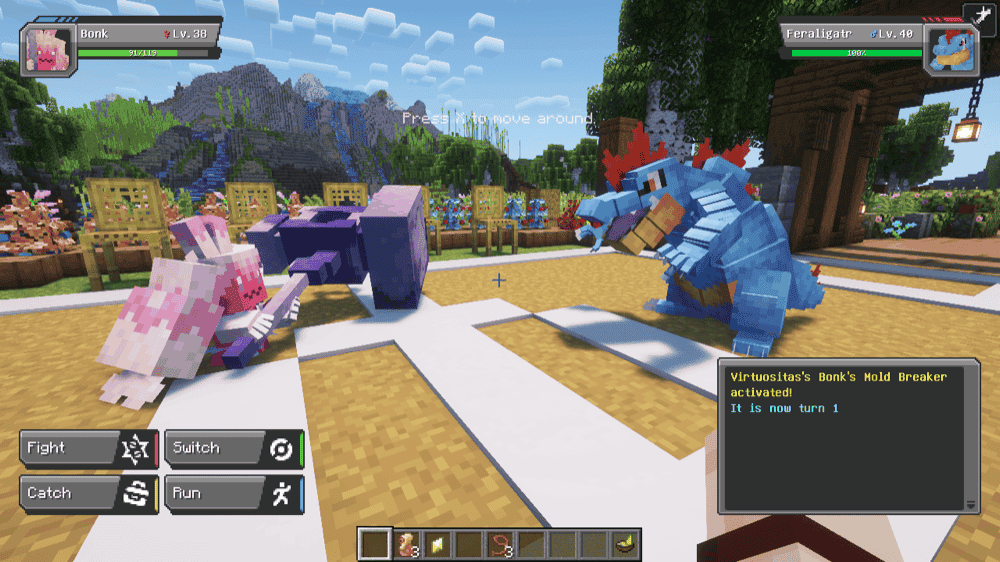
Cobblemon is a modern Pokemon mod that tries to blend into Minecraft by using blocky models and pixelated textures, while still giving you the full loop of catching, battling, leveling, learning moves, and evolving your team – with a Pokédex to track what you have seen and caught.
The mod also has extra features like free-movement battles, riding Pokemon, pastures for letting your team roam, berry farming with cross-breeding, fossils you can excavate and revive, and world structures to discover.
3. Cobblemon: Mega Showdown
4. Cobblemon: Legendary Monuments
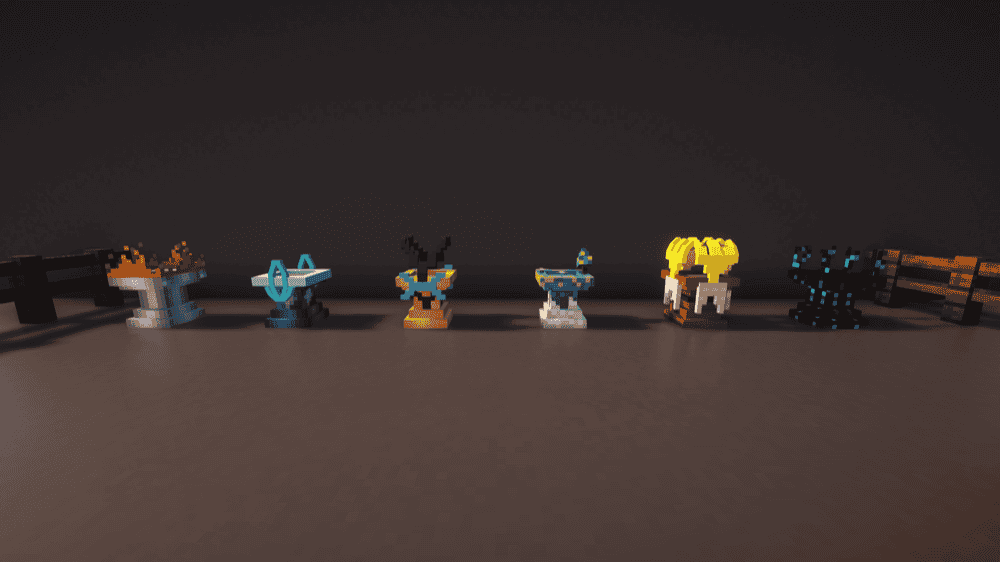
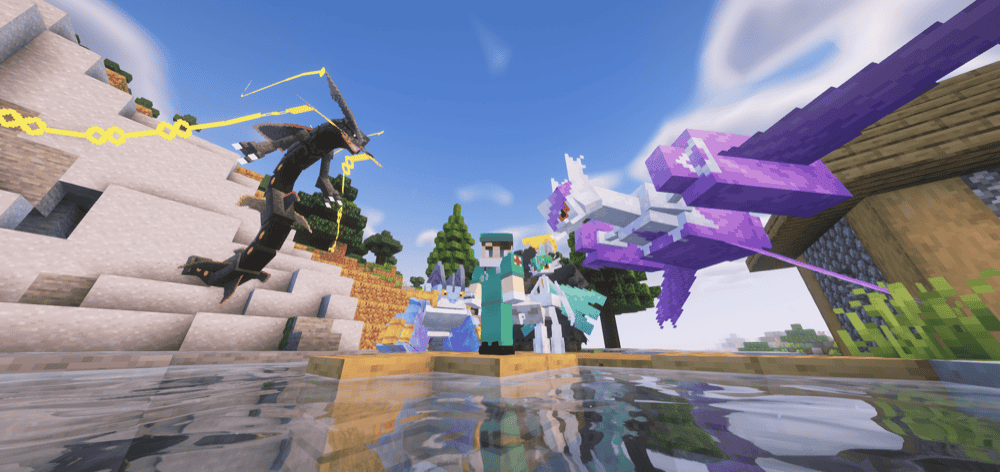
Cobblemon: Legendary Monuments adds more immersive ways to obtain Legendary and Mythical Pokemon by introducing unique summoning mechanics, new structures, and new items, so hunting rare spawns feels like an actual quest.
Instead of waiting around or exploring thousands of blocks to find that one biome, you will do things like collecting footprints, crafting ancient urns, gathering Pokemon souls, solving labyrinths, or answering questions to trigger specific Legendary encounters.
5. Pokecube AIO
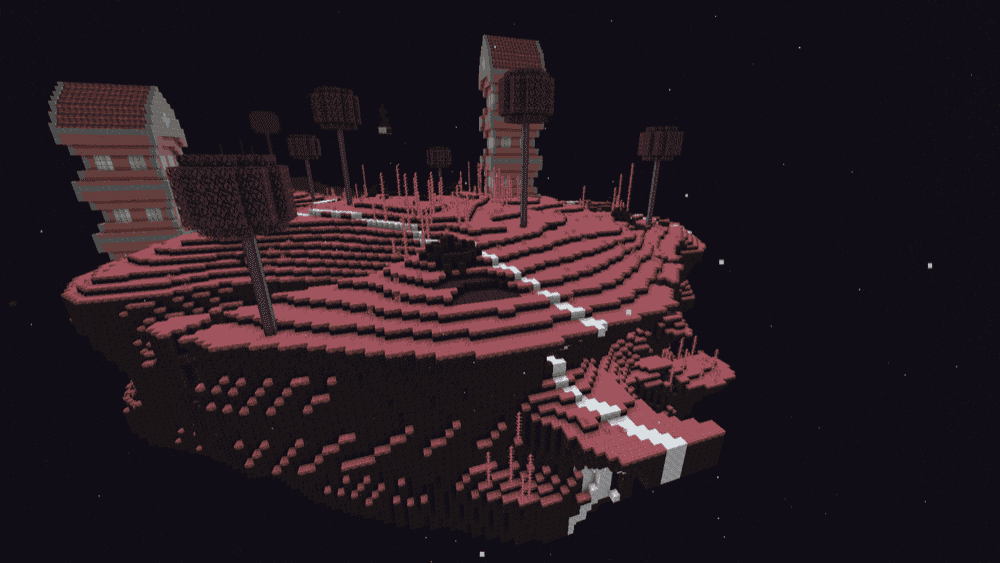
Pokecube AIO adds Pokemobs to Minecraft. However, it does this in quite a different way compared to other Pokemon mods. Here, battles are carried out as if you're in a classic Minecraft fight with a mob, where both you and your Pokemob battle enemy Pokemobs. Weakening a Pokemob by lowering its health will then increase your chances of capturing it.
On the progression side, your Pokemobs level through combat (even with regular Minecraft mobs), can evolve when they meet requirements, and you can manage move selection and move order through the Pokéwatch. If a Pokemob dies, it returns to your inventory or gets sent to your Pokemob Storage PC, with multiplayer trading being available as well.
The mod also adds the Ultra Space and Distorted World dimensions from the Pokemon series for you to explore and find rare Pokemobs in.
6. Cobblemon Journey Mounts

This mod turns Cobblemon travel into a real adventure route by adding 280+ rideable Pokemon built for land, water, and flying travel. It is especially nice for long-term worlds and servers where getting around should feel like part of the journey, not just a case of sprinting everywhere.
It also organizes the vibe around the main series' regions – Kanto, Johto, Hoenn, Sinnoh, Unova, Kalos, Alola, Galar, and Paldea – with rideables listed across Generations 1 through 9. It is built to play nicely with add-ons like Mega Showdown and MissingMons.
How to Install Mods
How to Install with the CurseForge App
- Open CurseForge → Minecraft and create a profile with the mod loader and version you need (Fabric, Quilt, NeoForge, or Forge).
- In the profile screen, click "Add More Content" (or open the three dots menu next to "Play" and choose "Add More Content").
- Click on "Add More Content" from the available options.
- Search for the mod you need and click "Install".
- Play from the CurseForge app.
How to Install Mods Manually
- Install a mod loader that matches your Minecraft version (Fabric, Quilt, NeoForge, or Forge).
- Run the installer to add a new profile in the Minecraft Launcher.
- Download the mod’s .jar file from its project page. Make sure both the Minecraft version and loader version match.
- Drop the .jar into the mods folder inside your ".minecraft" directory (create the folder if it doesn’t exist).
- Launch Minecraft using the new loader profile.
Note: Make sure to check if the mod has been recognized by the game. On the title screen, click “Mods”. If the mod lists any required dependencies (like Fabric API), install those too. Please also note that if using Fabric, the "Mods" button will only appear if the "Mod Menu" mod is installed.
Common mods folder locations:
- Windows: %AppData%\.minecraft\mods
- macOS: ~/Library/Application Support/minecraft/mods
- Linux: /home/<your-username>/.minecraft/mods
Common issues and quick fixes
“Missing required mod” errors
These usually mean you are missing a dependency library. For this Pokemon list, the most common one is Fabric API for Cobblemon on Fabric, and Mega Showdown also has multiple required dependencies (Accessories, Architectury API, Cobblemon, and owo-lib).
Here are the steps you can take to lower your chances of getting this error:
- Use the CurseForge app to install mods as this will automatically download any dependencies that mod authors have flagged as compatible.
- Open the mod page, go to "Relations" → "Dependencies", and install anything marked as "Required".
- Re-check that every dependency version matches your Minecraft version.
The addon loads, but content looks broken
Due to Cobblemon’s incredibly flexible configuration settings, some addons may come as datapacks packaged as mods and would likely require you to install a separate resource pack.
I installed two main Pokemon overhauls and now everything’s a mess
Pick one core Pokemon mod per profile (Pixelmon or Cobblemon or Pokecube AIO), then add compatible add-ons around it.
Crashes after the game window opens
When Minecraft gets as far as the main window and then crashes, the fix can be usually found in the crash report or latest.log. To fix this, open the report, look for the first mod mentioned in the stack trace, then update or remove that mod (or its missing dependency) accordingly.
When it comes to addon-related issues, sometimes the error may be originating from the main mod. In this case, you could try to systematically disable or update any addons relating to the mod first before attempting to remove it entirely as this could save you quite a bit of time.