Minecraft travel usually boils down to boots-on-the-ground exploration, boats, and minecarts. While these are no doubt fun, sometimes you may want more ways to explore your surroundings. We’re talking actual ships you can sail, planes you can tinker with, or trains that make your base feel as a genuine part of your world. Let’s dive right in!
1. Create: Steam 'n' Rails
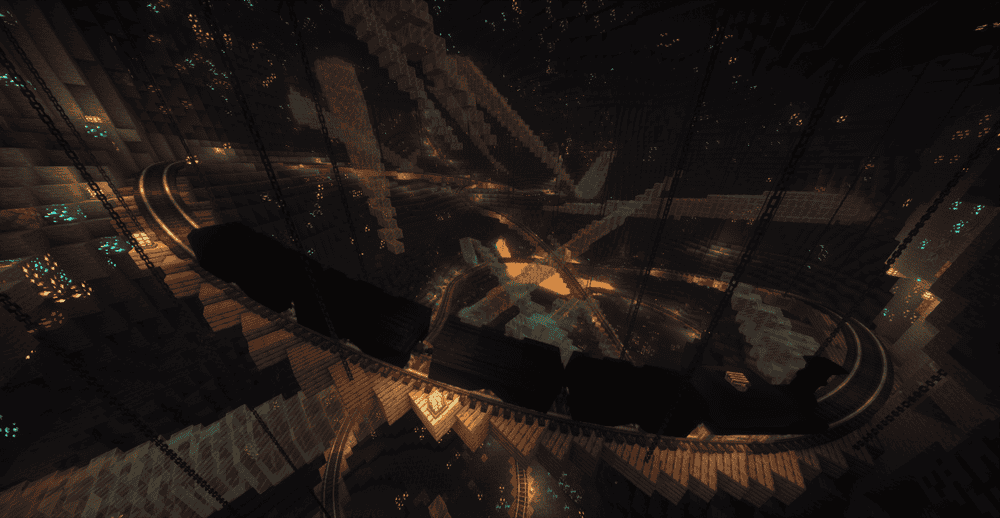
Steam Rails upgrades Create's train gameplay with more ways to build a proper rail system, including extra track types (like monorail options) and cleaner crossings, since you can right-click tracks with slabs to make grade crossings that work on slopes and turns.
The mod also adds rail network tools that make trains feel more like vehicles you operate, with semaphore signals for yards and junctions, plus powered coupling blocks to connect or split trains when you need to reconfigure a route.
2. Small Ships
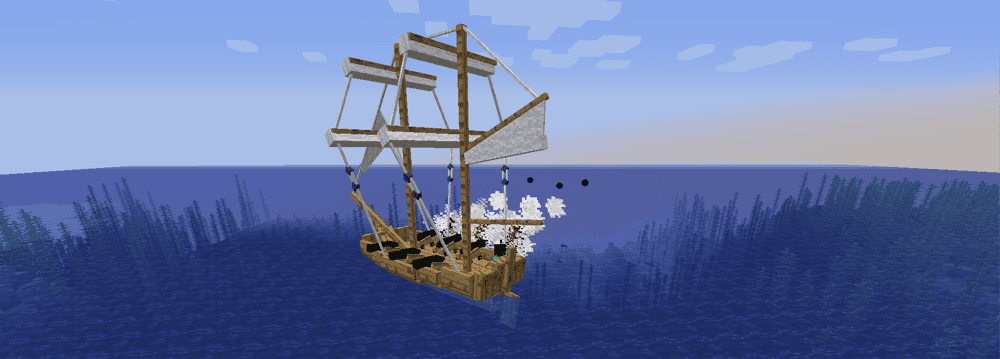
Small ships adds vanilla-friendly, sailable ships that give oceans real vehicle gameplay and not just a faster boat. You place the ship into open water (it needs space), right-click to board, then use "R" to open or close the sail and "W" or "S" to adjust sail speed while you are sailing.
The mod also lets you outfit ships for combat and utility. You can mount cannons by right-clicking your ship while holding one in hand, fire them with "Space" while looking toward the cannon (with cannonballs stored in the ship), and customize the vibe with dyeable sails, repairs (iron nuggets plus planks), and even naming your ship with a memorable nametag.
3. Immersive Aircraft
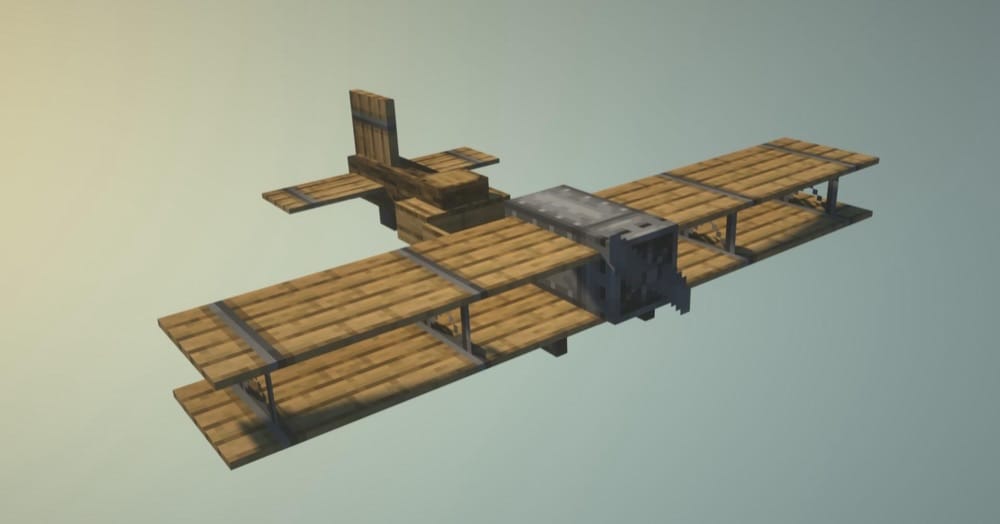
Immersive Aircraft is a mod that adds vanilla-style aircraft you can actually use for travel, transport, and exploration, without turning Minecraft into a flight sim. It includes several vehicle types like the biplane, airship (plus a cargo variant), gyrodyne, quadrocopter, and a larger warship built for combat-focused setups.
You also get a proper aircraft inventory with upgrade slots and customization options, including fuel, banners, dyes, rocket boosters, and storage, plus support for mounting different weapons and utilities when you want something more than simple sightseeing flights.
4. Ultimate Car Mod
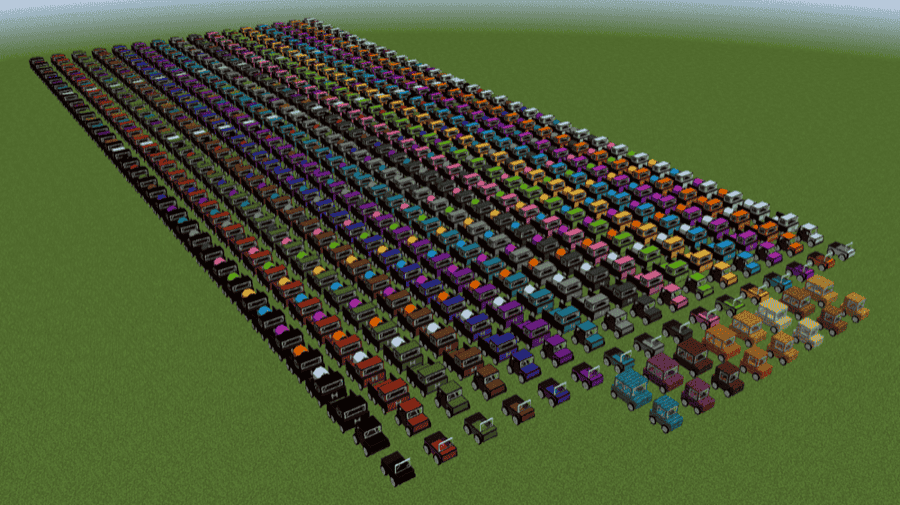
Ultimate Car Mod adds drivable cars to Minecraft, but it does not just hand you the keys and call it a day. The core loop is around building vehicles and keeping them running with a biodiesel fuel system, plus the basics you would expect from a proper vehicle mod like a damage system, battery charging and swapping, realistic gauges, horns, and different engines with different speeds and fuel economy tiers.
The mod also makes roads matter by introducing asphalt blocks, road markings (white and yellow), crash barriers, and editable signs, so driving feels better once you build proper streets.
5. Simple Planes
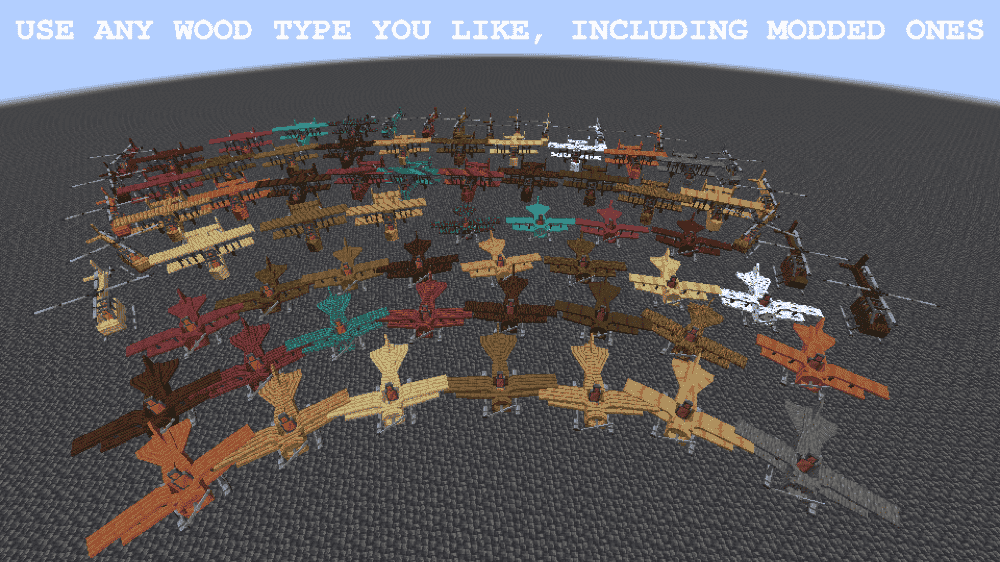
Simple Planes adds four flyable and upgradable aircraft types to Minecraft: a small plane (fast, one-seated), a large plane (two seats with bigger upgrades and payload drops), a cargo plane (multi-seat, heavy upgrades), and a helicopter for more precise maneuvering.
You power your aircraft with an engine type of your choosing (solid fuel, liquid fuel, or Forge Energy) and then customize it with upgrades like extra seats, folding pickup (this turns it back into an item you can pick up when you hop out), armor, boosters, Floaty bedding (lets the aircraft float on water), and more, plus plane-only and large plane or helicopter upgrades like solar panels, chests, and droppable supply crates or TNT.
6. Valkyrien Skies
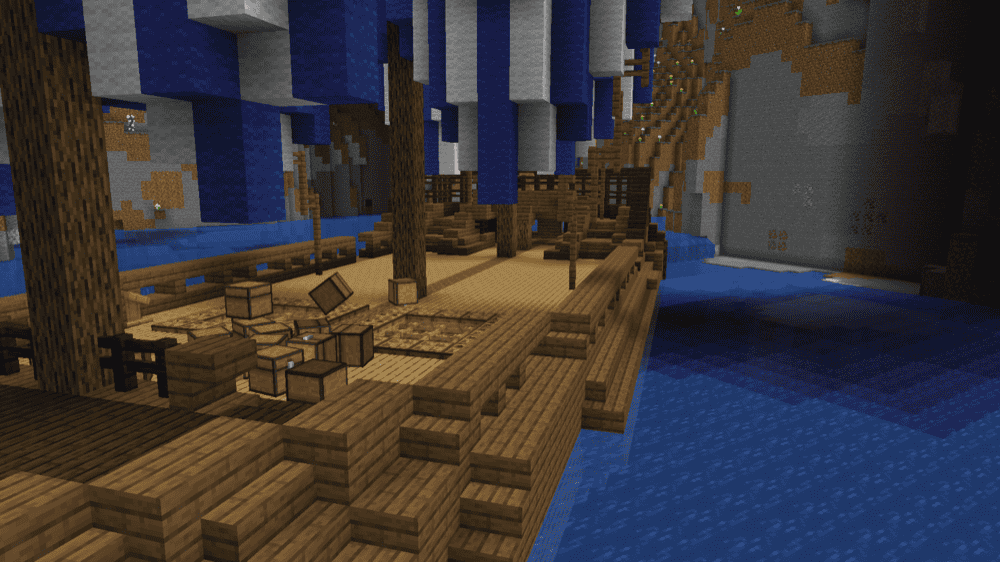
Valkyrien Skies is the physics backbone that makes true vehicles possible, meaning ships, airships, and other moving block builds that collide with the world and can even float if they are light enough. It is a library mod, so it does not ship a full "build this airship" gameplay loop by itself.
If you want it to feel like a real vehicle mod in survival, pair it with an add-on like Eureka, which adds the ship building flow (build out of blocks, place a Ship Helm, assemble, and go).
7. Eureka! Ships! for Valkyrien Skies
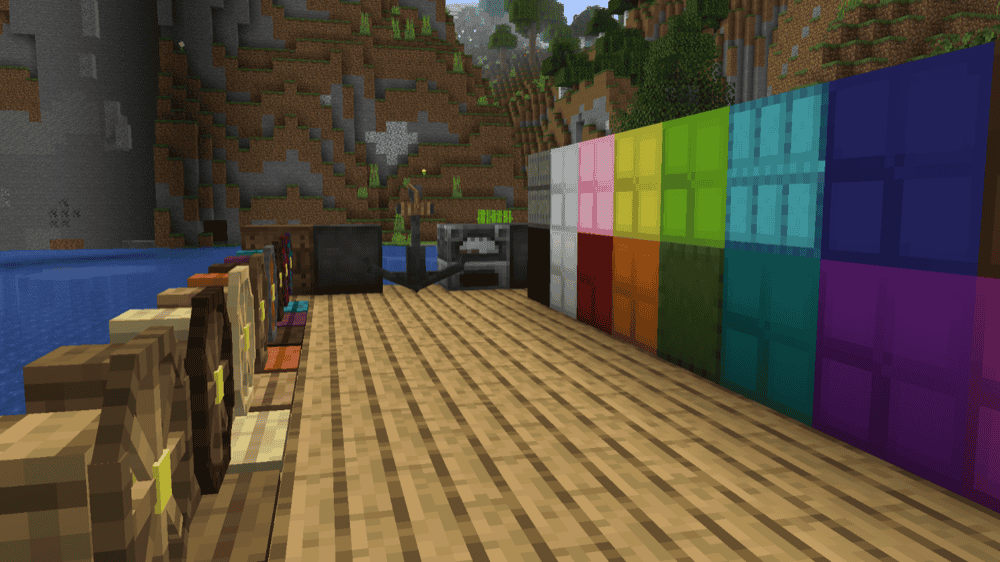
Eureka! Ships! adds the hands-on ship building flow for Valkyrien Skies, letting you turn ordinary blocks into a working vehicle using a Ship Helm. You design your ship, place the Helm, then press "Shift" + right-click to assemble, and your creation suddenly becomes a physics-enabled ship you can freely move around in your world.
The mod is designed to be easier to control than realistic physics, because Ship Helms apply stabilizing force and torque to help keep ships manageable while you build and steer them.
8. Immersive Vehicles
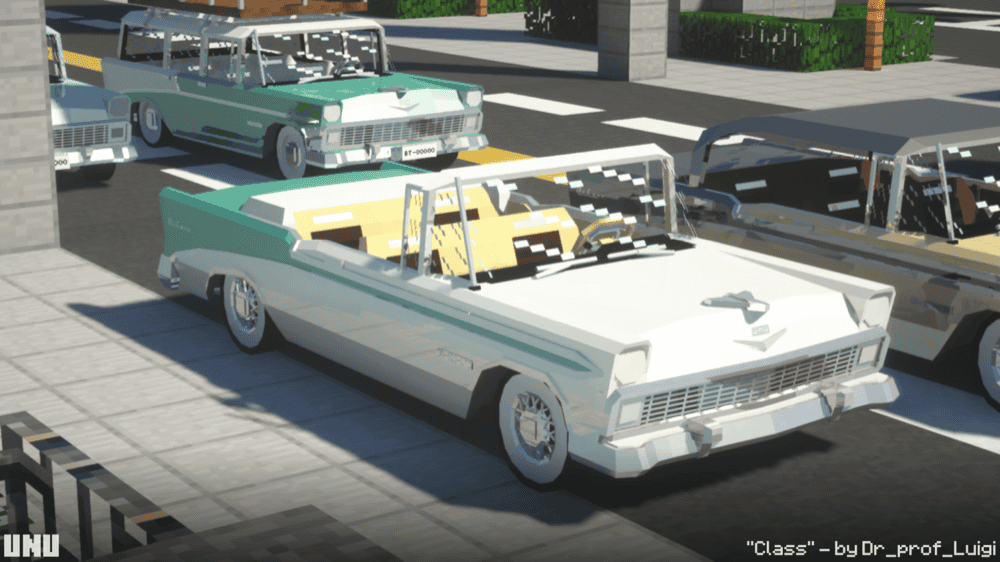
Immersive Vehicles is a well-known classic Minecraft mod that provides a realistic vehicle framework. It supports planes and ground vehicles with deeper physics and systems than most simple ride mods. The big catch is that the mod does not include any vehicles by default, so the core download is more like the engine than the full garage.
To get drivable vehicles in the game, you install content packs alongside it, like the official content pack that adds cars, planes, helicopters, trucks, and more.
9. Immersive Vehicles (MTS/IV) - Official Content Pack - [OCP]
![Immersive Vehicles (MTS/IV) - Official Content Pack - [OCP] Mod](https://blog.curseforge.com/content/images/2026/03/transport-simulator-official-vehicle-set-1.png)
Immersive Vehicles (MTS/IV) is the official vehicle and parts pack for Immersive Vehicles, adding a curated lineup of planes, cars, tanks, helicopters, and trucks that are designed to feel detailed without being a pain to use. It is built to show what the core mod can do while keeping the driving and flying experience approachable.
All vehicles and parts are craftable in survival, so it works well for worlds where you want vehicles to be earned instead of spawned, and it is a solid starter pack if you are new to the Immersive Vehicles content pack system.
10. Immersive Vehicles - Official Automobile Pack - [OAmP]
![Immersive Vehicles - Official Automobile Pack - [OAmP] Mod](https://blog.curseforge.com/content/images/2026/03/mts-iv-official-automobile-pack-1.png)
How to Install Mods
How to Install with the CurseForge App
- Open CurseForge → Minecraft and create a profile with the mod loader and version you need (Fabric, Quilt, NeoForge, or Forge).
- In the profile screen, click "Add More Content" (or open the three dots menu next to "Play" and choose "Add More Content").
- Click on "Add More Content" from the available options.
- Search for the mod you need and click "Install".
- Play from the CurseForge app.
How to Install Mods Manually
- Install a mod loader that matches your Minecraft version (Fabric, Quilt, NeoForge, or Forge).
- Run the installer to add a new profile in the Minecraft Launcher.
- Download the mod’s .jar file from its project page. Make sure both the Minecraft version and loader version match.
- Drop the .jar into the mods folder inside your ".minecraft" directory (create the folder if it doesn’t exist).
- Launch Minecraft using the new loader profile.
Note: Make sure to check if the mod has been recognized by the game. On the title screen, click “Mods”. If the mod lists any required dependencies (like Fabric API), install those too. Please also note that if using Fabric, the "Mods" button will only appear if the "Mod Menu" mod is installed.
Common mods folder locations:
- Windows: %AppData%\.minecraft\mods
- macOS: ~/Library/Application Support/minecraft/mods
- Linux: /home/<your-username>/.minecraft/mods
Common Issues and Quick Fixes
Game will not launch or crashes on startup
- You have an incompatible modloader (Forge vs Fabric vs NeoForge): Make sure every mod in the pack matches the same loader.
- You have missing required dependencies: If a mod page lists a required dependency, you need it installed or your game will crash.
Immersive Vehicles loads, but you have no vehicles
This is normal base mod behaviour as Immersive Vehicles does not include any vehicles by default. To add those in, you would need to install at least one content pack.
Quick fix: Put the content pack jar (like OCP) in the same mods folder as the core mod and re-launch your game.
Valkyrien Skies or Eureka is installed, but ships will not assemble
- You installed the library sans content packs: Valkyrien Skies is a library mod and needs an addon like Eureka for ship building.
- Ship will not assemble: Make sure your build is not touching blocks you do not want included, press “Shift” + right-click on the Ship Helm and assemble from the menu.
Small Ships feels broken (ship will not place or cannons do nothing)
- Ship will not place: Place it farther away in open water so it has space to spawn.
- Cannons do nothing: You need cannonballs in the ship inventory. Once placed, you can fire these with "Space" while looking toward the cannon.
My car within Ultimate Car Mod will not start
- Car will not start: Hold "R" to start the engine. If it still won’t start, then the battery may be empty.
- Don’t forget about fuel: The mod expects you to set up biodiesel production before you can drive any vehicles.
Planes within Simple Planes will not fly or feel underpowered
- Engine has no fuel or power type mismatch: Simple Planes supports different engine types, so make sure your engine matches what you are supplying (solid fuel vs liquid fuel vs Forge Energy).
- Throttle feels stuck: Check keybinds for throttle up and down and reset conflicts if needed.