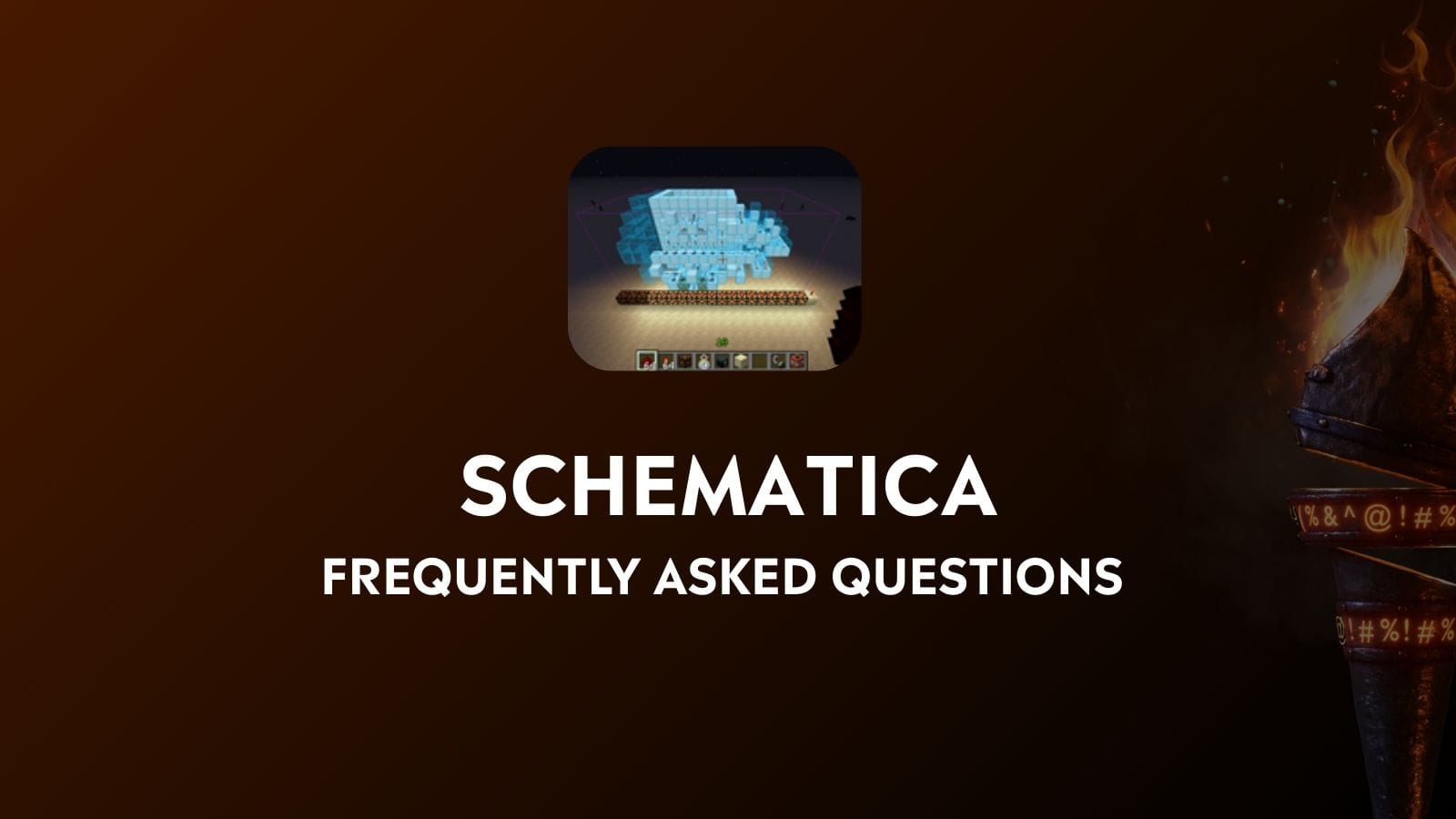
What is Schematica?
Schematica is a Minecraft mod that allows you to display 3D holographic blueprints of structures in your world. It creates transparent overlays showing exactly where to place blocks, making it easier to recreate complex builds. The mod also includes features like a printer function for automatic block placement in creative mode, material lists, and the ability to save your own structures as schematic files for later use or sharing.
How Do You Use Schematica in Minecraft?
To use Schematica, first install the mod and its dependency LunatriusCore. Use the default keybinds: "Numpad /" to load schematics, "Numpad *" to save schematics, and "Numpad -" to control the position and placement of loaded schematics. Place schematic files in the schematics folder, then load them in-game to see holographic building guides. The mod shows missing blocks in red and correctly placed blocks in green, helping you build accurately.
Is Schematica client-side?
Yes, Schematica is a client-side mod that only needs to be installed on your client, not on servers. The mod works by displaying holographic overlays and managing schematic files locally on your computer. However, some features like the printer function (automatic block placement) may be disabled on certain servers to prevent unfair advantages. The core functionality of viewing building guides works on any server where the mod is allowed.
Is Litematica the same as Schematica?
Litematica is inspired by Schematica and is an apt replacement for it on modern versions (1.13.2+), as Schematica is only available for 1.12.2 and below. They have similar feature sets such as schematic holograms and material lists. Litematica, however, has been designed from the ground up to be lighter on performance.
