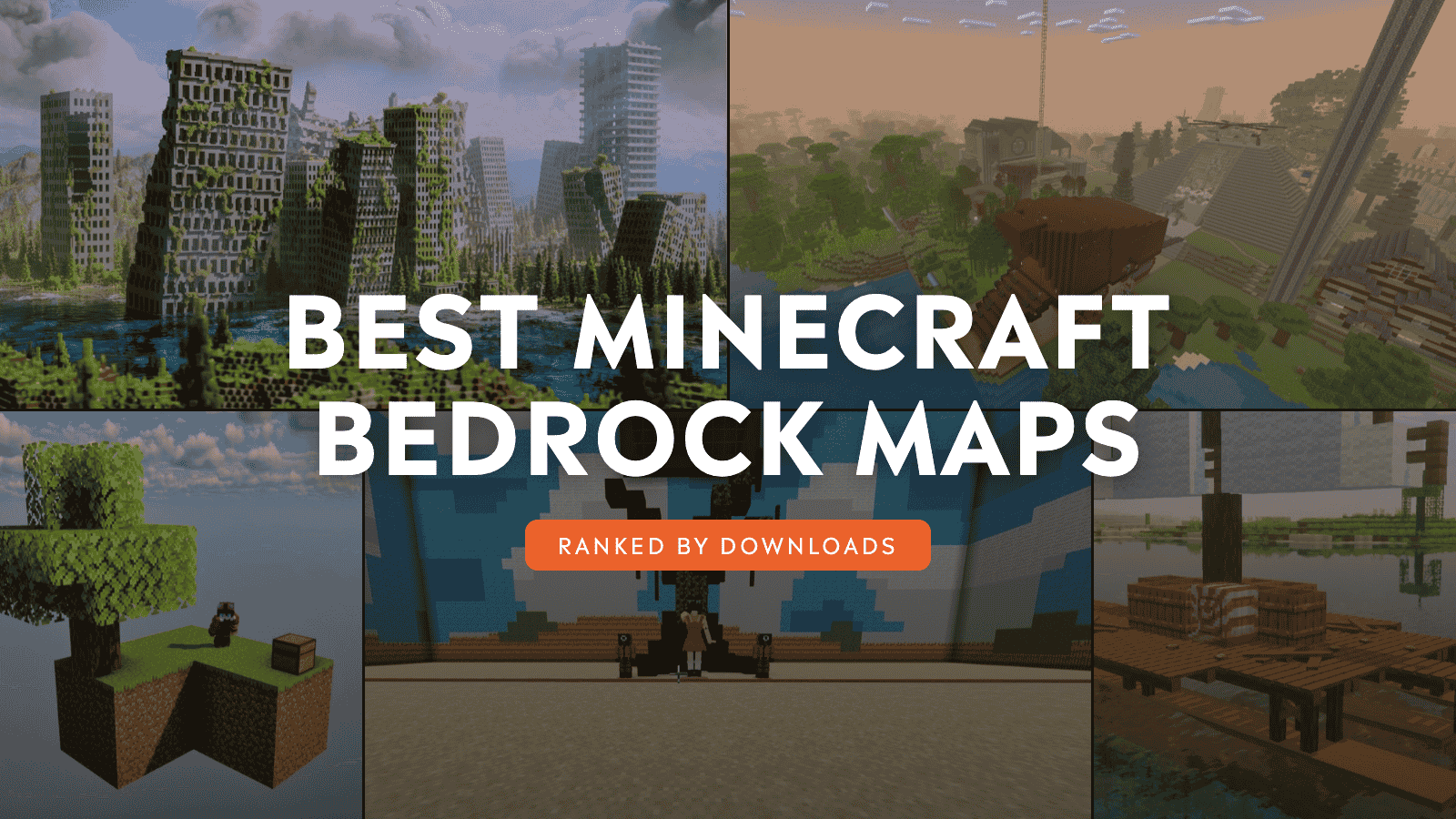
Every Minecraft world presents an infinite space to explore – those countless biomes and buildings mean there’s always something to discover just around the corner. But if you’ve been playing long enough, you might find yourself wanting something a little different. And one of the quickest ways to see the best of what Minecraft: Bedrock Edition has to offer is to try fun community-made maps.
The maps below are some of the greatest creations made by other players just like you! Some are challenge maps, pitting you against uncommon restrictions to survive, while others offer interactive games or scenic mega builds. Best of all: you can explore them for yourself as copies of each map can be freely downloaded and brought into your own game at any time.
Note: On CurseForge, you can browse and download Bedrock maps under the Maps category on its website. Once downloaded, every map can be imported via the "Import world" option in the world select screen or by manually opening the map file in your file browser.
1. One Block
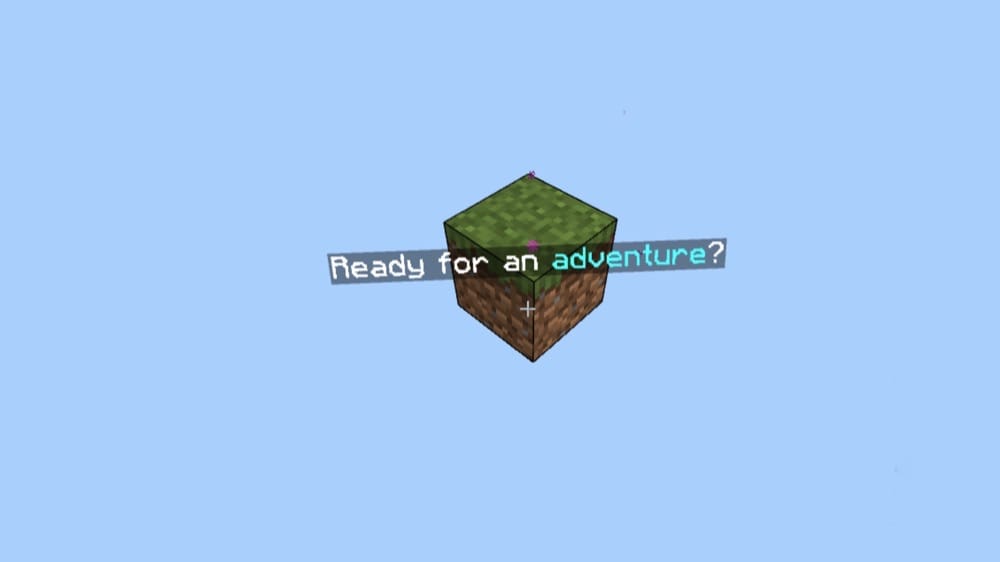
The king of Minecraft maps, “One Block” is the most popular one block Minecraft Bedrock map out there, and for good reason. Inspired by the original one block concept from Java Edition, you start on a single block in the middle of an endless void. By breaking that block, and gaining more items, you slowly but surely expand your land until you have a thriving empire in the sky.
A special focus was put on providing a sense of satisfying progression and smooth gameplay, making this an outstanding map for anyone wanting a clean, fun experience from start to finish.
2. Lucky Skyblock V5
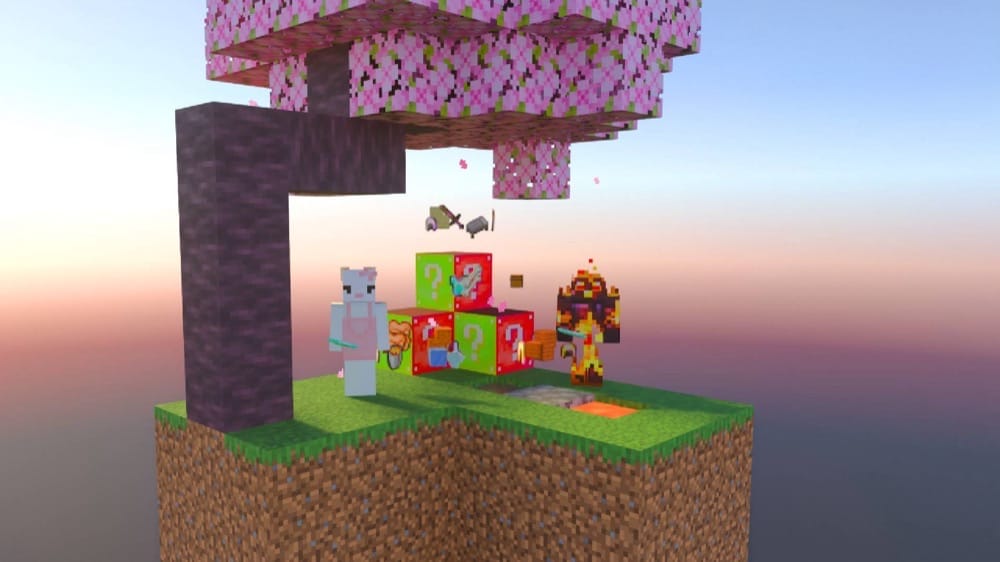
When you want the challenge of a one block map, but the sense of adventure, then there’s no better choice than a skyblock map such as “Lucky Skyblock V5.” Travel between floating islands to discover biomes, mobs, and of course, engage with the randomized lucky block!
Unlike other Skyblock maps, this one features a currency system. You can buy and sell goods for dollar items or build large farms for industrial profits, then use that wealth to get all those rare items you just can’t find on your own. Overall, this system shakes things up in a fresh and fun way – enough to spend quite a bit of time playing.
3. OP Tool Smith + Mod
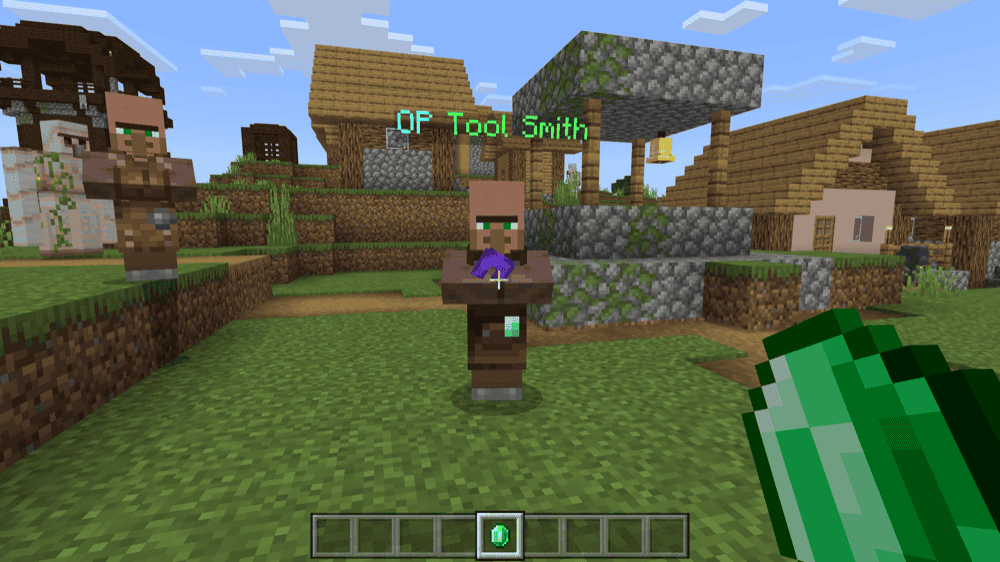
“OP Tool Smith + Mod” builds a survival challenge around an unusually valuable Tool Smith villager. Trade with him and advance through his levels to unlock a final Master tier containing overpowered netherite armor, weapons, and tools.
The premade world places the Tool Smith’s house inside a village with a nearby Pillager Outpost, giving you a reason to defend its residents while working toward the best trades. Achievements remain enabled in the supplied world, allowing you to continue earning normal Bedrock milestones throughout your playthrough.
The addon version lets you bring the same Tool Smith into another world. Once it is active, type ".villager" in chat to summon him and begin unlocking his trades.
4. Lucky Flat World V3
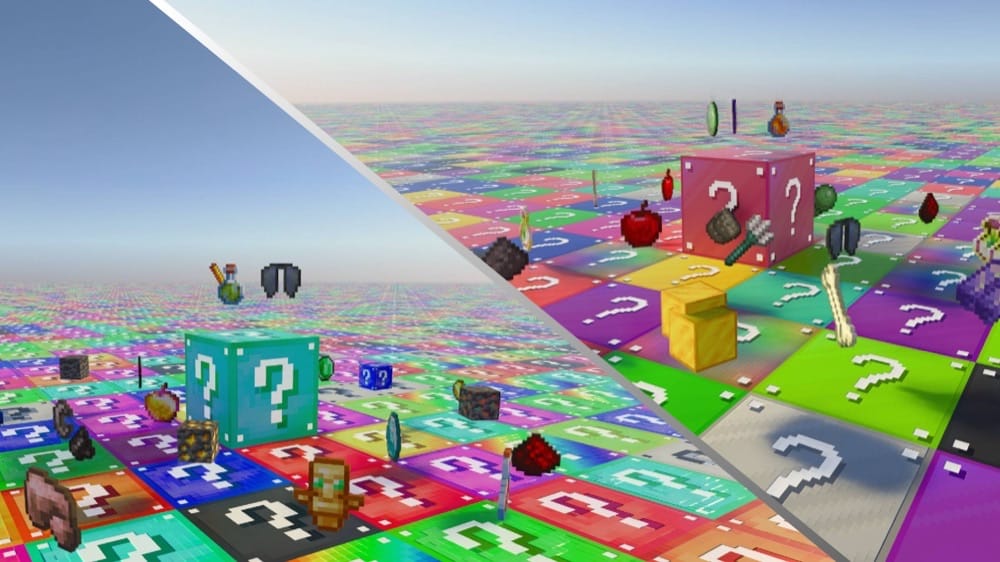
For when chaos reigns supreme, “Lucky Flat World V3” is there to harken its arrival. On this map, there is nothing but lucky blocks three layers deep for as far as the eye can see.
Breaking these blocks will drop random items instead. You’ll never know what you’re gonna get, making every playthrough extremely unpredictable. It’s a challenge just to survive the first night this way – but also an incredibly satisfying journey!
5. Part II - OP Tool Smith + Mod
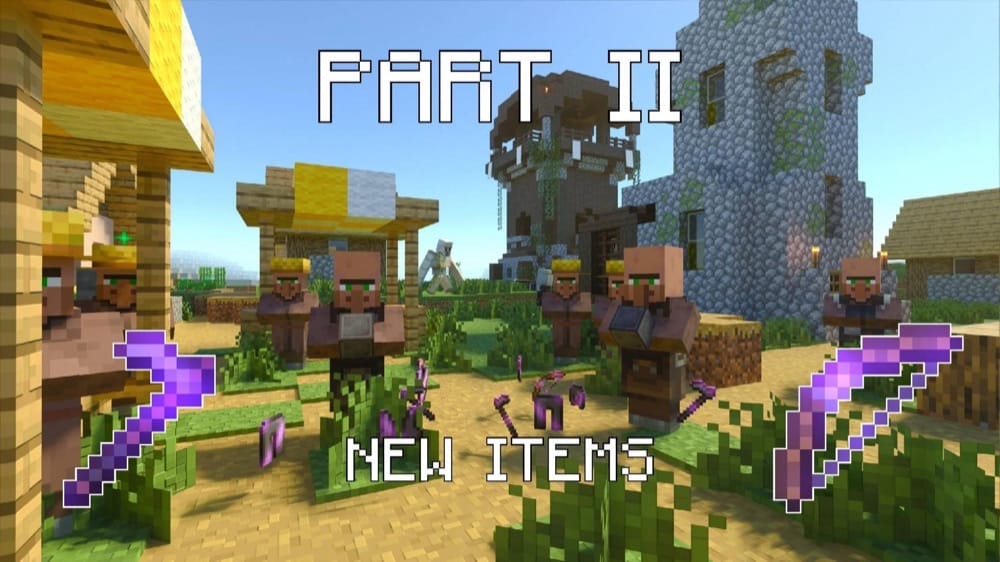
“Part II - OP Tool Smith + Mod” begins a new village adventure built around a special Tool Smith. Explore the world, gather valuable resources, and sell them to the villager as you work through five trading tiers. Reaching the final tier unlocks overpowered tools, new items, and powerful enchantments.
Build a smithing table for the Tool Smith and protect him from Pillagers and other monsters while developing the village. Achievements remain available when playing the included map and the addon version brings the same Tool Smith to another world. After activating it, a player with operator permissions can type ".villager" in chat to summon him.
6. One Block +
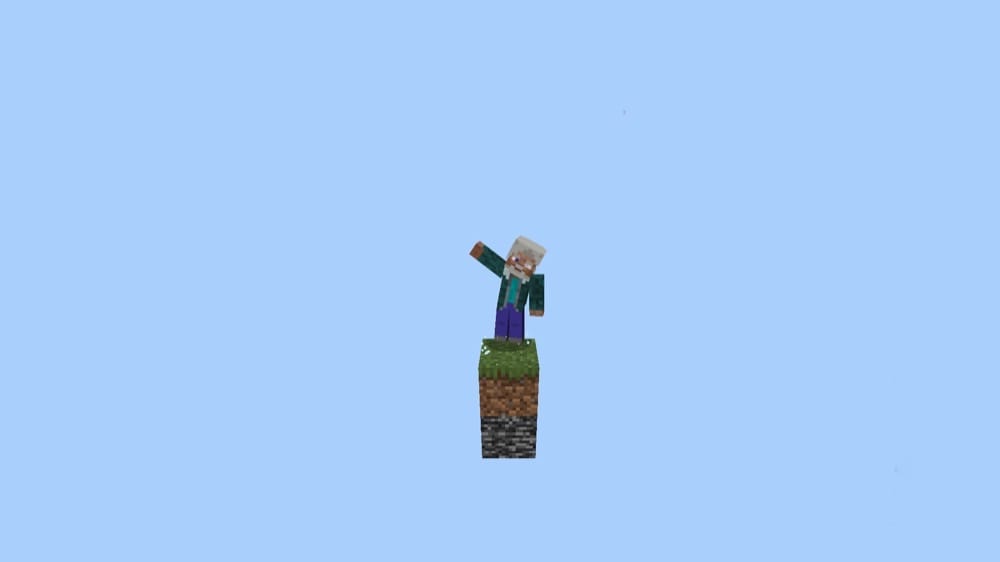
Another one block Minecraft Bedrock map, “One Block +” is a slightly upgraded version of the classic formula. With ten advancement stages, it’s a generally standard one block map, but what stands out here is the bundle of quality-of-life addons included as part of the package.
For instance, you can save yourself the monotony of farming with the cobblestone generator or auto replant addons, or skip time when waiting for something to grow, or expedite your tree chopping with the Tree capitator. Overall, we feel like this is a more convenient take on the one block formula that doesn’t detract from its charm in any way.
7. Lucky One Block
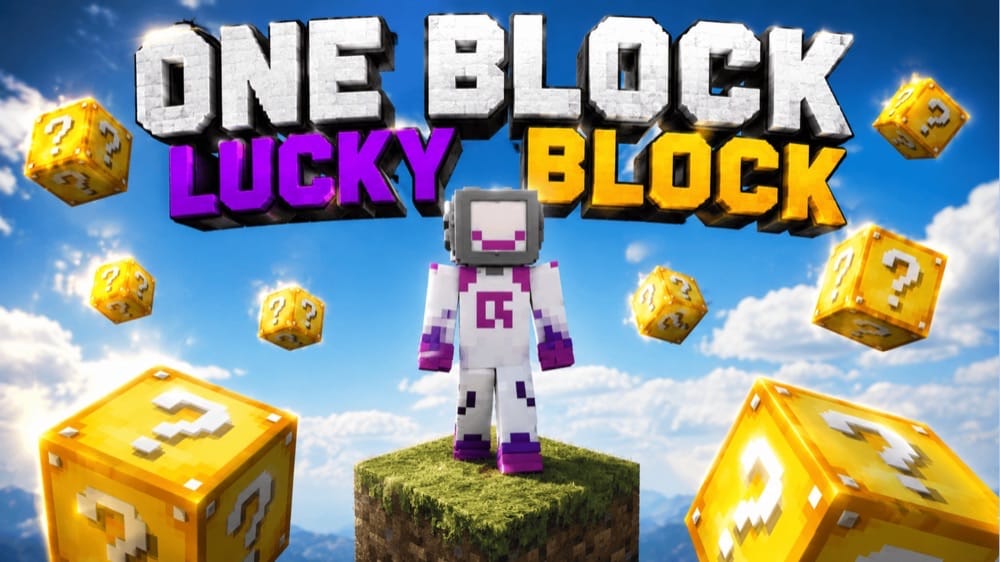
For when even the risk of a one block map doesn’t excite you, why not combine it with another popular format, lucky blocks? “Lucky One Block” is a classic one block map, but with the introduction of the famous lucky block. Your need for resources will be interrupted by random chance, with lucky blocks doing everything from spawning upside-down creepers to generating entire structures nearby.
And since it’s by the same creator as the most popular one block Minecraft Bedrock map of all time, you know it’ll be a well-balanced and engaging map to play through.
8. Survival Starter House
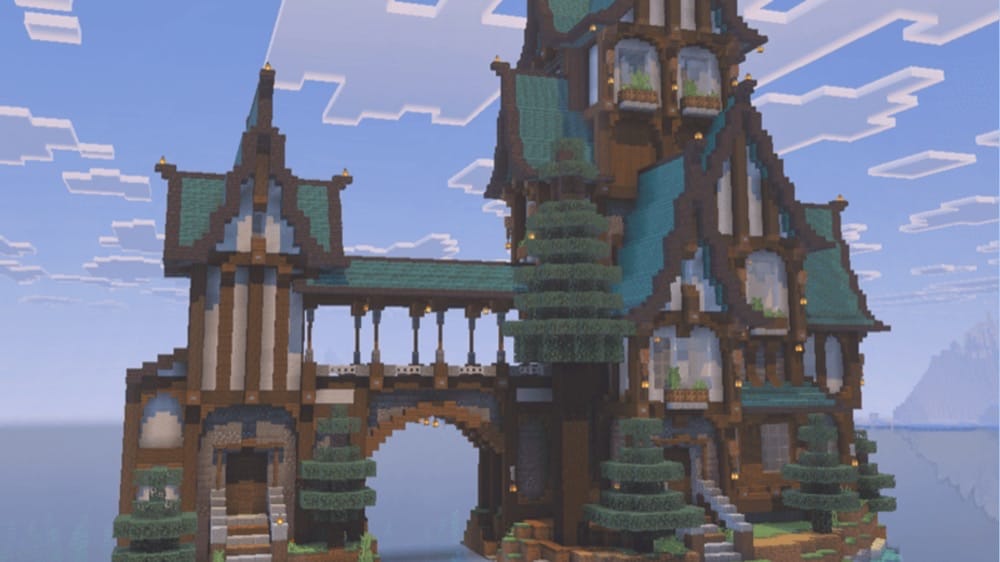
Intended as less of a wholesale adventure and more of a starting point, “Survival Starting House” provides a pre-built home for you to begin your next survival game on. But what makes this particular map so worth mentioning? It’s actually 40 different houses!
One note from us: Keep a careful eye when choosing which version of this map to download as there are 40 different options to choose from, each with a different style, design, and theme (Giant Medieval is our favorite so far). The diversity alone makes this map a knockout, not even mentioning how wonderfully well-designed each house is.
9. Tryzz’s Skyblock Adventure
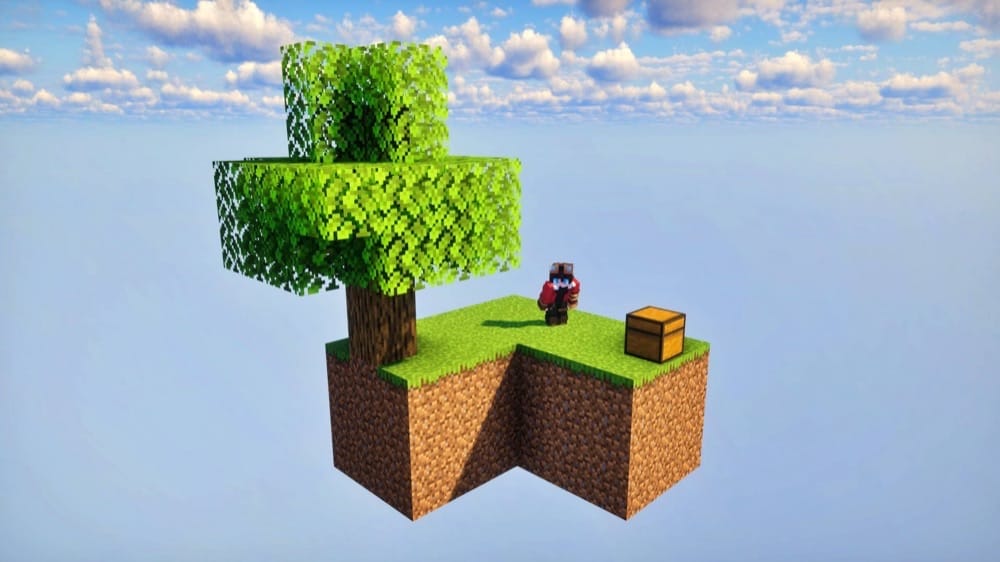
A beautiful example of how a skyblock map doesn’t need to be a barren one to be engaging, “Tryzz’s Skyblock Adventure” shows us that a sky heavily populated with different islands to explore can be just as fun.
You’ll find everything you’ve come to expect in a typical Minecraft map – biomes, structures, mobs – scattered throughout the seemingly endless array of floating islands that surround you. Between them, you’ll encounter unique spawners and structures designed specifically for this map. Honestly, we had quite a blast playing through this one!
10. Amixi Practice
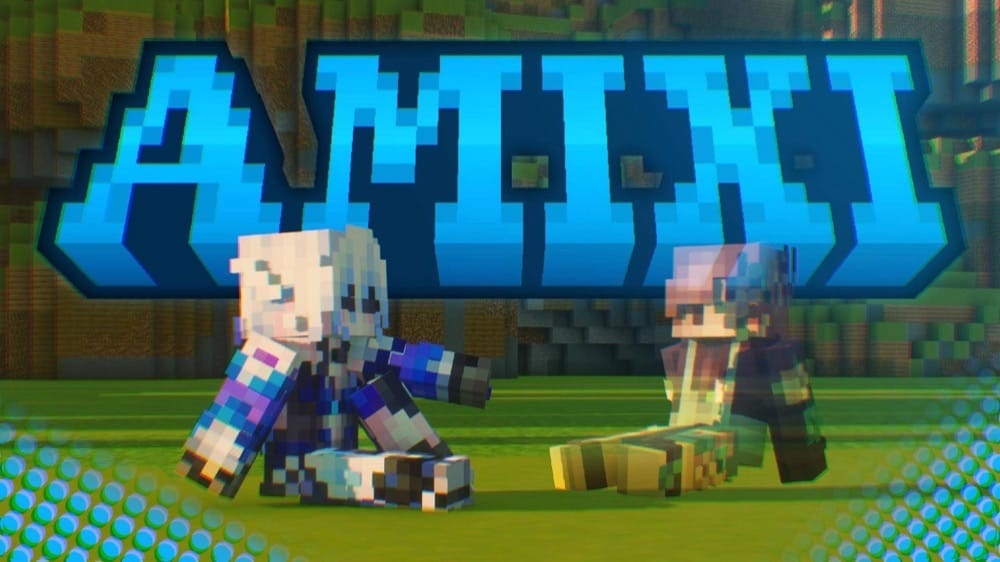
“Amixi Practice” gathers a wide range of competitive Bedrock drills into one map, with a Navigator item that provides access to every mode. Warm up against bots ranging from Dummy to Hacker difficulty, test six knockback styles, or sharpen your snowball and fishing rod timing in the FFA arena.
Bridge FFA offers multiple arenas, while Speedbridge includes six route types. Adjustable clutch drills, ten block parkour courses, and 11 Bot Duel modes provide plenty of ways to refine your mechanics. A kit editor and custom hit, trail, and kill effects let you personalize the training experience.
Important: Multiplayer is supported, but some modes are unavailable and knockback between players may not behave correctly.
11. Little Land SMP
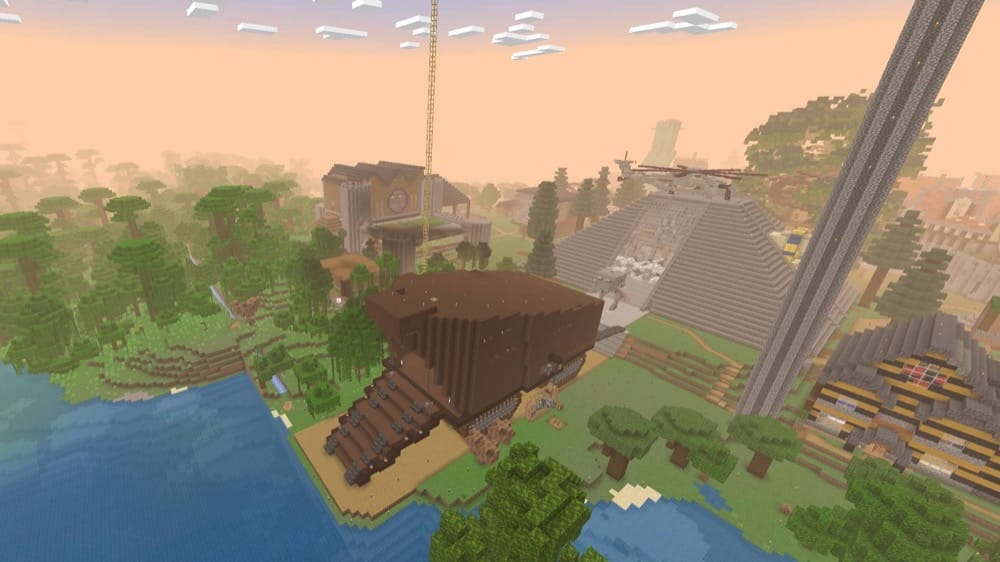
It’s not uncommon for Youtube channels to share their creations with the community, but this may be the only time a channel’s world has become more popular than the channel itself. “Little Land SMP” is a copy of the same world used by content creator AgentCMinecraft for their multiplayer server of the same name.
The actual map itself is the result of over four years of hard work and effort. It has large-scale builds all over, ranging from to-scale recreations of pop culture sites to realistic aircraft carriers. Honestly, it’s worth downloading just to see all of the impressive builds for yourself.
12. Post Apocalypse City
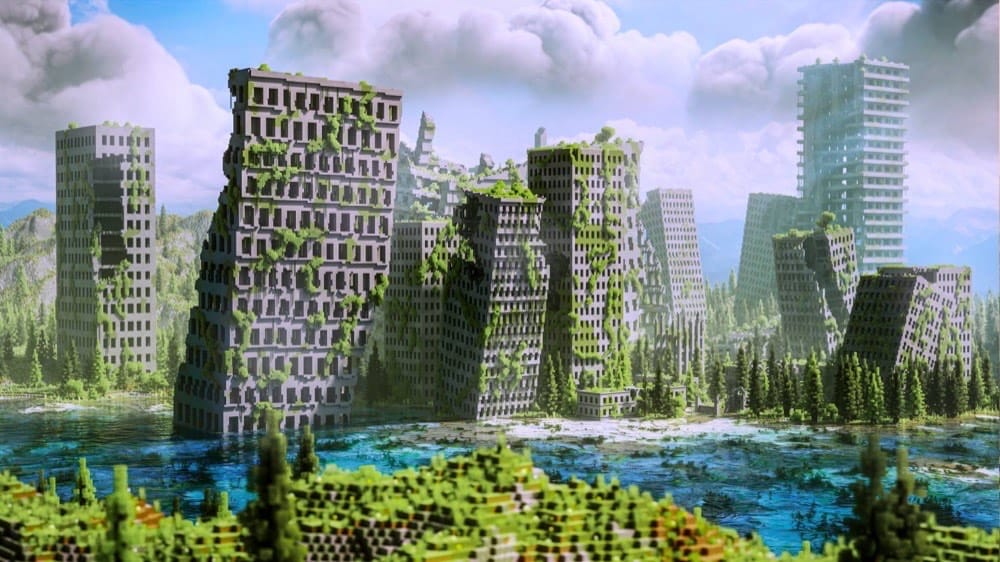
Arguably one of the most awe-inspiring maps available online, “Post Apocalypse City” is a hand-made interpretation of how a long ruined and abandoned city might look like on Bedrock Edition. Large skyscrapers lean from age as greenery gradually spreads and overtakes their walls, giving you instant zombie vibes right off the bat.
It’s not just a pretty exterior either. Many of the structures have detailed interior designs and the entire map is still survival-friendly. In fact, you could easily make this derelict land your permanent home in your next survival playthrough.
13. Squid Game - Minecraft Bedrock Edition
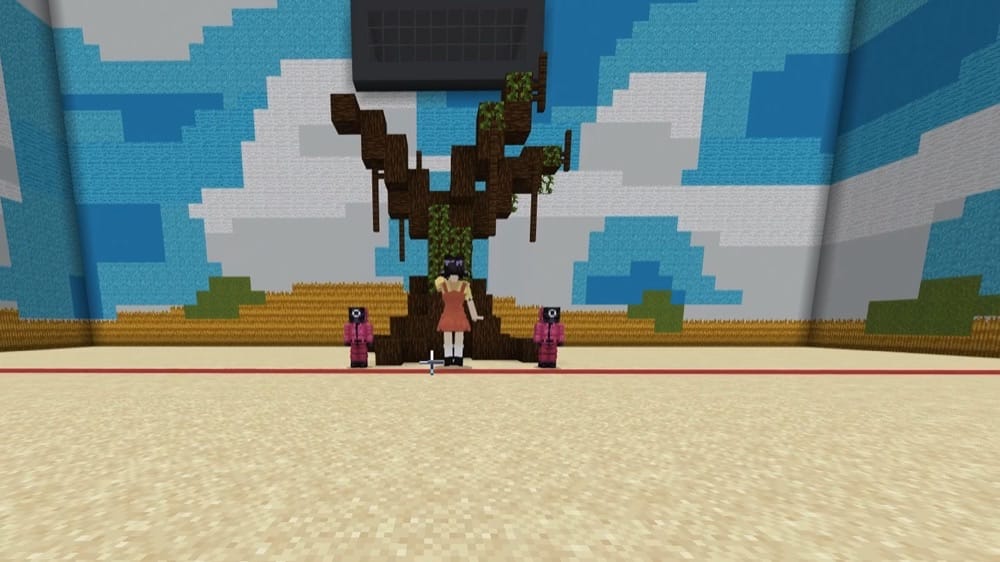
One of the best maps to bring a bunch of friends to, “Squid Game” is a recreation of the world and different challenges from the Squid Game Netflix series.
It includes to-scale recreations of every game from seasons 1 and 2. They’re functional, too! Included addons ensure that each game works how it does in the show, with equally lethal results for failure.
14. 2000 Days Hardcore Survival
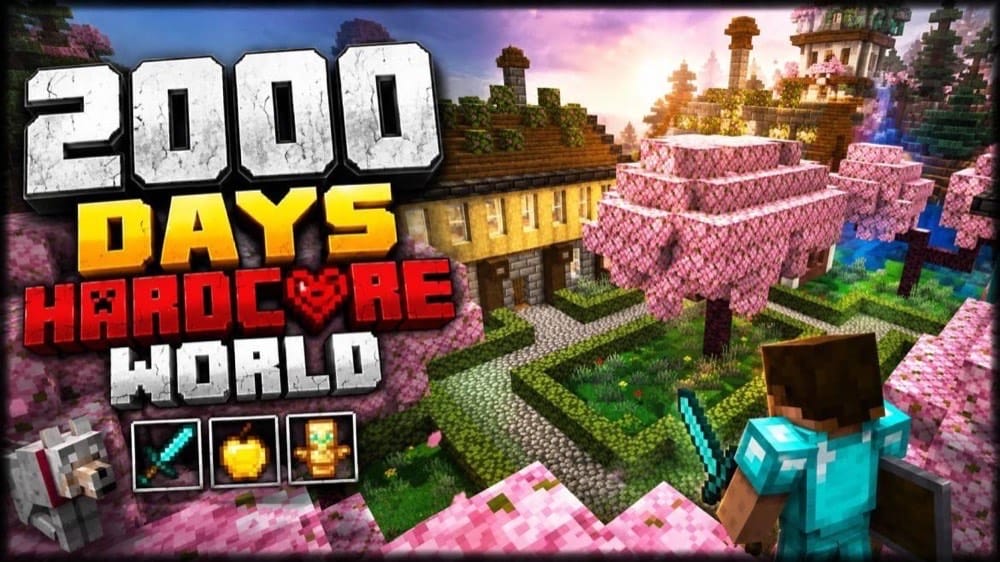
“2000 Days Hardcore Survival – Ultimate Minecraft World” opens the gates to a vast survival kingdom built across 2,000 in-game Hardcore days without a single death. Explore custom houses, villages, roads, gardens, fountains, and a Cherry Blossom Village surrounded by detailed landscaping.
The world is stocked with automated farms, organized storage, end-game equipment, and rare treasures such as the Silence Armor Trim. Progress has already reached the Nether and End, but you can continue the adventure, study the builds for inspiration, or explore the kingdom with friends through multiplayer.
15. Lucky Block Race
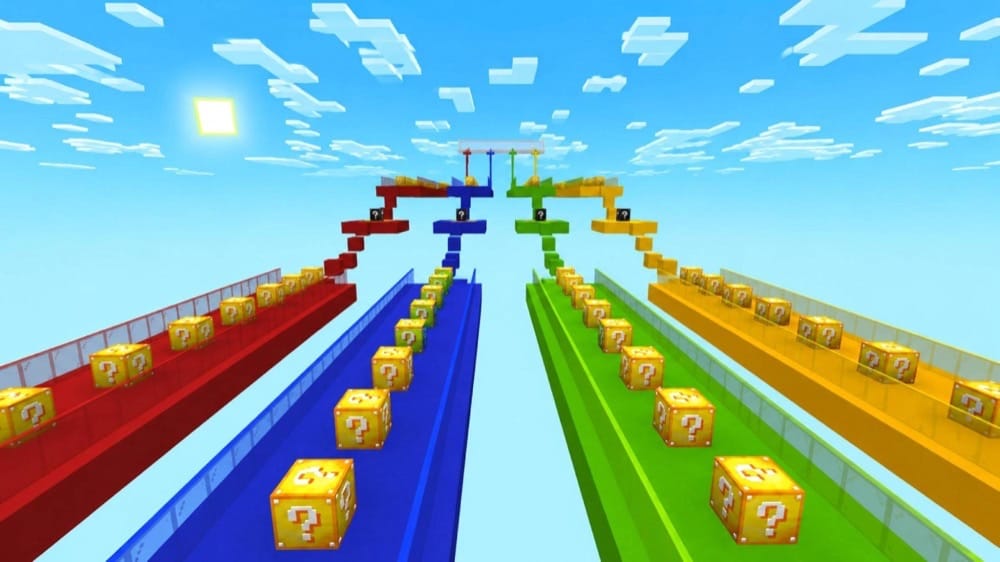
“Lucky Block Race” sends up to four players through a track packed with unpredictable Lucky Blocks. Choose teams in the lobby, break blocks for weapons, armor, and other rewards, and race toward the finish while random events can change the standings in seconds.
Crossing the finish line is only the first victory, though. Everything collected during the race carries into a final PvP arena, where the competitors fight to determine the true champion. Speed can provide an advantage, but luck and smart use of your loot ultimately decide who wins.
16. Biome Spiral Parkour
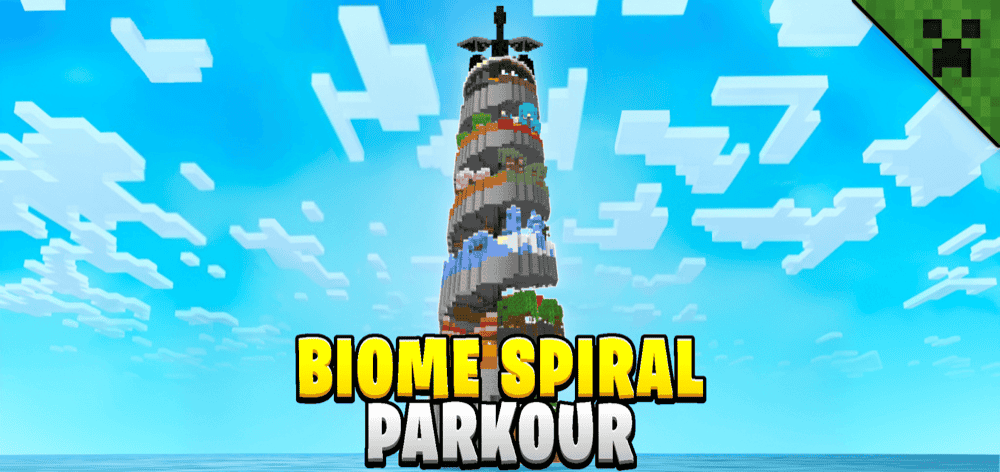
“Biome Spiral Parkour” transforms a towering spiral into an epic journey through Minecraft’s biomes and structures. Begin in the Plains, overcome themed obstacles as you climb toward the End, and prepare to face the Ender Dragon when you reach the top.
Checkpoints and respawn or restart items keep failed jumps from ending your run, while shortcuts and an in-game timer encourage faster attempts. Completion times award ranks from "D" to "S", with the "S" rank reserved for runs completed within five minutes and 30 seconds. You can tackle the tower alone or compete and play alongside friends.
17. Achievement Unlocked Map
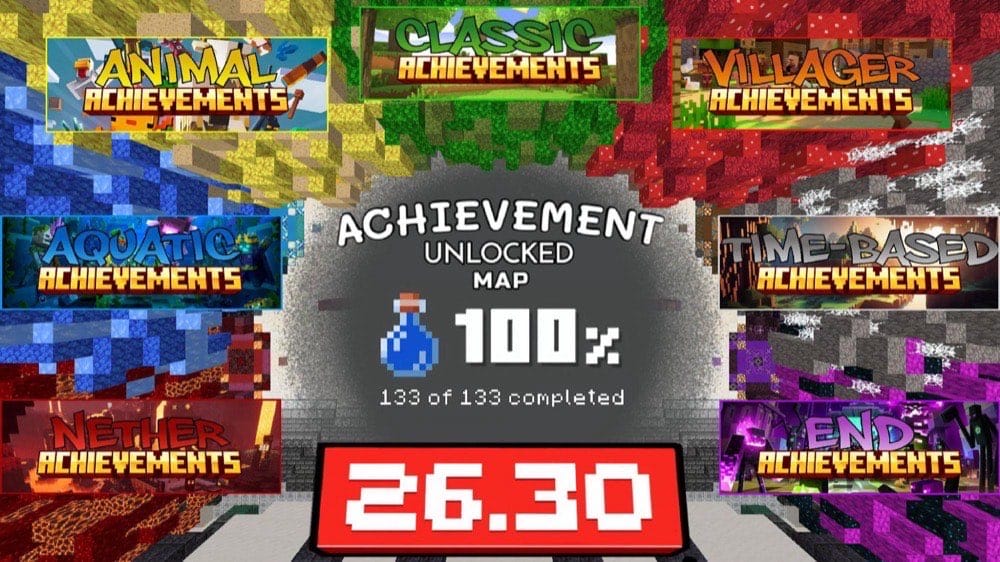
“Achievement Unlocked Map” organizes all 133 Bedrock achievements into convenient stations designed for quick completion. The achievements are organized into 7 categories respectively named Classic, Animal, Villager, Aquatic, Time-Based, Nether, and End zones. There is also a list sorted by version and title to help you find a specific achievement.
More than 30 achievements can be completed through the one-click section, while most of the remaining objectives can be cleared in under 30 minutes. An automatic regeneration system restores the stations for repeated use, and multiplayer support allows friends to work through the map together.
Important: Make sure to use the achievement lists and teleport controls at spawn to select an achievement, then follow the instructions in its designated zone.
18. Hardcore Starter House
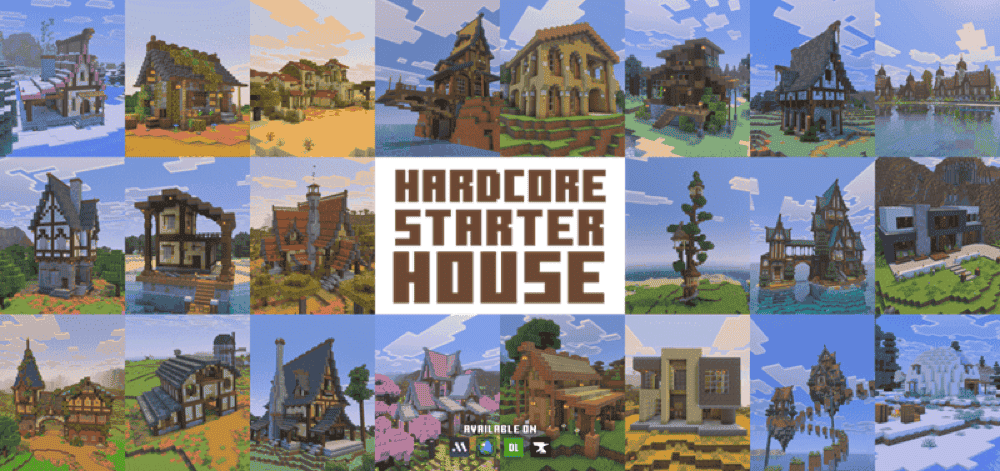
The “Hardcore Starter House” map lets you begin a new Hardcore run with a completed home waiting at the world spawn point. Choose from 40 designs, each constructed from resources found in the surrounding biome so it blends naturally into the landscape.
Every map starts in Hardcore mode with achievements enabled, achievement progress cleared, and the days-played counter reset to zero. You still face the one-life challenge from the beginning, but you can skip the initial scramble for shelter and immediately focus on gathering resources, exploring, and expanding your chosen home.
19. One Block Wars - The Ultimate PvP Skyblock Map
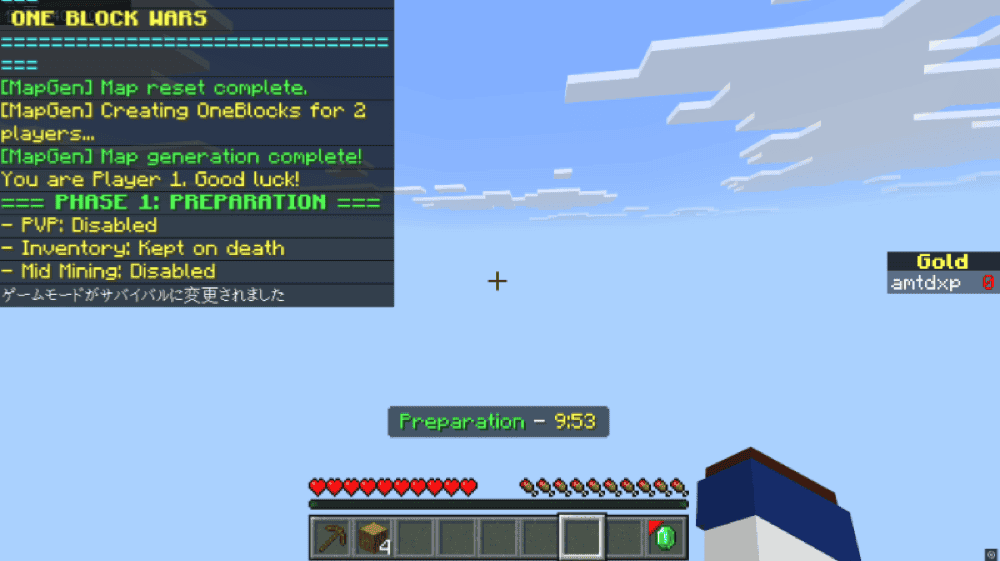
“One Block Wars” is a map that combines One Block progression with the pressure of Bedwars-style competition. Every player begins on a private floating island, mines an endlessly regenerating block, expands a base, and upgrades the block to reach Iron, Diamond, Netherite, and stronger loot.
Gold from sold resources funds weapons, armor, utilities, and upgrades through the shop. You can fortify your own island, bridge toward opponents, or fight for high-tier rewards at the center, but only the last surviving player wins the match.
20. OneBlock

Not to be confused with “One Block” at the start of this list, “OneBlock” begins with nothing but a single regenerating block suspended above the void. Every time it is broken, another block appears according to the current rarity tier, providing the materials and occasional valuable loot needed to expand your island. Breaking enough blocks advances the map to its next phase.
Progress carries you through ten named phases: Forest, Cave, Frostlands, Ocean, Wild Jungle, Red Desert, The Nether, Sky Isles, Stronghold, and The End, with another mystery waiting beyond them. New mechanics and stronger hostile mobs appear as the difficulty increases, forcing you to manage resources, build defenses, and turn a single block into a complete survival world.
Bedrock Edition Addons That Make Maps More Fun
Maps aren’t the only way to expand your Minecraft experience. Through the use of addons – Bedrock Edition’s way of referring to mods – you can add in new mechanics, items, and even entire structures. We find that the addons below in particular are great for anyone interested in making or experiencing cool builds.
1. Modern Furniture
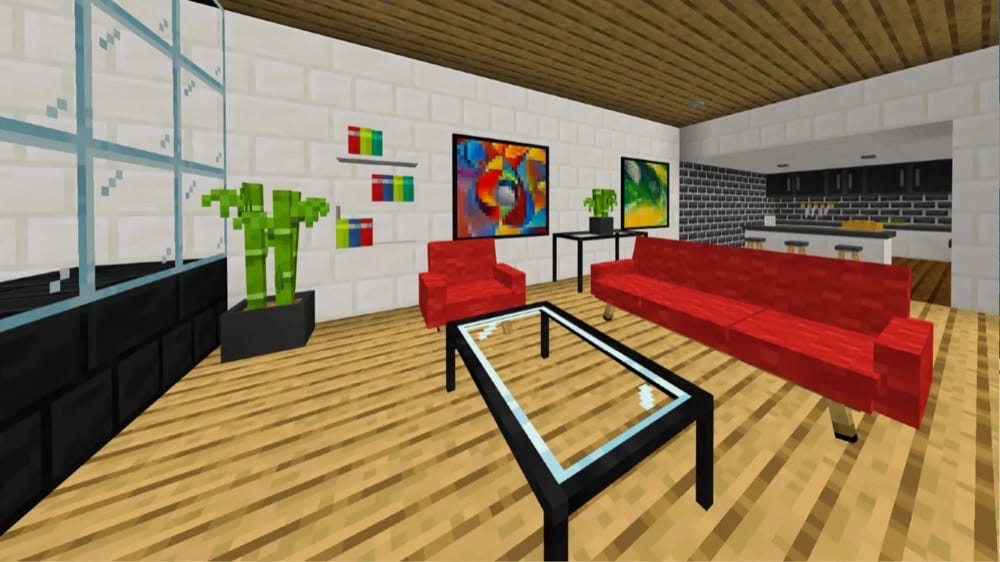
Love decorating entire houses? Wish that you had more options for furnishing, like chairs, tables, and sofas? The “Modern Furniture” addon does exactly that. Once activated, you gain access to over 800 different modern furniture items.
This single addon can be all you need to create amazing-looking modern builds, whether that's an entire corporate skyscraper or a small rural town.
2. Ruins Structure
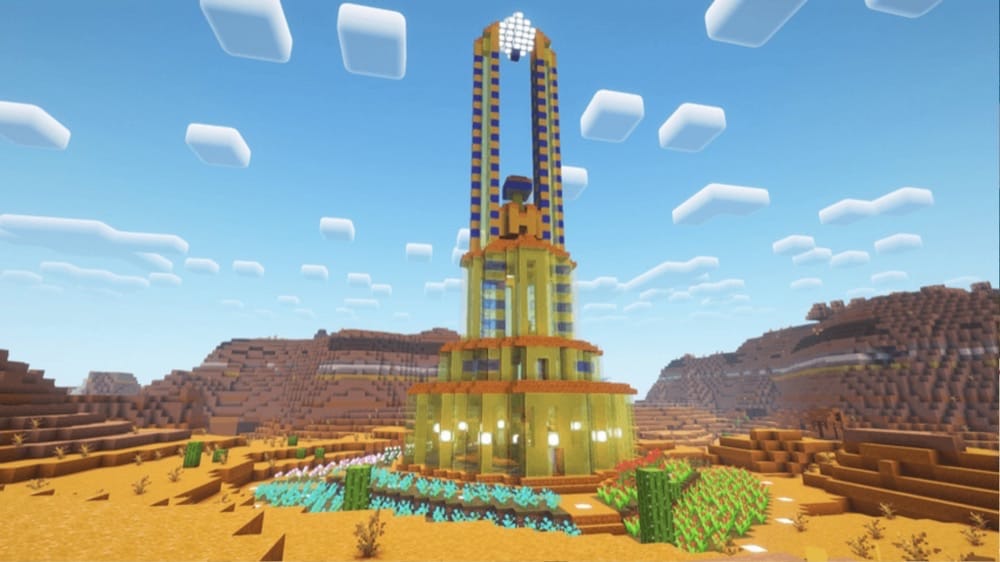
For those fond of adventure, the “Ruins Structure” addon adds several new structures to the Minecraft world generation settings. Stumble across massive monoliths, graveyards, and sandy citadels as you venture deeper into your world.
Each structure has been long abandoned, leaving mobs to populate the darkened halls. If you manage to defeat them, though, make sure to scour every corridor for valuable loot. All in all, it’s a great way to add some extra spice to your world.
3. Medieval Structures
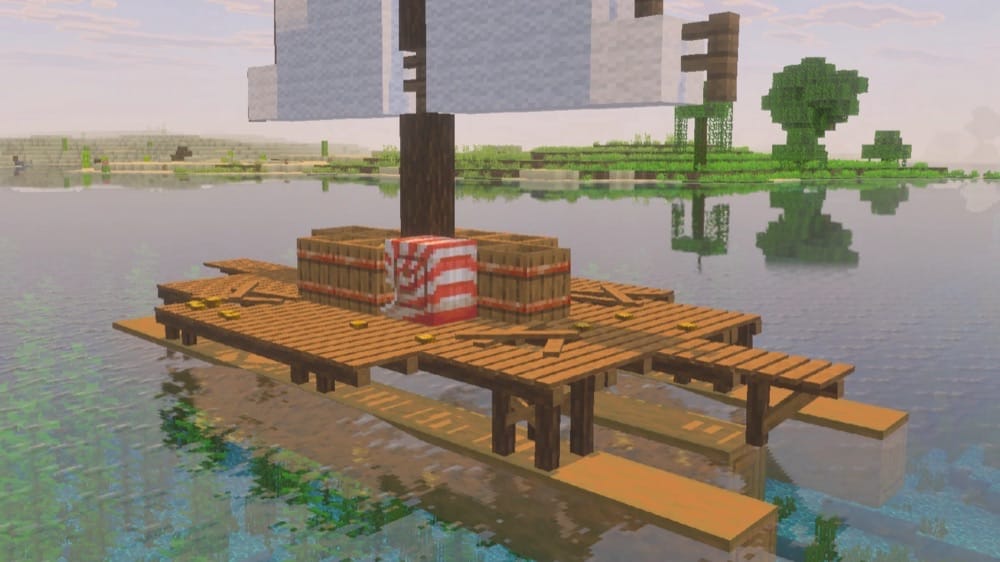
Another world generation addon – this time for players that don’t need everything they find to be a dungeon delve. “Medieval Structures” adds in several different structures based on architecture and life from the Middle Ages.
This includes a handful of new and unique furniture items, expanding your decorating potential both in and out of the castles, camps, and caravans you come across.
How to Install Minecraft Bedrock Maps on Windows
Using Minecraft Marketplace
- Open Minecraft, select "Marketplace" from the main menu, and choose "Worlds".
- Select the map you want, then purchase it or claim it if it is free.
- Select "Download", confirm the download, and wait for it to finish.
- Select "Create this World!" when the download is complete.
- Review the available settings and select "Create" to begin playing the map.
Using CurseForge
- Open the map’s CurseForge page, select "Files", and download a ".mcworld" file compatible with your installed Minecraft Bedrock version.
- Double-click the downloaded ".mcworld" file. Minecraft for Windows should launch and import the world automatically.
- Wait for Minecraft to confirm that the import was successful.
- Select "Play", open the "Worlds" tab, and choose the imported map.
- Before making changes, select the pencil icon beside the world and choose "Copy World". Play on the copy and keep the original as a clean backup.
Note: If the download is a ".zip", make sure to open the archive first. If it contains a ".mcworld" file, extract that file and double-click it. If it contains only a world folder, make sure to follow the installation instructions provided by the map’s author.
For detailed, step-by-step instructions on installing and activating Bedrock addons, make sure to read our guide on how to install Minecraft Bedrock addons.
Common Issues and Quick Fixes
The map isn't appearing in my world menu
The formatting for maps in Minecraft: Bedrock Edition is a little different from other formats. This means that simply placing the item in the "MinecraftWorlds" folder won’t actually install it correctly.
Instead, make sure to open the map file in your file browser – this should automatically open Minecraft. Once loaded, the map should appear in your world menu. If it still doesn’t, try importing the map via the "Import" button in your world menu and follow the instructions.
If that doesn’t work as well, double-check that you’ve downloaded the correct file (it should end in “.mcworld”) and that it’s intended for Bedrock and not Java.
The map looks different from the screenshots I saw
Some map makers will use third-party addons, shaders, or resource packs to promote their custom content. You can get your own game to look identical to the screenshots by having the same ones.
Check the map's webpage to see if the creator mentions what they used. If they haven’t listed anything, then you'll have to use your best guess.
Minecraft says the world was saved in a newer version
Update Minecraft Bedrock or return to the project’s "Files" tab and choose a release that matches your installed version. Older maps can sometimes upgrade, but a map made for a newer release will not reliably open in an older game.
Map textures or other map features are missing
Check the project page for required resource packs, behavior packs, or "Experiments". Make sure to import the complete download, keep bundled packs attached to the world, and activate only the options that the author lists on their page.
Game achievements are not unlocking
Some of the things you can try is using a map that explicitly says achievements are enabled, signing in with a Microsoft account, staying online, and keeping the world settings unchanged. Enabling cheats/commands, "Experiments", or switching to "Creative" mode can disable achievements, so we recommend following the map author’s instructions at spawn.
A multiplayer map is not working as expected
Have the host import and launch the world before inviting the other players, then follow the map’s intended player count and lobby setup. Some practice modes and minigames have limited multiplayer support even when the main world can be shared.