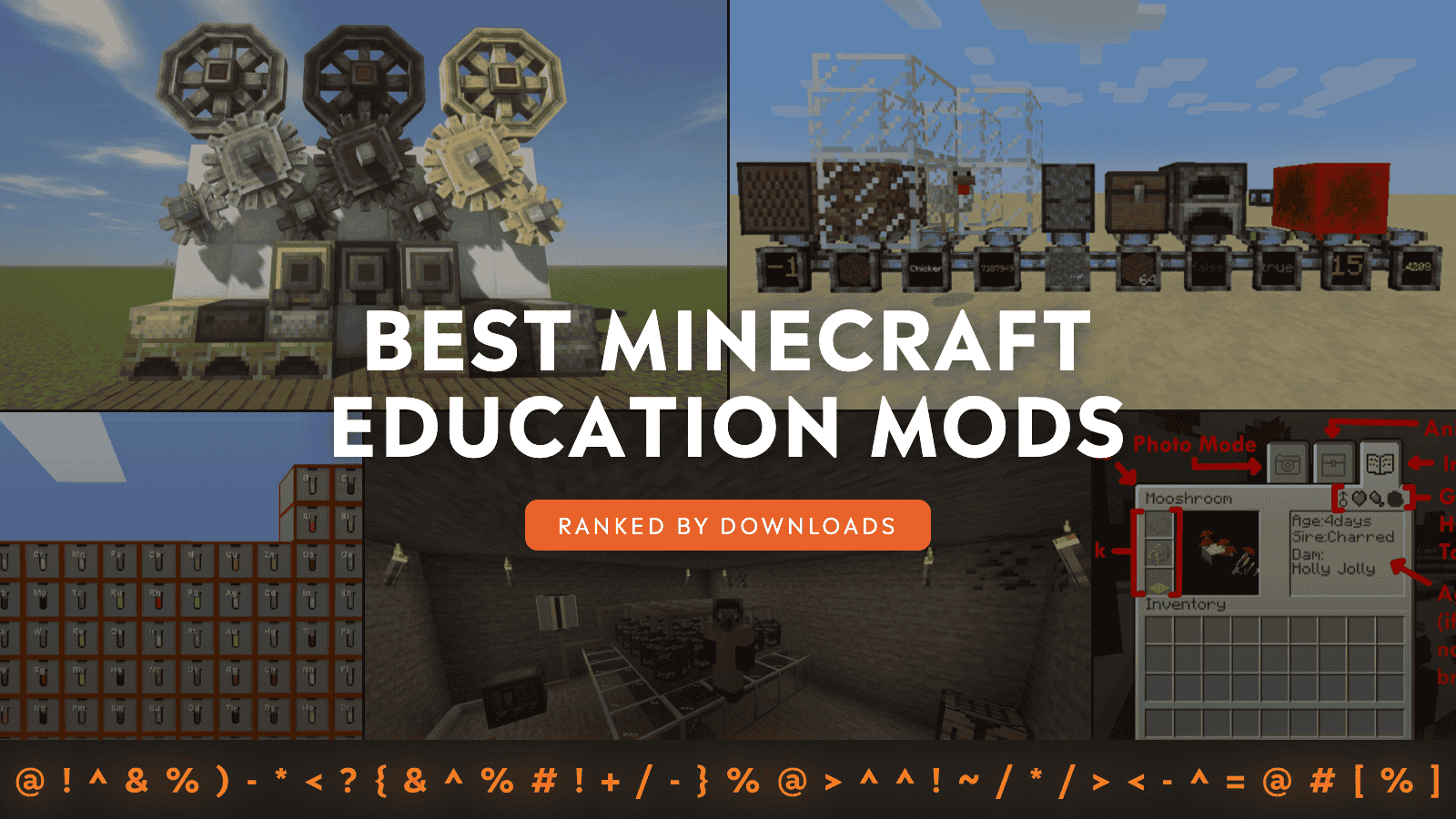
Education mods are the kind of Minecraft mods that make you feel smarter the longer you play. Instead of merely placing blocks, you are building systems that behave like real things – from mechanical automation and industrial processing to logic networks, chemistry-style crafting, and even genetics.
This list rounds up 10 mods on CurseForge that reward learning by doing. While not classroom mods per se, their mechanics naturally teach you useful ideas through experimenting, tweaking, and improving your builds until they run exactly the way you want.
1. Create
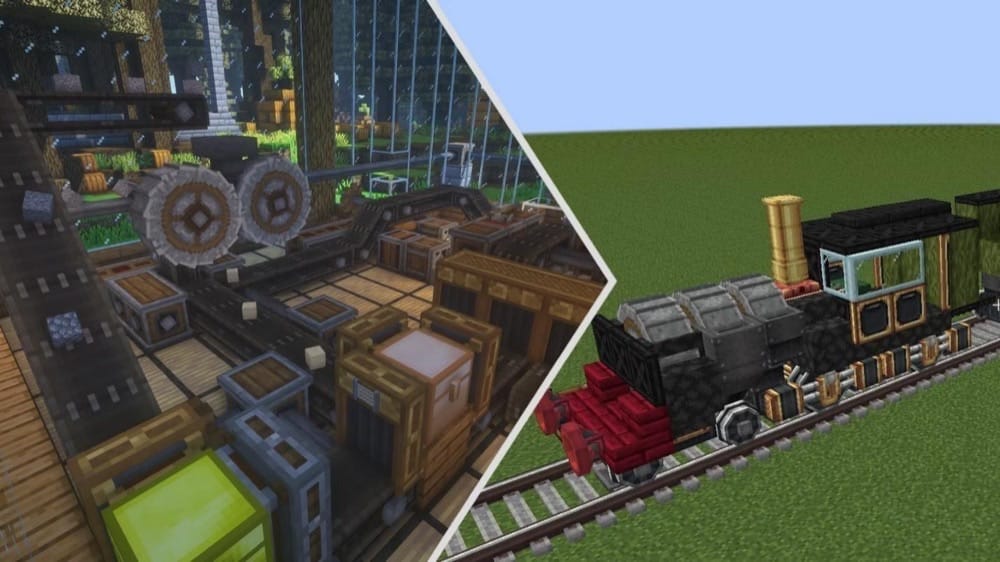
Create reimagines automation as a hands-on engineering lesson by powering machines with Rotational Force, so you learn how to build a working kinetic network instead of hiding everything inside menus. It teaches real problem-solving skills like planning layouts, balancing speed and load, and iterating until your contraption runs smoothly.
Create also makes learning easier because it includes Ponder – a visual in-game guide that walks you through blocks and mechanics – so you can see recipes and multi-step processes like sequenced assembly in-game while you experiment. Once you are comfortable, you can push into more difficult concepts like fluid handling and even locomotives.
2. Immersive Engineering
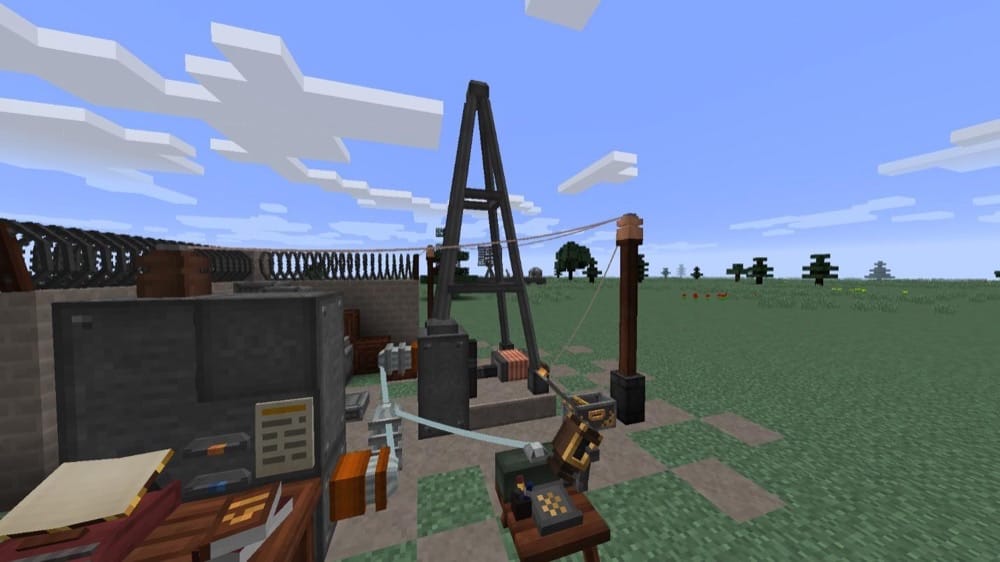
Immersive Engineering teaches you real-world engineering habits by making tech feel physical and grounded, with hanging powerlines and big multiblock machines instead of tiny magic blocks. Imagine a Crusher multiblock (5x3x3) that breaks ore with moving parts, or an Excavator multiblock (3x7x8) that digs resources using a rotating bucketwheel.
What makes this mod such a strong education pick is that it teaches you systems design the way a factory would work. You first generate power (waterwheels, windmills, biodiesel), then move it through cables spanned between connectors, then plan layouts around multiblocks and throughput.
In case you get stuck, the in-game Engineer’s Manual (crafted with a book and a lever) keeps the learning loop practical, so you can read a mechanic and immediately test it out in your world.
3. Integrated Dynamics
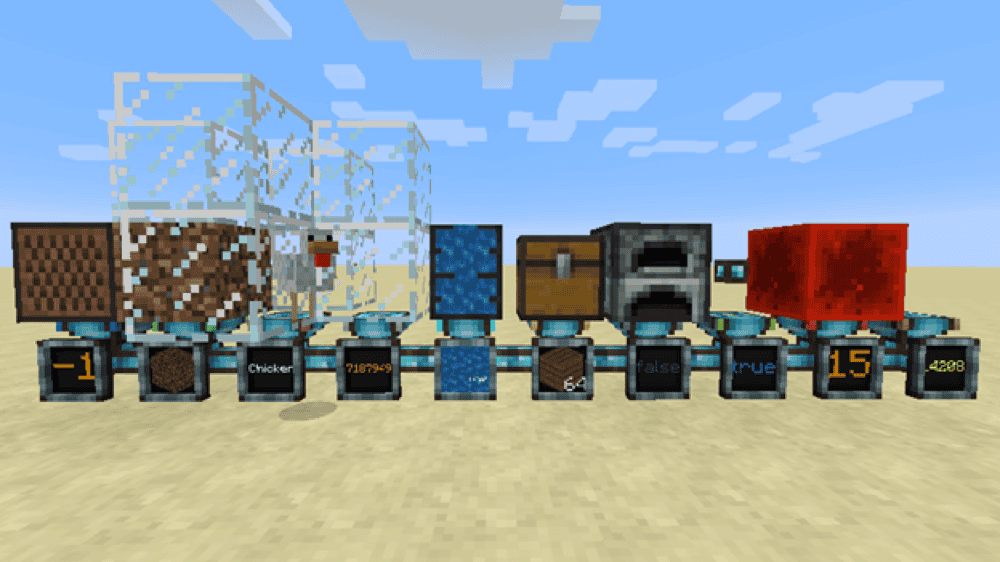
Integrated Dynamics teaches logic and automation by having you build a cable network that reads information from the world, processes it, and then triggers actions. You use Readers to pull values into the network as Variables, then Writers to interact with the world, so you learn the basic "input → logic → output" loop that shows up in real automation and programming.
The mod also comes with an in-game guidebook, On the Dynamics of Integration, alongside tutorials (and a web version), which makes it easier to learn. If you want to expand your knowledge further, add-ons like Integrated Crafting, Integrated Terminals, and Integrated Scripting can introduce new variables like moving items, fluids, or autocrafting. However, if we had to name one core skill you could master, it is learning to build and debug your own logic systems.
4. OpenComputers (Legacy pick - Minecraft 1.12.2)
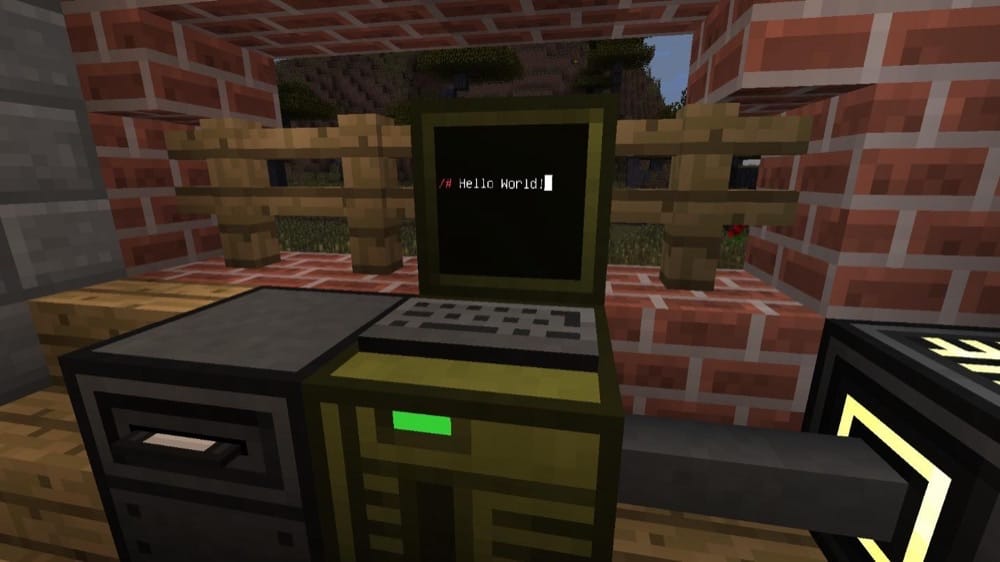
OpenComputers teaches real coding and automation skills by adding in-game computers and robots that you program in Lua. You build the computer out of parts like graphics cards, hard drives, and expansion cards, so you learn the basics of hardware compatibility while you upgrade it from a simple setup into a stronger machine capable of handling bigger projects.
The mod provides a great learning sandbox playground, because programs can pause when the chunk unloads and resume upon loading, teaching you how to write systems that keep working overtime. On top of that, computers have limits like disk space and RAM, and they can consume power while running, so you naturally learn optimization and debugging as you go.
5. Alchemistry
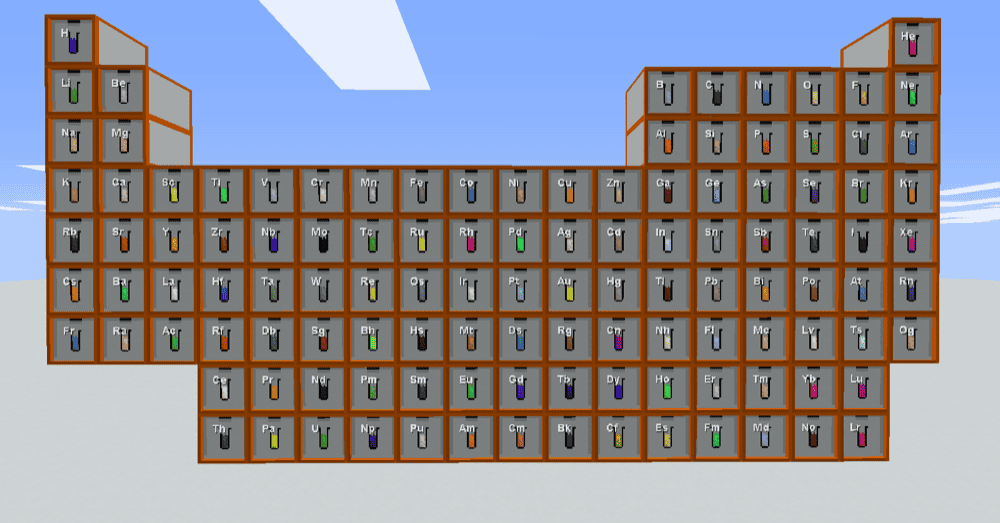
Inspired by the classic Minechem idea, Alchemistry teaches you chemistry by letting you break items down into their constituent elements – and then recombine them alongside compounds into new items. Instead of memorizing recipes, you will soon find yourself asking questions like “What is this made of?” and “What do I need to rebuild this?”, which is exactly the kind of educational loop that makes Minecraft feel like a fun lab project.
The mod does that through machines like the Dissolver (decompose items), Combiner (build items), Atomizer (convert liquids into atoms), Liquifier (turn compounds back into liquids), and fission and fusion reactors (to manipulate atoms into new atoms).
6. GregTech CEu Modern
GregTech CEu Modern teaches you long-form engineering and progression concepts by bringing GregTech CE: Unofficial into modern Minecraft versions. This is a port of GTCEu, so the learning focus is around the same core idea: technology progression that starts with more realistic resource processing, moves through a Steam Age, then ramps up into multiple Electric Ages where logistics and planning matter.
The mod rewards players who want to learn how real factories scale up. You end up building large setups of single- and multi-block machines, turning raw resources into more complex materials that unlock higher-tier machines, all inside GTCEu’s own power systems and progression flow.
7. Nuclear Science
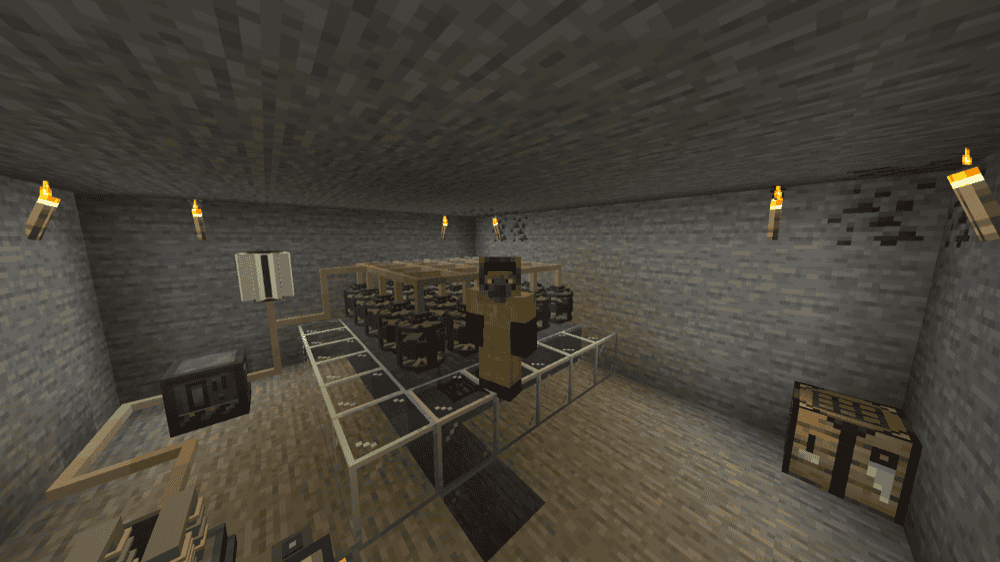
Nuclear Science teaches you nuclear physics concepts through gameplay by adding advanced machines like fission and fusion reactors and particle accelerators. It also makes electricity generation feel more scientific and realistic.
In addition, the mod adds learning-friendly “nuclear safety and materials” elements like radiation and hazmat suits, plus items like antimatter and dark matter, as well as nuclear-flavored progression pieces like radioisotope generators and breeder and fissile fuel rods.
8. NuclearCraft: Overhauled (Legacy pick - Minecraft 1.12.2)
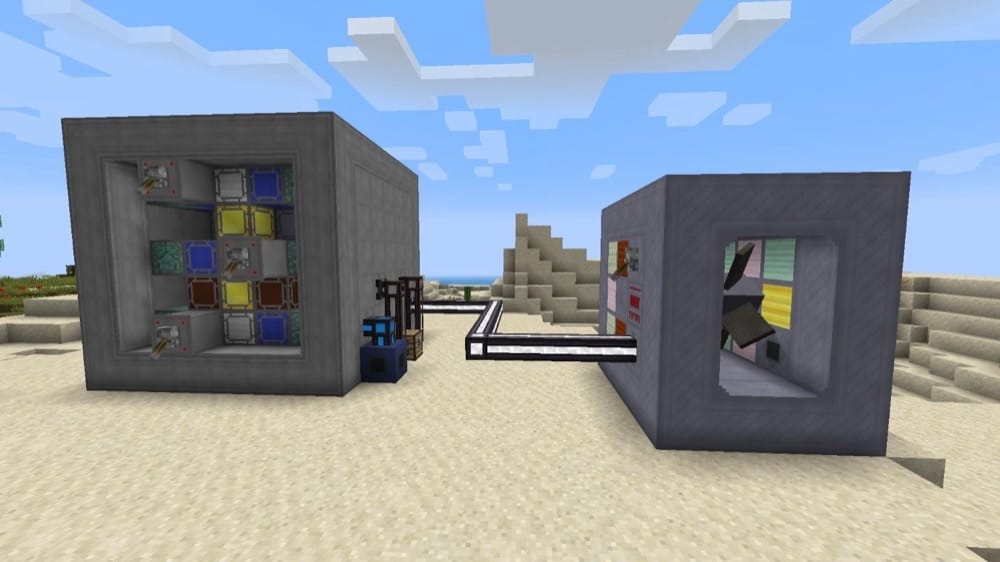
NuclearCraft: Overhauled teaches complex nuclear engineering by making you design and run detailed reactor systems instead of using a simple “one block” solution. It includes multiblock solid-fuel and molten salt fission reactors, multiblock steam turbines, an in-depth nuclear fuel system, and a Fallout-style radiation system, so learning here is all about planning, testing, and improving your build.
The mod also supports multiple energy ecosystems (Forge Energy, RF, IC2 EU, GTCEu EU) and has full JEI compatibility, which helps a lot when you are learning recipes and fuel handling.
9. Genetic Animals
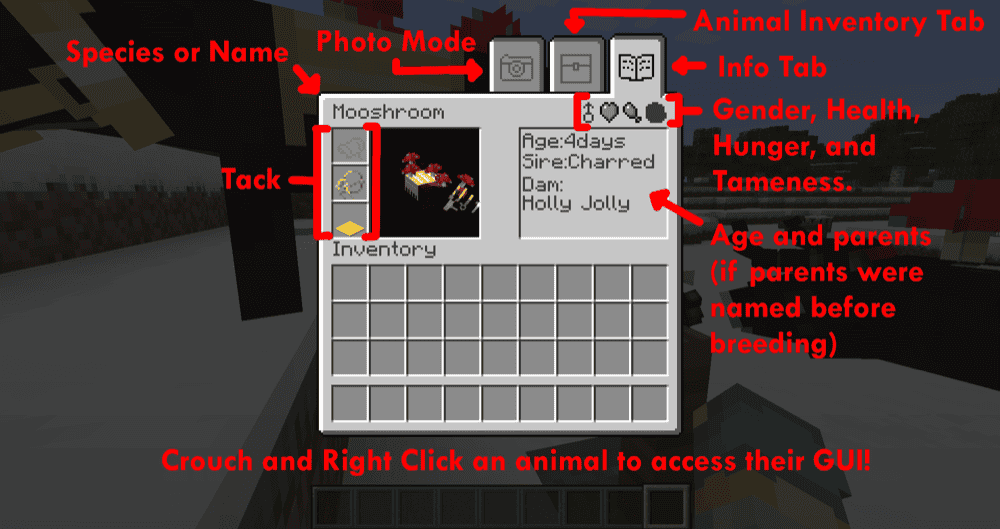
Genetic Animals teaches you genetics in a way that feels practical. Now, all in-game baby animals are a product of their parents genes instead of being assigned random values. This means you can breed animals for traits like size, color, body shape, and even certain drop-related traits, as well as recreate real-life breeds and then cross-breed them to see the results. It’s all basically Punnett squares, but with mobs.
In addition, this mod adds animal husbandry lessons through mechanics like genders, pregnancy or egg-laying over time, and a hunger system that affects resource output and breeding. Wild animals can also vary based on the habitat they spawn in, showing you how the environment can be a deciding factor when it comes to animal traits.
To keep track of everything, you can easily check details like gender, hunger, and pregnancy progress through the built-in animal GUI (accessed by crouching and right clicking).
10. Immersive Geology
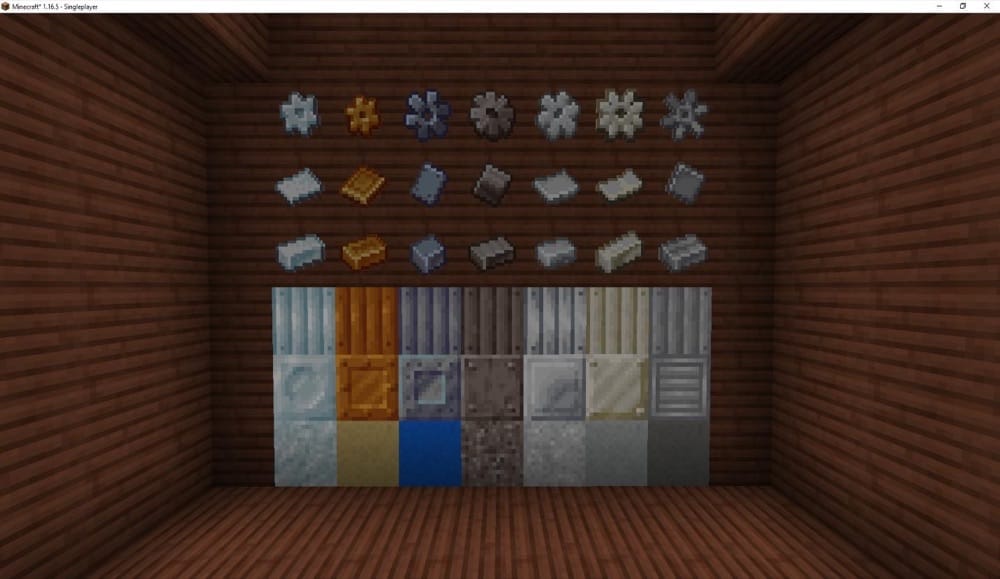
Immersive Geology teaches you geology and real-world ore processing principles by expanding your world with new mineral veins and ores, then pushing you to refine and process these using Immersive Engineering-style multiblock machines and tools.
The end goal of this mod is to share real-world insights into how raw materials become usable industrial resources, which fits the education theme perfectly. Immersive Geology is also a transformative kind of mod because it completely overhauls the game’s mining aspect. For instance, some vanilla ore types are removed from world generation by default, though you can reverse this from the configuration options.
How to Install Mods
How to Install with the CurseForge App
- Open CurseForge → Minecraft and create a profile with the mod loader and version you need (Fabric, Quilt, NeoForge, or Forge).
- In the profile screen, click "Add More Content" (or open the three dots menu next to "Play" and choose "Add More Content").
- Click on "Add More Content" from the available options.
- Search for the mod you need and click "Install".
- Play from the CurseForge app.
How to Install Mods Manually
- Install a mod loader that matches your Minecraft version (Fabric, Quilt, NeoForge, or Forge).
- Run the installer to add a new profile in the Minecraft Launcher.
- Download the mod’s .jar file from its project page. Make sure both the Minecraft version and loader version match.
- Drop the .jar into the mods folder inside your ".minecraft" directory (create the folder if it doesn’t exist).
- Launch Minecraft using the new loader profile.
Note: Make sure to check if the mod has been recognized by the game. On the title screen, click “Mods”. If the mod lists any required dependencies (like Fabric API), install those too. Please also note that if using Fabric, the "Mods" button will only appear if the "Mod Menu" mod is installed.
Common mods folder locations:
- Windows: %AppData%\.minecraft\mods
- macOS: ~/Library/Application Support/minecraft/mods
- Linux: /home/<your-username>/.minecraft/mods
Common Issues and Quick Fixes
The game crashes on launch or a mod does not show up
Most “won’t launch” problems come from a mismatch between (1) Minecraft version, (2) mod loader, or (3) missing required dependencies. Start by checking that your profile matches what the mod supports. For example, Immersive Engineering is built around Forge and NeoForge and is not being ported to Fabric or Quilt, so it will not load on a Fabric profile.
Next, confirm that all required dependencies are installed, for example:
- Integrated Dynamics requires Common Capabilities and Cyclops Core;
- Nuclear Science lists Electrodynamics and Voltaic API as required dependencies;
- Immersive Geology lists Immersive Engineering as a required dependency.
Finally, if using mod addons (Create addons, for example) check if each of your addons is compatible with the version of the main mod you are using. For instance, Create: Steam ‘n’ Rails may crash when used alongside Create in some cases.
Recipes or machine steps feel hard to figure out
Some of these mods are designed around a recipe viewer. Create specifically recommends installing a recipe viewer like JEI because the vanilla recipe book is not enough to comprehensively cover its full crafting and processing flow.
Alchemistry also expects this style of setup. It states that all versions require JEI and some sort of a power generation mod, such as Immersive Engineering or Mekanism + Mekanism Generators for Forge and NeoForge or Tech Reborn for Fabric. The mod also recommends Patchouli so you can use the Alchemistry guidebook for referencing machine and multiblock operation basics.
Nuclear Science stopped working after an update
Nuclear Science includes a major dependency change, where future updates for AMPZ mods require Voltaic API. If something breaks after updating, check if Voltaic API is installed and updated for your Minecraft version.
Immersive Geology broke ore generation
Immersive Geology is in essence a complete overhaul as it removes some vanilla ores from your world generation stage by default, with configuration options available if you want to restore vanilla behavior.
If you are adding it to an existing world, some updates can change the stone types certain ores generate in, which can lead to missing ore blocks in previously generated chunks. The cleanest fix is using a new world, or exploring new chunks after installing or updating, then adjusting configurations only after you confirm what has changed.
Switching between NuclearCraft versions broke my world
Note that NuclearCraft: Overhauled is not compatible with the pre-overhaul versions. Switching between them in the same save can cause NuclearCraft content to break or disappear.