Villages are supposed to add personality to the landscape, but vanilla ones can feel boring after a while. The mods in this list shake things up by changing where villages can appear, how they’re built, and what role they play in your world. Whether you want floating towns, hidden underground communities, or villages that can defend themselves, these picks make exploration feel rewarding again.
Enhances Minecraft villages by improving existing structures and layouts, with new house designs that make villages feel more alive and worth exploring. The goal is a more immersive, more real village experience, with extra variety and a bit more engagement when you interact with them. It's built with compatibility in mind, and it works especially well alongside mods like Repurposed Structures, ChoiceTheorem's Overhauled Village, Waystones, and others.
Adds villages in the sky, generating randomly across your world as massive floating towns. Each sky village is designed to have a distinctive look, so they don't all feel like the same structure copy-pasted at different heights. It also supports compatibility datapacks that can tweak or expand what generates. Official compatibility datapacks are available for mods like Waystones, The Graveyard, Supplementaries, Farmer's Delight, and several Let's Do mods.
Enhances villages and adds new village and pillager outpost variants that are designed to fit the terrain, theme, and biome they generate in. It includes 23 village variants and 14 pillager outpost variants, and it's built to work alongside most world-generation and structure mods.
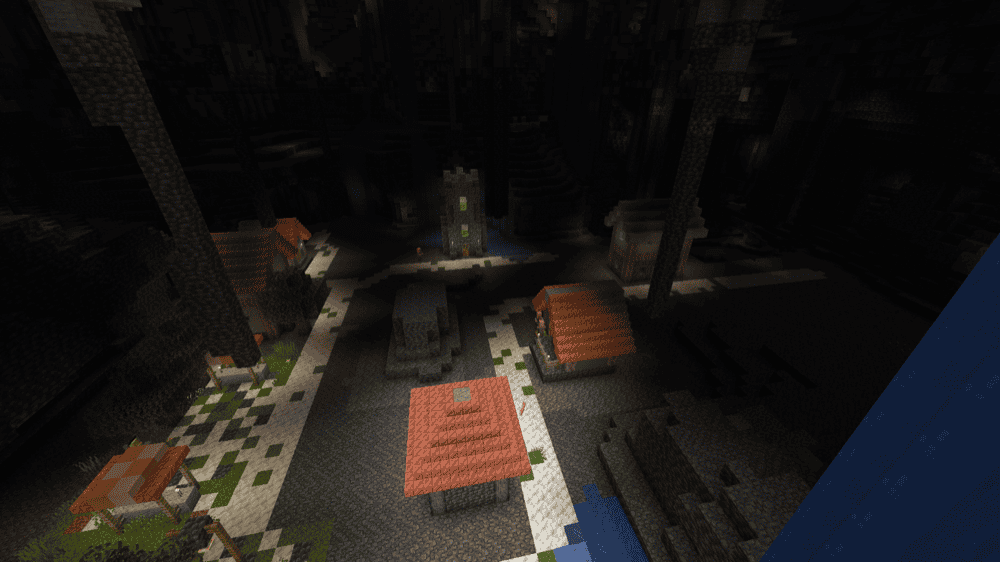
Adds underground versions of surface villages, turning cave exploration into a chance to stumble into a hidden settlement. It keeps the village discovery feeling, but in a much riskier environment since there's no guarantee the villagers will still be alive when you arrive.
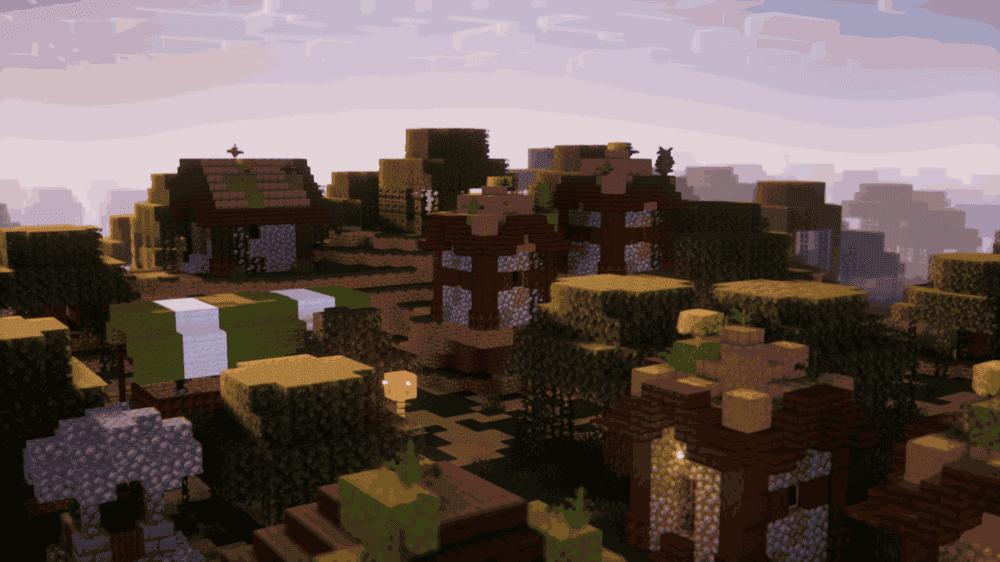
Adds the missing jungle and swamp village variants in a vanilla-friendly style, aiming to match what those villages might have looked like if they existed in vanilla. It supports multiple loaders and can also be installed server-side only.
Fills the ocean with new vanilla-friendly oceanic structures, including village-type builds and even some dungeons, so the sea doesn't feel empty anymore. It adds over a dozen structures for now, with more updates planned. Structures can include mobs and different treasures/objectives inside, making ocean exploration feel more like an adventure instead of just swimming past endless water.
Adds sky-reaching spiral tower villages with distinct styles, custom surrounding worldgen, and a sense of mystery on every floor. These towers were built as sanctuaries long ago, and they're packed with hidden redstone mechanisms, secret triggers, and concealed rooms that protect rare loot and old relics for players willing to explore. Features include custom loot tables, optional lore diaries found in some chambers, and 40+ tower variants.
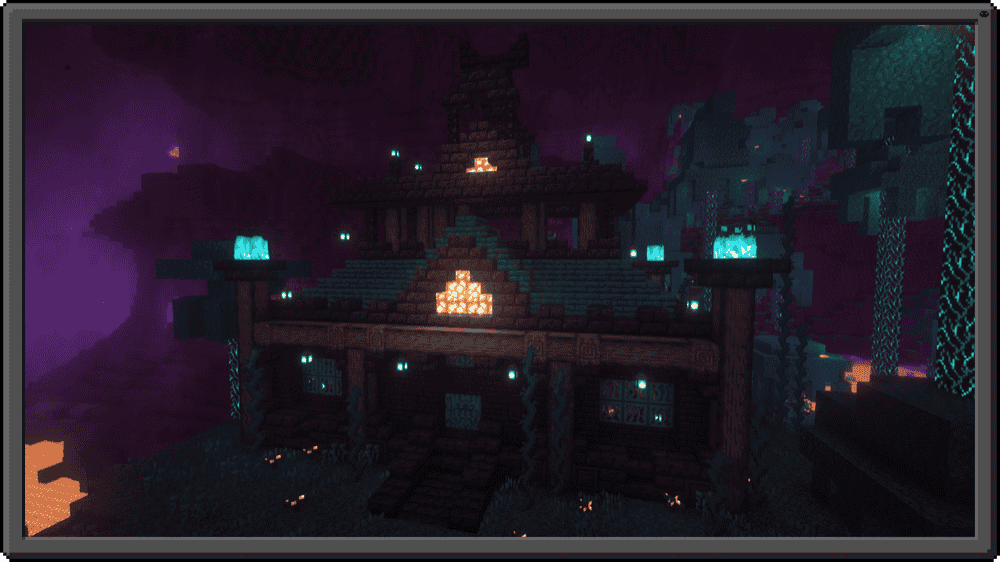
Adds a Nether Mansion structure that can spawn in Warped Forest biomes. Inside the mansion resides a new villager called the Nether Trader, which is also spawnable by placing a new item called the Trader Block as their workstation. The trader's main hook is Hell Gear which includes a full armor set and new weapons like the Hell Sword, Hell Axe, and Hell Sickle. The Hell Armor has diamond-like stats, doesn't burn in fire, and wearing the full set grants Fire Resistance.
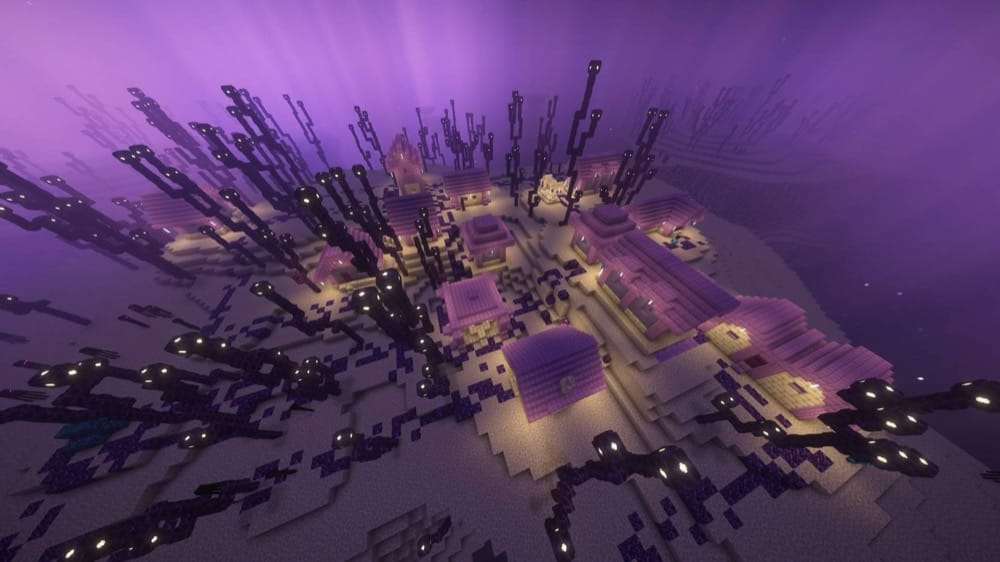
Adds a new type of village in the End, complete with ender-like entities, such as ender cats, ender golems, and new villagers with new professions, new trades, and End-themed structures. It also introduces End gear like an axe, sword, shovel, pickaxe, hoe, Pearl armor (including a chestplate with Elytra), and an armor set that gives a small health, speed, and absorption boost upon teleportation using an ender pearl. The mod also adds an End brewing system with an End Brewing Stand and End-themed potions.
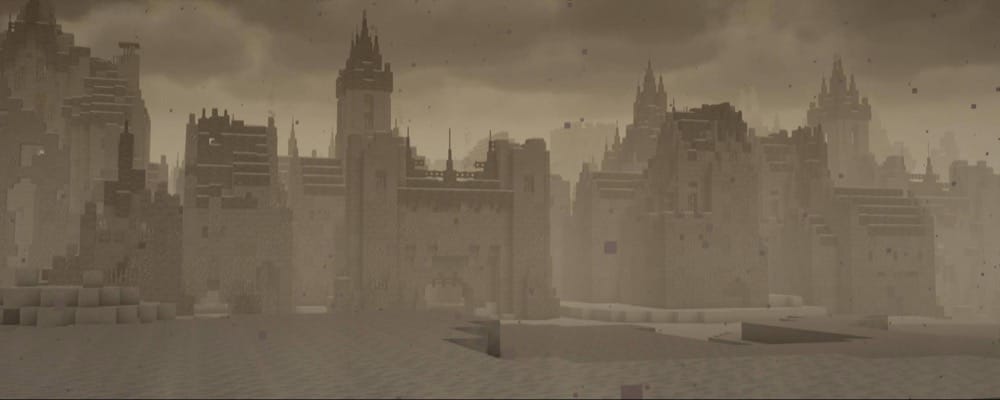
Replaces vanilla villages with epic, sprawling medieval-style towns, built using vanilla blocks and features only (no custom blocks or entities). It's aimed at making villages feel like full settlements instead of small outposts, and it's currently working toward completing all five vanilla village types. Plains, Taiga, and Snowy are complete right now, while Savanna and Desert are still in progress.
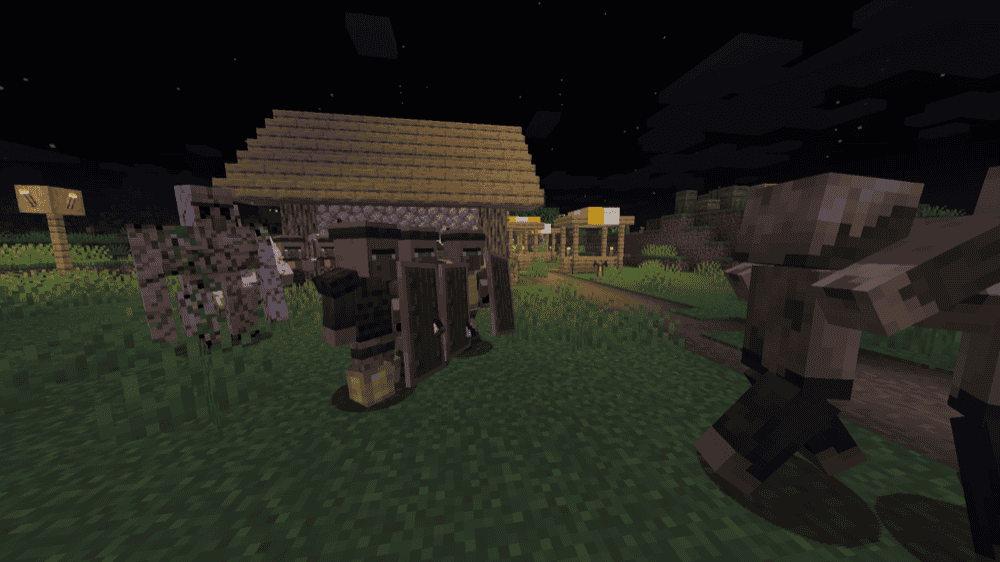
Adds village guards to stop settlements from getting wiped out while you're off exploring. Guards spawn in villages in groups of six, equipped with an iron sword or a crossbow, and they'll fight threats to protect the village. You can also create new guards by crouch-right-clicking an unemployed villager or nitwit with a sword or crossbow. Guards have extra AI features and interaction options, letting you open their inventory to give them armor, swap weapons, and provide a shield or food.
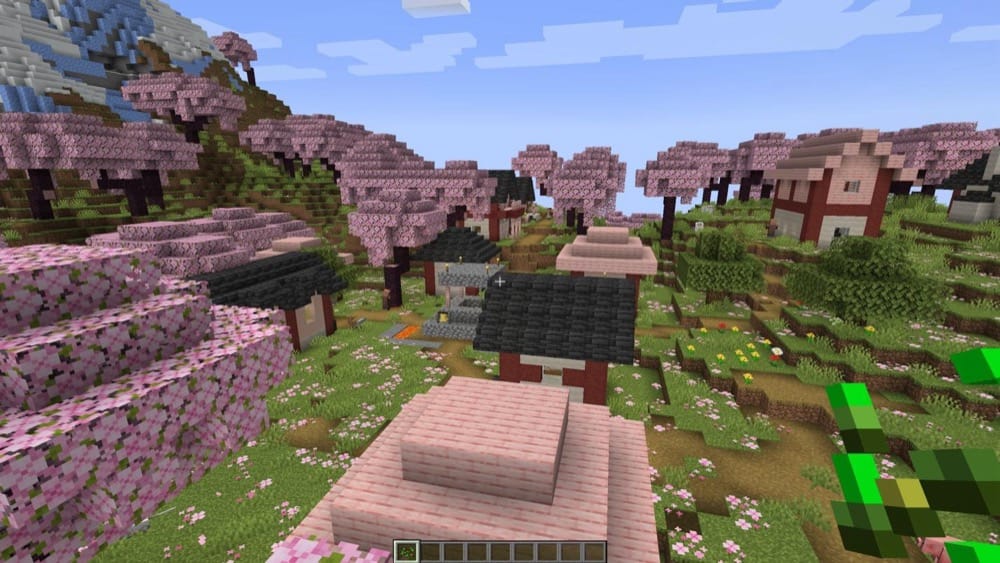
Adds a new cherry grove village variant, generating naturally in cherry grove biomes. The village buildings are rebuilt using mushrooms, cherry planks, and deepslate, giving the village a distinct look that matches the biome's style.
Open CurseForge → Minecraft and create a profile with the modloader and version you need, Fabric, Quilt, NeoForge or Forge (depending on which mods you are looking to install).
Open your profile and click the three dots next to "Play".
Click on "Add More Content" from the available options.
Search for the mod you need and click "Install".
Play from the CurseForge app.
How to Install Mods Manually
Install a mod loader that matches your Minecraft version (Fabric, Quilt, NeoForge, or Forge).
Run the installer to add a new profile in the Minecraft Launcher.
Download the mod’s .jar file from its project page. Making sure both the Minecraft version and loader version match.
Drop the .jar into the mods folder inside your .minecraft directory (create the folder if it doesn’t exist).
Launch Minecraft using the new loader profile.
Note: Make sure to check if the mod has been recognized by the game. On the title screen, click “Mods”. If the mod lists any required dependencies (like Fabric API), install those too. Please also note that if using Fabric, the "Mods" button will only appear if the "Mod Menu" mod is installed.
Villages aren’t generating / I can’t find any new villages
Most village/structure mods only show up in new chunks. Travel far away to generate fresh terrain or test in a new world.
Mod won’t launch / crashes on startup
Make sure you’re using the right loader (Forge vs NeoForge vs Fabric vs Quilt).
Double-check your Minecraft version matches the mod version.
If the crash says “missing dependency” install whatever it names (example: CTOV requires Lithostitched from 3.4.5+).
Structures generate, but look wrong / don’t match the mod’s screenshots
If you’re using datapacks or worldgen mods, confirm they’re loading on world creation (especially if you added them after the world was made).
For Sky Villages compatibility datapacks, make sure your setup loads them properly (some packs rely on tools like Global Packs, or loaders like Paxi/Open Loader).
Using multiple village mods causes weird results
Some village overhauls don’t play nicely when stacked. If you see missing buildings, overlapping towns, or unstable worldgen, reduce the number of village mods running together.
Epic Structures: Villages specifically note it might cause issues with other village mods, so treat it as your main village overhaul when possible.
MMV villages won’t work with my worldgen
Moog’s Missing Villages is incompatible with Terralith. Remove one of them if you’re using both.
Using Lootr and Overhauled Village together causes issues
While Lootr will still work globally, some versions might not work properly inside ChoiceTheorem's Overhauled Village structures.
Guard Villagers mod’s village guards act strange
GV village guards are known to often experience path finding issues, causing some to get stuck trying to walk through walls. However, none of this is typically game-breaking.
Epic Structures: Villages breaks my existing village overhaul mods
This is a known issue, so make sure that you have all other village overhaul mods turned off before trying Epic Structures: Villages to ensure compatibility.


![Sky Villages [Forge] Mod](https://blog.curseforge.com/content/images/2026/02/sky-villages-forge-mod-cf.png)