Modern modloaders and optimization mods target the biggest performance bottlenecks - rendering, lighting, AI/ticking, and memory, while staying compatible with most popular modpacks. Here are your main setup options:
- Fabric/Quilt: A lightweight base with a wide range of performance mods.
- Forge/NeoForge: Best if your setup includes content-heavy mods; performance tools are available here too.
- Or a prebuilt modpack if you want all the work done for you.
Sodium and OptiFine
Sodium (Fabric/NeoForge): A client-side optimization mod focused on improving the rendering pipeline. It boosts framerates and reduces stutter without changing the gameplay. Designed for strong mod compatibility, it uses modern OpenGL features like VAOs and instancing. For shader support, you can pair it with Iris.
OptiFine: A popular all-in-one client mod offering performance settings, shader support, HD textures, zoom, dynamic lighting, and detailed graphics controls. While highly popular it is more suited towards older minecraft versions, having less impact on newer versions of the game.
Choosing What’s Right for You
Pick the option that fits your mod loader, the features you want (e.g., shader support through Iris + Sodium or built into OptiFine), and your modpack’s setup.
If you're on Forge or NeoForge, Embeddium is a great option. It started out as a port of Sodium but is now its own thing.
Getting OptiFine Features (Without OptiFine)
If you’re on Fabric/Quilt/NeoForge and you want to enjoy the features of OptiFine. This is a list of alternatives you can use:
| OptiFine Feature | Fabric/Quilt/NeoForge Alternative | Notes |
|---|---|---|
| Shaders | Iris | Compatible with most OptiFine shader packs; requires Sodium. |
| Zoom | Zoomify or Zume for NeoForge (supports Fabric and Quilt as well) | Smooth, adjustable zoom; snapshot support. |
| Connected Textures | Continuity or NeoContinuity for NeoForge | CTM support; works via Fabric, and with Connector on other loaders. |
| Better Grass | BetterGrassify | Connected/smoothed grass, OptiFine-style. |
| Dynamic Lights | LambDynamicLights | Feature-complete dynamic lighting. |
| Custom Entity Models (CEM) | Entity Model Features (EMF) and Entity Texture Features (ETF) | Brings OptiFine's CEM to Fabric/Forge/NeoForge. Beware of compatibility issues with other mods. |
| Advanced Settings UI | Sodium Extra + Reese's Sodium Options | Adds granular toggles and a better options menu. |
Best Performance Mods

Sodium
Sodium replaces Minecraft's renderer with a modern, efficient pipeline that delivers higher FPS and smoother framerates. Along the way, it fixes a bunch of vanilla visual issues without changing the look of the game. It's built for wide mod compatibility, ships with a streamlined Video Settings UI, smarter chunk/entity handling to reduce the work your GPU has to do, and it works great once installed so you don't need to do much setting tweaking.
Lithium
General-purpose optimization of game logic, things like physics, mob AI, block ticking, and chunk loading, without changing how the game behaves. It works on both client and server, and the best part? Servers can run it without needing players to install anything. Expect major improvements to tick times (often 50% or more), which means smoother single-player and more player capacity in multiplayer. It also pairs perfectly with Sodium (rendering) and Phosphor on older versions.

Moonrise
Moonrise is a server-side optimization mod (and works in single-player too) that speeds up ticking without changing vanilla behavior. It's an official port of several key patches from Paper like a rewritten chunk system, better collision and entity tracking, smarter random ticking, and support for Starlight-style lighting. Moonrise auto-disables overlapping features from Lithium and FerriteCore, and it's not compatible with C2ME, since both tweak the chunk system. It's also incompatible with Canary and Starlight.
Oculus
Oculus is a Forge/NeoForge shader loader based on Iris, letting you use modern shader packs without OptiFine. It's built to work alongside Rubidium/Embeddium and other performance mods, giving you high-FPS shaders on Forge packs.

Entity Culling
This mod boosts performance by using spare CPU threads to run async path-tracing that checks what's actually visible on screen. If something's hidden, like mobs or block entities behind walls or ceilings, it won't bother rendering them. This lessens the load on your GPU, and makes gameplay smoother, especially in big farms or modded bases with large modded blocks that span multiple block spaces.
FerriteCore
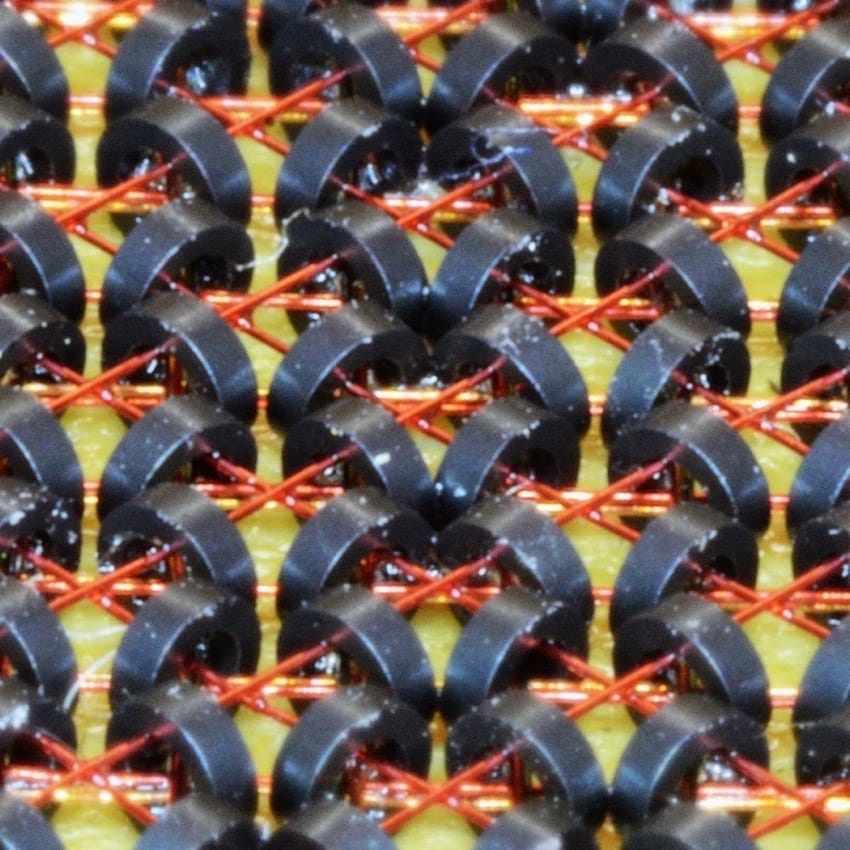
FerriteCore reduces Minecraft's RAM usage by optimizing memory-hungry systems (like block states and models) without changing gameplay. It's effective on both client and server, especially in modpacks leading to noticeably lower RAM usage and smoother play.

ImmediatelyFast
This small client-side mod gives Minecraft's rendering a big boost. It speeds things up by batching draw calls and pushing data to your GPU more efficiently. You'll feel the difference in areas that hit performance hardest like entities, block entities, particles, your HUD, text, and maps. It's especially helpful when your CPU's under pressure, like on packed servers or heavily modded worlds. It plays nicely with most modpacks, but you'll want to avoid using it alongside OptiFine, OptiFabric, or VulkanMod.

Embeddium
Embeddium is a performance mod built on Sodium, made for NeoForge and Forge users. It brings the same big rendering upgrades, like a rewritten terrain renderer and faster rendering paths, plus regular compatibility fixes and support for mods that use its options API. You also get optional translucency sorting for even smoother visuals. If you're on NeoForge or Forge, this is your go-to version of Sodium.

Canary
This is a general performance mod, and an unofficial Lithium fork for Forge. It improves core systems like mob AI, chunk loading, physics, and block ticking, all without changing how the game plays, just making it run smoother. You can drop it into servers (or both client and server) to reduce tick times and help busy worlds run better. It also includes a detailed config, so you can toggle specific patches if you need compatibility with other mods.

Starlight
A full light engine rewrite that fixes bad lighting updates and massively speeds up lighting operations (block edits, chunk gen, light updates). Install it on client or server, you don't need both, and never pair it with Phosphor (they're incompatible). On newer setups, similar lighting improvements are included within Moonrise.
ModernFix
This all-in-one performance and bugfix mod helps Minecraft launch faster, use less memory, and run more reliably without clashing with other performance mods. On most Forge modpacks (1.16–1.19.2), you can expect load times to drop by around half. Newer builds also bring regular improvements to rendering, model loading, and overall runtime. Advanced features like dynamic model loading are included too, but they're opt-in, so you can keep things compatible with the rest of your setup.
Clumps
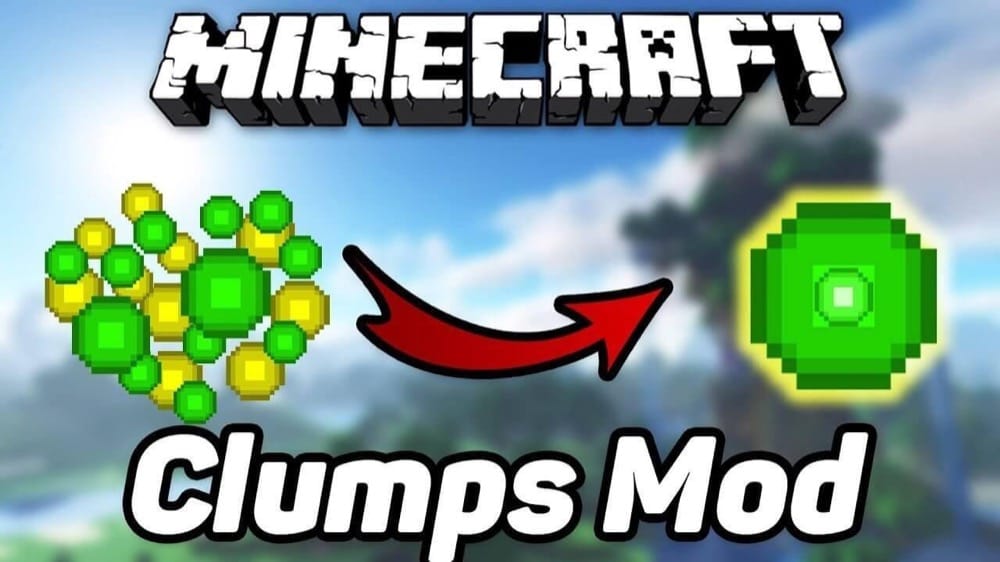
Clumps bundles nearby XP orbs into one and lets you collect them instantly on touch. That means fewer entities flying around, which helps cut down FPS drops, especially near xp farms or after big mob battles. If you're on Minecraft 1.17 or newer, you only need it server-side. For older versions, install it on both the client and server.
Chunky
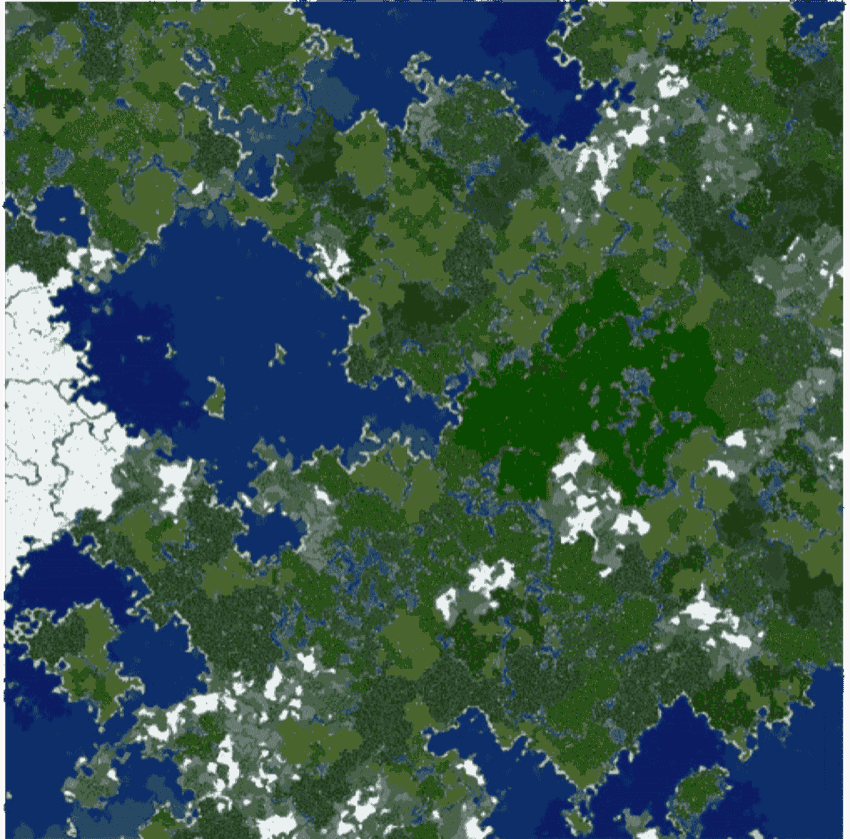
Chunky helps your world run smoother by pre-generating chunks ahead of time so you're not hit with FPS or TPS drops while exploring. You can run multiple generation tasks, pause and resume them, and see real-time stats like progress, ETA, and speed right in-game. It supports custom shapes, works with ChunkyBorder for picking areas inside your world border, and uses simple commands like /chunky start or /chunky radius. You'll need operator access to use it, either on a server or in single-player. It's fast, reliable, and one of the best tools for prepping big worlds.
Adaptive Performance Tweaks (Bundle)
This server-side optimization suite auto-adjusts game settings to help keep your TPS and FPS steady. Pick and choose only the modules you need, like Spawn, Items, Player, or Game Rules or grab the full bundle through your launcher to get everything at once. It's stable and long-term supported (LTS) for classic Forge packs, and it's a popular choice for keeping busy servers running smoothly.

Dynamic FPS
This mod reduces resource usage when Minecraft isn't in focus, like when it's idle, minimized, or running on battery. You can set custom FPS caps, volume levels, and pause toasts based on the game's state, and even display your battery status in-game. It also fixes a vanilla bug that burns CPU in the background and stops rendering while the loading screen is up. That results in Cooler, quieter performance especially on laptops or lower-end PCs.
FastWorkbench
This mod makes crafting faster, it caches the last recipe and cuts redundant checks. It gets rid of the classic shift-click lag, cuts down on network traffic, and hides the recipe book by default (you can turn it back on if needed). Whether you're crafting in the 2×2 player grid or the full 3×3 workbench, it will feel quicker and smoother, even when logging in.

Fabulously Optimized (Modpack)
A pre-configured modpack (not a mod) for Fabric. It contains Sodium, Lithium, and the essentials to improve the performance of Minecraft overall to run more smoothly and look nicer. It enables a lot of OptiFine features (such as shaders and connected textures). It doesn't introduce any new content, and is ideal for FPS-friendly vanilla upgrades. Ideal for low to mid-spec PCs.
Datapack lag & the recipe book
If your pack uses a datapack often bundled as a “mod” that runs commands every tick, the vanilla recipe book can quietly mess up your performance by bloating player data. In those edge cases, two mods can turn an unplayable world into a smooth one:
- NERB (Not Enough Recipe Book) – Strips out the recipe book entirely, removing its NBT overhead. Supports more versions and is the safer pick for older or heavily modded setups.
- ORB (Optimized Recipe Book) – For Forge and NeoForge. Keeps the recipe book UI but rewrites how it’s handled so those per-tick commands don’t tank performance. It’s newer and doesn’t cover as many versions yet, but it’s nicer if you want to keep the book.
Important: don’t run NERB and ORB together – they both hook into the same systems and will crash your game if combined.
How to Install Mods
How to Install with the CurseForge App
- Open CurseForge → Minecraft and create a profile(If you don’t have one already) with the loader/version you need (Fabric/Quilt/NeoForge/Forge).
- Open the profile → Add More Content (hit the three dots next to Play), search the mod, and Install. The app places files and dependencies automatically
- Play from the CurseForge app (it launches the correct loader profile).
How to Install Mods Manually
- Install a mod loader that matches your Minecraft version (Fabric, Quilt, NeoForge, or Forge). Run the installer to add a new profile in the Minecraft Launcher.
- Download the mod’s .jar file from its project page. Use the Files tab, and make sure both the Minecraft version and loader version match.
- Drop the .jar into the mods/ folder inside your .minecraft directory. (Create the folder if it doesn’t exist). Then launch Minecraft using the new loader profile.
- Check if it loaded properly. On the title screen, click Mods (or Mod Menu if you’re using Fabric). If the mod lists any required dependencies (like Fabric API), install those too.
Tip: common mods folder locations:
Windows: %AppData%\.minecraft\mods,
macOS: ~/Library/Application Support/minecraft/mods
Suggestions & Best Practices
You don’t have to install every performance mod under the sun to get results. Most players will be fine picking a “core” renderer and then layering a few helpers on top. Here are some practical ways to use the mods from this list together without fighting your own setup.
Core client FPS stacks
- Sodium + Iris + (plus Sodium Extra & Reese’s Sodium Options)Use Sodium as your base renderer, pair it with Iris for shaders, and add Sodium Extra plus Reese’s Sodium Options if you want more granular toggles. That combo covers most players. Just keep your GPU drivers up to date and only enable one shader pack at a time.
- Embeddium + add-onsOn Forge/NeoForge, Embeddium fills the same role as Sodium. From there, add Entity Culling for more free FPS on busy worlds, Starlight for faster lighting updates, and ModernFix if you’re running big packs and want shorter load times and less memory pressure.
- ImmediatelyFast & FerriteCoreThese are safe to run alongside almost anything. ImmediatelyFast is a “turn it on and forget it” FPS bump on modern versions, FerriteCore shines in modpacks with huge item and block counts.
Server & simulation tuning
- Lithium / Moonrise & CanaryIf you host worlds for friends or run automation-heavy bases, install Lithium or Moonrise on Fabric/NeoForge, or Canary on Forge. They’re mostly server-side wins, better mob AI, collisions, and ticking. After adding them, spend a few minutes stress-testing your usual farms to make sure nothing behaves in a way you dislike before you call the setup done
- ClumpsGreat for XP farms, it merges XP orbs so clients don’t choke on particle spam. Server owners can install it server-side only; vanilla clients still connect normally and get the benefit.
Worldgen & chunk loading
- Starlight & ChunkyUse Starlight on versions it supports, and don’t stack it with other lighting overhauls. If you’re starting a fresh world, pair it with a chunk pregenerator like Chunky, pre-gen the area where people will actually play (spawn, base region) so your TPS doesn’t tank every time someone explores in a straight line.
Visual “extras” and edge cases
- Entity Culling configurationEntity Culling is usually safe to just install and leave it in, but if you notice modded machines or multiblock structures popping in and out of existence, loosen its visibility settings rather than uninstalling it outright.
- ImmediatelyFastLightweight add-on, safe to leave on in most packs. If a future Minecraft version bakes in similar rendering optimizations, check the mod’s changelog to see if it’s still needed.
- Canary mixin issuesIf Canary causes a crash in massive modlists, read the log, it will normally point to a specific mixin or module you can disable in its config instead of dropping the mod entirely.
Common Issues & Quick Fixes
- Wrong loader or Minecraft version
Mods don’t show up / “incompatible mod”.
Fix: Match both the mod loader (Fabric/Quilt/NeoForge/Forge) and the exact Minecraft version for every mod, adjust your profile/version in the launcher/CurseForge if needed. - Missing required dependencies (e.g., Fabric API)
Startup errors listing required mods.
Fix: Check the mod’s “Dependencies/Relations” and install the listed libs (Fabric API is a common one) in the correct version. - OptiFine conflicts with Sodium/Iris
Crashes, black screen, or shaders won’t load.
Fix: Don’t mix OptiFine/OptiFabric with Sodium or Iris. Use Iris + Sodium for shaders and performance instead. - Starlight vs. Phosphor (pick one)
Loader blocks startup as “incompatible”.
Fix: Use only one light engine rewrite, Starlight or Phosphor, never both. - Out of date graphics drivers / OpenGL issues (Sodium)
Freeze or crash at startup, context errors (esp. on older Intel GPUs).
Fix: Update GPU drivers to the versions recommended by Sodium’s docs before launching.