While purely cosmetic, capes are one of the coolest customization options in Minecraft. Unfortunately, getting one is no easy task. Not available in-game, capes are only given to a select group of people or during limited time events, making them exceedingly rare.
But that doesn't mean you'll never get one. Future events and opportunities are still possible. Here's everything you need to know to unlock your very own cape.
How to Earn and Equip Capes
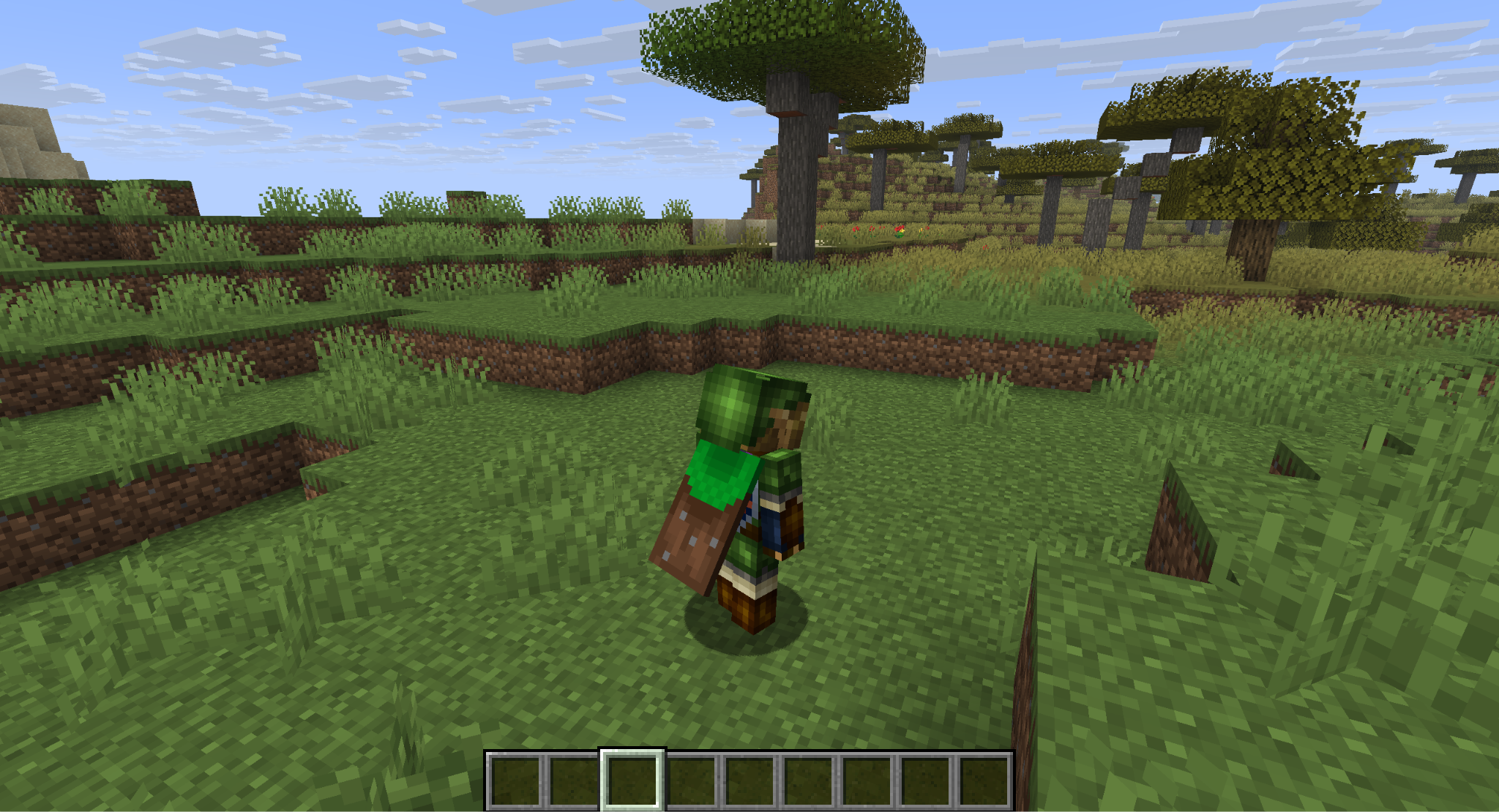
The only way to earn a cape is to participate in limited-time real-world events hosted by Minecraft. This ranges from time-limited drops in platforms like Twitch, to winning competitions for Mojang's other games. Some capes are only given to select individuals, like Mojang employees or important members of the community.
That said, some events are a lot easier to attend than others. Your best bets on getting a cape, from easiest to hardest, are through the following methods:
- Playing Minecraft Bedrock Edition.
- Attending events shared on Minecraft social media, official servers, or during Minecraft Live.
- Visiting in-person events, like MineCon or official competitions.
- Volunteering for different Mojang projects, like moderating or translations.
- Becoming a remarkable and benevolent name in the Minecraft community.
- Working for Mojang.
If getting a cape is your main goal, we strongly recommend focusing on the first two options. Let's dive into those a bit more.
Capes From Bedrock Edition
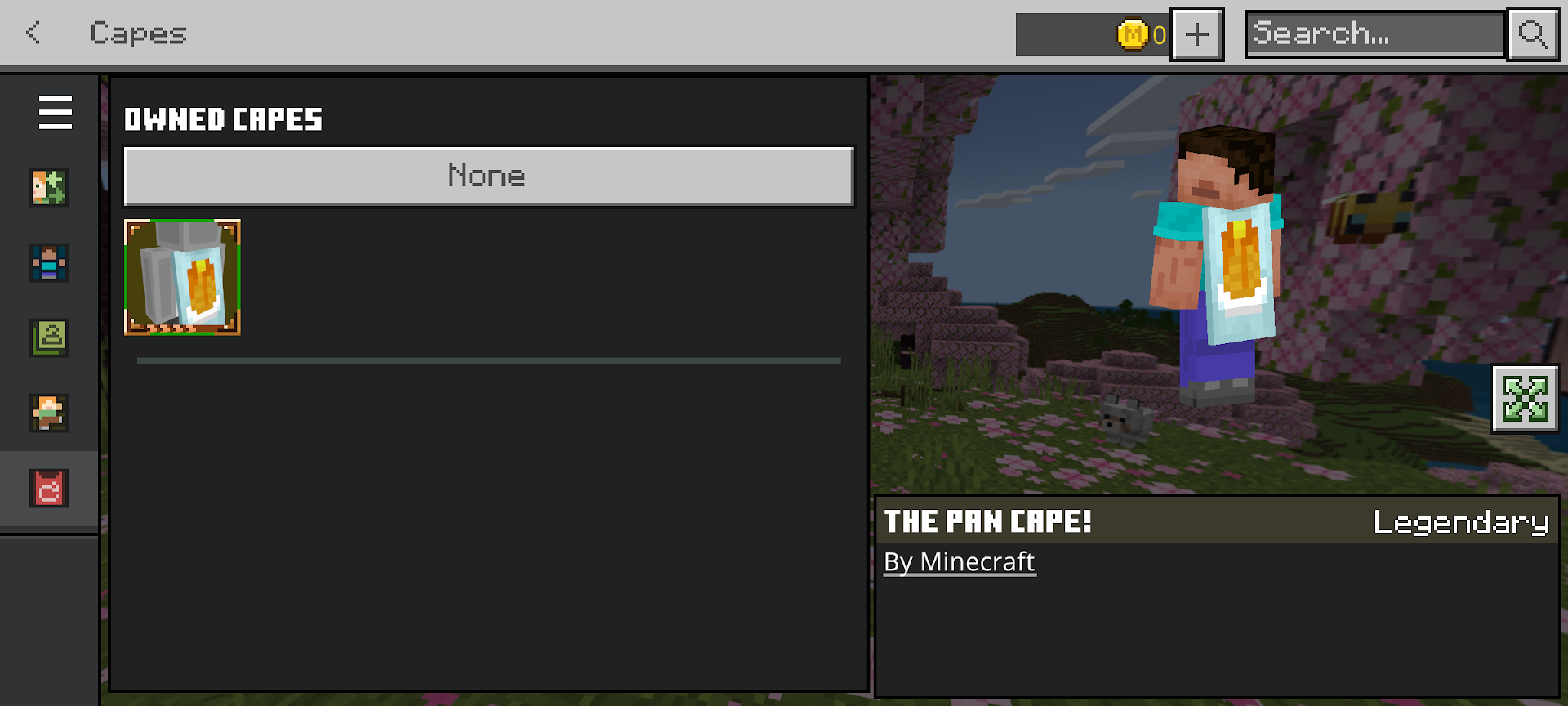
In the last few years, Minecraft has been making capes more accessible to all players, but in a limited way. Anyone that played Minecraft in Bedrock Edition Before May 8, 2025, would unlock a Pancake-style cape for both Bedrock and Java Editions.
After that, anyone that played Minecraft Bedrock Edition from May 6, 2025 to May 5, 2026 would unlock the Common Cape – a dirt block-style cape – for both Bedrock and Java Edition.
Right now, this is the easiest way to unlock a cape, though it requires owning at least Bedrock Edition. Java Edition players need to own a copy of both versions to get the cape on both.
Tip: Minecraft for mobile devices is a cheaper-priced method of owning Bedrock Edition.
Capes From Virtual Events
The actual process of qualifying for a cape during a virtual event will depend on the event itself, so be sure to pay attention to the details for any events shared on Minecraft's social media and whether it includes a cape giveaway.
Generally, capes are shared via codes, which are then redeemed on the Minecraft website while logged into your account. Some capes are unlocked automatically through the Minecraft Launcher when certain requirements are met.
Where to Equip a Cape
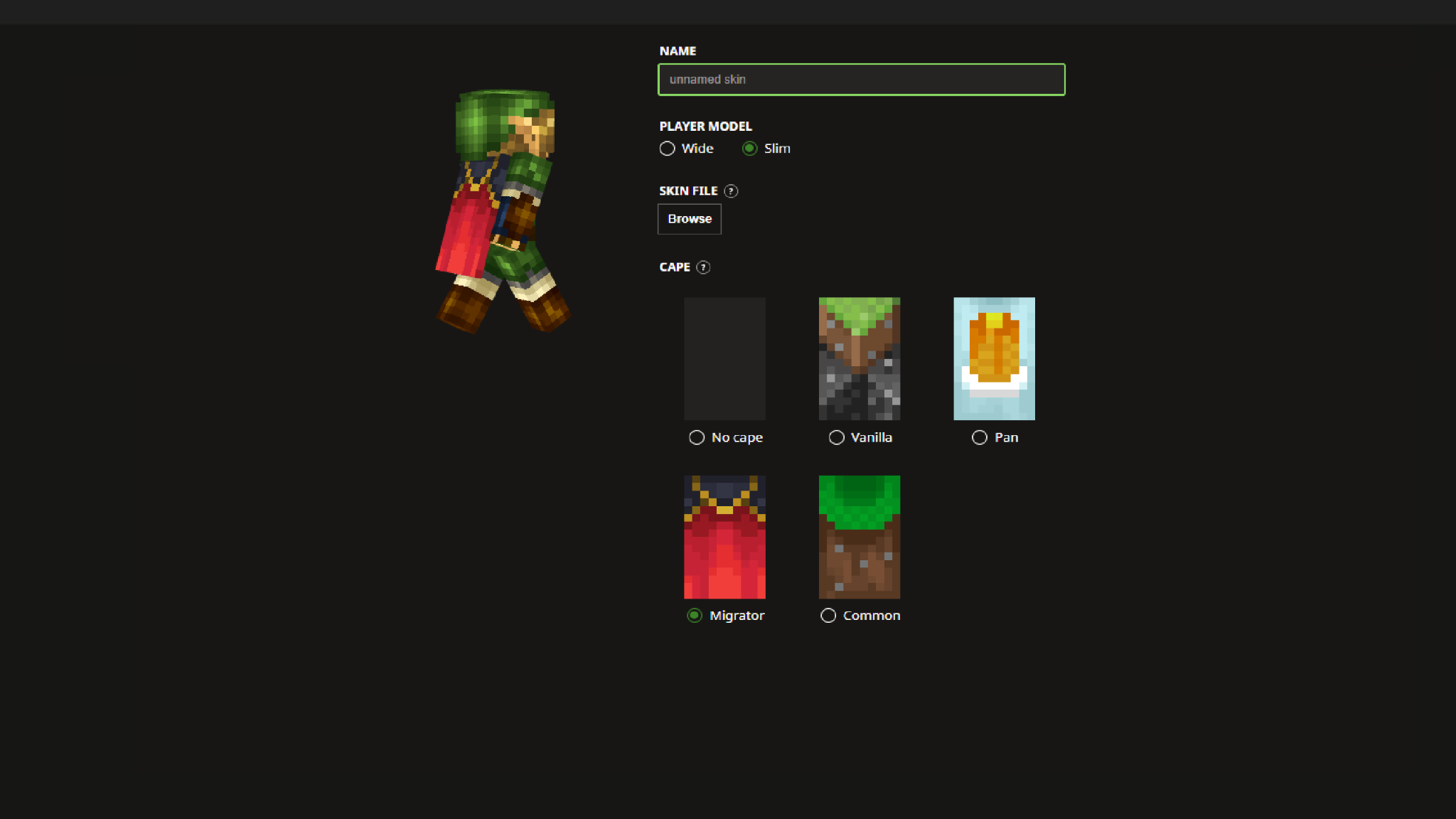
The cape selection screen is on the same screen as the player skin settings in the Minecraft Launcher. If you have a cape, a section will become available to select from whichever ones you own.
- For Java Edition, capes can be selected while editing any skin. Either edit your existing skin or add a new one to see what capes you have.
- For Bedrock Edition, go to the Dressing Room and select the Cape tab on the left side to see your available capes.
Mods that Pair Well with Capes
Capes are cool! But their limited availability isn't their only shortcoming. Mods can help with that. There are countless community-made mods that expand on player customization, capes included. These are some of our favorites.
Better Third Person
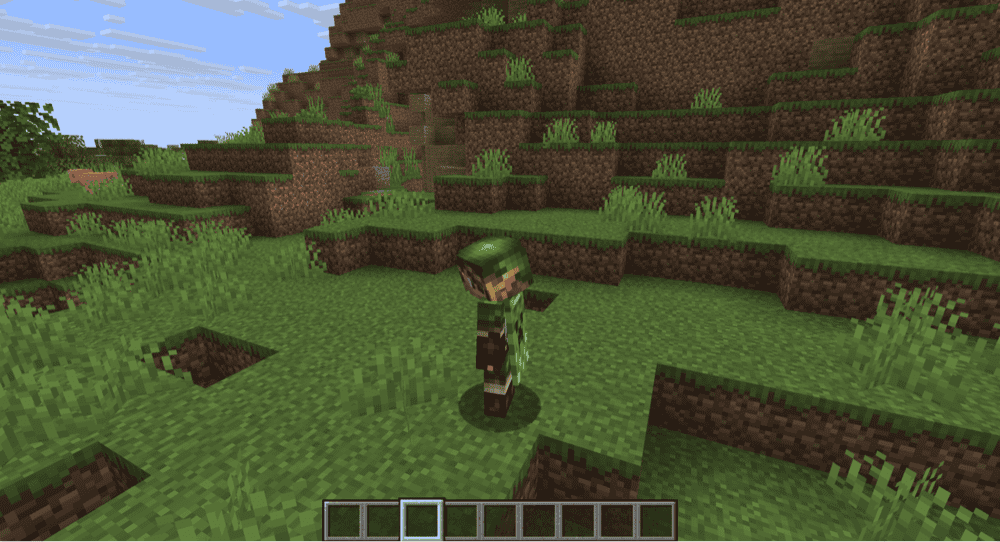
Why wear a cape if you can't ever see it? And while playing in third-person mode is the answer to that, vanilla Minecraft's third-person perspective is awkward and hard to use.
Better Third Person is a mod that expands the functionality of this POV by adding in a free-rotating camera. This gives you a better sense of visual control while moving around, making it easier to move and interact with the world in third-person.
Wavey Capes
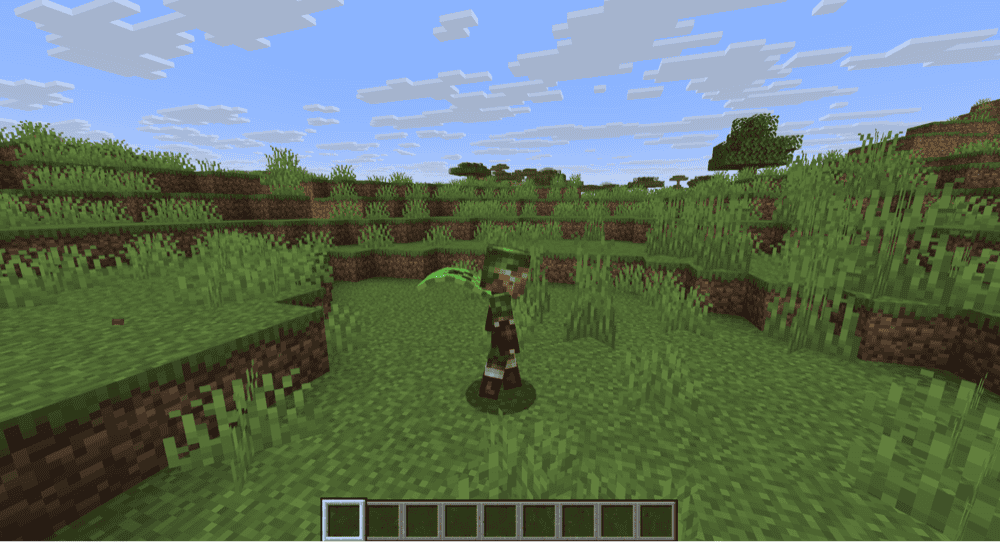
While capes have some movement in Minecraft, they're still flat boards on your back. This mod gives them a dynamic flowing animation that reacts to your movements.
With this, capes actually feel like capes and not like you tied a painted piece of plywood to your shoulders.
Better Capes
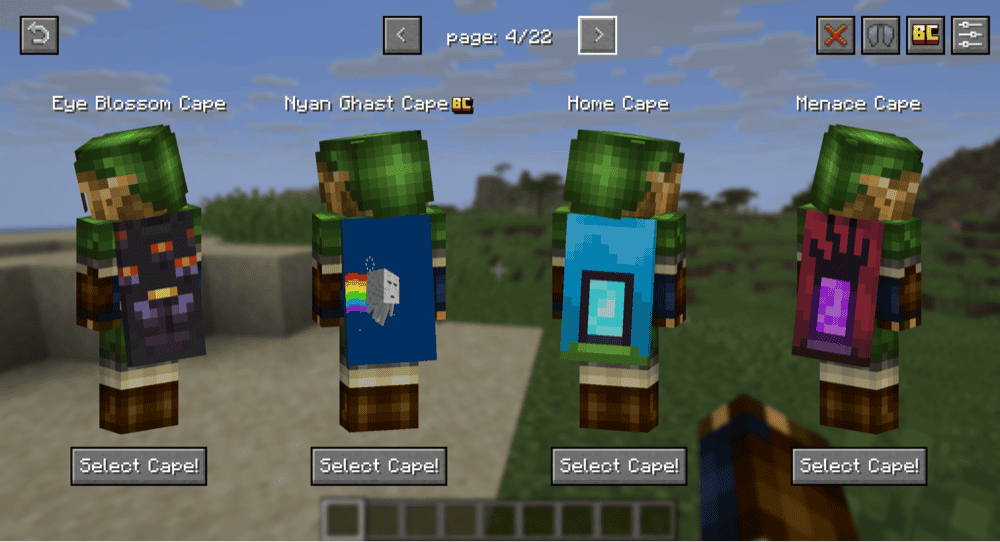
The limited nature of capes means a strong majority of players won't have one. This mod changes that. It adds in numerous cape designs as well as the ability to upload your own images as a cape.
Best of all, it doesn't require a separate login system. Many of the most common cape mods require you to sign up with their website, often limiting certain features of designs behind a paywall. This mod, however, is fully customizable and fully free.
How to Install Minecraft Mods
You can install the above mods automatically using the CurseForge app or manually by placing the mod files within your game’s mods folder. Both methods allow you to easily add custom features and enhancements into your vanilla Minecraft experience.If you want to learn more, you can read our detailed guide on how to install Minecraft mods.
Common Issues and Quick Fixes
A cape I earned isn't appearing in my Java Edition game
While capes, when granted, are for both editions, sometimes you have to log into Bedrock Edition first before it will show up on Java.
Boot up Bedrock Edition, check the dressing room, and ensure you're logged into your Minecraft account on both games.
I equipped a cape, but it's not appearing in-game
Minecraft's in-game settings include a section on skin customization, allowing you to disable certain texture layers on the body. Check that the Cape option is not disabled in that menu.
The code I was given for a cape isn't working
Due to the unpredictable and changing nature of live events and the many ways of getting a code, there's no surefire way to know why a code might not be working.
Start by double checking that you're logged into the Minecraft website correctly. Then double check that you put the code in right.
Did you get the code directly? Like from an official Minecraft email or a Twitch drop notification, or did you get it from a person or third party? If it's the second situation, It's possible that the code was already redeemed and you were given a dud.
If you continue to have trouble, reach out to Minecraft's official support contact for help.