Of all of the risks and dangers that persist in Minecraft, it's easy to forget about one of the most mundane but unstoppable ways to die: drowning. Whether you lost your way in an underwater cave system, or got stuck inside a sunken ship, what is an otherwise mundane bit of exploration can quickly become a lethal one.
Unless, of course, you can breathe underwater. That's where the Respiration enchantment shines! This helmet enchantment can add more than four times as much oxygen capacity, giving you plenty of time to find your way to the surface safely. Here's how to get it for yourself.
How the Respiration Enchantment Works
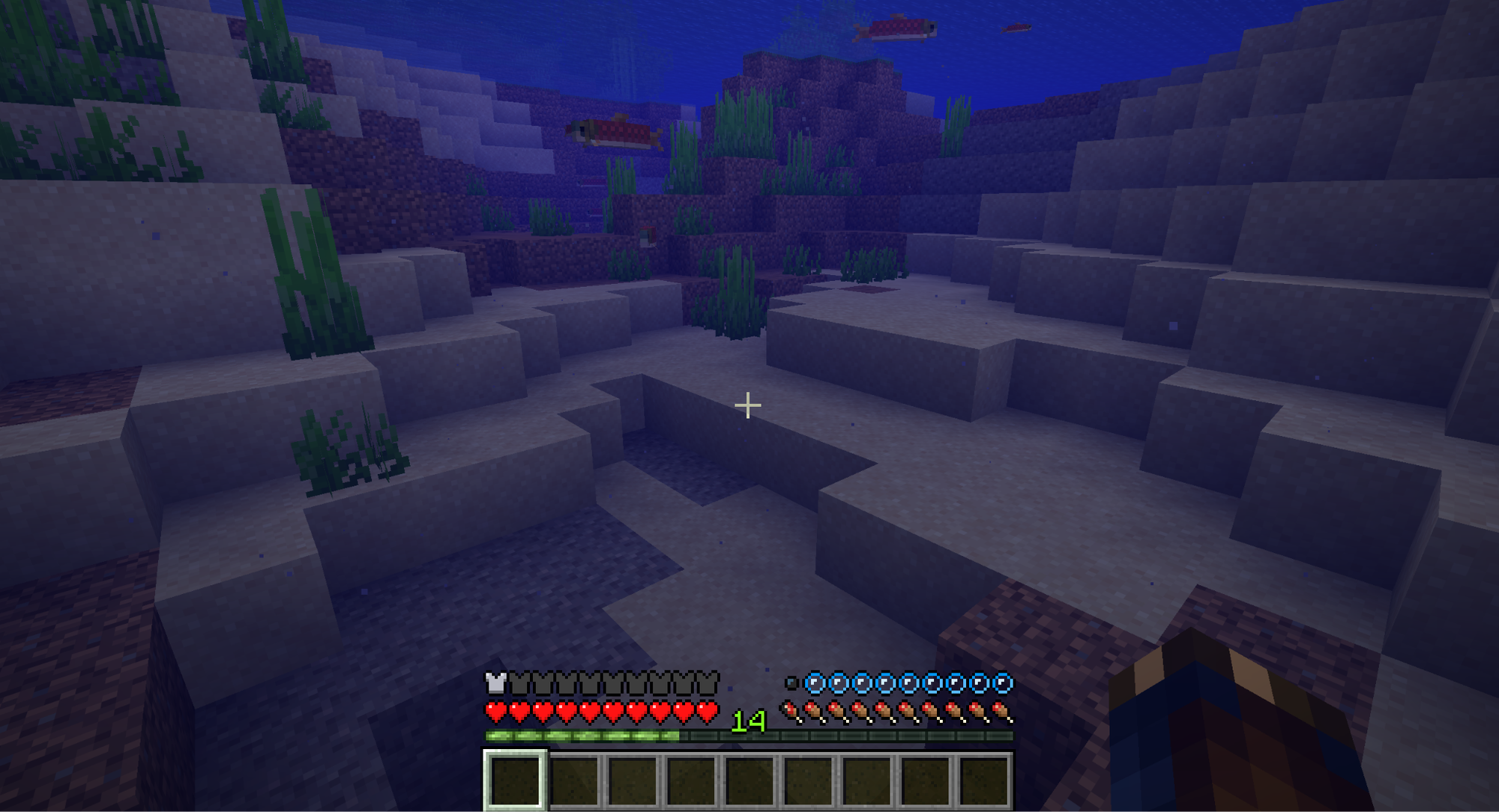
For each level of Respiration, you have 15 more seconds of air while underwater. Since the default oxygen capacity is also 15 seconds, Respiration I doubles your time under water, while II and III triple and quadruple it, respectively.
Respiration also has a less-well-known secondary effect: you take less damage while drowning. For each enchantment level, you have a 25 percent chance to not take damage during a drowning tick. This means that even if you start drowning, Respiration might keep you alive just long enough to get some air.
There's also another way to get Respiration outside of enchantments: Turtle shells! This rare, craftable item adds ten seconds of oxygen to your oxygen capacity, which does indeed stack with Respiration, making it the only way to achieve an oxygen capacity of 70 seconds.
How to Get the Respiration Enchantment

Respiration, like most enchantments, can be acquired from all of the traditional methods. This includes…
- Enchanting a helmet item at an Enchanting Table.
- Looting it from raids and chests.
- Buying it from Librarian Villagers.
- Fishing it out of a river, lake, or ocean.
Unfortunately, there are no special methods for enchanting a helmet with the Respiration enchantment specifically. So, the quickest option to get Respiration is to repeatedly enchant helmets until you get what you want.
Tip: Hold onto any helmets with Aqua Affinity while you're enchanting. Increasing underwater mining speed, it's a perfect pairing with Respiration.
How to Get a Turtle Shell
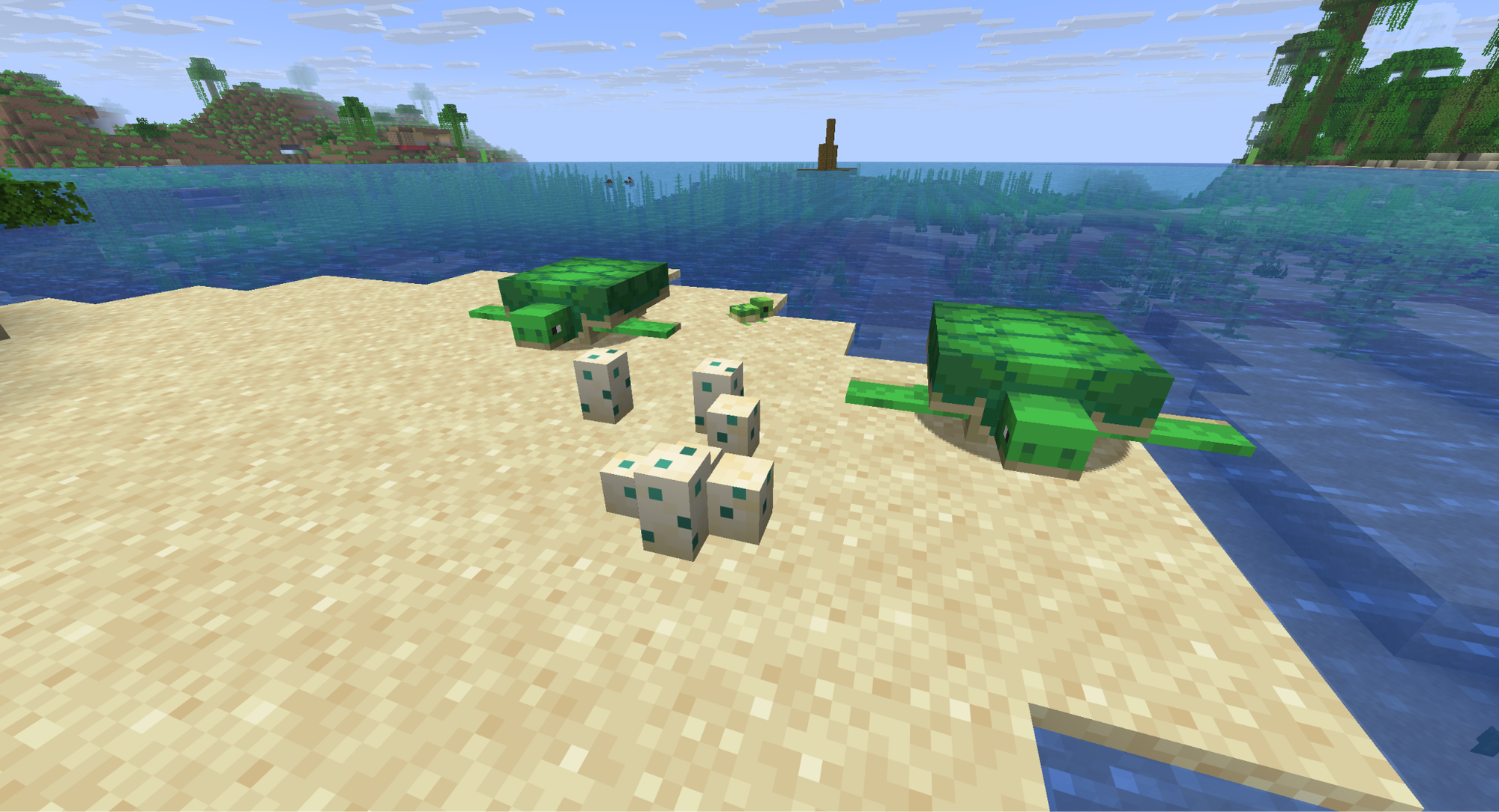
Before you start taking an axe to some sea turtles, know that you can't get a turtle shell helmet by killing mobs. It's quite the opposite, actually. The turtle shell can only be crafted using turtle scutes – a rare item that only drops when a baby turtle reaches adulthood.
Once you have five turtle scutes, you can craft the turtle shell helmet by placing them on a crafting table in the same shape as the standard helmet pattern. Here's a quick breakdown of how to get Turtle Scutes.
- Find two sea turtles on an ocean shoreline.
- Feed these two turtles with seagrass to enter love mode.
- One turtle will become pregnant and will begin journeying to their "home" location to lay eggs. Follow them and keep them safe.
- Once laid, protect the eggs from being broken. This can happen from mob attacks or by being stepped on.
- The eggs will crack over time until they hatch as baby Turtles.
- Wait 20 minutes until the babies become adults, dropping Turtle Scutes when they do.
You can decrease how long the babies take to grow up by feeding them more seagrass. We recommend fencing off the egg laying site to keep both the eggs and the resulting babies safe. Just be sure to provide water for the baby Turtle to swim in once hatched.
Mods that Breathe More Life Into Underwater Exploration
There's a whole world to explore below the ocean surface in vanilla Minecraft, from coral reefs to sunken ships. But if you want more, whether that's making exploration easier or adding even more interesting things to find, then consider trying out some of the many mods available online. These mods, in particular, are sure to transform your underwater experience as you know it.
Iris Shaders
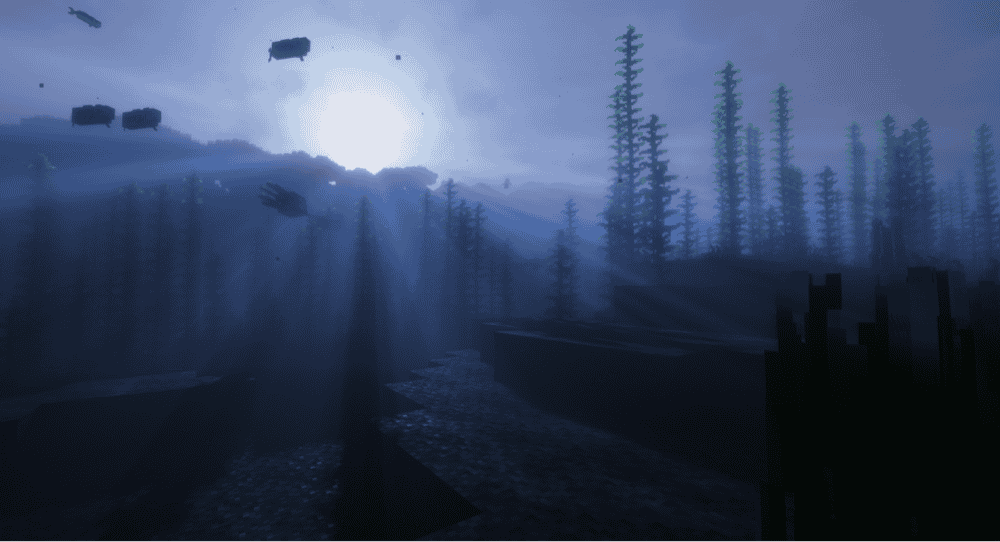
Iris is not inherently a water-centric mod, but a visual one. This enables the use of shaders – custom files that add in more powerful and dynamic visual effects to the game.
Many of the most popular shaders for Minecraft completely overhaul how water looks, adding dynamic lighting, distortion, reflections, and other dazzling effects. It's an absolute must-have for anyone spending a lot of time underwater.
Underwater Village - Oceanic Structures
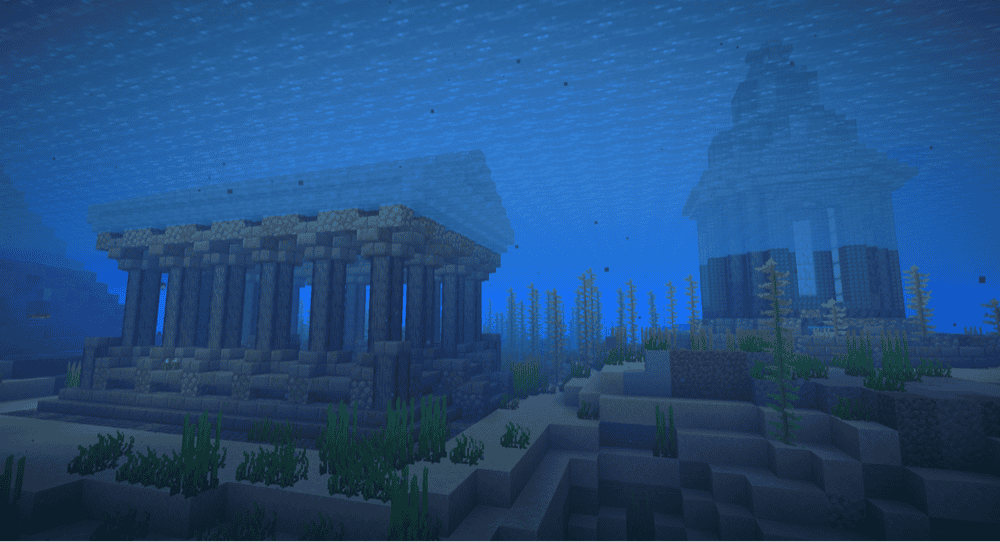
Give the ocean a sense of forgotten history with this mod, which adds a selection of new structures to the random world generation. Find sunken and abandoned villages, Guardian-filled dungeons, and more throughout the watery deep.
Keep in mind that these are generated on world creation, so you may need to start a new game world to experience them all.
Bottled Air
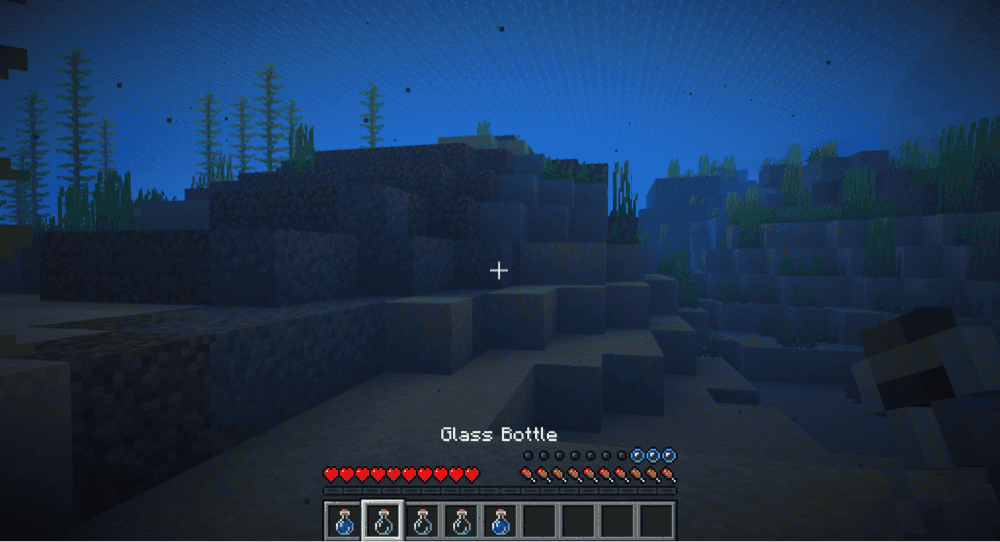
Bottled Air allows you to "drink" from empty bottles while underwater to refresh your oxygen capacity.
With how easy it is to make bottles, this provides a great way to allow for longer underwater exploration while still adding a level of effort and resource management to make it feel fair.
How to Install Minecraft Mods
You can install the above mods automatically using the CurseForge app or manually by placing the mod files within your game’s mods folder. Both methods allow you to easily add custom features and enhancements into your vanilla Minecraft experience.If you want to learn more, you can read our detailed guide on how to install Minecraft mods.
Common Issues and Quick Fixes
Underwater air bubbles aren't restoring all of my breath
While the bubbles generated underwater by magma blocks may provide some free air, it doesn't restore everything. The ten second bonus from a Turtle Shell helmet won't recharge, for example.
To completely restore all of your underwater breathing effects, you need to wait on the surface for a moment.
I take damage when trying to get air from Underwater air bubbles
Since the air bubbles only generate above Magma blocks, it's easy to accidentally get pulled down into the magma, taking damage.
To avoid this, hold the crouch button. This way, you won't take damage from the magma and are safe to stand directly on it to regain your breath. Just make sure you step off of it before standing back up.
My Turtles won't lay eggs
The main reason a pregnant Turtle won't lay eggs is because they either can't reach their home location or can't find sand to lay the eggs on top of.
Follow them until they stop moving, and clear anything blocking their path. If they are staying still, place an area of sand on the ground.