If you want Minecraft to feel less like a sandbox and more like a journey, story-style mods are the move. Some give you a clear chapter by chapter adventure through new dimensions, others turn your base into a long-term campaign, and a few still lean into horror where the narrative builds as the world gets worse. Below are the 10 story picks we are sticking with.
1. The Twilight Forest
Twilight Forest adds a legendary dimension that feels like a fairy tale world stuck in permanent twilight, with a dense canopy, unique biomes, and huge landmark dungeons that pull you from one objective over to the next. The story is told through progression – you clear bosses to unlock new areas – and trying to push into late-game zones early can hit you with harsh barriers like dangerous weather effects.
This mod starts with a diamond-activated portal. Make a 2x2 water pool, surround it with vanilla natural flowers, then drop a diamond inside the water to open the portal. From there, you explore, beat bosses, and collect trophies and loot that serve as milestones as you move deeper into the dimension.
2. MineColonies
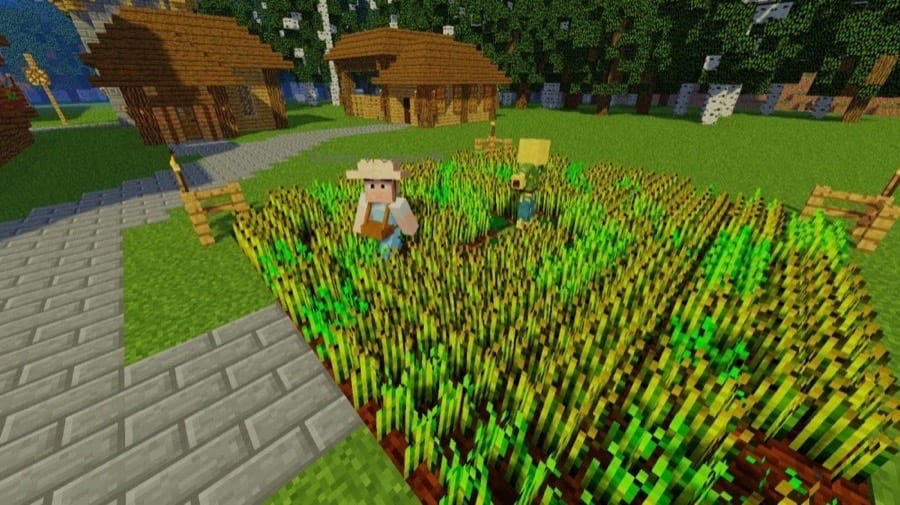
MineColonies turns your world into a long-running settlement story where you go from a tiny camp to a full town with workers, production chains, and defenses that matter. Instead of building everything yourself forever, you lead the colony, plan expansion, and solve the new problems that show up as your population grows.
This mod supports a ton of different playstyles because the colony can be built in basically any biome or location, and it uses thousands of schematics so each run can feel different. You will also be managing dedicated NPC roles like builders, farmers, miners, guards, couriers, and more, which makes progression feel like chapters rather than a checklist.
3. The Aether
The Aether adds a sky dimension full of floating islands and cloudlands that play like a fresh survival chapter with its own gear tiers, mobs, and a clear dungeon path. Instead of dropping you into a random sandbox, it gives you a steady sense of progress as you upgrade materials, chase better loot, and work toward bigger challenges.
You enter the dimension through a Glowstone portal you activate with a water bucket, and from there the main story beat is conquering the Bronze, Silver, and Gold Dungeons and their bosses. Along the way you will find new tools, utility blocks, and an in-game Book of Lore that helps you keep track of your discoveries.
4. The Undergarden
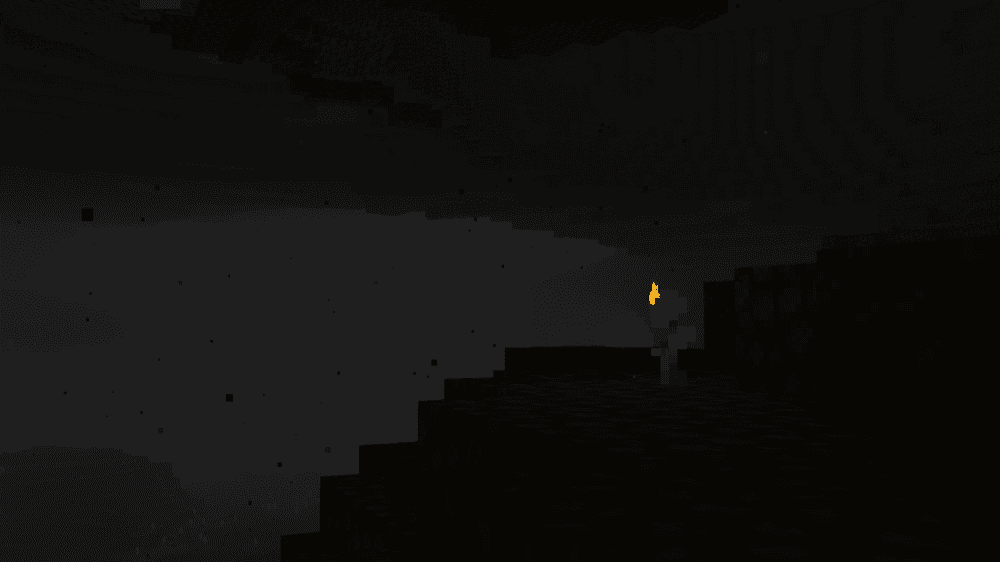
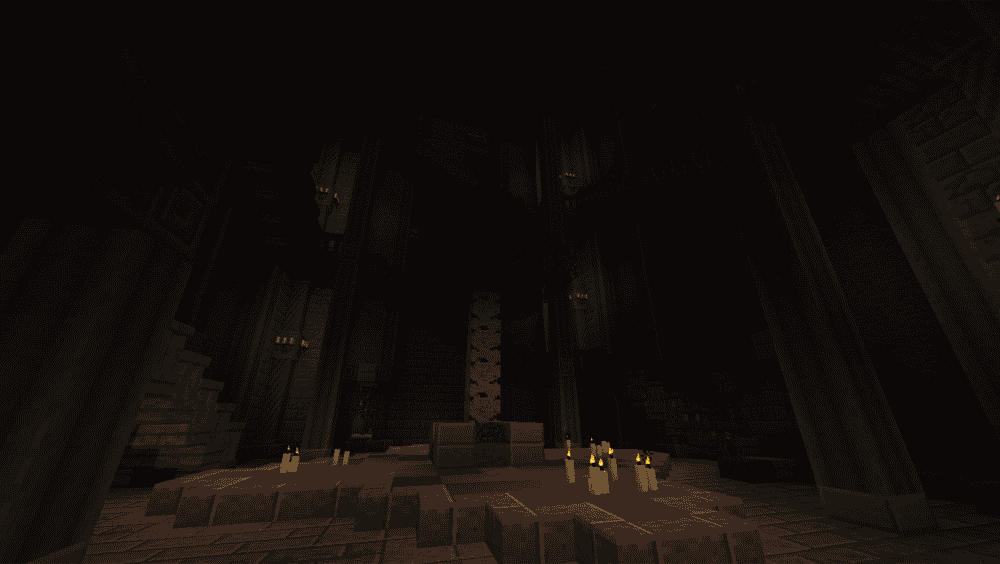
The Undergarden adds a forgotten dimension buried deep below the Overworld where the whole place feels like it is rotting from the inside. The Undergarden has its own biomes, creatures, and a constant threat from the Rotspawn – invasive monsters tied to a chaotic realm – so every underground run carries that dreaded sense that you’re not supposed to be there.
You can also run into Stoneborn – a neutral mob you can trade with – and explore Catacombs where Forgotten Guardians appear, so beyond mere fighting this mod is also about uncovering what is still living in the ruins. To enter, you must craft a Catalyst and use it to activate a Stone Bricks or Deepslate Bricks portal.
5. Aquamirae
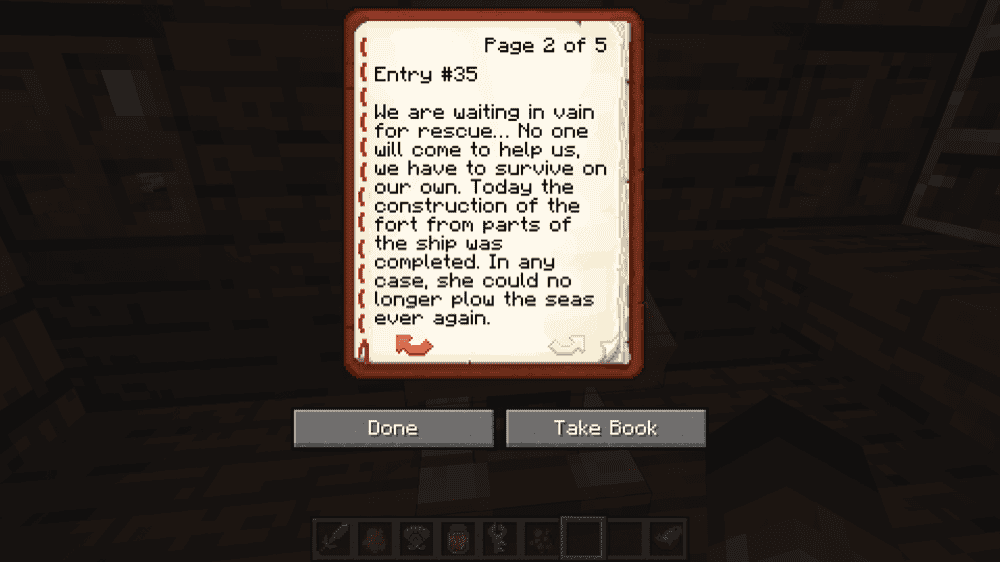
Aquamirae turns cold ocean exploration into a story zone built around the Ice Maze on the surface and a haunted Ship Graveyard below it. It leans hard into atmosphere and progression, with new threats, unique loot, and a clear mystery thread tied to Captain Cornelia.
You explore the frozen biome like an expedition, pushing deeper through wrecks and hidden spaces until you are ready for its main confrontation. It is one of those mods where the environment itself tells the story, and the rewards feel earned because getting them means surviving what lives under the ice.
6. From The Fog
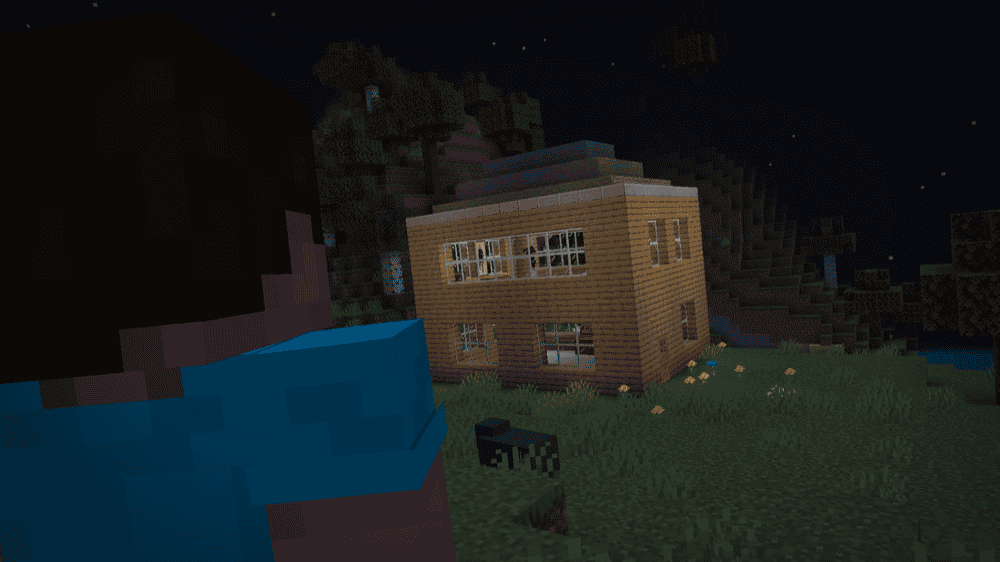
From The Fog is a mod that brings the Herobrine legend back in a way that feels subtle and creepy instead of loud. It is all about being watched, weird sightings in the distance, and small moments that make you question what you just saw, which turns a normal survival world into a slow-burn mystery.
It does not hand you a questline, but it still feels like a story because the tension builds over time. The mod also mixes in structure-related surprises, so exploration stays risky even when you are not looking for trouble.
7. Cracker's Wither Storm Mod
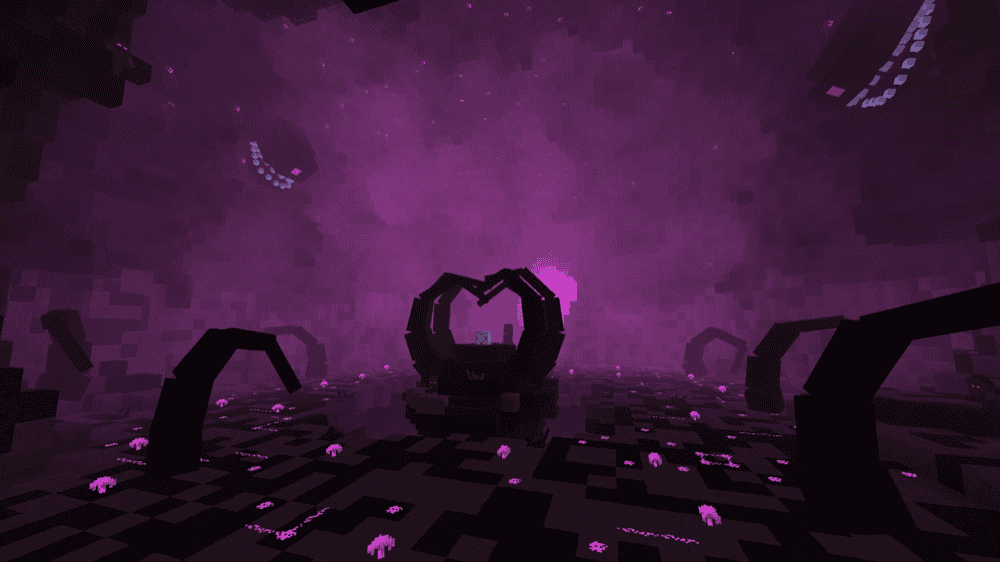
Cracker's Wither Storm adds the “Wither Storm” – an entity that originally appeared in Minecraft’s Story Mode – and turns it into a full-on survival challenge where the story becomes the fight itself. It grows by absorbing the world around it, tracks players, and stays active even when you are far away, so the pressure keeps building while you run, hide, and gear up.
To start the event, you travel to a rundown house at X 0 Z 0 and finish the incomplete wither-like structure by placing the last wither skull. From that point on, it is basically a disaster movie in your world, so it is best used in a fresh save or a backup world you do not mind getting wrecked.
8. Fungal Infection Spore

Fungal Infection Spore turns a normal survival world into an outbreak story. Infected humans can show up early, spread Mycelium Infection through bites, and even cause fallen victims to rise again, so every fight feels like it could snowball into something worse.
As the infection feeds, it can evolve into stronger forms and behave more like an organized threat than a random mob pack, grouping up and escalating the danger over time. It is a solid pick if you want your world to feel like it is slowly being taken over unless you push back.
9. From The Caves
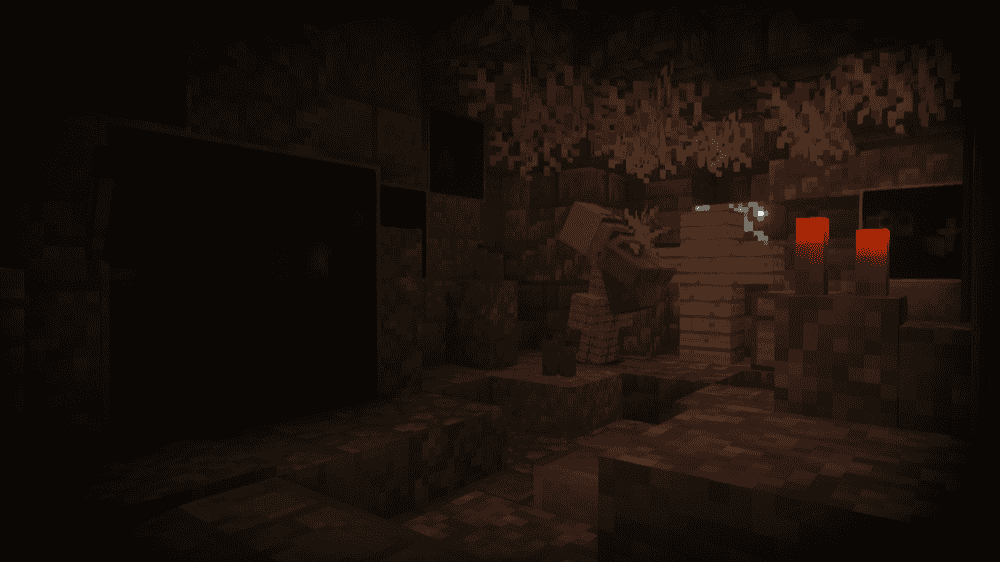
From the Caves adds a single cave-born stalking entity that can follow you underground and on the surface, messing with blocks and mobs to create those “did that just happen” moments.
The mod also includes structures and a lore trail that slowly opens up as you explore, so it feels less like a random scare mod and more like a horror mystery you can progress through. The progression is tied to phases that only move forward when you take specific actions, so jump scares are not all there is to it.
10. Eternal Tales
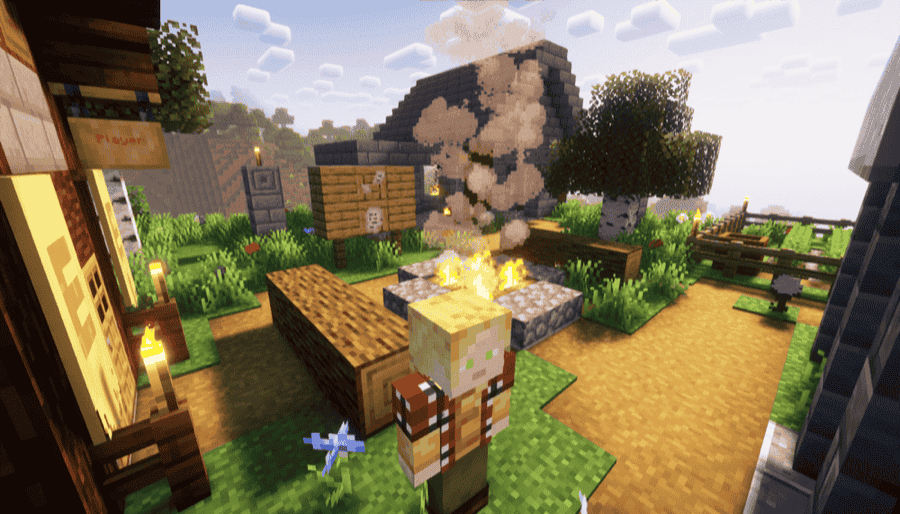
Eternal Tales is a full-on RPG storyline pack that turns your world into a long adventure with lore, quests, skills, bosses, and multiple new dimensions to push through. It leans into that classic progression feeling where every new area and fight unlocks the next step, so exploration feels like you’re taking part in an epic saga that’s just about to unfold.
The mod also comes absolutely loaded with content for a long playthrough, including thousands of blocks and items, tons of gear and weapons, a big roster of mobs and bosses, and nine new dimensions to discover. If you want a story-flavored mod that can carry a whole run on its own, this is one of the heavy hitters.
How to Install Mods
How to Install with the CurseForge App
- Open CurseForge → Minecraft and create a profile with the mod loader and version you need (Fabric, Quilt, NeoForge, or Forge).
- In the profile screen, click "Add More Content" (or open the three dots menu next to "Play" and choose "Add More Content").
- Click on "Add More Content" from the available options.
- Search for the mod you need and click "Install".
- Play from the CurseForge app.
How to Install Mods Manually
- Install a mod loader that matches your Minecraft version (Fabric, Quilt, NeoForge, or Forge).
- Run the installer to add a new profile in the Minecraft Launcher.
- Download the mod’s .jar file from its project page. Make sure both the Minecraft version and loader version match.
- Drop the .jar into the mods folder inside your ".minecraft" directory (create the folder if it doesn’t exist).
- Launch Minecraft using the new loader profile.
Note: Make sure to check if the mod has been recognized by the game. On the title screen, click “Mods”. If the mod lists any required dependencies (like Fabric API), install those too. Please also note that if using Fabric, the "Mods" button will only appear if the "Mod Menu" mod is installed.
Common mods folder locations:
- Windows: %AppData%\.minecraft\mods
- macOS: ~/Library/Application Support/minecraft/mods
- Linux: /home/<your-username>/.minecraft/mods
Common Issues and Quick Fixes
Game crashes on launch after adding a mod
Make sure you installed the required libraries for that mod. Missing dependencies are one of the most common reasons a mod will not boot.
Twilight Forest crashes or acts weird with OptiFine
The Twilight Forest team does not support OptiFine because it can break required vanilla behavior. Swap to Embeddium for performance and Oculus for shaders.
Wither Storm not evolving or not visible in single-player when using OptiFine
Disable Smooth World in OptiFine video settings performance.
Wither Storm eats your world and you regret everything
Treat it like an event run. Use a fresh world or a backup, because the whole point is that it destroys a lot while trying to hunt you down.
I want to disable the flashing effects in From The Caves
If flashing effects are a problem, you can disable them in game with the "photosensitiveMode" command.
From The Fog feels too intense or too quiet
Check the configuration options and tune them to your comfort level. Some releases add specific toggles like Shrine Surprise behavior.
My game feels choppy or laggy
Check if you’re running the Cracker’s Wither Storm mod or mods with the MCreator tag (these tend to add a lot of entities) as they can be demanding on hardware.