Palworld is a source of endless fun. But even after leaving early access, the game is far from flawless. There are a few small adjustments that could really buff out those rough edges and provide a smoother, cleaner gameplay experience.
That's where mods can help. The Palworld community has made tons of quality-of-life mods, focusing on fixing those exact problems. Instead of tolerating these little inconveniences, consider fixing them with some of these trending mods.
1. Reveal map
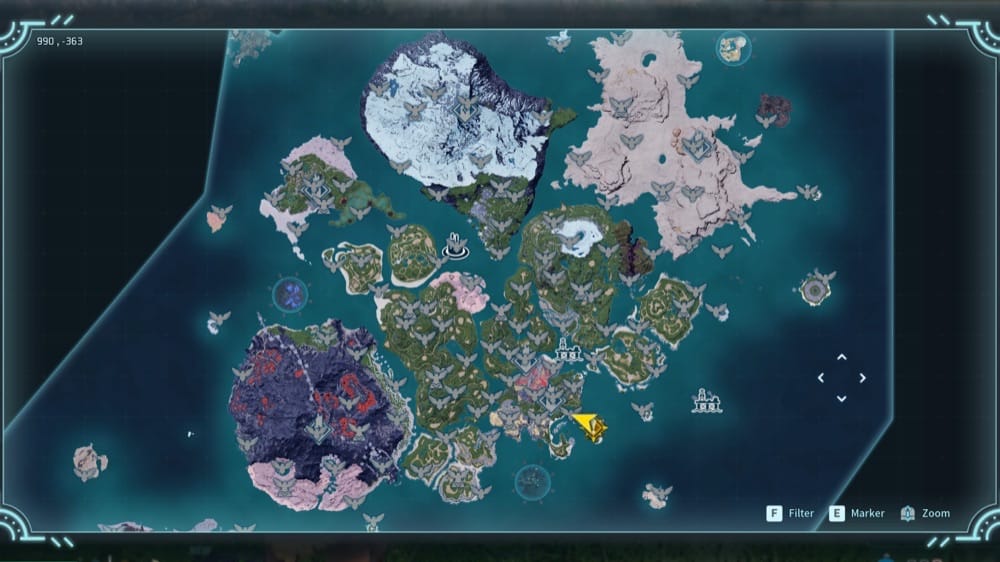
The splendor of exploration is something everyone can appreciate, especially with a map as large and diverse as Palworld's. But having to roam every inch of it, even the less exciting parts, can quickly become a chore.
Instead of making due with an unappealing, half-empty map, the mod “Reveal map” clears the entire fog-of-war immediately. That way, you can pinpoint all those interesting spots without fuss.
2. Carry weight increase
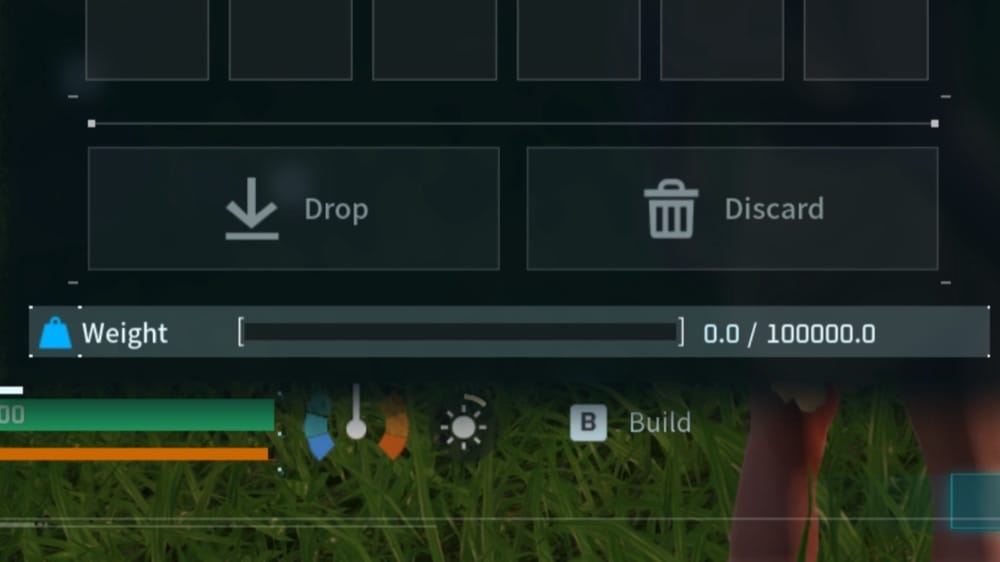
The bane of every sandbox game is the inventory limit. Palworld is no exception. Your limited weight capacity will quickly become apparent as your base grows and your resources build up, especially if you don't invest stat points into it.
With “Carry weight increase”, you can completely forget about trying to manage your inventory space every time you return to base as it sets your weight limit to a whopping 100,000. And if that wasn't enough, it also changes the weight of most items to zero.
3. Remove flying stamina cost
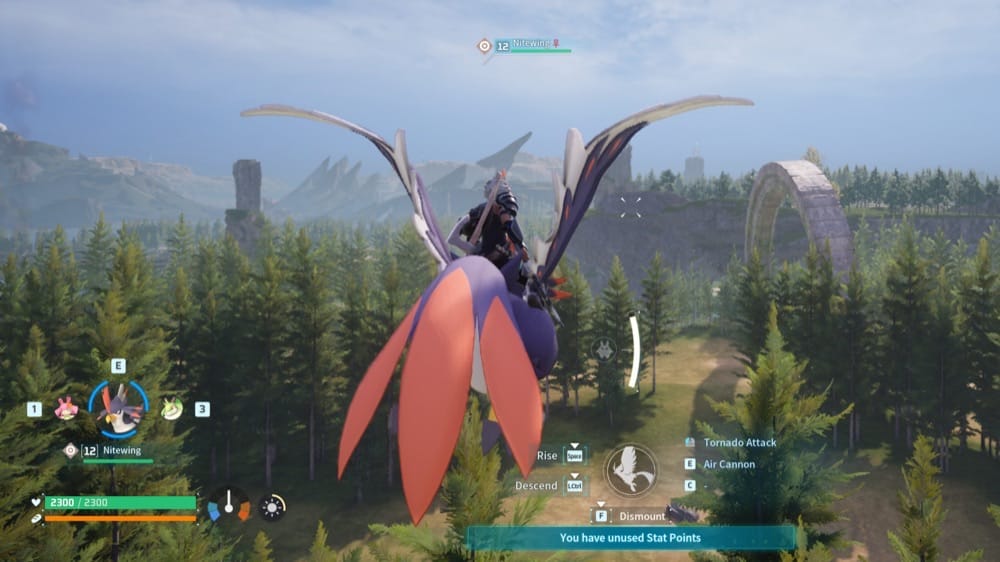
Let's be real – flying around is fun. But with how hard it is to find a flying pal, let alone a good one (sorry, nitewing), you'd think it wouldn't be so limited. But, like climbing and gliding, it all comes crashing down if you run out of stamina.
With the “Remove flying stamina cost” mod at your side, you can now fly as long as you desire without anything holding you back. Now, you can enjoy air travel with your favorite flying pal for as long as you'd like.
4. Buy All Balls
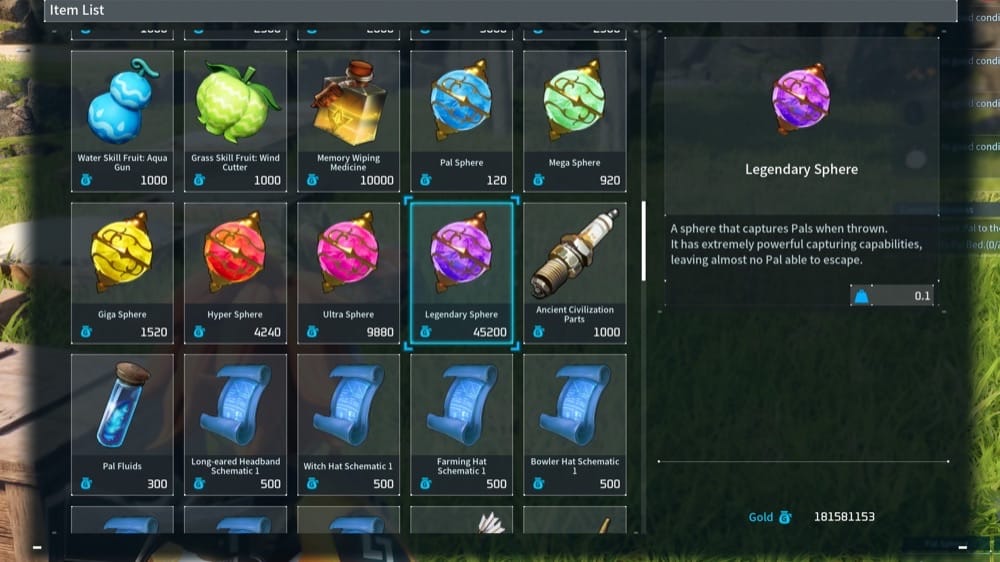
Tired of having to craft every Pal Sphere you use? Why not sink into that pile of gold you've amassed instead? With “Buy All Balls”, you can now purchase every sphere type from merchants – at a reasonable price tag, of course.
Moreover, the mod also adds other rare or hard-to-farm items to various shops, – like Holy Tree Water – to the Dogcoin and Bounty merchant, Disposable Implants – to the arena merchant, and Treasure Maps – to the BountyHunter merchant.
5. Max Level Increased
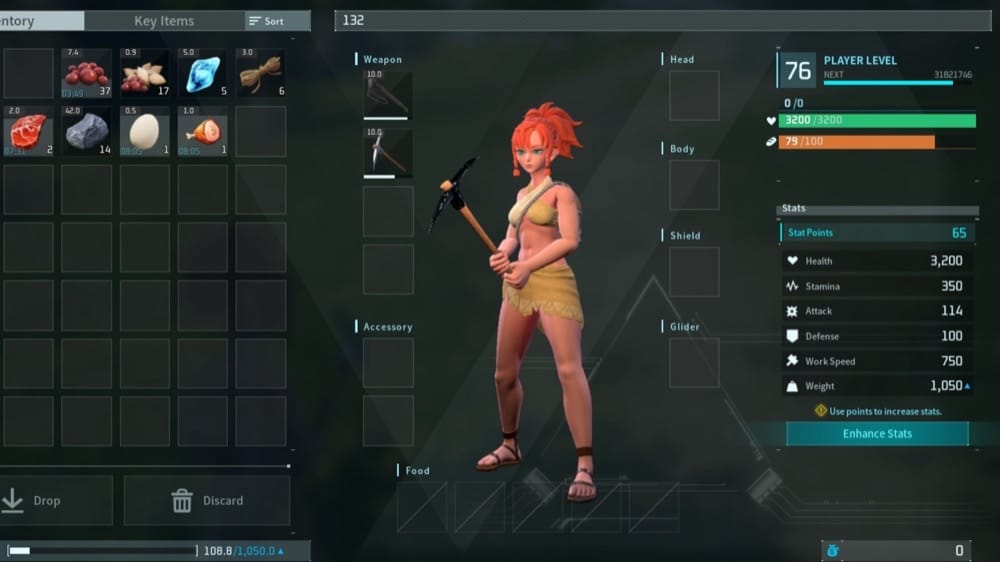
Sometimes, the simplest improvement to quality of life is just being able to keep doing the same thing. With “Max Level Increased” installed, your player character (and your Pals!) can continue to level up past the vanilla level cap.
Gain experience up to level 98, reaching new levels of power as you continue to enjoy the game however you'd like to! This way, you still get that sense of reward and progression you're used to every time you level up – only this time for much longer.
6. Infinite Weight In Camp
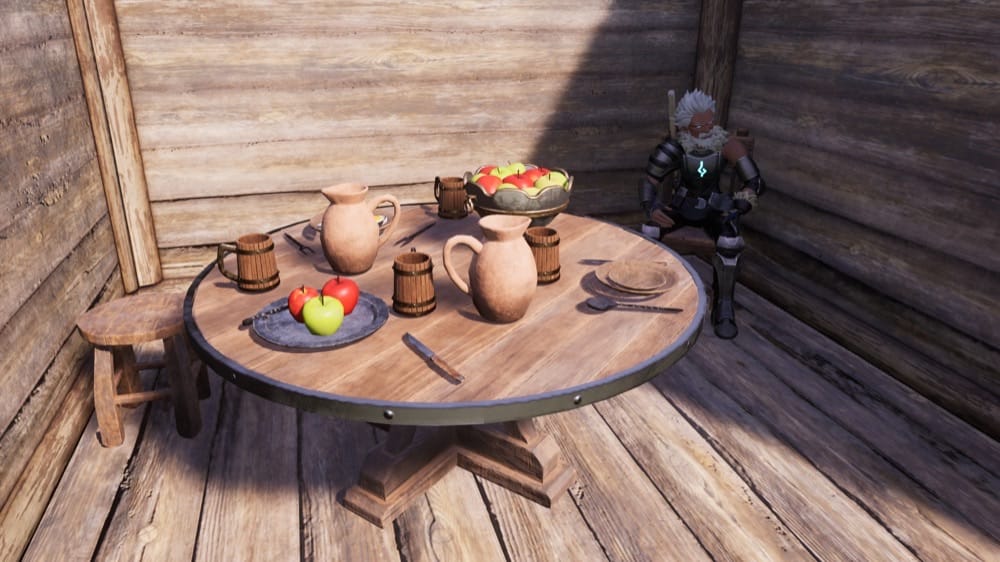
A more considerate take on the inventory problem, “Infinite Weight In Camp” only grants you endless weight capacity while within the limits of your base. As soon as you leave, it's back to normal.
This is an excellent compromise, allowing you to do all of those high-weight tasks like moving inventory or bulk crafting without feeling like you're cheating. Anyone with especially large or complicated bases will especially appreciate this one.
How to Install Palworld Quality of Life Mods
The simplest option for supported projects is the CurseForge app on the Windows Steam version of Palworld. Here are the exact steps:
- Close Palworld and back up your save.
- Install UE4SS if required (typically needed for some Lua and C++ projects).
- Open the Palworld profile in the CurseForge app, then select "Discover" or "Browse".
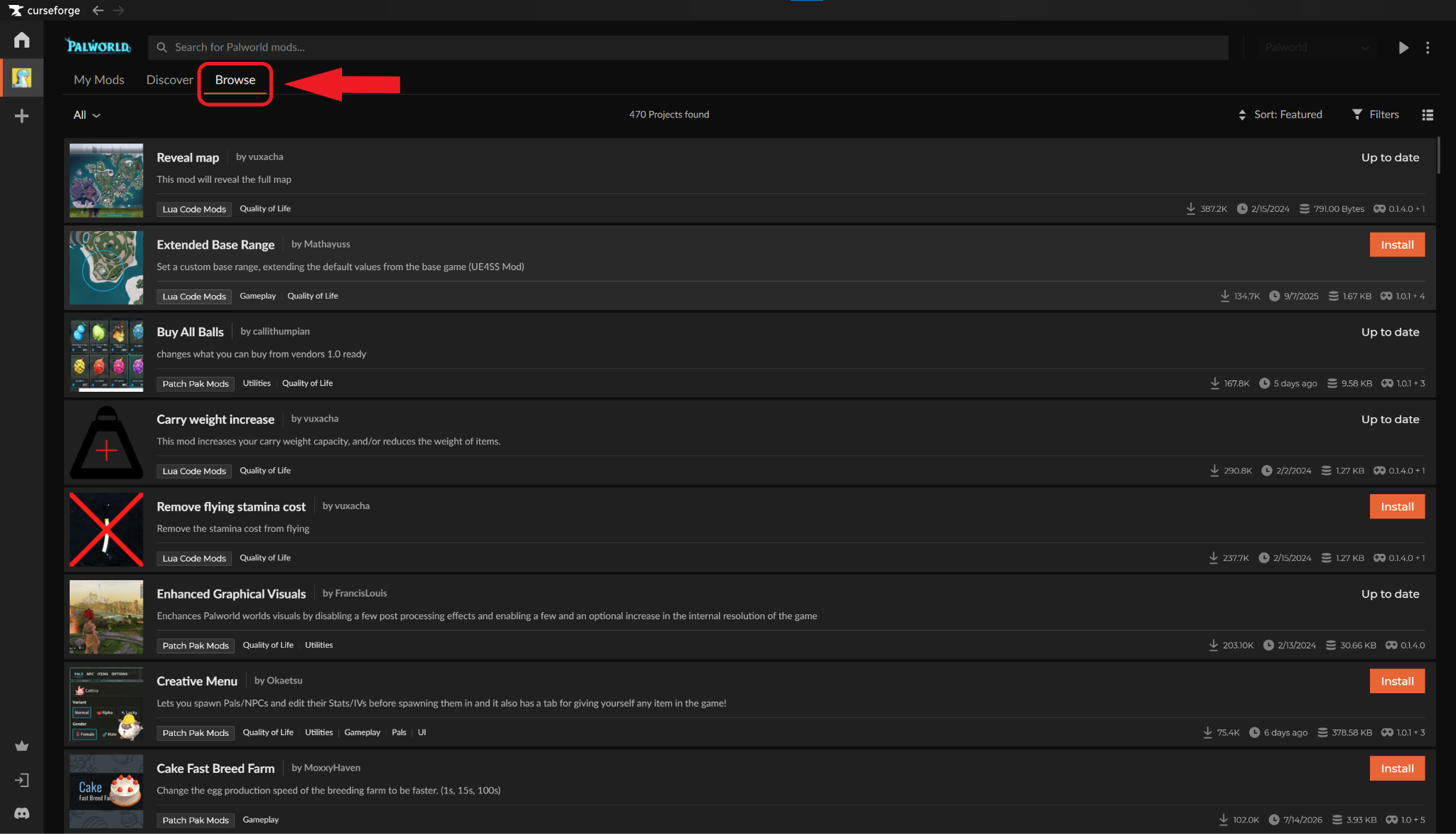
- Choose a project and check its supported game version, requirements, mod category, and installation notes.
- Select "Install" when app installation is available. For manual downloads, use the folder specified on the project page for its category: Patch Pak, Blueprint Code, Lua, or C++.
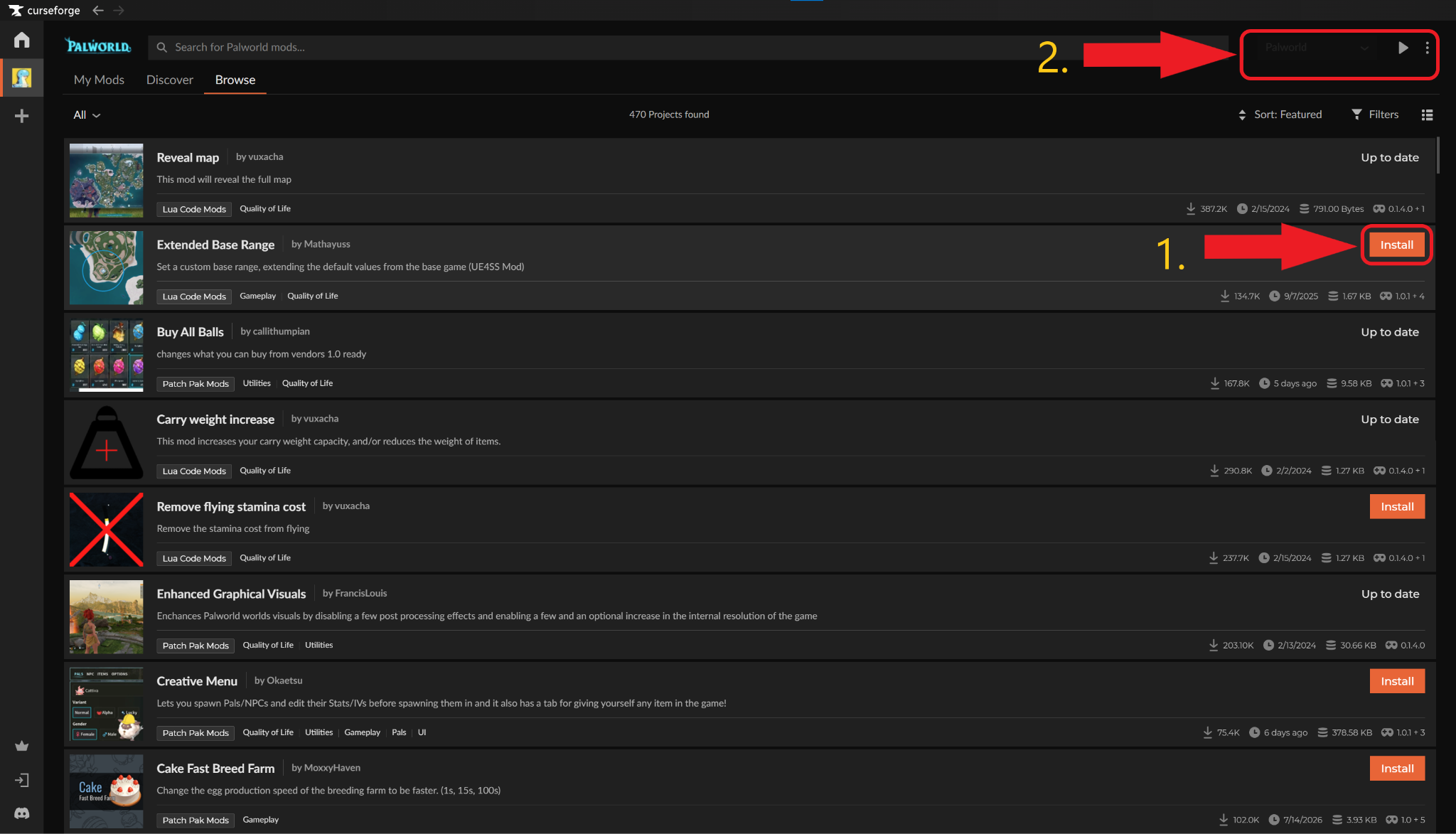
- Click "Play" to launch Palworld and test the mod before adding another one.
Common Issues and Quick Fixes
I can't find the correct folder for my mod
Check the official description of the mod you want to install for any important instructions, including a specific file path for you to follow based on the mod category. The location of the game files also depends on if you have the game on Steam or GamePass.
If you're using the Curseforge app, clicking the three-dotted icon to the right of the mod menu will provide you with quick access links to each of the three different mod folders you may need to access.
My mod is in the right folder, but nothing happens
The mod in question may need you to change some of the information inside of a "mods.txt" file to enable it properly.
The likely file path will be "Pal\Binaries\Win64\Mods", but this may vary based on where you installed the game and from which storefront. To be safe, make sure to check the description of the mod you want to install for confirmation and for what data to adjust.
The game crashes with "Corrupt data found" message
If you’re getting the "Corrupt data found, please verify your installation" error, this means one of the mods you installed is not compatible with your version of Palworld. To fix this, go through your mod list and mod folders and double-check that only the mods you want are there, and that they are all compatible. Remove the ones that aren't.
If that doesn't work, remove the mod files one by one until the problem goes away. Note which mod that was, then reinstall each mod (except that one) one by one, methodically checking for crashes after each install.