Are you ready to become a legendary pirate worthy of a sea shanty?
We’re happy to announce that CurseForge now supports mods for the popular title Windrose just a few weeks after the game’s official Early Access launch! In this article, we will look at what Windrose mods are, how they can elevate your pillaging & plundering efforts, and ways to seamlessly add them to your game so you can enjoy one of the most immersive pirate adventures since Assassin’s Creed: Black Flag.
How to Install Windrose Mods: A Quick Video Guide
If you’re in a rush to experience all the newly added game features and quality of life improvements made by the community, simply check out our quick video below to get started right away.
What Are Windrose Mods?
These are game-enhancing additions specifically made for Windrose – a pirate-themed survival adventure developed by Kraken Express that will take you through 3 diverse biomes, close to 30 procedurally generated islands with over 90 hand-crafted points of interest, and a main storyline spanning well over 50 hours (as of the time of writing this article).
While the game just launched in Early Access in April 2026 and despite not having official mod support, you can already find dozens of mods made by its devoted community ranging from simple cosmetic mods to game-enhancing features and systems. However, the lack of integrated modding tools and Steam Workshop support at the time of writing may mean that new mods may not appear as fast as some players might want until the developer steps in to make things easier for the community.
Why Should You Mod Windrose?
While the Early Access version of the game was generally well-received by the public, it still lacks customization in some areas while some of its gameplay aspects can also at times feel clunky (we’re looking at you, limited inventory space).
If you’re feeling like each avatar looks exactly like your last, you’re in dire need of a more functional storage, seek additional challenges, or simply want to capture the in-game sunsets and vistas in all their splendor, then you'll likely want to jump straight into modding Windrose.
Types of Windrose Mods
CurseForge currently offers dozens of mods divided into three main categories:
- Admin Tools: All sorts of player moderation and server maintenance tools await you here.
- Armor/Weapons: Get unique and powerful equipment that lives up to your legendary adventures.
- Cosmetics: Expect to find new hair styles, tool skins, and other visual enhancements.
- Gameplay: Pick these if you want a more varied (or punishing) Windrose experience.
- Performance: Keep your FPS smooth in the heat of battle with these performance mods.
- Quality of Life: These can include anything from storage upgrades to panoramic game modes.
- User Interface: Fix anything from unintuitive inventory to weird camera angles and HUD elements.
- Utilities: Get essential background game settings tweaks, slow down time at will, and more.
- World Gen: If you need mods for improved and more varied procedural generation, this is it.
How to Install Windrose Mods
To begin modding the game, you first need to own an official copy of Windrose from a reputable store front, such as Steam or Epic Games Store. We also recommend using the CurseForge desktop client to seamlessly manage all your mods from one place.
As a side benefit, each mod you download from CurseForge is also pre-vetted by human moderators and scanned for malware to ensure that nothing stands between you and your modded Windrose experience.
So, before you board your ship and raise your iconic black flag, make sure you have:
- A legal copy of Windrose.
- An up-to-date version of the dedicated CurseForge desktop launcher.
That’s it! Here is the step-by-step guide in more detail.
STEP 1: Install the CurseForge Launcher
- Go to our download page and press "Get CurseForge App".
- Download either the standalone or the Overwolf version.
- Run the downloaded installer and complete the setup.
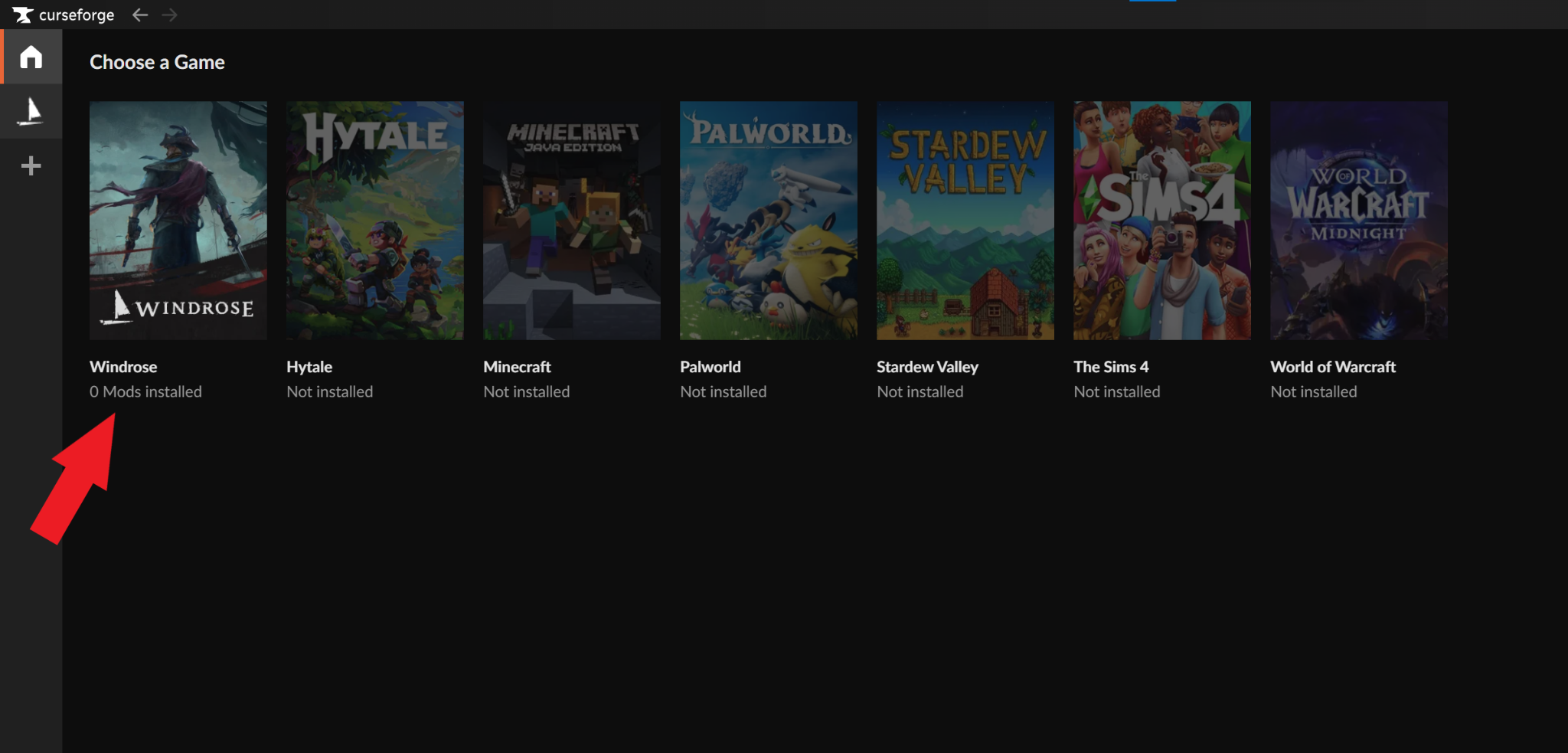
- Launch the CurseForge app and check to see that it auto‑detected Windrose.
- If Windrose is not auto-detected, check if you need to update the app, restart your PC, or reinstall the CurseForge app.
STEP 2: Install Mods for Windrose
- Click on Windrose from within CurseForge to open the mod browser.
- Click on either the "Discover" or "Browse" tabs to search for mods.
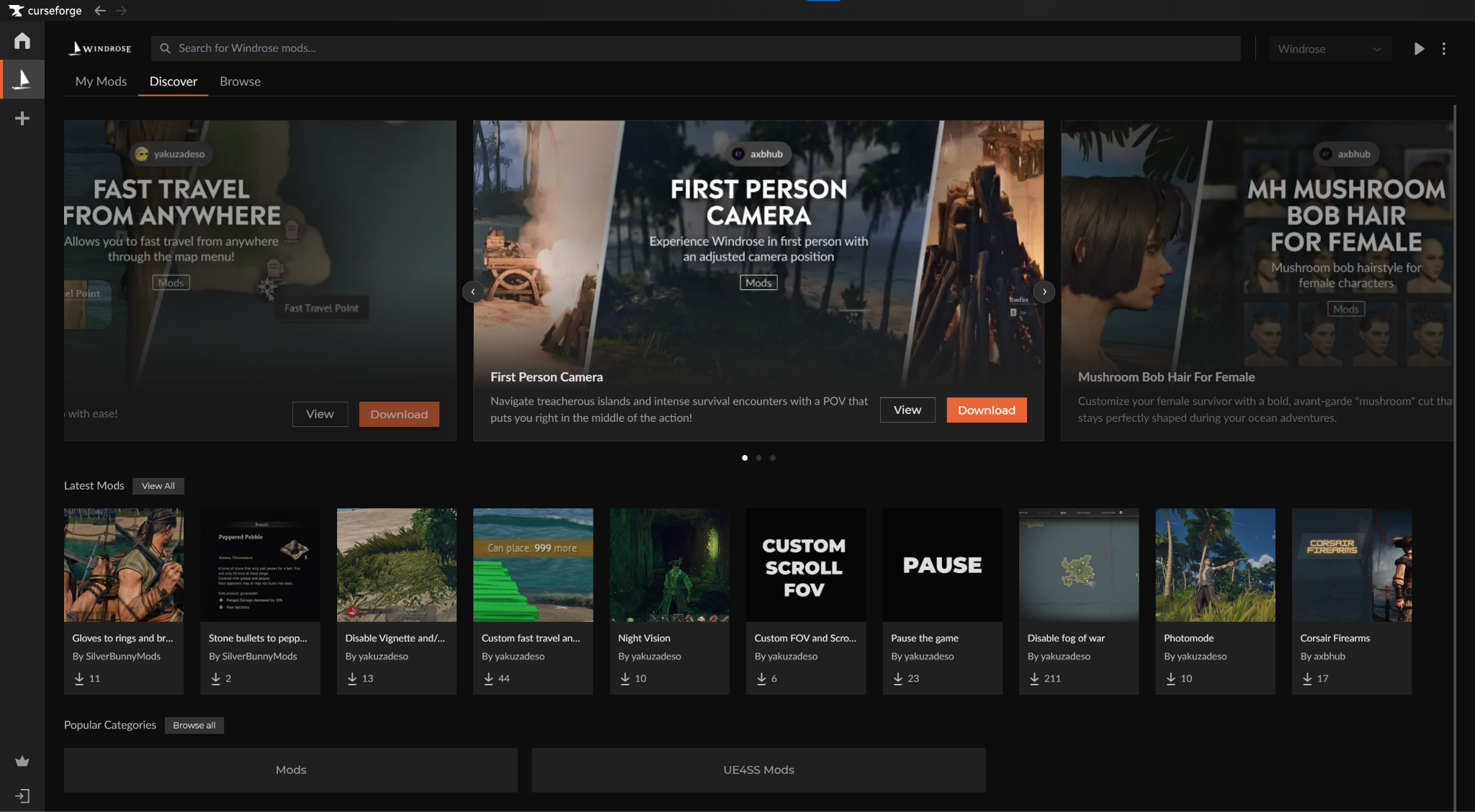
- Highlight a mod and click "Install" to add it to the core Windrose game.
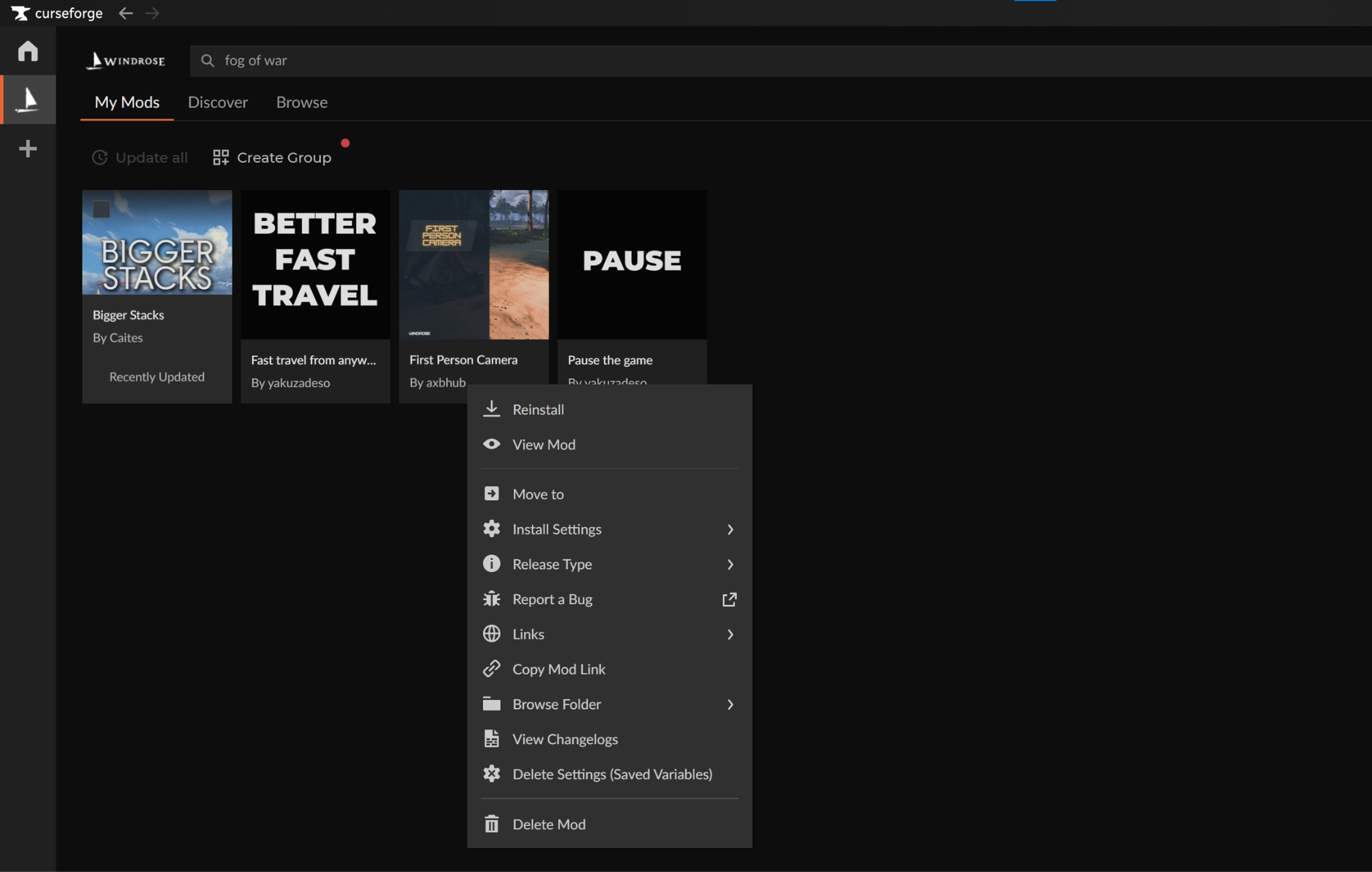
- You can manage your installed Windrose mods from Windrose → "My Mods".
STEP 3: Launch Windrose
You can launch the game in one of two ways, depending on your preferences:
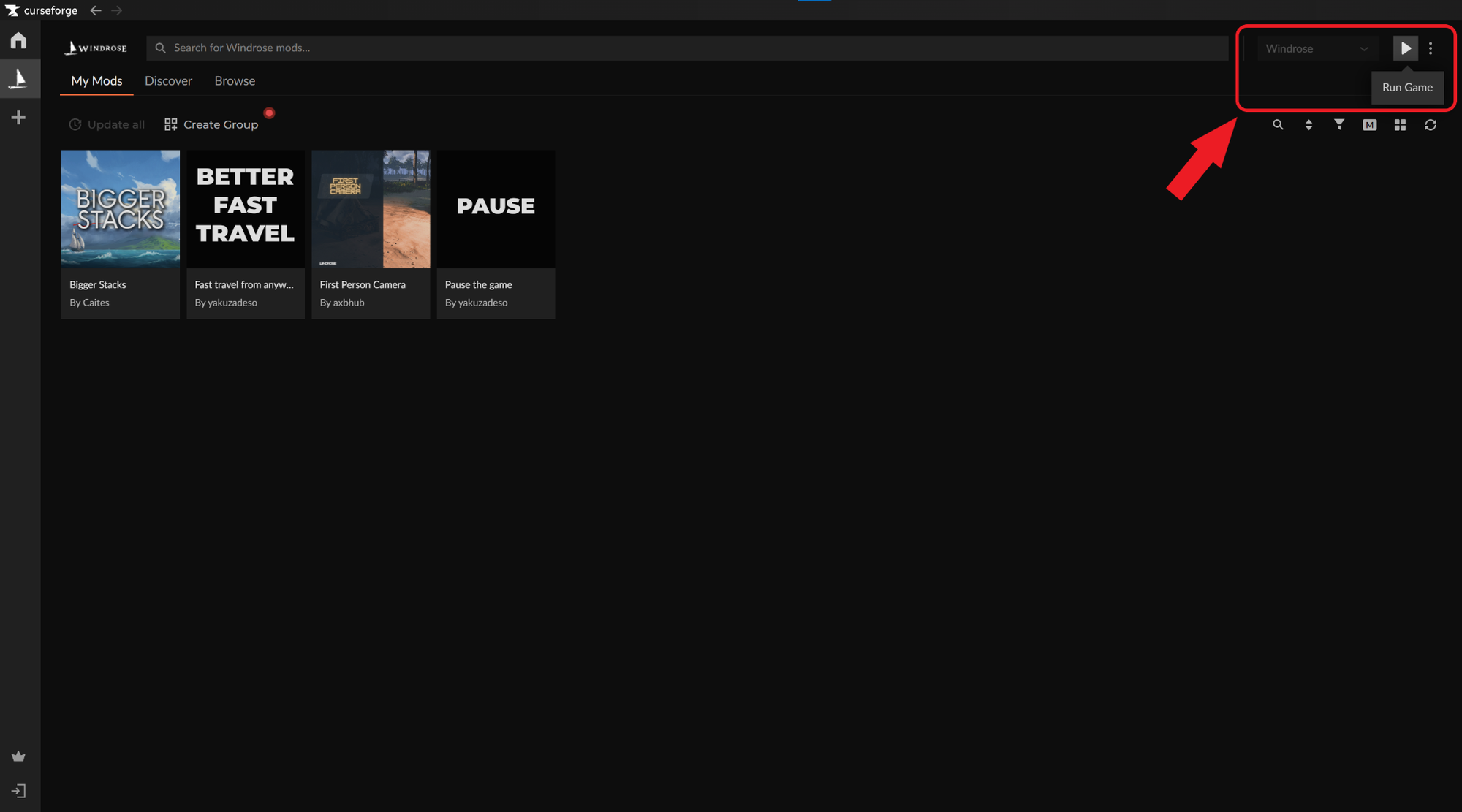
- CurseForge app: Click on Windrose → "Run Game".
Official store launcher: Double-click on the created Windrose desktop icon or start it from within your official store launcher.
STEP 4: Check That Your Mods Work In-Game
- Note down all the changes that your mod(s) are making to your game.
- Load up a new or an existing world.
- Manually verify that each change has taken effect.
Pro Tip: Make sure to save your world or server BEFORE using mods. That way, if a mod causes issues, you can simply uninstall it and resume your game from where you left off.
How to Install Windrose Mods Manually Without CurseForge
Windrose is currently officially supported on Windows, even though unofficial compatibility tools for Linux exist as well. Because of this, we will focus on how to install Windrose mods on Windows specifically.
- Download your mod from a reputable site like CurseForge.
- Unzip the archive to extract the .pak files contained within.
- Navigate to your game installation folder and then:
- Singleplayer: "R5" → "Content" → "Paks". If you don’t see a "~mods" folder inside, create one.
- Multiplayer: "R5" → "Builds" → "WindowsServer" → "R5" → "Content" → "Paks". If you don’t see a "~mods" folder inside, create one.
- Paste the .pak file(s) within the "~mods" folder.
- Launch the game.
Tip: Installing Windrose mods through CurseForge will automatically do all of these steps for you, so you can focus on enjoying the game instead of endlessly browsing folders.
Important: Not all mods use the .pak format. If a mod contains different file types, it likely requires a specific installation process, so always check the individual project page for unique instructions.
Deleting Windrose Mods
Sometimes, a mod may not work as expected, break the game, or interfere with other mods. This goes double for Early Access titles that are still in active development and don’t offer official mod support.
Luckily, most issues can be instantly fixed by deleting the problematic mod that’s caused them. To delete a mod, simply remove it from the "~mods" folder and it will no longer affect the game.
Top 10 Mods by Community Downloads
Knowing how to install Windrose mods is just half the battle. The rest is figuring out which mods to install!
Below, we’ve rounded up a few essential gameplay and quality of life suggestions to help you get started, ranked by total downloads. For the complete and updated mod list, please visit the official CurseForge Windrose Mods section instead.

Bigger Stacks
Increase all stack sizes to 100 or 999.
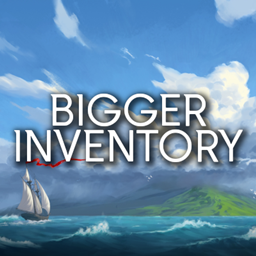
Bigger Inventory and Backpacks
Increases max number of non-action inventory slots from 12 to 36 or 48.
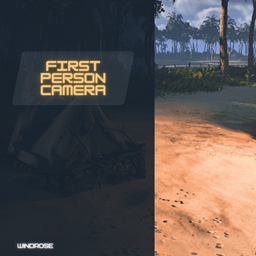
First Person Camera
Change the camera view to a first-person perspective.

More Levels
Increases max possible level from 15 to 25. Speeds up leveling.
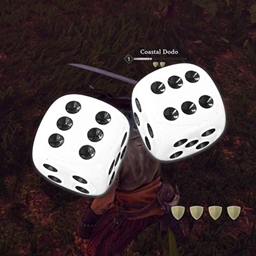
Rare Drops
Adds a rare drop to every mob. The rarity level of the drop will depend on the mob. Every drop is at most a 1/50 chance, but many (especially the rarer ones) are lower.
Map Tweaks
An assortment of map and minimap tweaks.
Better Craft
Allows either instant resources craft or instant with better outputs (x10).
Better Inventory UI
Increases visible inventory grid from 6x8 to 8x10. Especially good with modded inventory or backpacks.

Better World Generation
Allows you to change the world you generate by adding more islands, making the world denser or sparser and removing blockade.

Better HUD
Makes HUD slightly smaller and less obscuring, with less decor and more focus on key information.