Villagers are already one of the most dynamic mobs in Minecraft. Capable of getting jobs, bartering, leveling up, and even complex social dynamics like sharing food, gossiping, and forming new towns. Is it any surprise, then, that they’d also have a zombification mechanic?
You’ve probably encountered a zombie villager plenty of times. But you don’t have to settle for striking them down in remorse – you can actually cure them of their undead ailment.
Here’s a complete breakdown of how it works in both Java and Bedrock Edition. And if you find yourself wanting even more to do with villagers, we also included some of our favorite mods on the matter. Try them out and find out why we love them so much!
What is a Zombie Villager?
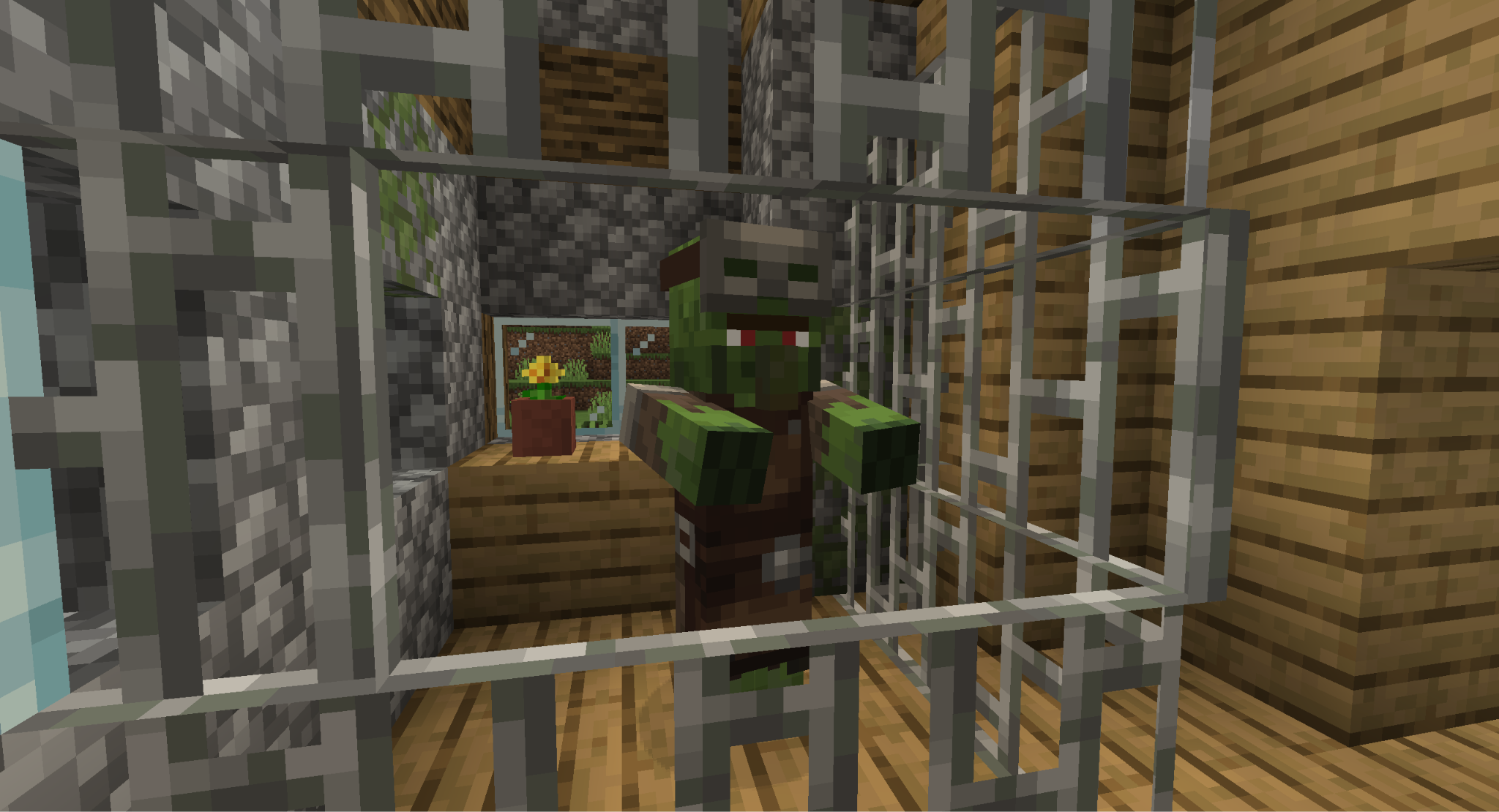
When a villager is killed by a zombie or its variants, there is a chance that they will turn into a zombie villager instead. While in this state, they behave like zombies, seeking out and attacking players and mobs while taking damage in daylight.
Beyond that, zombie villagers can also spawn naturally. They have slightly less than a one percent chance to appear in most biomes, but are more likely to be found in Old Growth Pine Taigas and Sulfur Caves.
There are two structures that can have a zombie villager inside them as well: abandoned villages and igloo basements. Already locked behind bars, these pre-captured mobs are the easiest to cure.
Note: the exact chance of zombification will depend on your game difficulty. There is zero chance while on Easy, a 50% chance on Normal, and a 100% guarantee while on Hard.
Step-by-Step Instructions to Curing a Zombie Villager
Before you begin, there are a couple of preparation steps you need to take.
First, ensure that the zombie villager is not exposed to direct daylight or they might die. Second, make sure to collect the following items:
- At least 1 glass bottle;
- 1 spider eye;
- 1 sugar;
- 1 brown mushroom;
- 1 gunpowder;
- 1 apple;
- 8 gold ingots;
- A brewing stand.
Once you have everything, follow these steps:
- Combine the spider eye, brown mushroom, and sugar to make a fermented spider eye.
- Fill the glass bottle with water and place it in the brewing stand.
- Add the fermented spider eye to the brewing stand to brew a Potion of Weakness.
- Add the gunpowder to the brewing stand to make it a Splash Potion of Weakness.
- At a crafting table, surround the apple with the eight gold ingots to make a golden apple.
- Throw the splash potion at the zombie villager to inflict it with weakness.
- While inflicted, use the golden apple on the zombie villager.
- Wait for the villager to be cured.
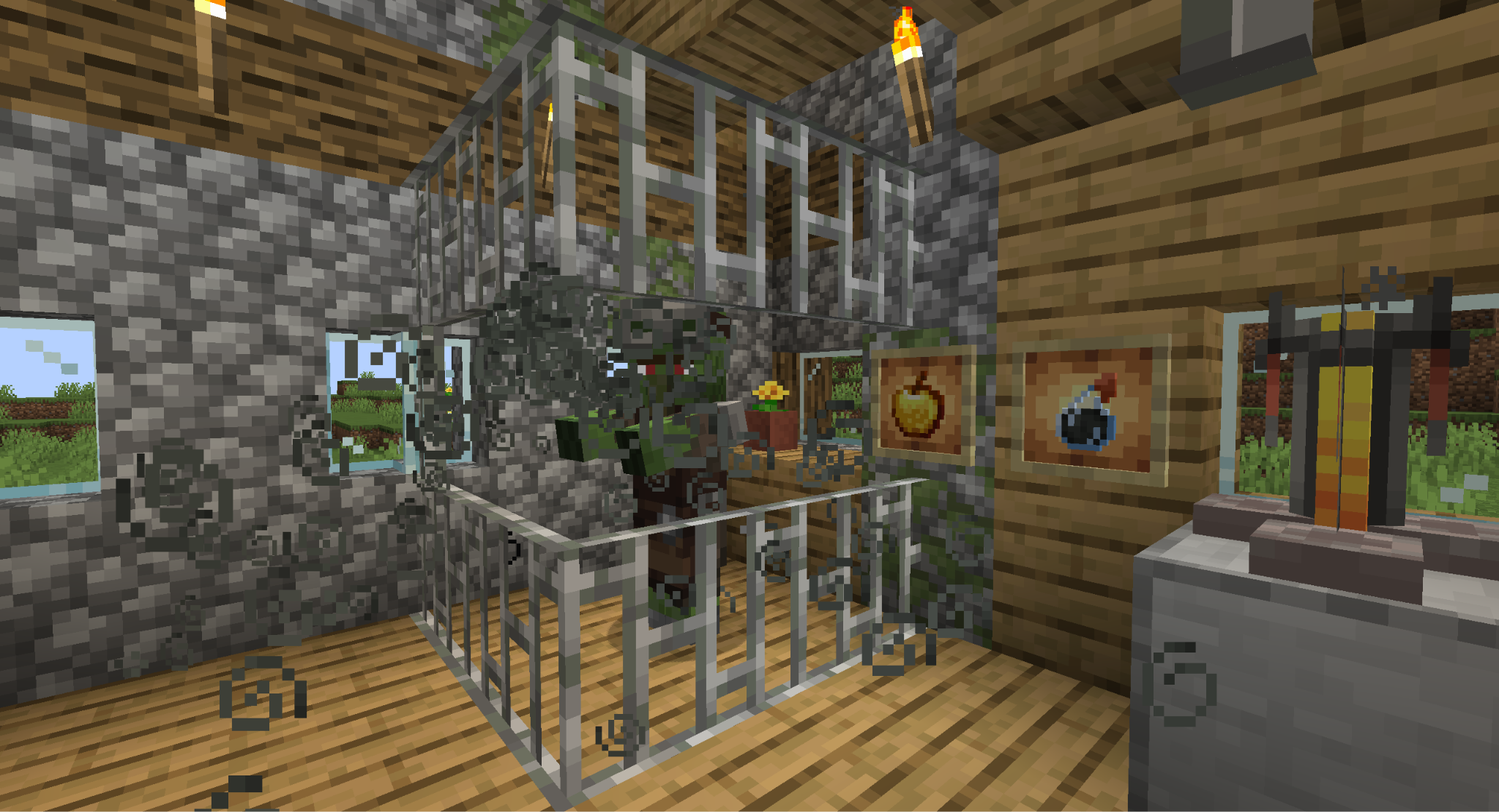
If done correctly, the zombie villager will begin shaking. This indicates that it's working and you just need to wait until they transform back into a normal villager. That villager will revert back to the job it had prior, if any, as well as the level it was prior to turning.
You can read more about villager professions and what happens if villagers get zombified in our detailed guide covering all Minecraft villager jobs.
Tip: you can shorten the wait time by having beds or iron bars nearby. The math is a bit complicated, but the simple explanation is that every bed or iron bar block within 14 blocks of the zombie villager will reduce the wait time by about 4%.
Why Cure a Zombie Villager at All?
Aside from doing it out of the kindness of your heart, there is another good reason to cure a zombie villager. From that point on, that villager will offer a trade discount to the specific player that cured them.
They will also always have a “positive gossip” about that player. This is part of the villagers’ reputation mechanic, and essentially means other nearby villagers will also give that player discounts.
Mods That Further Expand on Villager Mechanics
Villagers are super engaging already, but it doesn't have to stop there. The Minecraft Java community has developed tons of mods that expand on their mechanics even further, from new job options to becoming the leader of a fully self-sufficient nation. We’ll take a look at some of our all-time favorites below.
Guard Villagers
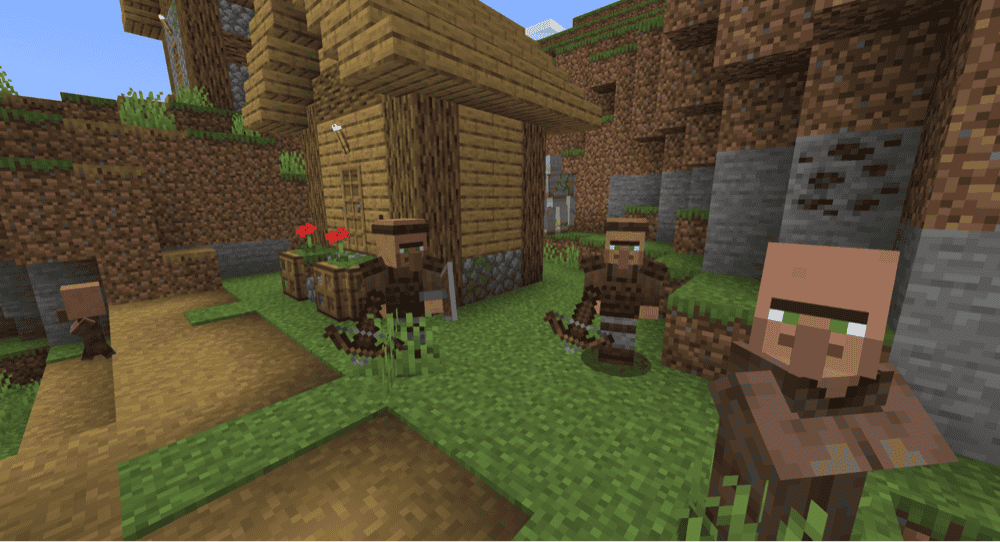
The hardest task in a village is keeping it safe as even well-built walls and plenty of torches can sometimes result in a stray zombie decimating your town. Instead of relying purely on the player and an iron golem or two, the “Guard Villagers” mod introduces a new job type to keep everyone safe.
Guard villagers can be equipped with whatever gear you want, and will patrol the village for any threats. They’ll even drink healing potions or visit a cleric when injured. Overall, we feel this mod is a very natural addition to the Minecraft village system that really saves a lot of stress for anyone trying to manage their own settlement.
Goblin Traders
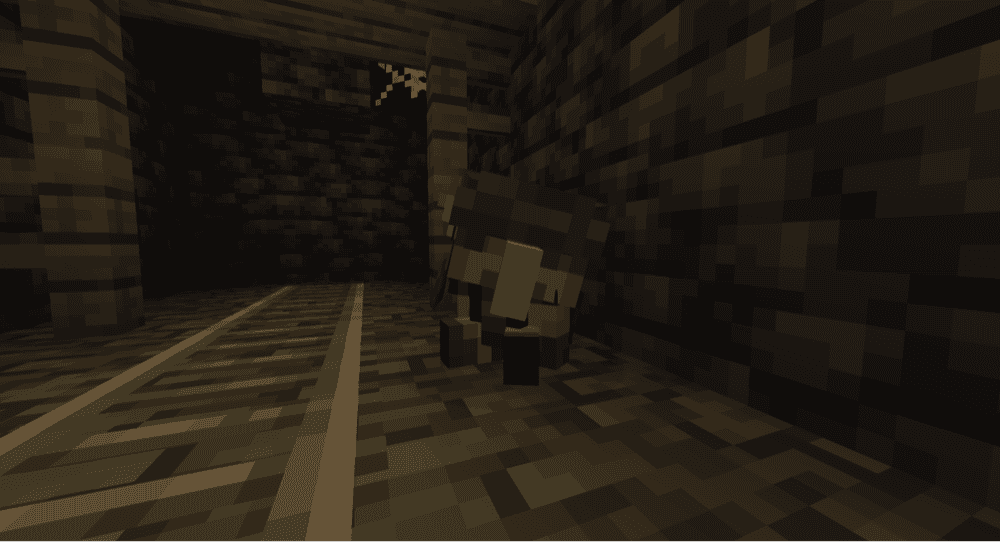
Who says villagers get to be the only one trading? The “Goblin Traders” mod adds a new mob type into the world. Now, you can encounter little friendly goblins, both deep underground and inside the Nether, who will offer trades for local, hard-to-find items.
Like wandering traders, they don’t stay in one place for long, making their offers all the more tempting. Their inclusion really brings a small sense of pleasant surprise to exploration.
MineColonies
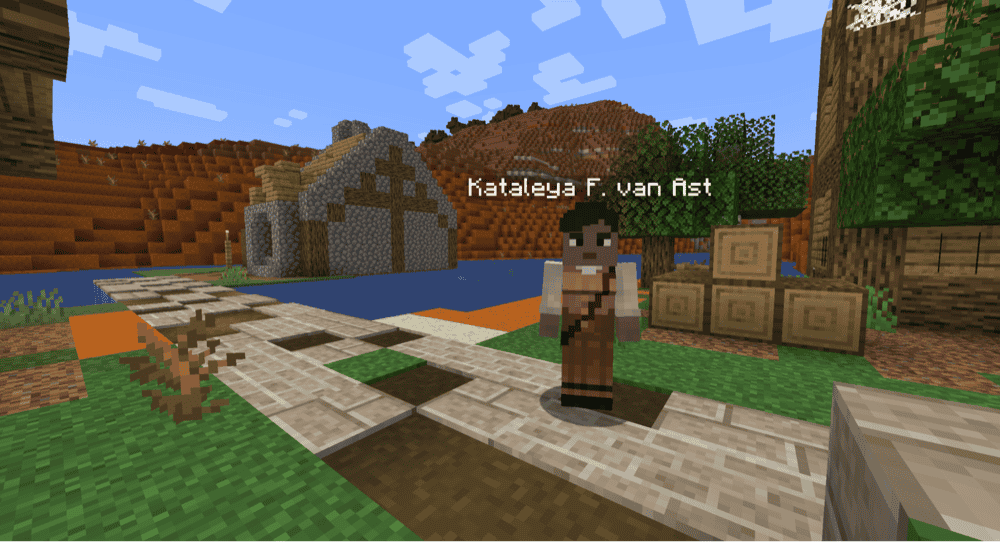
The “MineColonies” mod takes the villager system and cranks it up to 11!
Become the leader of your own colony, establish a town hall, and invite a new colonist mob type to live there. Every colonist has specific needs, like food and shelter, but they can also perform one of numerous jobs: from farming and woodcutting, to tending the tavern, raising livestock, and even building new structures for the colony.
There are also dozens of different architectural styles to choose from, colonists are voice-acted, and you can integrate jobs between each other for full autonomy. It’s an incredibly complex mod that could easily run as the main campaign for your next adventure.
How to Install Minecraft Mods
You can install the above mods automatically using the CurseForge app or manually by placing the mod files within your game’s mods folder. Both methods allow you to easily add custom features and enhancements into your vanilla Minecraft experience.
If you want to learn more, you can read our detailed guide on how to install Minecraft mods.
Common Issues and Quick Fixes
The villager didn’t keep their job after being cured
This occurs because villagers need to be able to regularly access their job block to stay refreshed. If they go too long without one, they’ll convert to a different job based on whatever block is closest.
Since zombie villagers need to be contained, this can cause this effect to trigger immediately after being cured. To prevent this, place another job block matching their current job in the area the zombie villager is being contained in.
Note, however, that a naturally spawned zombie villager will always have forgotten their profession the moment they are cured.
The zombie villager suddenly disappeared
Despawn rules for villagers change when they become zombies. If they were traded with at least once prior to becoming a zombie, they will never despawn. Zombie villagers caged in structures also never despawn.
If it's a naturally spawned zombie villager, you can prevent it from despawning by employing the usual methods, like naming it via the name tag.
The golden apple isn’t working on the zombied villager
Ensure it's a hand-crafted golden apple and not an enchanted golden apple often found in loot chests. They are easily mixed up, and only unenchanted apples will work.