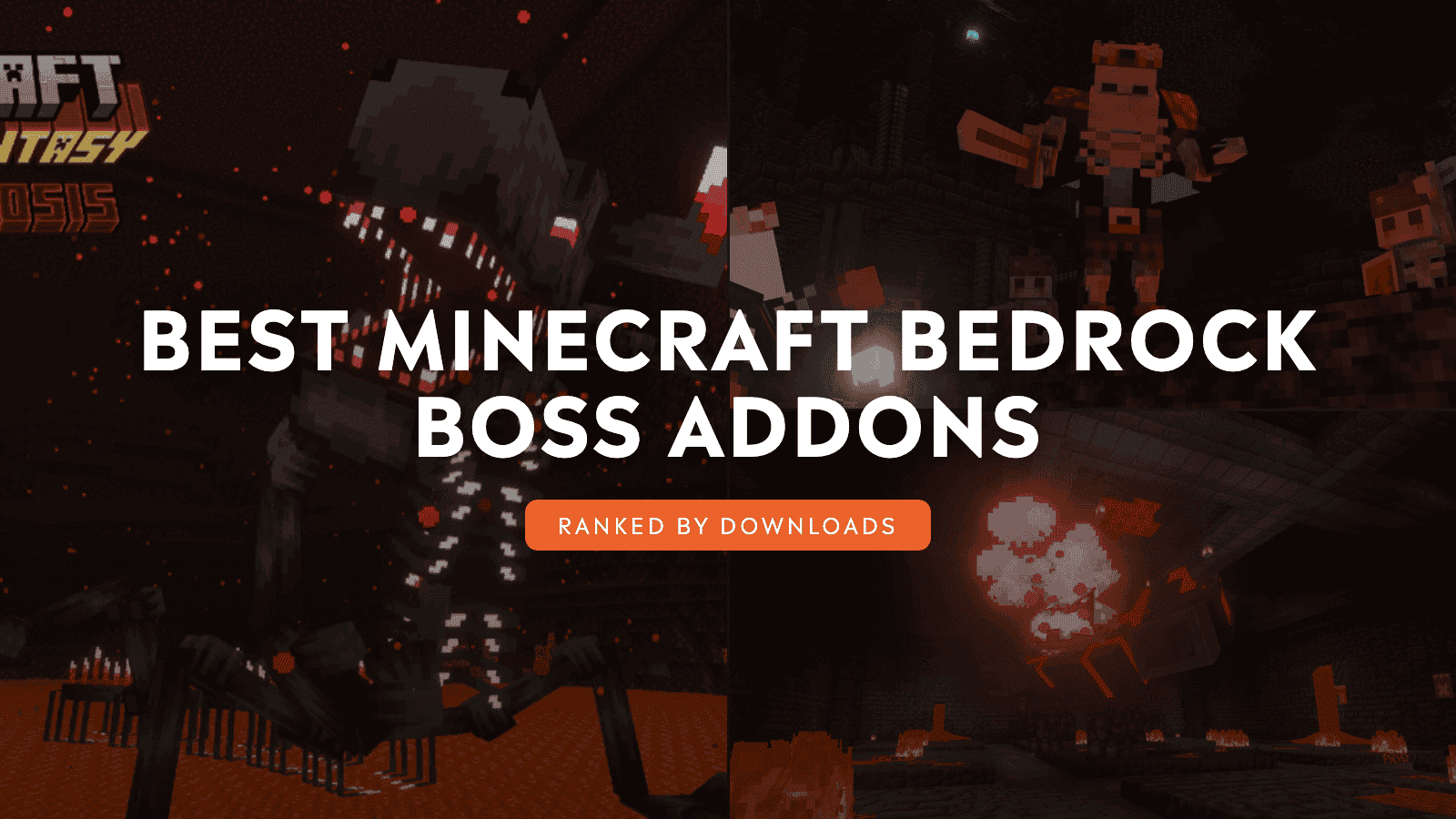
There are only so many times you can watch the Ender Dragon fall or send the Wither crashing down before victory starts to feel familiar. A cursed torch that feeds on defeated shadows, a frozen citadel where blizzards bury the arena, and a final boss armed with an exploding laser bring back the kind of danger that makes every upgrade matter.
The addons below build entire Bedrock adventures around the next big fight. Some stretch the hunt across dungeons, minibosses, rituals, and new gear tiers. Others pour everything into one wild, multi-stage showdown where an empty health bar may only mean phase two.
We ranked our picks by community downloads, and at least one of these fights may have you planning a new world before you reach the end!
1. DarkAge Bizarre Remake
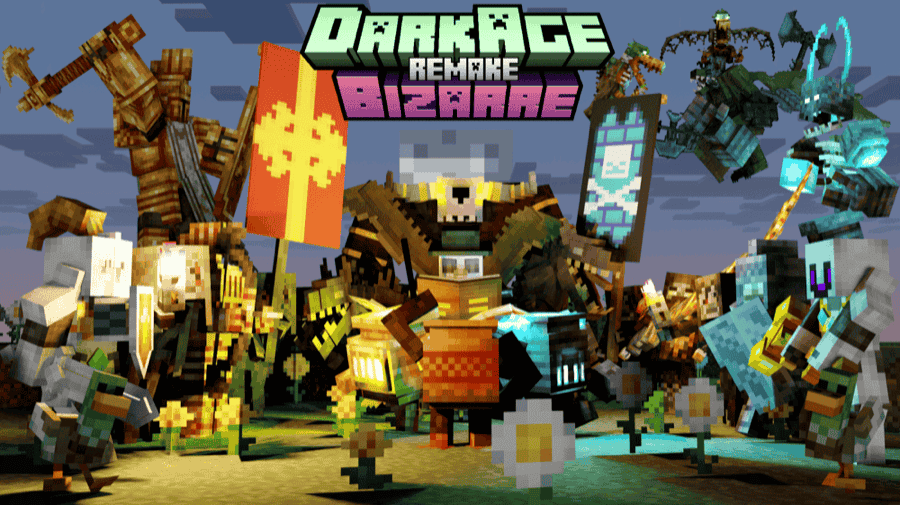
“DarkAge Bizarre Remake” transforms "Survival" mode into a dark medieval fantasy filled with dangerous nights, hostile factions, loot-packed structures, and powerful equipment. Explore ruins, catacombs, wetlands, Nether castles, and floating islands while facing new enemies or recruiting helpful companions such as the Mercenary and Flagon Mysthic.
Boss combat drives the addon’s progression. Challenge the airborne Gargoyle miniboss before confronting the Plague, Sentinel, and Unbound Elemental. Each enemy uses distinct attacks and multiple combat phases, from the Plague’s mob-corrupting roar to the Sentinel’s falling sacred spears and the Unbound Elemental’s soul-fire assaults. Defeating them rewards you with powerful weapons, armor materials, and special forges that prepare you for even greater threats.
2. DLCraft | Addonpack
“DLCraft Addonpack” combines 42 packs into an RPG-style survival overhaul designed to make every stage harder. Haunted Armor, The Forgotten Legends, and Spry Conquest add bosses, minibosses, creatures, and unique structures, and even Night Siege events. The addon also alters healing and adds a leveling system to make reaching those fights that much harder.
Choose this addon if you want boss battles inside a complete survival campaign instead of isolated summonable enemies. New weapons and enchantments help you prepare, but the pack also changes basic habits, including how you gather wood, light torches, and restore health.
3. Alylica's Dungeons
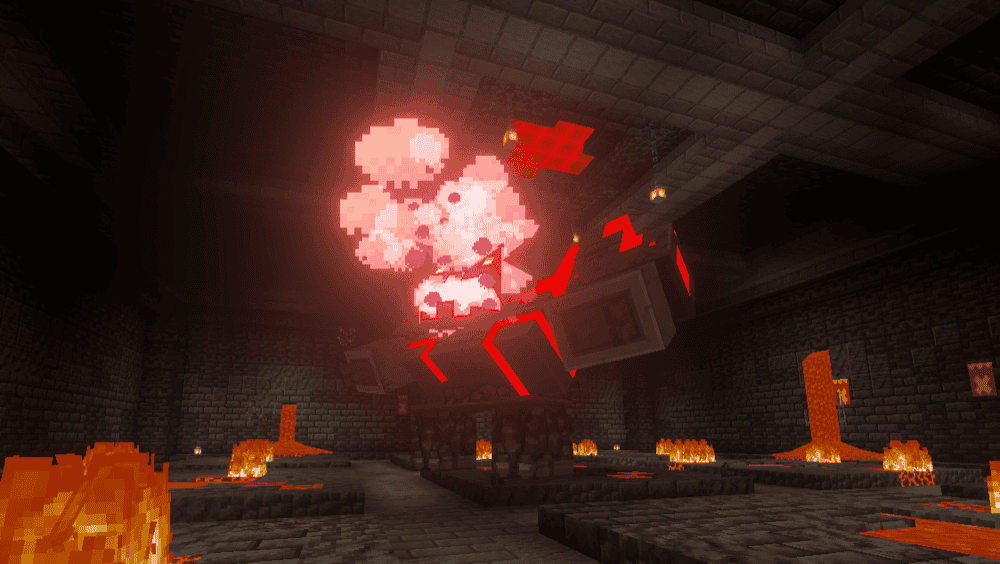
“Alylica's Dungeons” brings the monsters, equipment, and boss battles from Minecraft Dungeons into Minecraft Bedrock. More than 40 monsters populate the world alongside five mini bosses and 14 bosses with distinct arenas and attack patterns. Expect explosive mines from the Redstone Monstrosity, a shielded confrontation with the Tempest Golem, and an underwater battle against the Ancient Guardian.
Defeating bosses rewards keys that open Diamond Chests filled with unique weapons, armor, bows, and artifacts. Progression eventually leads to six Enchanted Endersents, which drop the Enchanted Eyes needed to summon the Vengeful Heart of Ender at the Broken Citadel. With 52 armor sets, 80 melee weapons, 50 ranged weapons, and 39 artifacts to collect, every victory helps prepare you for an even greater threat.
4. Skeleton King - Epic Bosses
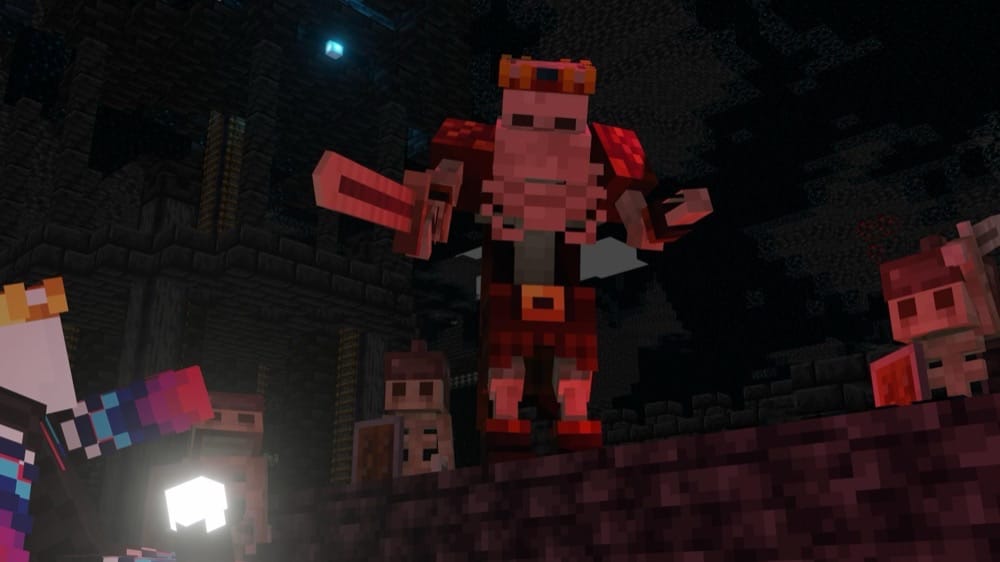
“Skeleton King - Epic Bosses” turns a plains arena into a multi-stage summoning ritual. Approach the Cursed Torch to trigger waves of shadows, defeat them, and let the torch consume their power until it calls the Skeleton King into the world. The battle quickly becomes chaotic as the king summons shielded mini skeletons, strikes players with lightning, and surrounds them with patterns of fire.
Reducing his health to zero only begins the second phase. The king heals, replaces his sword with a crossbow, summons damaging bats, and fires volleys of Instant Damage arrows while a floating eye restores his health. Destroy the eye with a projectile and finish the fight to claim the Skeleton Sword, which summons four skeletal allies.
You can later upgrade it into the Dark Skeleton Sword at a smithing table and command six skeletons, turning the defeated king’s army into your own.
5. Cataclysmical: Bosses, Weapons & Dungeons
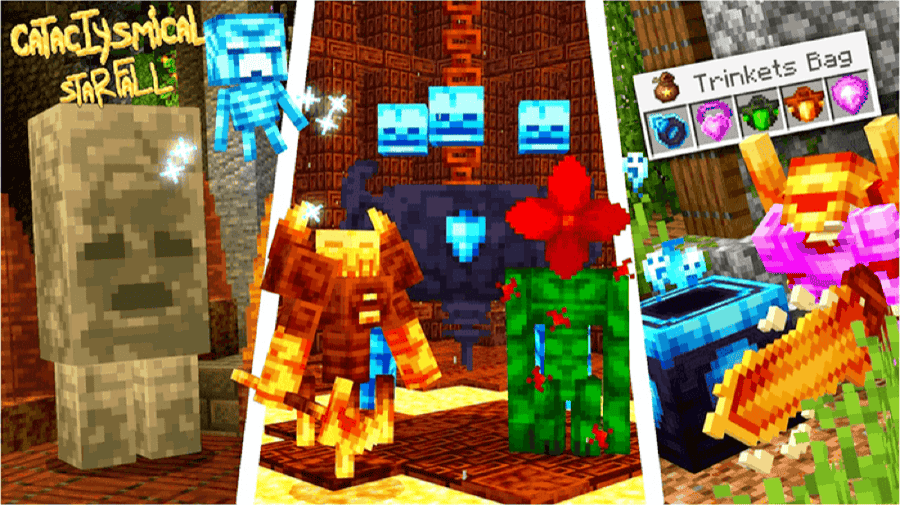
“Cataclysmical: Bosses, Weapons & Dungeons” transforms the vanilla survival experience into a tougher fantasy adventure built around exploration, loot, and escalating fights.
Venture into locations such as the overgrown Verdant Dungeon, where the Verdant Sentinel and Feralbloom await, before challenging celestial threats like the Eternal Seal and Sun Tribunal. Rush in without the right gear, and these bosses can send you back to your respawn point before you have learned their attacks.
Clearing dungeons and defeating bosses provides materials for new weapons and armor, while the trinket system lets you shape your build with passive bonuses and special abilities. The Verdant Aegis can reflect part of an incoming attack and heal you, while the Astro Jelly in a Bottle grants a double jump. Every discovery offers another way to grow stronger, turning each dungeon into preparation for an even deadlier confrontation.
6. The Abyssal Ascent
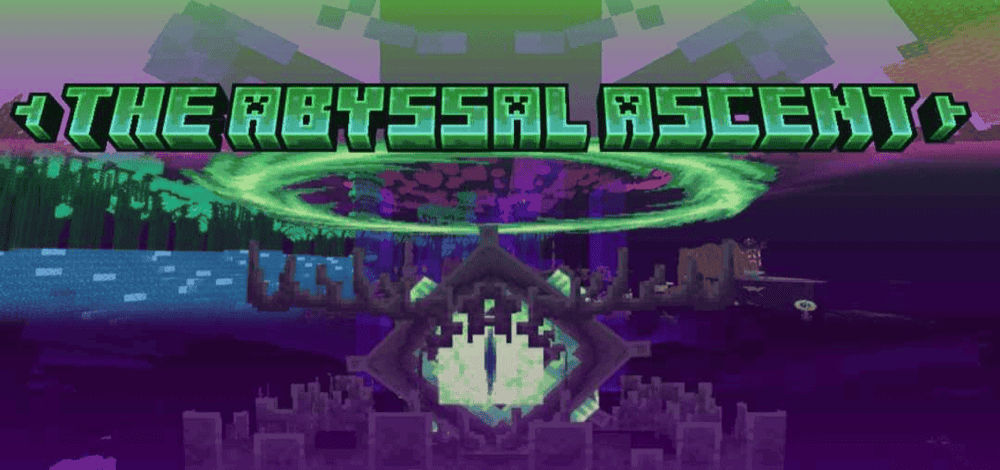
“The Abyssal Ascent (End Update)” rebuilds the End into several vertical layers filled with biomes, structures, creatures, crafting materials, and new battles. The Sightfull Obelisk of Ender waits in the Shrine of the Forgotten Eye, while the Void Pope requires an Ascendant Block at the generator inside its church.
The addon also includes the Cosmic Golem miniboss, the Broken Heart of Ender, and a reworked Ender Dragon battle. Boss rewards lead into stronger equipment, including the Ascendant Forging Template, so exploration and combat remain the running theme long after your first trip through the End portal.
7. Magical Warfare
“Magical Warfare” turns regular survival into a customizable magic RPG with 14 magic types, including Fire, Frost, Soul, End, Moonblade, and Lightning. Gather or craft Magic Crystals, combine them with different grades of Mana Essence, and unlock a basic attack, three skills, and an ultimate. Since each slot can use a different magic type, you can combine healing, movement, summons, defense, and area attacks instead of remaining tied to a single element.
The addon provides serious enemies on which to test your custom builds. The Mana Sentinel rules the Mana Desert with falling blocks, Mana Zombies, projectiles, and homing attacks. Cryomor, Glacial Behemoth fills the Ice Crown Citadel with repeated blizzards and falling glaciers, while the Soul Wanderer wields strengthened Soul Magic from its corrupted altar.
Lush and Nether Dungeon Raids also add timed wave battles with minibosses such as the Warlock and Spectral Apparition, whose drops unlock new combat abilities. Every spell you master becomes preparation for a boss capable of exploiting the gaps in your build.
8. CHAOTIC WORLD 2.0
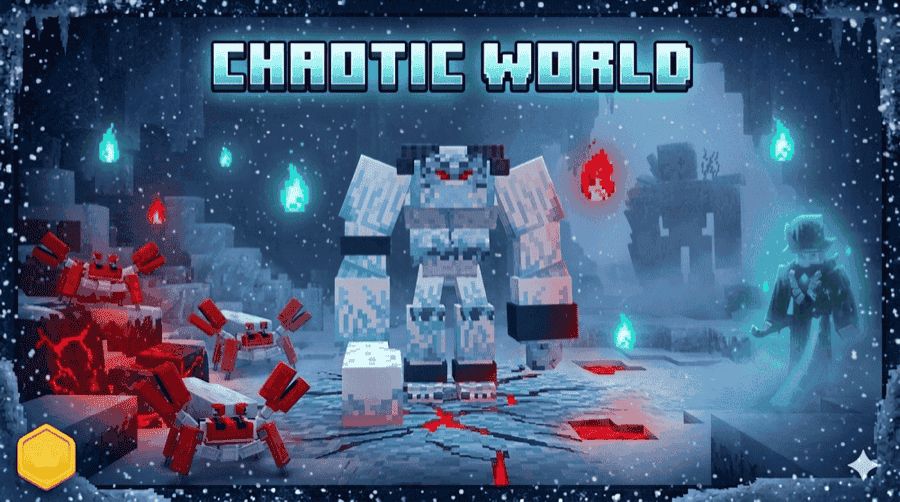
“CHAOTIC WORLD 2.0” makes boss hunting a central part of your game progression loop. Defeat the Giant Zombie to unlock the Nether, then overcome the Giant Zombie, Robot Crab, and King Frog to gain access to the End. Other opponents include the three-phase Yeti and the Harvester, both of which feature a variety of attack moves, can summon allies, and are able to use healing abilities.
Boss drops feed an extensive crafting system with more than 200 recipes, 20 skill-based weapons, and armor sets that reduce knockback. You can also forge equipment, such as the Harvester Scythe, Endbringer Sword, and Frozen armor as you climb through increasingly powerful gear tiers. Finally, a Tutorial Scroll provides you with an in-game guide to bosses, weapon skills, and crafting chains.
9. Archaic Fantasy
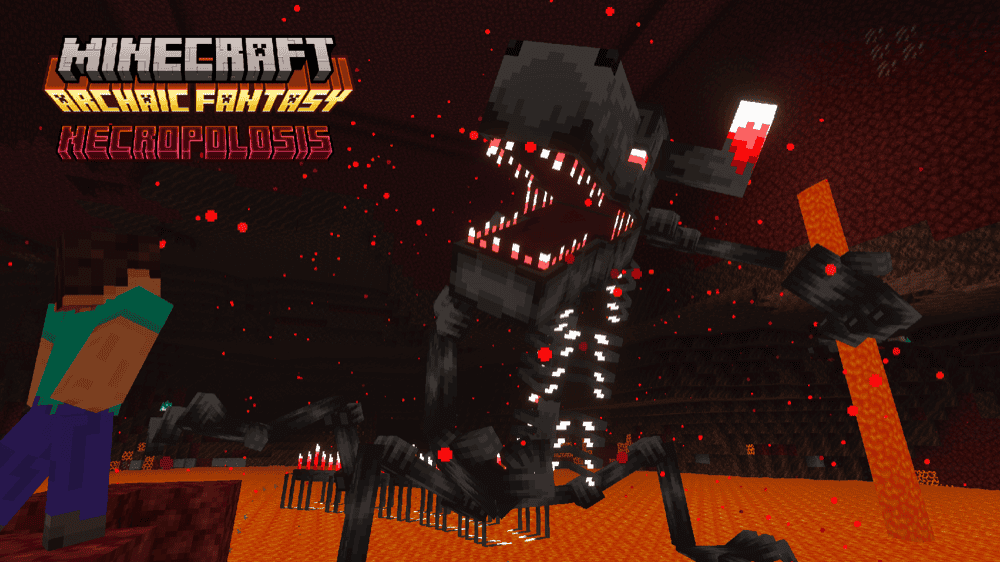
“Archaic Fantasy” expands survival with 30 new mobs and a lineup of bosses designed for different stages of progression. Battle the airborne Catastrophe early on, challenge the fireball-launching Prime Guardian inside a Bastion Castle, or summon the projectile-resistant Desert Husk and try to survive its sandstorms, tornadoes, and armor-piercing bites.
The greatest challenges include an eight-wave Piglin Invasion and the final boss, Necropolosis, whose devastating attacks include an exploding laser beam. Defeating these threats rewards weapons such as the Netherite Sickle, Staff of Prime, and Desert Club. Necropolosis drops a Catastrophic Star used to craft the Catastrophic Beacon, allowing you to wield a laser weapon powerful enough to match the dangers still waiting ahead.
10. Phantasm
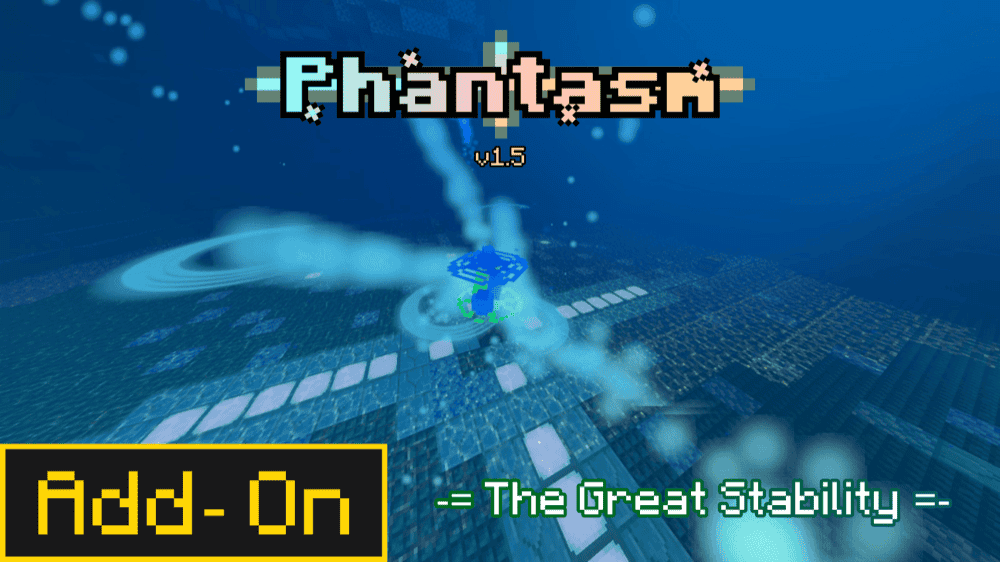
“Phantasm” introduces three stages of progression that lead from early survival into battles beyond the Ender Dragon. Face the Soul of Nature and laser-firing Punicea around the Diamond armor stage, then gather rare materials and Auric Charges to summon the endgame Auric Automaton. Dodging, dashing, and parrying matter during these encounters, while upgradeable skills and statistics help you prepare for each greater challenge.
Every boss awards a Treasure Bag containing its loot, including five Legendary Weapons with distinct attack patterns and abilities. Rewards include the Animitta sword, Prism Weaver staff, Bleeding Spire, Supercharged Copper Axe, and Auric Photonizer. Seven additional Epic Weapons, accessories, structures, and an in-game guidebook fill out the journey while leaving its best discoveries for you to uncover.
How to Install Minecraft Addons
You can install Bedrock addons automatically from the official Minecraft Marketplace or manually by downloading them from a trusted source like the CurseForge website. For each of the addons above, open the linked project page and download its associated “.mcaddon” file. Opening the downloaded file should launch Minecraft and begin the import.
After the import finishes, edit the world and check both "Behavior Packs" → "Available" and "Resource Packs" → "Available". If all went well, activating the packs included with the addon should add its features to that world. If the project lists an experiment under "Requirements", you should enable it as well before loading the world.
For a complete walkthrough, check out our guide on how to install Minecraft Bedrock addons.
Common Issues and Quick Fixes
My boss addon does not appear
You may have activated only one required pack or selected a file for another Bedrock version. We recommend editing the world, confirming that the behavior and resource packs both appear under "Active", and then reopening it.
My boss never spawns
Boss addons often use arenas, summon items, rituals, or progression gates instead of normal mob spawning. If you’re feeling stuck, make sure to follow the project page or in-game guidebook, explore newly generated chunks when a structure is required, and complete earlier objectives before trying again.
My boss fight suddenly stops or resets
If this keeps happening to you, make sure to stay inside the intended arena and avoid leaving the area while a scripted phase runs. If the fight still breaks, confirm that your Bedrock version matches the project file, remove conflicting packs, and restart the encounter in your copied world.
My textures or animations are missing
Activate the addon's resource pack as well as its behavior pack. If another pack changes the same mob or interface files, move the boss addon's resource pack above it or disable the conflicting pack, then restart Minecraft.
My game crashes after activating an addon
A version mismatch, missing dependency, pack conflict, or limited memory may cause the crash. A few possible solutions here include testing the correct file in a copied world, disabling your other addons one at a time, and lowering the render and simulation distances before trying again.
The boss damaged important builds
Many boss attacks create explosions, projectiles, summoned mobs, or arena hazards. If you want to leave all of your creations untouched amid the havoc that comes with your typical epic boss fight, make sure to slay them in a copied world or an expendable area far from your base, and keep a clean backup just in case so you can easily restore the terrain if needed.
My world lags during a boss fight
Some of the tried and tested methods include lowering the render distance, simulation distance, particles, and other video settings before the encounter. If that doesn’t help, you could also remove unnecessary packs and close background apps. If performance remains poor, we recommend testing a lighter addon instead.
My addon works locally, but not on my Realm
Upload a copy with every required pack active, confirm that the Realm uses that world slot, and require members to download the resource packs. Additionally, make sure that everyone also plays a Bedrock version that is officially supported by the addon.
My addons stop working when used together
“DLCraft | Addonpack” uses player.json, which can conflict with any other addon that replaces the same file. When two such addons are active, Bedrock may prioritize one version and prevent player-related features from the other from working correctly. Because of this, we suggest using only one addon that modifies player.json at a time, then testing it in a copied world.