
Vanilla Minecraft gives you potions, enchantments, and a few mystical corners, but it never quite hands you the keys to the arcane library. If you have ever looked at a blaze and thought, “I want to do the same”, Bedrock's addon scene can turn that idea into an entire survival world.
Some of these magic addons can introduce an entire survival world with new crafting systems, structures, bosses, and abilities to master. Others hand you one spectacular power and let you unleash it on the next group of mobs that crosses your path.
1. A Magic Way
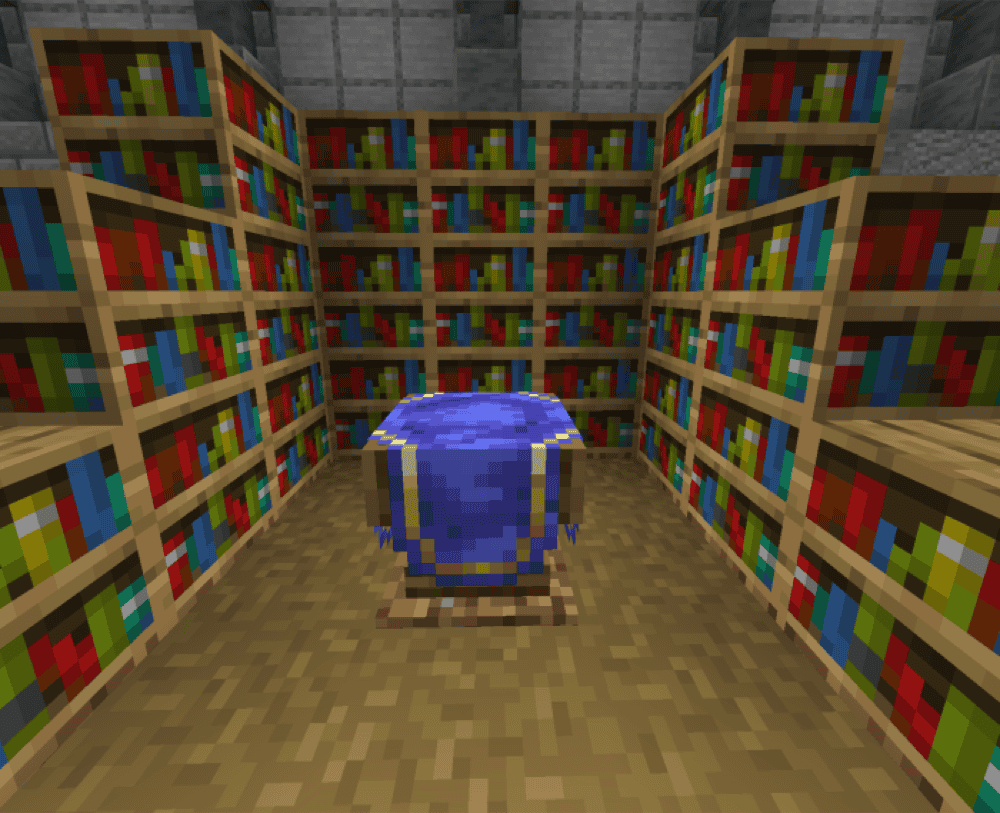
“A Magic Way” turns an ordinary enchanting room into a mage’s workshop. Its library holds more than 100 spells, and each spellbook accepts magic that matches its attributes. The Learning Station Table reveals recipes as you surround it with bookshelves, the Spell Binding Table adds those spells to your book, and the Magic Reinforcement Table uses lapis lazuli to improve your gear and magical attributes. By the time the room is finished, it feels like the first floor of a proper wizard’s tower.
Casting gives all that preparation a satisfying payoff. Wands flick between spells quickly and spend more souls, Staffs conserve them across longer battles, and Spellswords carry their own magic for a compact combat setup. Mage and Battlemage armor add protection and magical strength along the way, and both sets can be dyed in a cauldron when your new tower deserves matching robes.
2. Myths & Magic

“Myths & Magic” makes finding one scroll feel like the start of a much larger magical expedition. Its 25 spells span combat, status, and mobility magic across six elements, and you can uncover their scrolls in structures or create them at a Scroll Crafter.
The Spellcrafter inside a Sparkling Tower binds up to three spells into one spellbook, where they stop wearing down, earn experience, and reach level three. Each additional spell raises the mana cost and cooldown, so filling every slot creates a powerful book that needs a little patience between casts.
Azsilva Armour and Amulets help shape your build by changing mana regeneration, spell costs, cooldowns, or damage. Once the book is ready, the world gives you plenty of strange places to test it. Boozes brew special potions from their cauldrons in Coven Ruins, item-stealing Mymiks prowl the Sanctuary, and Sacred Statues finally give your pickaxe a starring role.
An Altered Key also opens the timed Alterrealm, where a quick hunt for rare materials can turn into a desperate escape from the Revoid.
3. Nico's Magic Spells

“Nico’s Magic Spells” makes spotting a Villager Library or Scrollwright House feel like finding a wizard’s shop hidden in the wilderness.
Book Keepers and Scrollwrights trade useful ingredients and magical gear, and the structures give you another place to hunt for a collection of more than 70 scrolls. The Scroll of Earthquake rattles mobs near its impact, the Scroll of Lightning Bolt calls down a storm, and Summoning Scrolls can bring a bogged, stray, magma cube, or even stranger creatures into the fight. The Scroll of Flourishing even carries the magic underwater by growing plants and coral!
Wands cast scrolls as projectiles, and Spellweaver Wands can cast any scroll from your inventory to adapt to the situation. The Magic Spells Table lets you craft new scrolls as their recipes unlock from ingredients you gather, so exploration feeds directly into experimentation.
By the time your pockets hold an earthquake, a thunderstorm, and a few creatures waiting to be summoned, an ordinary mob fight can become the best kind of magical mess.
4. Magical Warfare
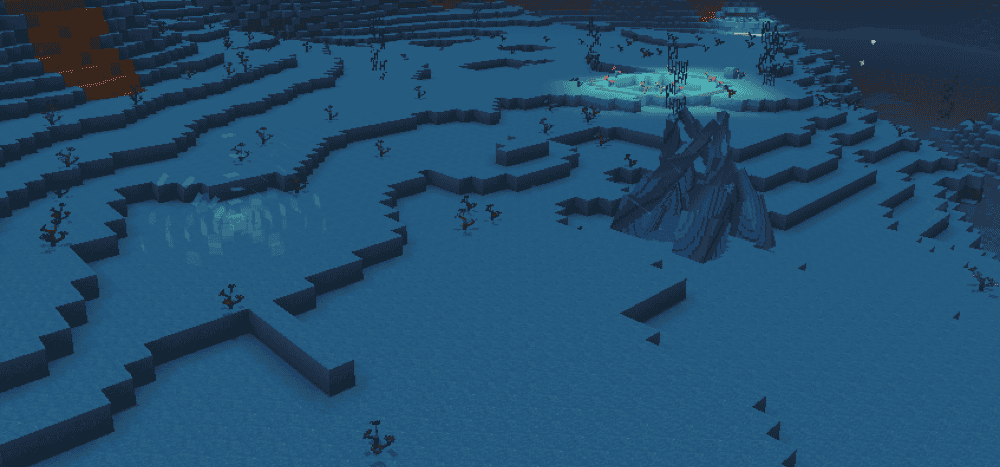
“Magical Warfare” scatters 14 types of magic across nearly every corner of the world, so your first great spell begins as a treasure hunt. Fire Crystals wait in the Nether, Water Crystals hide underwater, Light Crystals float in the sky, and the remaining types lead you through forests, caves, plains, frozen lands, and the End. The Mana Desert offers a wilder stop, where giant Blooms and Buds supply materials for craftable Magic Crystals and the Mana Sentinel greets intruders with falling blocks, mana zombies, projectiles, and homing bullets.
Each Crystal leads to a base weapon, then increasingly refined Mana Essence unlocks a basic attack, three skills, and an ultimate. You can mix those five slots across the 14 types, pairing a fire attack with soul, water, or lightning skills until the loadout feels like yours. Dungeon Raids trap nearby players inside timed monster waves, and bosses such as Cryomor can survive long enough for your flashiest combos.
Once tornadoes, rock golems, homing water, and lightning cover the arena, the “Warfare” half of the name feels well earned.
5. Lightning Magic
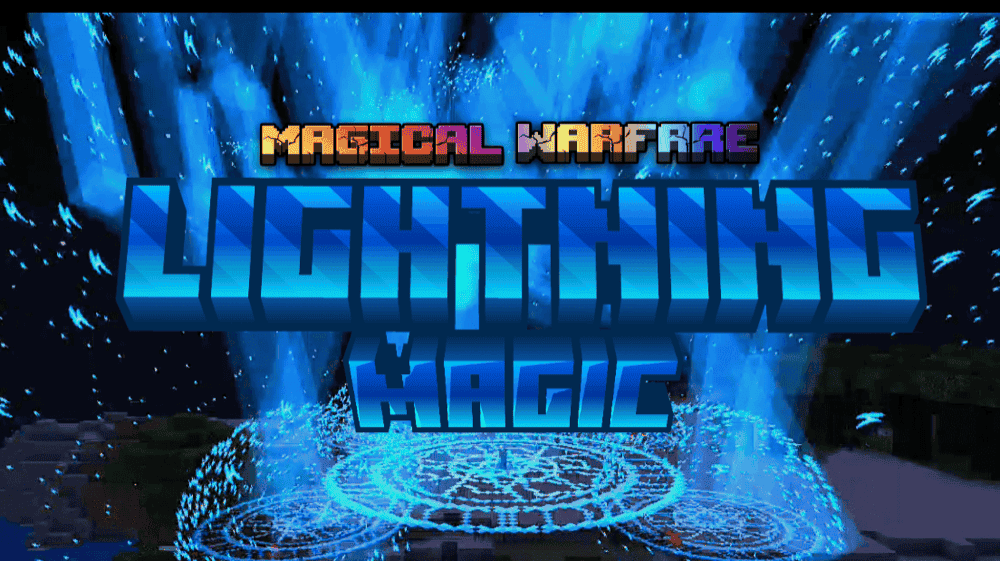
“Lightning Magic” turns the first swing of its Lightning Blade into the beginning of a storm. Electricity jumps from each hit toward another nearby enemy, and the five active abilities keep the clouds busy from there.
Lightning Bolt punishes nearby targets, Lightning Zap slows whatever stands in front of you, and Lightning Blitz sends you racing ahead through a trail of strikes. Volt Strike and Heavenly Strike finish the set with airborne slams, giving clustered mobs a very good reason to spread out.
Choosing lightning when the world first loads places those five abilities in the first five hotbar slots. They draw from a 100-point mana pool that refills slowly, so timing the larger attacks matters once a fight lasts longer than the opening barrage. With all five abilities lined up on your hotbar, you can dash into a crowd, leap overhead, and come crashing down with enough electricity to make even a charged creeper feel slightly outdone.
6. SWORD + MAGIC
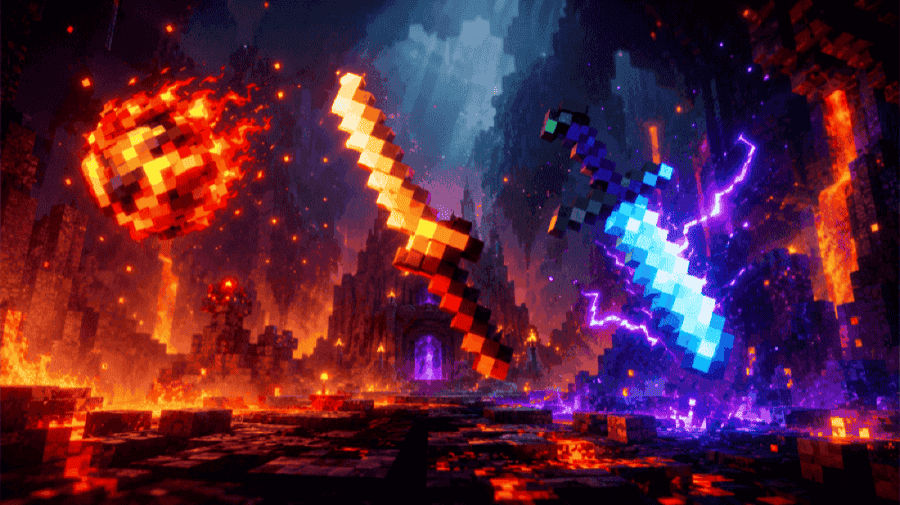
“SWORD + MAGIC” turns a weapon chest into the sort of fantasy armory that makes choosing one blade surprisingly difficult. The addon introduces 12 swords like the Dragon Fang, Crimson Sword, Royal Katana, and Blood Royal Katana, giving a survival group plenty to collect and PvP rivals even more to argue over. The Black Diablo Sword has the flashiest trick of the collection, casting Demon Aura when the fight calls for a little magical backup.
Seven magic types push the fight well beyond sword range. Fireball launches a fiery projectile, Lightning turns Fire Magic into a faster shot, and Meteor mixes Fireball with Energy Magic for a powerful explosion. Love Magic applies regeneration, while Bedrock Magic and Darkness Magic leave targets dealing with an explosion or the darkness effect. Magic items act as your spell supply, so you can keep casting while those items last.
7. Magic Brooms
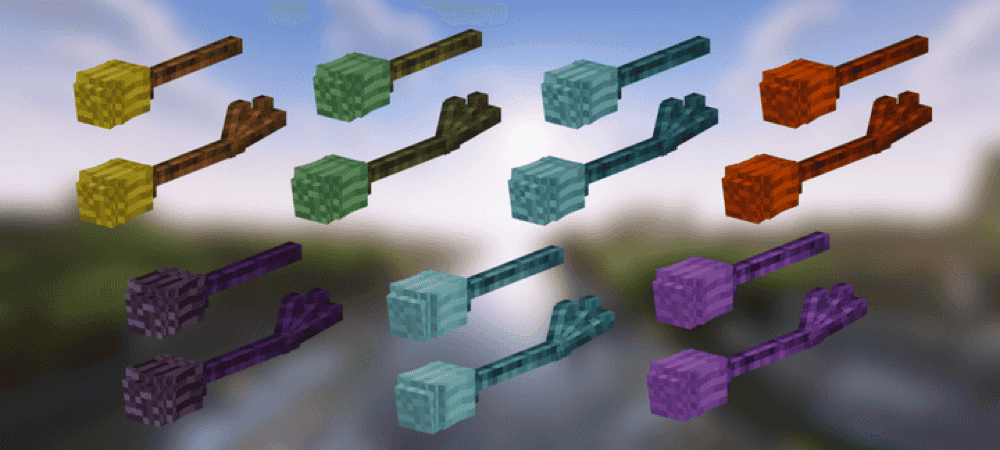
“Magic Brooms” turns the sky above your survival world into another path worth exploring. Its 14 rideable brooms build momentum, bank into turns, and give you control over every climb and descent. Even a routine trip home can end with a dramatic sweep over the roof before you touch down beside the front door. The collection spans seven families – Magic, Fire, Ice, Lightning, Ender, Grove, and Tide – with a standard and upgraded broom in each.
Six of those families come with their own spell scroll, particles, sounds, and specialty. You can circle a fight with fire, call down lightning, stir up a frost storm, blink through the air, protect friends with nature magic, or throw enemies back with a tidal wave. You assemble each broom on the Broom Assembly Bench, where the wood, hay, magical catalyst, and optional upgrade appear as the build takes shape.
Once the completed broom floats toward you, a functional rack gives it a proper place in the base, at least until the next flight.
8. Moonblade Magic
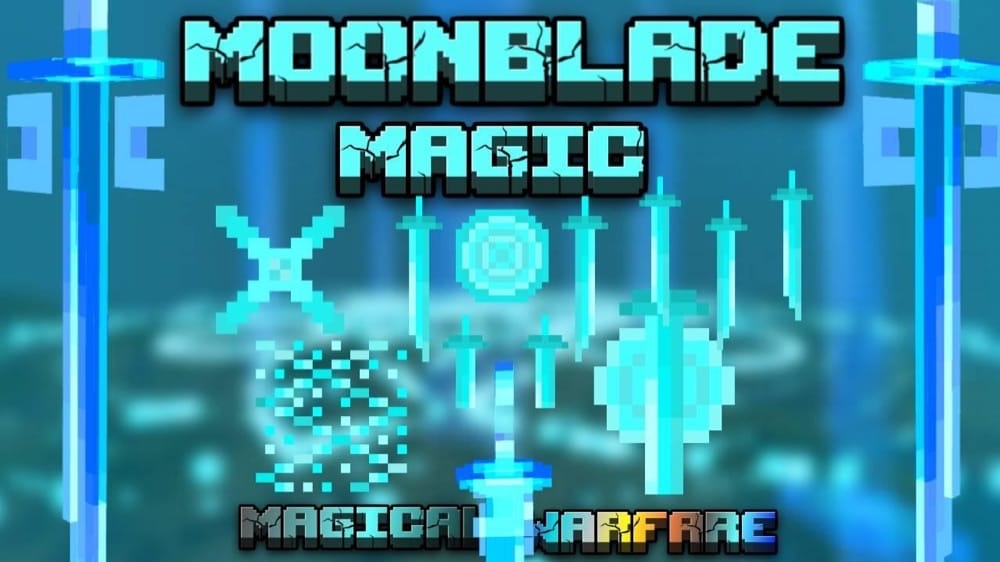
“Moonblade Magic” gives one sword enough tricks to feel like an entire armory. Moonblade Slash sweeps in from different angles and inflicts weakness, while Moonblades creates duplicate swords eight blocks ahead and Quadruple Moonblade Slash fires four rapid ranged cuts.
Moon Dance gives you Speed II and Strength III for 15 seconds – plenty of time to rush into a crowd and unleash Moonblade's Wrath. Blades fall in four directions before a giant one crashes into the center. Moon's Blessing increases your mana regeneration by one. When you first load the world and choose Moonblade magic, its five active abilities will fill your first five hotbar slots.
9. MAGIC EXPANSION (Knight Shadow)
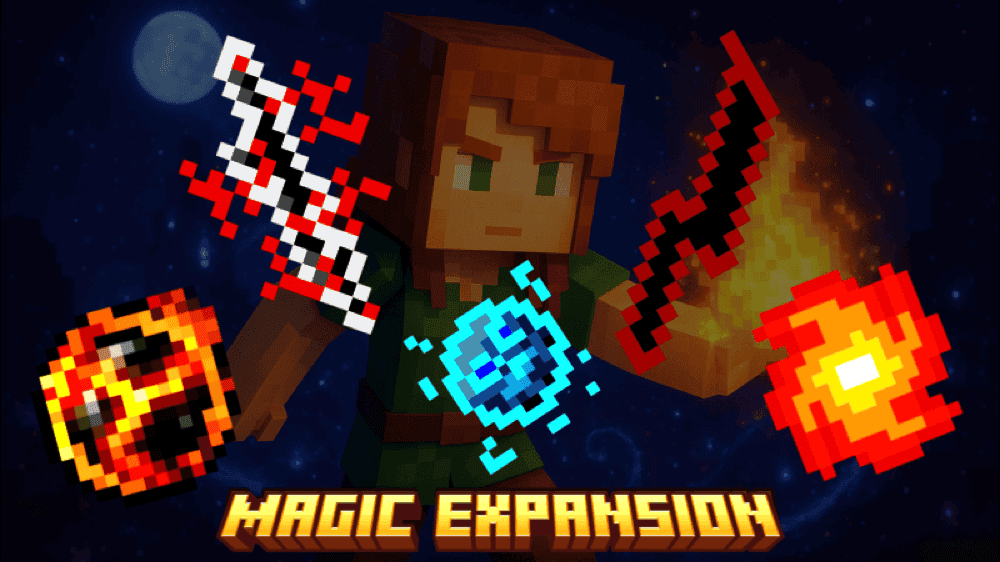
“MAGIC EXPANSION (Knight Shadow)” starts with a written book and ends with something much less suitable for a quiet library. Its craftable spells include Fire Magic, which launches an explosive fireball, and Fira Magic, a stronger level-two version with a larger blast.
Soul Fire Magic sends a faster fireball across the battlefield, while Lightning Magic calls down lightning and adds a small explosion around the target. Paralyzed Magic helps stop an enemy in its tracks, and several other spells remain for you to discover at the crafting table.
10. Light Magic
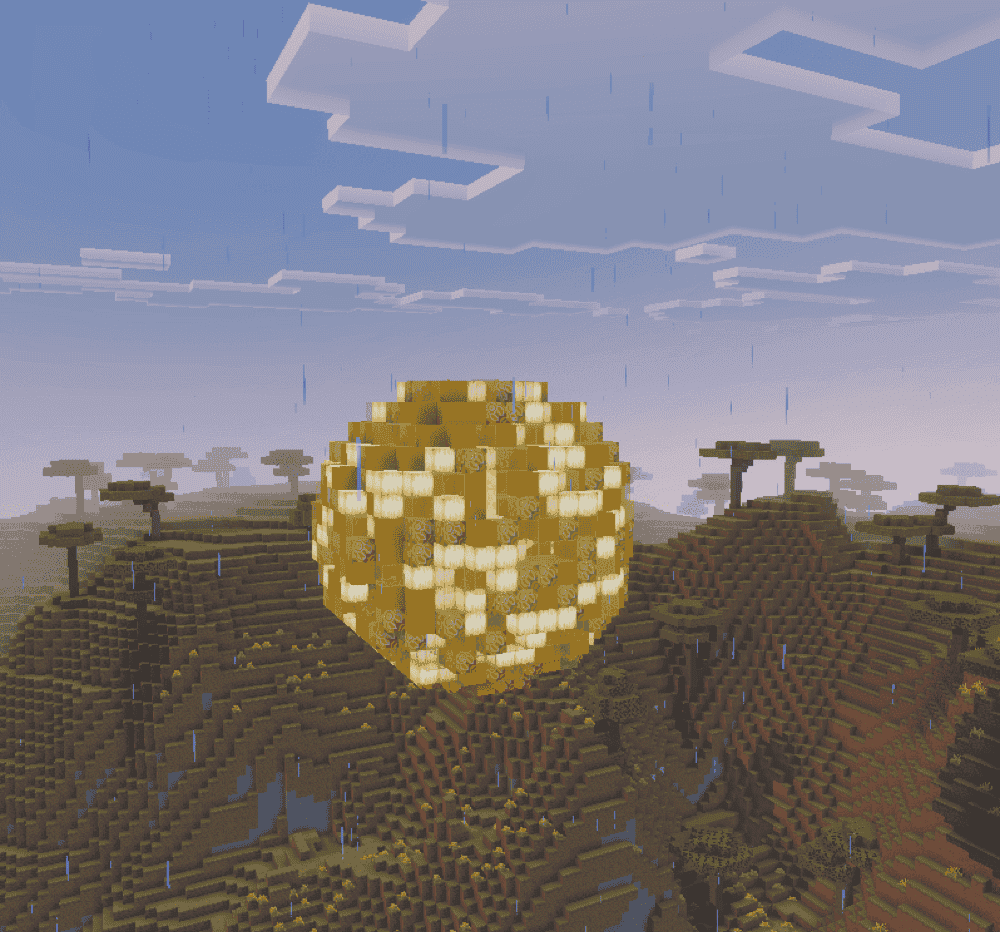
“Light Magic” begins above the clouds, where floating structures hide the crystals needed to craft your first wand. Breaking the crystal inside drops a Light Crystal for the Light Wand. From there, the spells branch into two styles: Healing keeps your party standing, while Hindrance makes every flash of light a problem for the other side.
With Healing, Illuminate restores two hearts from time to time, Ray of Hope patches up your three closest allies, and Cleanse clears harmful effects before Luminous Circle creates a bright refuge that heals friends and hurts enemies.
Hindrance takes a less friendly approach. Flash blinds and stuns up to three targets within eight blocks, Light Prism hunts them with homing particles, and Blinding Light Prism slows them before smashing them into the ground. Bright Shield fits either style, protecting nearby allies and punishing enemies that wander too close.
How to Install Minecraft Addons
You can add Bedrock addons automatically from the official Minecraft Marketplace or download and install them manually from CurseForge’s Bedrock addons browser.
If you pick the second option, make sure to open the linked project page of each of the addons above and download its associated “.mcaddon” file. Running the downloaded file should then launch Minecraft and begin the import.
After the import finishes, don’t forget to edit the world and check both "Behavior Packs" → "Available" and "Resource Packs" → "Available". If all went well, activating the packs included with the addon should add its features to that world. If the project lists an experiment under "Requirements", you should enable it as well before loading the world.
For a complete walkthrough, check out our guide on how to install Minecraft Bedrock addons.
Common Issues and Quick Fixes
My spells or textures never appear after I enter the world
A quick look at the world’s active packs can save you from importing everything again. The behavior pack runs the spells and other mechanics, while the resource pack supplies their models, menus, sounds, and textures. Check "Behavior Packs" and "Resource Packs" and make sure every required pack appears under the "Active" tab.
My addon says a dependency is missing
A missing dependency warning usually means the addon expects a companion project. The creator’s "Installation" or "Requirements" notes should lead you to the correct download.
For “A Magic Way”, “UI Queue” powers the custom interface, while “Novelty API” adds optional equipment features. Reopening the world after activating the missing pack gives its scripts a fresh start.
My spells appear, but refuse to cast
If the items load and nothing happens when you use them, compare the world’s installed "Experiments" with the requirements listed for that addon. “Lightning Magic” and “Magical Warfare” require "Beta APIs" and "Upcoming Creator Features", while “Light Magic” uses "Beta APIs". Turning on the listed experiments and reopening the world usually gets the abilities moving again.
My abilities filled the first five hotbar slots
That is the intended layout for “Lightning Magic” and “Moonblade Magic”. After you choose your magic, each addon places its five abilities in the first five slots. Clearing those spaces before the first load can prevent clashes with anything you were previously carrying, while a copied world gives you a safe place to learn what each slot does.
My addon stopped working after Minecraft updated
Bedrock updates can leave an older addon waiting for a compatible release. We recommend comparing your game version with the supported versions under the project’s "Files" tab, then trying the matching file in a copied world. If the creator has not released a compatible version yet, keeping the addon away from an important save can prevent further problems.
My magic stops working on a Realm or server
When features disappear after uploading a world, check whether every behavior pack, resource pack, dependency, and experiment travelled with it. Testing the addon by itself in a copied hosted world can reveal whether the problem comes from the upload, the host, or a conflict with another pack.
My world slows down during large spell fights
Homing attacks, summoned entities, and large particle fields can get crowded once several magic overhauls begin firing together.
One tried and tested approach is activating one large addon at a time in a copied world, such as “Magical Warfare” or “Myths & Magic”, then bringing lighter packs back one by one. You should soon find a combination that keeps the battles lively without turning every spell into a slideshow.