
Magic mods hit differently depending on what you’re after. Some are pure spellcraft, build your own spells, specialize, and fight like a wizard. Others are slower, ritual-heavy progression where you earn power through altars, rare materials, and risky decisions.
Here are some of the best options to build a proper magic-focused world.
1. Iron's Spells 'n Spellbooks
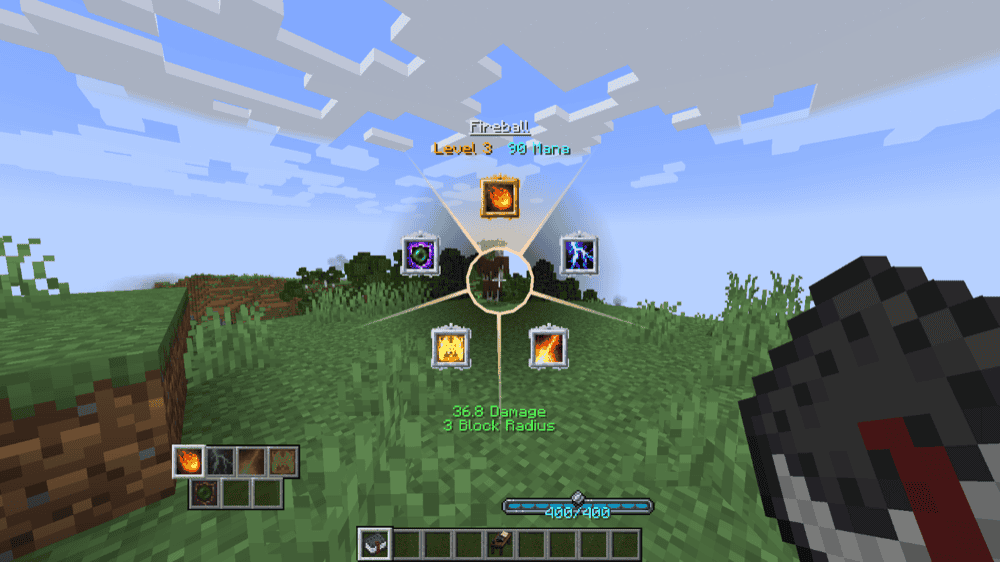
This mod brings the classic RPG mage fantasy into Minecraft, raid structures, clear dungeons, fight dangerous wizards, and collect spells and artifacts as you grow into a stronger spellcaster. It packs 100+ upgradable spells, multiple spellcasting bosses, wizard armor sets, procedurally generated structures, plus systems for weapon imbuement and armor upgrades. It's also highly configurable (including per-spell settings) and plays nicely with a lot of popular mods in bigger packs.
2. T.O Magic 'n Extras - Iron's Spells Addon
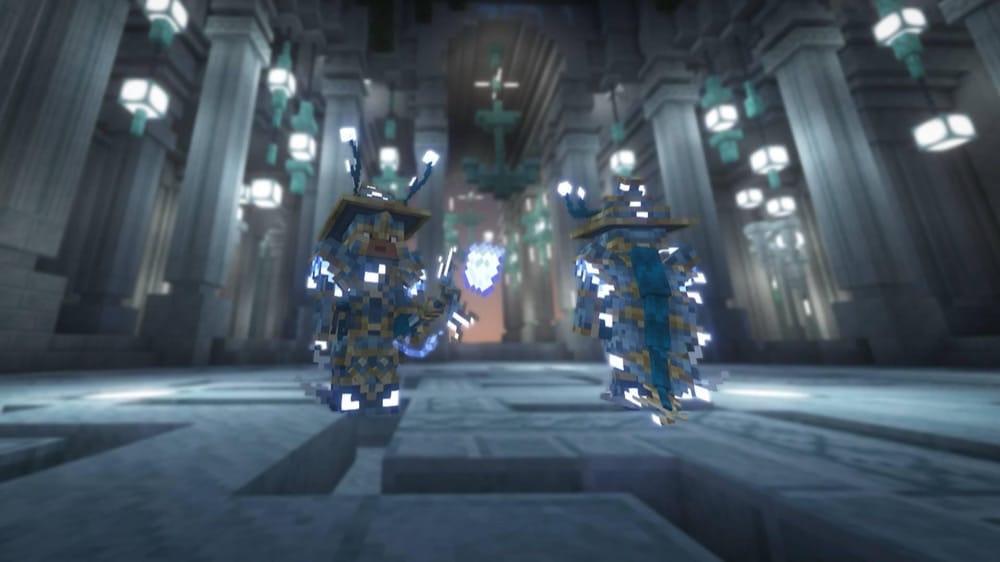
This mod expands Iron's Spells 'n Spellbooks with a huge amount of extra content like new spells, rare weapons, gear, curios, and even bosses, while also integrating with popular mods like Cataclysm and Alex's Caves. It introduces a new unique spell school (Aqua), adds hard-to-find spells you discover through progression, and packs in boss/elite-themed equipment with upgrade paths. The standout fight is The Nightwarden – a multi-phase End boss found in the Void Cathedral that rewards players using smart builds with powerful loot and crafting materials.
3. Blood Magic
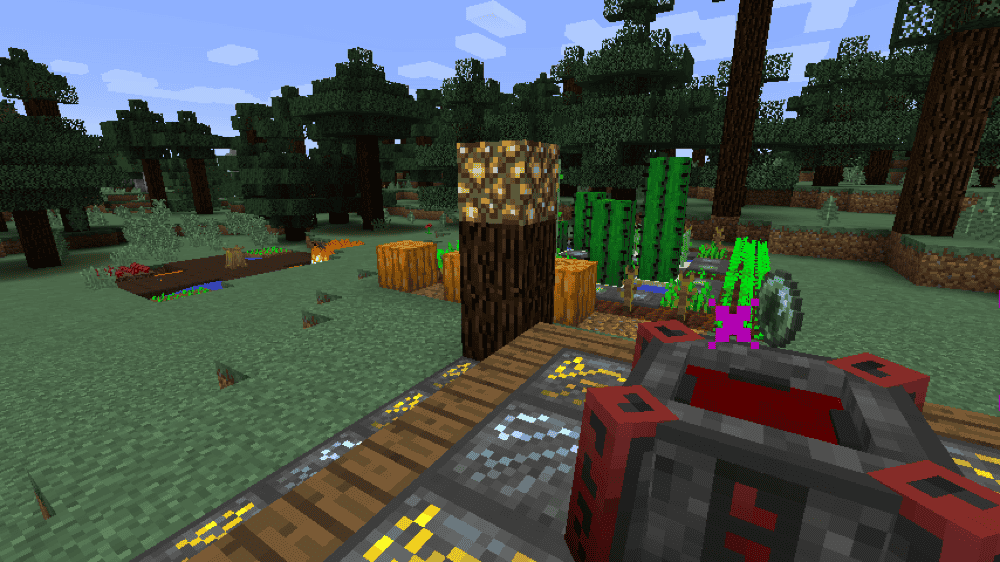
Blood Magic is a darker, risk-reward magic mod built around gaining power through blood and forbidden rituals. It's not a safe magic system, many actions can hurt or even kill you if you're careless, so progression feels intense and earned. To help you get started, it includes an in-game guidebook called Sanguine Scientum (crafted with a book and glass) that walks you through the early steps.
4. Reliquary: Reincarnations
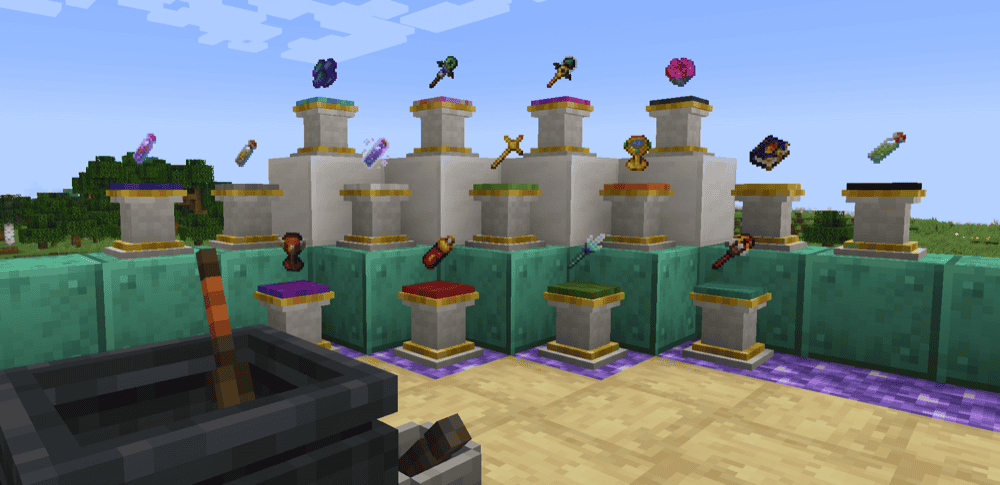
This mod adds a collection of magical items and blocks that can be tricky to obtain, but pay you back with powerful quality-of-life tools. It includes standout utilities like the Coin of Fortune (pulls items and XP to you), Interdiction Torches (push mobs back), the Sojourner's Staff (places torches from your inventory, even at range), and storage helpers like the Void Tear for reducing clutter. It also adds functional blocks like the Pedestal, which can automate tasks depending on what you place on it, plus deeper systems like the Tome of Alkahestry for controlled duplication and a custom potion system for crafting strong effects from simple to rare ingredients.
5. Astral Sorcery
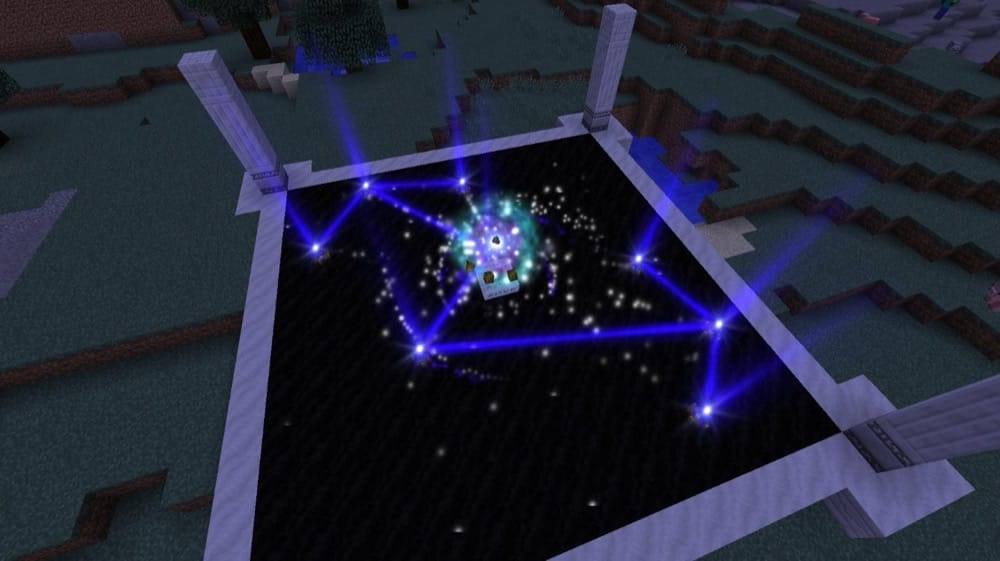
This is a progression-focused magic mod built around starlight and constellations. You explore the world to find key structures, study the night sky, and then use focused starlight to empower yourself and enhance the world around you. It includes an in-game guide called the Journal that walks you through progression step by step, and the mod heavily rewards players who like discovery-based systems rather than instant power.
6. Botania
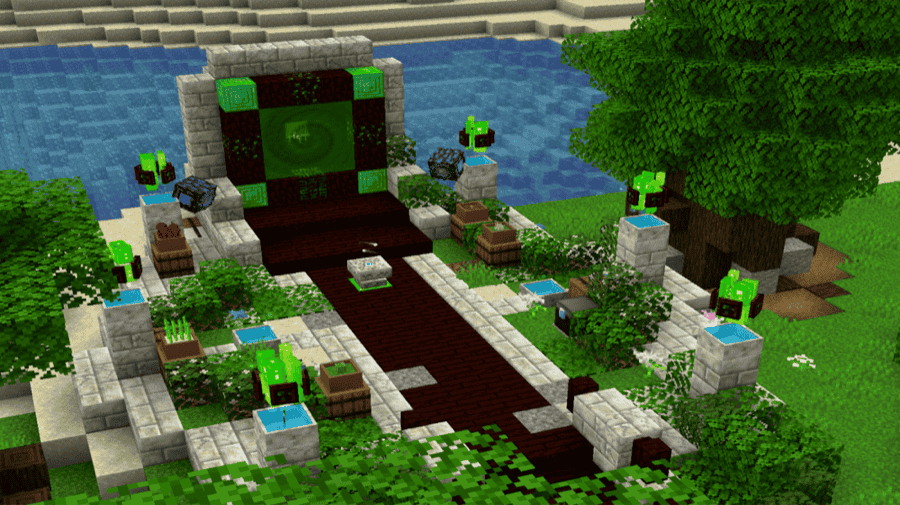
This is a tech mod themed around natural magic, where you generate and use Mana through magical flowers and in-world devices. It's designed to feel more like building clever contraptions than following recipe checklists, no pipes, no wires, and minimal GUI reliance, so automation stays creative instead of grindy. Botania works great as a standalone mod, but it also fits smoothly into bigger packs as a long-term progression system with strong tools, utilities, and fun build options.
7. Apotheosis
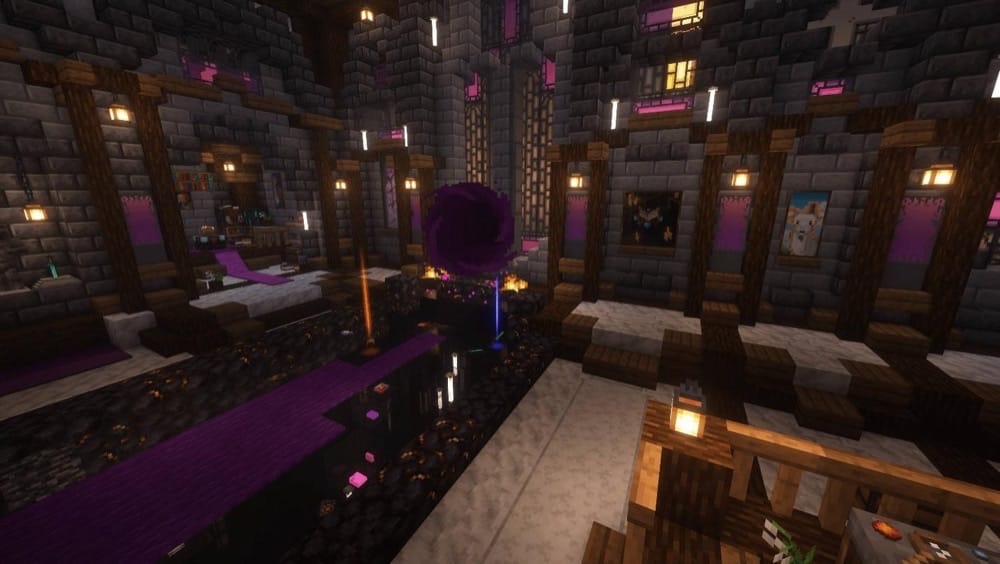
This is a content-heavy progression mod that boosts how strong you can become while keeping a vanilla, but expanded feel. It's split into modules that overhaul and extend core systems, especially enchanting and spawners, while the adventure side adds RPG-style progression through affix gear, gems and sockets, and world tiers that scale both your loot and your enemies. It also includes an in-game guidebook, the Chronicle of Shadows (crafted with a book and a gold ingot), which makes learning the systems way easier once you start pushing into higher tiers and chasing perfect gear.
8. Occultism
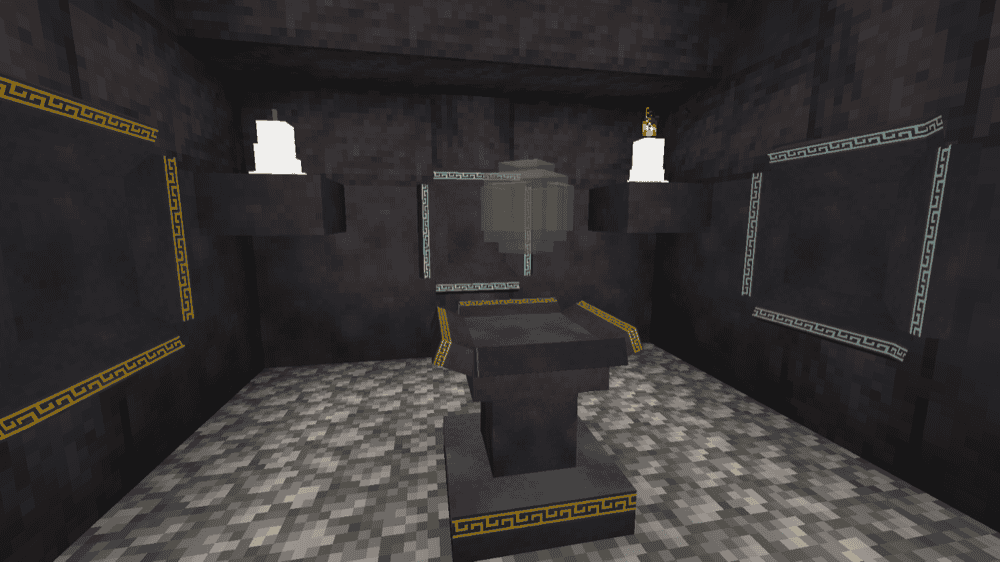
This is a ritual-based magic mod where you summon spirits from The Other Side to do your work, automation, storage, mining, crafting enchanted gear, and even getting support from familiars. You start by crafting the Dictionary of Spirits (using a book and Demon's Dream Seeds), then follow the in-game guide to unlock deeper mechanics like finding hidden otherworld groves and summoning stronger spirits as you progress.
9. Ars Nouveau
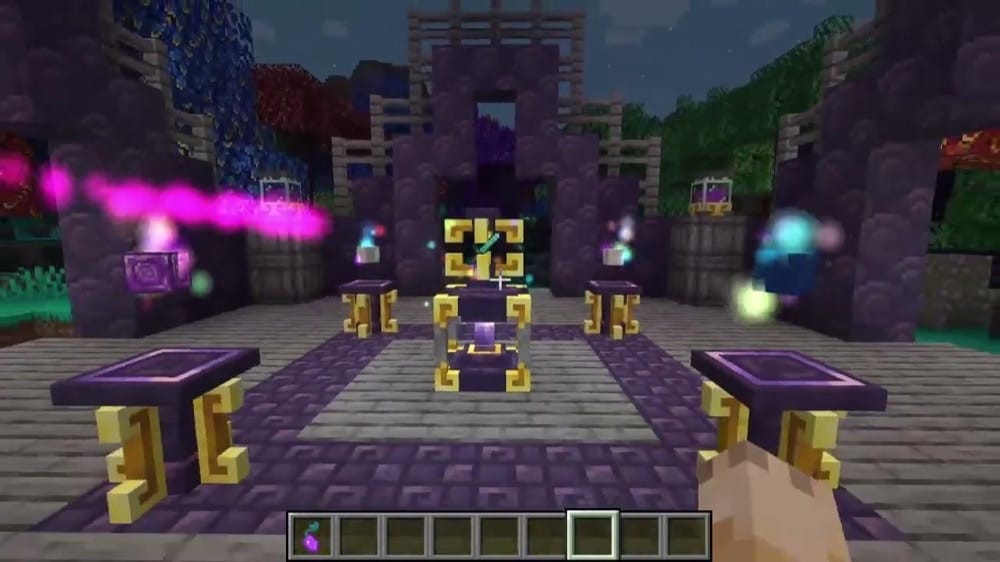
This is a spellcraft-focused magic mod that lets you build custom spells, run rituals that affect an area over time, and summon magical helpers for base automation. It also adds a solid crafting loop for powerful tools, gear, and enchant-style upgrades, so it works as both a combat magic mod and a long-term progression system. The in-game book guides you through everything.
10. Ars Elemental
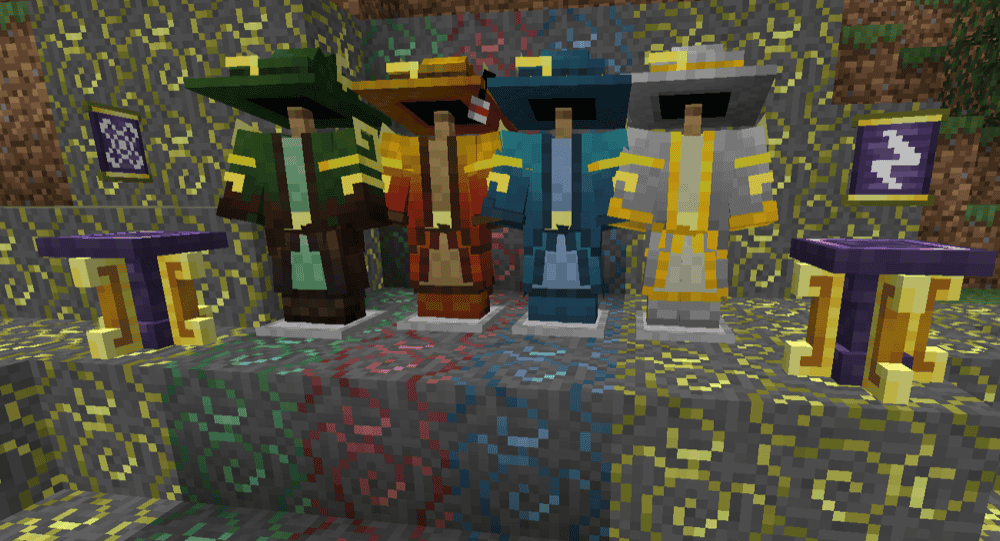
This mod is an Ars Nouveau addon built around the four elemental schools, adding new glyphs, spell foci, and gear that let you specialize your casting instead of running a one spell that does everything setup. It expands spell variety with elemental tools like new projectile behaviors, shields, terrain shaping, and control effects, while also adding equipment such as lesser/major foci, bangles, storage pouches for magic gear, and (from 1.19+) included elemental armor sets. It's a strong pick if Ars Nouveau is your main spell system and you want deeper build choices.
11. Forbidden and Arcanus
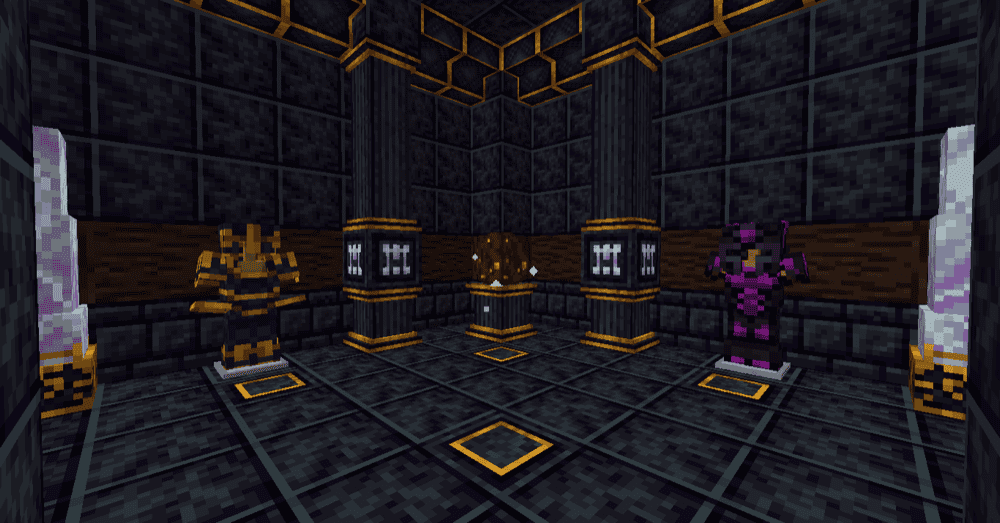
This mod adds a fantasy-RPG style magic progression packed with beautiful gear, rituals, and mystery system vibes. It centers around systems like the Hephaestus Forge (ritual crafting and tier upgrades), weapon and tool upgrading, unique trinkets, and a research-driven progression path through the Forbiddenomicon. It also supports configs and datapacks, so it's easy to tune for modpacks, whether you want it as a main magic path or a side progression with powerful rewards.
12. Relics
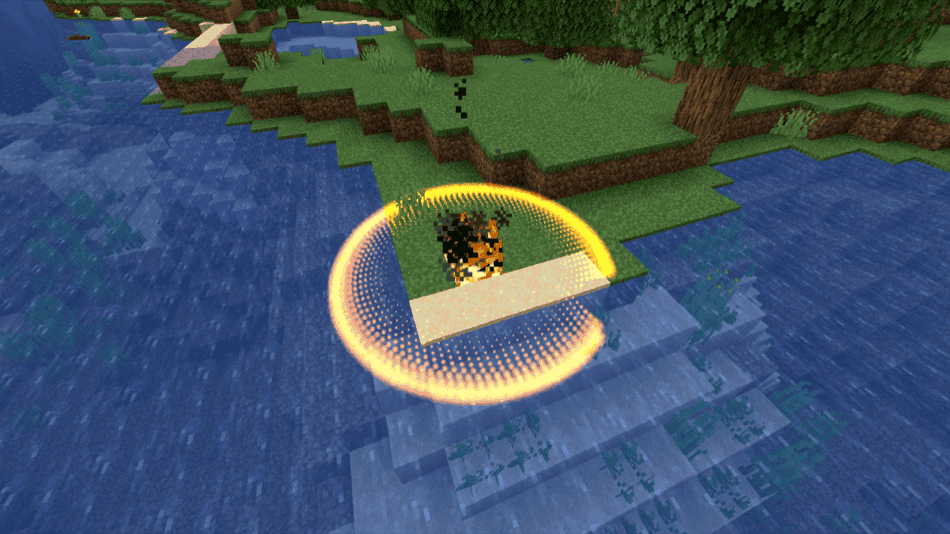
This mod fits nicely into modpacks and adds dozens of equipable items with unique mechanics designed to stay interesting long-term, even in big modpacks. Each relic has a different initial power and can be levelled up by using it, letting you become even more powerful over time.
13. Wizards (RPG Series)
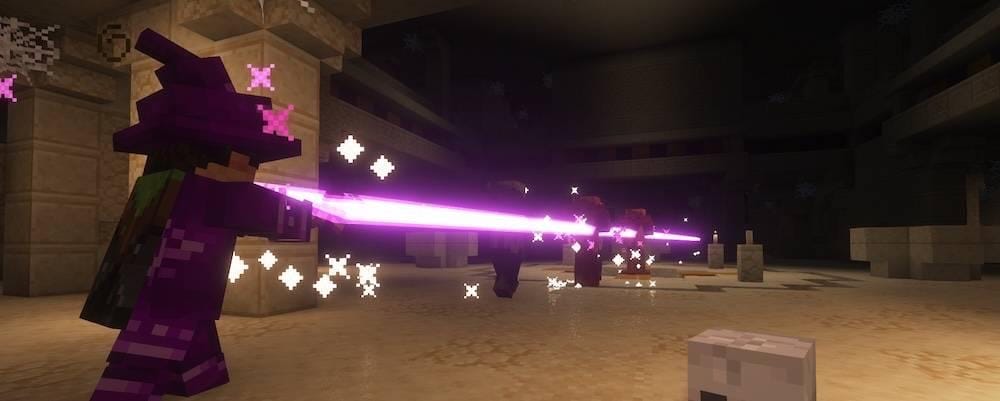
This mod adds classes built around arcane, fire, and frost spell kits, with progression that's geared for real combat. You start with a wand or staff and use runes as spell ammo, then level up your options by crafting a spell book and unlocking stronger spells through the Spell Binding Table. It also adds wizard robes, staves, and wands with configurable bonuses, spell-focused enchantments, expanded dungeon loot, and village wizard structures where merchants can sell magic gear, making it a great fit for adventure packs and multiplayer servers. For the less magically inclined, it also offers companion mods adding non-magic RPG-style classes.
14. Etheria
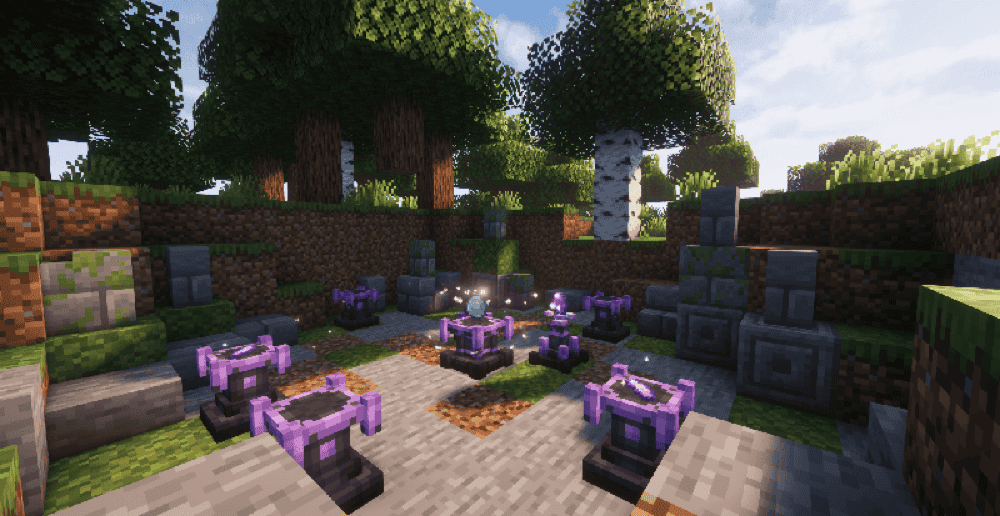
This mod adds an ether-based magic system with a full progression loop built around rituals, artifacts, spells, and runes. You create ritual circles, enhance weapons and casting through upgradeable artifacts, explore ancient Seer ruins, and dive into dungeons for rare resources and hidden secrets tied to different elements. It also includes an in-game guidebook that explains the mechanics clearly, which helps a lot since the mod is still in beta and actively evolving.
How to Install Mods
How to Install with the CurseForge App
- Open CurseForge → Minecraft and create a profile with the modloader and version you need: Fabric, Quilt, NeoForge or Forge (depending on which mods you are looking to install).
- Open your profile and click the three dots next to "Play".
- Click on "Add More Content" from the available options.
- Search the mod you need and click "Install".
- Play from the CurseForge app.
How to Install Mods Manually
- Install a mod loader that matches your Minecraft version (Fabric, Quilt, NeoForge, or Forge).
- Run the installer to add a new profile in the Minecraft Launcher.
- Download the mod’s .jar file from its project page. Making sure both the Minecraft version and loader version match.
- Drop the .jar into the mods folder inside your .minecraft directory (create the folder if it doesn’t exist).
- Launch Minecraft using the new loader profile.
Note: Make sure to check if the mod has been recognized by the game. On the title screen, click “Mods” (or “Mod Menu” if you’re using Fabric). If the mod lists any required dependencies (like Fabric API), install those too.
Common mods folder locations:
Windows: %AppData%\.minecraft\mods,
macOS: ~/Library/Application Support/minecraft/mods
Common Issues & Quick Fixes
Game won’t launch / crashes on startup
- Most of the time it’s a loader or version mismatch (Forge vs NeoForge vs Fabric, or the wrong Minecraft version). Make sure every mod and dependency matches your exact setup.
- If you just added one mod, remove it and launch again, then add it back once its required libs are installed.
“Missing dependency” errors
- Install the required library mods for the mods you have installed. The error message should tell you which ones you are missing, or alternatively you can also check the mod’s dependencies in the list above.
- Double-check you have the correct file for your loader and Minecraft version combination.
Models/textures look broken (especially with Iron’s Spells ’n Spellbooks)
- OptiFine is usually the culprit in modded setups. Use shader alternatives that are meant for modded clients (like Oculus on Forge) if you need shaders.
Spellcasting mods feel “broken” or don’t behave right
- For Wizards, Better Combat is strongly recommended because it makes the weapon/casting flow feel correct.
- Some magic mods can be more overpowered than others and might need careful balancing by modpack authors to not overshadow other mods. If you are not sure, we recommend asking your modpack author or checking the config files.
Ars Nouveau worldgen isn’t appearing (Archwood Forest)
- That biome is tied to an optional dependency on newer versions. If you want it to generate, install the optional worldgen dependency and make sure you’re exploring new chunks.
Astral Sorcery UI looks weird / hard to read
- Avoid “AUTO” GUI scale. Set a fixed GUI scale in video settings if pages or text don’t line up cleanly.
Astral Sorcery sky rendering glitches
- Shaders/OptiFine can cause major visual issues with sky effects. If the sky looks broken, test the game without shaders and shader loading mods such as OptiFine first.
Mod progression feels stuck early
- Most magic mods have an in-game guide, so make sure to follow it if you get lost. Lots of mods also have tutorials on YouTube, although beware of spoilers if you like discovering things for yourself!
Performance dips in magic-heavy packs
- Big structure/dungeon generation, lots of particle-heavy spells, and combat mods can stack up. If things start lagging go ahead and lower particles, reduce view distance, and test by disabling one heavy mod at a time.