Playing with friends changes everything, until you lose each other, lose your loot, or spend half the session traveling back and forth. This top 15 Minecraft mods list focuses on co-op upgrades that keep the pace up: navigation, fast travel, shared loot, tougher content, and tools that make group worlds feel smoother.
1. JourneyMap
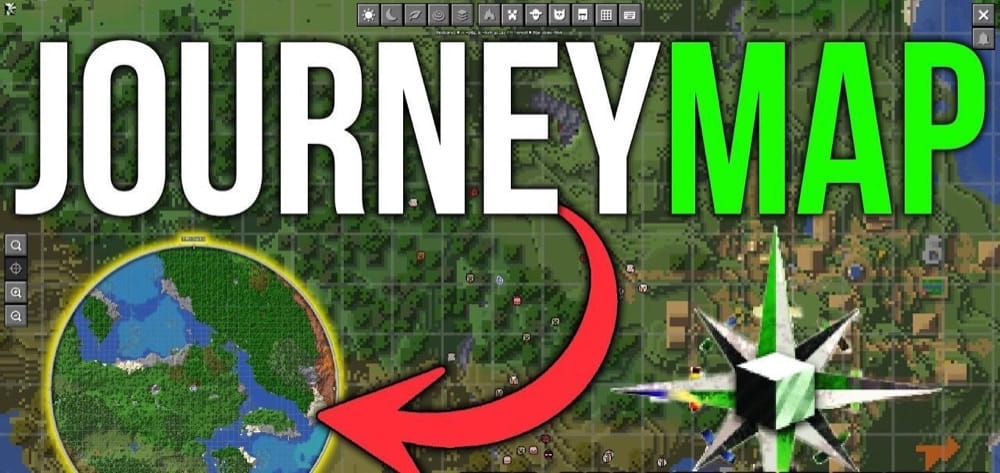
JourneyMap maps your world in real time as you explore, and you can view it in game as a minimap or full screen map. For those with multiple monitors there is a web map you can pull up separately in a web browser after enabling it in the config or installing the addon (for 1.21+).
This mod is great for multiplayer because it helps everyone stay on the same page. Your group can share waypoint locations through chat for bases, meetups, and points of interest, then use those markers to regroup fast when everyone splits up. JourneyMap also has an entity radar to show other player’s waypoint locations.
2. Waystones
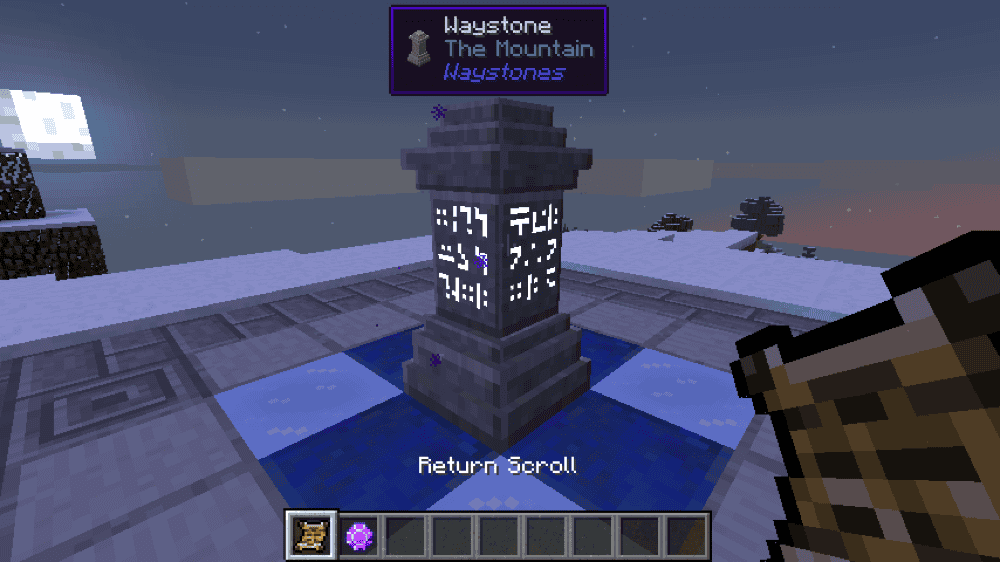
Waystones adds waystones you can activate and warp back to later, either by traveling from one waystone to another, using a Warp Scroll, or using a Warp Stone for on the go teleporting. The mod also includes Warp Plates, which work like linked teleport pads you can stand on to move between two points, great for bases and regular paths. Sharestones are another teleporting option which do not require activation, great for letting everyone visit without having to travel there manually first.
By default, Waystones is balanced for survival with XP costs that scale with distance. Waystones can also be set as global for shared hubs, and you can enable an optional inventory button to make teleporting easier.
3. The Twilight Forest
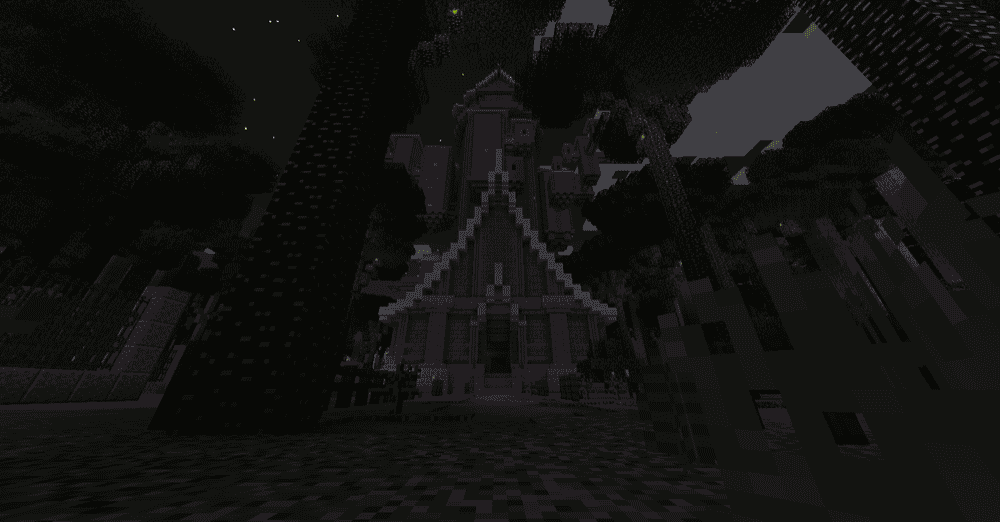
The Twilight Forest adds a full adventure dimension with its own dungeons, boss fights, and progression, which makes it an easy win for co-op worlds. Your group gets clear shared goals like gearing up, pushing the next dungeon, and taking down bosses together, with much more interesting fights than Minecraft’s existing bosses.
The mod starts with building a portal to enter the Twilight Forest, then it becomes a proper adventure loop with unique loot and mechanics. Even though the finale is still unfinished, The Twilight Forest still gets ongoing updates with new items and improvements, so there is usually something new to come back for.
4. Lootr
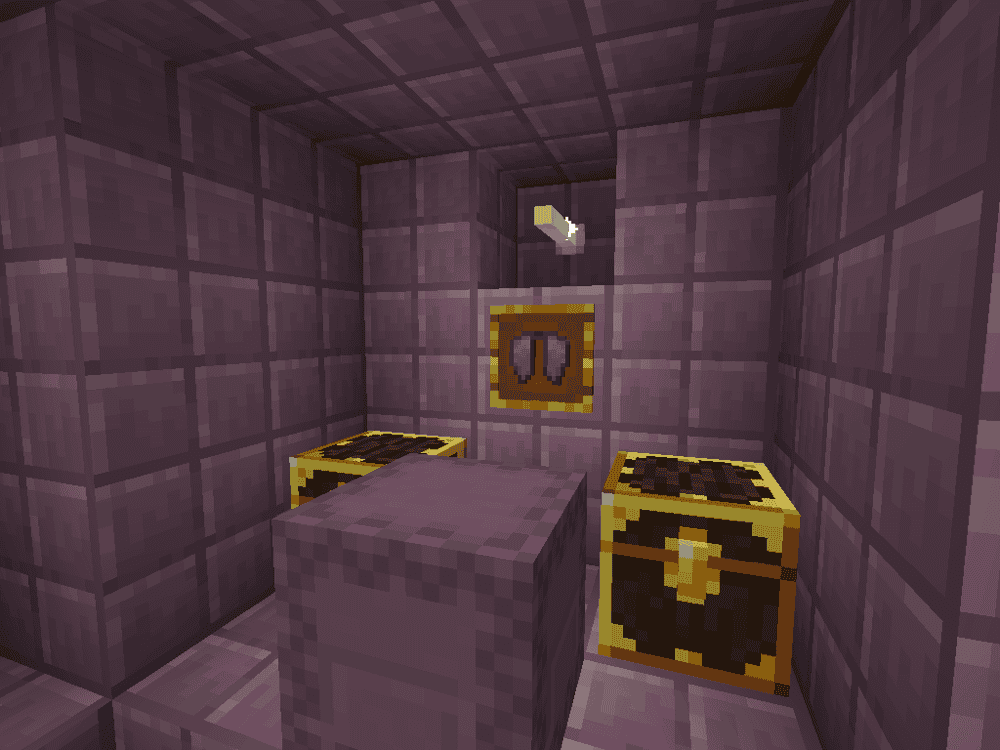
Lootr makes loot fair in multiplayer by giving each player their own lot of random loot from containers like chests, barrels, shulker boxes, item frames and chest minecarts. Everyone gets a reward, even those who show up late.
This helps co-op worlds stay fun long-term even if someone new joins, since your group does not have to keep scouting brand new structures just so everyone can get loot. Just note that Lootr needs to be installed on both the server and the client as it adds new blocks.
5. When Dungeons Arise
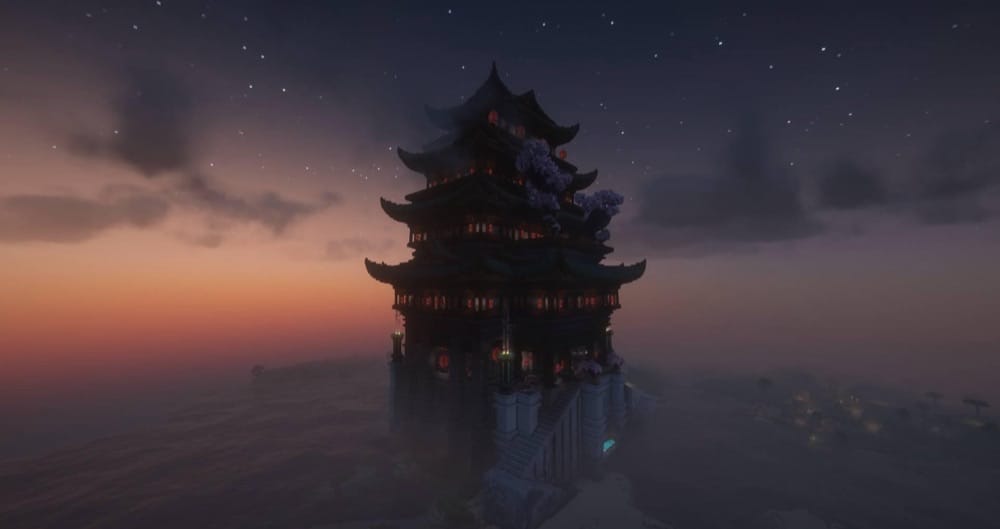
When Dungeons Arise adds a huge set of dungeons and hostile structures that generate across your world, giving you places to explore and conquer in co-op missions. You will run into everything from temples and forts to airships and cities that feel made for a group.
If you add the mod to an existing world, you will need to travel out to new chunks to find the new structures, and it can be installed server-side so players do not have to install it on the client.
6. Simple Voice Chat
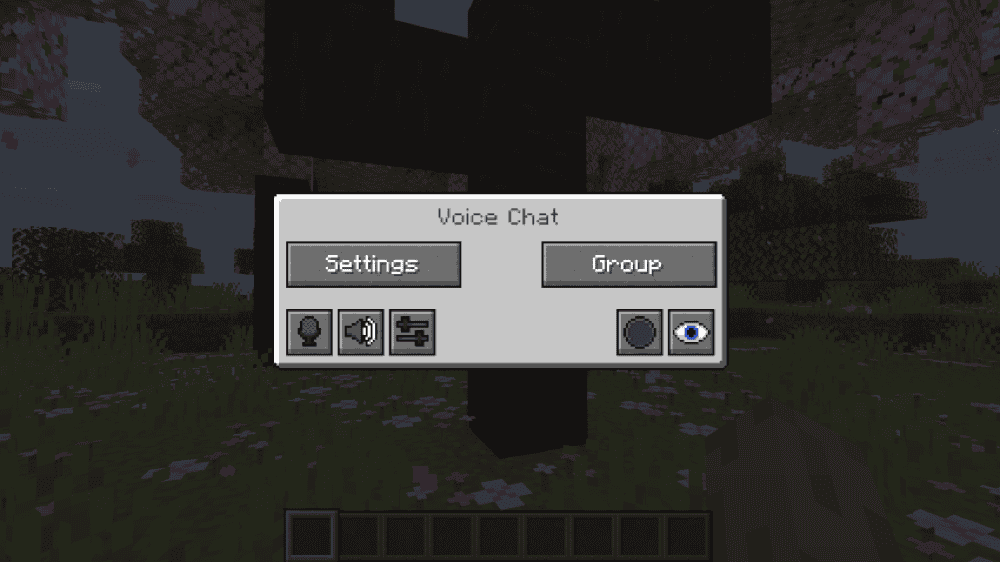
Simple Voice Chat adds proximity voice chat to Minecraft, so you can talk naturally in-game while you play. It supports push-to-talk or voice activation, plus extras like whispering, individual player volume, and password-protected groups for when your team splits up.
You can open the voice chat menu with "V" to manage settings, groups, and icons. Note that the mod needs special server setup to work properly, including opening an extra UDP port. For servers running Bukkit or related plugin software, there is a plugin available for the required server-side component.
7. GraveStone Mod
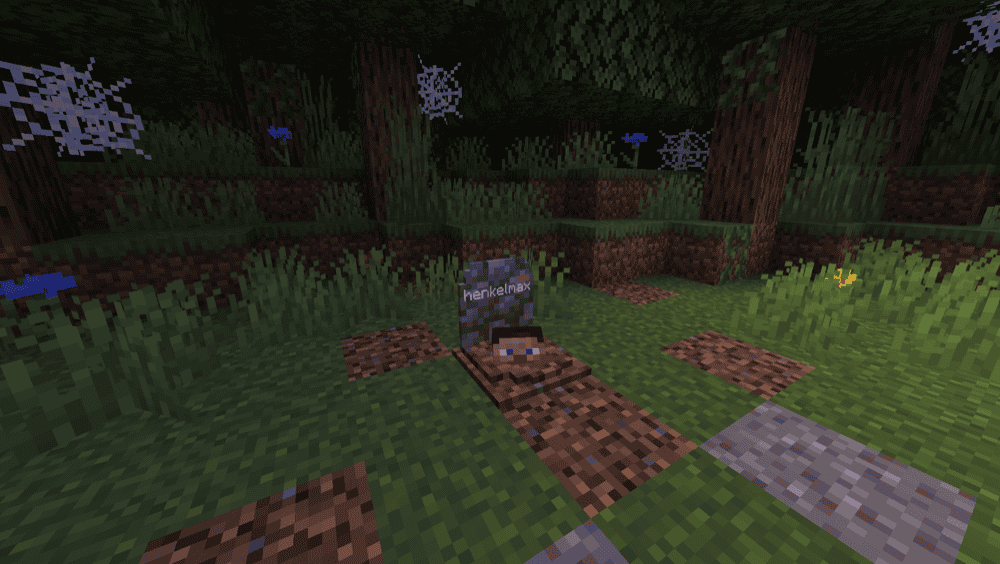
GraveStone Mod places a gravestone when you die and stores your inventory inside it, so recovering your items is simple and your co-op session doesn’t devolve into a repetitive gear rescue or restore mission. You can break the grave to get everything back, and it can even return items to their original slots on supported versions.
The mod also shows death information when you interact with the grave, and you can tweak the mod’s configuration for extras like sneaking to recover items, obituary notes, ownership rules, and a restore command for edge cases like void deaths or blocked placements.
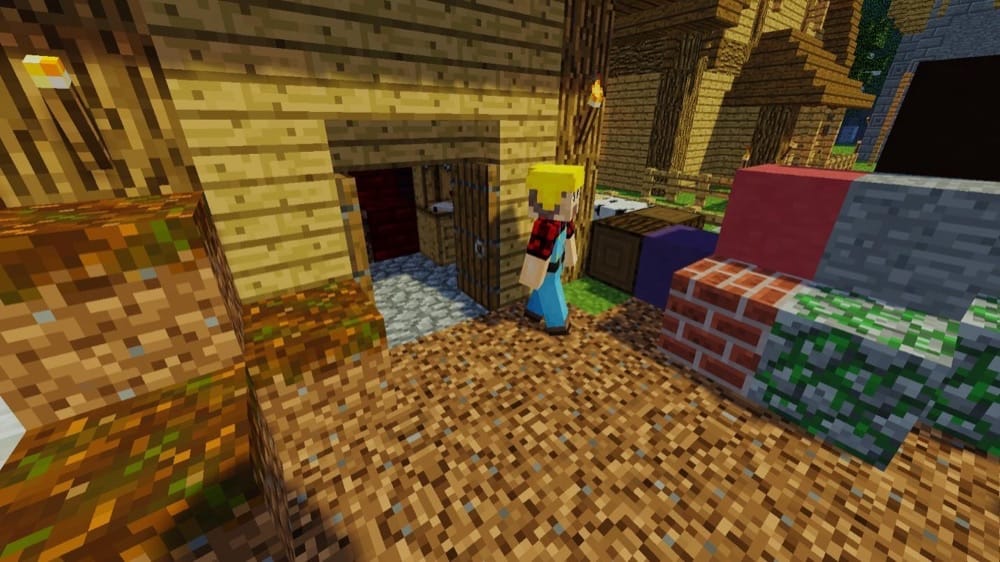
8. MineColonies
9. Towns and Towers
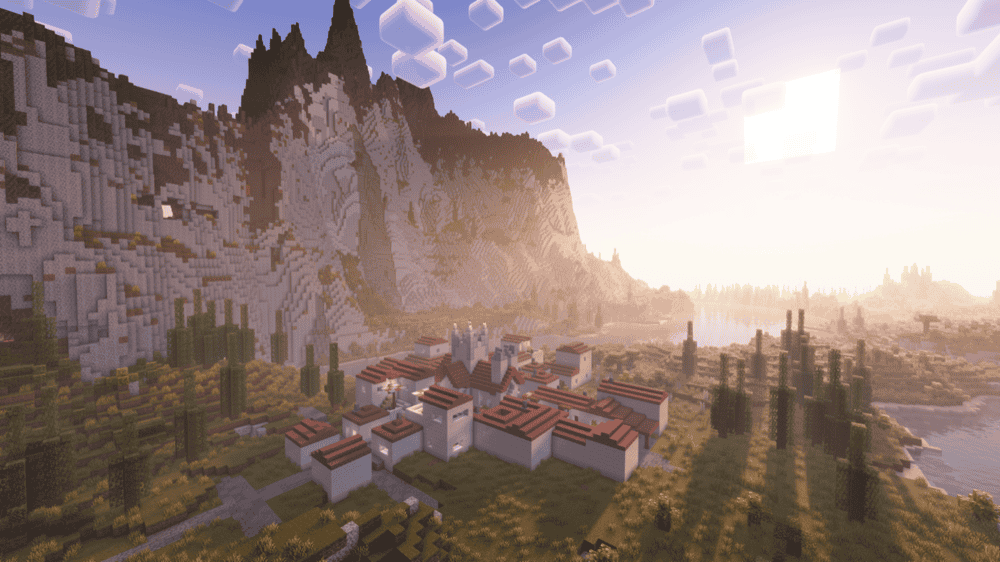
Towns and Towers expands the Overworld with new villages, pillager outposts, and ships that still feel vanilla-friendly, just more detailed and fun to explore with a group. The mod is a great pick for friends because it adds more natural “let’s check that out” moments without changing the core gameplay loop.
New structures will show up in newly generated chunks, so you will get the best results by exploring fresh areas if you add it to an existing world.
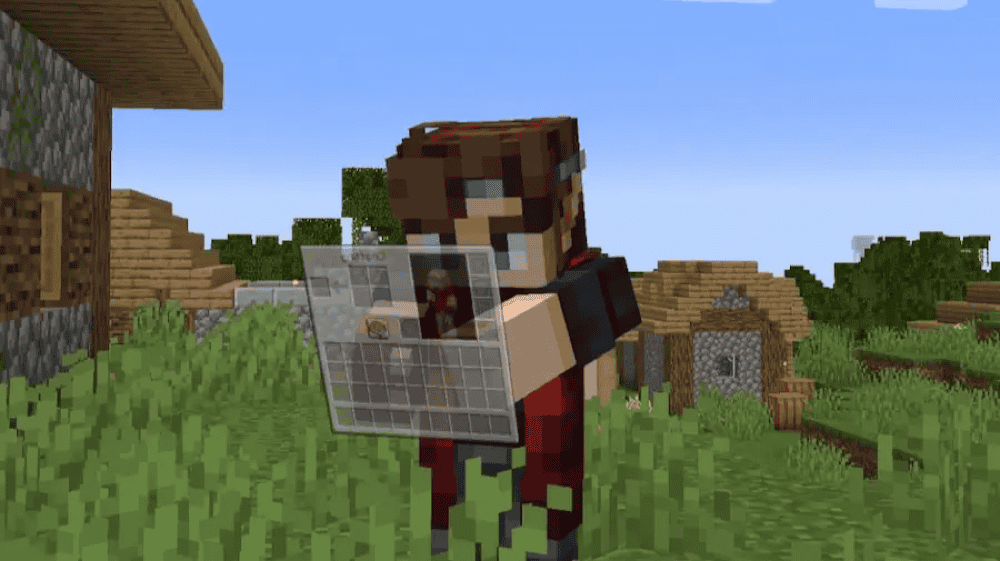
10. What Are They Up To (Watut)
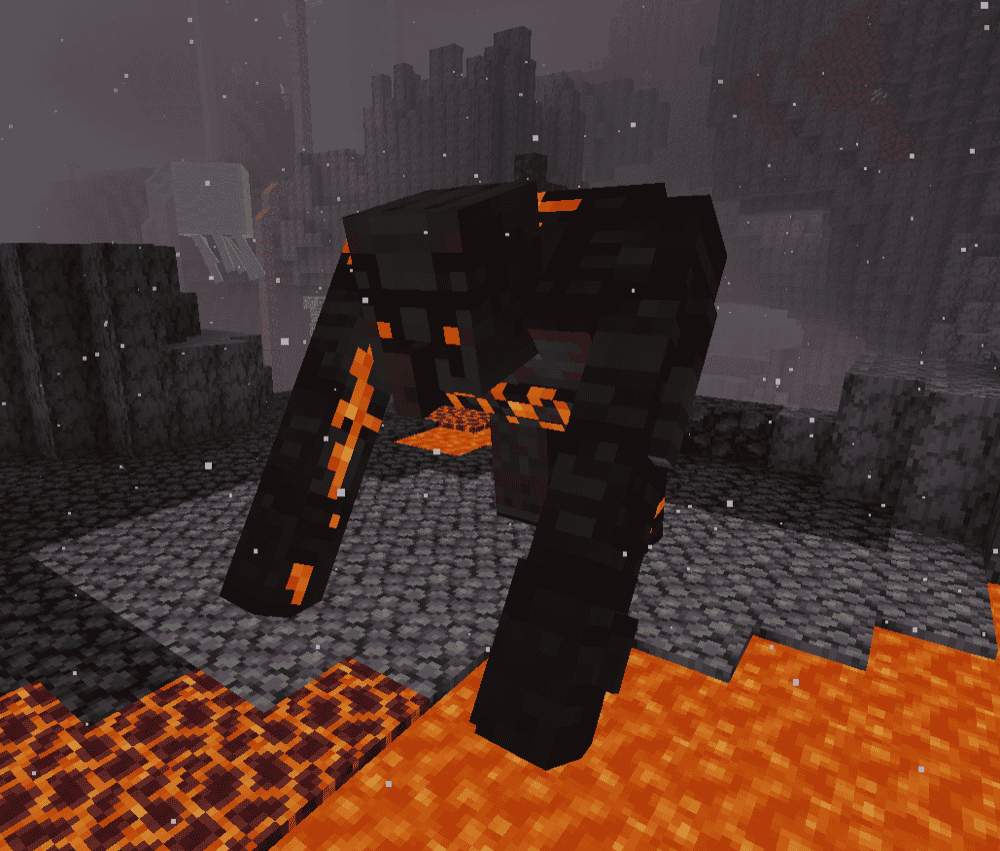
11. AdventureZ
12. Big Beacons
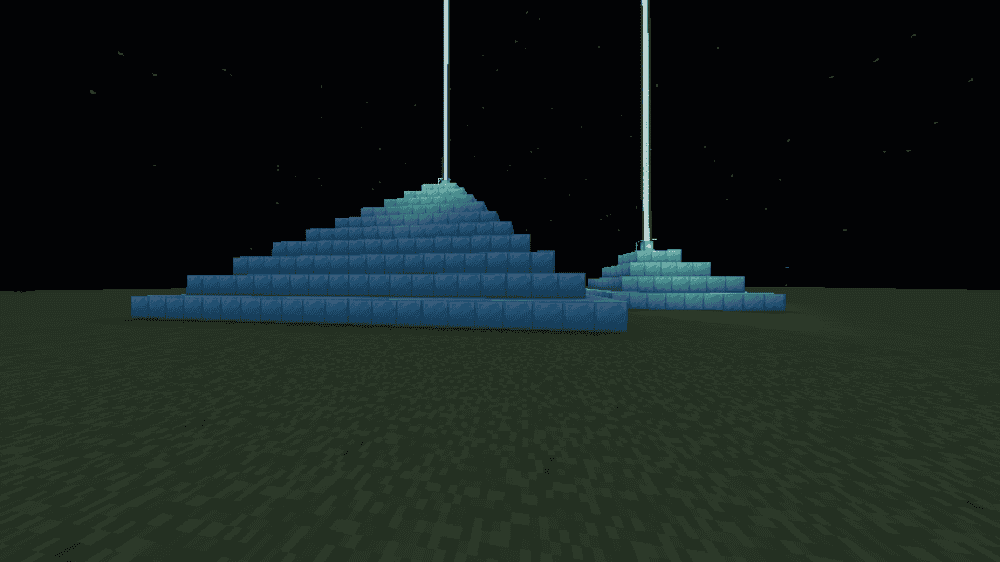
Big Beacons supercharges beacons by letting you build them up to ten levels tall, unlocking stronger effects and more functionality as you go. At level ten, you can push an effect up to level three, and it even adds a reworked Luck effect that acts like extra Fortune or Looting. The extra resources required for this can quickly turn into a massive grind to do if you’re on your own, making it the perfect excuse to invite some friends over to help you level up your base.
If you have any friends who don’t like installing mods, this one is fully vanilla-compatible – if the server has the mod, vanilla clients can still join and use beacons normally (and get any upgraded effects activated by other players). At the same time players with the mod get the upgraded beacon experience and new GUI options, with the ability to set the higher effect levels.
For those groups looking for an extreme challenge, make a beacon with 16 levels (requiring well over 6000 blocks) for a secret effect!
How to Install Mods
Here is how to install Minecraft mods manually and using the CurseForge app.
How to Install with the CurseForge App
- Open CurseForge → Minecraft and create a profile with the mod loader and version you need (Fabric, Quilt, NeoForge, or Forge).
- In the profile screen, click "Add More Content" (or open the three dots menu next to "Play" and choose "Add More Content").
- Click on "Add More Content" from the available options.
- Search for the mod you need and click "Install".
- Play from the CurseForge app.
How to Install Mods Manually
- Install a mod loader that matches your Minecraft version (Fabric, Quilt, NeoForge, or Forge).
- Run the installer to add a new profile in the Minecraft Launcher.
- Download the mod’s .jar file from its project page. Make sure both the Minecraft version and loader version match.
- Drop the .jar into the mods folder inside your ".minecraft" directory (create the folder if it doesn’t exist).
- Launch Minecraft using the new loader profile.
Note: Make sure to check if the mod has been recognized by the game. On the title screen, click “Mods”. If the mod lists any required dependencies (like Fabric API), install those too. Please also note that if using Fabric, the "Mods" button will only appear if the "Mod Menu" mod is installed.
Common mods folder locations:
- Windows: %AppData%\.minecraft\mods
- macOS: ~/Library/Application Support/minecraft/mods
- Linux: /home/<your-username>/.minecraft/mods
Common Issues and Quick Fixes
The game will not launch or crashes on startup
Make sure every mod matches the same Minecraft version and the same loader. Mixing Fabric-only and Forge-only mods in the same install is a common cause of crashes.
A mod says it is missing a dependency
Install the required libraries too. Common ones in this list are:
- Waystones: Balm
- Watut: CoroUtil
- Big Beacons: Fabric API
- MineColonies: BlockUI, Domum Ornamentum, Multi-Piston, Structurize, TownTalk
Towns and Towers or When Dungeons Arise is installed but you cannot find new structures
These generate in newly created chunks. Explore new areas to see them.
Lootr is not working in multiplayer
The mod must be installed on both the server and every client.
Simple Voice Chat is installed but nobody can hear anyone
This mod needs server setup, including opening the voice chat UDP port (24454 by default).
Twilight Forest crashes after installing
Remove OptiFine. Twilight Forest doesn’t support it.
Watut GUI flickers in a modpack
Type this command in Minecraft chat (or paste it into your server console) and run it:/coro config common set watut-server.toml dynamicGuiDontSendConstantGUIUpdates true
You usually need admin or operator permissions for this on a server. This setting reduces how often Watut sends GUI snapshots, which stops the flicker.
Watut dynamic GUI does not show up
Type this command in chat or server console:“/coro config common set watut-server.toml dynamicGuiUseOldSimpleGUIVisual true”
Keybinds do nothing
Open "Controls" and check for conflicts. If a key is already used, rebind it and try again.
Big Beacons stopped working after updating
Break and place the beacon again, then rebuild the pyramid if needed.