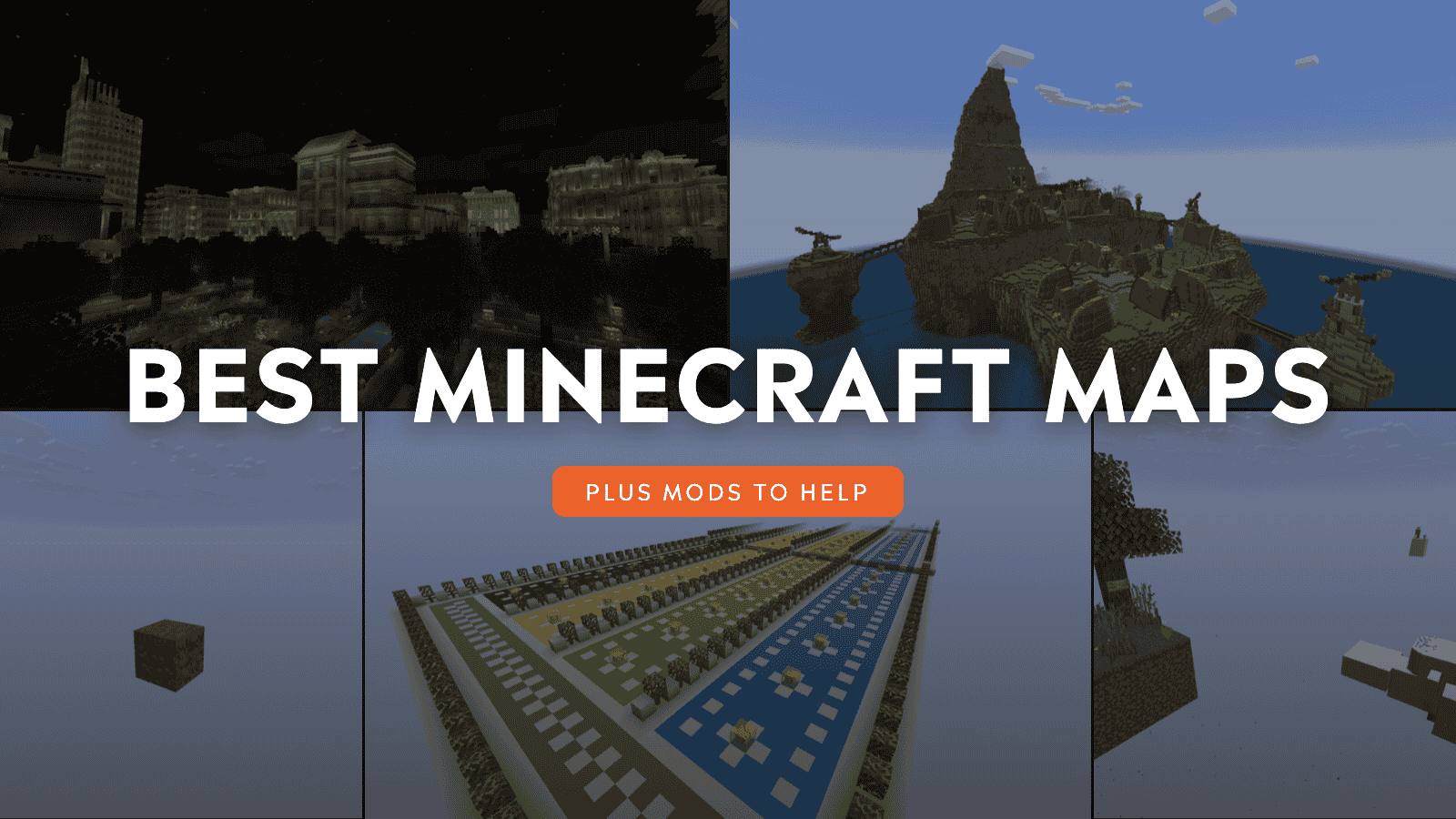
Minecraft's procedurally generated world means that every game can be as unpredictable as the last. But what about when you want a more curated experience? Fortunately, that's still an option. The Minecraft community has been designing custom game maps for years, providing thoughtfully crafted experiences to like-minded fans.
There are so many maps available, in fact, that it can be overwhelming trying to decide which to try first. Don't worry, though, as we've gone through and curated the best Minecraft maps available now, highlighting what makes them so special.
Oneblock (Tiny Takeover)
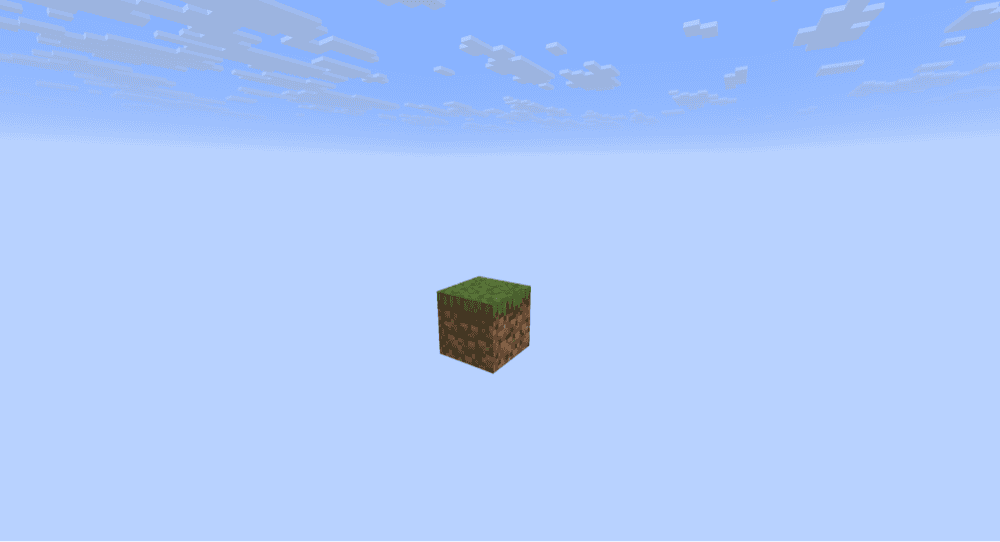
Throughout Minecraft’s long and rich history, no map concept has been as famous as skyblock. That includes its inevitable subgenre: the one-block map. As the name implies, your game begins on a single block suspended high in the sky. Breaking that block generates a new one, and eventually takes the form of another block. Here, you collect more resources, until you can eventually slowly expand from that single block.
This specific remake of the skyblock map is arguably the most popular and praised version available online. It’s been carefully crafted to provide a constantly engaging experience and is also being updated regularly to add more to the player progression.
Voidblock
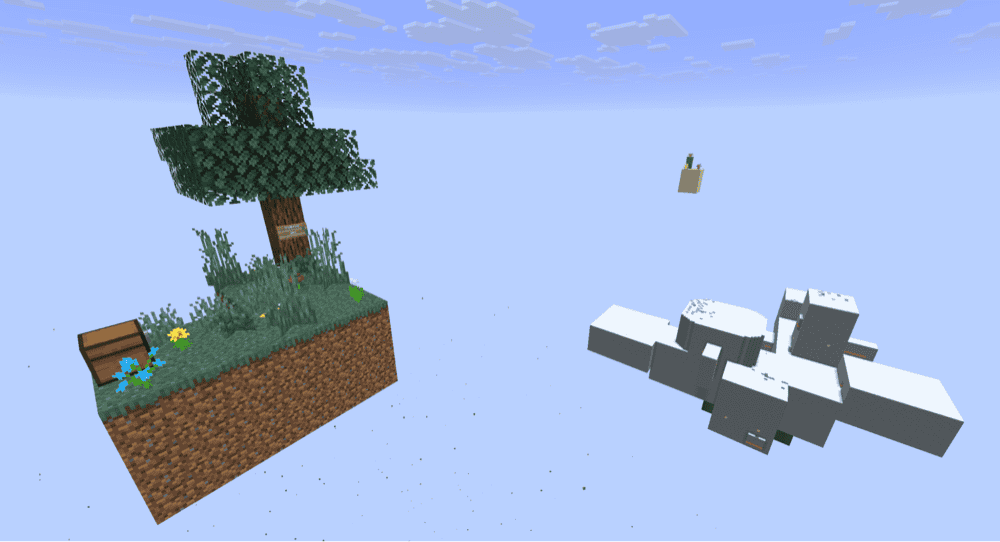
Getting even more classic now, Voidblock is the standard skyblock experience. You begin on a small, floating island with only a tree and some tools. In the distance, you can see the occasional isolated structure, like trial chambers, igloos, and sometimes another small island of a different biome.
Voidblock has continued to support this format for years, staying true to the original gameplay loops while keeping it updated for the latest version of Minecraft. It’s also one of the few maps that includes a difficulty option when you first start, allowing you some freedom in how you want to experience the map.
LuckyMap
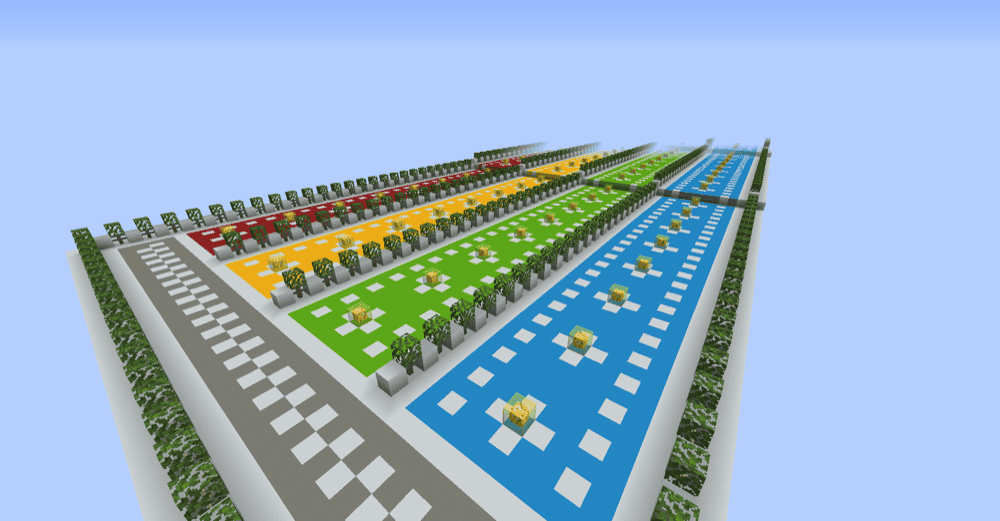
LuckyMap is a bit different from your usual map. Instead of offering big adventures, challenges, or puzzles, here it’s all pure chance. This map has four rows, each with numerous “lucky blocks.” Breaking a lucky block has completely unpredictable results – from summoning the average Australian spider to gifting you a pile of heads.
This map is particularly enjoyable with friends. Up to four players can play together, each with their own row of blocks to wade through. Laugh, shout, and generally rabblerouse as you watch each other succumb to the whims of the lucky blocks.
Radiant City Official
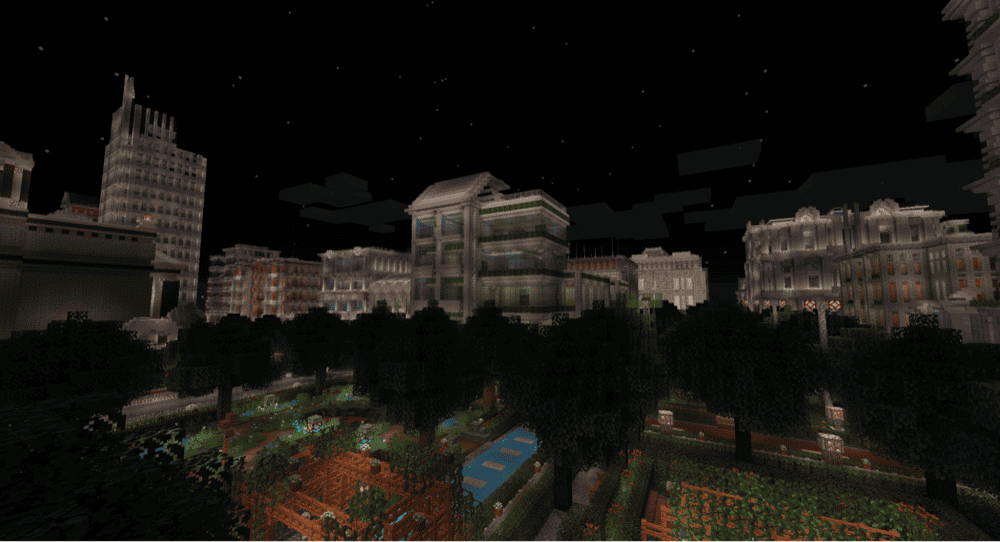
There are big maps and then there’s Radiant City. This urban-themed map is absolutely massive, with numerous businesses, offices, skyscrapers, banks, hospitals, and even parks, all with detailed interior layouts to boot. It’s arguably one of the most impressive levels of scale we’ve ever seen – even with maxed out render distance, you’ll still struggle to see everything this map has to explore.
It’s not just an empty world to explore, either. You’ll encounter parkour maps, puzzles, RPG encounters, and even repeatable quests. You can find each and every one as you explore, or invite friends to a multiplayer game to tackle the city’s mysteries together.
Isle of Berk HTTYD Berk Island
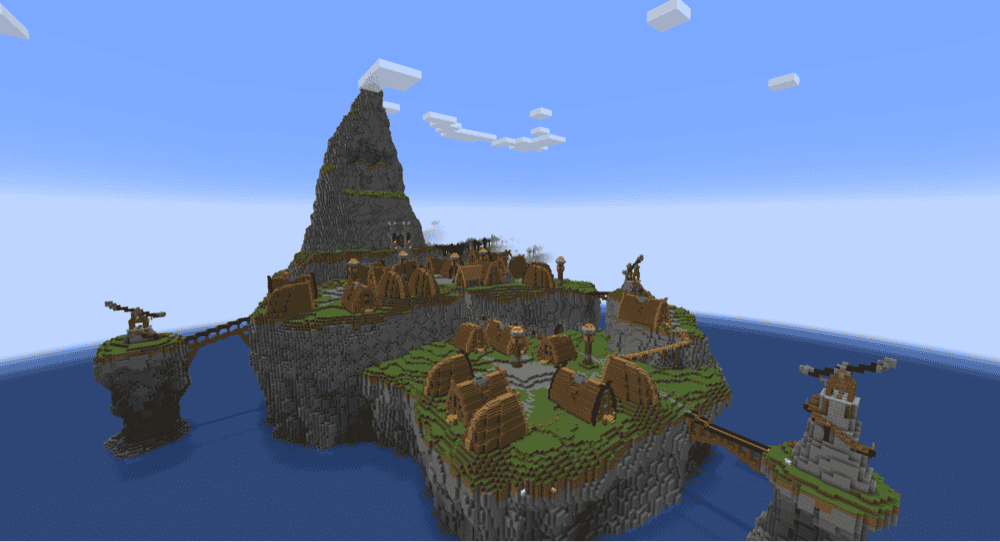
A must-have Minecraft map for fans of How to Train Your Dragon, this is a full-scale recreation of the Isle of Berk. The island that protagonist Hiccup was raised on, it serves as a critical setting for much of the film’s development.
It’s fun enough to explore on its own, but wouldn’t dragons make it even better? Luckily, this map was also designed with the different available HTTYD mods and modpacks in mind. The creator has even put together their own modpacks for exactly that purpose.
The island really comes to life once the various dragons, items, and other aspects of the film are faithfully implemented into the game – we urge you to try it out for yourself!
Bonus: Astavie’s Skyblock
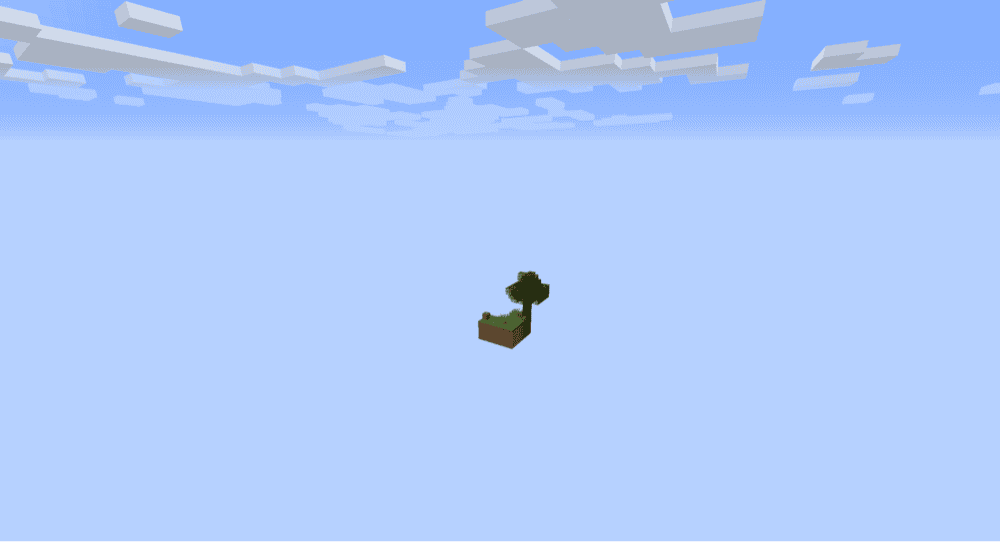
Astavie’s version of the classic skyblock formula, this map keeps remarkably true to the original vision. Other islands are far fewer and much further between compared to most modern skyblock maps, forcing you to rely on your own wit and the few items provided in the chest.
This isn’t to say it’s an unrefined experience. Astavie’s Skyblock has a bunch of minor behind-the-scenes tweaks that improve your survivability and ability to gather resources – the core goal of the map. This all combines for an authentic but smooth skyblock game like no other.
Mods that Transform Your Own Minecraft Maps
Another great way to breathe more life into your Minecraft world is through modding. There are all sorts of mods that change how the procedural generation system works, adding in new structures, biomes, and more. These particular mods are some of the best for that.
Biomes O’ Plenty
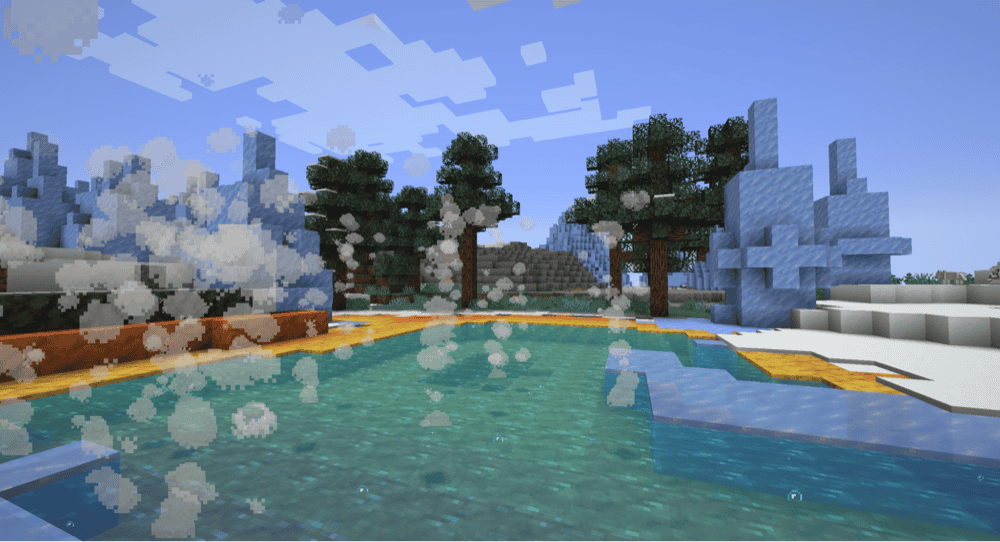
That title isn’t an exaggeration. The Biomes O’ Plenty mod introduces over 50 more biomes into the game’s world generation. These biomes emulate all sorts of real-world places, like limestone beaches and fir groves, as well as fantasy landscapes to further flesh out the Nether and End areas of the game.
There are countless new items and materials to discover as well, giving each biome its own distinct identity while providing a ton of new options and visual styles for the more building-minded player.
The Twilight Forest
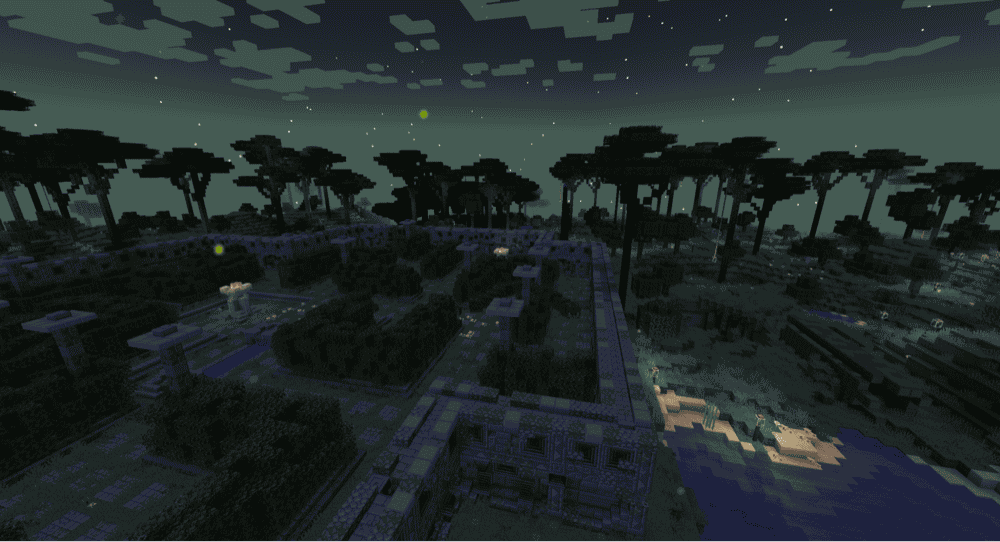
Instead of improving the existing overworld in Minecraft, The Twilight Forest introduces an entirely new dimension. This titular dimension contains several new biomes, each with its unique items, structures, and animals.
There is a particular order in which you’re meant to engage with the Twilight Forest. Each biome has a boss monster – defeating that boss unlocks the ability to explore another biome with stronger monsters and rarer resources inside. Eventually, what starts out as fights against nagas and yetis eventually becomes grand duels with giant ghasts, wizards, and even a hydra.
Towns and Towers
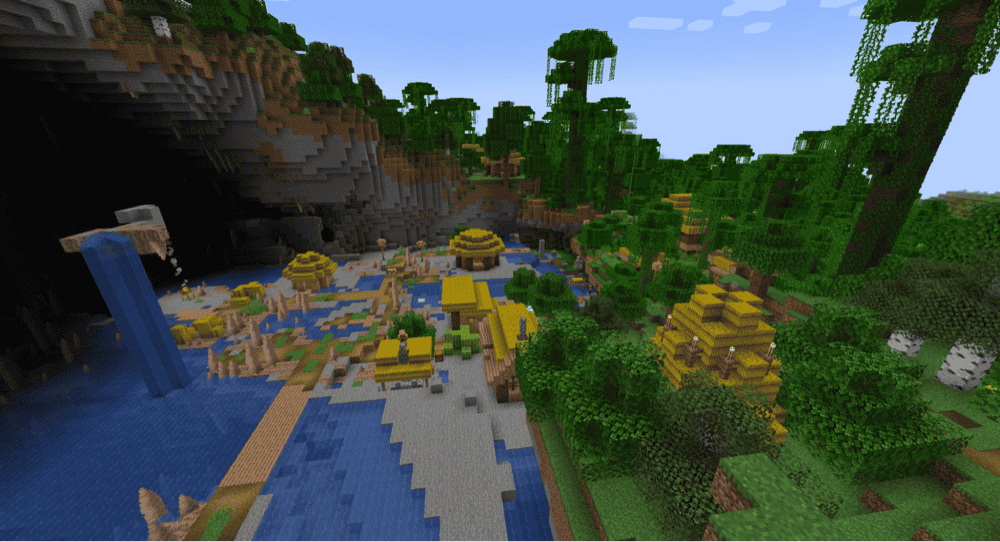
For something a little less extreme, consider Towns and Towers. Inspired by the vanilla Minecraft update that introduced pillager outposts, this mod adds in a greater variety of both pillager towers and villages.
Both structures can appear in a greater number of biomes, each with unique themes and designs fitting for where they’re located. It’s a great way to put a little more life into your world without drastically changing the experience.
How to Install Minecraft Mods
You can install the above mods automatically using the CurseForge app or manually by placing the mod files within your game’s mods folder. Both methods allow you to easily add custom features and enhancements into your vanilla Minecraft experience.If you want to learn more, you can read our detailed guide on how to install Minecraft mods.
Common Issues and Quick Fixes
The map isn't appearing in my world menu
Sometimes, the map files provided are nested inside of another folder. Go to the saves folder of your Minecraft installation, then check for the following problems:
- Is the map folder there? If not, find it and put it in the saves folder.
- Is the map folder a .zip file? If so, unzip it.
- Is there another folder inside with the map name? Move that into the main saves folder instead.
This map isn't compatible with my version of Minecraft
Minecraft has been updating regularly for over a decade. Maps built from older versions might encounter issues when loaded into newer versions. Your game might warn you of this as well.
To fix this, check the map's webpage to see what the most up-to-date version is, then ensure your version of Minecraft matches that. This can be done from the Minecraft Launcher (under the Installations section) or through a third party manager like CurseForge.
The map looks different from the screenshots I saw
Some map makers will use third party mods, shaders, or texture packs to promote their custom content. You can get your own game to look identical to the screenshots by having the same ones.
Check the map's webpage to see if the creator mentions what they used. If they haven’t listed anything, then you'll have to use your best guess.