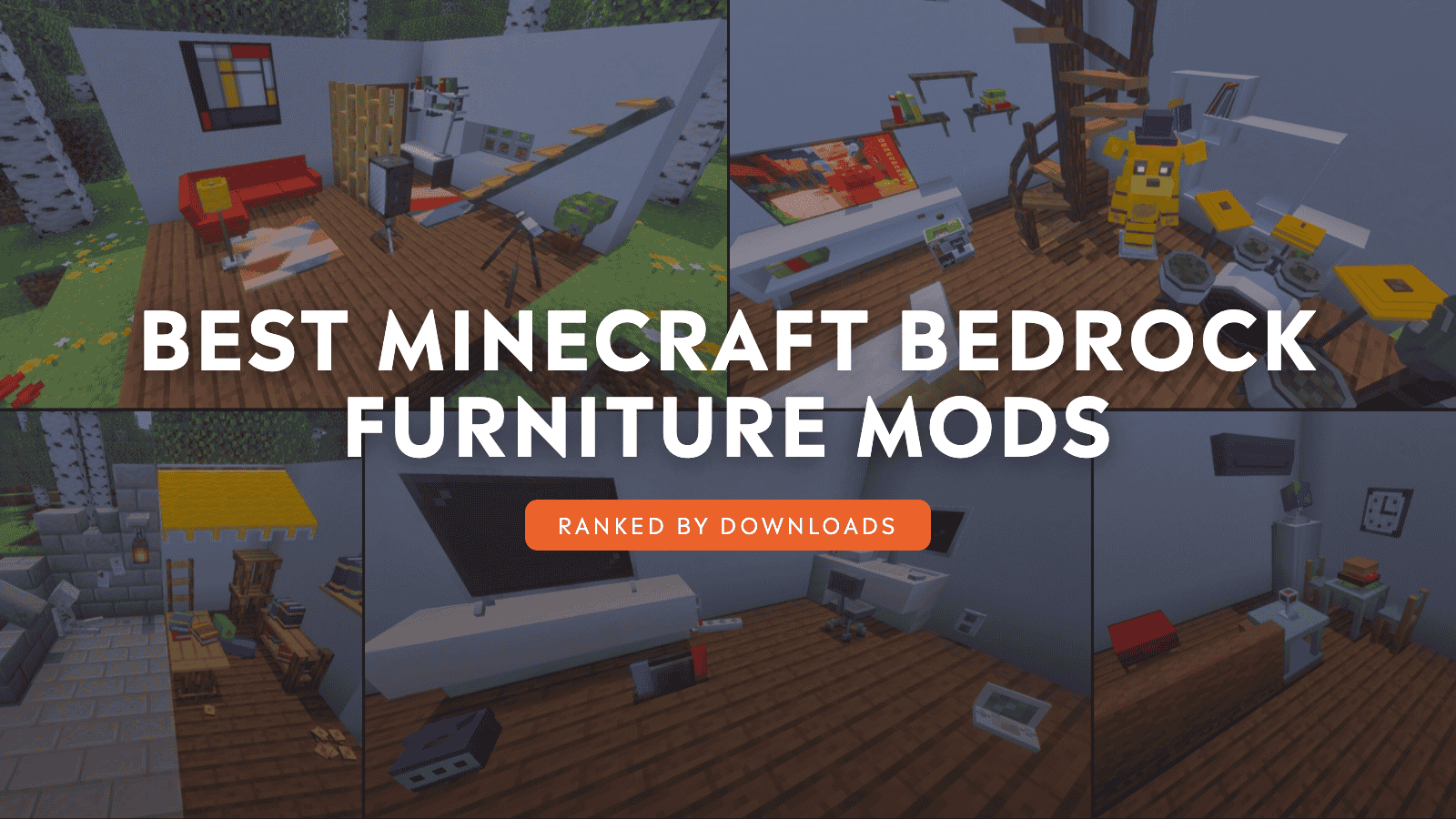
Half the fun of a sandbox game, especially one as big as Minecraft, is the freedom to build and design whatever you want. In these block-based worlds, large-scale towers are just as possible as cozy little homes. But once the walls are built and lights are placed, it becomes hard to ignore one area where the game isn’t at its strongest: furniture.
It’s difficult to make true-to-scale builds when you’re lacking chairs, counters, tables, and other household items. So, quit settling for minecarts and upside-down stair blocks as there’s a better way. With the community-made addons below, you’re sure to drastically expand your furniture options with new and interesting designs.
Don’t believe us? Find out for yourself!
1. Modern Furniture
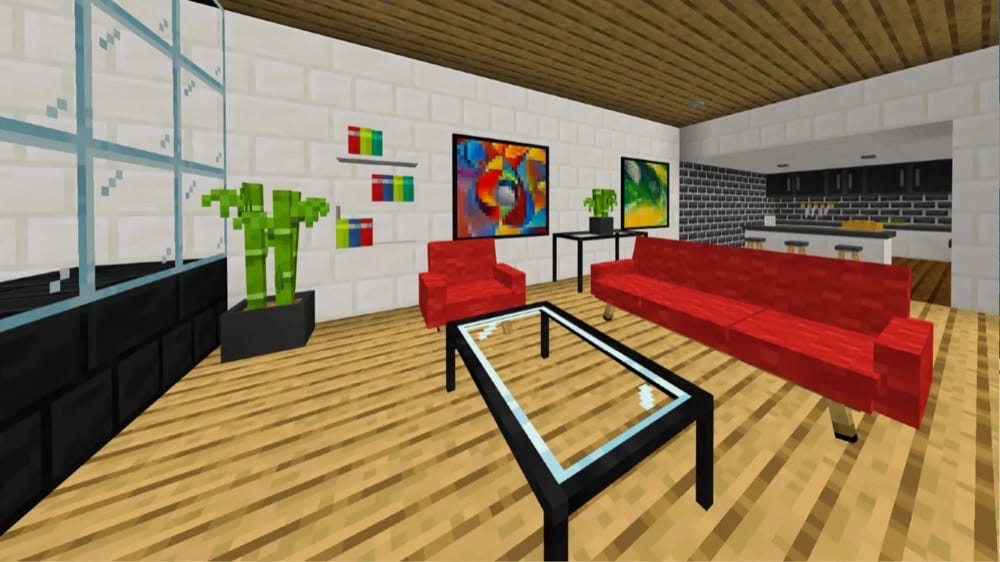
For any modern-style build, the appropriately named “Modern Furniture” addon is a must-have. With more than 800 different items and blocks, it provides almost everything you could imagine needing for a home, office, penthouse, restaurant – you name it.
There are rugs, lamps, desks, tables, bookcases, carpet, and even garage doors. Survival games can access all of these items by using clay balls on a stone cutter, making it very accessible in pre-existing worlds, regardless of game mode.
2. BE Ghoulcraft - Furniture Pack
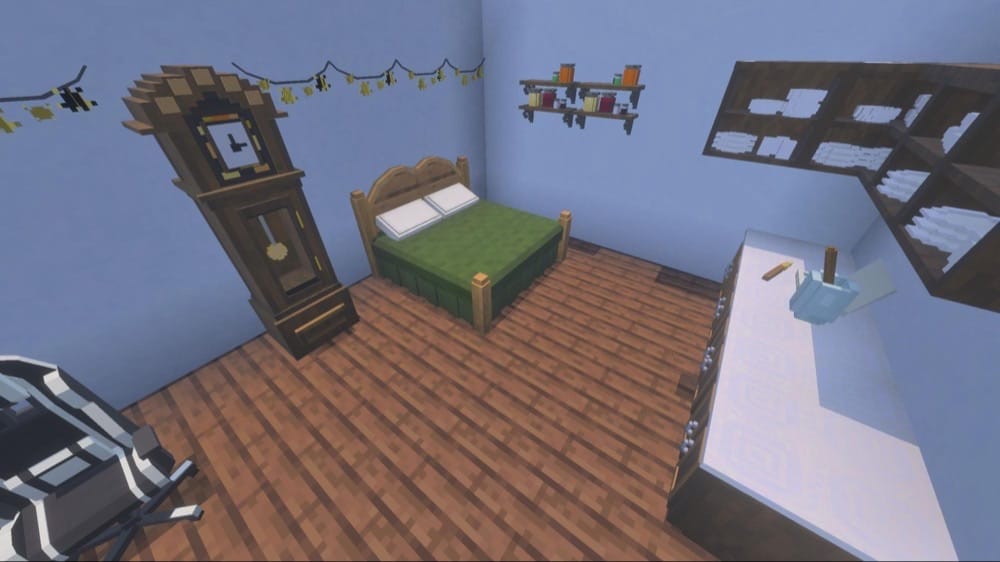
Despite the spooky name, “Ghoulcraft” is a cozy and charming furniture pack. The odd name choice comes from being an unofficial port of a Java Edition mod created by MissGhoul. Their specialty? Rustic and charming.
With a focus on bedroom furniture, this addon enables a variety of beds, chairs, tables, shelves, and more, all in different wood grains and colors. It does a great job of matching the color scheme and style of the default Minecraft textures, making everything feel like it belongs.
3. Mr Cray Fish Furniture Add-on
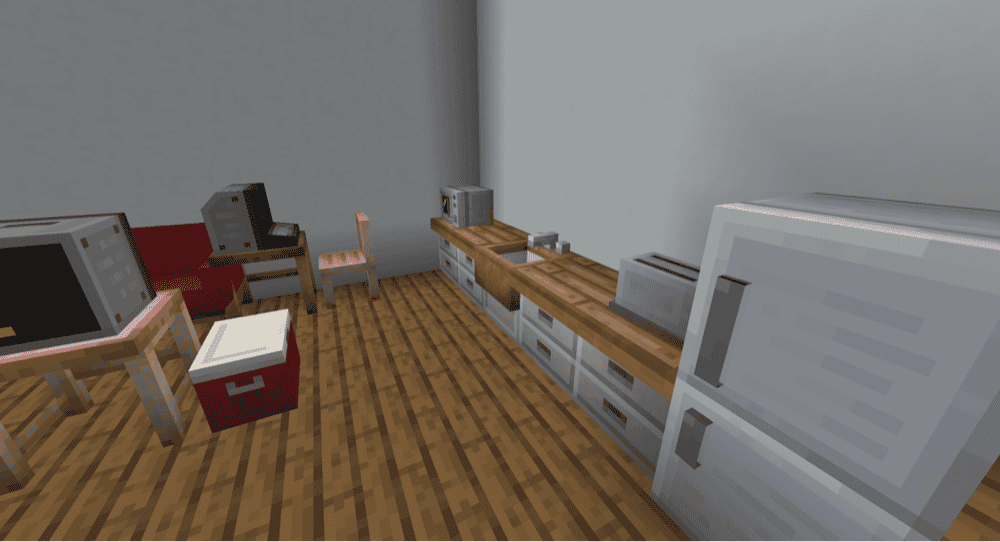
Based on a Java mod of the same name, the “Mr Cray Fish Furniture Add-on” adds a pile of new furniture items into the game’s database. It has all of the items you’d expect, like chairs, cabinets, and curtains, along with some more interesting and uncommon items, like a fridge, bathtub, electric fences, animated fairy lights, and even a functional toaster.
Our favorite thing about this addon is how every item has a unique and appropriate crafting recipe instead of the commonly used stonecutter method. It turns the journey of decorating your home from a chore into a long-term goal, making a fully furnished room all the more satisfying.
4. Feudal Furniture
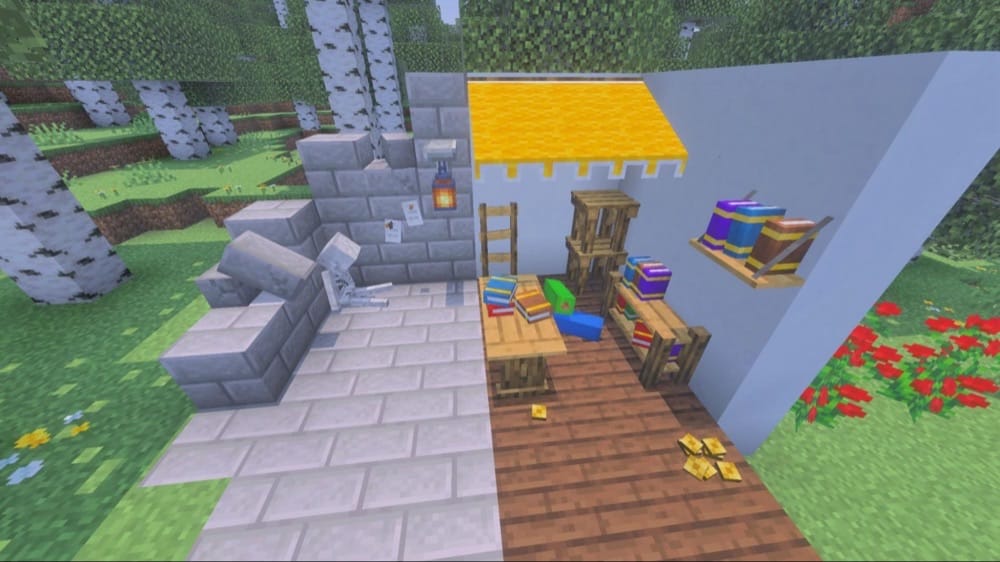
While most other furniture addons strive for adding items outside of Minecraft’s usual style, “Feudal Furniture” embraces it. All of the whopping 800+ items included follow the same graphical and technological style of Vanilla Minecraft, adding chairs, signs, lanterns, and more.
It doesn’t stop at household goods, either. There are loose wooden boards, stray stone bricks, ladders, even decorative skeletons! It’s a great addon for making the entirety of Minecraft look more detailed and alive, and not just a house.
5. BONY162 Furniture Addon
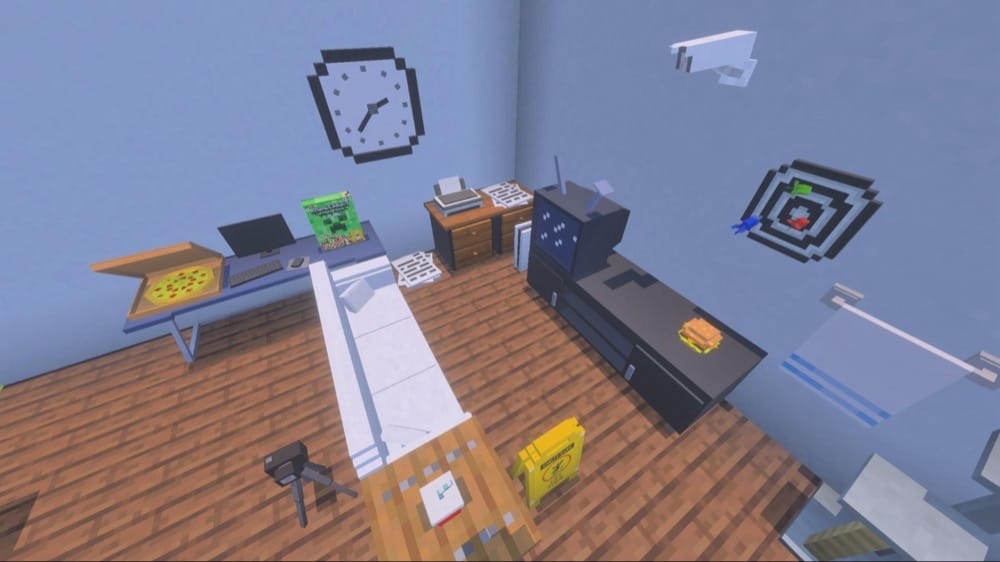
Named after the creator, the “BONEY162 Furniture Addon” is a modern-style furniture mod with over 200 different items. Cereal, arcade machines, dart boards, and documents, this is an addon that sees the idea of “modern” as something cultural, not just another word for sleek, minimalist design.
Beyond tables, couches, and chairs, there’s a rather impressive selection of smaller items to give your world depth and a sense of clutter. Cups, Pizza boxes, toys, cameras, papers – you name it. Not many mods can make a place look lived in like this one can, and we strongly feel that this one delivers.
6. FURNICRAFT ~ Furniture
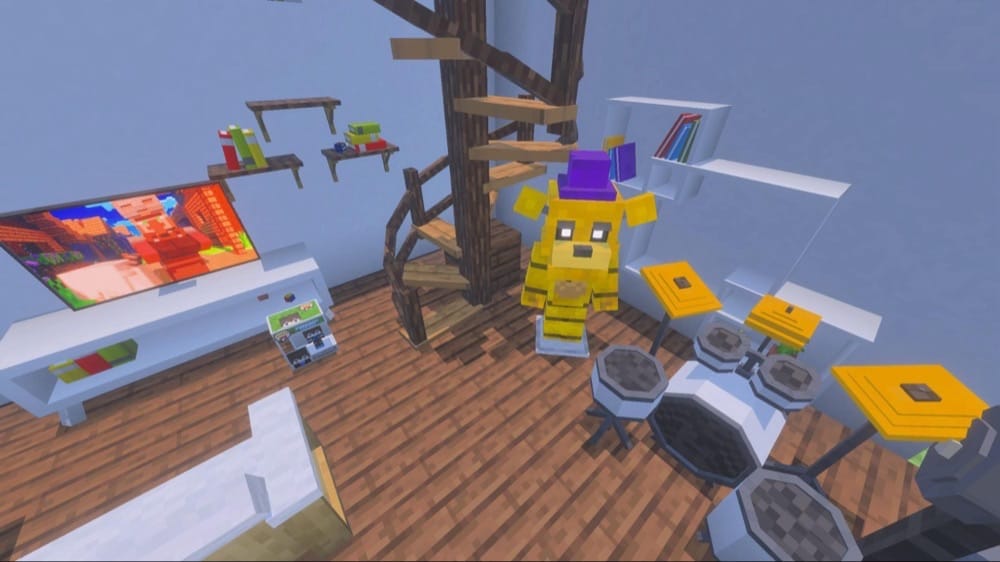
The best thing about the “Furnicraft” addon is how unafraid it is to go big with its items. Instead of keeping things small and to the block limits, this pack provides large spiral staircases, full drum kits, and massive wall shelves. It recognizes that Minecraft can be as large as you want it to be and it runs with the idea.
“Furnicraft” also wears its appreciation for pop culture broadly on its sleeve. The television plays the Minecraft movie, there’s a parody of Funko Pops, and you can even get cosplay items for things like Golden Freddy and Master Chief!
7. Home Electronics
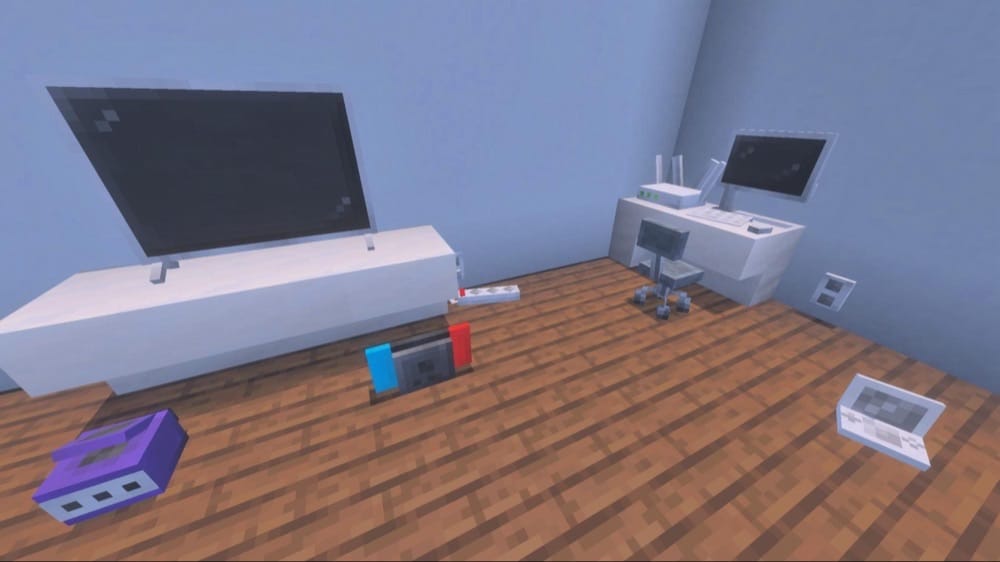
Possibly the only addon to have a four channel Wi-Fi router, “Home Electronics” does exactly what it says on the tin: it gives you a bunch of home electronics. There are wall outlets, TVs, antennas, and even interactive game consoles.
Just keep in mind that this is exactly what it says it is – no more, no less. While it does have an office chair, there aren’t things like coffee tables, couches, or desks. Because of this, we recommend that you use this addon in conjunction with other modern-style furniture mods.
8. Rustic Furniture
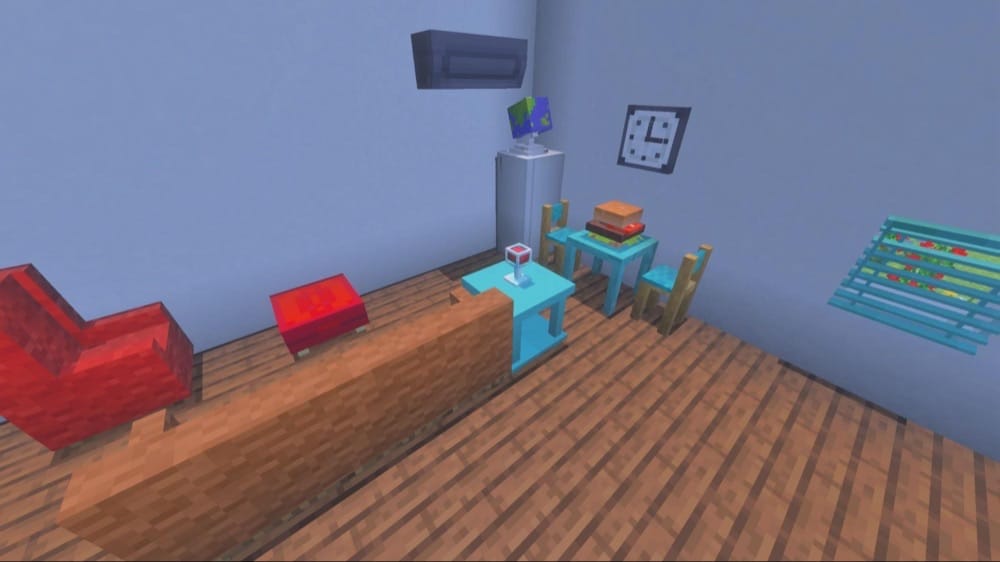
A modest addon with a lot of customizability, “Rustic Furniture” includes the full spectrum of home furniture. There are the chairs, sofas, and tables you expect, along with cabinets, nightstands, ovens, microwaves, mirrors, showers, ladders, and dog kennels. In short, there’s something for every room in the house.
Anything made with wood offers you a choice between the 12 different wood types in-game, including Nether woods like Warped and Crimson. Anything upholstered provides 16 color options as well, making for a very vibrant selection to suit your style. And if you change your mind later, you can always use dyes on existing blocks to re-color them on the fly.
How to Install Minecraft Addons
You can install Bedrock addons automatically from the official Minecraft Marketplace or manually by downloading them from a trusted source like the CurseForge website. For each of the addons above, open the linked project page and download its associated “.mcaddon” file. Opening the downloaded file should launch Minecraft and begin the import.
After the import finishes, edit the world and check both "Behavior Packs" → "Available" and "Resource Packs" → "Available". If all went well, activating the packs included with the addon should add its features to that world. If the project lists an experiment under "Requirements", you should enable it as well before loading the world.
For a complete walkthrough, check out our guide on how to install Minecraft Bedrock addons.
Common Issues and Quick Fixes
I installed and activated the addon, but its still not appearing
Sometimes you may need to install two files – one for the resource pack and one for the behavior pack. Check if you have both installed and active. If not, make sure to visit the addon’s official download page for the missing file and download it.
An electronic item isn’t turning on like it should
Some Bedrock addons require power for electronics, while others might require a tool or item (like a TV remote) to activate. We recommend double-checking the details of the addon’s description page for any information.
If that doesn’t work, try temporarily going into “Creative” mode and checking through the item list for anything that may be missing.
The item I want doesn’t have a crafting recipe
Many furniture mods use the stonecutter block’s UI to provide a wide variety of items easily. The most common combo is to place a clay ball inside the stonecutter, so we recommend starting there. If that doesn’t work, make sure to also double-check the details of the addon’s description page.