What makes for a good survival addon? To some, it might be quality-of-life fixes like dynamic lighting. To others, it's an extra challenge like complex mobs or mechanics. Maybe it’s more about discovering and exploring new things.
Regardless, one thing everyone can agree on is that a good survival addon needs to improve the overall experience when playing on survival mode.
A lot of different addons can fit that description, though. Choosing the right ones for your game can therefore be unnecessarily hard. Some addons might change too much or distract from the survival experience. To make it easier, we’ve picked out all of the most popular, must-have addons for any survival world so you can focus on the gameplay.
1. Raiyon's Java Combat
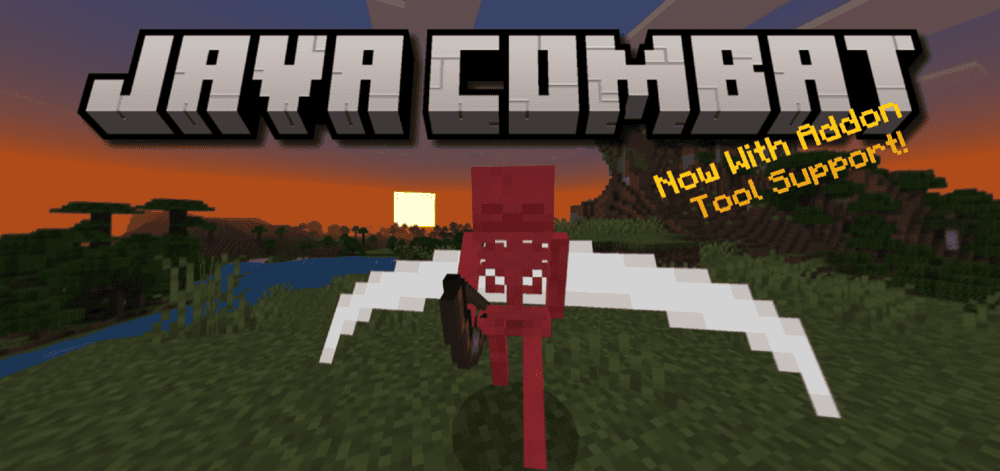
One of the biggest differences between Java Edition and Bedrock Edition is how they handle combat. Bedrock is more straightforward, while Java has extra complexity like weapon recharge rates, special abilities, and shield animations.
The “Raiyon's Java Combat” addon attempts to recreate the Java-style fights in Bedrock. Swords sweep, axes have a longer cooldown, and shields don’t push you back anymore. It’s a must-have addon for anyone coming from Java Edition and wanting a more familiar survival experience.
2. Better on Bedrock
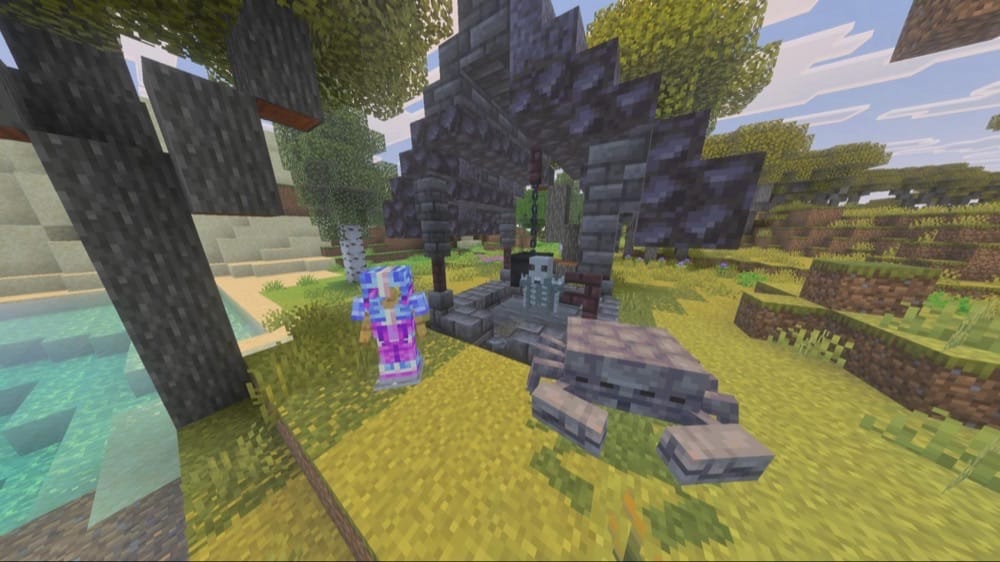
One of the more strongly worded contenders on this list, “Better on Bedrock” lives up to its name by being one of the most expansive addons for Bedrock Edition. This pack, aimed at creating an all-around more fun and interesting game, adds new biomes, mobs, items, structures, and more.
Fight basalt crobers, discover waystone towers, and craft stardust armor. You can even walk on top of the void by eating an End Strew, and trade runes with a lonely wizard. What makes it even more impressive is how well it all blends into the vanilla game. If we’re being honest, it feels more like a vanilla expansion and less of your typical addon.
3. System Dynamic Light
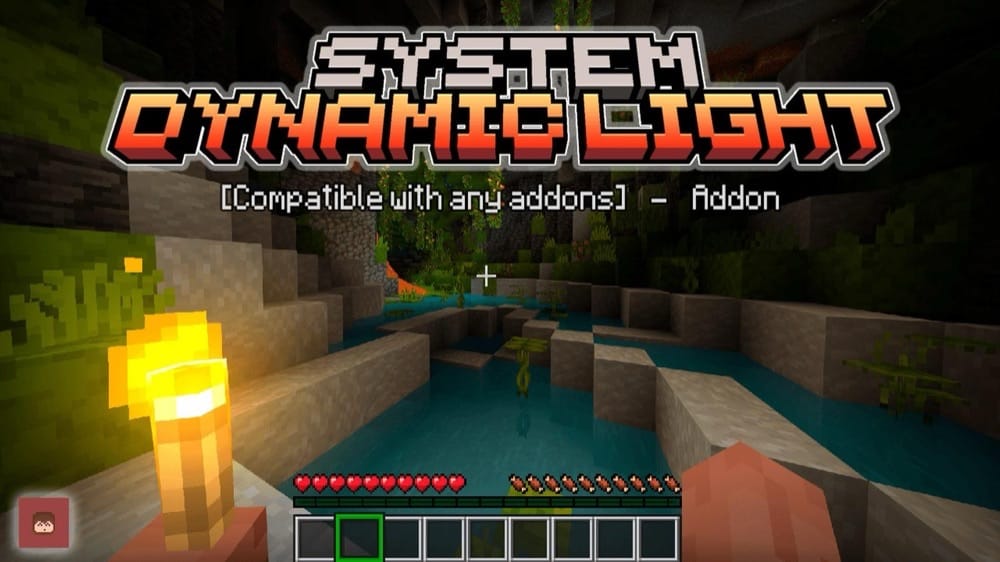
While not the most exciting addon on our list, “System Dynamic Light” solved Minecraft’s oldest flaw: not being able to hold a light source. In all of the most classic adventure stories, the hero is holding a torch as they navigate some cave, ruins, or temple. So why can’t we?
With this addon, holding a torch in your hand creates the equivalent amount of light around you, following you as you walk around. By activating the torch in open air, you can even set it to your off-hand, freeing your main hand for combat, mining, or more. This makes it one of the best quality-of-life addons for any Minecraft survival world.
4. More Body Actions + Pickup & Carry!
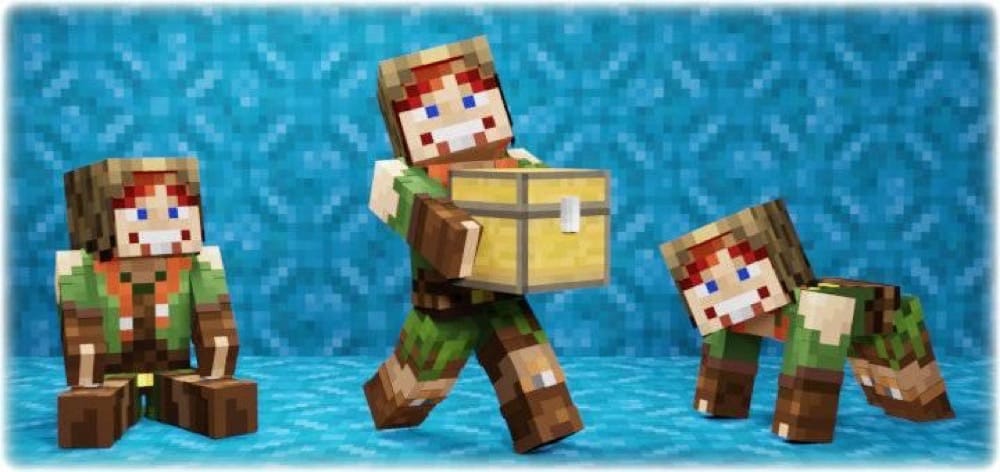
For a game made of giant cubes, Minecraft doesn’t need to be so rigid. Jump without moving, and crouch with a slight bend, that’s more or less it. The “More Body Actions + Pickup and Carry” addon gives your character more dynamic, fluid motion that better reflects how a person might move. Now you can crawl, squeezing through one-block-tall tunnels, or grab the ledge of a wall and pull yourself up.
You can even pick things up, including chests and mobs, and carry them around. This makes transporting large cargo or livestock as easy as it should be. For multiplayer games, you can also now better express yourself with unique sitting and laying down poses and animations.
5. Edds' VeinCapitator
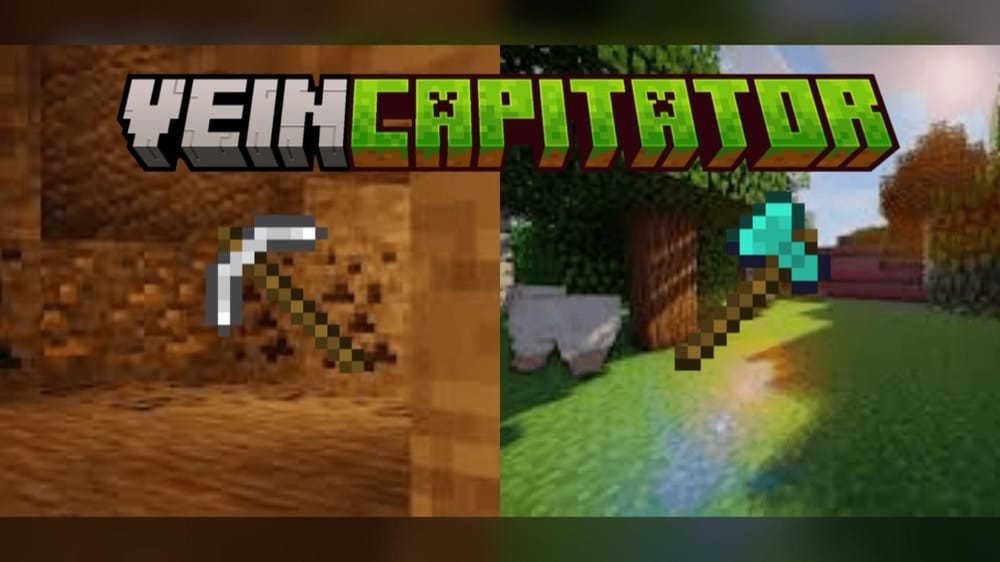
The amount of ore you’ll mine and trees you’ll chop in a single playthrough is likely much more than you imagine. But you don’t need to spend half your life breaking blocks.
A playful portmanteau of vein miner and tree capitator, “Edds’ VeinCapitator” is an addon that gives two of the most popular abilities in Minecraft Bedrock. With the vein miner function, crouch-mining any block of ore with a pickaxe will instantly mine out every single ore touching that block.
Now, you can mine entire veins in one go. For the tree capitator, crouch-chopping a tree with an axe will cause the entire tree to break. No more digging out extra stone for that last bit of iron, or having to climb up stumps to reach the top logs of a tree. It feels more authentic and saves time – two valuable qualities of every long-term survival world.
6. True Survival - Zombie Apocalypse
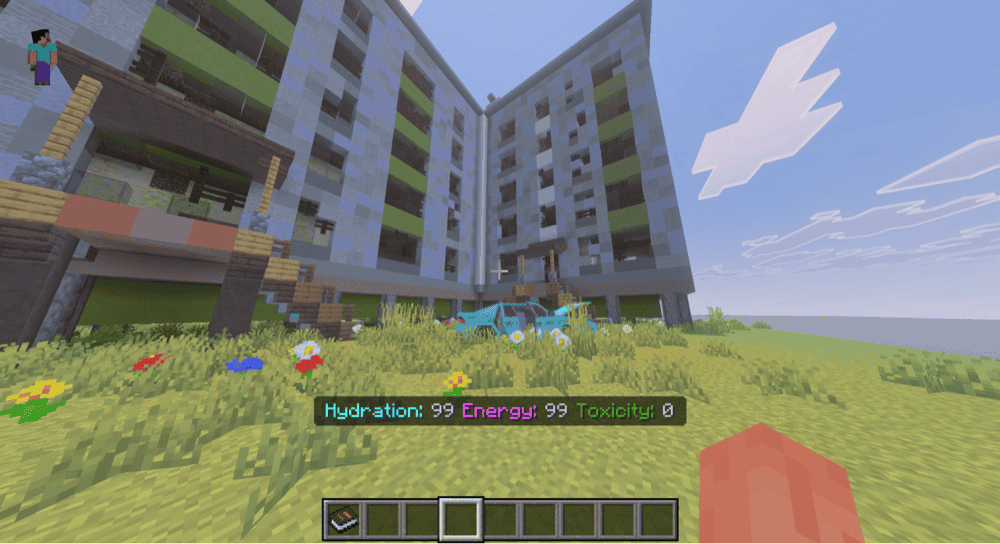
It can be easy to disregard “True Survival - Zombie Apocalypse” as just another zombie addon. But anyone willing to give it a try will discover that it’s an all-encompassing pack that expands on the entire concept of survival.
Here, you’re tasked with managing hunger, energy, and even toxicity levels. Eat food before it spoils, fix broken legs with a brace, and repair your own vehicle to ride around.
There’s still the classic zombie experience, of course. Zombies can spawn anywhere, sporting new animations and dropping special loot. Craft unique weapons like nail guns and chainsaws, and explore custom zombie-infested structures.
All in all, we feel like there’s enough here to turn any Minecraft world into a proper survival experience, even without any zombies being involved.
7. Farmer's Delight Bedrock
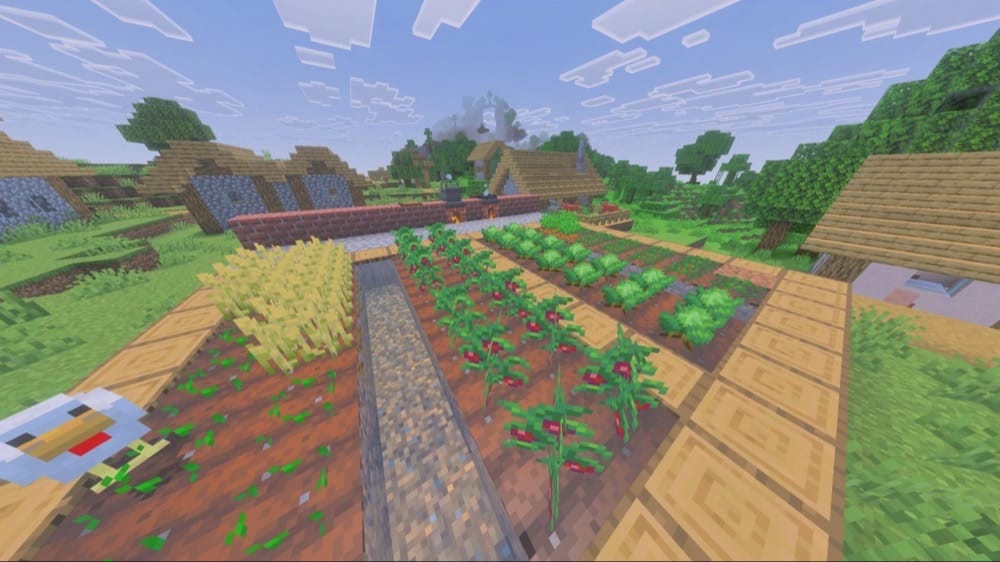
An unofficial port of a Java Edition mod of the same name, “Farmers Delight Bedrock” is an addon that expands on both the farming and cooking aspect of the game. Grow a wider variety of vegetables, like tomato and cabbage. Improve soil quality to get more food faster, and use your newfound bounty to cook a wide variety of meals.
Make dumplings, kebabs, chicken sandwiches, salads, and even horse feed. In fact, there are over 40 new dishes to make! Complex dishes have multiple cooking steps, but offer greater hunger restoration as well. But let’s be honest, we don’t care how long it takes – we’ll do anything for a Minecraft cheeseburger.
8. More Tools Addon
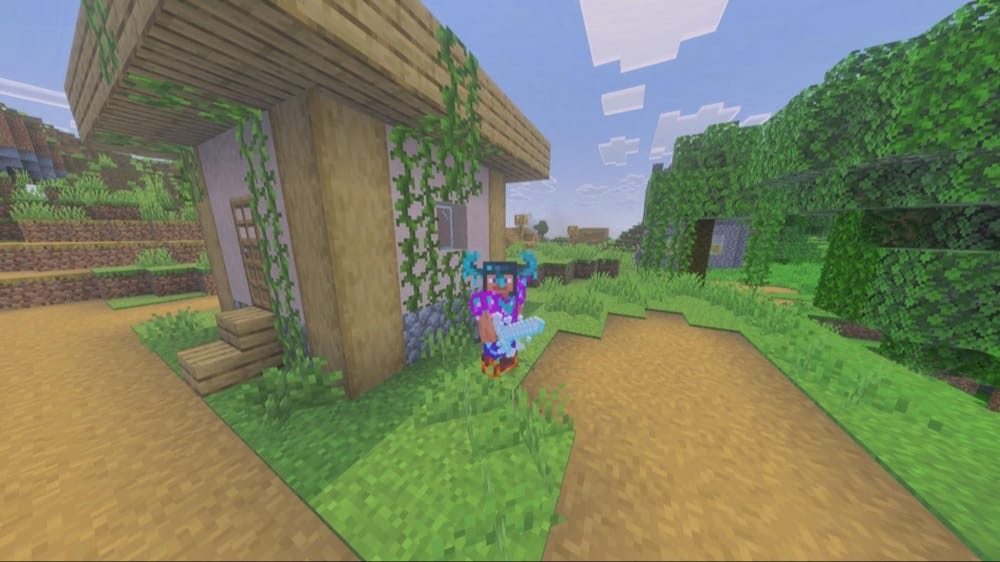
Tired of seeing iron and diamond? The “More Tools Addon” pack has the answer. It introduces a bunch of different varieties of material to make tools out of. The focus of these tools are to enrich the established gameplay loop of Minecraft. Some are stronger, some have more durability, and some have bonus effects. But overall, they exist to provide more things to do and more equipment to use in your survival world.
Every material and tool is proportionally balanced to how hard they are to make, so there’s a constant feeling of progress as you upgrade your weapons and armor again and again. Before you know it, you’ll always be on the hunt for the next best material, giving you something to strive for in your survival world.
9. True Backpack
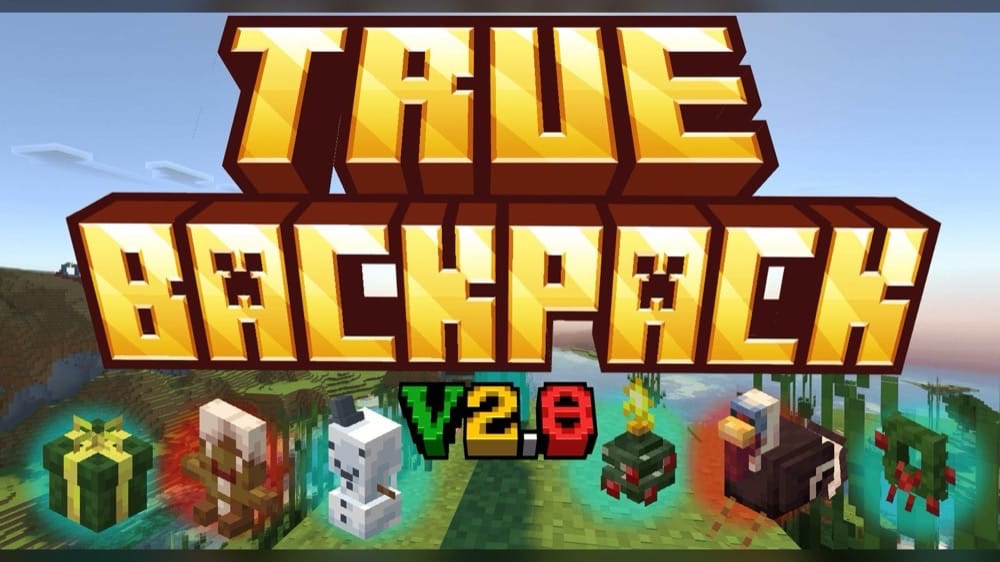
Minecraft’s survival mode is a never-ending battle with inventory space. The “True Backpack” addon turns that problem into its own game mechanic. As the name implies, you can craft your own backpacks, expanding your inventory. Wear them for portable storage or place them down in the world to rummage through them.
It doesn’t stop there, however, as you can also work towards upgrades like giving your tool a magnet-like effect or making it soul-bound so it's not lost on death. Beyond that, there is a wide variety of different backpack designs to explore, like a capybara, christmas present, or pumpkin.
With this addon, solving storage space can quickly become a fun side quest for the right materials, or a collect-a-thon hunt for every backpack variety.
10. Raiyon's Java Saturation & Regeneration
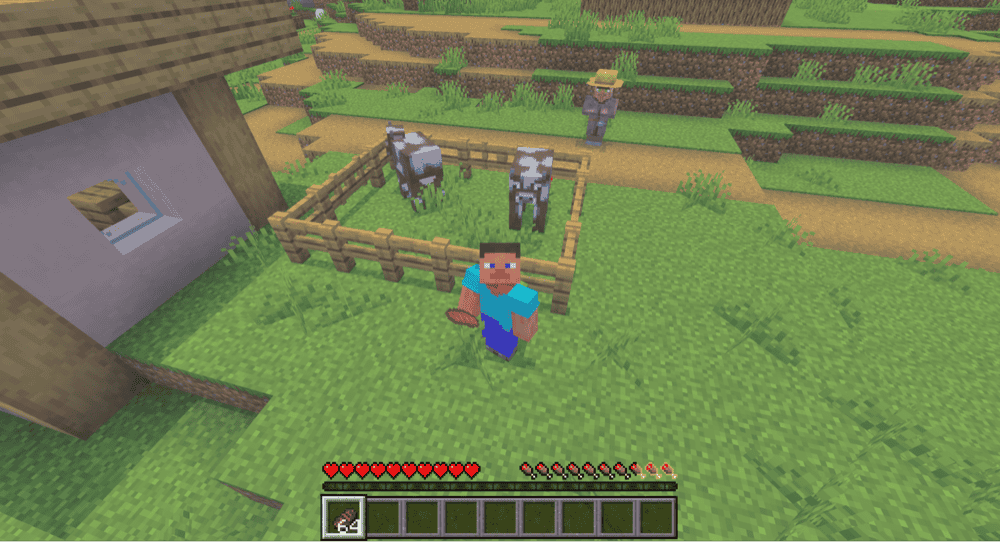
Another Java Edition recreation by lordraiyon69, the “Raiyon's Java Saturation & Regeneration” pack changes Bedrock Edition’s hunger system to be closer to how it works in the other edition.
Food goes beyond hunger with this system as each food item has a hidden saturation value. Every second, you naturally trade saturation for healing. This means that high saturation foods will heal you better than, say, bread will. This makes food a more valuable and effective survival resource, and gives you more reasons to make more complex food items like pies. Now, the difference between life and death could be something as simple as mushroom stew!
How to Install Minecraft Addons
You can install Bedrock addons automatically from the official Minecraft Marketplace or manually by downloading them from a trusted source like the CurseForge website. For each of the addons above, open the linked project page and download its associated “.mcaddon” file. Opening the downloaded file should launch Minecraft and begin the import.
After the import finishes, edit the world and check both "Behavior Packs" → "Available" and "Resource Packs" → "Available". If all went well, activating the packs included with the addon should add its features to that world. If the project lists an experiment under "Requirements", you should enable it as well before loading the world.
For a complete walkthrough, check out our guide on how to install Minecraft Bedrock addons.
Common Issues and Quick Fixes
I installed and activated the addon, but it’s still not appearing
Sometimes, you may need to install two files – one for the resource pack and one for the behavior pack. Check if you have both installed and active. If not, make sure to visit the addon’s official download page for the missing file and download it.
A texture or animation isn’t working
If you have multiple resource packs, they might accidentally overlap each other, deleting or replacing graphics or animations. The easiest way to solve this is to change the load order of each pack.
Go to your "Resource Packs" settings, find the pack that isn’t working correctly, and move that to the top of the list by dragging it. You may need to reload the game for this to take effect, though.
Why are these items suddenly in my inventory?
Many addons will give you items the first time you install them. These items are usually either books that explain how the addon works, or a way to open up the configuration settings.
We strongly recommend keeping them, as you might need to reference the information or change a setting once you’ve gotten accustomed to the addon.