Arguably the king of enchantments, no such effect is as sought after as Mending. After all, it keeps your most valuable, one-of-a-kind tools from breaking and being lost forever.
Except… sometimes it doesn't. Mending has a somewhat unconventional repair mechanic that, if not kept in mind, can lead to your favorite pickaxe breaking without you ever realizing it.
Fortunately, just understanding the rules of Mending can be enough to make the most of its effect. In this guide, we'll explain everything Mending does, how to get it, and even look at a few Minecraft mods that might make for a better alternative.
What Is the Mending Enchantment?
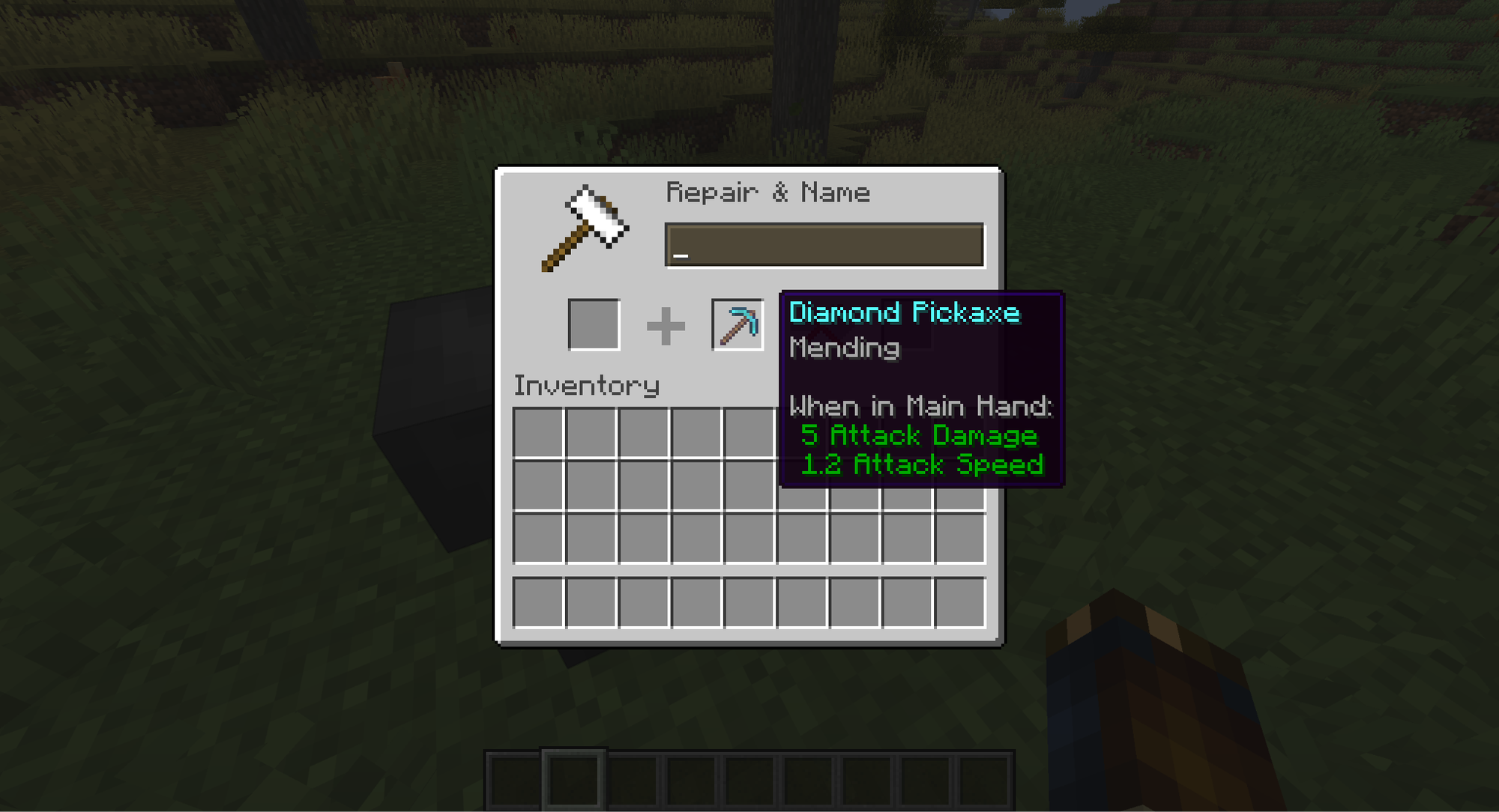
Mending is an enchantment – a bonus effect that is constantly being applied to the tool, weapon, or armor piece it's equipped onto. When an item with Mending is actively equipped (being worn or held in either hand), and you pick up an experience orb, that experience is directed into the item instead. The experience is then converted into restored durability points at a rate of two durability points for every experience point.
Any kind of experience orb counts, so even mining ore and collecting ingots from a furnace will go toward fixing your gear. Combat is the other main source of experience. Since this is also the main source of damage to armor, battles usually result in a net positive in durability.
Tip: Mending works especially well when combined with the Unbreaking enchantment. While Mending restores an item's durability using experience points, Unbreaking gives the item a chance (up to 30%) to avoid losing durability when used. Combining both enchantments therefore allows an item to retain its durability for longer while also repairing itself through experience points.
Why Mending Matters to Players
With multiple different ways to repair tools and armor, it can be easy to overlook why Mending is so valuable: it ignores the exponential repair cost.
The game keeps track of every time you use an anvil to repair an item, whether it's combining two items or just adding the relative material on. It then uses that number to increase how much experience it will cost to do it again later.
Do this again and again, and you'll eventually hit the cost limit of 40 levels. At that point, the game won't let you repair it again.
When that happens, the Mending enchantment is the only way to restore durability on that item. Except if you don't have it on there already, you can't add it on, since you already hit the anvil cost limit. That item is then doomed to one day break.
Tip: by getting Mending and applying it to the weapon early on, you can minimize the number of anvil uses to only when you're applying your best enchantments.
Situations Where Mending Doesn’t Help
As great as this enchantment is, it’s not a bullet-proof solution for item repairs.
First off, Mending is not ideal in situations where a lot of damage is taken but no experience is gained. Falling in lava or fighting a high HP boss mob, for example, can mean your gear will wear down before it can even get a chance to repair itself.
And since the item needs to be actively held to gain the restorative effect, having multiple tools will also mean swapping between them when receiving experience orbs to ensure they get repaired in time.
The other big downside is that you don't get that experience for yourself. You'll likely notice that you'll level up slower when you have a lot of Mending-enchanted gear on.
How to Get Mending
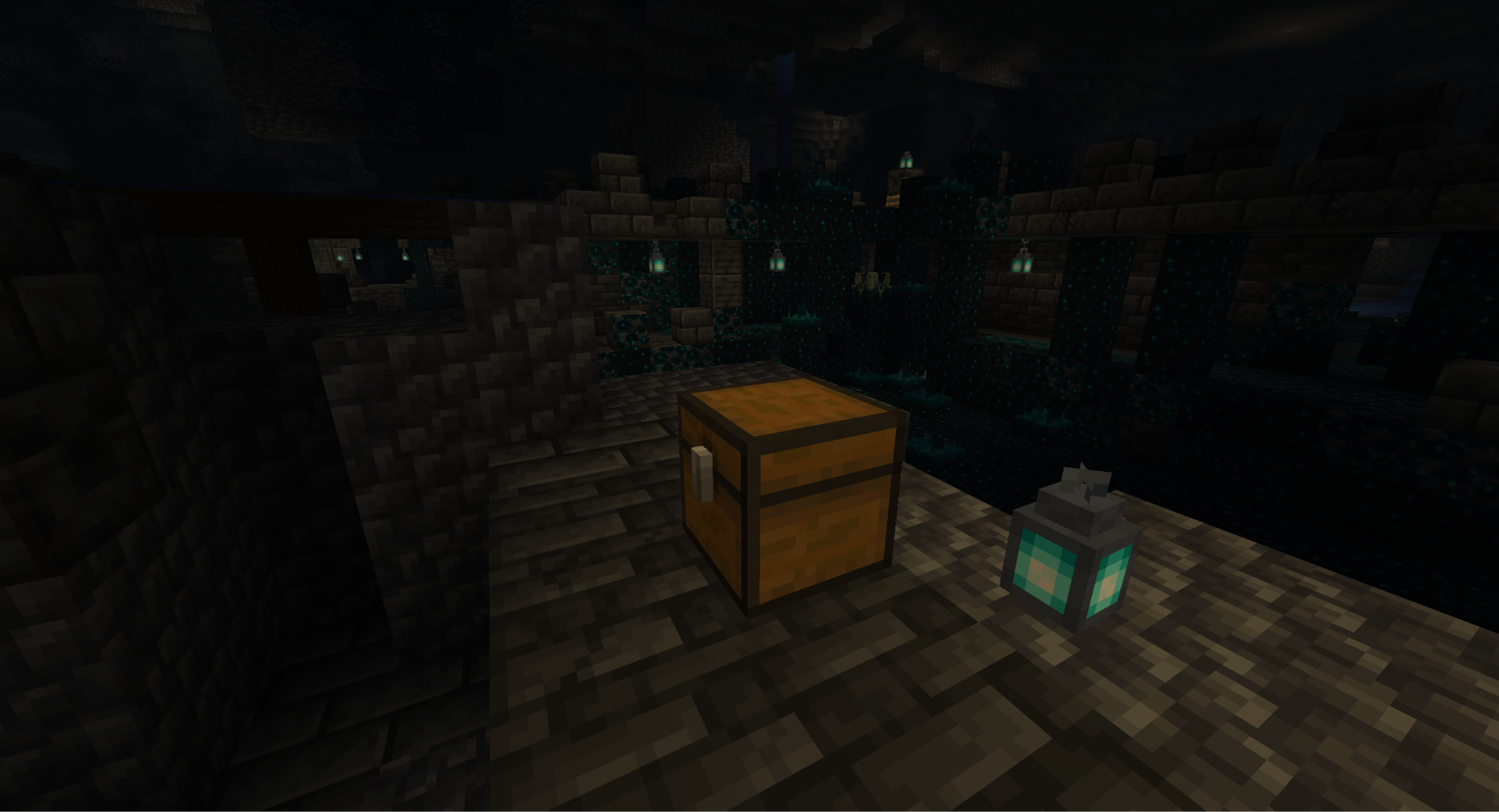
Mending is classified as a "treasure enchantment," which means it's treated as a treasure item and therefore cannot be obtained from the enchanting table.
The best way to find Mending is to look for an enchanted book in one of the many structures throughout the world, specifically:
- Trial Chamber (in vaults);
- Desert Pyramid;
- Mineshaft;
- Jungle Pyramid;
- Bastion Remnant;
- Stronghold;
- End City;
- Ancient City.
The more dangerous the place, the more likely you are to find a Book of Mending.
Alternatively, you can try trading with a librarian villager. Every librarian will sell one randomly chosen enchanted book at each level up except Master, for a total of four. The enchantment is chosen at random with equal odds and includes treasure enchantments like Mending.
From our experience, It would take an average of ten different librarians before Mending might appear, but that can still be faster than exploring for treasure loot.
Minecraft Mods For Repairing Your Gear
Keeping your long-term gear repaired is invaluable, sure. But after a point, the hassle of finding a Mending-enchanted book outweighs the benefits. If you're interested in other methods of repair that don't sacrifice dozens of hours, consider modding!
These community-made modes all offer some level of improvement over Mending.
Tinkers Construct
This popular material smelting mod is best known for allowing you to create customized tools and weapons from numerous different materials. Think of things like a crystalline bow that deals massive damage, but can only shoot four directions, or a shovel you can eat!
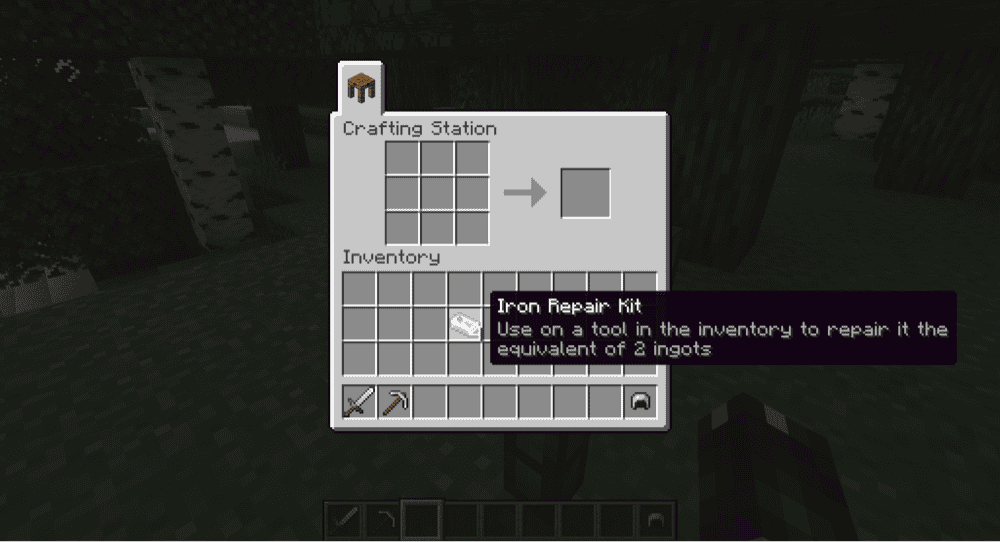
“Tinkers Construct” also includes repair kits – craftable items that, when activated, restore some durability to the item. Just make sure it's made of the same material as what you want to repair!
Silent Gear
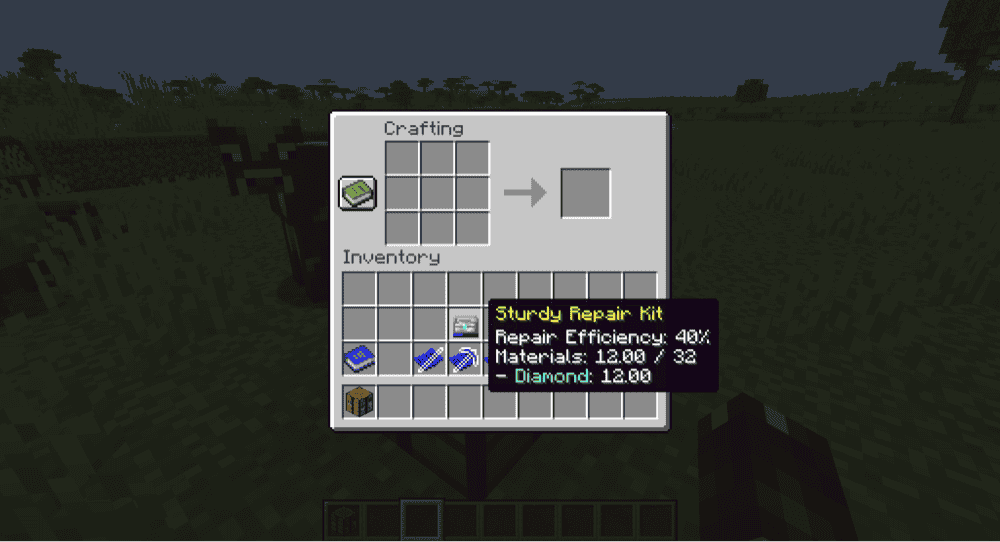
Another crafting rework, the “Silent Gear” mod is actually a branch off of the Silent’s Gems mod, implementing the gear crafting system without the numerous multicolor gems from the original. This is ideal for anyone wanting to focus on the equipment and not gem hunting.
One notable item includes the Repair Kit, which can be preloaded with resources and then used to repair your tools, weapons, and armor. It's a convenient way to condense extra materials and keep your best gear durable.
Better Than Mending
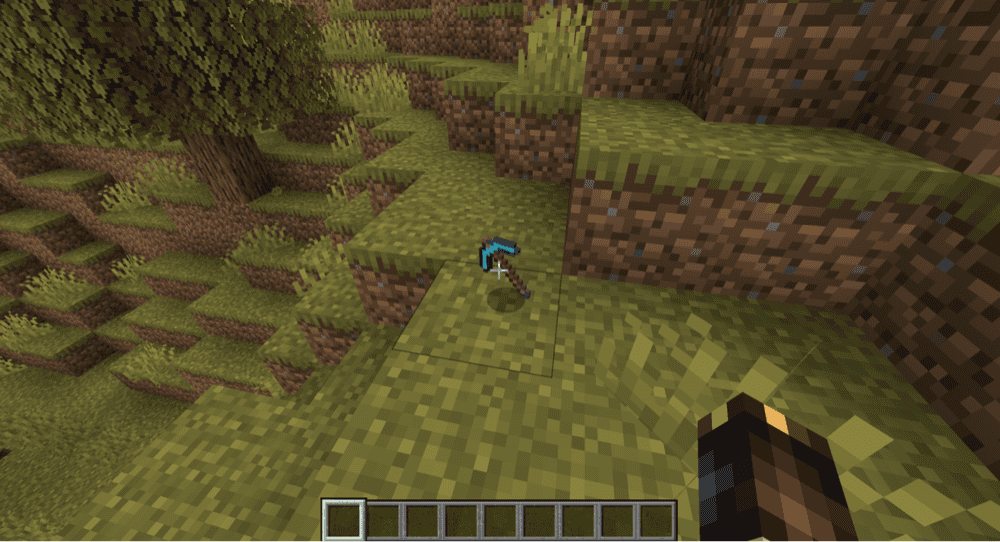
A more straightforward mod meant as a quality-of-life fix, “Better Than Mending” simply allows you to spend your already accumulated experience levels to repair the item in your hand.
It's a small change, but it solves all of the greatest flaws of the vanilla Mending enchantment.
How to Install Minecraft Mods
You can install the above mods automatically using the CurseForge app or manually by placing the mod files within your game’s mods folder. Both methods allow you to easily add custom features and enhancements into your vanilla Minecraft experience.If you want to learn more, you can read our detailed guide on how to install Minecraft mods.
Common Issues and Quick Fixes
My bow won't accept the Mending enchantment
Some enchantments are incompatible with each other, preventing them both from being on the same item. Mending's only incompatibility is the Infinity. If this happens to you, check whether your bow has infinity on it already.
My Mending-enchanted item isn't being repaired
The item with Mending needs to be actively equipped in order to absorb experience orbs. Make sure you're holding the item when you pick the orbs up.
One trick is to hold the item in your off-hand slot. Your normal actions will still use your main weapon and it will still benefit from the Mending effect.
Adding Mending to my item is "too expensive"
Mending is a fairly expensive enchantment to add to an item. This means that, even when you can afford to merge it with other things at the anvil, merging it with an enchanted Book of Mending might still pass the "too expensive" mark.
Unfortunately, there's nothing you can do in-game to bypass this. The only exception is to use console commands to force the enchantment onto the item anyway.