Adventure maps give Minecraft a different kind of survival loop. Instead of setting every goal yourself, you step into a world built around objectives, custom terrain, handcrafted challenges, dungeons, puzzles, story moments, or themed exploration. Some maps only take an hour or two, while others turn Minecraft into a much longer RPG-style experience.
In this guide, we’ll cover what to look for in a good adventure map, how to browse popular adventure maps on CurseForge, and which maps are worth checking by community download visibility and gameplay hook.
We’ll also cover mods that take the adventure-map idea further by adding dungeons, structures, and progression-focused exploration directly into normal Minecraft worlds.
What Makes a Good Adventure Map?
The best adventure maps tend to have a few things in common: a clearly defined goal or story that gives the exploration meaning, dungeons or challenges that test the player rather than just look impressive, and enough variety in environments to stay interesting across the playtime. Maps built around a single visual theme with no gameplay depth usually feel flat quickly.
Playtime matters, too. A map that advertises 30 hours of content and actually delivers it is rare. Most fall into two categories: tighter, more focused experiences in the 1 to 4 hour range that are well-polished throughout, and large open-world RPG-style maps that can run much longer but often have inconsistent pacing. Both are worth playing for different reasons.
Custom resource packs can be a good sign that the creator put extra work into the map's atmosphere, especially when they include custom textures, sounds, or music.
Types of Adventure Maps
While the list is no doubt diverse, we can generally identify four main types of maps:
- Dungeon crawlers: these are one of the most common adventure map formats. You face a series of challenges, fight mobs, and collect loot by making your way through a sequence of rooms or floors. Good dungeon crawler maps usually have enemy variety, clear room progression, and rewards that feel worth chasing. Simpler ones can still be fun, but they may feel repetitive if every room plays out the same way.
- Open-world RPG maps: these are another major category, and they are usually the most ambitious. They can include full worlds with towns, biomes, quest givers, skill systems, and sometimes multiple dimensions. They feel closer to standalone RPGs played inside Minecraft rather than traditional maps.
- Story maps: these prioritize narrative over challenge. They are usually shorter than open-world maps, often taking you around 1 to 3 hours to beat, and focus on atmosphere, dialogue, scripted moments, or a self-contained story.
- Puzzle and escape maps: These are smaller-scale maps, often around 20 to 60 minutes, focused on logic puzzles, traps, parkour, or escape-room-style sequences rather than pure combat.
Where to Find Adventure Maps
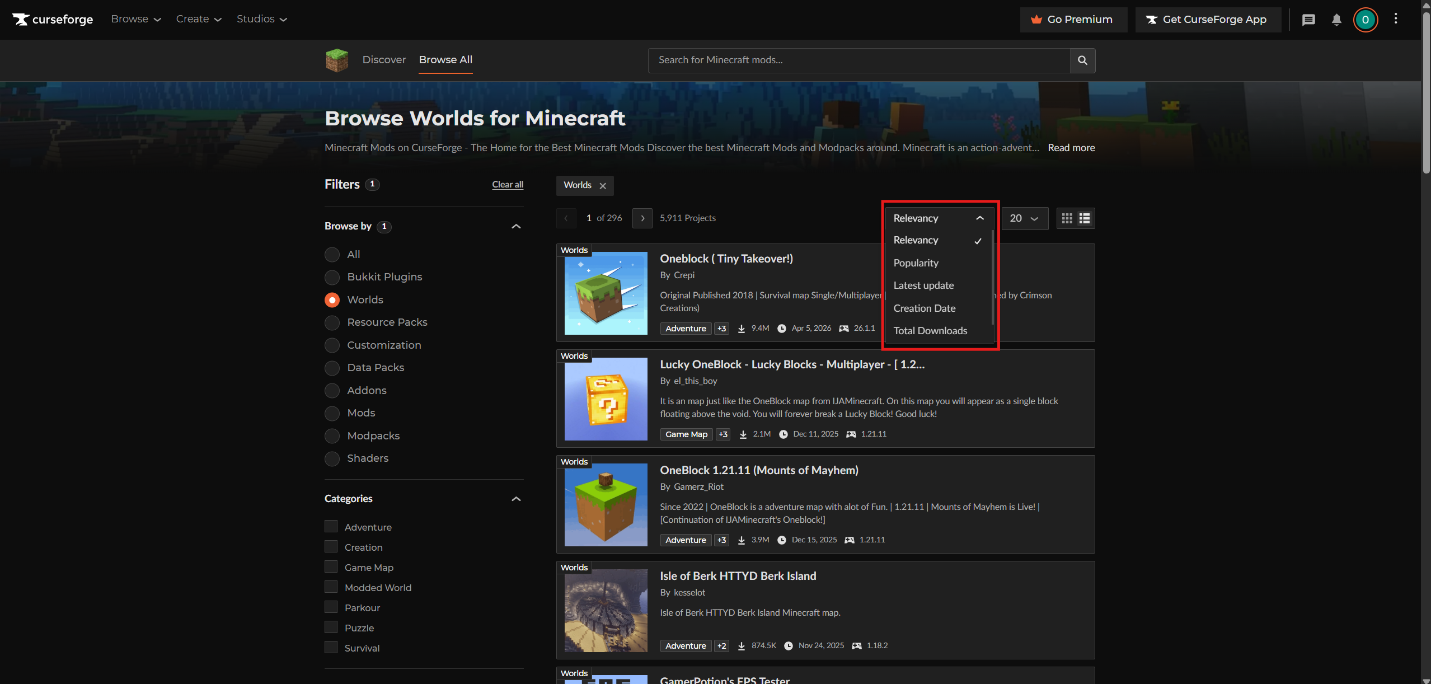
CurseForge hosts adventure maps under the Minecraft Worlds section. Use the "Adventure", "Game Map", "Puzzle", "Survival", and game-version filters to narrow down maps that match your setup. CurseForge also lets you sort by relevancy, latest update, popularity, creation date, and total downloads, which makes it easier to avoid very old maps unless you specifically want a classic.
Tip: When choosing a map, check for any requirement before downloading. Many older maps were built for 1.8 or 1.12 and won't work properly on current versions without downgrading your installation, while others can require you to install specific mods. Maps on current versions (1.20.x or 1.21.x) are worth prioritizing unless you specifically want to play an all-time classic.
Top Adventure Maps on CurseForge by Community Downloads
We picked the maps below from the kind of adventure-category worlds players can find on CurseForge, focusing on projects with strong community download visibility or a clear gameplay hook. Some are traditional adventure maps, while others lean into survival challenges, city exploration, lucky block chaos, or mod-integrated worlds.
1. Oneblock (Tiny Takeover!)
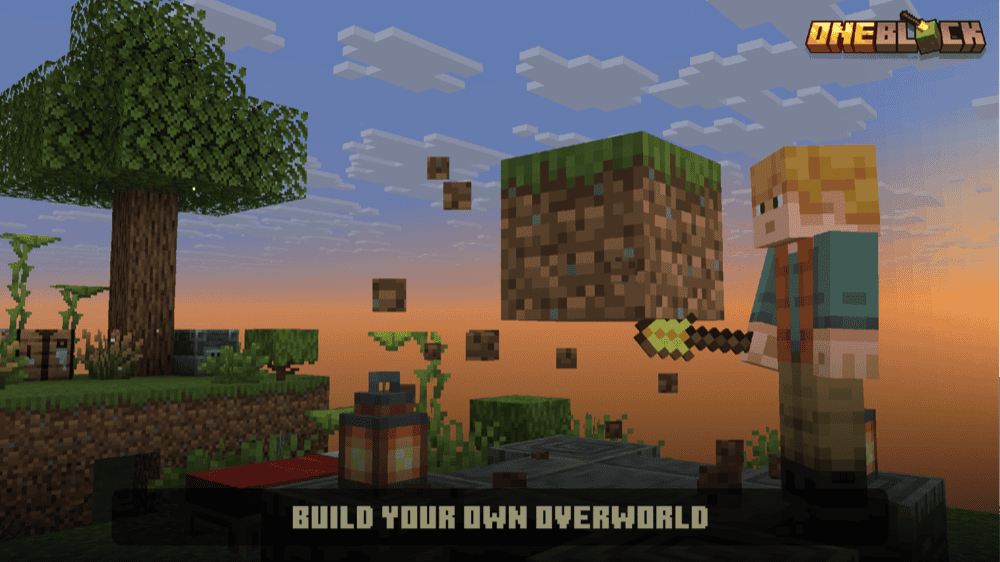
“Oneblock (Tiny Takeover!)” is a survival challenge map where the world begins from a single block instead of a normal Minecraft landscape. The goal is to keep breaking, building, and expanding from that one starting point until you restore the Overworld and create a fully playable world around it.
The map uses progression steps to unlock new blocks, villagers, trials, Nether content, and End progression as you play. It also supports multiplayer, so it works for players who want a shared skyblock-style adventure where everyone builds the world together from almost nothing.
2. Voidblock – Skyblock
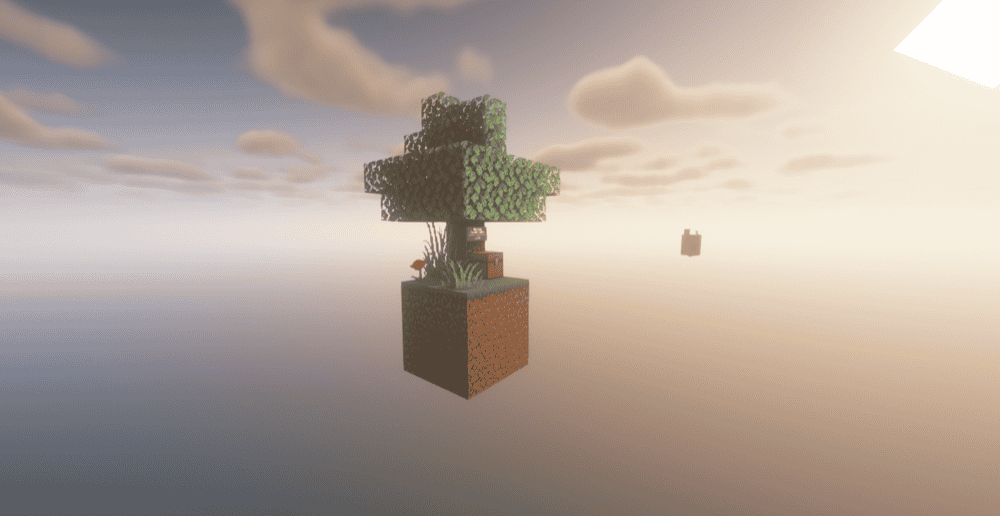
“Voidblock – Skyblock” modernizes the classic Skyblock setup for newer Minecraft versions. Instead of starting in a normal world, players begin on a small island in the void and build outward using limited resources, updated islands, renewable resource recipes, and progression built around survival in an empty world.
It works as a survival-focused adventure map rather than a story-heavy quest map. The map features multiple island sizes, multiplayer compatibility, localization support, a hardcore version, and a portable version that lets players add the datapack to other worlds. It also includes update-friendly files that help the map keep working across newer Minecraft versions, plus a portable version for players who want to use the datapack in other worlds.
3. LuckyMap
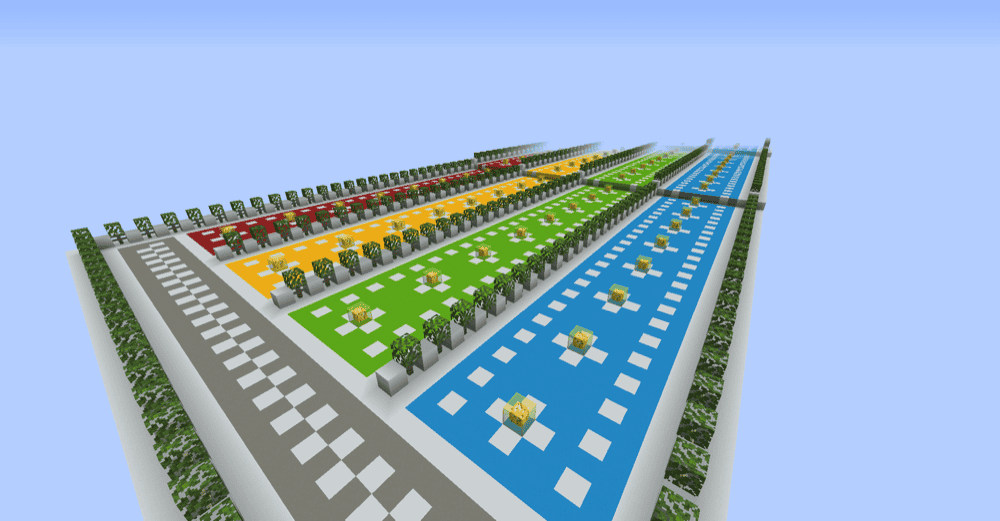
“LuckyMap” is a lucky block-style map built for 1 to 4 players. Lucky block maps are based around opening special blocks that trigger random outcomes, which can mean useful rewards, dangerous mobs, traps, explosions, structures, or other surprises. Instead of a long story or open-world RPG setup, the map focuses on quick multiplayer chaos where players react to whatever the lucky blocks give them.
4. Radiant City Official
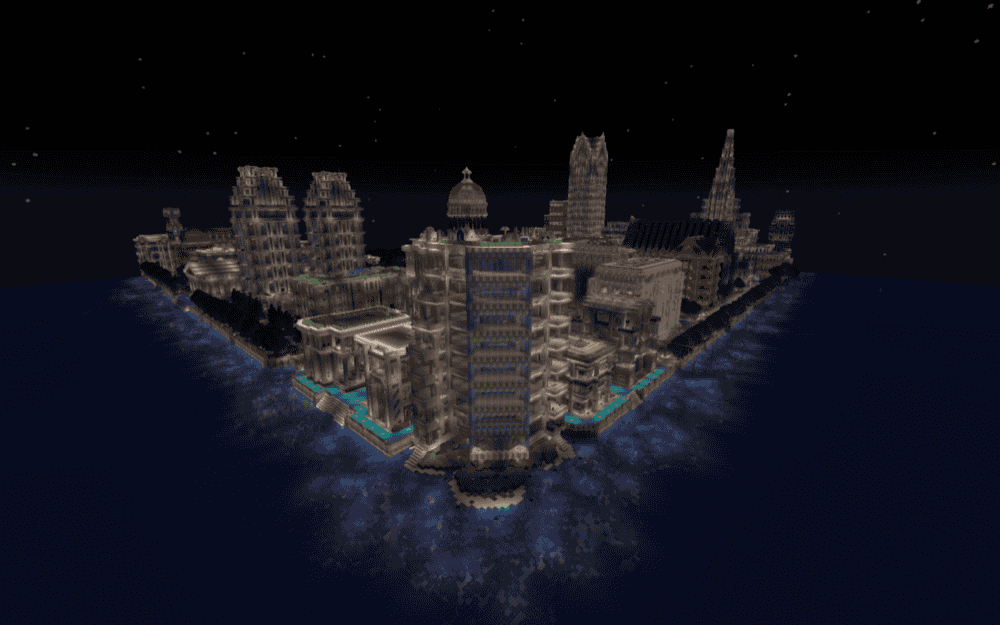
“Radiant City Official” is a large city adventure map built around exploration, trials, RPG elements, metro travel, dungeons, and handmade urban locations. It is designed for "Adventure" mode and can be played solo, in co-op PVE, in versus PVP, or as an exploration-focused map.
The map includes dozens of unique buildings with interiors, multiple metro lines, roads, waterways, teleport systems, sewers, underground caves, quests, secrets, advancements, sounds, paintings, and integrated resource-pack content. It is a good fit for players who want an adventure map that feels more like a full city world than a short challenge map, especially if they enjoy finding quests and trials on their own.
5. Isle of Berk HTTYD Berk Island
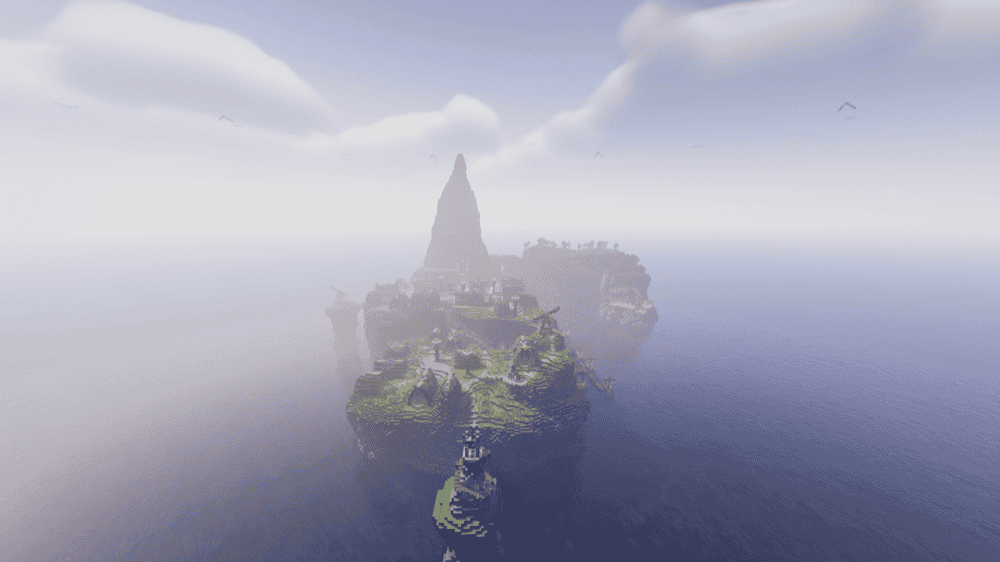
“Isle of Berk HTTYD Berk Island” recreates Berk Island as a 1:1 Minecraft map for players who want an exploration-focused world based around the Isle of Berk setup. Instead of being a standard survival spawn or puzzle map, it is built as a detailed themed island that works alongside the Isle of Berk Mod.
This map needs the right modpack setup because dragons already spawn in and around the island. Use one of the listed modpacks – “Scales and Skies”, “Claws of Berk”, or “Across the Archipelago” – so the “Isle of Berk” mod content loads correctly. That makes it a better pick for players who want a themed exploration map with modded creatures already built into the world.
How to Install Minecraft Worlds
Choose the Right Map Version
Before downloading, check the map's Minecraft version, required resource packs, datapacks, mods, or modpacks. CurseForge lets you filter Minecraft Worlds by category and game version, and map pages can include "Download" or "Install" options.
Install Through CurseForge When Available
Click "Install" on the map page if you want the easiest setup. CurseForge handles the download for you and adds the world to the correct Minecraft profile.
Download Manually If Needed
If you use the "Download" button instead, open the downloaded file and extract it if it comes as a ".zip" folder.
Find the Actual World Folder
Look for the folder that contains files like "level.dat" and folders like "region", "datapacks", or "playerdata". That is the folder Minecraft needs to load.
Move the World Into Your Saves Folder
Place the world folder inside your Minecraft "saves" folder. On Java Edition, this is usually inside your ".minecraft" folder.
Launch the Correct Minecraft Version
Open Minecraft using the version listed on the map page, then go to "Singleplayer" and select the world from your world list.
Install Any Required Extras
If the map needs a resource pack, datapack, mod, or full modpack, install those before playing. Some maps are vanilla-only, while others depend on specific modded content.
Set Up Multiplayer (If Supported)
For servers, upload the world folder to your server files and set it as the active world if needed. If the map requires mods or a modpack, install the same setup on the server, too.
Mods That Elevate Your Vanilla Adventures
Adventure maps are great when you want a crafted world with clear goals, but mods can bring some of that same feeling into regular Minecraft survival. Instead of downloading one map and finishing it, these mods add new places to explore, fight through, and loot as your world generates.
The mods below cover a few different angles: “The Twilight Forest” adds a full-on adventure-focused dimension, “When Dungeons Arise” adds large hostile structures, “Repurposed Structures” adds more vanilla-style structure variants, and “Dungeon Crawl” adds underground roguelike dungeons.
The Twilight Forest
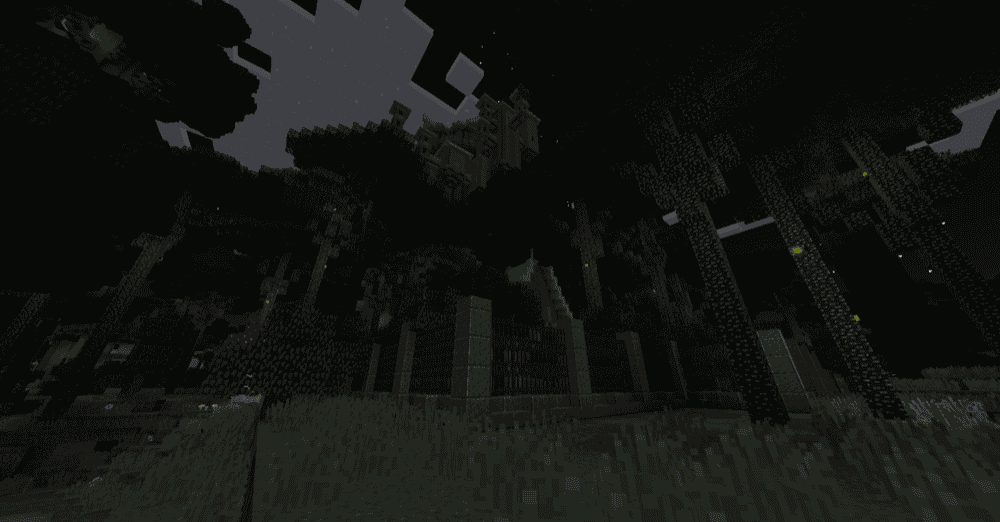
“The Twilight Forest” adds a separate twilight-themed dimension focused on exploration, dungeons, boss battles, strange creatures, treasure, and unique loot. Players enter by building a Twilight Forest portal:
- Make a shallow pool of water.
- Surround the frame with blocks like grass, dirt, podzol, or mycelium.
- Place flowers, mushrooms, leaves, or other plants on top of the surrounding blocks.
- Once the frame is filled with water, toss a diamond into the water to open the portal.
If you want a more guided adventure experience than the normal "Survival" mode can provide, this mod gives you a full dimension with its own progression path to follow. It is not a fixed story campaign with scripted quests either, but its dungeon and boss progression definitely makes exploration feel more structured and adventure-driven.
When Dungeons Arise
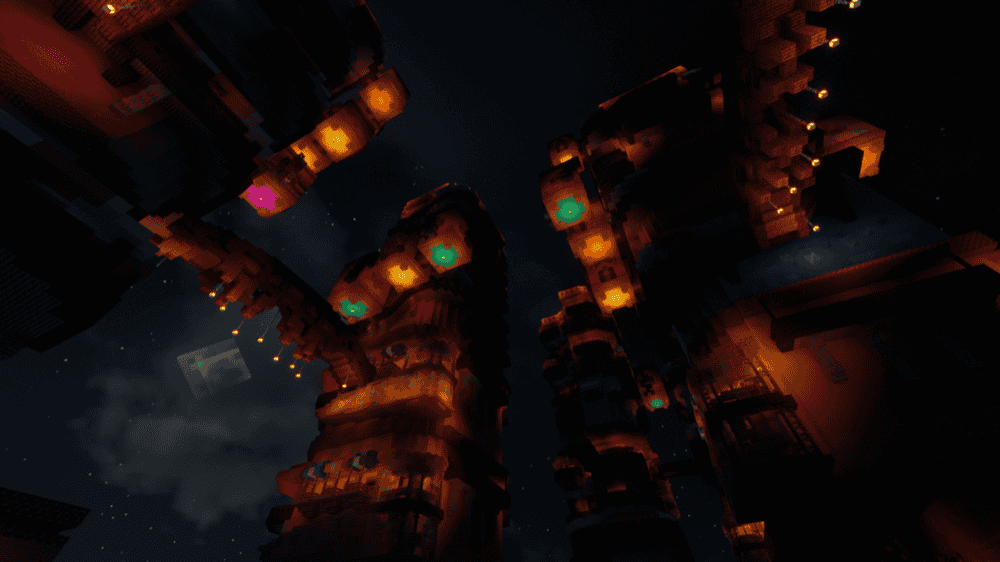
“When Dungeons Arise” adds large roguelike dungeons and hostile structures that generate naturally in Minecraft worlds. These include temples, palaces, fortresses, cities, ships, towers, mines, coliseums, villages, and other exploration-focused locations, with randomized rooms, passages, and custom loot tables to boot.
This gives survival worlds more map-like places to explore through combat, loot, and discovery. The mod does not add a fixed story campaign, but it does add large structure-based challenges that can make each world feel more active while you travel through new chunks. “When Dungeons Arise” can also run server-side only, and newer versions also support extensive configuration through datapacks.
Repurposed Structures
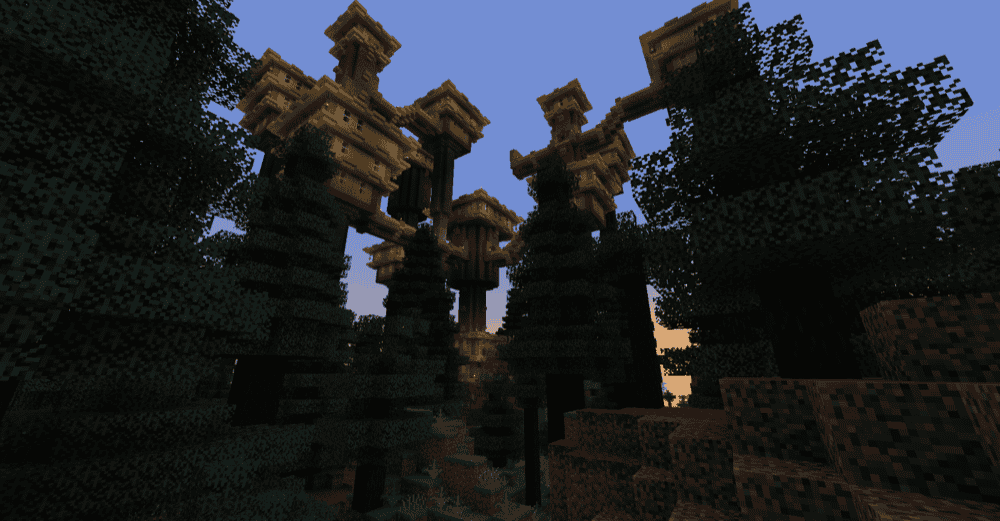
“Repurposed Structures” takes existing vanilla structures and features, then adds new biome-themed variants and modifications for them. Instead of only finding the usual strongholds, mineshafts, villages, monuments, temples, shipwrecks, mansions, witch huts, and outposts, your world can generate many new versions that fit different biomes and dimensions.
“Repurposed Structures” can be exciting if you like the exploration side of adventure maps but want that feeling inside a normal survival world. The mod does not add a handcrafted story or questline, but it gives you more structure-based goals to stumble into while exploring.
It can also run server-side while vanilla clients connect, and many structures can be adjusted through datapacks, including turning structures off or changing the spawn rates.
Dungeon Crawl
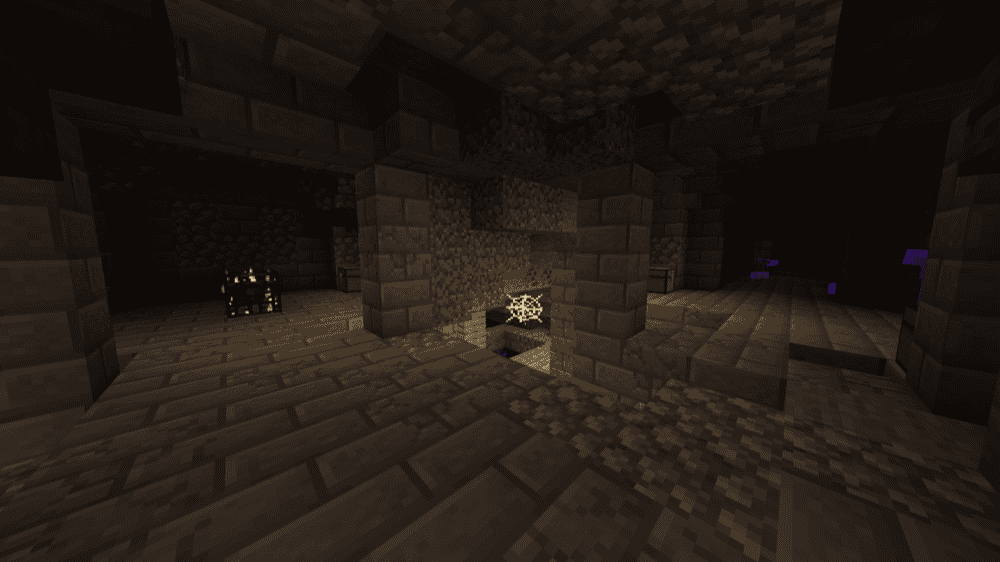
“Dungeon Crawl” generates large underground roguelike dungeon structures in the Overworld. Each dungeon has randomized layout, loot, size, and aesthetics, so it gives players a new dungeon-crawling route to explore instead of a fixed handcrafted map.
This essentially adds repeatable dungeon runs inside regular survival worlds – especially great for players who want more exploration and combat between handcrafted maps.
How to Install Minecraft Mods
You can install the above mods automatically using the CurseForge app or manually by placing the mod files within your game's mods folder. Both methods allow you to easily add custom features and enhancements into your Minecraft experience.
If you want to learn more, you can read our detailed guide on how to install Minecraft mods.
Common Issues and Quick Fixes
My chosen adventure map doesn't load or looks broken
Check the Minecraft version the map was built for against what you're running. Maps built for 1.8 usually won't work properly on 1.21 – commands, world format changes, blocks, and resource packs can all break across major version gaps.
To fix this, either download an older Minecraft version through your launcher and create a separate installation for it, or look for a map built for your current version. The version requirement is usually listed in the map's description or readme file.
The world does not appear in "Singleplayer" after installing
If the world does not show up in your "Singleplayer" list, the folder may be nested too deep. Open the downloaded or extracted folder and look for the actual world folder with files like "level.dat" and folders like "region", "datapacks", or "playerdata". Then, move that folder into your "saves" folder and not the outer download folder.
If it still does not appear, recheck the map's install notes and make sure you did not leave the world inside an extra ".zip" or parent folder.
The map has no spawn point or starts in the wrong location
Most adventure maps have a specific starting location set up with a spawn point, command block, or written instructions. If you load into an underground area or in any other wrong area, check the map page, "readme" file, or in-world notes for the starting coordinates.
If the coordinates are provided, use "/tp" to move there, then set your spawn point if needed. Some maps also require starting in "Adventure" or "Survival" mode rather than "Creative" mode, so make sure to check the instructions before loading.
Dungeon Crawl dungeons aren't generating
Dungeons only generate in chunks that haven't been loaded before. If you're playing in an existing world that's been explored, you'll need to explore new territory – chunks outside your current map border – to encounter new “Dungeon Crawl” structures.
Creating a fresh world is the fastest way to see them immediately. Additionally, confirm that the mod is installed on the server if you're playing multiplayer, and not just client-side.
Structure mods are overlapping or generating too often
Structure mods generally don't hard-conflict with each other, but at high spawn rates multiple structure mods can produce overlapping generation that looks messy. Luckily, both “Dungeon Crawl” and “Repurposed Structures” support configurable datapack adjustments for spawn rates.
Lowering the individual spawn rates or disabling specific structure types in one mod's config file can reduce this overlap. However, running both at default settings in the same world typically works out fine in most playthroughs.
My game crashes on startup after installing mods
A startup crash usually means one of three things:
- The mod file does not match your Minecraft version.
- The mod was made for a different loader.
- A required dependency is missing.
Check that you installed the correct Forge, Fabric, Quilt, or NeoForge file for your profile, then look at the mod page for any required files, especially if using Fabric API for Fabric profiles.
Minecraft mod loaders are separate systems, so a Fabric file will not work in a Forge profile, with the same also applying to NeoForge or Quilt builds.