Every new world starts out the same way: you spawn somewhere, and you have no idea what’s around you. It might be a lonely stretch of plains with nothing but grass for a thousand blocks. It might be a village two steps from spawn with a blacksmith chest already waiting. The difference between those two starts comes down to one thing: the seed.
In this guide, we will walk you through 15 of the best Java Edition survival seeds – including the exact coordinates to the villages, structures, and biomes that make these worth loading. We’ll also look at how you can enter a seed when you start a new world, and add mods that push world generation further once you are ready to explore beyond what vanilla Minecraft can offer.
An Ancient City Underfoot, With Cherry Blossoms Above
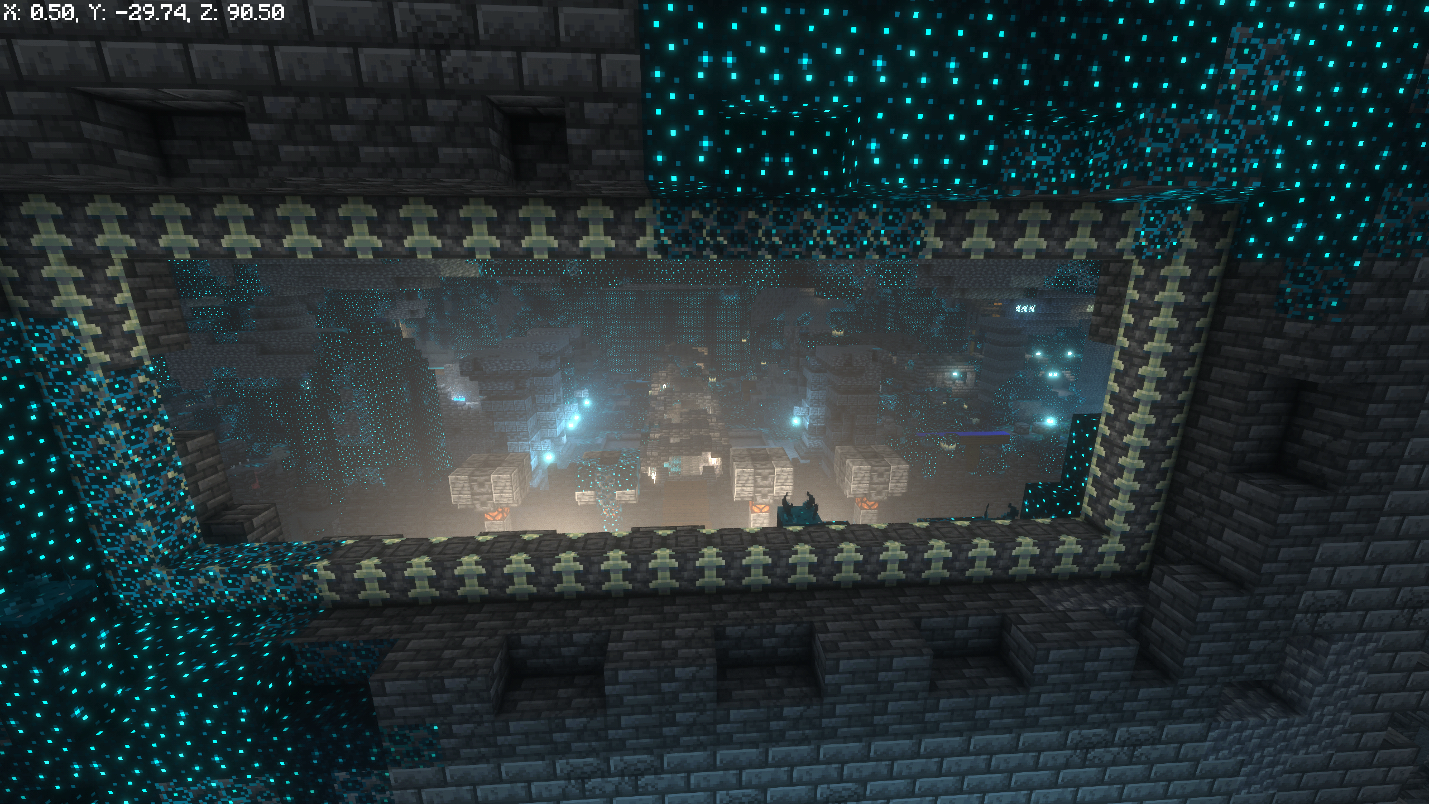
- World Seed: 42157344778486
- Ancient City: 0, 80 (dig down to Y -51)
- Cherry Grove: 8, 136
- Frozen Peaks: -24, -24
- Villages: 16, -208 and -304, 128
- Trial Chambers: -240, 304
- Ruined Portal: 16, 368
With a second biome, two villages for early trading, a Trial Chamber close enough to raid on day one, and an Ancient City almost directly beneath your feet, this seed hits every mark a survival start could ever ask for. Dig straight down from spawn and you will hit Deep Dark before most people find their first iron.
That last part is worth a warning as much as a highlight. An Ancient City this close to spawn means a Warden is close to spawn too, so approach the dig cautiously: sneak once you are inside so you do not trip every sculk sensor along the way.
Mangroves, a Desert Temple, and Two Nearby Villages
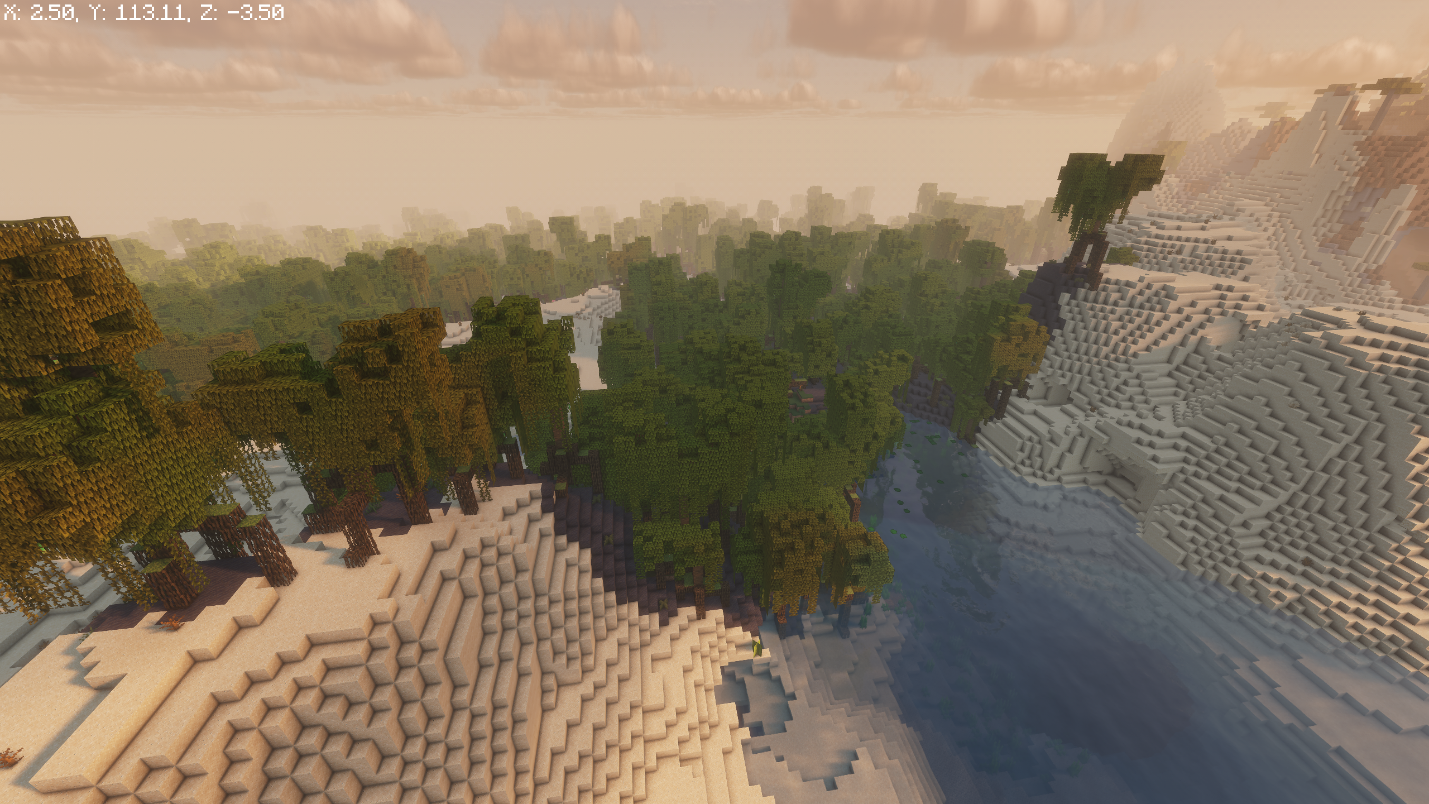
- World Seed: 70939115949311
- Mangrove Swamp: 8, -56
- Villages: 112, 112 and -288, 240
- Desert Temple: 368, -144
- Trial Chambers: 192, 208
A Mangrove Swamp close enough to reach on foot is rare enough on its own, but this seed pairs it with two villages and a Desert Temple, which means an early trading network and a loot run before you have even settled on where to build.
The swamp itself is worth exploring early too, since mangrove roots and propagules are still one of the more distinctive building materials in the game.
A Village Directly on Top of an Ancient City
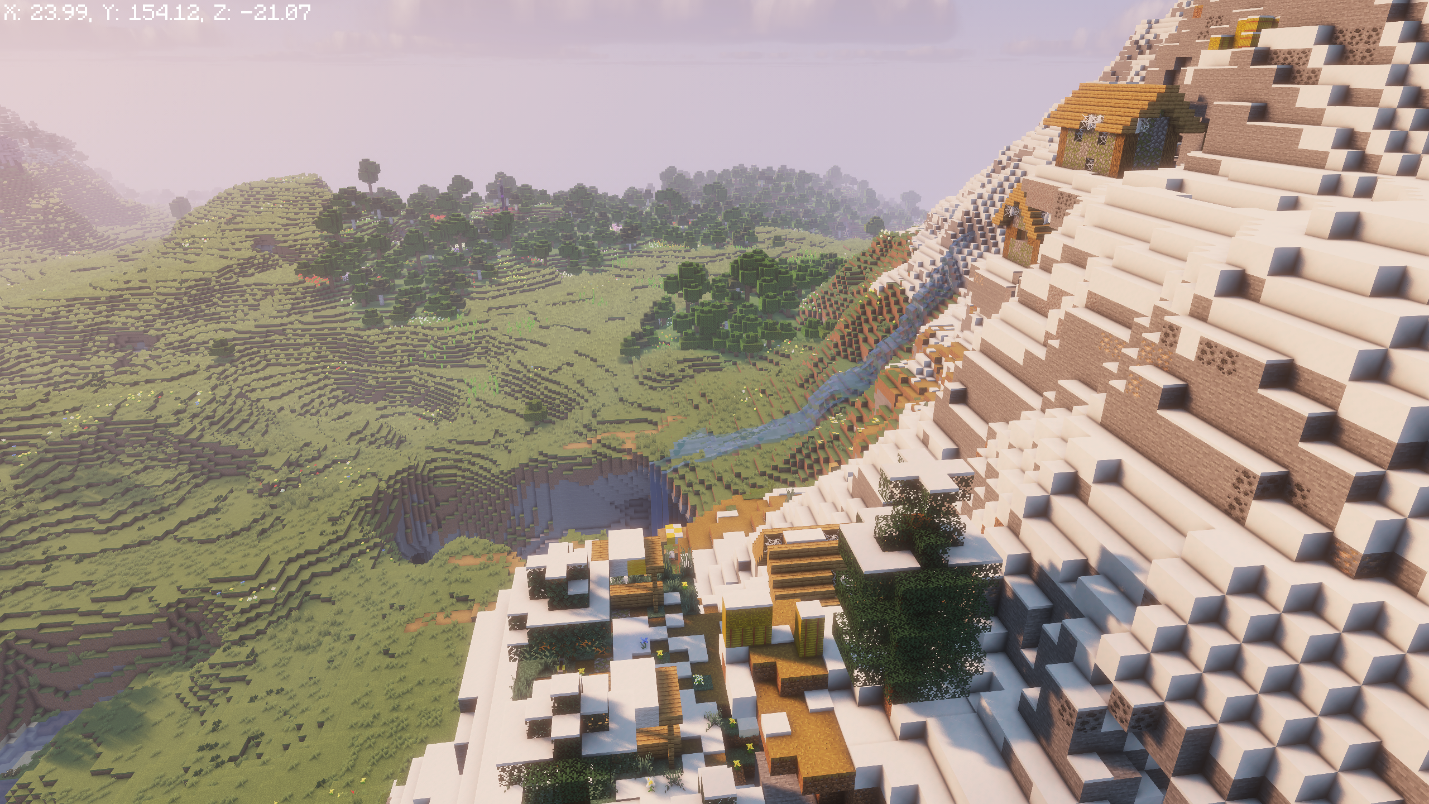
- World Seed: -4746794007248481402
- Village: 10, 134, 0
- Mineshaft: 15, 11, 0
- Ancient City: 0, -45, 25
- Ruined Portal: 65, 100, 325
Most players spend hours tracking down an Ancient City. This seed puts one directly under your starting village, connected by a mineshaft that runs almost the whole way there. Mine down from the village well and the tunnel practically does the routing for you.
That starting village is actually a zombie village – a rare abandoned variant populated entirely by zombie villagers instead of living ones. The hay bales and other resources are still there, and a Potion of Weakness followed by a golden apple cures each zombie for good, permanently discounting their trades, sometimes down to just 1 emerald.
Make sure to cure a few before heading underground, as this will allow you to gear up cheaply right before facing the Ancient City below.
A Savanna Village Ringed by Six Biomes
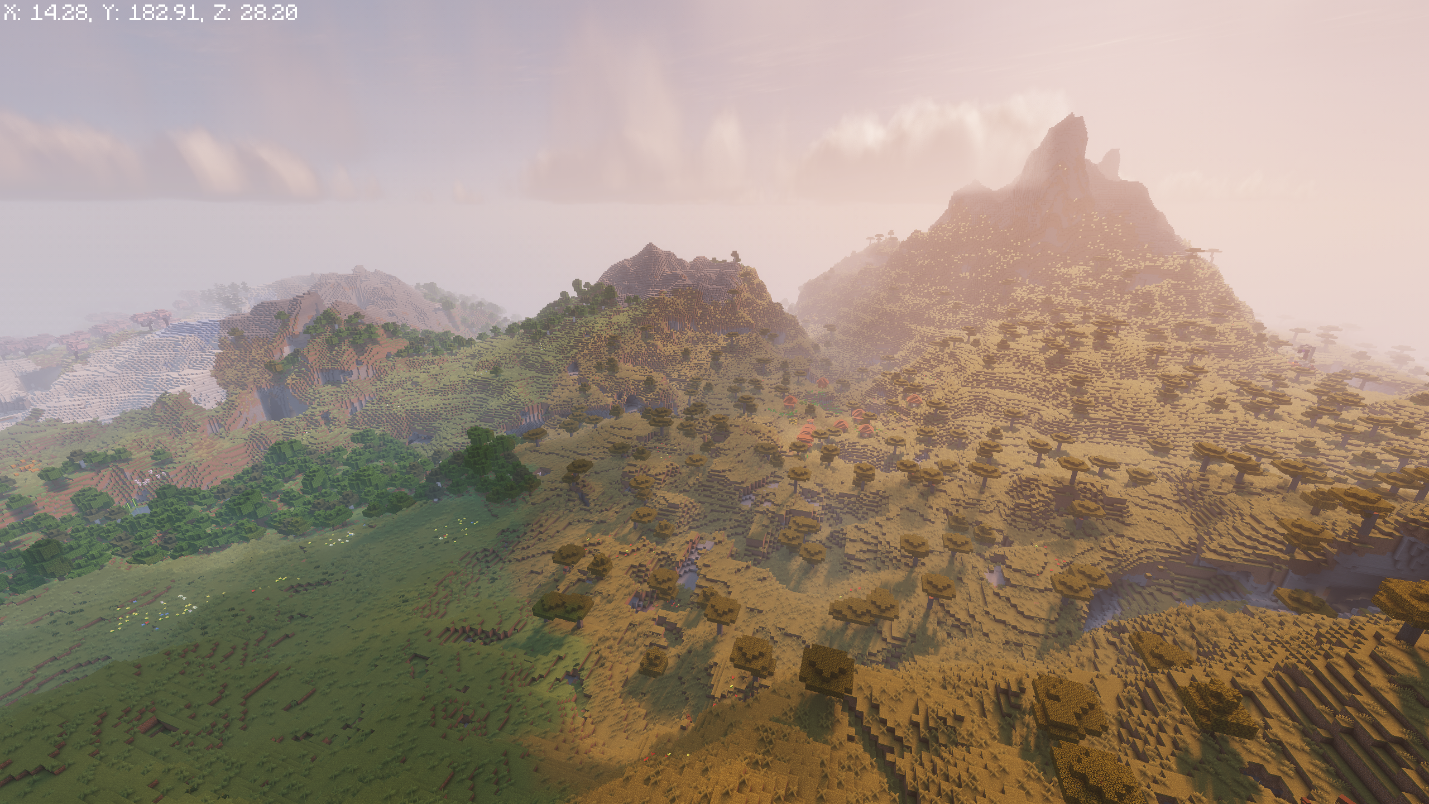
- World Seed: 8110137054462309706
- Village: 225, 0
- Pillager Outpost: 215, 261
- Ruined Portal: 347, 242
- Second Village: 523, 266
- Cherry Grove: 202, -382
- Bamboo Jungle: 524, -299
Few seeds pack this much variety into walking distance. A Savanna village at spawn, a second village not far past it, a Pillager Outpost worth raiding for emeralds and a Bad Omen, and both a Cherry Grove and a Bamboo Jungle within reach, this is the seed to load if you want every early-game destination available without a boat trip.
Badlands, a Temple, and an Ancient City
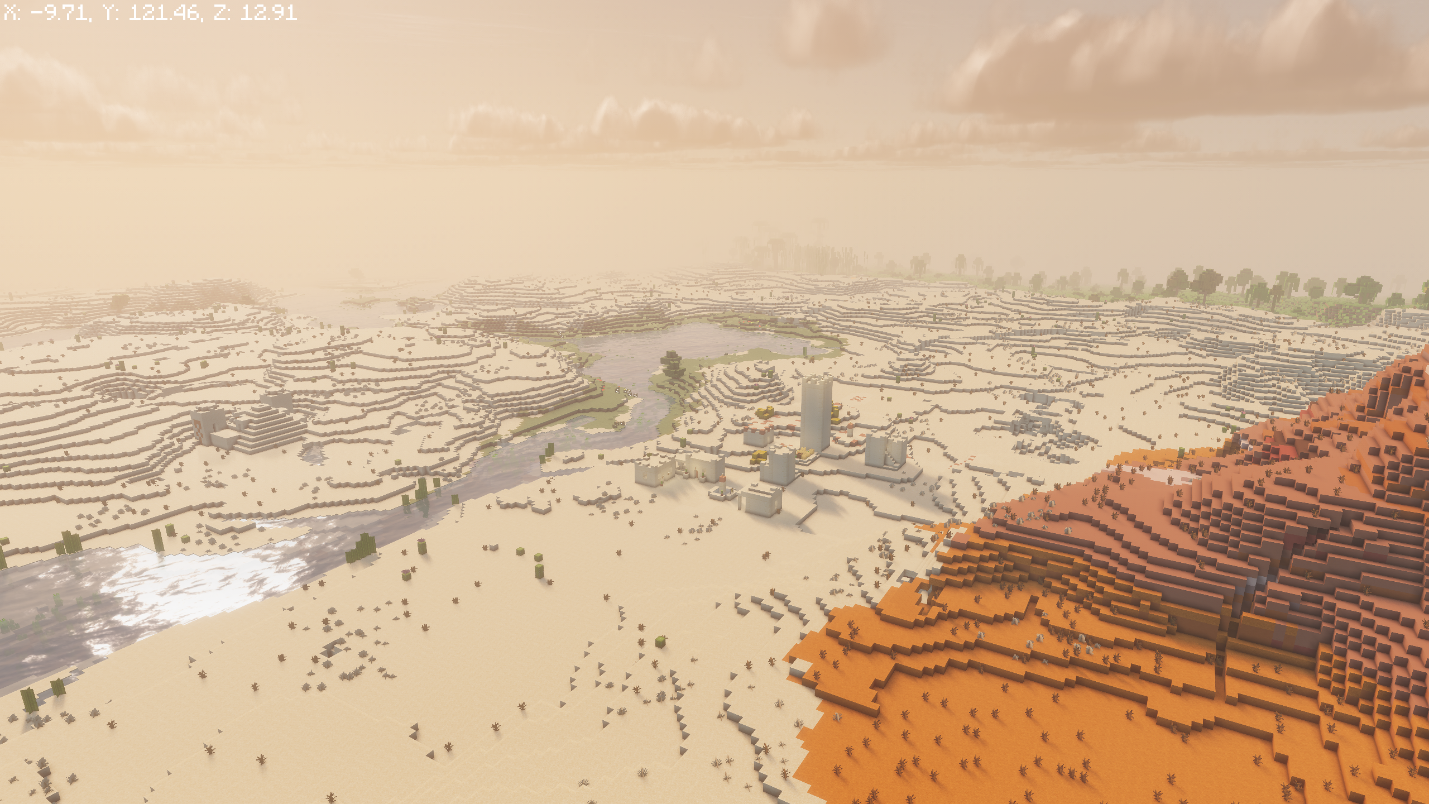
- World Seed: 81485064761064
- Desert Temple: 160, 96
- Village: 48, 128
- Ruined Portal: 112, 10, 128
- Trial Chambers: 48, 336
- Ancient City: -160, -352
Badlands spawns look incredible and rarely come with this much survival value attached. This one pairs the terracotta cliffs with a Desert Temple, a village, a Ruined Portal buried underground nearby, Trial Chambers, and an Ancient City – in other words, everything a long-term base needs is already in your backyard!
A Cherry Grove Starter With Room to Grow
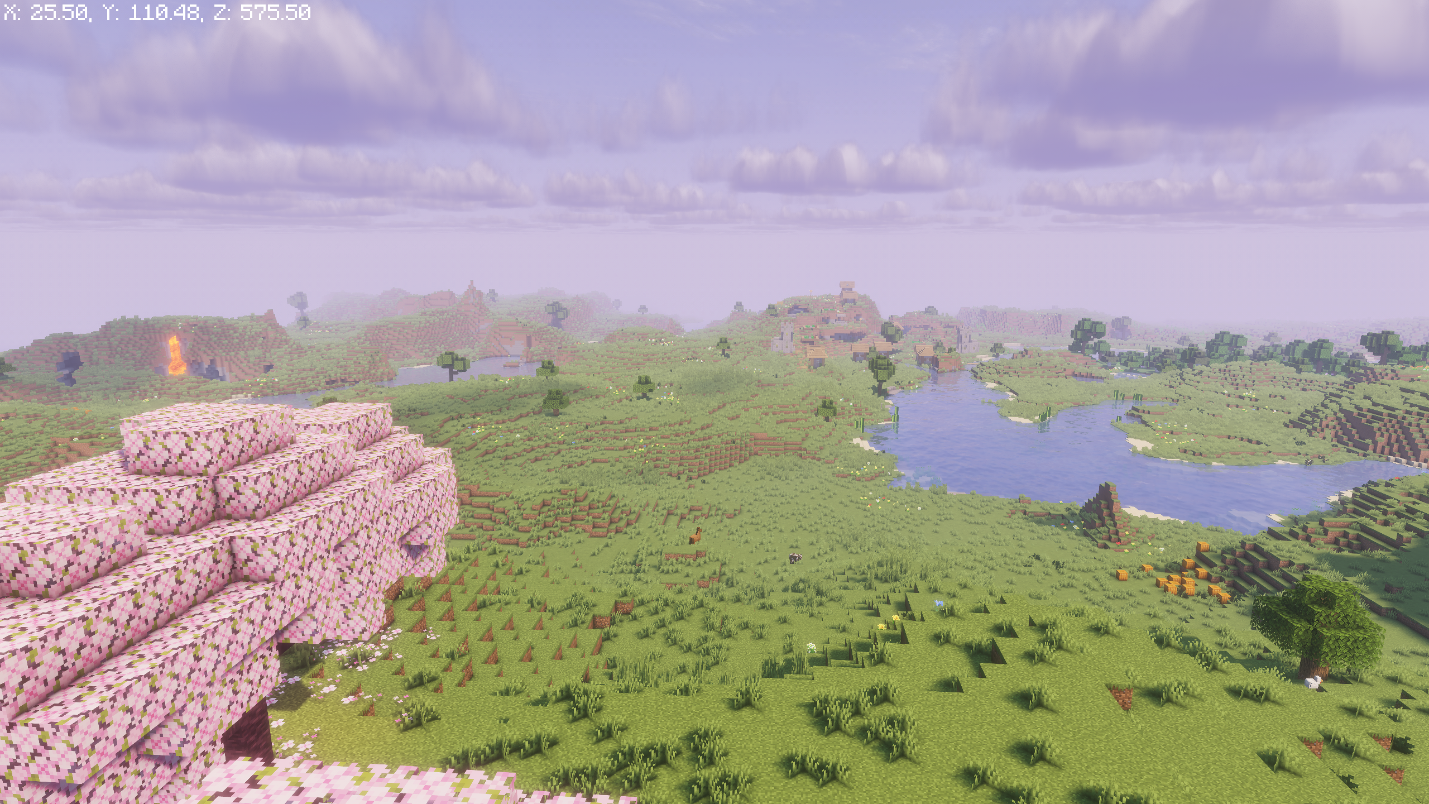
- World Seed: 4531747349467873992
- Village: 50, 82, 200
- Cherry Grove: 25, 97, 575
- Ruined Portal: 305, 67, 225
- Trial Chamber: 130, -2, 230
- Stronghold: -1035, 11, 2580
This is more of a clean, well-rounded start: a village for supplies and a Ruined Portal for a fast Nether run, both within a few hundred blocks of spawn. The Cherry Grove is close enough to visit on a whim rather than requiring an entire expedition to find.
The Trial Chamber is close by too and definitely worth preparing for once you are geared up for it, since it is the only way for you to get a mace.
A Cherry Island With Three Ancient Cities Below
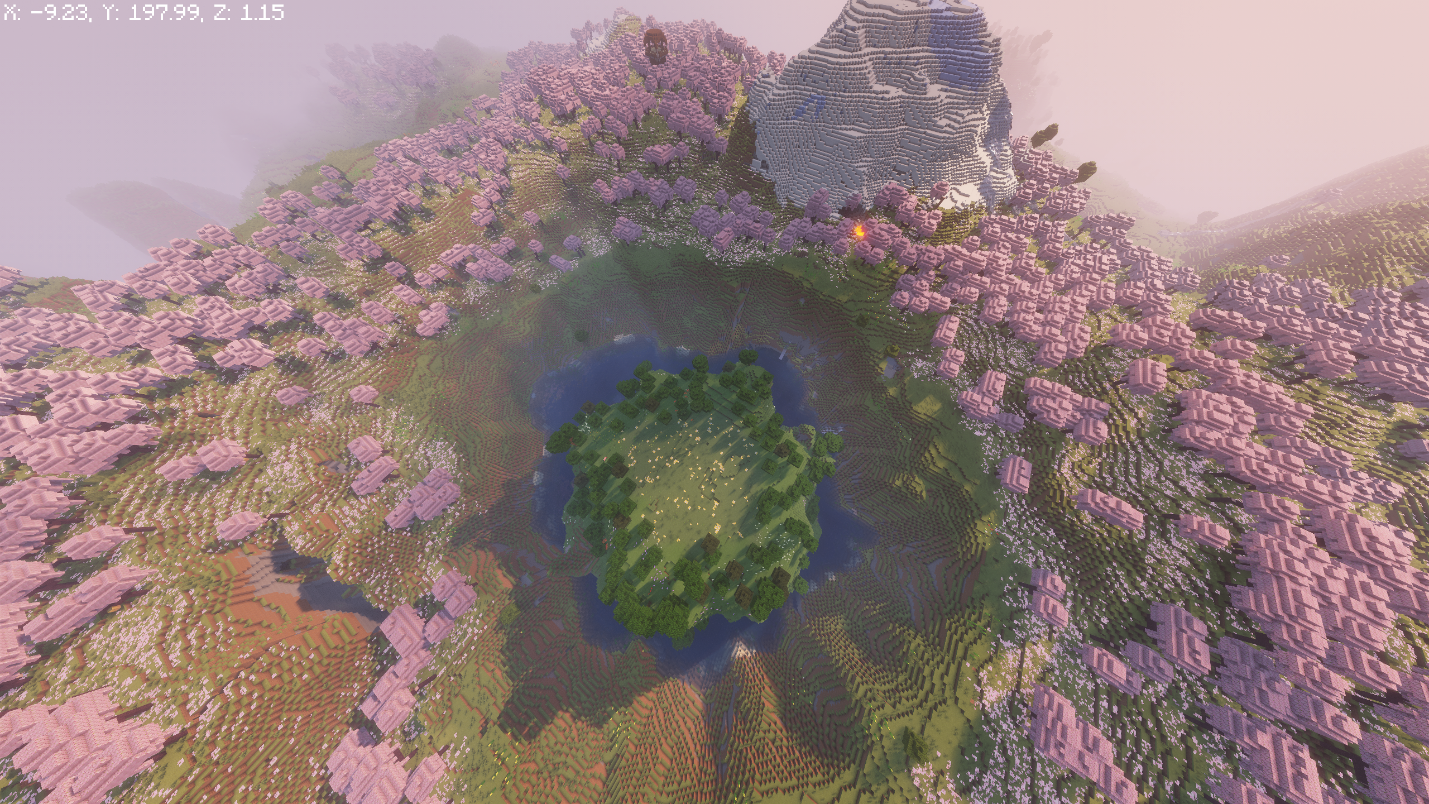
- World Seed: 2048005618087379093
- Villages: -279, 111, 117 / -505, 111, 576 / 131, 126, 817
- Pillager Outpost: 192, 130, -192
- Ancient City (under the outpost): 216, -51, -168
- Ancient City: -136, -51, -312
- Ancient City: -344, -51, 232
An island wrapped in Cherry Grove, three separate villages within range, a Pillager Outpost, and not one but three Ancient Cities within a reasonable trip from your spawn point. One of them sits almost directly beneath the outpost, so clearing the tower and diving straight into the Deep Dark below makes for one efficient afternoon.
Four Villages Around a Single Taiga Spawn
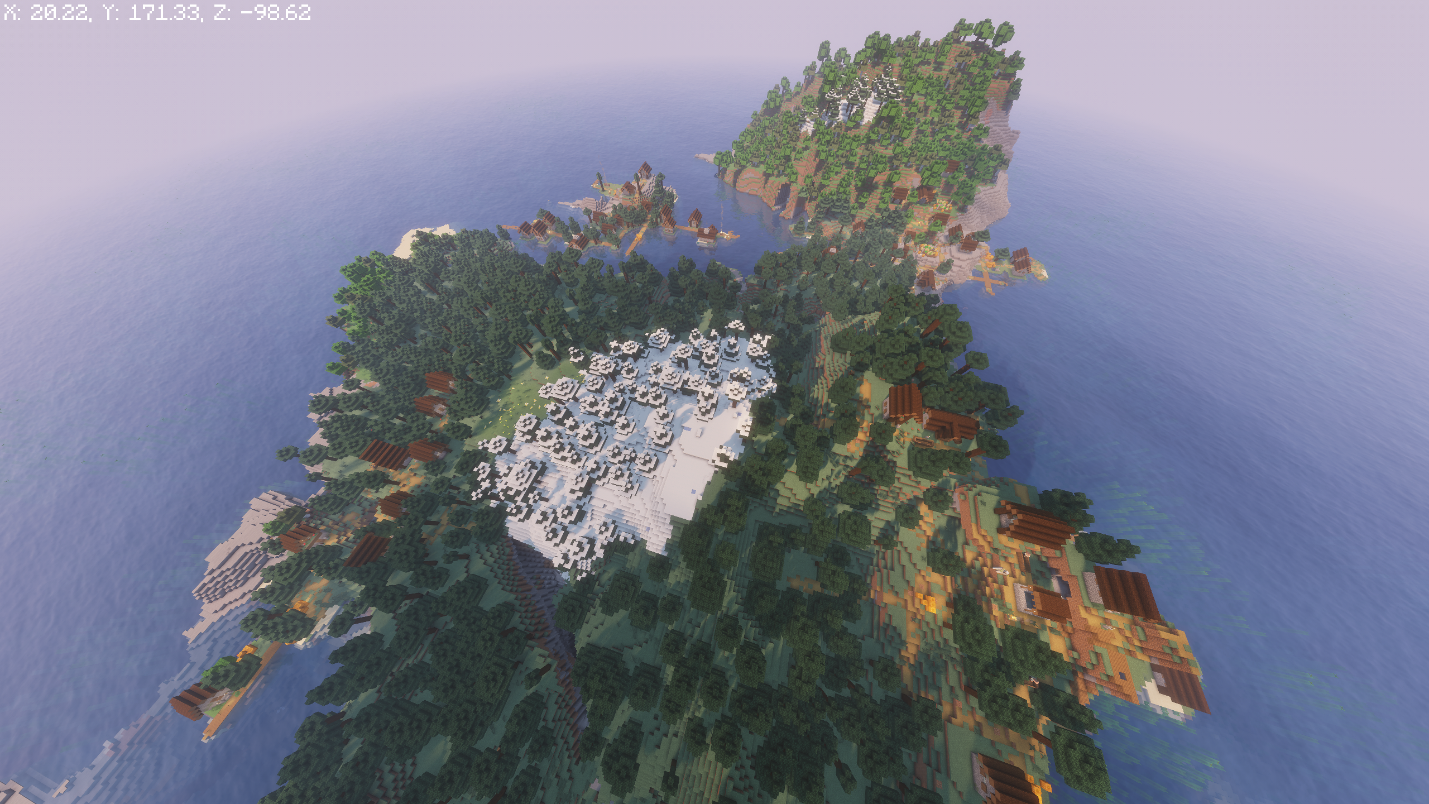
- World Seed: 302304127329527063
- Villages: 32, 16 / -144, 0 / -160, -160 / 16, -160
- Mineshaft: -24, 100, -120
- Shipwreck: -271, 82, 185
- Cold Ocean Ruins: 24, 78, 121
Four villages inside a few hundred blocks of a Taiga spawn means four blacksmith chests, four sets of trading options, and enough spare beds that sleeping through the first night is never a problem. A mineshaft, a shipwreck, and cold ocean ruins round out the early exploring once you have picked which village to call home.
Village Loot, Buried Treasure, and a Fortress Portal
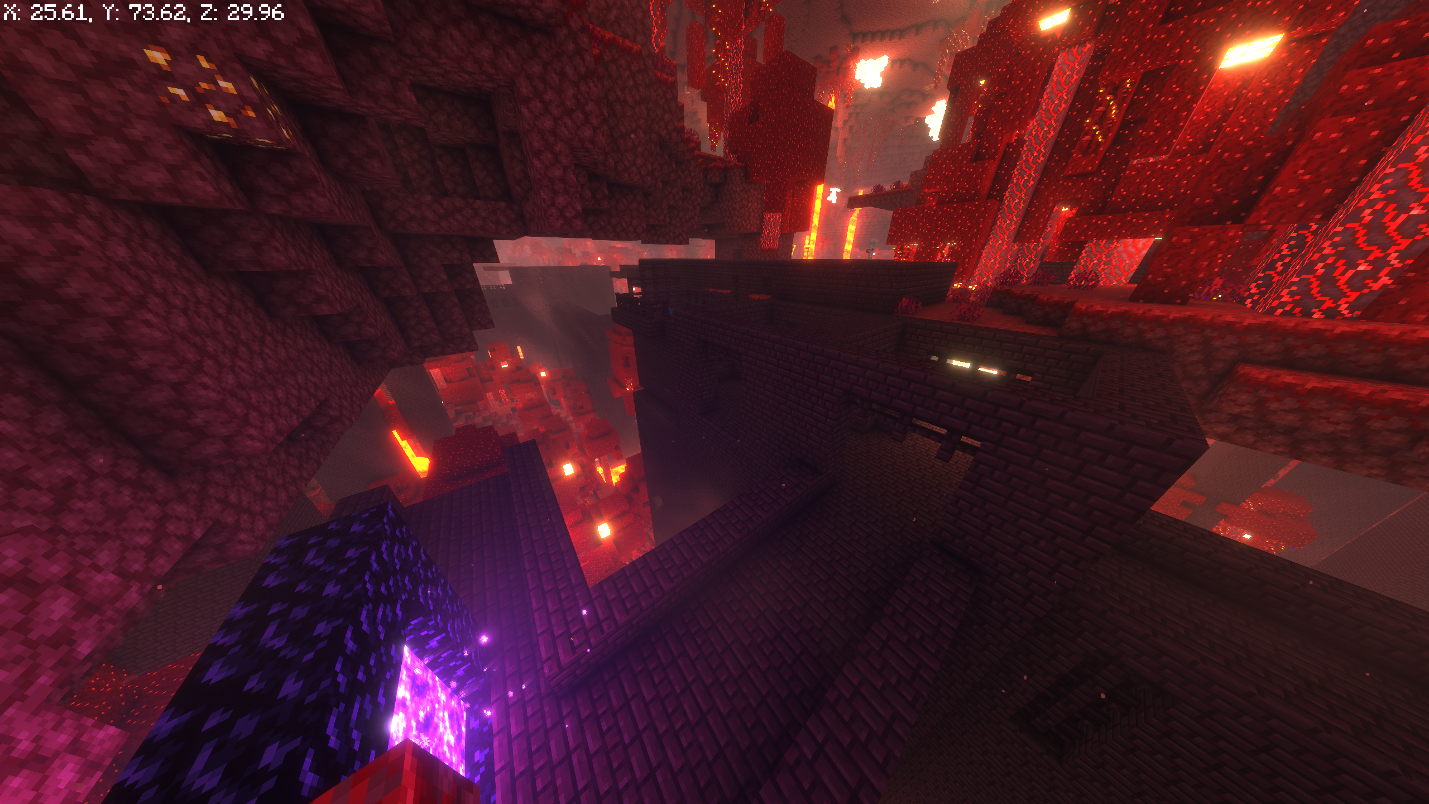
- World Seed: 2059666523504992
- Villages: -170, 80, 70 / 128, 32 / 144, -208
- Ruined Portal: 150, 210
- Cheese Cave: -218, 40, -177
- Mineshaft: -58, 50, -175
- Treasure Chest: 8, -16, -132
- Ancient City: 435, -51, 184
- Shipwreck: 327, 84, -346
With this one, you get three villages, buried treasure on the beach north of spawn, a cave system to dig into early, and an Ancient City further out for later. The real highlight is the Ruined Portal: build your Nether portal here and it drops you inside an active Nether Fortress, which turns the usual careful first Nether trip into an immediate blaze-farming opportunity.
Three Villages Ringing a Volcanic Caldera
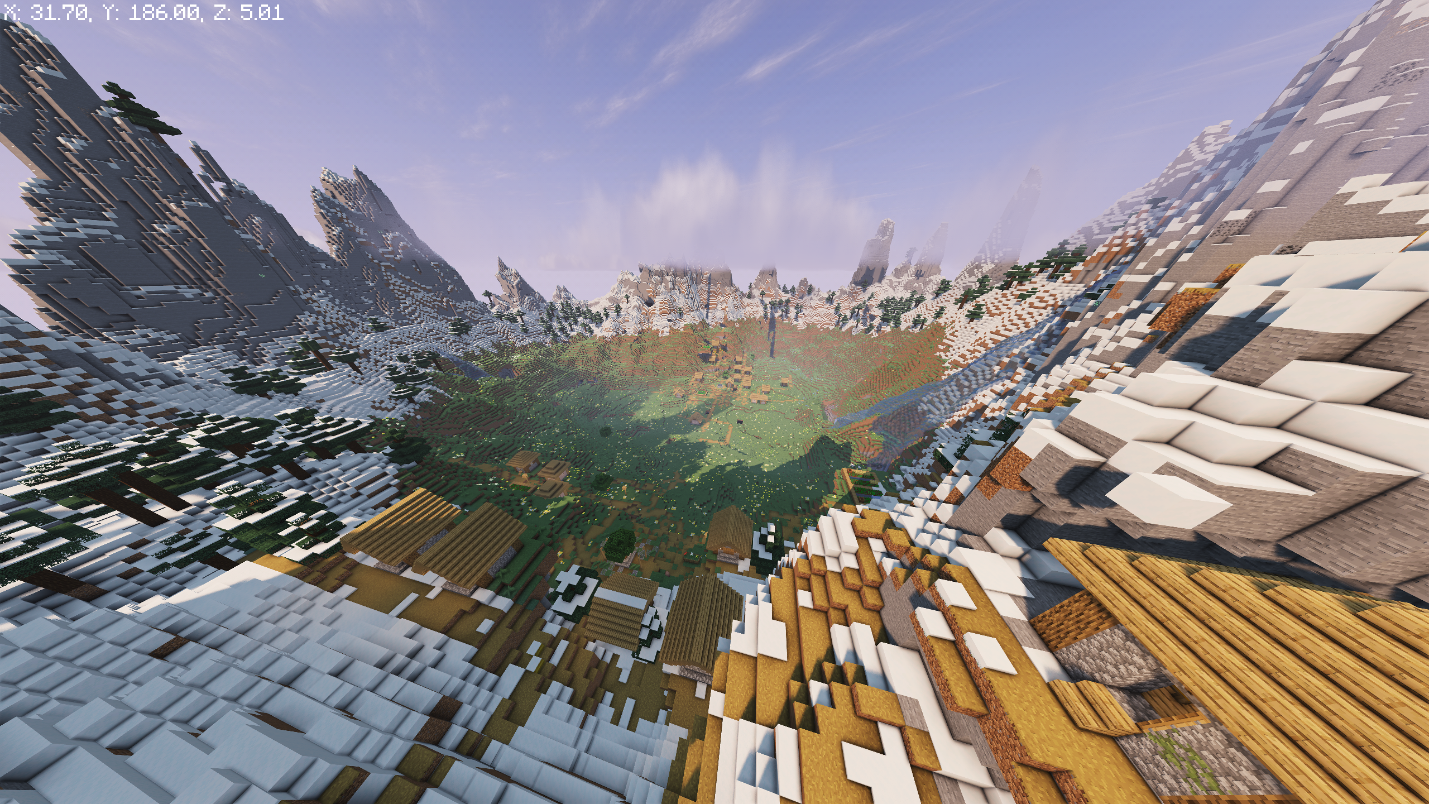
- World Seed: 118355854064
- Village 1: 0, 137, 0
- Village 2: -100, 95, 50
- Village 3: -200, 149, -200
- Ancient City: -250, -42, 50
This seed offers you three villages tucked inside a single volcanic caldera, close enough together that visiting all three in one trip is realistic, plus an Ancient City within the same 300-block stretch. It is a strong pick if you want a real settlement to build around rather than a single isolated village.
A Village With Its Own Ruined Portal
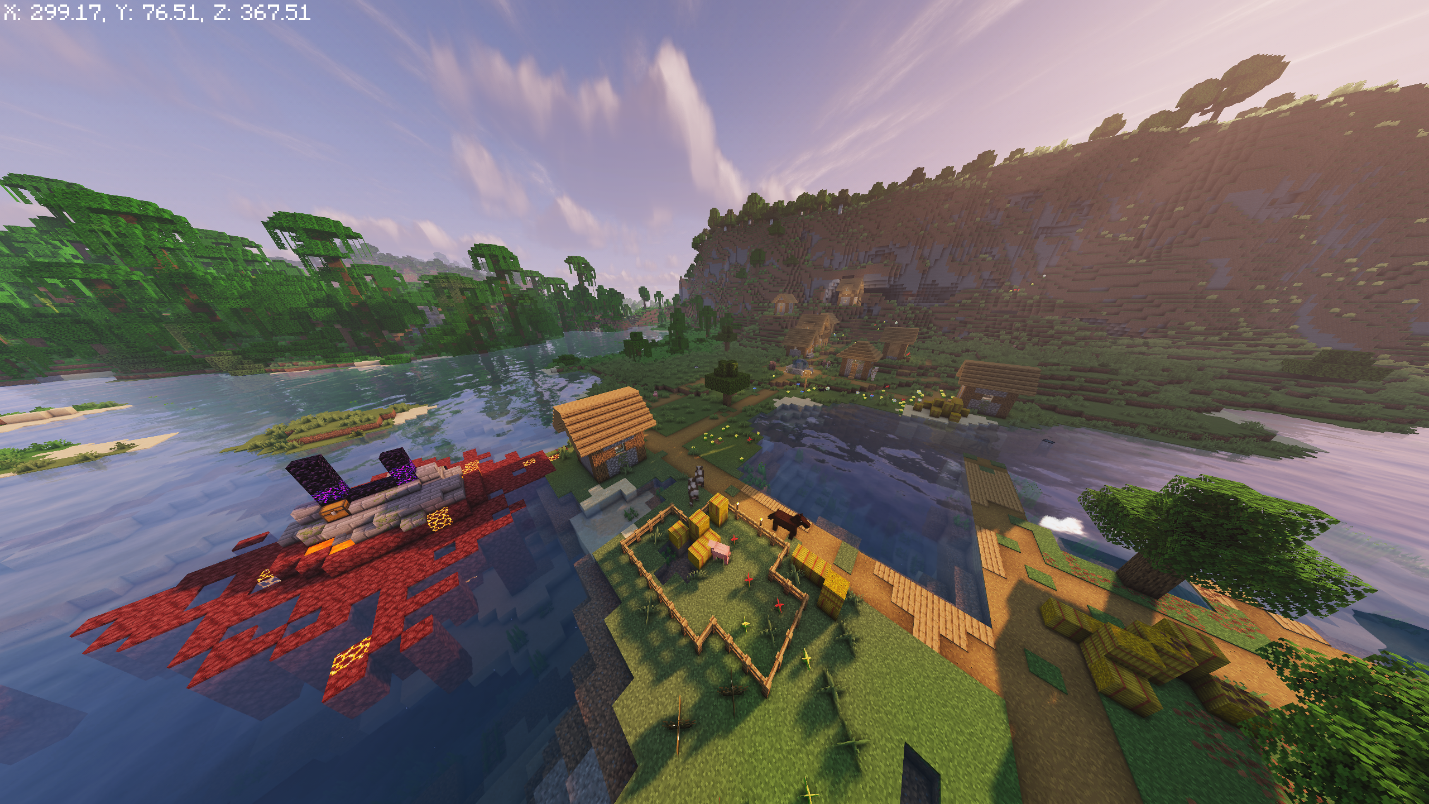
- World Seed: -7417157268905316998
- Village: 315, 343
- Ruined Portal: 297, 340
- Trial Chamber: 294, 2, 290
- Ocean Ruins: 435, 661
Some seeds make you walk to the Nether portal. This one puts the Ruined Portal inside the village itself, so your first Nether run starts and ends without leaving town. A Trial Chamber and nearby Ocean Ruins are both close by too, so there's even more for you to explore once the portal trip is done.
A Trial Chambers Just Within Reach
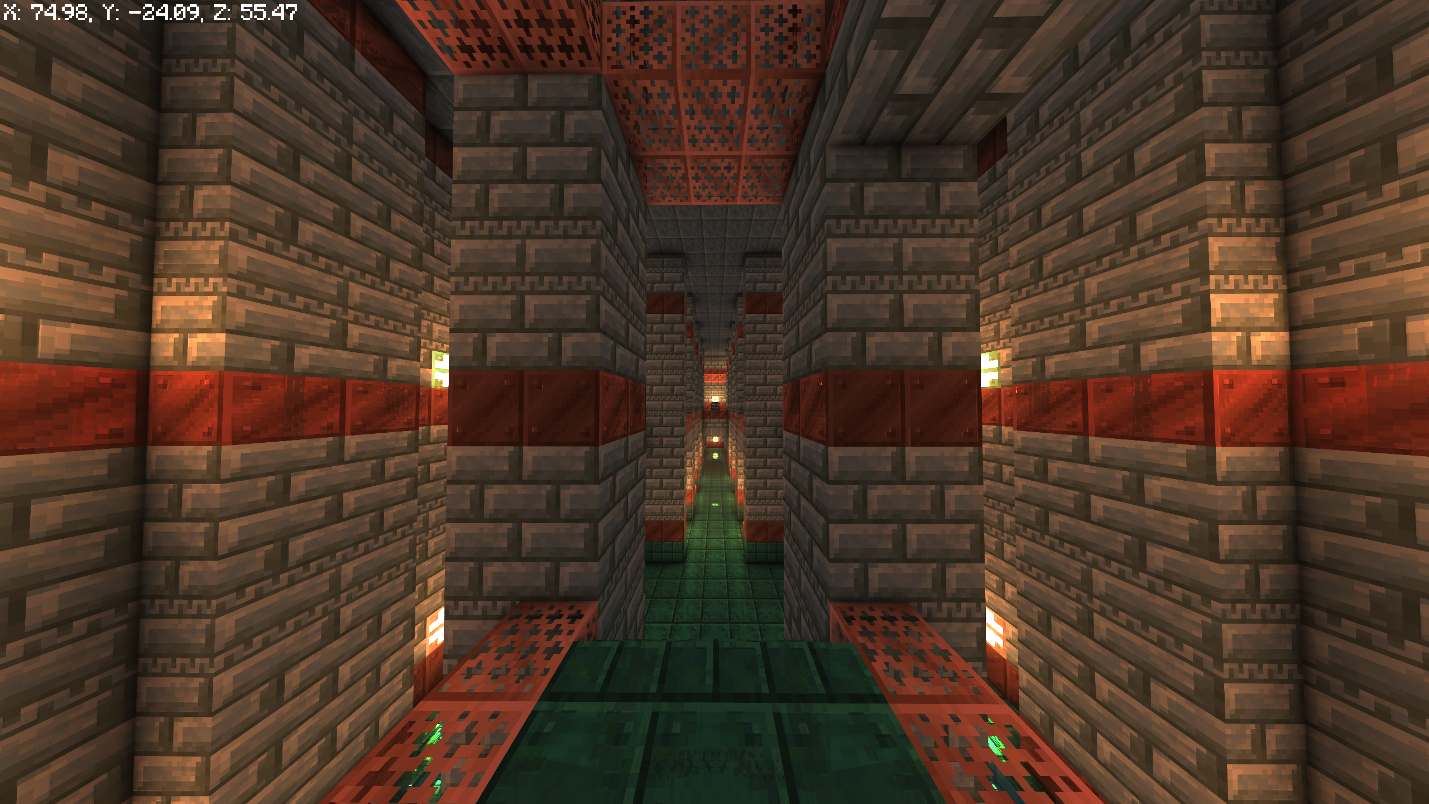
- World Seed: 44345408607589
- Trial Chambers: 75, -25, 55
- Cherry Grove: -88, 8
- Villages: -176, -160 and 32, -256
- Ancient City: -304, 16
- Trail Ruins: 640, -320
You can walk to the Trial Chamber here in minutes, though it's worth saving for later on once you have adequate gear rather than rushing in on day one. Two villages and a Cherry Grove round out the immediate area, with an Ancient City and a set of Trail Ruins further out for whenever you are ready to go looking.
A Village Built Over The New Sulfur Caves
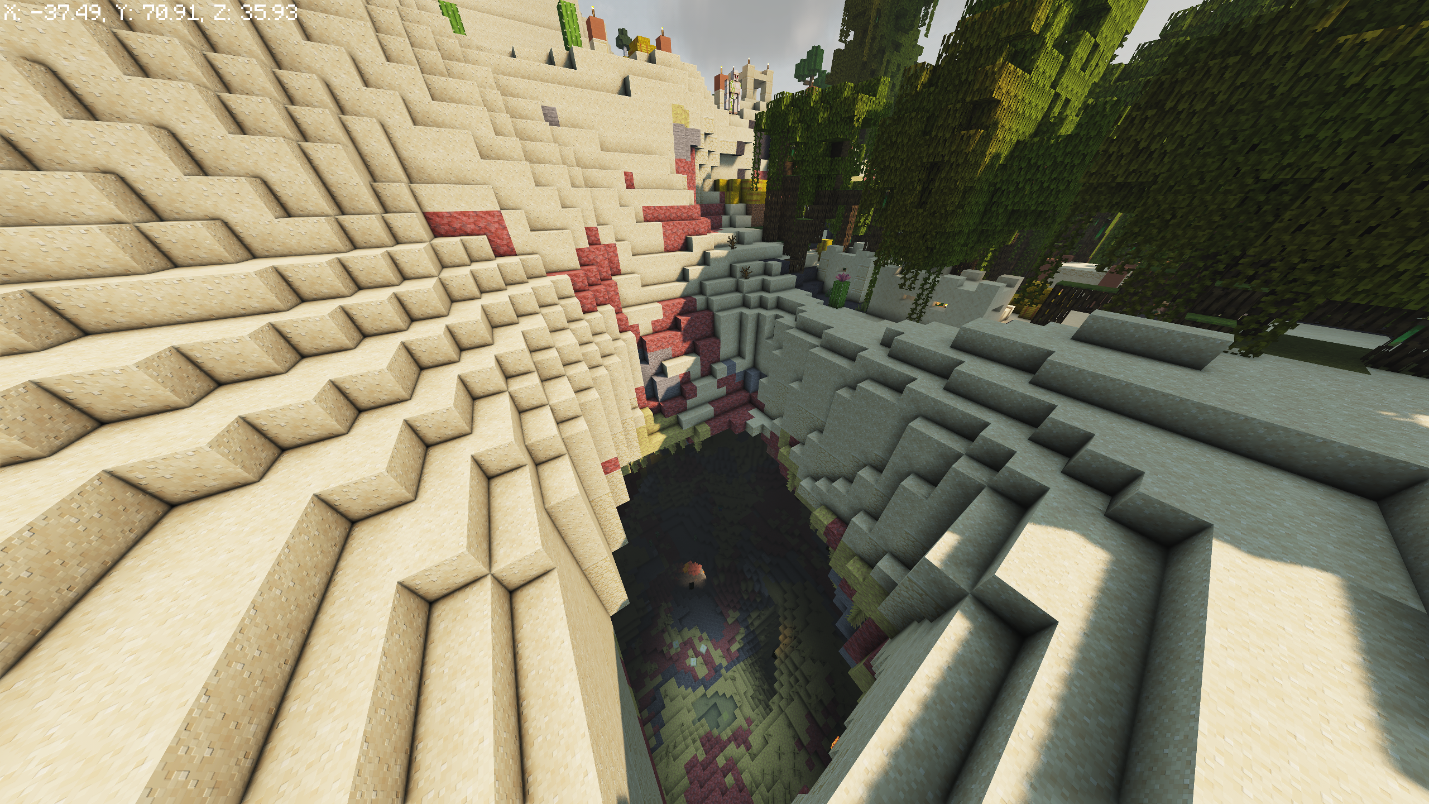
- World Seed: 229777629281
- Village: 0, 81, 0
- Sulfur Cave: -40, 67, 25
- Amethyst Geode: 0, 8, 145
- Mineshaft: 25, -19, 95
This seed stacks three finds on top of each other and spawns you right at the highest one. The village sits above a Sulfur Cave, one of 26.2's brand new biomes, which in turn sits above a mineshaft, so a single trip straight down from town passes through new terrain before it reaches an old-time favorite.
In fact, you can go even further here, because there is also an amethyst geode in the area. All in all, this seed is one of the few ways to see a sulfur cave up close without having to spend hours hunting for one, especially since no third-party map tool can locate them yet.
A Village Fully Ringed by a Mangrove Swamp
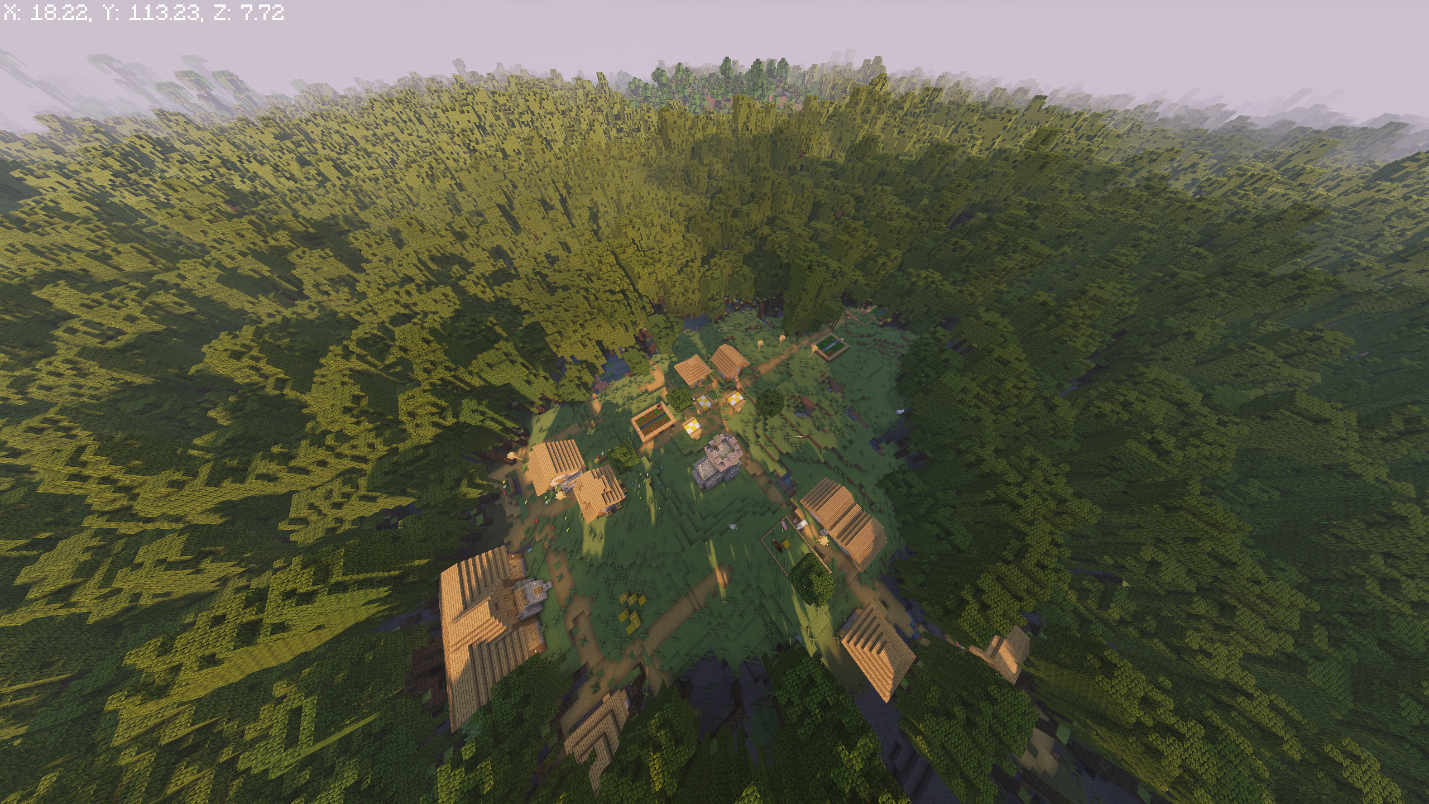
- World Seed: 16889519902
- Village: 5, 65, 5
Perhaps the simplest pick here, and one of the prettiest in our book too. A single village sits fully surrounded by a Mangrove Swamp, so every direction out of town runs straight into mangrove roots and propagules instead of the usual plains or forest border. This one is worth choosing if you want a distinctive base without chasing down half a dozen separate structures during your playthrough.
A Witch Hut at Spawn and a Nearby Mansion
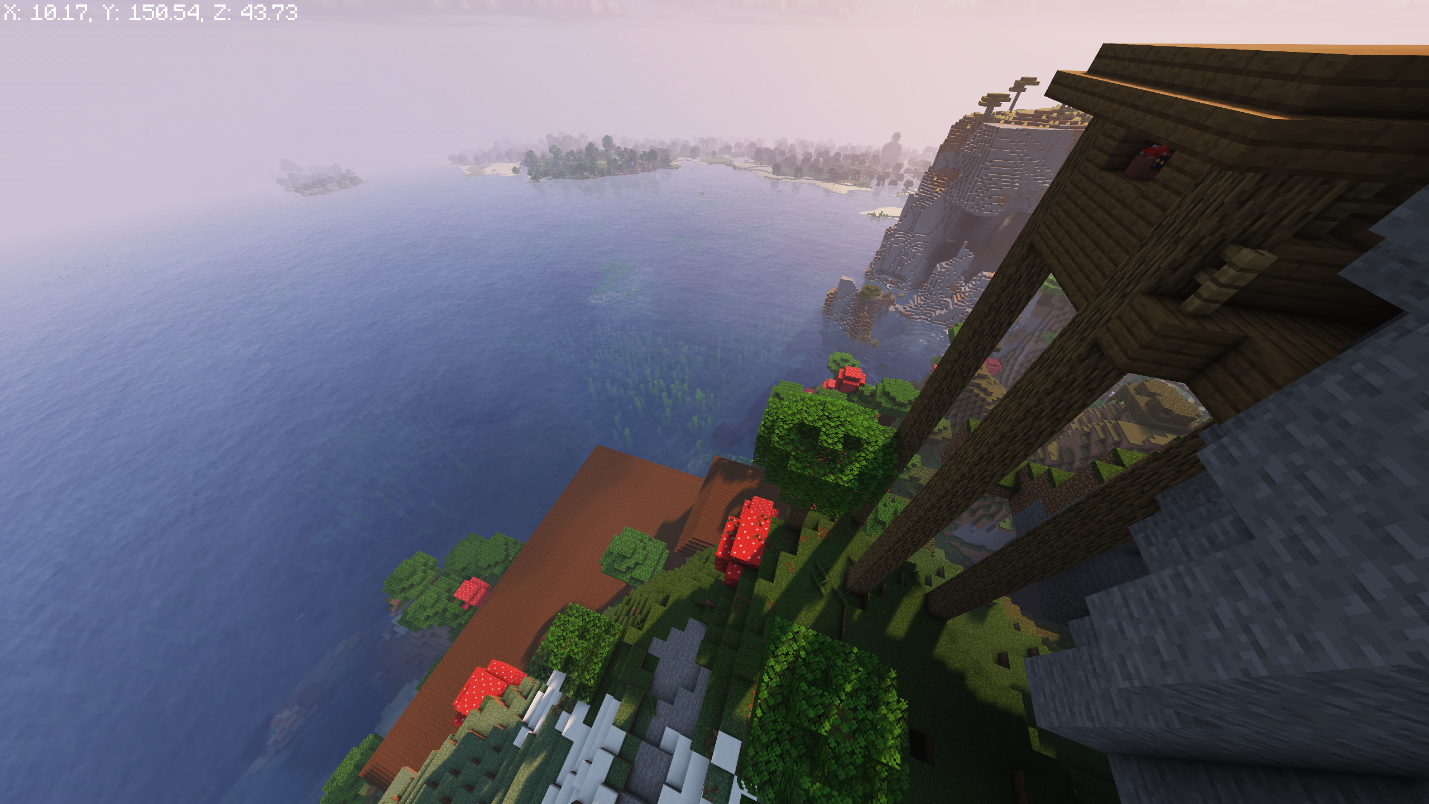
- World Seed: 5020669403913201634
- Witch Hut: 15, 131, 50
- Woodland Mansion: 10, 71, -5
Two structures most players go their whole game without seeing sit within a short walk of each other here. The Witch Hut is close enough to spawn to raid early for glass bottles and brewing ingredients, and the Woodland Mansion is about the same distance away – great if you want to make a totem run possible long before you would normally even find these structures.
How to Dial In World Seeds for Minecraft
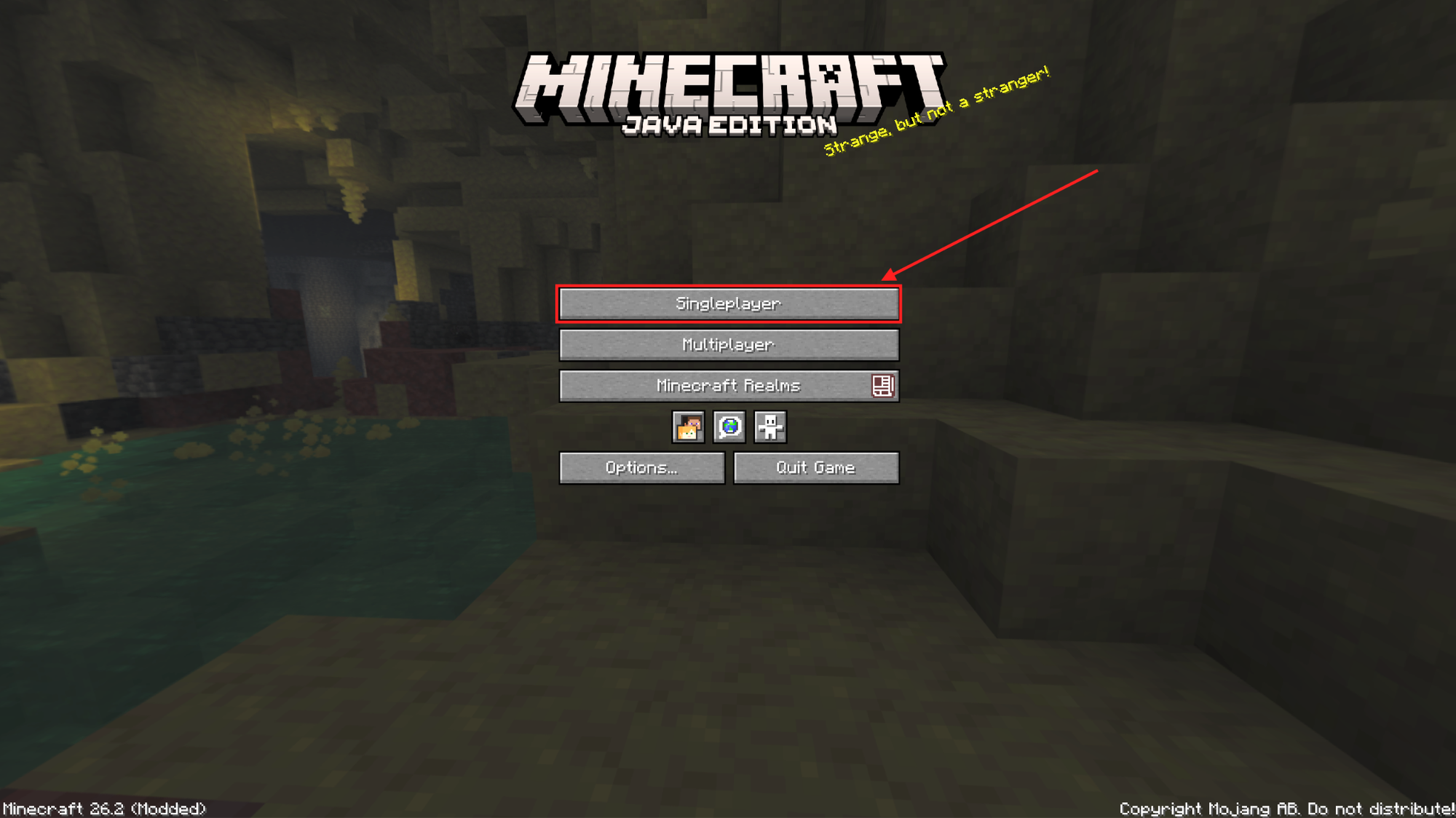
- Open Minecraft and select "Singleplayer".
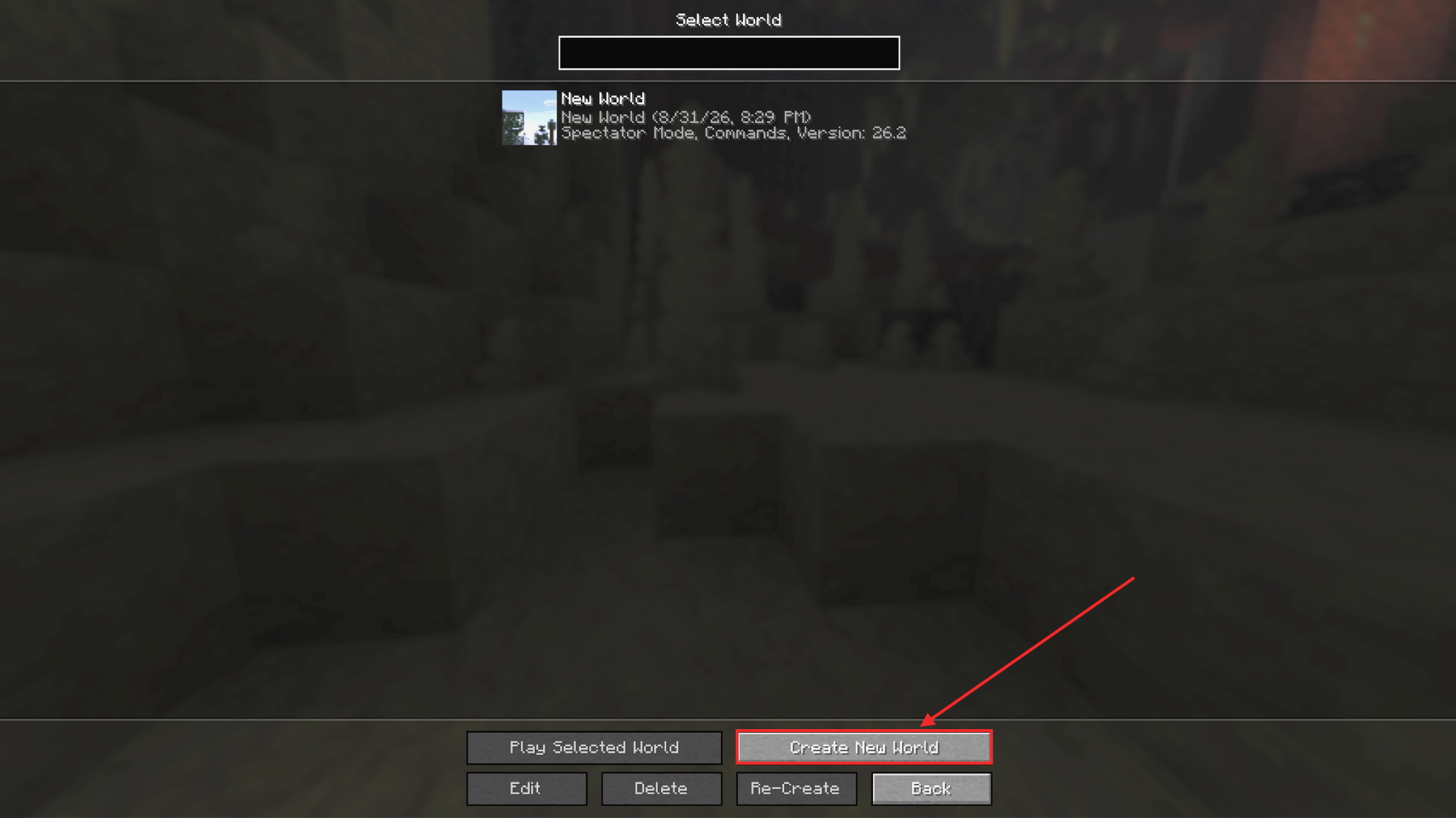
- Click "Create New World".
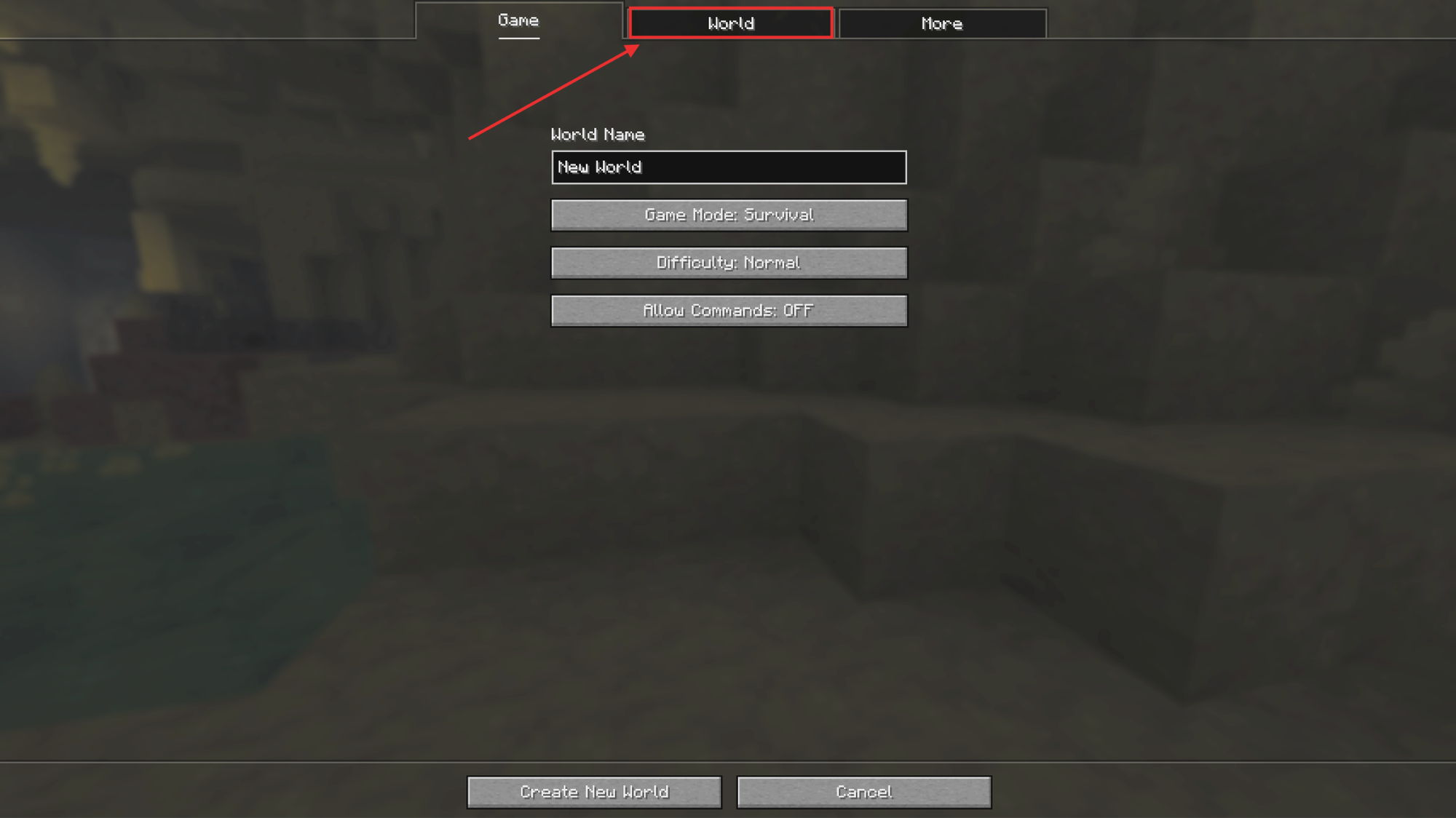
- Select the "World" tab.
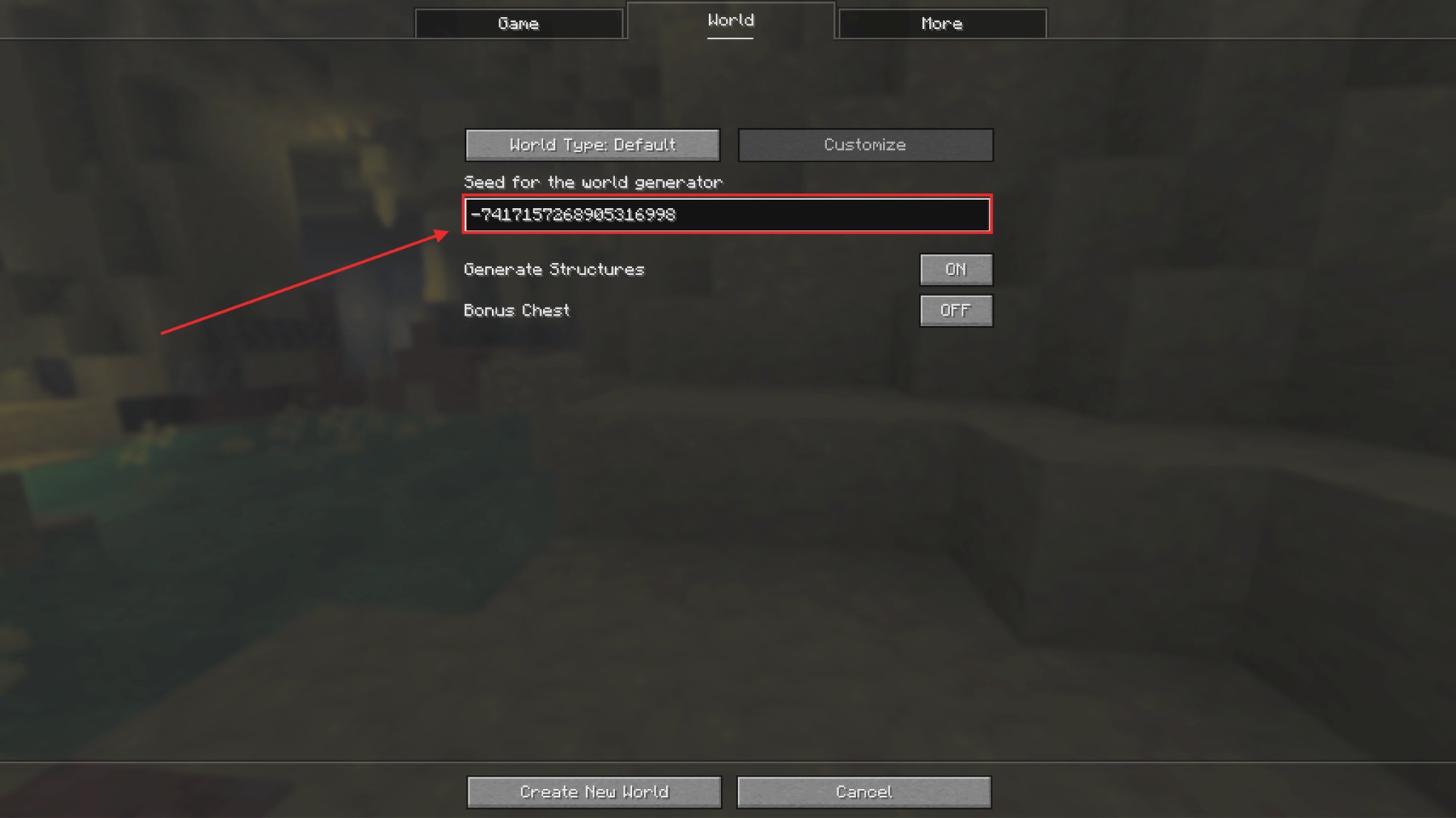
- Find "Seed for the world generator" and paste the seed exactly as written above, including the minus sign when the seed has one.
- Click "Create New World".
Note: these seeds are built for Java Edition's current release, so make sure to keep your game updated to match. Using these seeds in Bedrock will result in completely different results, so double-check that you’ve booted up the Java Edition version of the game.
Minecraft Mods That Send World Generation Into Overdrive
A great seed is only the starting point. These mods push what your world can become even further, adding new biomes, new structures, and reasons to keep exploring past the fifteen ones on our list above.
Biomes O' Plenty
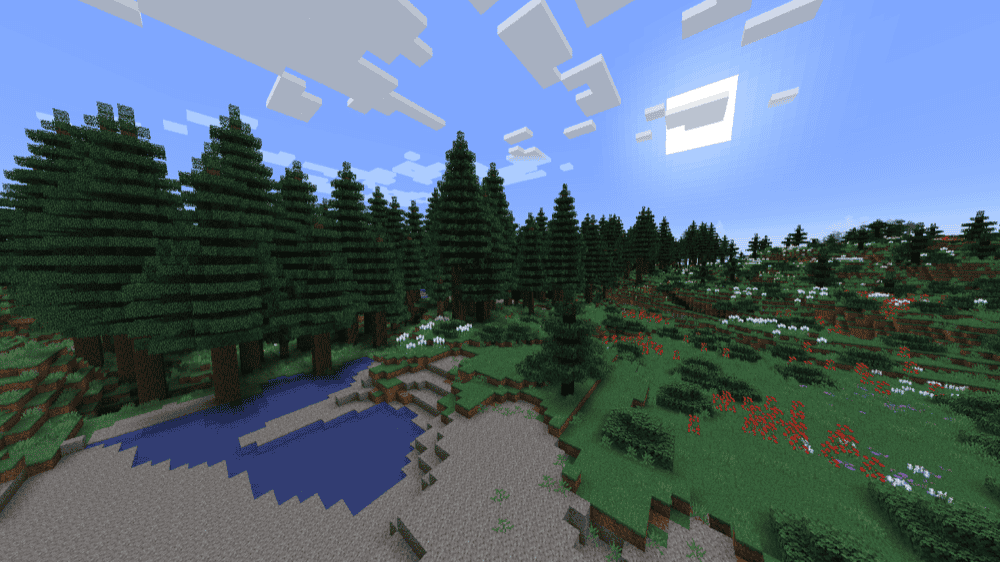
“Biomes O' Plenty” answers the question every long-time player eventually asks: why do the Nether and the End feel so much smaller than the Overworld?
It folds dozens of new biomes into all three dimensions at once, from bayous and volcanic peaks in the Overworld to entirely new corners of the Nether and the End, each carrying its own plants, trees, and building blocks layered on top of what Minecraft already generates.
Every new biome comes with unique building materials and dwellers to explore as well, so these are much more than just a fresh coat of paint.
Towns and Towers
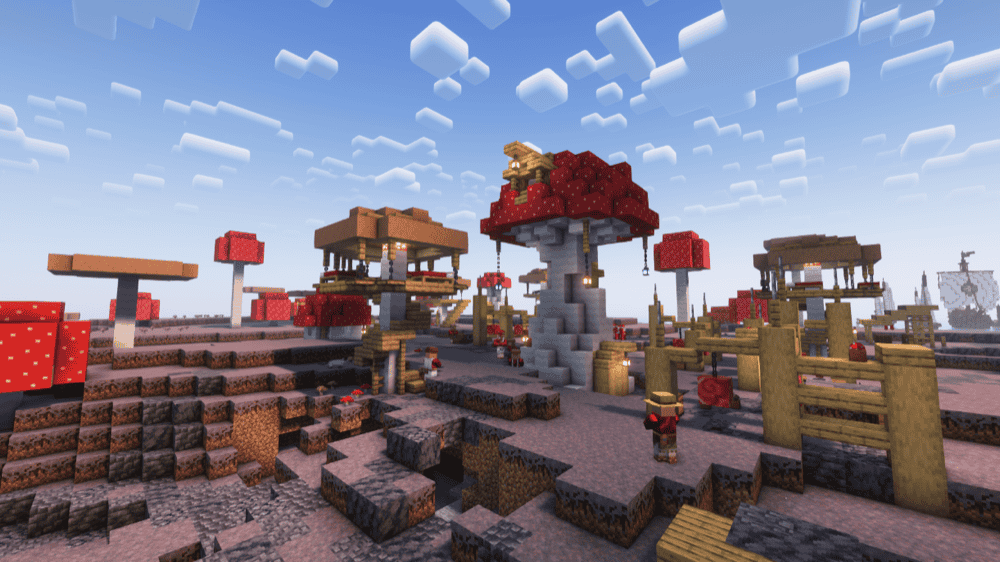
“Towns and Towers” fixes the moment every explorer knows: stumbling into the same handful of village layouts for the hundredth time. It adds over fifty new structures (mostly villages), Pillager Outposts, and ocean-based ships, directly into vanilla's existing world generation algorithms, so new chunks will start producing a wider range of settlements without touching a single block you have already placed.
Every new structure comes stocked the way a real one would be too: villager professions, working bells, and loot pulled from vanilla tables plus custom additions like food and armor. Since it only affects newly generated chunks, it is safe to drop into a world you already have running, including one built from a seed on this list: new structures simply start appearing once you explore past what has already generated.
Repurposed Structures
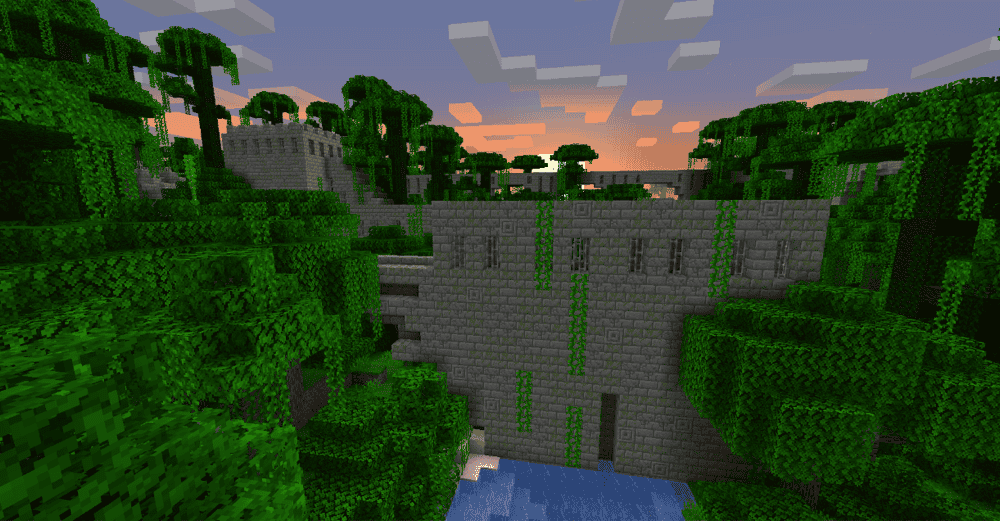
“Repurposed Structures” takes structures the game already has, like village houses, pillager outposts, and ocean ruins, and rebuilds them to fit biomes where they were never allowed to generate before.
A Desert Temple can now show up specifically dressed for a snowy biome, and a plains village can generate as a proper Savanna or Taiga village rather than defaulting to the same base design everywhere.
None of it touches your existing world, either. The mod adds no new blocks, items, or mobs – it only reorganizes where and how vanilla structures already generate, which makes it one of the safest additions on this list to drop into a world already in progress.
Terralith

“Terralith” takes vanilla's terrain generation and pushes it further without adding a single new block. Canyons, floating landmasses, and mountain ranges that dwarf anything vanilla produces on its own all generate using existing vanilla biomes and materials, so everything still looks and feels like Minecraft, built at a scale the base game never reaches alone.
Over 95 new biomes carry that scale further, from the sweeping Yellowstone biome and Volcanic Peaks to fantasy additions like the purple-hued Moonlight Grove and Amethyst Rainforest. Dig down and custom caves await you too, including the foliage-covered Underground Jungle and the Frostfire Caves – a colder answer to the Deep Dark.
Finally, a bunch of new structures tie it all together, including the towering Spire, rare Fortified Villages, and the Glacial Hut for anyone caught out in the cold.
How to Install Minecraft Mods
You can install the above mods automatically using the CurseForge app or manually by placing the mod files within your game's mods folder. Both methods allow you to easily add custom features and enhancements into your Minecraft experience.
If you want to learn more, you can read our detailed guide on how to install Minecraft mods.
Common Issues and Quick Fixes
My world doesn’t match what this guide shows
World generation changes with every major update, so a seed generated on one version will not typically reproduce the same terrain on another. Because of this, we recommend matching the game version listed for each seed above, and if a village or structure is still not where the coordinates say they are, the fastest fix is to find it in-game rather than trust an old screenshot.
My village is there, but a listed structure is missing
Terrain and biomes match between Java and Bedrock on the same numeric seed, but the structures do not, they land in different spots on each edition. A mismatch here almost always means you loaded the seed in Bedrock instead of Java.
Entering a seed gave me a completely different world
The minus sign on a negative seed is easy to drop when copying, and a stray space or comma can change the result entirely. To prevent this, type out the seed exactly as written, with no extra characters, and try again.
An underground structure does not match its coordinates
Java 26.2 added a new biome, sulfur caves, to the generation rules for Strongholds, Mineshafts, Ruined Portals, and Trial Chambers. We recommend treating underground coordinates from any seed as a strong starting point and finding the exact position in-game as it could be slightly off compared to its coordinates.
My world has a rough seam where old and new terrain meet
World-generation mods like “Biomes O' Plenty” and “Terralith” only affect chunks that have not been generated yet, so adding one to a world already in progress leaves a visible seam between old terrain and the new biomes. A quick fix for this is to start a new world with the mod already enabled to avoid the mismatch.
My game crashes on startup after installing mods
A startup crash usually means one of three things:
- The mod file does not match your Minecraft version.
- The mod was made for a different loader.
- A required dependency is missing.
Check that you installed the correct Forge, Fabric, Quilt, or NeoForge file for your profile, then look at the mod page for any required files, especially for Fabric API on Fabric profiles and for Quilted Fabric API on Quilt profiles.