Bones are a wonderful fertilizer to grow your crops instantly. But hunting skeletons for bones can be a time-consuming challenge.
Instead, consider the composter. This convenient block will convert almost any plant matter into free bone meal, making it one of the easiest ways to get bone meal, all without having to engage in combat.
Here's everything you need to know.
How to Craft a Composter
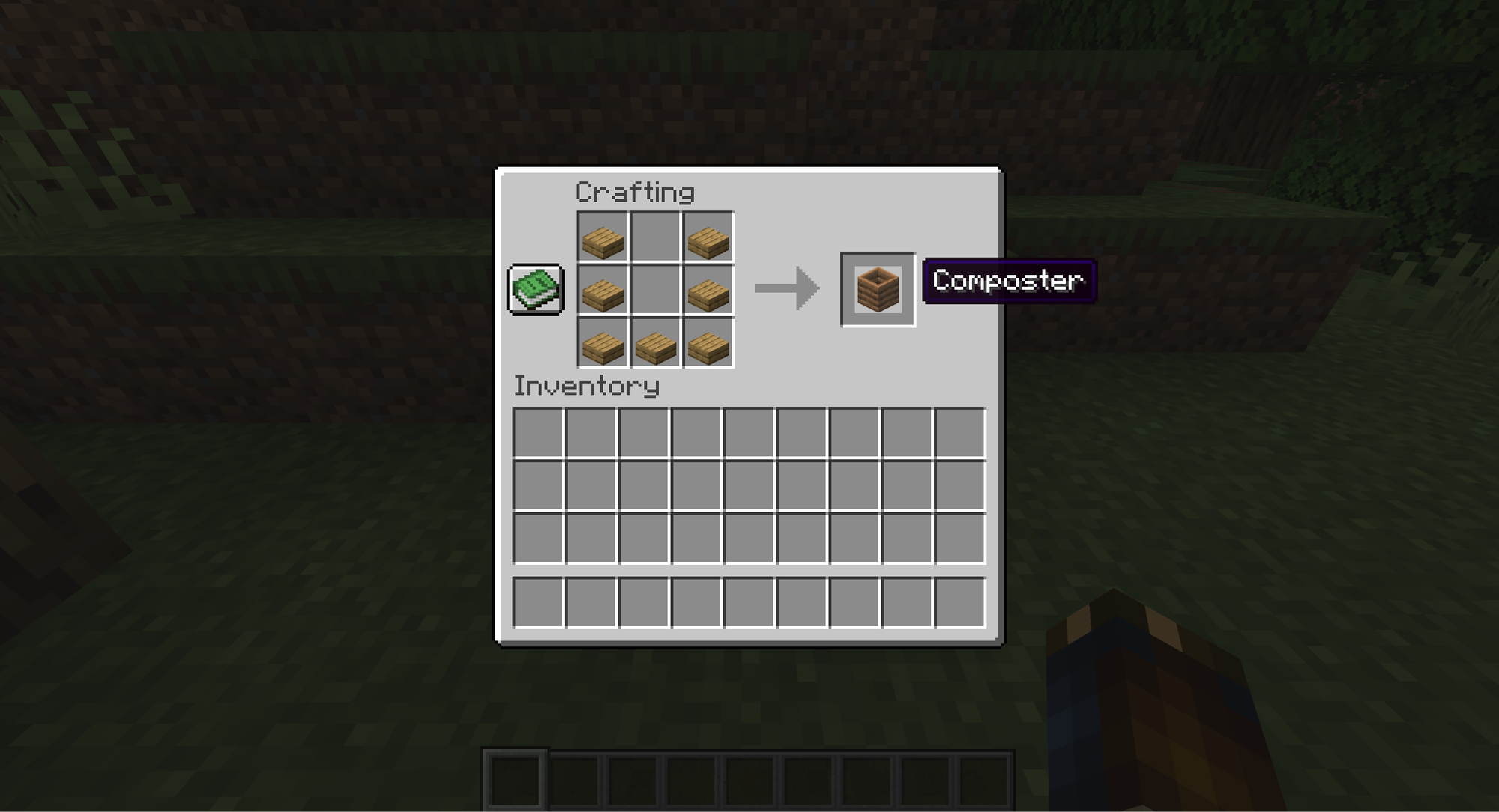
Despite being made of wood, the composter doesn't actually use any wood plank blocks. It's crafted entirely from wooden slabs instead. To make a composter, simply arrange seven wooden slabs in a "U" shape on a crafting table.
Any type of wood will work, and they can even be mixed and matched. Slabs are made by placing three of the same type of wood plank block in a row on a crafting table, yielding six slabs.
Because of this, you'll have to spend six planks to have enough slabs for one composter (with five extra slabs left over).
How the Composter Works
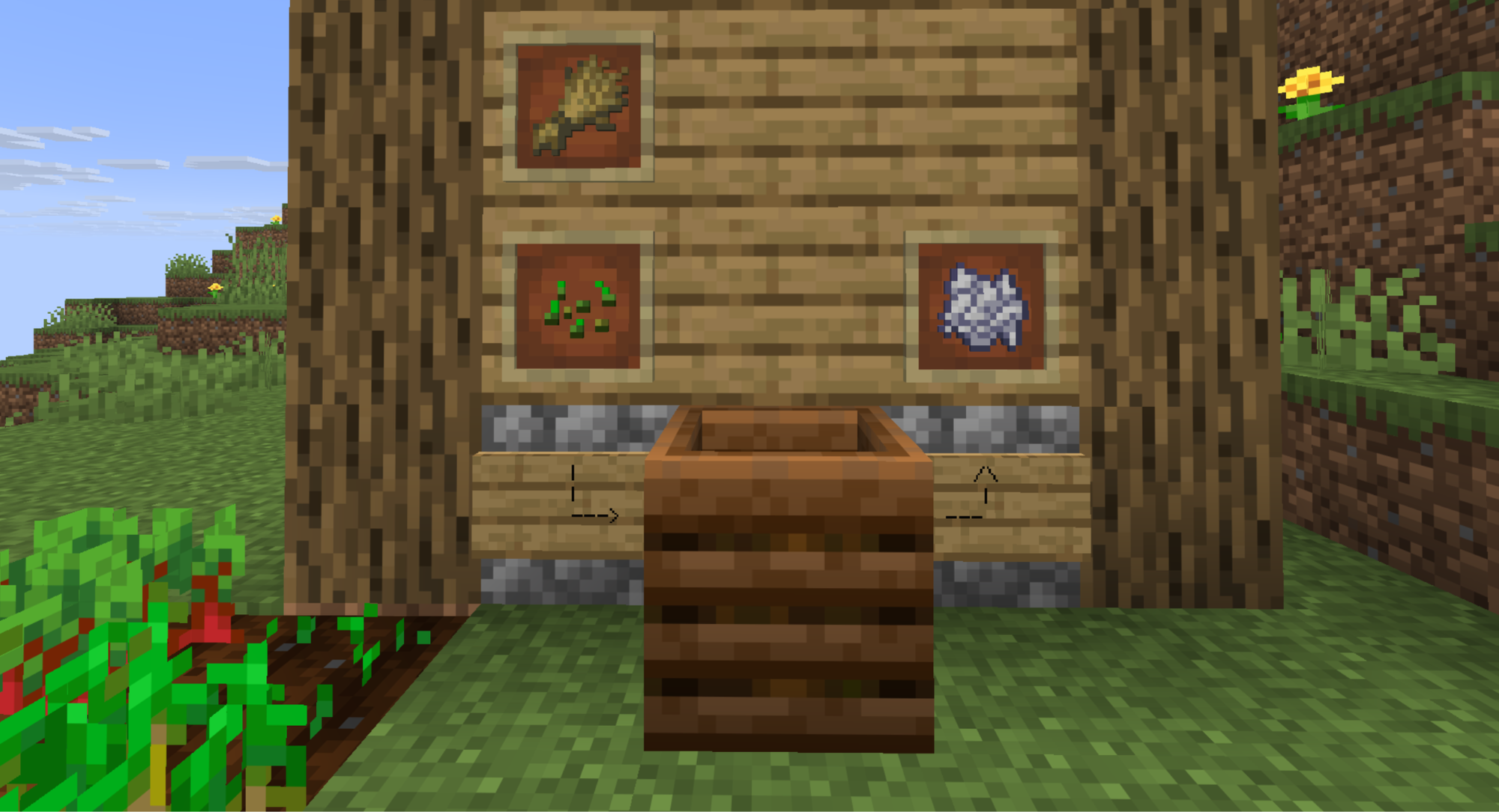
Once placed on the ground, you can "compost" almost any plant- or food-based item by using it on the composter. This will consume the item and roll a random chance to increase the composter's soil level.
You'll know the composter accepted the item when a few green sparkles appear over the composter. Once the composter has accumulated seven levels of soil, it will convert it into bone meal, dropping it on the ground as a pickable item.
Different items have different chances of increasing the soil height, usually indicated by value. Low-value items like seeds or weeds have a 30 percent chance, while bread and mushroom blocks have an 85 percent chance.
Non-compostable Items
The following items, despite being food or plants, cannot be composted.
- Bamboo
- Dead Bushes
- Poisonous Potato
- Chorus plant (and its related products)
- Golden plants
- Meat items
- Fish
- Bones
Villager Jobs
In addition to being a reliable source of bone meal, the composter is also a block that can be used by villagers to unlock the farmer occupation. When placed in a village, a jobless villager can approach it to become a farmer.
Tip: We recommend placing one near established farmland and crops, since the farmer villager will actually harvest and share the crops nearby.
How to Build an Automated Composter
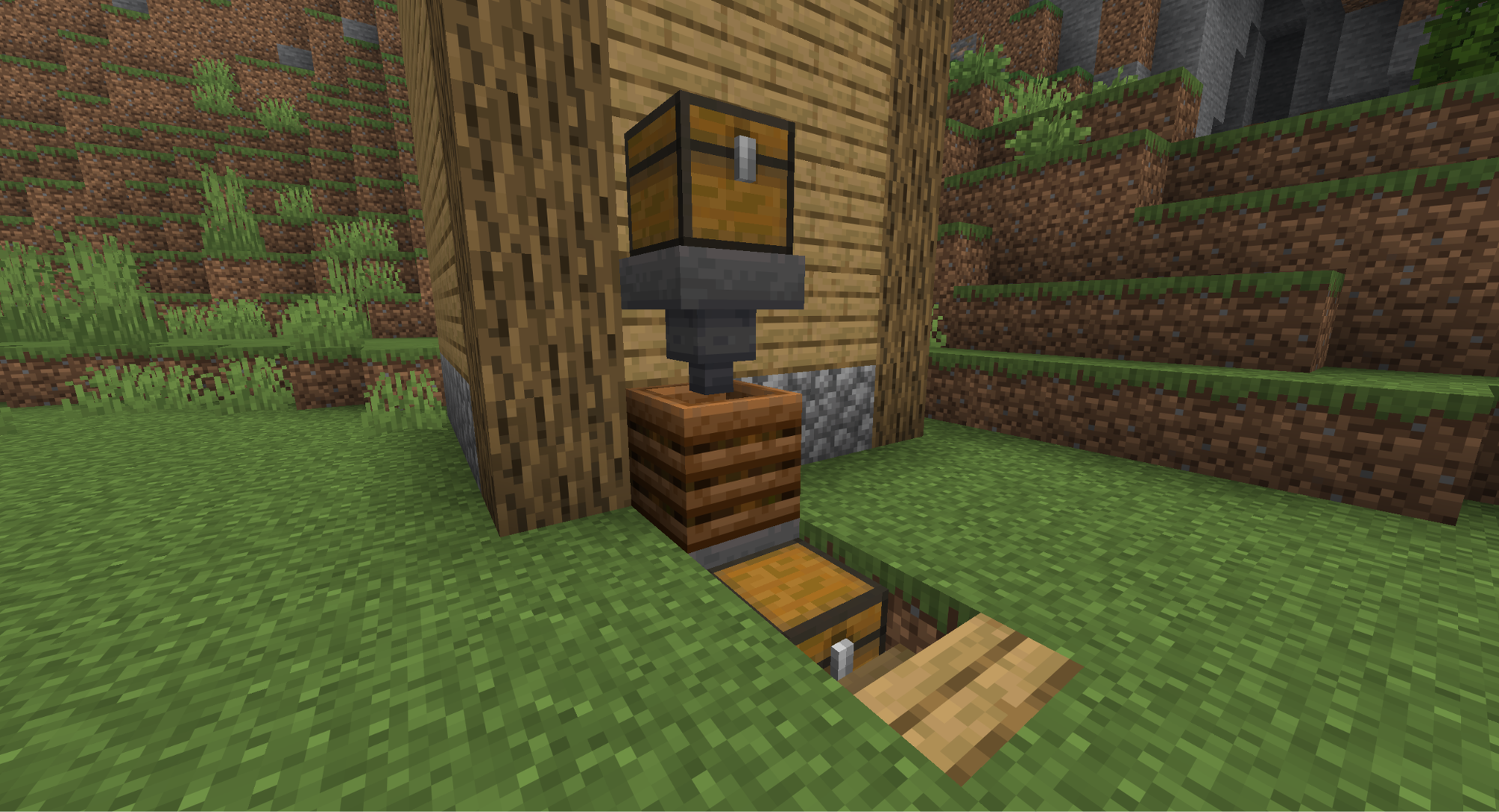
The automated composter is a popular and relatively simple contraption. By placing a hopper on top and below the composter, you can automatically convert large volumes of plant matter into bone meal.
For larger storage:
- Add a storage chest above and below the hoppers accordingly.
- Place any plant matter in the upper chest.
- Leave it for a few minutes, then check the lower chest for bone meal.
Mods that Expand on What Compost Can Do
Composting is a great way to both use up excess plant matter, like seeds, and speed up farming. Why not push that convenience a little further? There are numerous Minecraft Mods developed by the community that do even more with the composting system. These particular mods are our go-to choices.
Compost
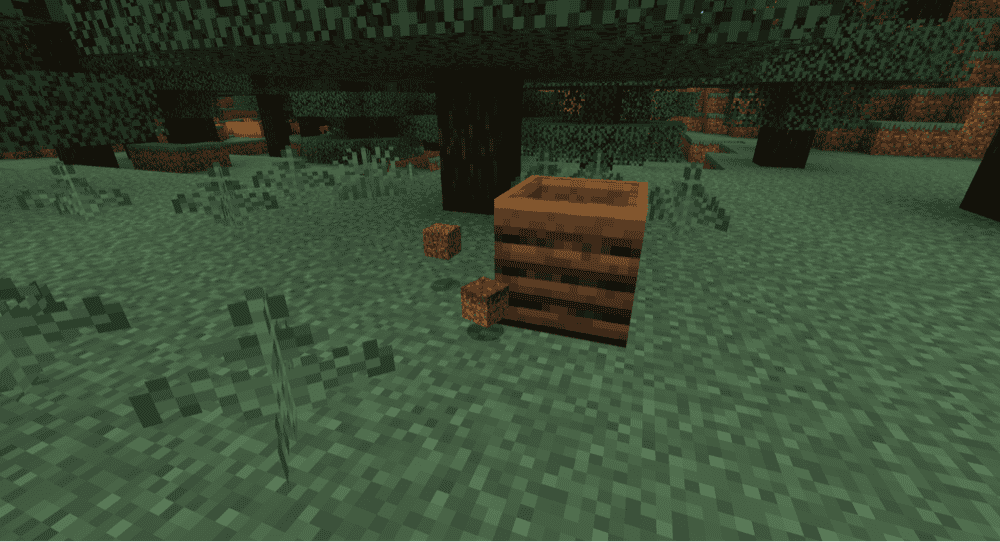
Bone meal is handy, but what if you want more out of your composter? “Compost” is a mod that creates an entire loot table for the composter, expanding what you can get from excess plant matter.
It's even customizable, allowing you to dictate what items you can be rewarded from a full composter. It also supports context-based rewards depending on factors like the composter’s location, light levels, and more.
Compost Bag
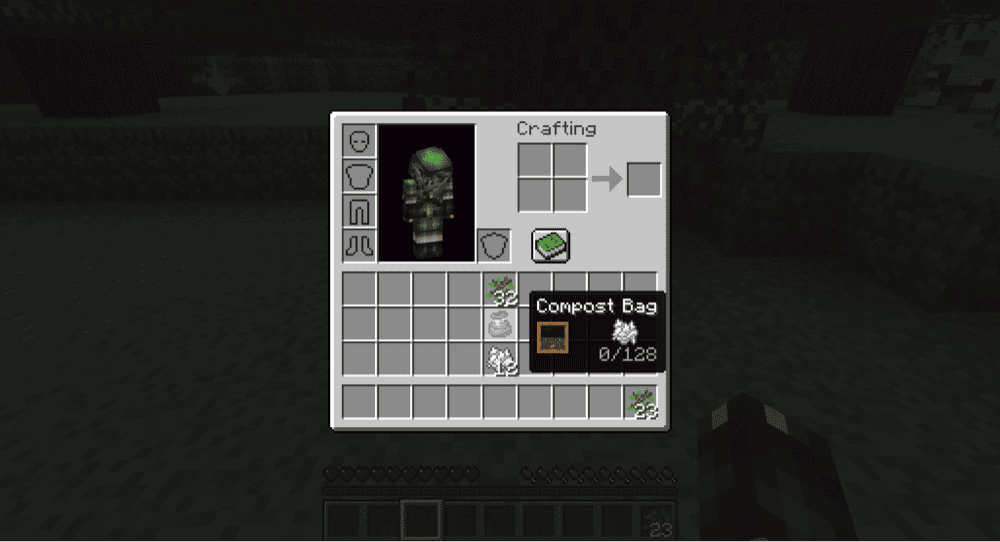
The “Compost Bag” mod brings the convenience of the composter, but on the go. This portable inventory item can be interacted with like your typical compost block, placing plant matter inside to be converted into bone meal later.
This is especially helpful for players with large-scale farms who want to skip the repetitive timesink of walking back and forth to composter blocks.
How to Install Minecraft Mods
You can install the above mods automatically using the CurseForge app or manually by placing the mod files within your game’s mods folder. Both methods allow you to easily add custom features and enhancements into your vanilla Minecraft experience.If you want to learn more, you can read our detailed guide on how to install Minecraft mods.
Common Issues and Quick Fixes
The composter won't accept my item
While the composter can accept almost any plant matter or food items, some are exempt from this, like meats or bamboo.
Double-check that the item you want to compost is a plant-based material or food item and isn't part of the exclusion list provided above.
The composter took my item, but the output didn't change
Items are not guaranteed to increase the composter's soil level. It's instead assigned a random chance every time you give it an item. If it didn't rise, either give it more of that item, or give it a less common item.
My automated composter build isn't working
First, double-check that the hopper is full of non-compostable items that might "clog" it up. Next, see if the output hopper isn't full.
If it still won't work, check that the input hopper is directed into the top of the composter and not the side.