When it comes to combat, few potions can change the tide of battle as effectively as the Potion of Strength. Capable of adding a hefty 6 points of damage to all of your melee attacks, that’s like striking at your foes with an extra iron sword every swing.
How fortunate, then, that it’s one of the easier potions to brew, thanks to the relatively easy access to ingredients. But to make the most of each potion, there are a few more steps to follow. That’s why below we’ve made sure to outline everything you need to know to make the best Potions of Strength possible.
And if you crave even greater power, you can find some of our favorite potion mods below, each one expanding on the brewing system in new and helpful ways.
How to Craft Your First Potion of Strength
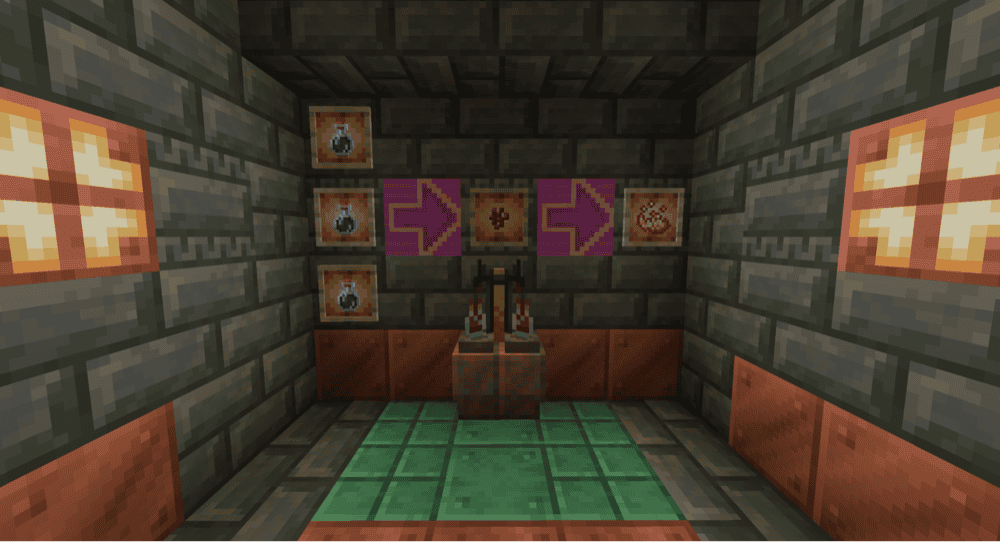
Start by ensuring you have all of the needed items and ingredients:
- 1-3 glass bottles;
- 1 Nether wart;
- 1 blaze powder;
- A brewing stand;
- (OPTIONAL): 1 gunpowder, 1 redstone dust, 1 glowstone dust, 1 bottle of Dragon’s Breath.
Brewing stands can be crafted from 3 stones and 1 blaze rod, or you can find them in igloo basements and village churches. Be sure to charge your brewing stand though by feeding it at least one blaze powder into the leftmost item slot.
Once you’re set and ready, follow these exact steps to make your potion:
- Fill the glass bottle(s) with water by using them while facing a water source. Then, place them in the brewing stand.
- Add the Nether wart to the brewing stand to brew an Awkward Potion.
- Add a blaze powder to the brewing stand to brew a Potion of Strength.
Your standard Potion of Strength will add 3 points of damage to all of your melee attacks. There exist a handful of optional additions, though, that can make the potion even stronger.
Want to discover even more potion recipes? Check out our detailed guide on how to make potions in Minecraft.
Modifying a Potion of Strength
By adding in a select few items, you can modify how the potion works. Here’s how to do it:
- Add the gunpowder to the brewing stand to make it a Splash Potion of Strength, allowing you to throw it and create the Strength effect over an area.
- Add the redstone dust to the brewing stand to more than double the length of time that Strength will be in effect.
- Add the glowstone dust to the brewing stand to double the potency of the potion, instead increasing the bonus damage to 6 per attack.
- Add the Dragon’s Breath to the Splash Potion of Weakness to make it a Lingering Potion of Weakness. This is thrown like a Splash Potion that will create a lingering cloud that applies Strength to anything inside.
As a powerful buff, Potions of Strength are best consumed directly, instead of converted into a Splash or Lingering Potion. The area-of-effect of these modifications means enemies might also gain the Strength benefit.
That said, a Splash Potion of Strength can be a great way to buff an entire team of players with only one potion.
Lingering Potions of Strength can be modified even further by placing them in the center slot of a crafting table and surrounding them with arrows to create 8 arrows tipped with Strength. These will then apply the effect to any target you shoot.
This way, you can take on more of a support role, applying Strength to your allies from a distance.
Minecraft Mods that Expand Potion-Brewing Even Further
The vanilla brewing system is a great way to amplify your power and potential, both in and out of combat. Imagine all of the other ways potions could be expanded on, though. Luckily, the Minecraft community has done exactly that for you!
Below, we’d like to showcase a few Minecraft mods that really cook with the potion mechanics, if we dare say so ourselves.
1. StackablePotions
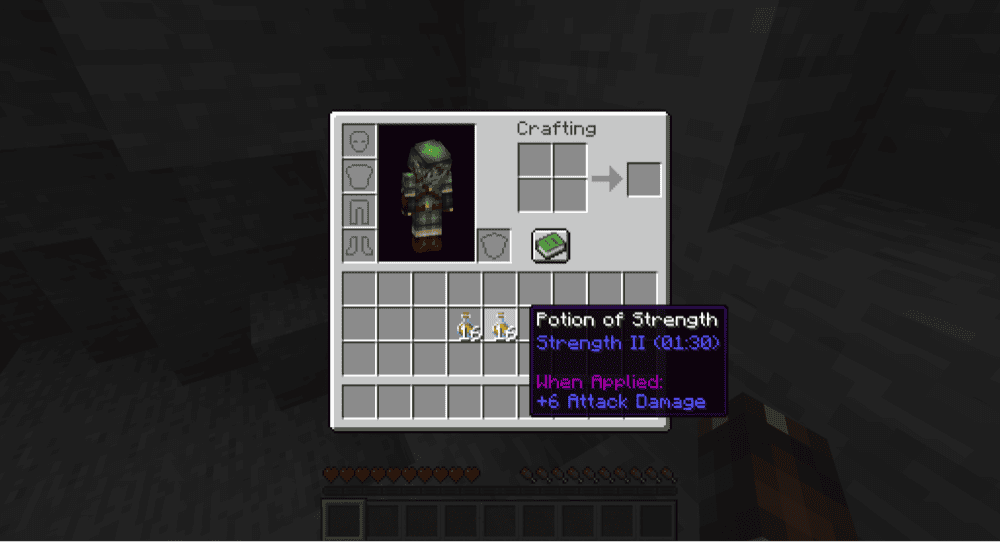
One of the greatest inconveniences is how potions will fill up your inventory. The “StackablePotions” mod is a lightweight, simple fix that makes potions stack up to 16 per slot.
Being non-stackable, it's easy for a modest collection of Potions of Healing and Potions of Strength to take up half your free space. This mod also makes using potions easier, since you won’t need to swap out item bar slots whenever you need a fresh potion.
2. Apotheosis
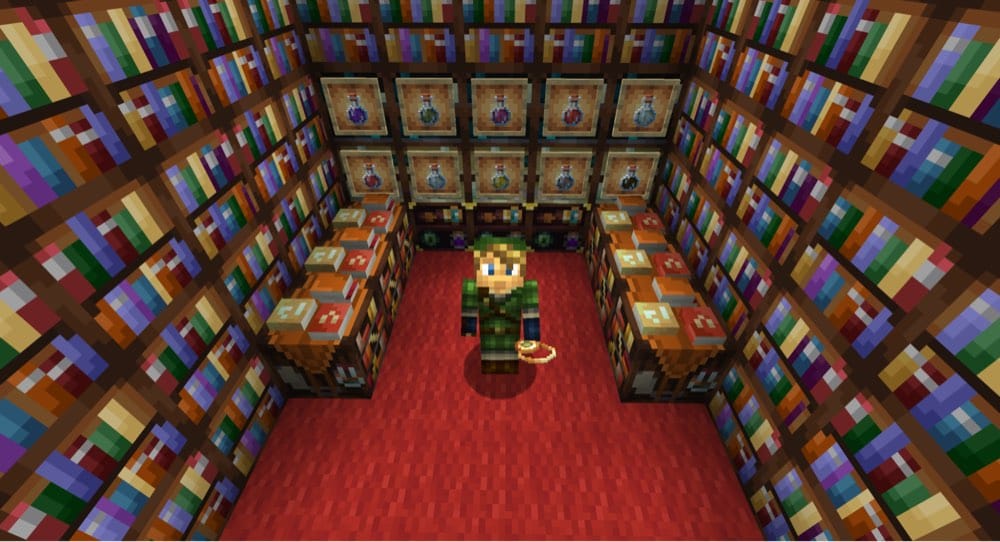
The “Apotheosis” mod is a deep, rich RPG-style mod that focuses on magic, especially through the crafting and manipulation of gemstones. It paints the overall Minecraft experience in a more mystical tone in a way that rewards your progress with all sorts of power. That includes an expanded potion system.
Not only are there a bunch of new potions to brew, with effects like levitation, jump boost, and “ancient knowledge,” but you can even craft a new item type called charms. These trinket items act like a reusable potion, allowing you to trigger their effect multiple times without having to brew more.
3. Potion Descriptions
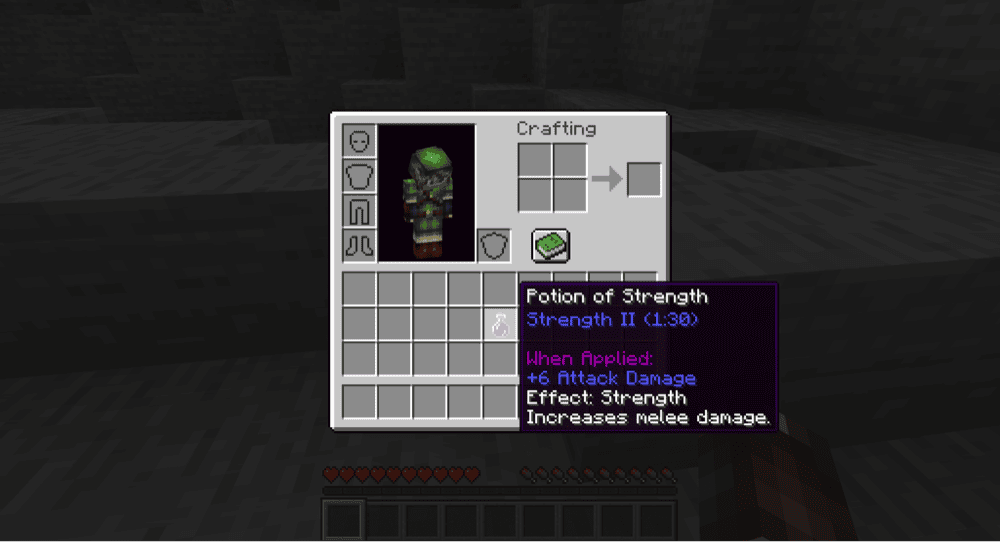
While some potion effects are pretty straightforward, others can be a bit unclear if you don’t already know how they work. That’s where the “Potion Descriptions” mod comes in.
It adds a new UI element to potions that, when holding down the "Shift" key, will give more detail on each potion effect. This is particularly helpful for things like the Potion of the Turtle Master, where the actual effect is a bit more complicated.
How to Install Minecraft Mods
You can install the above mods automatically using the CurseForge app or manually by placing the mod files within your game’s mods folder. Both methods allow you to easily add custom features and enhancements into your vanilla Minecraft experience.
If you want to learn more, you can read our detailed guide on how to install Minecraft mods.
Common Issues and Quick Fixes
I can’t add redstone/glowstone dust to a Potion of Strength
While each dust provides a powerful boost in potion performance, you can only have one or the other on any given potion.
So, if you used glowstone dust to increase the power to 6, you can’t then use redstone dust to extend the effect duration. This applies the opposite way, as well.
My Potion of Strength is not working as expected
The damage boost is a flat value and doesn’t account for things like armor and enchantments. You may therefore experience different damage numbers (either higher or lower) in combat as a result.
If you’re playing on Bedrock Edition, you also have a different algorithm for damage to consider, which is based on a percentage instead. As a result, stronger weapons have more of a boost while weaker ones have less.